










Computer Software for Home Office
![Webroot Internet Security Plus with Antivirus Protection for 3 Devices, 1-Year Subscription – Windows/Chrome/MacOS/Android/Apple iOS [Digital Download]](https://i5.walmartimages.com/seo/Webroot-Internet-Security-Plus-Antivirus-Protection-3-Devices-1-Year-Subscription-Windows-Chrome-MacOS-Android-Apple-iOS-Digital-Download_e1a33b01-6aaf-4d01-a1fd-c92ce9ccda2e.75b82bd4af3e660407cf96b7994d8e6c.png?odnHeight=576&odnWidth=576&odnBg=FFFFFF)

![NORTON 360 PREMIUM, 1-Year Subscription, 10 DEVICE, PC, MAC [Digital Download]](https://i5.walmartimages.com/seo/NORTON-360-PREMIUM-1-Year-Subscription-10-DEVICE-PC-MAC-Digital-Download_6b16f0a0-12e9-46b7-859e-c3e3a4c1d063.859c56088a19f3df1e2ca1a6743e97d7.png?odnHeight=576&odnWidth=576&odnBg=FFFFFF)
![Norton 360 Deluxe, Antivirus Software, 5 Devices, 1 Year Subscription, PC/Mac/iOS/Android [Digital Download]](https://i5.walmartimages.com/seo/Norton-360-Deluxe-Antivirus-Software-5-Devices-1-Year-Subscription-PC-Mac-iOS-Android-Digital-Download_5c3bf298-fa66-4377-80e3-81c3b87b405c.7b3f44fd606ee7ab20e85d9077671330.png?odnHeight=576&odnWidth=576&odnBg=FFFFFF)

![NORTON 360 DELUXE, 1-Year Subscription, 3 DEVICE, PC, MAC [Digital Download]](https://i5.walmartimages.com/seo/Norton-360-Deluxe-Antivirus-Software-for-3-Devices-1-Year-Subscription-PC-Mac-iOS-Android-Digital-Download_e8751da7-28d6-469b-a348-1aff61532ce4.07cf5f79cee6aa065ada905f7b1c2978.png?odnHeight=576&odnWidth=576&odnBg=FFFFFF)
![McAfee®+ Premium Individual Antivirus and Internet Security Software for Unlimited Devices (Windows®/Mac®/Android/iOS/ChromeOS) 2026, 1-Year Subscription with Auto-renewal [Digital Download]](https://i5.walmartimages.com/seo/McAfee-Premium-Individual-Antivirus-Internet-Security-Software-Unlimited-Devices-Windows-Mac-Android-iOS-ChromeOS-1-Year-Subscription-Digital-Downloa_f2f9df89-14d2-431d-b738-af516f11dca7.e42a90ac2cdad1a8554d859bd738e17a.jpeg?odnHeight=576&odnWidth=576&odnBg=FFFFFF)




![Trend Micro Maximum Security 5 Users 1 year subscription [Digital Download]](https://i5.walmartimages.com/seo/Trend-Micro-Maximum-Security-5-Users-1-year-subscription-Digital-Download_33e1cc2f-de35-4408-bc30-7ac26e1cd9ff.3c6f62692c3c439ef3fd35f69f1ca7a8.jpeg?odnHeight=576&odnWidth=576&odnBg=FFFFFF)
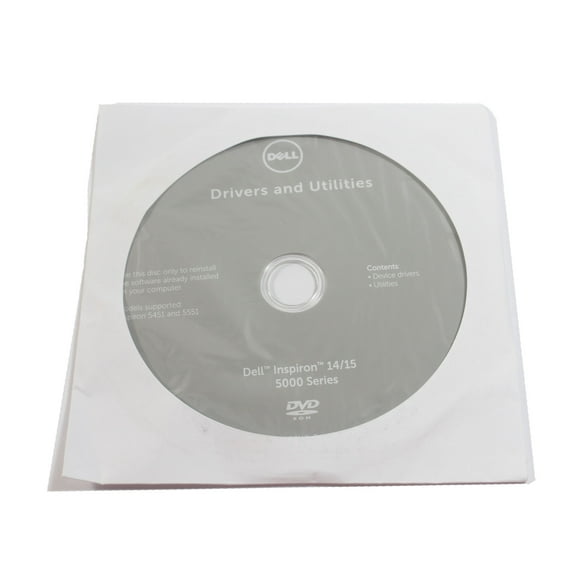



![Trend Micro Antivirus 1 User, 1 Year Subscription [Digital Download]](https://i5.walmartimages.com/seo/Trend-Micro-Antivirus-1-user-1-year-subscription-Digital-Download_14f67026-faba-4158-a916-bc6041df6d43.e3095968268299d6e5322066c83fbecc.jpeg?odnHeight=576&odnWidth=576&odnBg=FFFFFF)

![Norton Utilities Ultimate for 10 Devices, Keep your devices running like new - for Windows PC, Android and iOS [Digital Download]](https://i5.walmartimages.com/seo/Norton-Utilities-Ultimate-Cleans-and-speeds-up-your-PC-1-Year-Subscription-Windows-PC-only-for-up-to-10-PCs-Digital-Download_abe9a119-058f-4485-80ec-ec1c7c957c53.d7bf7529d4f164760d39e066ee6f24a9.png?odnHeight=576&odnWidth=576&odnBg=FFFFFF)
![Webroot Internet Security Complete with Antivirus Protection for 5 Device, 2 Year Subscription – Windows/Chrome/MacOS/Android/Apple iOS [Digital Download]](https://i5.walmartimages.com/seo/Webroot-Internet-Security-Complete-Antivirus-Protection-5-Device-2-Year-Subscription-Windows-Chrome-MacOS-Android-Apple-iOS-Digital-Download_bec30423-3023-4cea-9375-f79cb72c886a_1.2dcafe327d2199db68265bc164410dad.jpeg?odnHeight=576&odnWidth=576&odnBg=FFFFFF)


![Bitdefender - Antivirus Plus 1 Device, 1 Year - For Windows, Apple iOS, Mac OS, Android, Linux [Digital Download]](https://i5.walmartimages.com/seo/Bitsdefender-Antivirus-Plus-1-Device-1-Yr_932a7a08-43f0-4ee0-9e08-0a99bf8e86f9.cbc216da83ae3a7f1e162b319cc35e0e.png?odnHeight=576&odnWidth=576&odnBg=FFFFFF)
![Quicken Classic Deluxe - 1 Year Subscription (Windows/Mac) [Key Card]](https://i5.walmartimages.com/seo/Quicken-Classic-Deluxe-1-Year-Subscription-Windows-Mac-Key-Card_c894af27-99dc-41d0-bddd-b04d8afce382.127b631bd12b167ebb1f3e5c856be9bc.png?odnHeight=576&odnWidth=576&odnBg=FFFFFF)
About Computer Software for Home Office - Walmart.com
Computer software for home office helps you manage documents, setup, security, and records with clear choices. You can compare software type, platform fit, and license terms before installation.
If you handle schoolwork, family files, or a home business, you need practical buying guidance. You can use this page to sort office suites, operating systems, antivirus and security software, and tax tools.
Choosing computer software for home office
When you choose computer software for home office, you should start with the task you need covered. You may need writing tools, spreadsheet support, device protection, or tax preparation software for filing season.
Different software types support different jobs in your workspace. You can review office suite software for documents, operating systems for setup, and finance tools for recordkeeping.
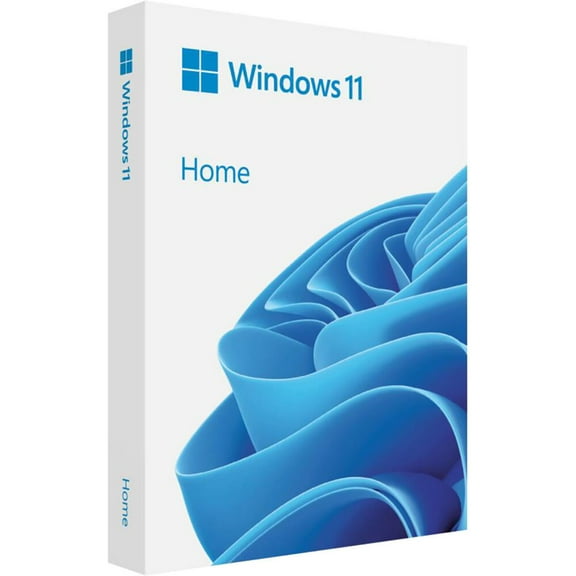
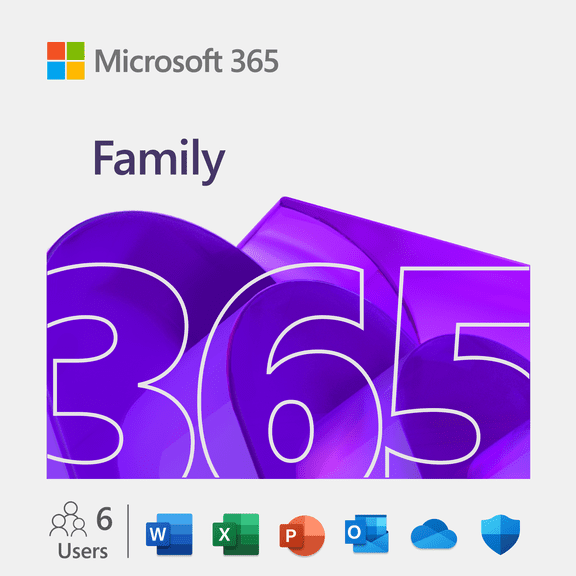
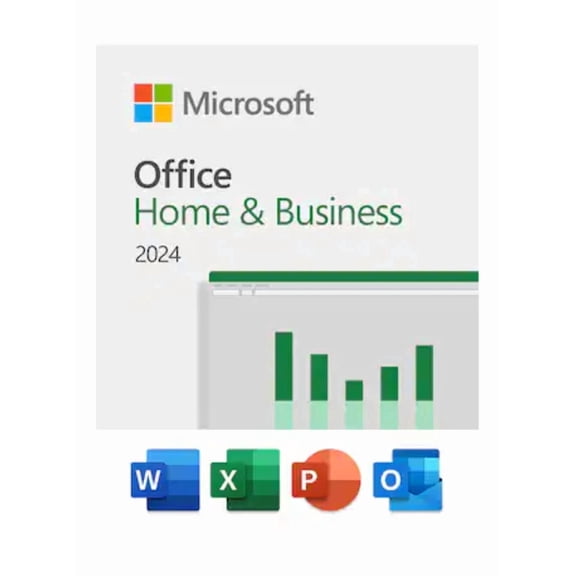
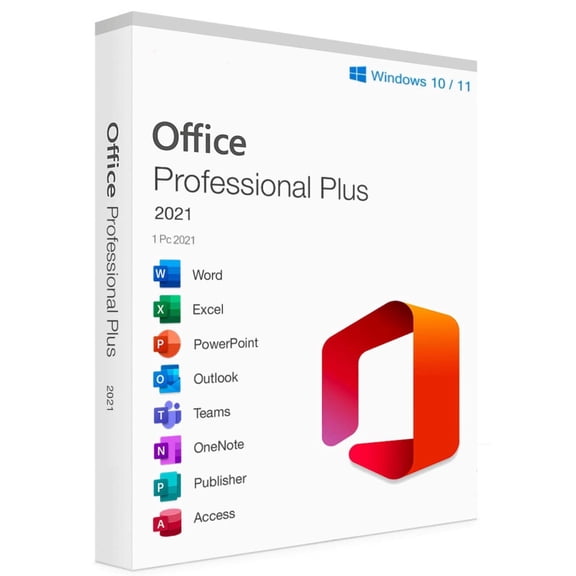
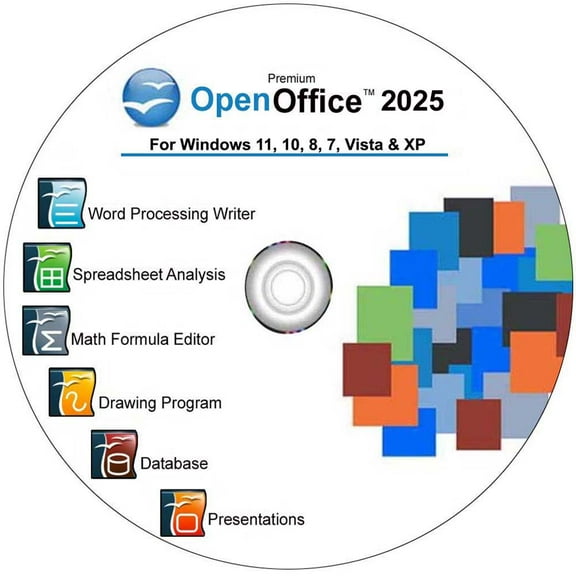
- You can create documents, presentations, and spreadsheets with productivity software built for everyday assignments.
- You can protect personal files and connected devices with antivirus and security software options.
- You can organize returns, receipts, and records with tax and finance software during busy filing periods.
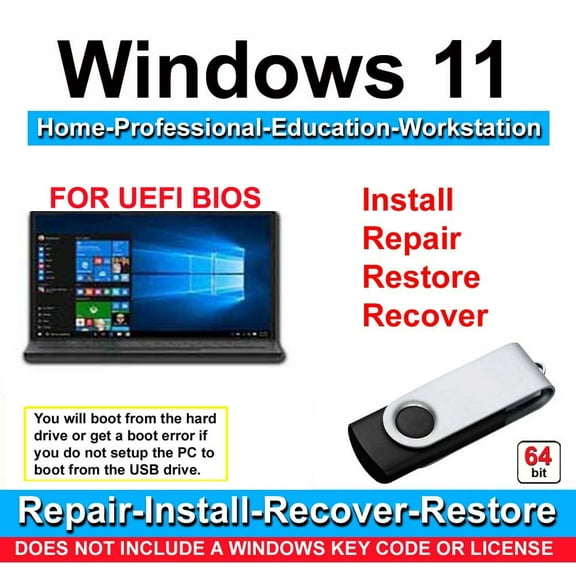
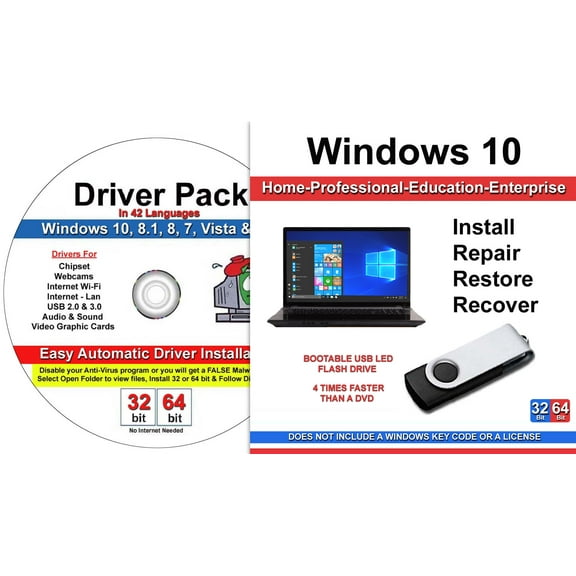
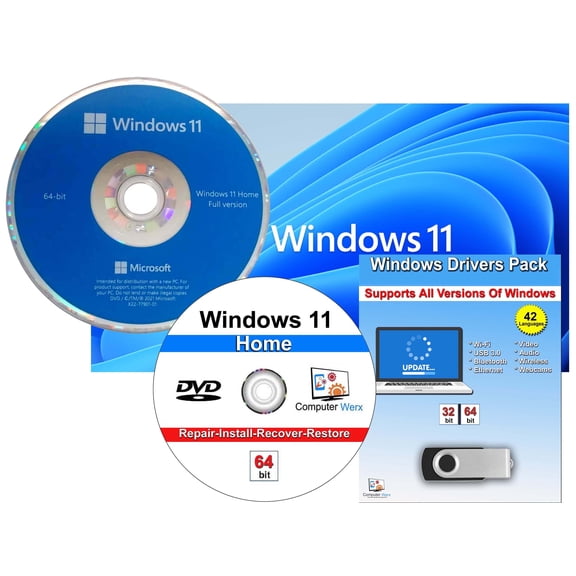
- You can refresh an existing computer with operating systems that match your hardware and version needs.
These categories matter because your home office often blends personal and work tasks. You can cover writing, budgeting, file storage, and device upkeep without combining mismatched tools.
How to compare software type and platform compatibility
Platform compatibility is one of your key checks before you buy. You should confirm whether your software supports Windows, macOS, Chromebook, or iOS and Android access.
You should also review OS version, RAM requirements, and processor compatibility before installation. These details help you avoid software that feels slow or does not fit your current computer.
If you use productivity software for PC, you may want desktop apps with familiar menus and offline access. If you move between devices, you may prefer browser-based tools and mobile sign-in support.
Office suites usually help you write reports, build spreadsheets, and present ideas in one package. You can compare whether your suite includes email tools, cloud storage access, or template support.
Operating systems matter when you upgrade a machine or set up a replacement computer. You should check edition type, device requirements, and installation steps before you choose a version.
Understanding license type and device limits
License type shapes how you pay, update, and share software across your household. You can compare subscription plans, one-time purchase options, and multi-device packs before you commit.
A subscription often gives you ongoing updates and access during the active term. A one-time purchase can suit you if you want core tools without annual renewal.
Multi-device packs can make sense when you work across a desktop, laptop, and tablet. You should always check how many users or devices your license actually covers.
Some home office software serves one person, while other licenses support families or small teams. You can avoid activation issues by matching the license limit to your real setup.
If you run a home business, you may need software for invoices, records, and shared files. If you study from home, you may focus on office suite software and cloud access.
Checking delivery method and installation steps
Delivery method affects how quickly you can get started and how you install your software. You can choose digital download, physical disc, or a product key card based on your device.
A digital download usually lets you access software soon after purchase and start setup online. A physical disc may work for computers that still include an optical drive.
A product key card gives you an activation code without full disc media in the box. You can enter the code online and download the correct version for your system.
Before installation, you should check storage space, internet needs, and account requirements. You can make setup smooth by confirming your device meets the listed specs.
If you replace a computer, you may also need to verify transfer rules for your existing license. Some licenses let you move software, while others stay tied to one device.
Matching home office software to your routine
Your daily routine should guide the software combination you choose. You can pair productivity software with antivirus and security software if you handle documents, email, and file sharing each day.
If you prepare annual returns or track freelance income, tax and finance software may be your priority. You can look for guided filing steps, import options, and support for common tax forms.
Families often need software that covers homework, household budgets, and shared devices. You may prefer multi-user access, simple installation, and compatibility across laptops and tablets.
Students may want home office software that supports essays, presentations, and cloud collaboration. You can compare file format support and sign-in flexibility for school and personal devices.
For a home business, you may need office tools, bookkeeping support, and dependable device security. You can narrow your options by checking license scope, update access, and platform fit.
Computer software for home office works effectively when it matches your devices, users, and tasks. You can choose with confidence when you compare compatibility, licensing, and delivery before installation.