

Sort by|
Z130 Logitech(2)
Uses item details. Price when purchased online
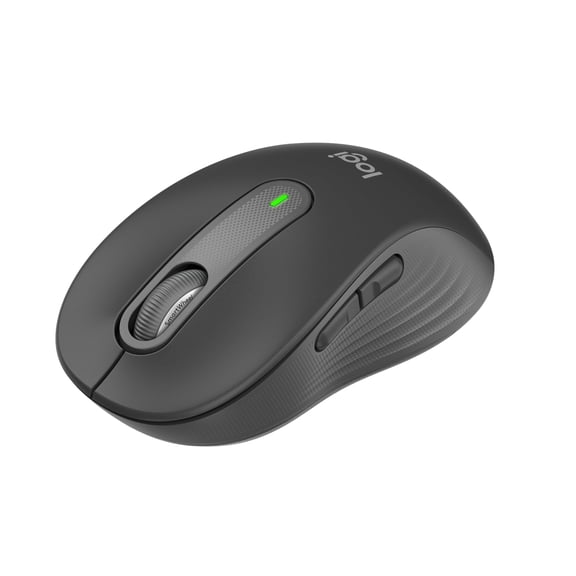
Logitech Signature M650 Wireless Mouse - For Small to Medium Sized Hands, Silent Clicks, Graphite $29.99
Sponsored
$2999
current price $29.99Logitech Signature M650 Wireless Mouse - For Small to Medium Sized Hands, Silent Clicks, Graphite
4.5 out of 5 stars
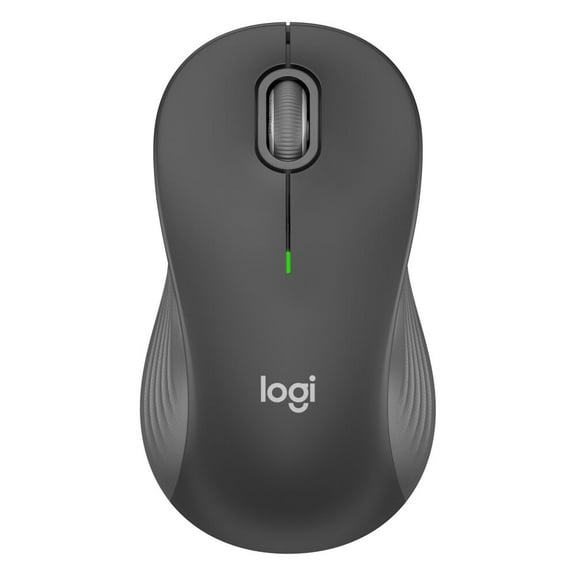
Rollback, Logitech Advanced Wireless Mouse 2, Black, Walmart Exclusive From $19.97 Was $24.88
Rollback
Sponsored
From$1997
$24.88
Logitech Advanced Wireless Mouse 2, Black, Walmart Exclusive
4.7 out of 5 stars
Other options to consider(17)
Logitech Z150 Multimedia Speakers, Black $34.99 $34.99/ca

$3499
current price $34.99$34.99/ca
From $34.99
Logitech Z150 Multimedia Speakers, Black
4.1 out of 5 stars
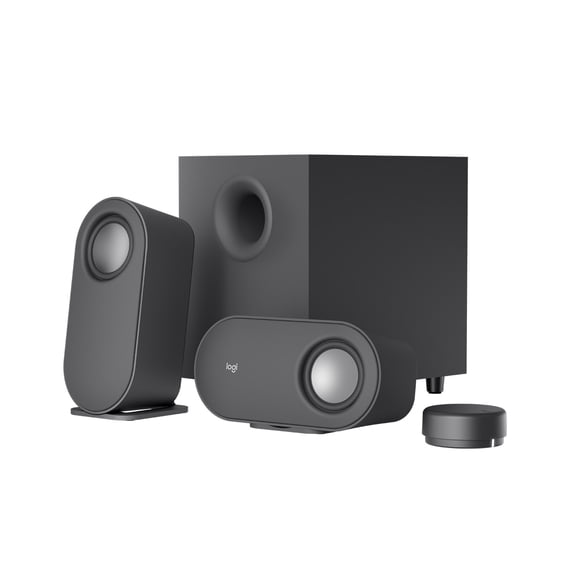
Logitech Z407 Bluetooth Computer Speakers $109.99
$10999
current price $109.99Logitech Z407 Bluetooth Computer Speakers
4.3 out of 5 stars
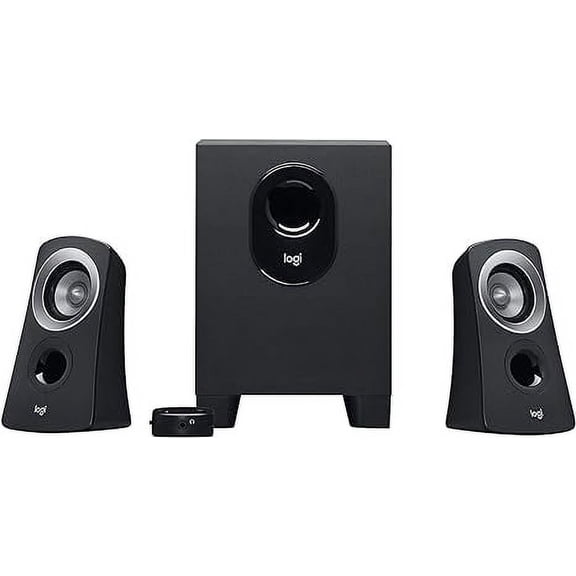
Z313 Speaker System $64.99
$6499
current price $64.99Z313 Speaker System
3.8 out of 5 stars
Logitech Z625 Speaker System with Subwoofer & Optical Input $204.90
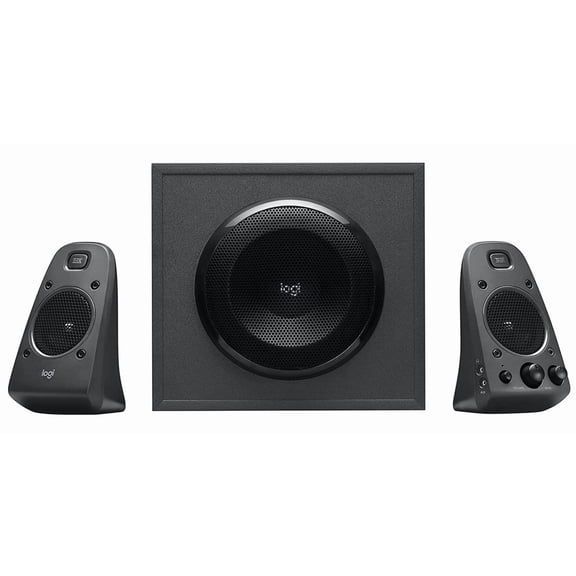
$20490
current price $204.90Logitech Z625 Speaker System with Subwoofer & Optical Input
4.7 out of 5 stars
Logitech Z623 2.1 Channel Speaker System $185.49

$18549
current price $185.49Logitech Z623 2.1 Channel Speaker System
4.6 out of 5 stars
Logitech Z207 2.0 Stereo Computer Speakers, Black From $54.49
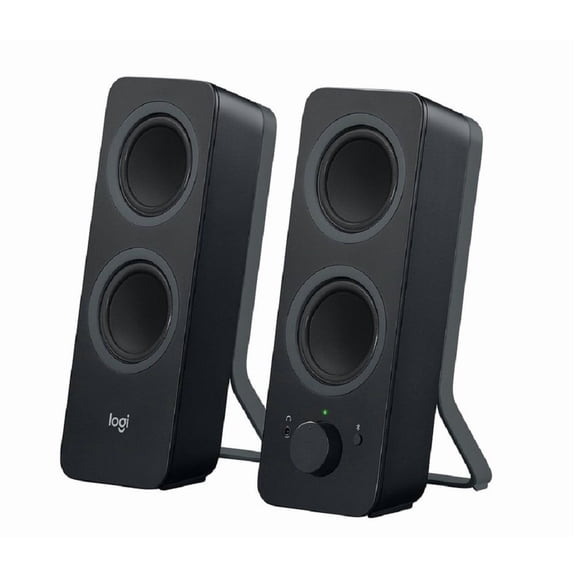
From$5449
Logitech Z207 2.0 Stereo Computer Speakers, Black
4.5 out of 5 stars
Logitech Z150 2.0 Speaker System, 6 W RMS, Black $57.86
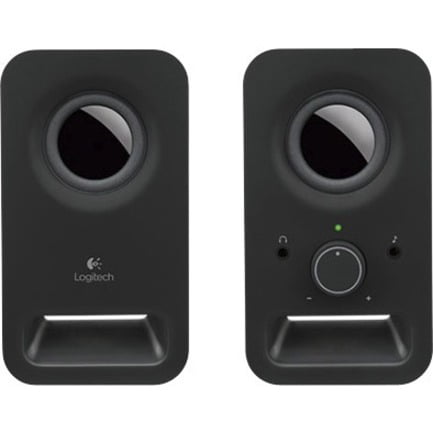
$5786
current price $57.86Logitech Z150 2.0 Speaker System, 6 W RMS, Black
4.5 out of 5 stars
Logitech S150 USB Speakers with Digital Sound $24.99

$2499
current price $24.99Logitech S150 USB Speakers with Digital Sound
4.1 out of 5 stars
Logitech Z207 Speaker System - 5 W RMS - Wireless Speaker(s) - Black - Bluetooth - Wireless Pairing, Passive Radiator $74.33

$7433
current price $74.33Logitech Z207 Speaker System - 5 W RMS - Wireless Speaker(s) - Black - Bluetooth - Wireless Pairing, Passive Radiator
Logitech Zone Wired Noise Cancelling USB-C Headset with USB-A Adapter, Graphite $99.99
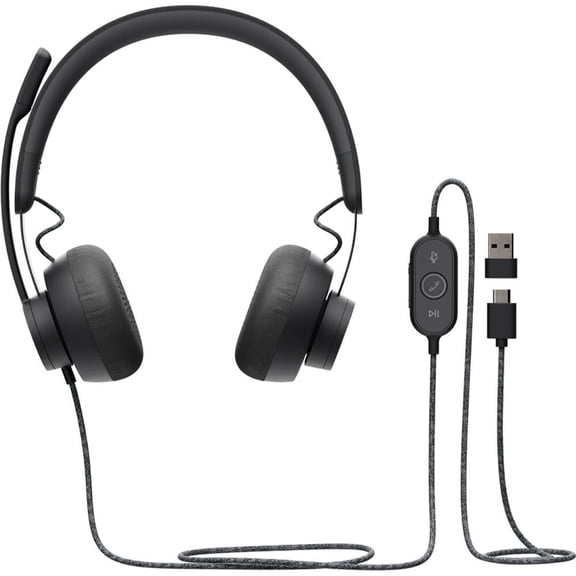
$9999
current price $99.99Logitech Zone Wired Noise Cancelling USB-C Headset with USB-A Adapter, Graphite
4.4 out of 5 stars
Logitech G13 Advanced Gameboard $339.99

$33999
current price $339.99Logitech G13 Advanced Gameboard
4.4 out of 5 stars
Not Rated
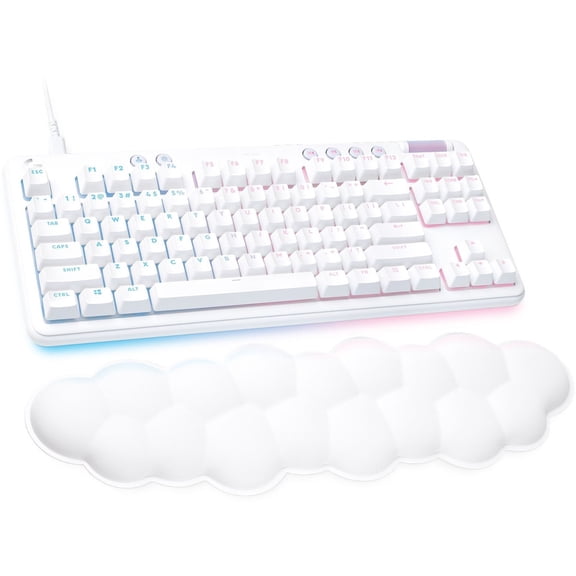
Logitech G713 Gaming Keyboard $132.21
$13221
current price $132.21From $132.21
Logitech G713 Gaming Keyboard
5 out of 5 stars
Logitech Zone Wired 2 for Business, Noise-Canceling Headset with Adaptive Hybrid ANC, Zoom & Google Certified, USB-C with USB-A adapter, Graphite $129.99

$12999
current price $129.99Logitech Zone Wired 2 for Business, Noise-Canceling Headset with Adaptive Hybrid ANC, Zoom & Google Certified, USB-C with USB-A adapter, Graphite
3 out of 5 stars
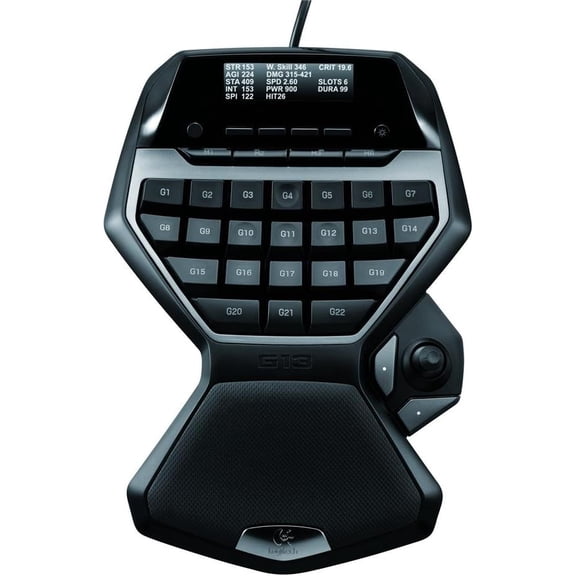
Logitech G13 Advanced Programmable USB Gameboard w/ LCD Display $329.00
$32900
current price $329.00Logitech G13 Advanced Programmable USB Gameboard w/ LCD Display
Logitech G713 Wired Mechanical Gaming Keyboard with LIGHTSYNC RGB Lighting, Clicky Switches (GX Blue), White Mist $82.00

$8200
current price $82.00From $76.00
Logitech G713 Wired Mechanical Gaming Keyboard with LIGHTSYNC RGB Lighting, Clicky Switches (GX Blue), White Mist
4.7 out of 5 stars
Logitech Zone Wired 2 for Business, Noise-Canceling Headset with Adaptive Hybrid ANC, Microsoft Teams Certified, USB-C with USB-A adapter, Off-white $129.99

$12999
current price $129.99From $103.99
Logitech Zone Wired 2 for Business, Noise-Canceling Headset with Adaptive Hybrid ANC, Microsoft Teams Certified, USB-C with USB-A adapter, Off-white
Logitech Z313 2.1 Speaker System - 25 W RMS - Black 48 Hz to 20 kHz

Logitech Z313 2.1 Speaker System - 25 W RMS - Black 48 Hz to 20 kHz
3.5 out of 5 stars
FAQ
How do I set up my Logitech speakers?
Setting up your Logitech speakers is pretty straightforward. Most models come with a power adapter and one or more audio cables.
- First, plug the power adapter into an outlet and connect it to the main speaker.
- Next, use the included audio cable to connect the speakers to your computer, TV, or other device—look for the green audio jack or input labeled "AUX" or "Line In."
- If you have a subwoofer, connect the satellite speakers to it as shown in the manual.
- Turn on the speakers, adjust the volume, and you’re good to go!
Can these speakers connect to Bluetooth?
Some Logitech speaker models do offer Bluetooth connectivity, while others use wired connections only. For example, certain systems are built for plug-and-play via 3.5mm or USB, while others specifically mention Bluetooth in their features.
- Check your product's box or specifications to see if Bluetooth is listed.
- If your speaker supports Bluetooth, you can usually pair it by pressing a dedicated Bluetooth button and selecting the speaker from your device’s Bluetooth menu.
What devices can I connect these speakers to?
Logitech speakers are designed to work with a wide range of devices. Common compatible options include:
- Laptops and desktop computers (using USB or audio jack)
- Mobile phones and tablets (typically with a 3.5mm cable or Bluetooth)
- Televisions, gaming consoles, and MP3 players (with the right audio input)
How do I keep my speakers sounding their best?
To help your Logitech speakers perform well for a long time:
- Keep them dust-free by wiping the exterior with a dry, soft cloth—avoid getting moisture near the speaker cones or ports.
- Make sure there's enough ventilation and don’t block the speaker grills.
- Unplug speakers when you’re moving them to avoid accidental damage.
- Store cables neatly to prevent wear.
Is there a way to add more bass to my setup?
If you want deeper bass from your Logitech speaker system, there are a few things you can try:
- If your speakers include a subwoofer with a bass control knob, adjust it until you find the right balance for your space.
- Try placing the subwoofer closer to a wall or corner, as this can naturally boost bass response.
- If the system has software controls (like an equalizer in your computer’s settings), increase the lower frequency ranges.
Popular in Shop Z130 Logitech Electronics Mice and Speakers
Related Products
Klipsch ProMedia Lumina Powered 2.1 Computer Gaming Speaker System with Subwoofer, Bluetooth and LED Color Lighting Effects Built-in
 Klipsch ProMedia Lumina Powered 2.1 Computer Gaming Speaker System with Subwoofer, Bluetooth and LED Color Lighting Effects Built-in$249.99current price $249.99
Redragon GS500 USB Powered 3.5 mm Audio 2.0 Channel Computer Speakers, Red
 Redragon GS500 USB Powered 3.5 mm Audio 2.0 Channel Computer Speakers, Red$24.99current price $24.99
Logitech Z150 Multimedia 2.0 Portable Computer Wired Speakers - Black
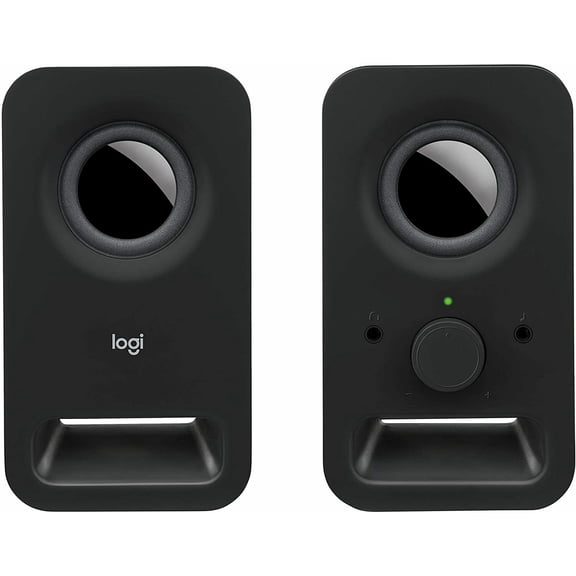 Logitech Z150 Multimedia 2.0 Portable Computer Wired Speakers - Black$39.99current price $39.99
Pre-Owned Logitech S150 USB Speakers with Digital Sound
 Pre-Owned Logitech S150 USB Speakers with Digital Sound$49.95current price $49.95