

Ws-2902c(1)
Ambient Weather WS-2902 Smart Wi-Fi Weather Station with Remote Monitoring and Alerts $199.99

Ambient Weather WS-2902 Smart Wi-Fi Weather Station with Remote Monitoring and Alerts
FAQ
How does a weather station with Wi-Fi work?
A Wi-Fi weather station uses sensors to collect data on temperature, humidity, and more, then sends the information wirelessly to your home network. This lets you view weather updates on a connected display or smartphone, whether you're at home or away. Many models also upload data to a cloud service for remote monitoring and sharing with family or friends. To get started, connect the weather station to your Wi-Fi network according to the manufacturer’s instructions. This setup can help you stay informed about changing weather conditions right from your device.
Can I add extra sensors to my weather station?
Many home weather stations let you expand their capabilities with additional sensors. For example, you might add temperature, humidity, soil moisture, or even pool and spa thermometers if they're compatible with your main unit. Make sure to check your weather station's model number and confirm which sensors work with it. Pairing usually involves following a few steps outlined in the user manual, such as powering on the sensor near the base station and waiting for them to sync. Expanding your system can give you even more detailed weather data for your home environment.
Why does my weather station need calibration?
Calibration ensures your weather station provides accurate readings. Over time, sensors may drift due to environmental exposure or regular use. Periodically calibrating temperature, humidity, and other sensors helps keep the data reliable. This process often involves comparing your device’s readings with trusted sources, like official weather services or high-quality thermometers, and following the manufacturer's steps to adjust settings. Regular calibration can help you get the most benefit from your weather station and make sure you’re making weather-based decisions with accurate information.
What’s the best spot to install a weather station?
Finding the right spot is key for accurate weather data. Ideally, mount your sensors away from buildings, trees, or surfaces that can reflect sunlight or trap heat. A rooftop or an open area at least four to six feet above the ground is often recommended, but avoid placing sensors too close to air conditioning units or vents. If you’re installing a rain gauge, make sure the area is clear of branches or anything that might block rainfall. Follow the manufacturer's installation guidelines for best results and consistent data collection.
How do I keep my weather station working long-term?
Simple maintenance can help your weather station stay accurate for years. Check sensors and moving parts regularly for dust, debris, or spider webs, and gently clean them as advised in the manual. Change batteries when needed and inspect for corrosion, especially if your device is outdoors. If your model uses wireless connections, make sure it stays within range of your Wi-Fi router. Performing software or firmware updates can also be important, as manufacturers may release improvements over time. Taking these steps helps your weather station deliver reliable readings day after day.
Popular in WS 2902C Weather Station for Home Monitoring
Related Products
9V 1A Power Adapter under $5! Bzdzmqm 9V 1A Power Supply Adapter 5.5x2.1mm Input 100V-240V for US, Universal AC DC Adapter for Electronics, Wall Plug Power Converter with 6ft Cable
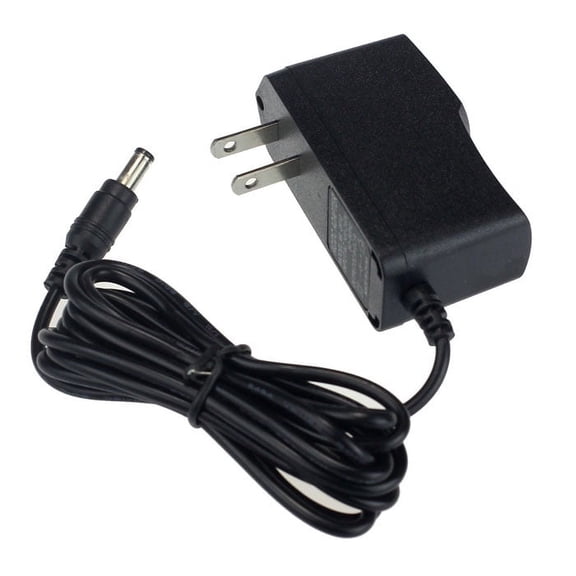 9V 1A Power Adapter under $5! Bzdzmqm 9V 1A Power Supply Adapter 5.5x2.1mm Input 100V-240V for US, Universal AC DC Adapter for Electronics, Wall Plug Power Converter with 6ft Cable$2.99current price $2.99
FITE ON UL Listed 9V 2A AC / DC Adapter with OD: 5.5mm x ID: 2.1mm / 2.5mm Tip and Positive Inside Output 9VDC Fits 1800mA 1.8A /1500mA 1.5A/1300mA/1200mA 1.2A/1000mA 1A/750mA/700mA/50mA
 FITE ON UL Listed 9V 2A AC / DC Adapter with OD: 5.5mm x ID: 2.1mm / 2.5mm Tip and Positive Inside Output 9VDC Fits 1800mA 1.8A /1500mA 1.5A/1300mA/1200mA 1.2A/1000mA 1A/750mA/700mA/50mA$10.99current price $10.99
Onerbl 12V 0.5A 500mA Power Supply Adapter, AC 100~240V to DC 12V 0.5A Transformer Charger 6W 5.5mm x 2.1mm DC Plug Compatible with CCTV Security Camera Router Speaker Printer Keyboard (6ft,)
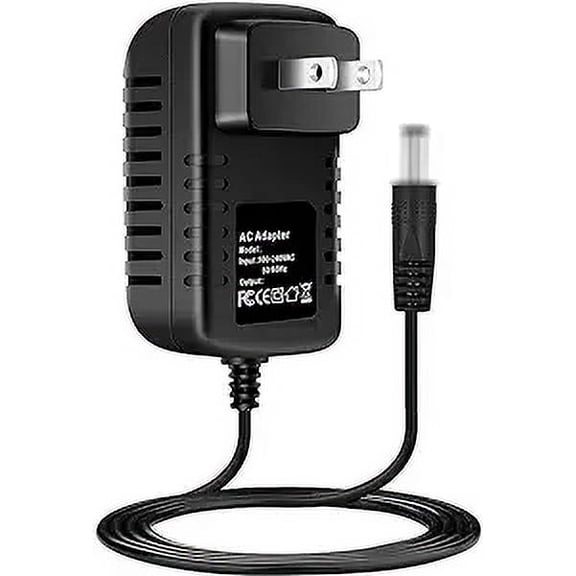 Onerbl 12V 0.5A 500mA Power Supply Adapter, AC 100~240V to DC 12V 0.5A Transformer Charger 6W 5.5mm x 2.1mm DC Plug Compatible with CCTV Security Camera Router Speaker Printer Keyboard (6ft,)$8.99current price $8.99
Guy-Tech USB Hub/TV Box/Tablet 5V 2A 10Watt AC Adapter Charger
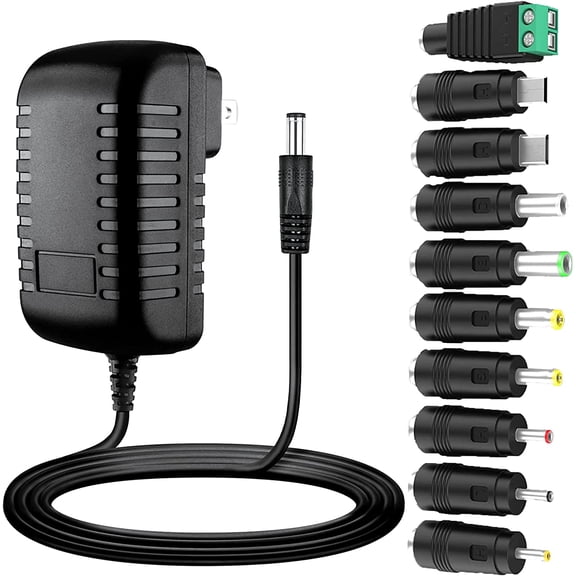 Guy-Tech USB Hub/TV Box/Tablet 5V 2A 10Watt AC Adapter Charger$10.99current price $10.99
9V 1A AC DC 100V-240V Power Supply Adapter Cord for Arduino MEGA, US Plug 5.5mm x 2.1mm & 2.5mm
 9V 1A AC DC 100V-240V Power Supply Adapter Cord for Arduino MEGA, US Plug 5.5mm x 2.1mm & 2.5mm$10.00current price $10.00
Yolmary 15V 2A Power Supply Charger (Input AC 100V-240V, Output DC 15 Volt 2 Amp 30 Watt) Adapter 5.5mm x 2.5mm
 Yolmary 15V 2A Power Supply Charger (Input AC 100V-240V, Output DC 15 Volt 2 Amp 30 Watt) Adapter 5.5mm x 2.5mm$10.00current price $10.00
FITE ON 5V 2A AC/DC Adapter Power Supply Cable Charger with OD: 4.0mm x ID: 1.7mm Barrel Round Plug Tip 5.0V Series 5VDC 2000mA Fits 1800mA 1750mA 1500mA 1400mA 1300mA 1200mA 1100mA
 FITE ON 5V 2A AC/DC Adapter Power Supply Cable Charger with OD: 4.0mm x ID: 1.7mm Barrel Round Plug Tip 5.0V Series 5VDC 2000mA Fits 1800mA 1750mA 1500mA 1400mA 1300mA 1200mA 1100mA$9.18current price $9.18
9V 1.3A 2A DVE AC/DC Switching Power Adapter 1300mA Supply DC Plug 5.5mm
 9V 1.3A 2A DVE AC/DC Switching Power Adapter 1300mA Supply DC Plug 5.5mm$9.99current price $9.99
9.5V Replacement AC Adapter Compatible with CASIO ADE95100 AD-E95100L Power Supply
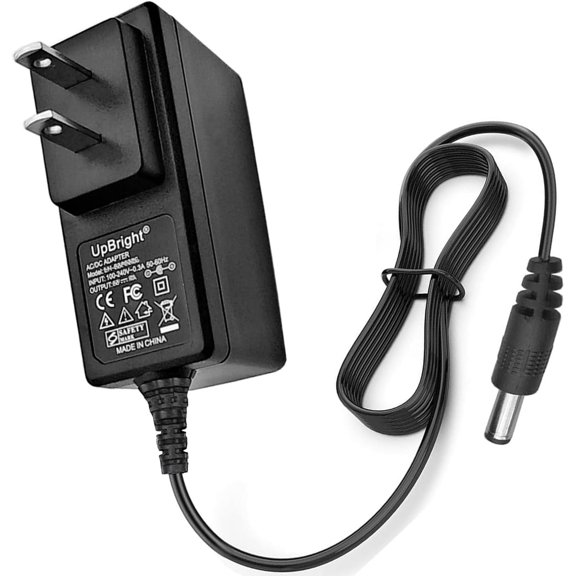 9.5V Replacement AC Adapter Compatible with CASIO ADE95100 AD-E95100L Power Supply$16.99current price $16.99
FITE ON 15V 2A 1.5A Switching Power Supply 30W Power Cord 10 Multi Jacks Adaptor Replacement Regulated 15.0V AC/DC Adapter 15V 2000mA 1500mA 1300mA Charger Transformer Plug
 FITE ON 15V 2A 1.5A Switching Power Supply 30W Power Cord 10 Multi Jacks Adaptor Replacement Regulated 15.0V AC/DC Adapter 15V 2000mA 1500mA 1300mA Charger Transformer Plug$11.00current price $11.00
OOKWE AC 100-240V to DC 1.5V 1A Power Supply Adapter Kit Replace 1pc 1.5V AA AAA C D Battery for 1.5V Battery Powered device
 OOKWE AC 100-240V to DC 1.5V 1A Power Supply Adapter Kit Replace 1pc 1.5V AA AAA C D Battery for 1.5V Battery Powered device$10.49current price $10.49
BigNewPowered 7.5V 2A AC DC Adapter Compatible with for 400mA 500mA 800mA 1000mA DC Adapter Power Supply 5.5mm*2.1mm/2.5mm with Positive Center
 BigNewPowered 7.5V 2A AC DC Adapter Compatible with for 400mA 500mA 800mA 1000mA DC Adapter Power Supply 5.5mm*2.1mm/2.5mm with Positive Center$8.99current price $8.99
Onerbl 18V 2A 1.5A 0.5A AC Adapter Power Supply 36W Switching Power Supply Adapter Charger DC 5.52.5/5.52.1 mm
 Onerbl 18V 2A 1.5A 0.5A AC Adapter Power Supply 36W Switching Power Supply Adapter Charger DC 5.52.5/5.52.1 mm$8.99current price $8.99
PwrON Compatible 9V 2A AC Power Supply Adapter 5.5x2.1mm Input 100V-240V Replacement for Arduino UNO R3 MEGA
 PwrON Compatible 9V 2A AC Power Supply Adapter 5.5x2.1mm Input 100V-240V Replacement for Arduino UNO R3 MEGA$11.99current price $11.99
OMNIHIL AC/DC Adapter/Adaptor 9V 1.5A 1500mA 5.5x2.1 (M Plug) OMH-120-091521 High Quality Power Supply World Wide Voltage 100-240V
 OMNIHIL AC/DC Adapter/Adaptor 9V 1.5A 1500mA 5.5x2.1 (M Plug) OMH-120-091521 High Quality Power Supply World Wide Voltage 100-240V$13.96current price $13.96