

Wireless Keyboards in Computer Keyboards



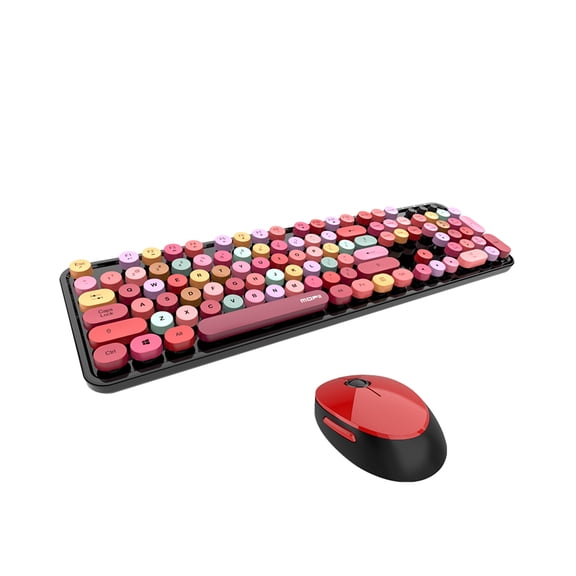


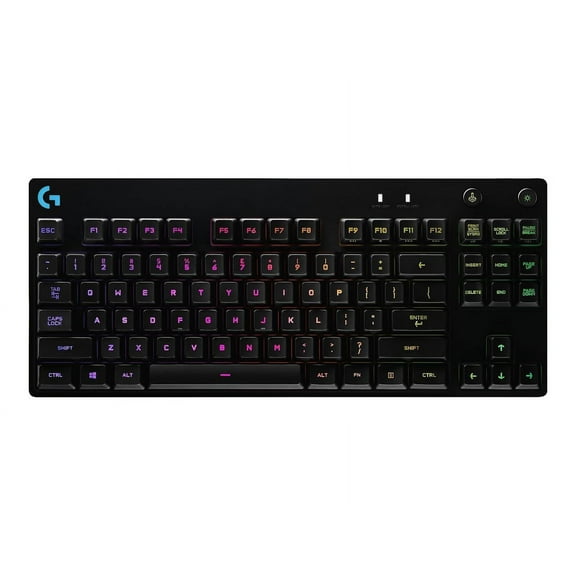
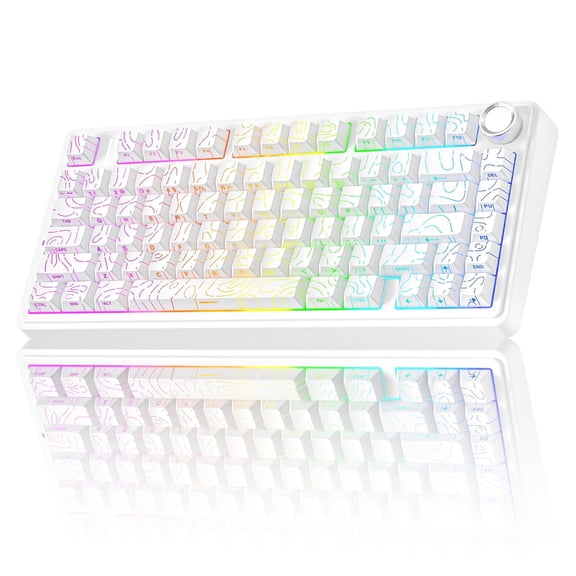


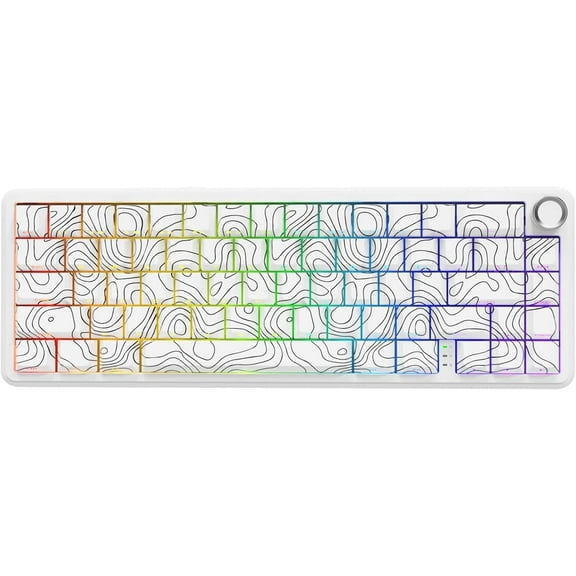
















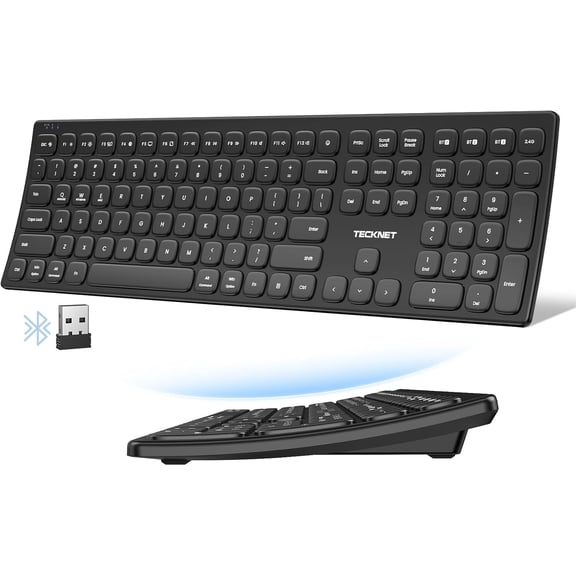
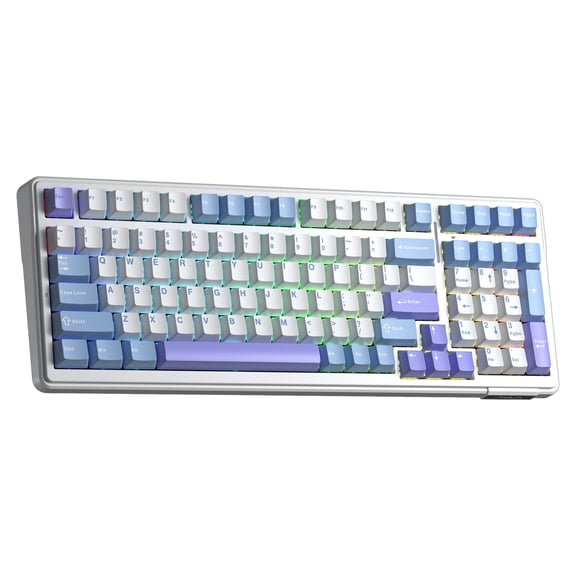


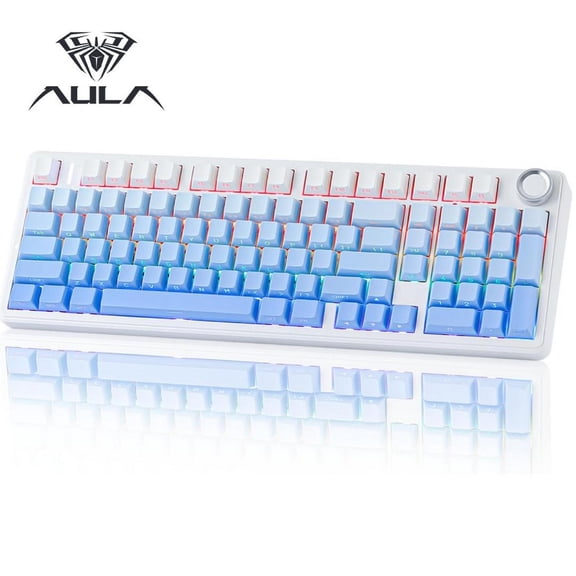
















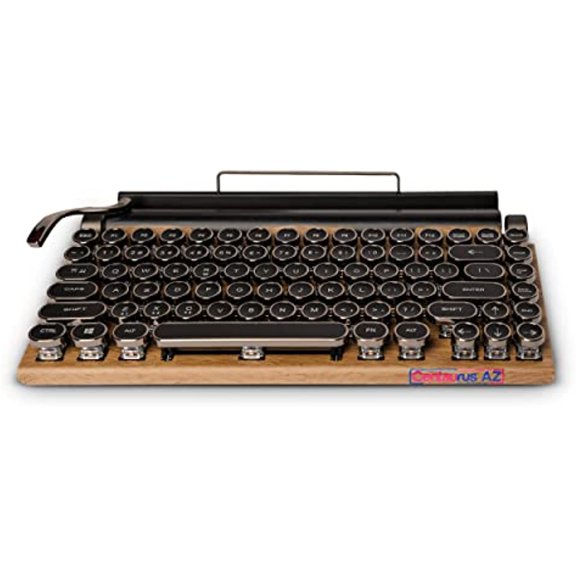
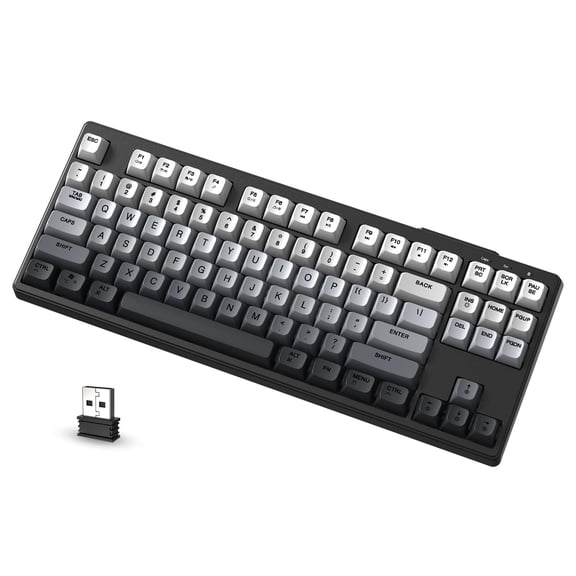


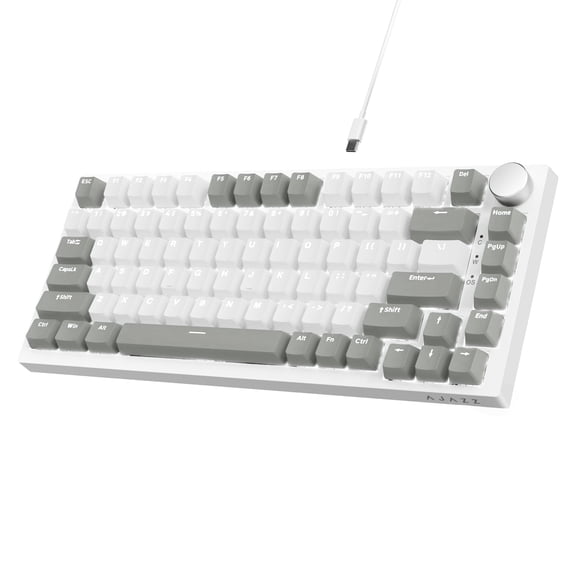


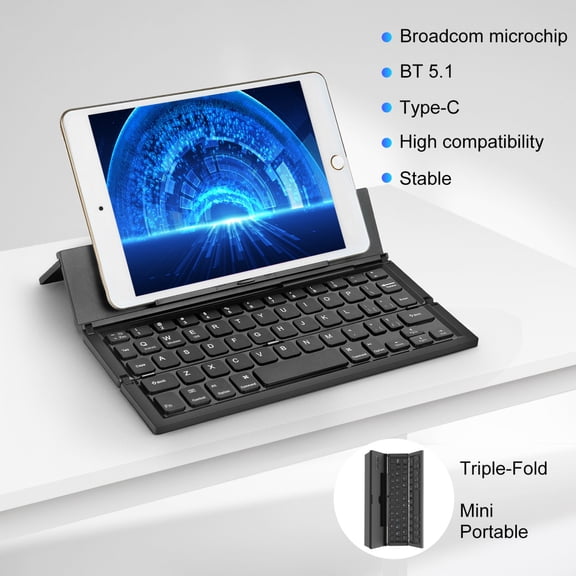






About Wireless Keyboards in Computer Keyboards - Walmart.com
Your wireless keyboard should match your desk, devices, and typing style. You can compare connection types, layouts, and switch feels to narrow choices fast.
Whether you're setting up a home office or a travel kit, you need details that fit real use. You can use this guide to compare a bluetooth keyboard, a keyless computer keyboard, and computer keypads with confidence.
How to choose a wireless keyboard connection
You should start with connection type because it affects setup, switching, and device support. You can compare Bluetooth, 2.4GHz USB dongle, and dual-mode options based on how you work.
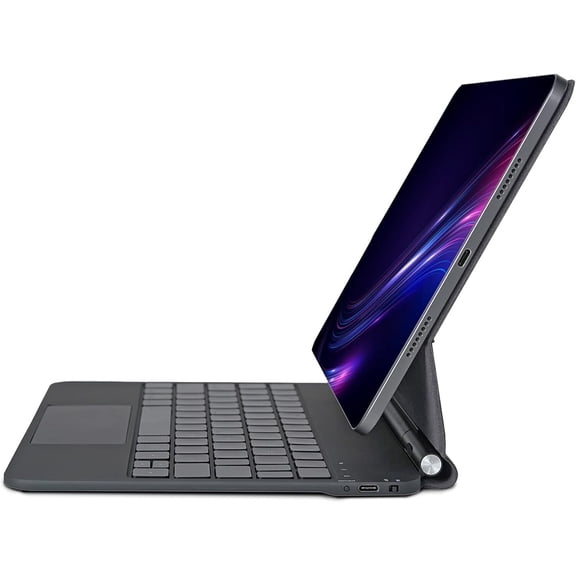
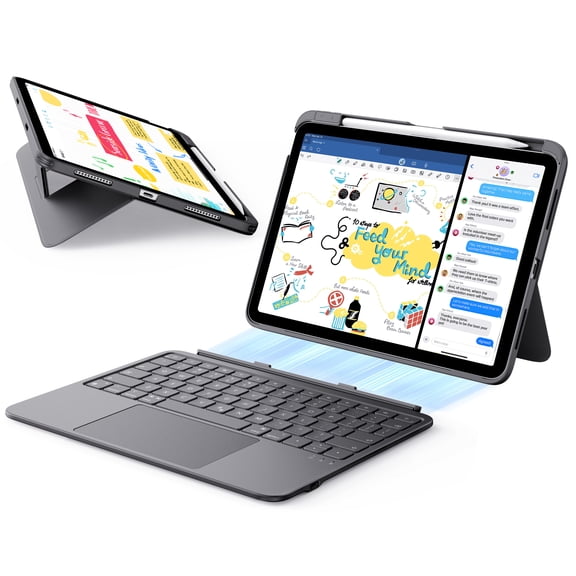
If you use tablets, laptops, or several screens, you may prefer Bluetooth for cable-free pairing. If you want a simple desktop setup, you may like a USB receiver connection.
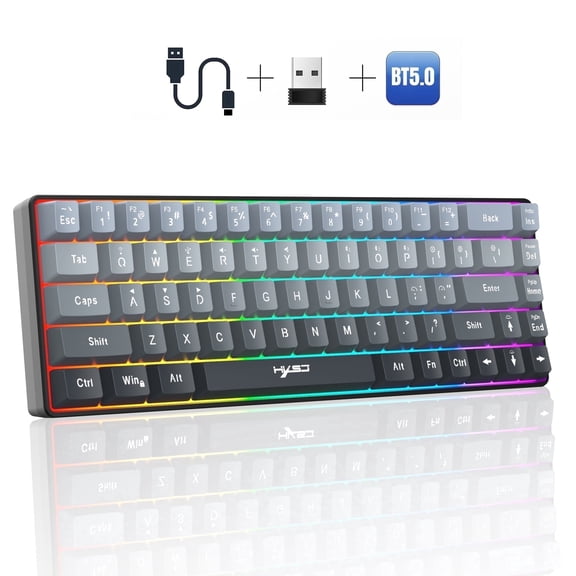
Dual-mode designs help you switch between Bluetooth and a dongle when your devices vary. You can keep one keyboard for a work laptop, home computer, and tablet.
- You can choose Bluetooth when your device has built-in wireless support and you want fewer accessories.
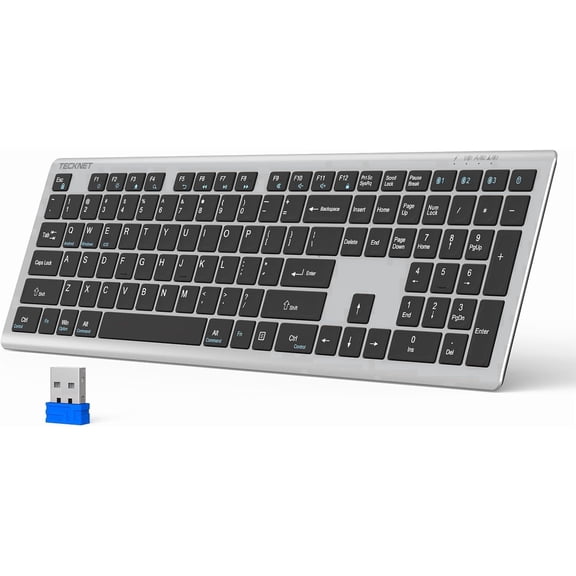
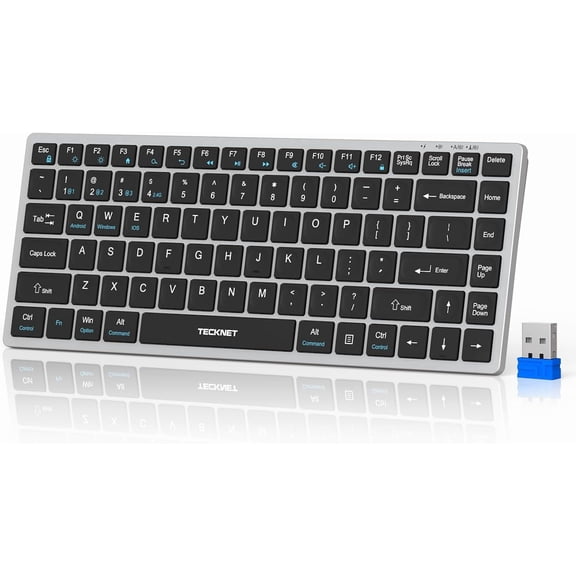
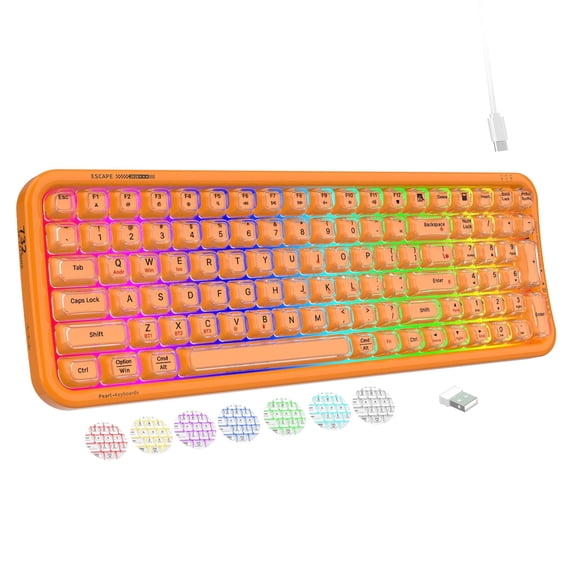
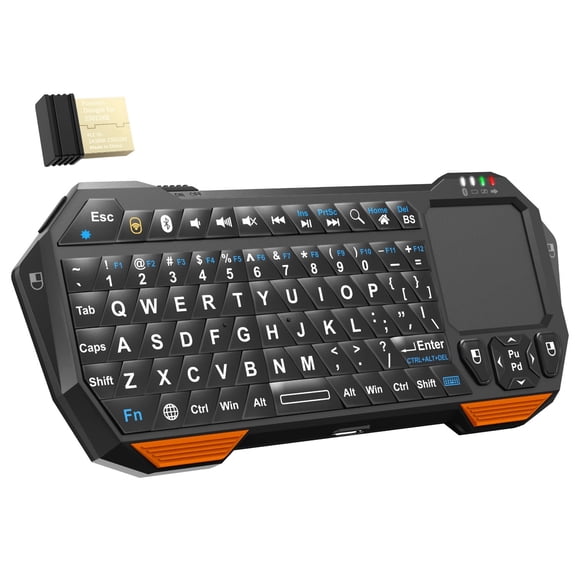
- You can choose a 2.4GHz USB dongle when you want quick plug-in setup on a desktop computer keyboard setup.
- You can choose dual-mode when you need flexible pairing across Windows, macOS, iPad, Android, or ChromeOS.
- You can check Bluetooth version and receiver support so your keyboard pairs the way you expect.
Choosing the right layout and keyless computer keyboard size
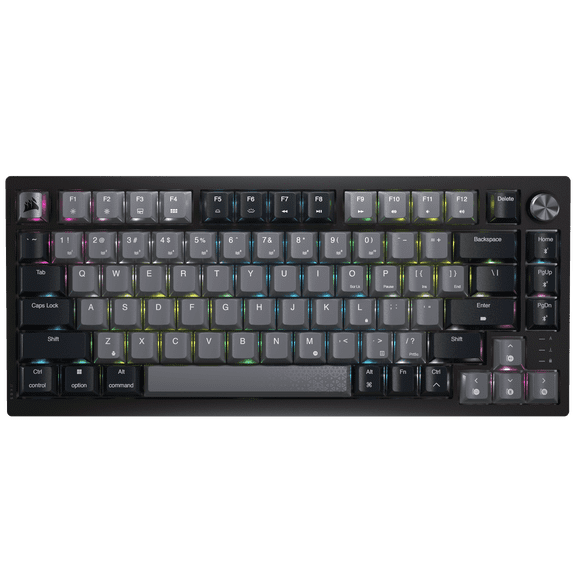
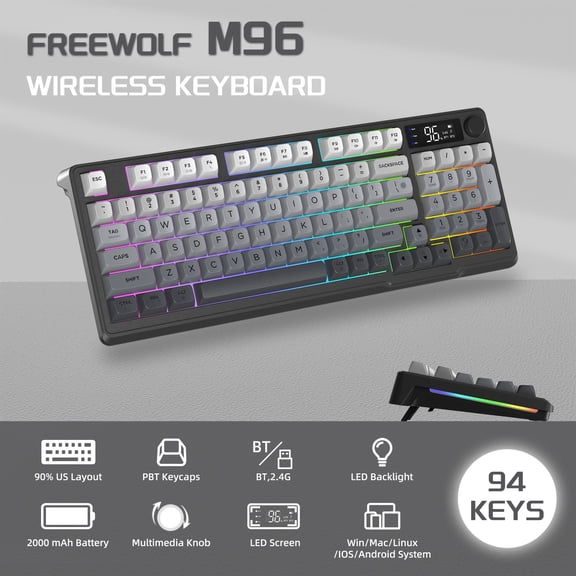
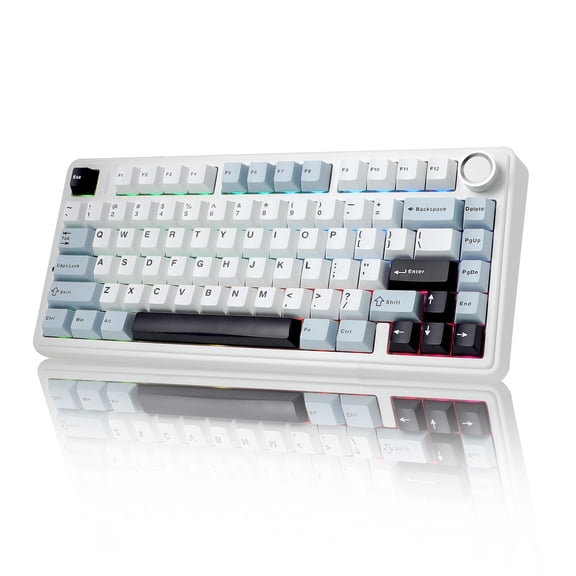
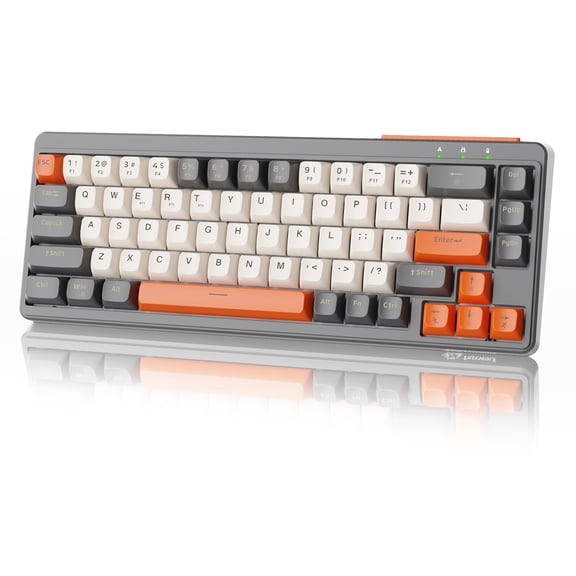
You should compare layout next because size changes how much desk room you keep. You can pick full-size, tenkeyless, 60% compact, or numeric keypad only designs.
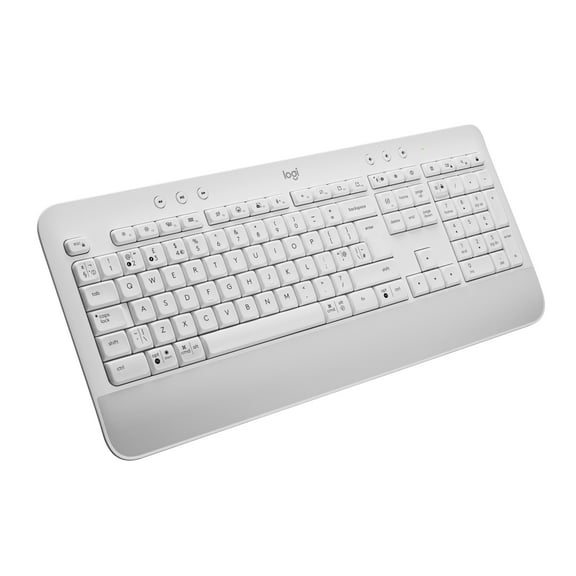
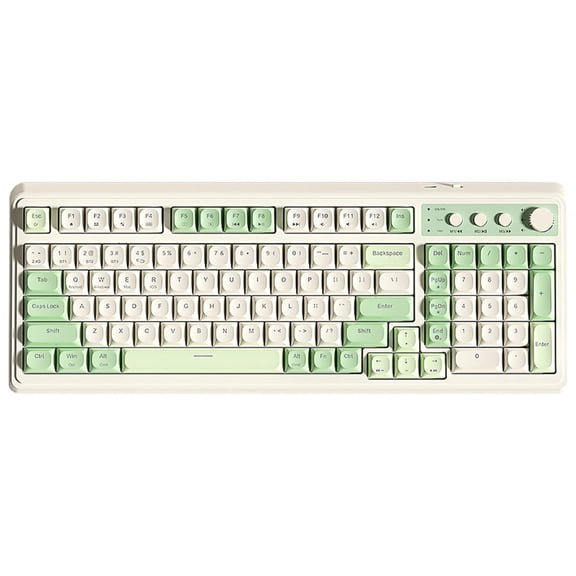
If you enter numbers often, you may want a full-size layout with a number pad. If you want more mouse space, you may prefer a keyless computer keyboard or tenkeyless model.
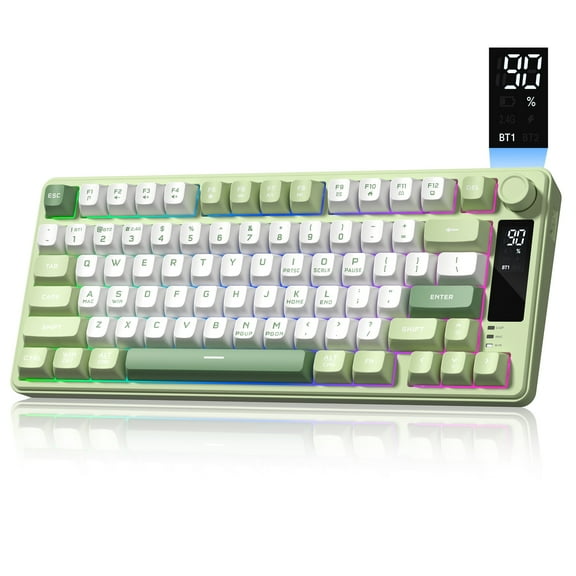
A 60% compact layout helps you carry less bulk in a backpack or laptop sleeve. Numeric keypads work well when you already like your current keyboard.
You can match layout to your routine by thinking about spreadsheets, gaming space, and travel. You can also pair computer keypads with wireless mice, desk pads, and monitors for a cleaner setup.
What to look for in compatibility and power
You should check compatibility before you choose features like layout or switch type. You can confirm support for Windows, macOS, iPad, iOS, Android, or ChromeOS.
If you switch between a work laptop and a personal tablet, compatibility matters every day. You can avoid setup frustration by checking the listed operating systems first.
Power source also changes how you use your wireless keyboard over time. You can choose rechargeable lithium-ion models or options that use AA or AAA batteries.
Rechargeable designs help you plug in and keep typing without stocking extras. Replaceable battery models help you swap power sources quickly when charging isn't convenient.
If keyboard price matters in your comparison, you can weigh charging habits along with features. You can decide whether built-in charging or replaceable batteries fits your routine more naturally.
Comparing switch feel for home and office typing
You should compare key switch type because feel and sound affect every task. You can choose mechanical, membrane, or scissor switch designs based on your workspace.
Mechanical keys usually give you more distinct feedback with each press. You may like that response if you type often or want a professional wireless keyboard feel.
Membrane keys usually feel softer and quieter for shared spaces and everyday tasks. Scissor switch keys usually feel low-profile, which can suit travel setups and slim desks.
You can use switch feel to narrow choices for reports, emails, coding, or schoolwork. You can also compare key travel and noise level when your workspace is close to others.
Wireless keyboard use cases that fit your setup
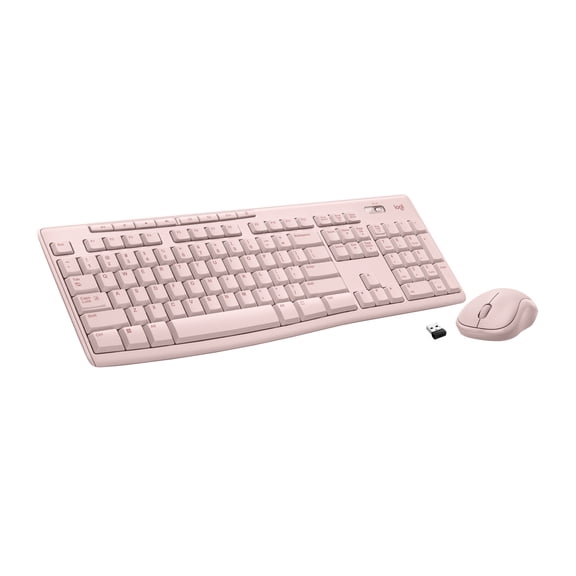
You can build a focused home office by pairing a full-size layout with a USB receiver. You may prefer that setup when you stay at one desk and use a monitor daily.
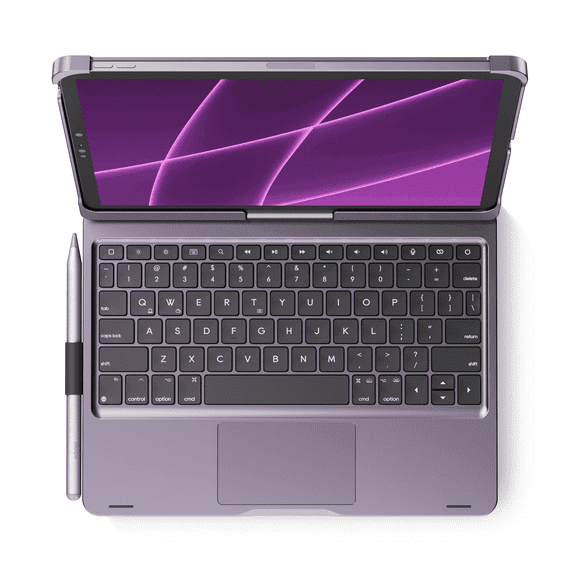
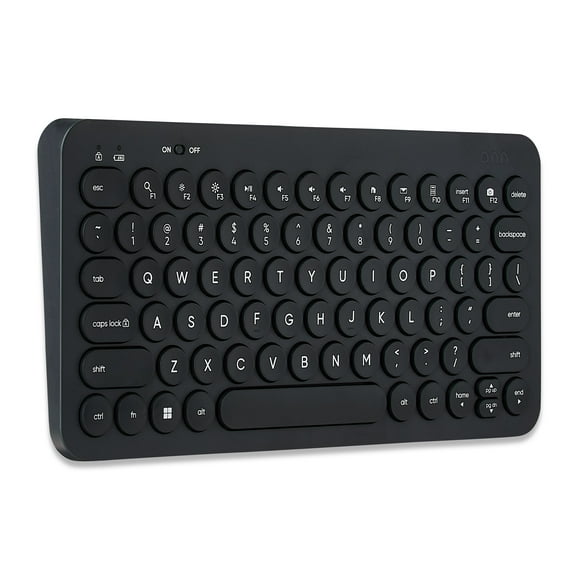
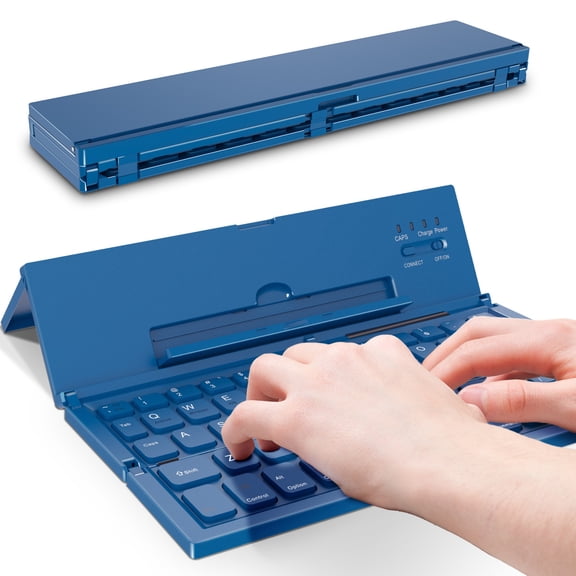
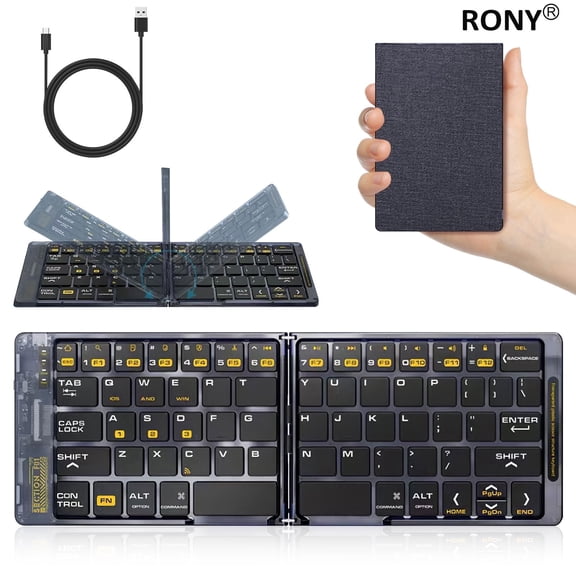
If you move between rooms or devices, you may want a compact bluetooth keyboard. You can slip it into a bag and reconnect it to a tablet or laptop quickly.
You can create a streamlined work station with a tenkeyless layout and a wireless mouse. You may appreciate the extra room for note-taking, drawing tablets, or wide mouse movement.
For data entry or accounting tasks, you can choose full-size models or add separate computer keypads. You can keep number entry close at hand without changing your main layout.
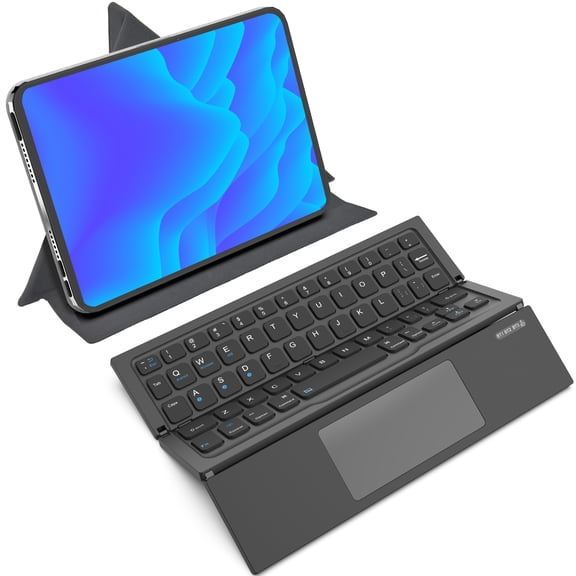
If you use mixed devices at work and home, you may want dual-mode flexibility. You can move from a desktop tower to a tablet without changing your overall typing habits.
You can also compare a computer keyboard by battery type, switch feel, and operating system support together. That approach helps you narrow options with fewer compromises and clearer expectations.
You can choose a wireless keyboard more confidently when you compare connection, layout, compatibility, power, and switch feel together. That simple approach helps you find a setup that feels natural every time you type.