

Vizio E471vle(1)
In 200+ people's carts, (Open Box) VIZIO 43 inch Class 4K LED HDR Smart TV (V4K43M-08) $140.00

(Open Box) VIZIO 43 inch Class 4K LED HDR Smart TV (V4K43M-08)
Other options to consider(5)
New Replace XRT010 Replace Remote Suit for Vizio TV E420-B1 E420VSE E461-A1 E470-A0 E471VLE E480-B2 D24HN-D1 D28HN-D1 D32hn-D0 D32HN-E0 D39hn-D0 D39HN-E0 E390-B1E E471VLE-B $7.50

New Replace XRT010 Replace Remote Suit for Vizio TV E420-B1 E420VSE E461-A1 E470-A0 E471VLE E480-B2 D24HN-D1 D28HN-D1 D32hn-D0 D32HN-E0 D39hn-D0 D39HN-E0 E390-B1E E471VLE-B
New XRT010 Remote Control for VIZIO TV E400B2 E420AR E420-A0 E420A0 E420-B1 E420B1 E420VSE $7.55

New XRT010 Remote Control for VIZIO TV E400B2 E420AR E420-A0 E420A0 E420-B1 E420B1 E420VSE
New, New VR15 Remote for VIZIO E320VL E321VL E371VL E421VO E421VL E471VLE E551VL TV $12.99

New VR15 Remote for VIZIO E320VL E321VL E371VL E421VO E421VL E471VLE E551VL TV
Replacement Remote for VIZIO 0980-0306-0990, 098003060990, RT098003060990, XRT010, E291A1, E321VT, E320A0, E320A1, E241A1, E471VLE, A470A0, E470A0, E $38.91

Replacement Remote for VIZIO 0980-0306-0990, 098003060990, RT098003060990, XRT010, E291A1, E321VT, E320A0, E320A1, E241A1, E471VLE, A470A0, E470A0, E
New, New VR15 Remote for VIZIO E320VL E321VL E371VL E421VO E421VL E471VLE E551VL TV $12.38
New VR15 Remote for VIZIO E320VL E321VL E371VL E421VO E421VL E471VLE E551VL TV
FAQ
How does a smart TV connect to the internet?
Connecting a smart TV to the internet is usually pretty simple. Most models let you choose between Wi-Fi or wired Ethernet during setup. Look for the network settings menu, select your Wi-Fi network, and enter your password. If you'd rather use a cable, just plug it into the TV's Ethernet port.
- Choose Wi-Fi or Ethernet in settings.
- Enter your home network details.
- Follow on-screen prompts for setup.
Once connected, you can stream apps, browse content, and enjoy online features.
Can I use voice controls with this TV?
Many smart TVs offer voice control features, letting you search shows or adjust settings hands-free. If your TV remote has a microphone button, press it and speak your command. Some TVs also work with external voice assistants like Alexa or Google Assistant, but you'll need to check compatibility in the settings or product guide.
- Find the voice control button on your remote.
- Speak clearly into the remote.
- Explore setup options for connecting external assistants.
Voice controls make navigating menus and searching content easier.
What does 4K QLED mean on a TV?
4K refers to the TV's resolution, offering a clearer, sharper picture compared to standard HD. QLED stands for Quantum Dot LED, a technology that boosts color and brightness. Together, 4K QLED TVs deliver vibrant visuals and more detail, which is great for movies, sports, and gaming.
- 4K: High-resolution for detailed images.
- QLED: Enhanced color and brightness.
These features can help create a more immersive viewing experience.
How do I set up streaming apps on my TV?
Setting up streaming apps on your smart TV is pretty straightforward. Open the app store or marketplace on your TV's menu, browse or search for the app you want, and install it. Once installed, sign in with your account information to start watching.
- Access the TV's app store from the menu.
- Download your favorite streaming apps.
- Log in to each app with your credentials.
Having apps installed lets you easily enjoy movies, shows, and more.
Is there a way to mount this TV on the wall?
Most flat-screen TVs are designed to be wall-mountable. Check the back of your TV for standard VESA mounting holes, which fit common TV brackets. Make sure to choose a bracket that's compatible with your TV's size and weight, and follow the included instructions for safe installation.
- Locate VESA mounting holes on the TV.
- Select a bracket rated for your TV's size.
- Follow step-by-step instructions for mounting.
Wall-mounting can save space and give your room a clean look.
Popular in Shop Vizio E471VLE Electronics for Home Entertainment
Related Products
New XRT136 TV Remote Control for Vizio TV E65E1 E65-E1 E65E3 E65-E3 E65F0 E65-F0 E65F1 E65-F1
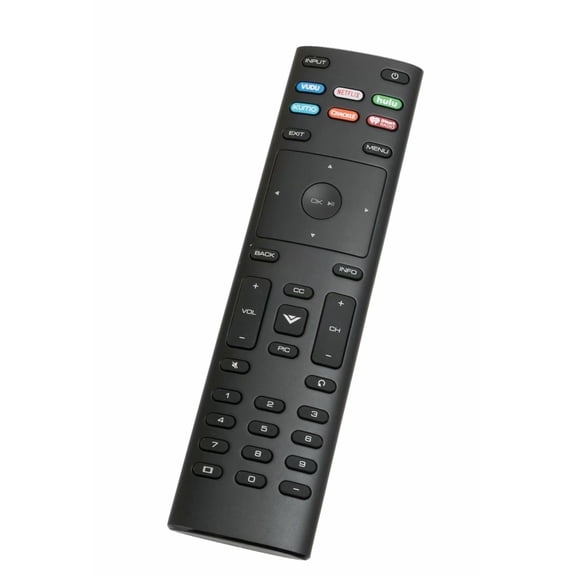 New XRT136 TV Remote Control for Vizio TV E65E1 E65-E1 E65E3 E65-E3 E65F0 E65-F0 E65F1 E65-F1$7.49current price $7.49
Vizio Brand New Original XRT134 Remote Control for 4K Smartcast Vizio HDTV D24HN-E1 D50N-E1 D32hn-E4 D55un-E1 D43n-E4 D24HNE1 D50NE1 D32hnE4 D55unE1 D43nE4
 Vizio Brand New Original XRT134 Remote Control for 4K Smartcast Vizio HDTV D24HN-E1 D50N-E1 D32hn-E4 D55un-E1 D43n-E4 D24HNE1 D50NE1 D32hnE4 D55unE1 D43nE4$10.99current price $10.99
New XRT135 Remote Control for Vizio Smart TV E80-E3 M50-E1 M55-E0 M65-E0 M70-E3 M75-E1 P55-E1 P65-E1 P75-E1
 New XRT135 Remote Control for Vizio Smart TV E80-E3 M50-E1 M55-E0 M65-E0 M70-E3 M75-E1 P55-E1 P65-E1 P75-E1$7.44current price $7.44
New XRT510 Remote Control for Vizio TV M321i-A2 M401i-A3 M471i-A2 M501D-A2 M501D-A2R M551D-A2 M551D-A2R M601D-A3 M601D-A3R M651D-A2 M651D-A2R
 New XRT510 Remote Control for Vizio TV M321i-A2 M401i-A3 M471i-A2 M501D-A2 M501D-A2R M551D-A2 M551D-A2R M601D-A3 M601D-A3R M651D-A2 M651D-A2R$14.96current price $14.96
New XRT100 Remote Control fits for Vizio TV E191VA E221VA E261VA E370VP E420VP E420VSE E390VL E320VT E370VT
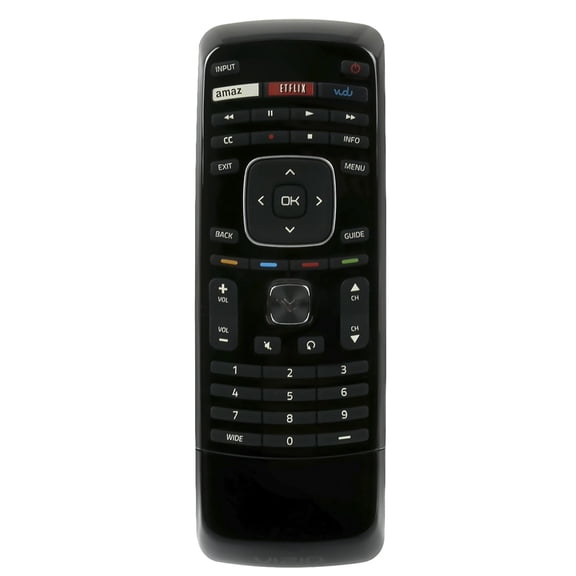 New XRT100 Remote Control fits for Vizio TV E191VA E221VA E261VA E370VP E420VP E420VSE E390VL E320VT E370VT$7.18current price $7.18
New XRT134 Remote Control for Vizio Smart TV D43N-E4D43NE4 D24HN-E1 D50N-E1 D32HN-E4
 New XRT134 Remote Control for Vizio Smart TV D43N-E4D43NE4 D24HN-E1 D50N-E1 D32HN-E4$7.48current price $7.48
New XRT140V4 Remote Control for Vizio TV D43F-J04 D43FJ04 D24FJ09 D32HJ09D 32FJ04 D40FJ09 D-Series D24H-J09
 New XRT140V4 Remote Control for Vizio TV D43F-J04 D43FJ04 D24FJ09 D32HJ09D 32FJ04 D40FJ09 D-Series D24H-J09$8.39current price $8.39
New Remote Control XRT136 fits for Vizio Smart TV D43f-F1, D43f-F1, D50f-F1, E43-E2,E50-E1, E50x-E1, E55-E1, E55-E2 E60-E3, E65-E0, E65-E1, E65-E3
 New Remote Control XRT136 fits for Vizio Smart TV D43f-F1, D43f-F1, D50f-F1, E43-E2,E50-E1, E50x-E1, E55-E1, E55-E2 E60-E3, E65-E0, E65-E1, E65-E3$7.49current price $7.49
XRT136 Remote Control for Vizio TV D24f-F1 D32f-F1 D43f-F1 D50f-F1 P75-E1 E43-E2 E50-E1 E50x-E1 E55-E1 with Hulu VUDU Netflix XUMO Crackle Iheart Shortcut App Key
 XRT136 Remote Control for Vizio TV D24f-F1 D32f-F1 D43f-F1 D50f-F1 P75-E1 E43-E2 E50-E1 E50x-E1 E55-E1 with Hulu VUDU Netflix XUMO Crackle Iheart Shortcut App Key$7.30current price $7.30
New XRT133 Remote Control for Vizio TV E40D0 E43-D2 E43D2 E48-D0 E48D0 E50-D1 E50D1
 New XRT133 Remote Control for Vizio TV E40D0 E43-D2 E43D2 E48-D0 E48D0 E50-D1 E50D1$7.48current price $7.48
New XRT010 Remote Control fit for VIZIO TV E261VA E320A0 E320-A0 E320AR E321VT E370-A0 E370A0 E370VLE E390-A1 E390A1
 New XRT010 Remote Control fit for VIZIO TV E261VA E320A0 E320-A0 E320AR E321VT E370-A0 E370A0 E370VLE E390-A1 E390A1$7.11current price $7.11
New XRT020 Remote Control for Vizio TV D32hn-E0 D39hn-E0 D48n-E0 E280-B1 E291-A1
 New XRT020 Remote Control for Vizio TV D32hn-E0 D39hn-E0 D48n-E0 E280-B1 E291-A1$8.65current price $8.65
New Remote Control XRT510 fits for VIZIO LED TV M401iA3 M471i-A2 M471iA2 M81i-A3 M81iA3 M321i-A2 M321iA2 M321I-A28 M321IA28
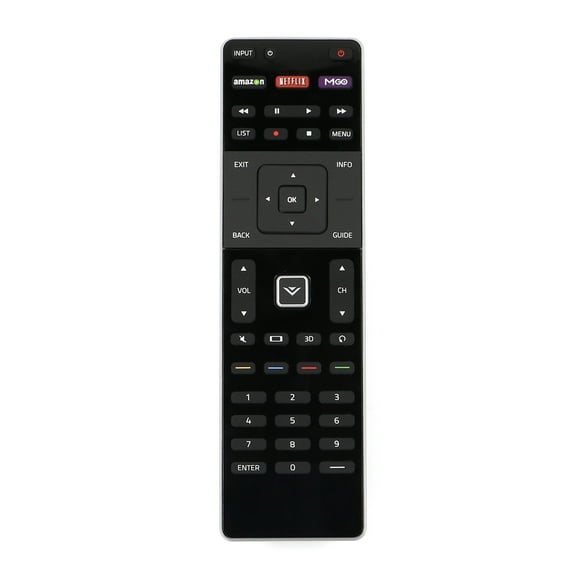 New Remote Control XRT510 fits for VIZIO LED TV M401iA3 M471i-A2 M471iA2 M81i-A3 M81iA3 M321i-A2 M321iA2 M321I-A28 M321IA28$13.90current price $13.90
New XRT260 V2 TV Remote Control For Vizio Smart TVs V505-J09 M55Q7J01 V655-J04 V505-J01
 New XRT260 V2 TV Remote Control For Vizio Smart TVs V505-J09 M55Q7J01 V655-J04 V505-J01$8.99current price $8.99
New Remote Control Fits for Vizio XRT112 Remote TV E401i-A2 E420i-A1 E420d-A0 E421i-A2 E322AR E422AR E502AR E422VLE E472VLE E552VLE E370VP E320VT E370VT
 New Remote Control Fits for Vizio XRT112 Remote TV E401i-A2 E420i-A1 E420d-A0 E421i-A2 E322AR E422AR E502AR E422VLE E472VLE E552VLE E370VP E320VT E370VT$7.79current price $7.79
New xrt020 XRT020 Remote Control for Vizio HDTV E231-B1 E241-A1 E291-A1D43N-E1 D48HN-E0 D48N-E0
 New xrt020 XRT020 Remote Control for Vizio HDTV E231-B1 E241-A1 E291-A1D43N-E1 D48HN-E0 D48N-E0$7.57current price $7.57
New XRT112 Remote Control for Vizio Smart TV E320I-B1 E400I-B2 E420I-A1 E480I-B2 E502AR D650I-B2 E231I-B1 E241I-A1 E241I-A1W E241I-B1 E280I-A1 E280I-B1 E291I-A1 E280I-A1
 New XRT112 Remote Control for Vizio Smart TV E320I-B1 E400I-B2 E420I-A1 E480I-B2 E502AR D650I-B2 E231I-B1 E241I-A1 E241I-A1W E241I-B1 E280I-A1 E280I-B1 E291I-A1 E280I-A1$7.79current price $7.79