

Razer Linear Optical Switch(1)
OOKWE For Razer Huntsman Elite Red Mechanical Keyboard Clicky Linear Optical Switch $8.89

OOKWE For Razer Huntsman Elite Red Mechanical Keyboard Clicky Linear Optical Switch
Other options to consider(5)
Deal, Razer Huntsman Mini 60% Optical Gaming Keyboard, Linear Switch, Mercury Was $119.00


Razer Huntsman Mini 60% Optical Gaming Keyboard, Linear Switch, Mercury
Deal, Razer Huntsman Mini - 60% Optical Gaming Keyboard- Black (Clicky Purple Switch) $69.00 Was $119.99
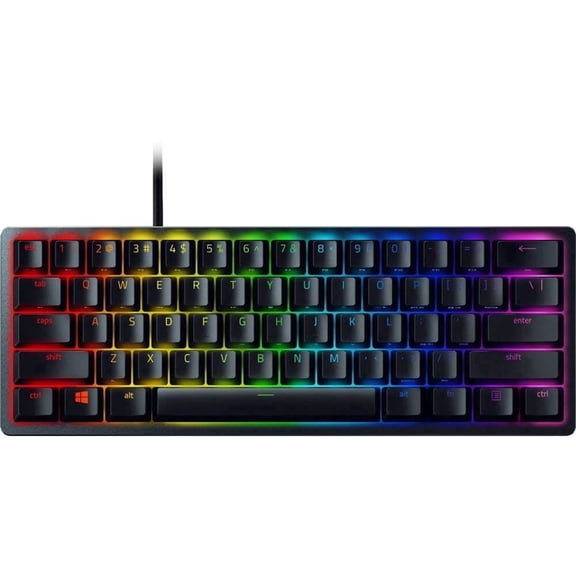
Razer Huntsman Mini - 60% Optical Gaming Keyboard- Black (Clicky Purple Switch)
Razer Huntsman V3 Pro Tenkeyless - Analog Optical Switch Gen2 Esports Keyboard $149.99 Was $179.00
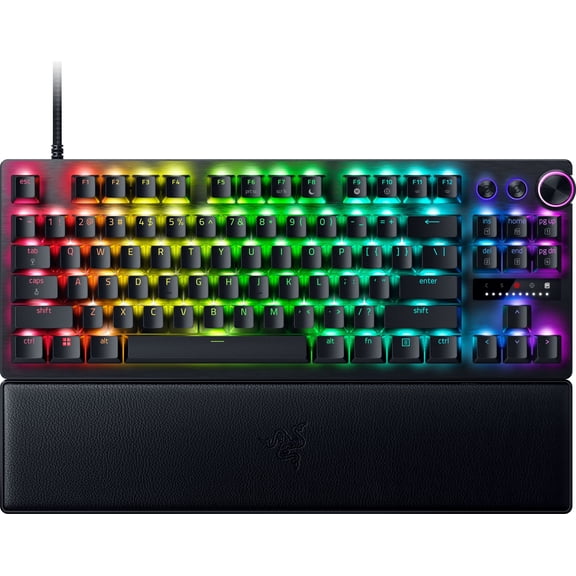
Razer Huntsman V3 Pro Tenkeyless - Analog Optical Switch Gen2 Esports Keyboard
Razer DeathStalker V2 Gaming Keyboard: Low-Profile Keys - Linear Red Optical Switches - Ultra-Durable Coated Keycaps - Durable Aluminum Top Plate - Multi-Function Roller and Media Button - Chroma RGB $199.99
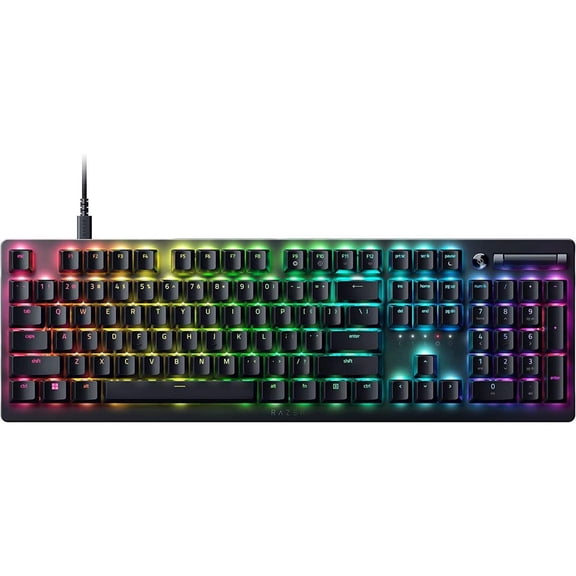
Razer DeathStalker V2 Gaming Keyboard: Low-Profile Keys - Linear Red Optical Switches - Ultra-Durable Coated Keycaps - Durable Aluminum Top Plate - Multi-Function Roller and Media Button - Chroma RGB
RAZER BLACKWIDOW V4 LOW PROFILE TKL HYPERSPEED YELLOW MECHANICAL SWITCHES -BLACK $199.99
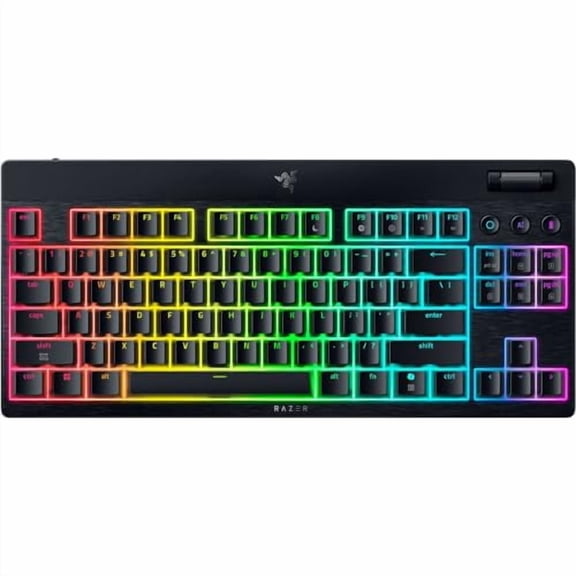
RAZER BLACKWIDOW V4 LOW PROFILE TKL HYPERSPEED YELLOW MECHANICAL SWITCHES -BLACK
FAQ
What does a linear optical switch do?
A linear optical switch uses light-based technology to detect keystrokes, making typing and gaming more responsive compared to traditional mechanical switches. With a smooth, consistent feel and no tactile bump, these switches are popular among users who want fast, quiet performance.
- Light signal triggers key registration.
- No physical contact means less wear over time.
- Suited for both gaming and everyday typing.
Choosing a linear optical switch can improve your keyboard experience, especially if you value speed and smoothness.
Are linear optical switches good for gaming?
Linear optical switches are often favored by gamers because they provide quick, precise key response and minimal resistance. This can help with rapid keystrokes in fast-paced games.
- Fast actuation due to optical technology.
- Smooth keystroke without a tactile bump.
- Quiet operation, ideal for shared spaces.
While preferences vary, many gamers appreciate the performance benefits these switches offer.
How do I install optical switches in my keyboard?
Installing optical switches usually involves removing the existing switches and carefully inserting the new ones, but it's important to check if your keyboard supports hot-swapping.
- Unplug and open your keyboard if needed.
- Remove the old switches with a puller tool.
- Insert the optical switches until they click into place.
- Reassemble your keyboard and test the keys.
Always refer to your keyboard's manual for specific instructions and safety tips during installation.
Can I mix different switch types in my keyboard?
Some keyboards let you mix switch types if they're compatible, but optical switches require specific keyboards designed for optical technology. Mixing them with other types may not work unless your keyboard supports both.
- Check your keyboard's compatibility list.
- Mixing may impact feel and performance.
It's best to use switches recommended for your keyboard model to ensure optimal function.
How should I clean optical switches?
Keeping optical switches clean helps maintain smooth performance. You can gently remove dust and debris with compressed air or a soft brush.
- Unplug your keyboard before cleaning.
- Use a brush or air to clear out particles.
- Avoid liquid cleaners to prevent damage.
Regular cleaning can extend the life and responsiveness of your switches, but always follow your keyboard manufacturer's care guidelines.
Popular in Razer Linear Optical Switch Electronics
Related Products
HyperX Alloy Core RGB Membrane Gaming Keyboard, HXKB5ME2US
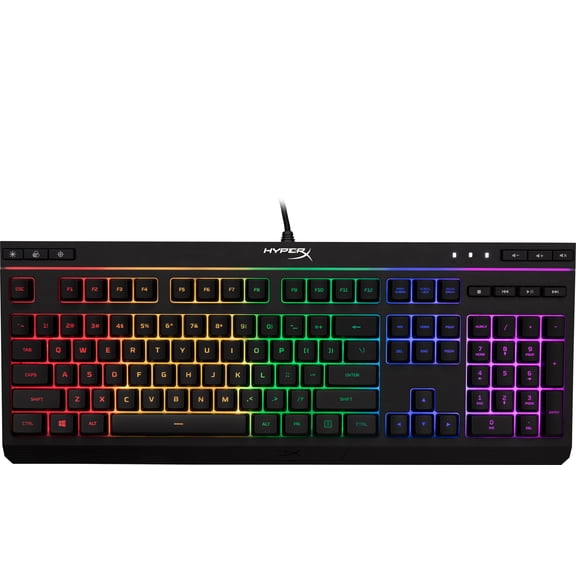 HyperX Alloy Core RGB Membrane Gaming Keyboard, HXKB5ME2US$35.28current price $35.28
HyperX Alloy Origins 60 - Mechanical Gaming Keyboard - HX Aqua - US Layout
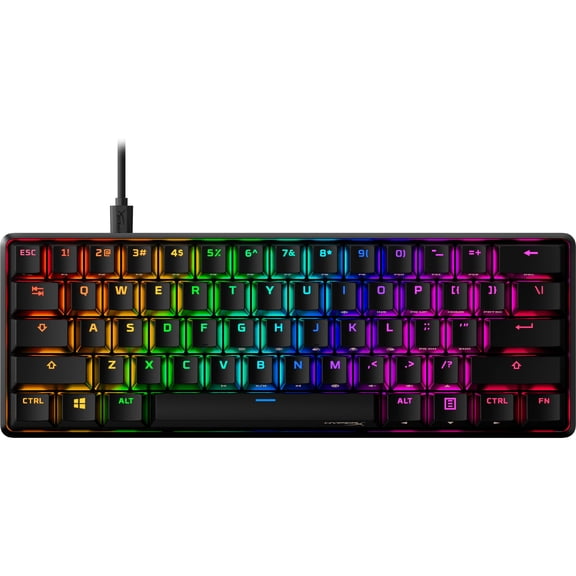 HyperX Alloy Origins 60 - Mechanical Gaming Keyboard - HX Aqua - US Layout$64.26current price $64.26
SteelSeries Apex Pro Mechanical Gaming Keyboard – Adjustable Actuation Switches – OLED Smart Display – RGB Backlit - With Rapid Tap
 SteelSeries Apex Pro Mechanical Gaming Keyboard – Adjustable Actuation Switches – OLED Smart Display – RGB Backlit - With Rapid Tap$151.00current price $151.00
HyperX Alloy Origins 65 - Mechanical Gaming Keyboard - HX Aqua - US Layout
 HyperX Alloy Origins 65 - Mechanical Gaming Keyboard - HX Aqua - US Layout$79.99current price $79.99
SteelSeries Apex 3 TKL RGB Wired Gaming Keyboard — Water and Dust Resistant — Whisper-Quiet Gaming Switch, White
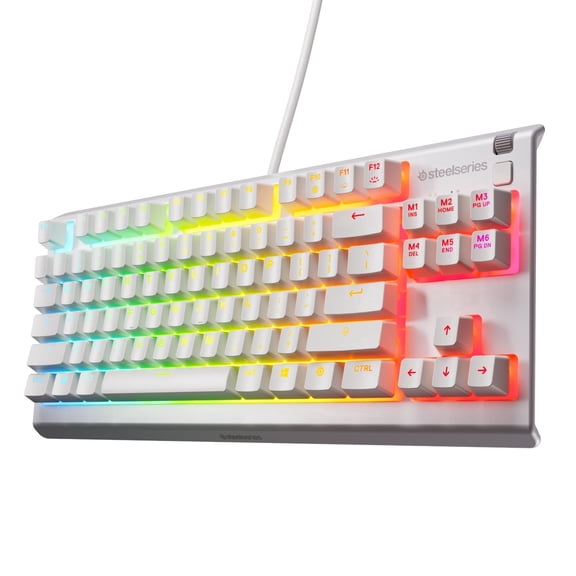 SteelSeries Apex 3 TKL RGB Wired Gaming Keyboard — Water and Dust Resistant — Whisper-Quiet Gaming Switch, White$49.99current price $49.99
ZIYOULANG T60 Wired Mechanical Gaming Keyboard and Mouse Combo Mini Portable Rainbow Backlit 62 Keys 6400DPI RGB Beehive Mouse Coil Pilot C-Line for PS4/PC/WIN Gamers (Blue/Red Switch)
 ZIYOULANG T60 Wired Mechanical Gaming Keyboard and Mouse Combo Mini Portable Rainbow Backlit 62 Keys 6400DPI RGB Beehive Mouse Coil Pilot C-Line for PS4/PC/WIN Gamers (Blue/Red Switch)$44.09current price $44.09
CHONCOW Gaming Keyboard and Mouse Combo, Rainbow LED Backlit Mechanical Feel Keyboard with 3600 DPI Mouse for PC/Xbox/PS5, Black
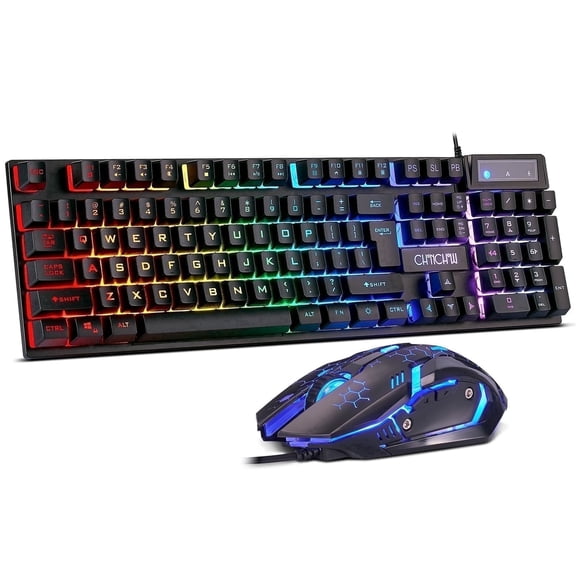 CHONCOW Gaming Keyboard and Mouse Combo, Rainbow LED Backlit Mechanical Feel Keyboard with 3600 DPI Mouse for PC/Xbox/PS5, Black$20.99current price $20.99
SteelSeries Apex 3 TKL Aqua RGB Gaming Keyboard — Tenkeyless Compact Form Factor — 8-Zone RGB Illumination — Water and Dust Resistant — Whisper-Quiet Gaming Switch
 SteelSeries Apex 3 TKL Aqua RGB Gaming Keyboard — Tenkeyless Compact Form Factor — 8-Zone RGB Illumination — Water and Dust Resistant — Whisper-Quiet Gaming Switch$37.49current price $37.49
KoraiTect Wired Gaming Keyboard and Mouse Combo,RGB Backlit Mechanical-Feel 60% Compact Keyboard Mouse for Windows Computer PC Gamer,68Keys,Multimedia Keys ,Adjustable 6 DPI
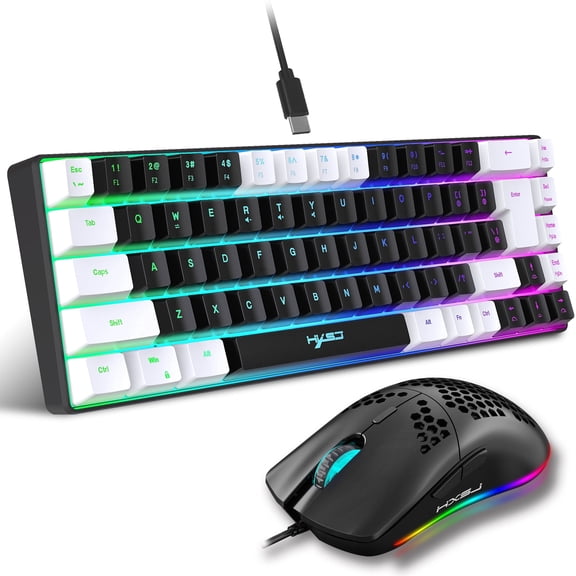 KoraiTect Wired Gaming Keyboard and Mouse Combo,RGB Backlit Mechanical-Feel 60% Compact Keyboard Mouse for Windows Computer PC Gamer,68Keys,Multimedia Keys ,Adjustable 6 DPI$28.49current price $28.49
NEXiLUX Pro Gaming Keyboard and Mouse Combo, Compatible with PS4, PS3, Xbox One, Xbox 360
 NEXiLUX Pro Gaming Keyboard and Mouse Combo, Compatible with PS4, PS3, Xbox One, Xbox 360$69.99current price $69.99
35 Keys One-Handed Gaming Keyboard, Wired RGB LED Backlist Gaming Keypad, Portable Mini PC Keyboard USB Wired Gaming Keyboard with Wrist Rest for PC Gamer Xbox PS4
 35 Keys One-Handed Gaming Keyboard, Wired RGB LED Backlist Gaming Keypad, Portable Mini PC Keyboard USB Wired Gaming Keyboard with Wrist Rest for PC Gamer Xbox PS4$15.99current price $15.99
XINMENG Wireless Gaming Keyboard and Mouse, Rainbow Backlit Rechargeable Keyboard Mouse 3800mAh Battery Metal Panel, Removable Hand Rest Mechanical Feel Gaming Mute Mouse for PC PS4 PS5 Xbox Gamers
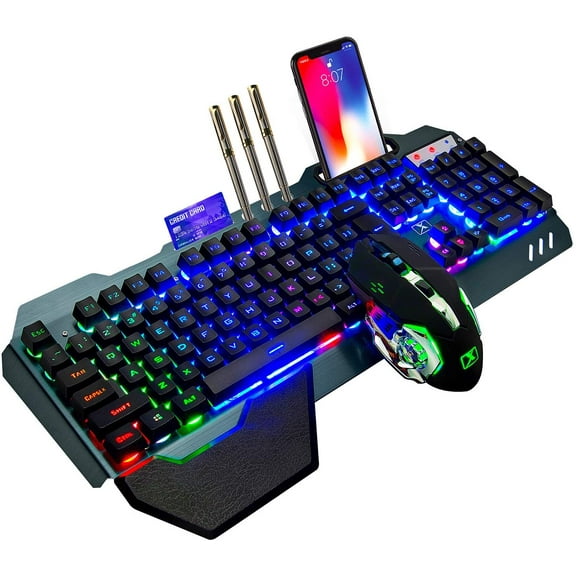 XINMENG Wireless Gaming Keyboard and Mouse, Rainbow Backlit Rechargeable Keyboard Mouse 3800mAh Battery Metal Panel, Removable Hand Rest Mechanical Feel Gaming Mute Mouse for PC PS4 PS5 Xbox Gamers$53.99current price $53.99
MageGee MK-AXE Black One-Handed Wired RGB Mechanical Gaming Keyboard with Blue Switches
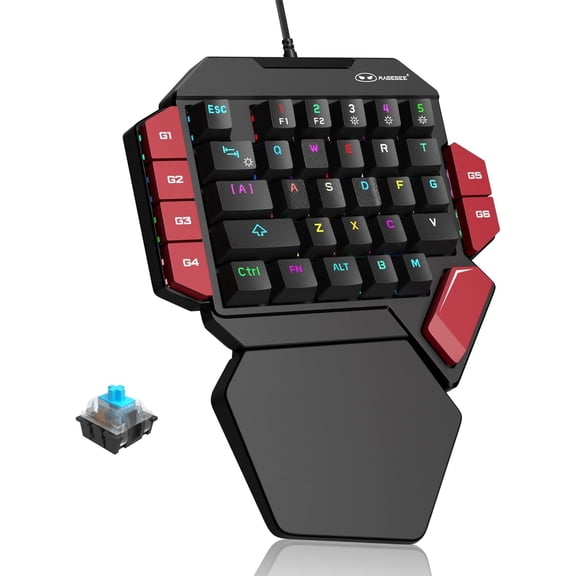 MageGee MK-AXE Black One-Handed Wired RGB Mechanical Gaming Keyboard with Blue Switches$22.79current price $22.79
Razer BlackWidow V4 Mini HyperSpeed Wireless Hot Swappable 65% Gaming Keyboard: HyperSpeed Wireless & Bluetooth 5.0 - Orange Switches Tactile & Quiet - Phantom Pudding Keycap - 200 Hr Battery
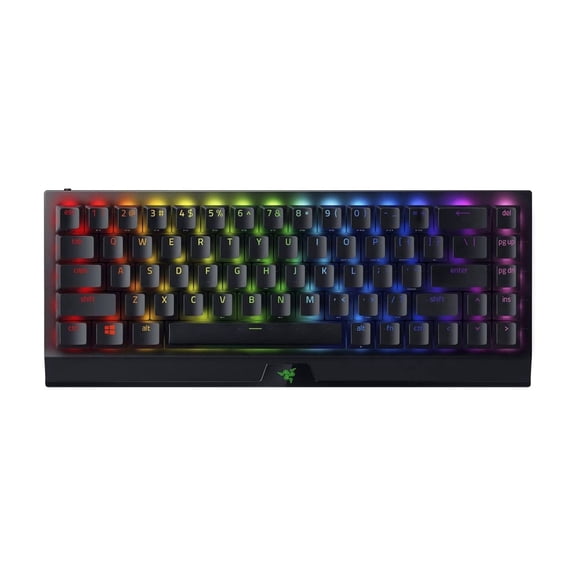 Razer BlackWidow V4 Mini HyperSpeed Wireless Hot Swappable 65% Gaming Keyboard: HyperSpeed Wireless & Bluetooth 5.0 - Orange Switches Tactile & Quiet - Phantom Pudding Keycap - 200 Hr Battery$149.00current price $149.00