

Msi Replacement Screen(13)
Restored S1J-6E0A022-L47 S1J-6E0A024-L47 MSI Display Assembly 15.6" FHD GE62VR Apache Pro (Refurbished) $31.49
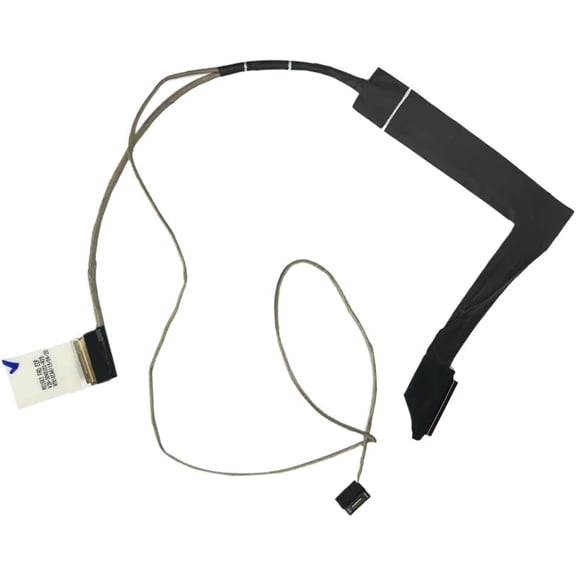
Restored S1J-6E0A022-L47 S1J-6E0A024-L47 MSI Display Assembly 15.6" FHD GE62VR Apache Pro (Refurbished)
LQ156T1JW04 FOR MSI Raider GE66-12UGS Laptop Screen 15.6" LCD LED QHD 240hz New $115.52

LQ156T1JW04 FOR MSI Raider GE66-12UGS Laptop Screen 15.6" LCD LED QHD 240hz New
Restored OS1-16Q2001-B51 B156HAN08.0 MSI LCD Panel 15.6" FHD For GS65 Stealth Thin NoteB (Refurbished) $119.50

Restored OS1-16Q2001-B51 B156HAN08.0 MSI LCD Panel 15.6" FHD For GS65 Stealth Thin NoteB (Refurbished)
Restored S1J-4E0A018-B51 MSI LCD Panel 14.0 Inch FHD 1920x1080 For Modern 14 B10MW-486 (Refurbished) $105.00

Restored S1J-4E0A018-B51 MSI LCD Panel 14.0 Inch FHD 1920x1080 For Modern 14 B10MW-486 (Refurbished)
Applies to Screen Compatible Msi Gf63 Thin 10sc Series Full Hd $89.40
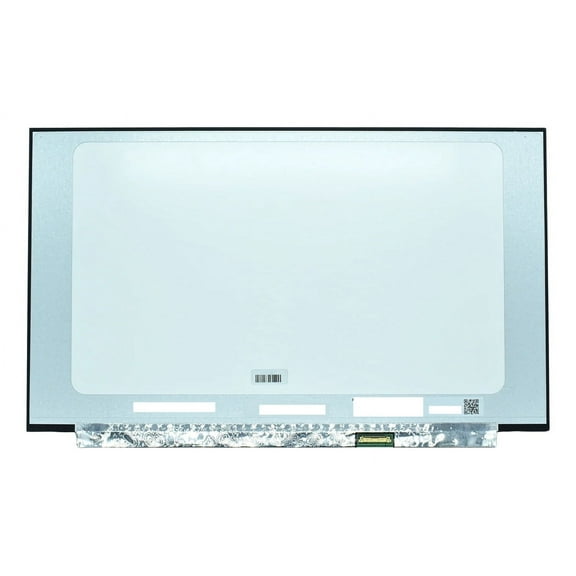
Applies to Screen Compatible Msi Gf63 Thin 10sc Series Full Hd
Ips FHD Screen 144 Hz For Msi Ge75 Raider 8sf 8sg 9sf 9sg $152.24
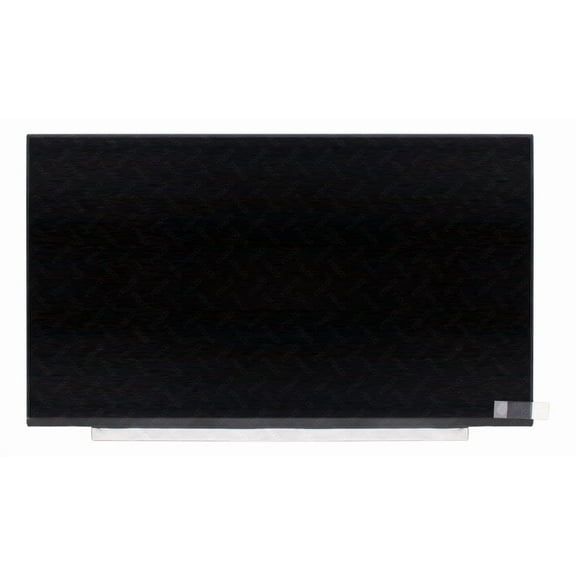
Ips FHD Screen 144 Hz For Msi Ge75 Raider 8sf 8sg 9sf 9sg
Applies to Screen Compatible Msi Gf65-9sd Thin Series Full Hd 40 Pin $153.30
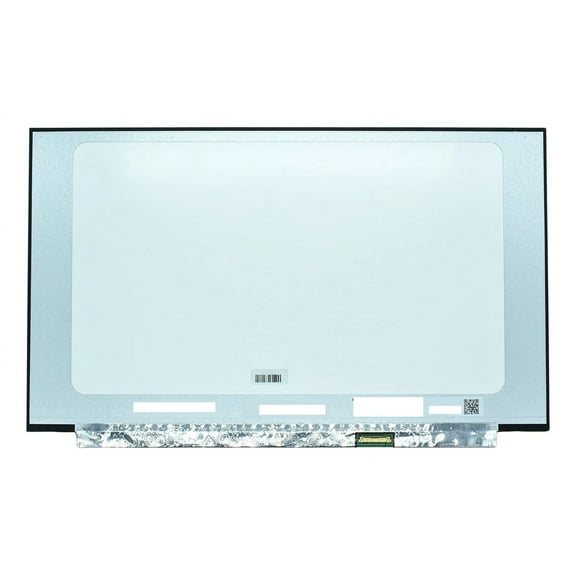
Applies to Screen Compatible Msi Gf65-9sd Thin Series Full Hd 40 Pin
Applies to Compatible Screen Msi Gf65 10sdr-888es Full HD 40 Pins $153.30
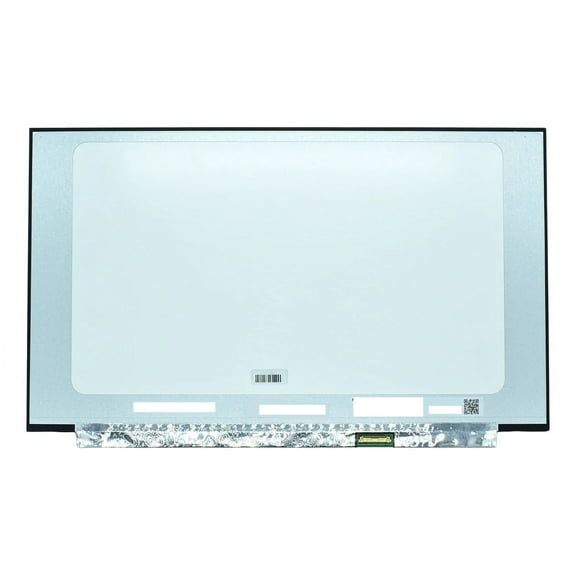
Applies to Compatible Screen Msi Gf65 10sdr-888es Full HD 40 Pins
Compatible with LQ156D1JW42 Replacement for LQ156D1JW42 MSI 4K 15.6 UHD 40 PIN LED Display Screen PRESTIGE15083

Compatible with LQ156D1JW42 Replacement for LQ156D1JW42 MSI 4K 15.6 UHD 40 PIN LED Display Screen PRESTIGE15083
7A7-17G111L-A31 MSI 17.3 FHD 144 Hz 40 pin Screen GS75 STEALTH-091
7A7-17G111L-A31 MSI 17.3 FHD 144 Hz 40 pin Screen GS75 STEALTH-091
S1J-7E0A025-I75-1 MSI 17.3 quot; FHD LCD Assembly GS75 STEALTH-091

S1J-7E0A025-I75-1 MSI 17.3 quot; FHD LCD Assembly GS75 STEALTH-091
N173HCE-G33.C1 MSI 17.3" FHD 144hz LCD LED Screen GS75 STEALTH-091
N173HCE-G33.C1 MSI 17.3" FHD 144hz LCD LED Screen GS75 STEALTH-091
S1J-7E0A031-I75 MSI 17.3 FHD 40pin 144hz LED Display Screen GS75 STEALTH-093

S1J-7E0A031-I75 MSI 17.3 FHD 40pin 144hz LED Display Screen GS75 STEALTH-093
Other options to consider(98)
MSI 24.5" MAG 255XF FHD 300Hz 0.5ms GtG Rapid IPS Gaming Monitor - MAG255XF $139.99 Was $169.99

MSI 24.5" MAG 255XF FHD 300Hz 0.5ms GtG Rapid IPS Gaming Monitor - MAG255XF
MSI MAG 321CQF E18 32" Class WQHD Curved Screen Gaming LCD Monitor - 16:9 - Black - 31.5" Viewable - Rapid Vertical Alignment (VA) - 2560 x 1440 - 1.07 Billion Colors - Adaptive Sync - 300 Nit - 0.... $159.99 Was $219.99
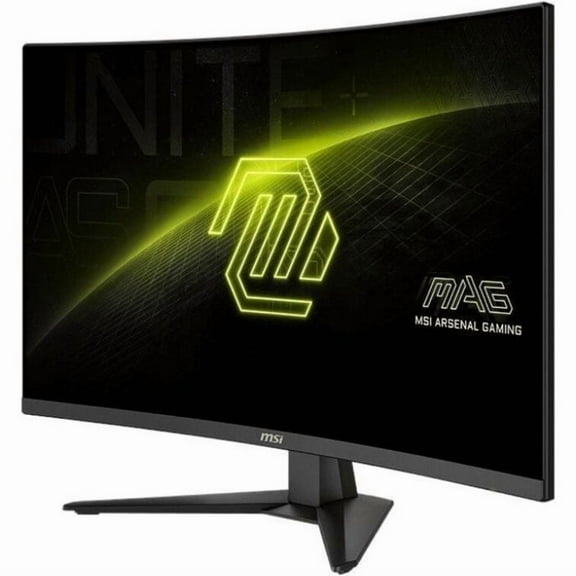
MSI MAG 321CQF E18 32" Class WQHD Curved Screen Gaming LCD Monitor - 16:9 - Black - 31.5" Viewable - Rapid Vertical Alignment (VA) - 2560 x 1440 - 1.07 Billion Colors - Adaptive Sync - 300 Nit - 0....
MSI 25" FHD (1920 x 1080) HDMI DP 250Hz 0.5ms Adaptive-Sync LCD Gaming Monitor - MAG 255XFV $99.00
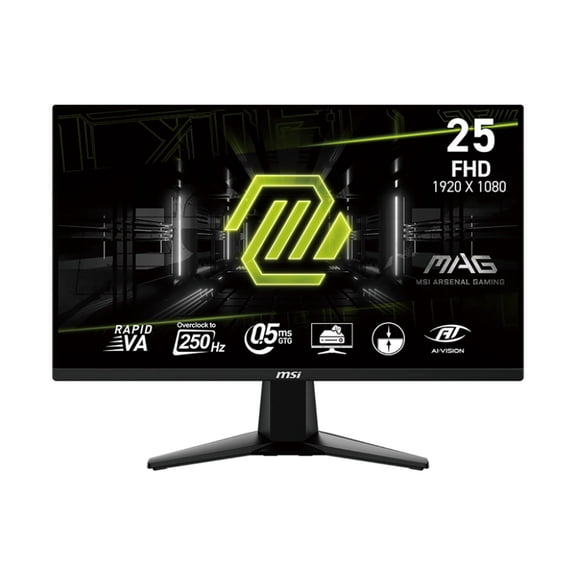
MSI 25" FHD (1920 x 1080) HDMI DP 250Hz 0.5ms Adaptive-Sync LCD Gaming Monitor - MAG 255XFV
Restored 307-6V1B212-G40 MSI LCD Bezel Assembly For GS66 Stealth MS-16V1 (Refurbished) $77.00

Restored 307-6V1B212-G40 MSI LCD Bezel Assembly For GS66 Stealth MS-16V1 (Refurbished)
MSI MAG 245F X24 24" Class Full HD Gaming LCD Monitor - 16:9 - Black - 23.8" Viewable - Rapid IPS - 1920 x 1080 - 1.07 Billion Colors - FreeSync Premium - 300 Nit - 0.50 ms - 240 Hz Refresh Rate - ... $113.98

MSI MAG 245F X24 24" Class Full HD Gaming LCD Monitor - 16:9 - Black - 23.8" Viewable - Rapid IPS - 1920 x 1080 - 1.07 Billion Colors - FreeSync Premium - 300 Nit - 0.50 ms - 240 Hz Refresh Rate - ...
MSI MAG 345CQRF E20 34" Class UWQHD Curved Screen Gaming LCD Monitor, 21:9 $279.99 Was $299.99

MSI MAG 345CQRF E20 34" Class UWQHD Curved Screen Gaming LCD Monitor, 21:9
MSI MAG 274QPF E20 27" Class WQHD Gaming LCD Monitor - 16:9 - Metallic Black - 27" Viewable - Rapid IPS - 2560 x 1440 - 1.07 Billion Colors - FreeSync Premium - 300 Nit - 0.50 ms - 200 Hz Refresh R... $179.99 Was $199.99

MSI MAG 274QPF E20 27" Class WQHD Gaming LCD Monitor - 16:9 - Metallic Black - 27" Viewable - Rapid IPS - 2560 x 1440 - 1.07 Billion Colors - FreeSync Premium - 300 Nit - 0.50 ms - 200 Hz Refresh R...
MSI MAG 275CQF E18 27" Class WQHD Curved Screen Gaming LCD Monitor - 16:9 - Black - 27" Viewable - Rapid Vertical Alignment (VA) - 2560 x 1440 - 1.07 Billion Colors - FreeSync - 250 Nit - 0.50 ms -... $139.99 Was $169.99
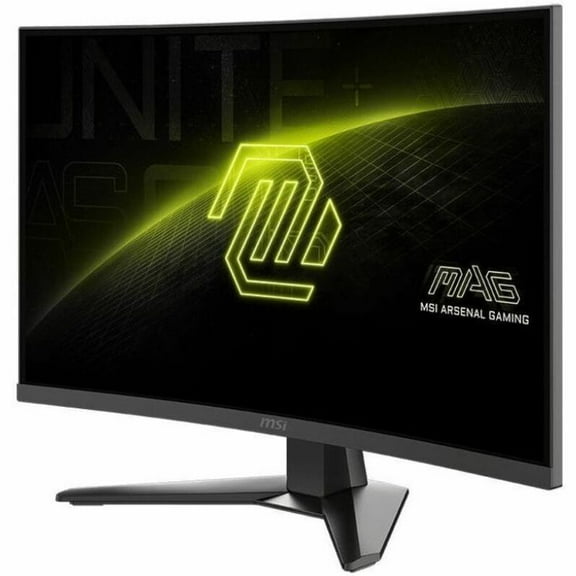
MSI MAG 275CQF E18 27" Class WQHD Curved Screen Gaming LCD Monitor - 16:9 - Black - 27" Viewable - Rapid Vertical Alignment (VA) - 2560 x 1440 - 1.07 Billion Colors - FreeSync - 250 Nit - 0.50 ms -...
MSI MAG 32CQ6F 32" Class WQHD Curved Screen Gaming LED Monitor - 16:9 - Black - 31.5" Viewable - Rapid Vertical Alignment (VA) - LED Backlight - 2560 x 1440 - 1.07 Billion Colors - Adaptive Sync - ... $249.99

MSI MAG 32CQ6F 32" Class WQHD Curved Screen Gaming LED Monitor - 16:9 - Black - 31.5" Viewable - Rapid Vertical Alignment (VA) - LED Backlight - 2560 x 1440 - 1.07 Billion Colors - Adaptive Sync - ...
MSI 346CQRF X24 34" Class UWQHD Curved Screen Gaming LCD Monitor, 21:9 $379.99

MSI 346CQRF X24 34" Class UWQHD Curved Screen Gaming LCD Monitor, 21:9
MSI G32C4X 31.5" 16:9 Full HD 250Hz Curved VA LCD HDR Gaming Monitor $241.99
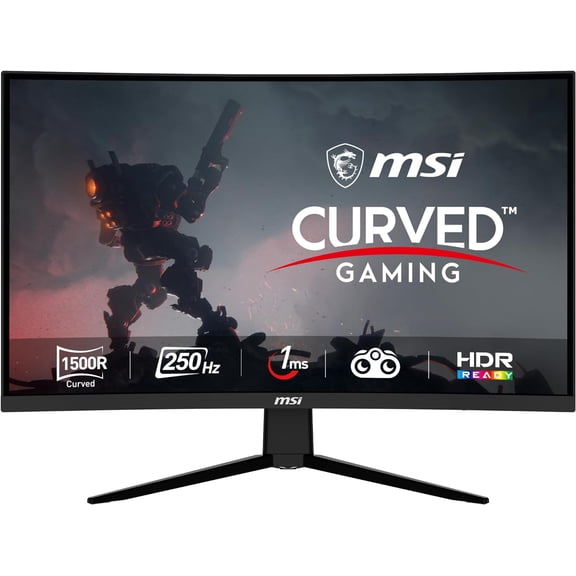
MSI G32C4X 31.5" 16:9 Full HD 250Hz Curved VA LCD HDR Gaming Monitor
MSI MAG MAG 274CF X24 27" Class Full HD Curved Screen Gaming LCD Monitor - 16:9 - Metallic Black - 27" Viewable - Rapid Vertical Alignment (VA) - 1920 x 1080 - 1.07 Billion Colors - FreeSync Premiu... $119.99
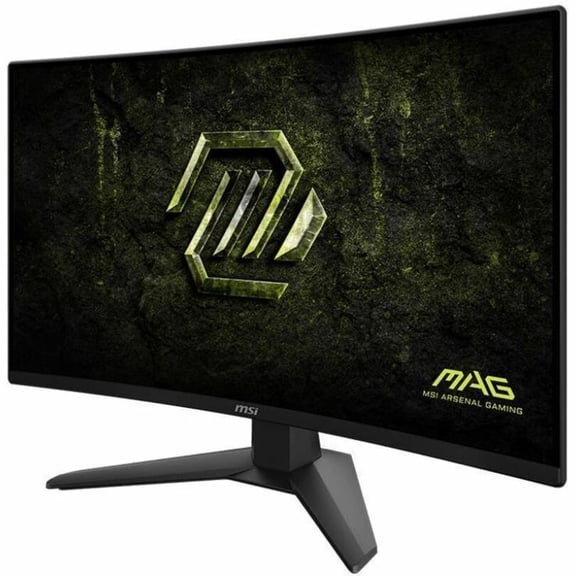
MSI MAG MAG 274CF X24 27" Class Full HD Curved Screen Gaming LCD Monitor - 16:9 - Metallic Black - 27" Viewable - Rapid Vertical Alignment (VA) - 1920 x 1080 - 1.07 Billion Colors - FreeSync Premiu...
MSI MAG 274CQF 27 inch Curved 2K resolution Gaming Display monitor 180Hz (mag274cqf) $139.99 Was $169.99
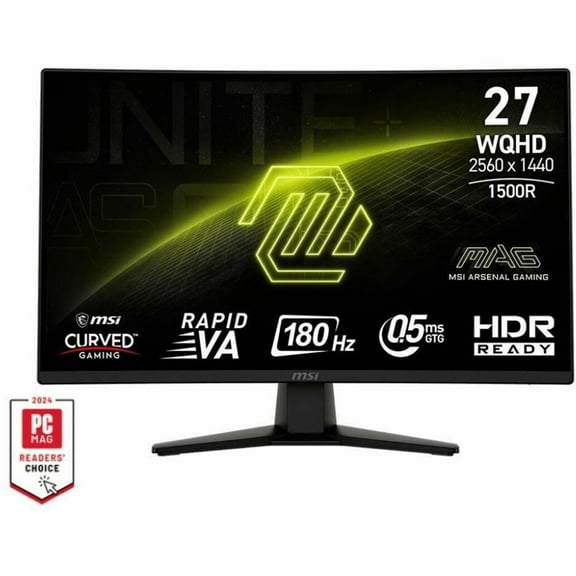
MSI MAG 274CQF 27 inch Curved 2K resolution Gaming Display monitor 180Hz (mag274cqf)
Best seller, MSI PRO MP225 E12VL 21.45" FHD Flat EyesErgo Monitor, Black, 120Hz, 16:9, VA, 300 nits, MSI Eye-Q Check $64.99

MSI PRO MP225 E12VL 21.45" FHD Flat EyesErgo Monitor, Black, 120Hz, 16:9, VA, 300 nits, MSI Eye-Q Check
MSI MPG 322URX QD-OLED UHD 240Hz 32 inch Gaming Monitor - Quantum Dot - Adaptive Sync - True Black HDR 400 - Anti-glare Narrow Bezel Screen - .03 GTG Response Time - HDMI 2.1 - DisplayPort 2.1 - US... $899.99 Was $1,199.99
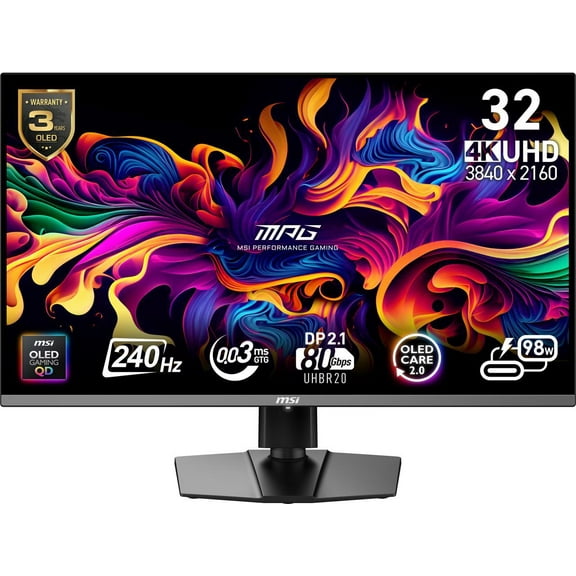
MSI MPG 322URX QD-OLED UHD 240Hz 32 inch Gaming Monitor - Quantum Dot - Adaptive Sync - True Black HDR 400 - Anti-glare Narrow Bezel Screen - .03 GTG Response Time - HDMI 2.1 - DisplayPort 2.1 - US...
msi MAG 275QPF X30 27" Gaming Monitor, 2K 2560x1440 WQHD, 300Hz, 16:9, Anti-Glare, 1000:1, 0.5ms, HDR 400, Rapid IPS, Adaptive Sync, 2X HDMI 2.1, 1x DP 1.4a $279.06
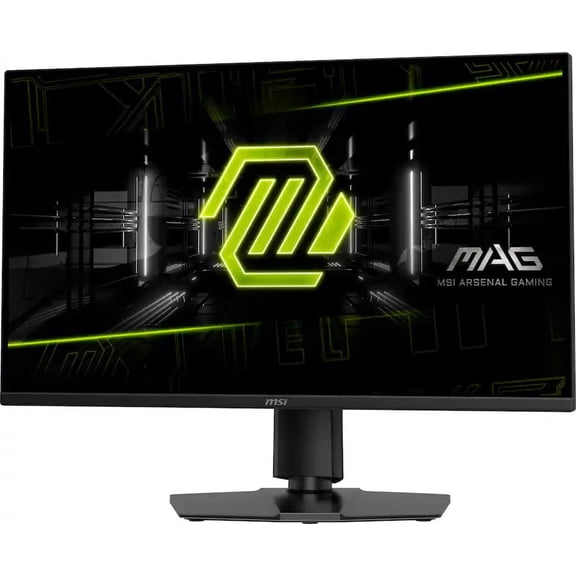
msi MAG 275QPF X30 27" Gaming Monitor, 2K 2560x1440 WQHD, 300Hz, 16:9, Anti-Glare, 1000:1, 0.5ms, HDR 400, Rapid IPS, Adaptive Sync, 2X HDMI 2.1, 1x DP 1.4a
Rollback, MSI 27" FHD (1920 x 1080) HDMI DP 200Hz 0.5ms AMD FreeSync Premium Pro Rapid IPS Gaming Monitor - MAG 272FB E20 $99.00 Was $119.99
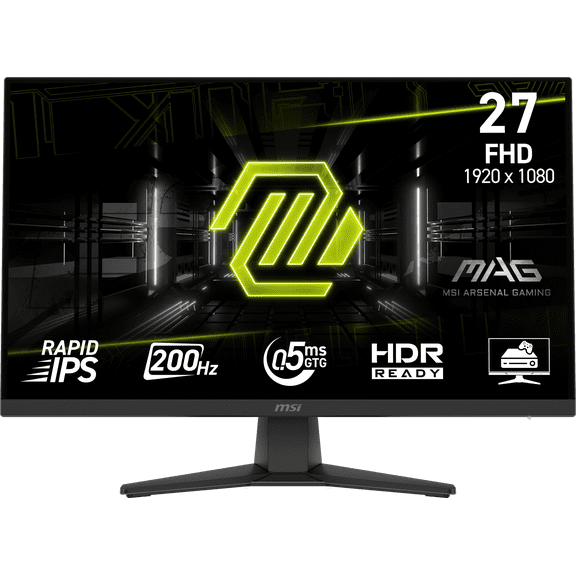
MSI 27" FHD (1920 x 1080) HDMI DP 200Hz 0.5ms AMD FreeSync Premium Pro Rapid IPS Gaming Monitor - MAG 272FB E20
MSI MAG 274QF E20 27" WQHD (2560 x 1440) Flat Gaming Monitor, 200Hz, 0.5ms, 300 nits, Rapid IPS, VESA DisplayHDR 400 $160.98

MSI MAG 274QF E20 27" WQHD (2560 x 1440) Flat Gaming Monitor, 200Hz, 0.5ms, 300 nits, Rapid IPS, VESA DisplayHDR 400
MSI MAG 275CF X24 27" Class Full HD Curved Screen Gaming LCD Monitor, 16:9 $119.99

MSI MAG 275CF X24 27" Class Full HD Curved Screen Gaming LCD Monitor, 16:9
MSI PRO MAX 271QPX14G 27" WQHD (2560 x 1440) Flat QD-OLED EyesErgo Monitor, Black, 144Hz, 16:9, OD-OLED, 0.03ms, 400 nits (HDR), Uniform Luminance, Built-in Two Speakers $319.99

MSI PRO MAX 271QPX14G 27" WQHD (2560 x 1440) Flat QD-OLED EyesErgo Monitor, Black, 144Hz, 16:9, OD-OLED, 0.03ms, 400 nits (HDR), Uniform Luminance, Built-in Two Speakers
MSI Optix G32C4W 32 inch Curved 1920x1080 HDMI DP 165Hz 1ms FreeSync LCD Gaming Monitor $129.99
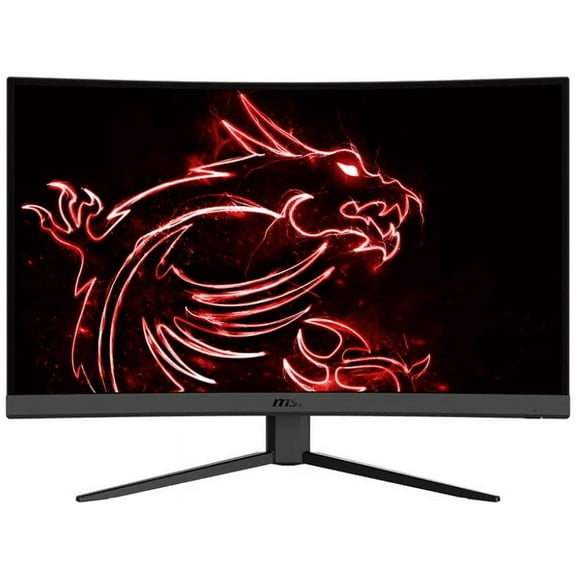
MSI Optix G32C4W 32 inch Curved 1920x1080 HDMI DP 165Hz 1ms FreeSync LCD Gaming Monitor
MSI MAG 27C6F 27" 16:9 Full HD 180Hz Curved VA LED HDR Gaming Monitor, Metallic Black $99.99 Was $119.99
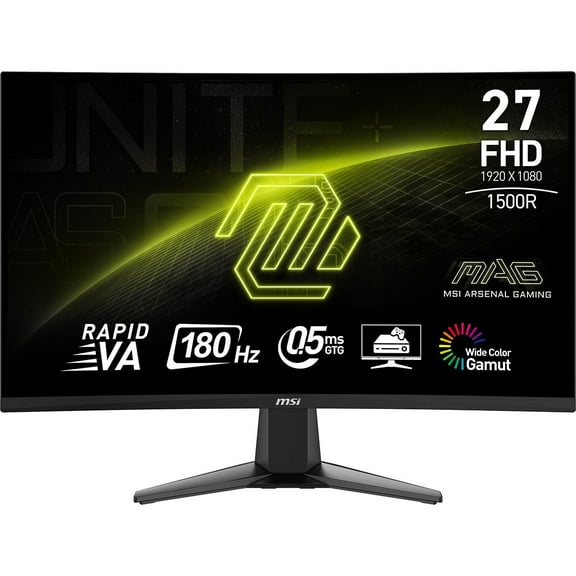
MSI MAG 27C6F 27" 16:9 Full HD 180Hz Curved VA LED HDR Gaming Monitor, Metallic Black
Rollback, MSI 32" UHD (3840x2160) HDMI DP 165Hz 0.03ms Freesync Premium Pro QD-OLED Gaming Monitor - MAG 321UPXW QD-OLED From $589.99
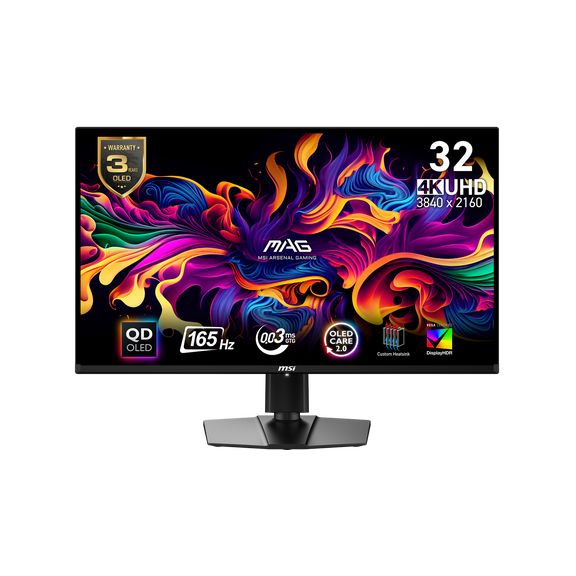
MSI 32" UHD (3840x2160) HDMI DP 165Hz 0.03ms Freesync Premium Pro QD-OLED Gaming Monitor - MAG 321UPXW QD-OLED
MSI PRO MP241W E14V 23.8" FHD Flat EyesErgo Monitor, White, 144Hz, VA, HDR Ready, MSI Power Link Support $84.99 Was $135.02

MSI PRO MP241W E14V 23.8" FHD Flat EyesErgo Monitor, White, 144Hz, VA, HDR Ready, MSI Power Link Support
MSI 32" 250Hz (OC) VA FHD Gaming Monitor 81% Adobe RGB / 78% DCI-P3 /101% sRGB MAG 32C6X $159.99 Was $189.99
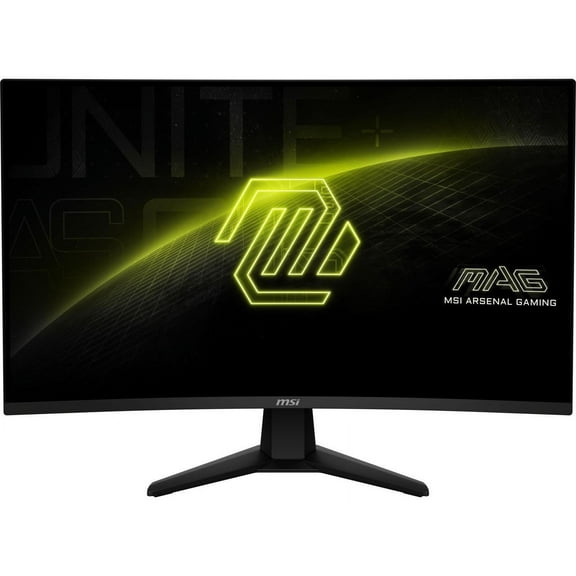
MSI 32" 250Hz (OC) VA FHD Gaming Monitor 81% Adobe RGB / 78% DCI-P3 /101% sRGB MAG 32C6X
MSI Surfaces MSI 0.8 In. Wall Paneling1 - Pack of 6 $997.25

MSI Surfaces MSI 0.8 In. Wall Paneling1 - Pack of 6
Compatible With K1N-3040166-H39 Replacement for K1N-3040166-H39 MSI LCD Display Cable PRESTIGE15083
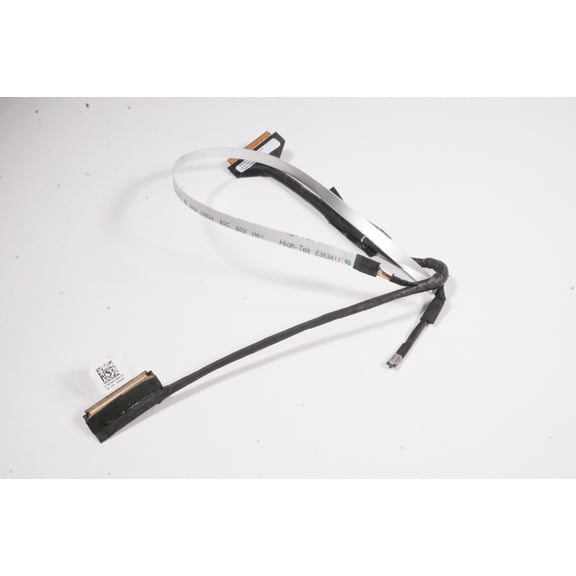
Compatible With K1N-3040166-H39 Replacement for K1N-3040166-H39 MSI LCD Display Cable PRESTIGE15083
FAQ
How do I check screen compatibility for my laptop?
A quick compatibility check can save time and returns. Try this:
- Match the size: Confirm the diagonal (e.g., 15.6" or 17.3").
- Confirm resolution and panel type: Look for Full HD (1920×1080) and note IPS versus other panels.
- Check the connector: Identify if your current screen uses a 30‑pin or 40‑pin eDP connector and where it’s located.
- Note refresh rate: Stay with the original (60 Hz, 120 Hz, 144 Hz, 300 Hz) unless you’ve verified support.
- Compare mounting tabs: Brackets and screw points should align.
- Use your current panel’s part number: When safe, read the label on the back of the old screen or consult your device manual.
When in doubt, review the item page specs and message the seller for confirmation.
What’s the difference between 30‑pin and 40‑pin screens?
These refer to the display cable’s eDP connector. Knowing which you have helps avoid misfits:
- Connector size: 30‑pin and 40‑pin use different plugs and aren’t cross‑compatible.
- Typical use: 30‑pin is common for many Full HD 60 Hz panels, while 40‑pin often supports higher refresh rates or additional features. This can vary by model.
- How to check: Inspect the label on your current panel, consult your device manual, or carefully count/identify the connector on the existing cable.
- Cable and board support matter: Even if a screen physically fits, the system and cable must support that connector and spec.
Avoid forcing connectors. If you’re unsure, verify the connector type in the item details before ordering.
How do I choose the right refresh rate?
Refresh rate affects motion smoothness and compatibility. Consider:
- Match what you have: Sticking to the original rate (e.g., 60/120/144/300 Hz) tends to be the most straightforward path.
- System support: Higher rates may require a 40‑pin connector, a specific cable, and firmware support. Not every device can drive 144 Hz or 300 Hz panels.
- Your use: Fast‑action gaming benefits from higher Hz, while everyday use may prioritize consistent brightness and color (panel quality can vary by listing).
- Check specs: Compare the item description with your current panel’s part number and your device manual.
Upgrading can be possible, but support differs by model. When unsure, confirm with the seller using your exact model info.
Any tips for safely installing a replacement screen?
Careful handling can reduce the chance of damage. Helpful tips:
- Power down fully: Unplug, disconnect the battery if possible, and discharge by pressing the power button briefly.
- Protect against static: Use an ESD strap or work on a non‑static surface.
- Go slow with the bezel: Use plastic tools; avoid metal prying that can crack clips.
- Handle the panel by the edges: Don’t press on the glass or twist the frame.
- Mind the ribbon cable: Seat the eDP connector straight and lock it; don’t tug on the cable.
- Test before closing: Power on to check image, brightness, and backlight, then reassemble.
If you’re not comfortable, a professional repair service can help reduce risk.
My new panel looks dim—how can I troubleshoot it?
A dim image can have several causes. You can try:
- Check brightness controls: Use the keyboard brightness keys and operating system settings; disable auto‑dimming features.
- Reseat the cable: Power down, then carefully verify the eDP connector is fully inserted and latched.
- Compare specifications: Ensure the replacement matches your original resolution, connector type (30‑pin/40‑pin), and intended refresh rate.
- Test with minimal reassembly: Before sealing the bezel, confirm the backlight and image are stable.
- Inspect for damage: Look for kinks or tears in the cable and avoid flexing the panel.
If the issue persists, review the item page for support options and contact the seller through your order to discuss troubleshooting or a return, as appropriate.
Popular in MSI Replacement Screens for Electronics
Related Products
Acer Nitro KG251Q Z1biip 24.5" Gaming Full HD (1920 x 1080) Gaming Monitor with AMD FreeSync PremiumTechnology, Up to 280Hz Refresh Rate, 1ms (VRB), HDR 10, VESA mounting compliant (100 x 100mm) (1 x
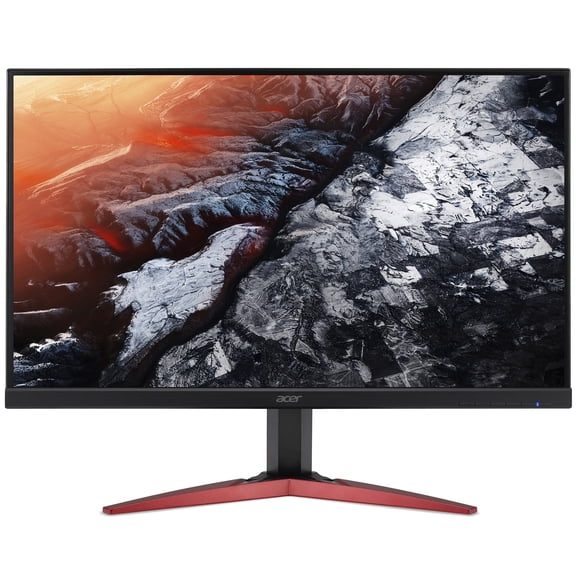 Acer Nitro KG251Q Z1biip 24.5" Gaming Full HD (1920 x 1080) Gaming Monitor with AMD FreeSync PremiumTechnology, Up to 280Hz Refresh Rate, 1ms (VRB), HDR 10, VESA mounting compliant (100 x 100mm) (1 x$129.99current price $129.99
Acer ED0 31.5\" 1920 x 1080 LCD Bluelight Shield, ComfyView Gaming Monitor, Black, ED320QR S
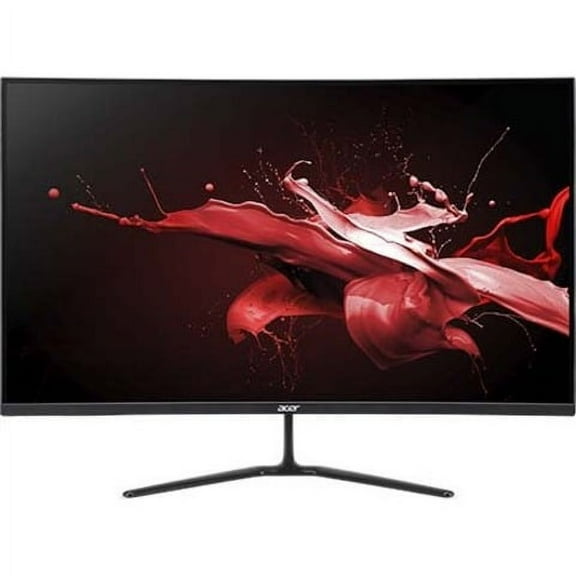 Acer ED0 31.5\" 1920 x 1080 LCD Bluelight Shield, ComfyView Gaming Monitor, Black, ED320QR S$259.99current price $259.99
Acer 31.5" FHD 1ms 75Hz Widescreen IPS Monitor - 31.5" Viewable Display - 300 Nits - 1920 x 1080 Resoultion - AMD FreeSync Technology - 75 Hz Refresh Rate
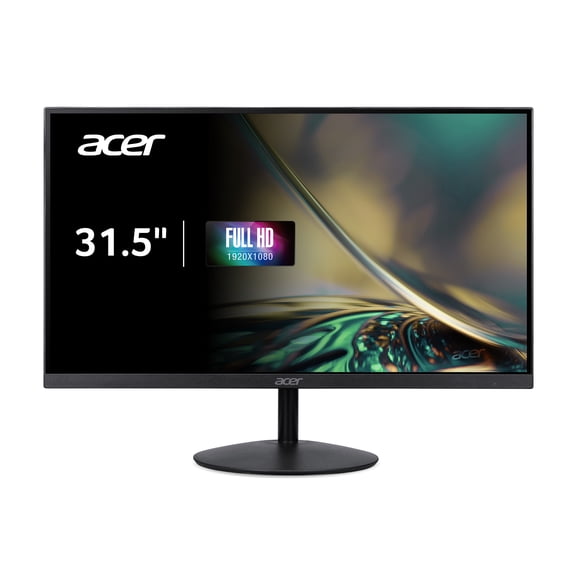 Acer 31.5" FHD 1ms 75Hz Widescreen IPS Monitor - 31.5" Viewable Display - 300 Nits - 1920 x 1080 Resoultion - AMD FreeSync Technology - 75 Hz Refresh Rate$125.99current price $125.99
Acer XF243Y X1bmiiprx - 24" Nitro XF3 LCD Gaming Monitor in Black - UM.QX1AA.103
 Acer XF243Y X1bmiiprx - 24" Nitro XF3 LCD Gaming Monitor in Black - UM.QX1AA.103$148.01current price $148.01
MSI PRO MP251W E2 24.5-inch IPS 1920 x 1080 (FHD) Gaming Office Monitor, 120Hz, Adaptive Sync, HDR Ready, HDMI, VGA Port, Display Port,VESA Mountable, Tilt, Speaker, 4-side slim bezel ,1ms, White
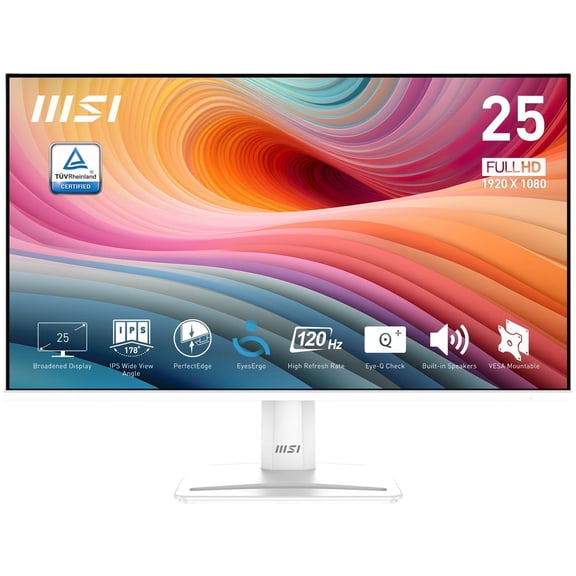 MSI PRO MP251W E2 24.5-inch IPS 1920 x 1080 (FHD) Gaming Office Monitor, 120Hz, Adaptive Sync, HDR Ready, HDMI, VGA Port, Display Port,VESA Mountable, Tilt, Speaker, 4-side slim bezel ,1ms, White$120.99current price $120.99
Acer UM.HX1AA.301 Mntr Acer 27" Wqhd 2k 180hz Ips Xv271u M3bmiiprx
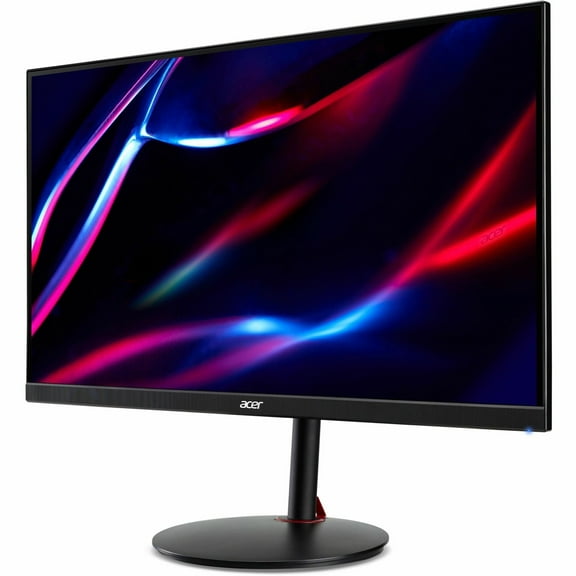 Acer UM.HX1AA.301 Mntr Acer 27" Wqhd 2k 180hz Ips Xv271u M3bmiiprx$153.00current price $153.00
Acer UM.HX3AA.104 Mntr Acer Predator 27" Wqhd 2k 200hz Ips Xb273u X1bmiiprx
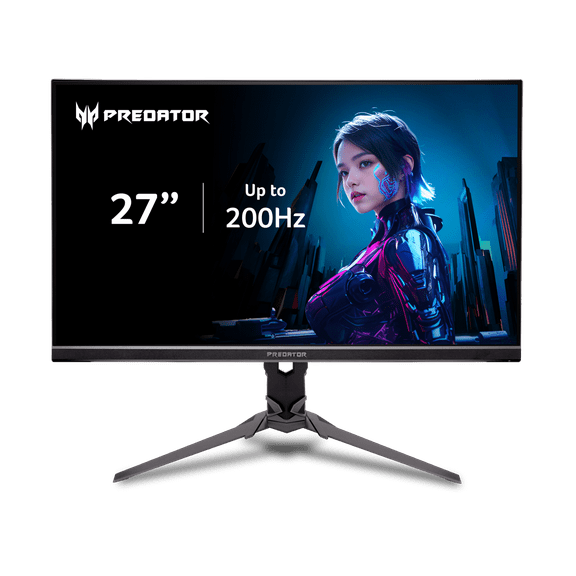 Acer UM.HX3AA.104 Mntr Acer Predator 27" Wqhd 2k 200hz Ips Xb273u X1bmiiprx$200.98current price $200.98
Cooler Master 27\" 1920 x 1080 LCD VESA DisplayHDR 400, NVIDIA G-SYNC Curved Gaming Monitor, GM27-CFX
 Cooler Master 27\" 1920 x 1080 LCD VESA DisplayHDR 400, NVIDIA G-SYNC Curved Gaming Monitor, GM27-CFX$282.27current price $282.27