

Microsoft USB Wireless Mice(17)
Microsoft Arc Mouse (Black) - BlueTrack - Wireless - 32.81 ft - Bluetooth - 2.40 GHz - Black - 1800 dpi - Scroll Plane - 2 Button(s) - 1 Programmable Button(s) - Symmetrical - 2 x AA Battery Supported $80.99
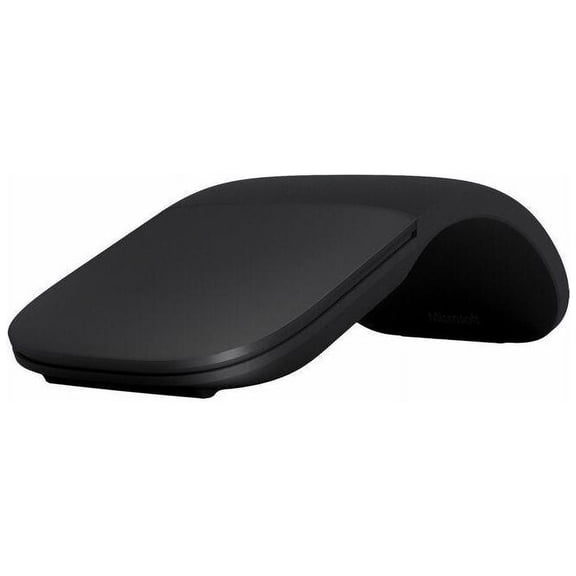
Microsoft Arc Mouse (Black) - BlueTrack - Wireless - 32.81 ft - Bluetooth - 2.40 GHz - Black - 1800 dpi - Scroll Plane - 2 Button(s) - 1 Programmable Button(s) - Symmetrical - 2 x AA Battery Supported
Microsoft - Surface Arc Bluetooth BlueTrack Ambidextrous Mouse - Wireless - Ocean Blue From $79.99


Microsoft - Surface Arc Bluetooth BlueTrack Ambidextrous Mouse - Wireless - Ocean Blue
Microsoft Surface Arc Mouse, Light Grey
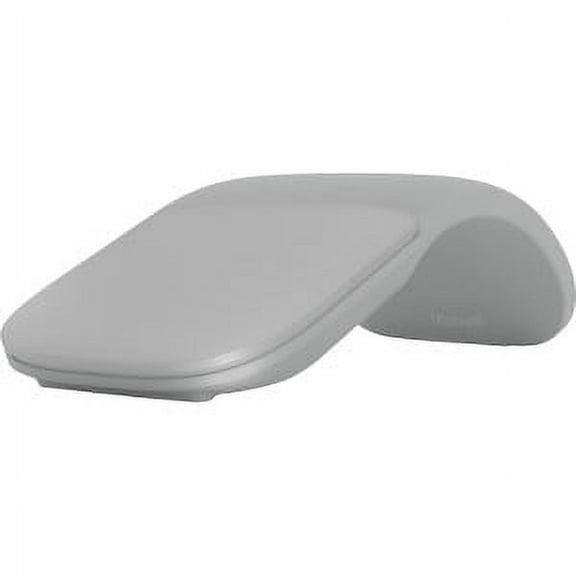
Microsoft Surface Arc Mouse, Light Grey
New, Microsoft Surface Mouse Black - Wireless - Bluetooth Connectivity - Ambidextrous Mouse with BlueTrack and Haptics $76.99
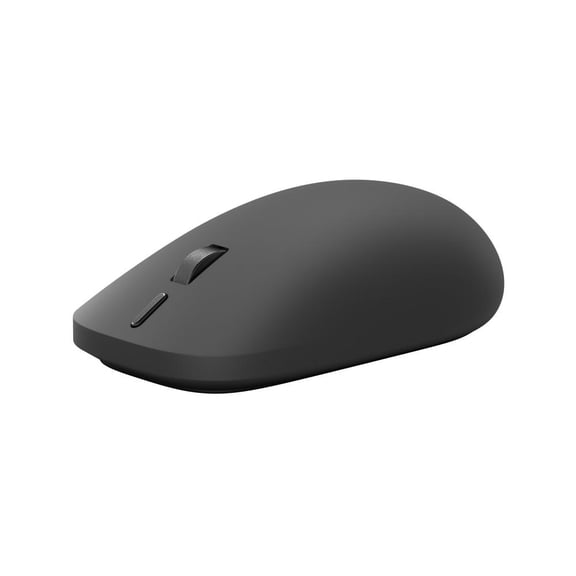
Microsoft Surface Mouse Black - Wireless - Bluetooth Connectivity - Ambidextrous Mouse with BlueTrack and Haptics
Wireless Mouse,2.4GHz Foldable Folding Arc Optical Mouse with Fast Scrolling for Microsoft Laptop Notebook Computer Mice-Red From $12.05


Wireless Mouse,2.4GHz Foldable Folding Arc Optical Mouse with Fast Scrolling for Microsoft Laptop Notebook Computer Mice-Red
Microsoft Mobile Mouse 1850 - mouse - 2.4 GHz - wool blue
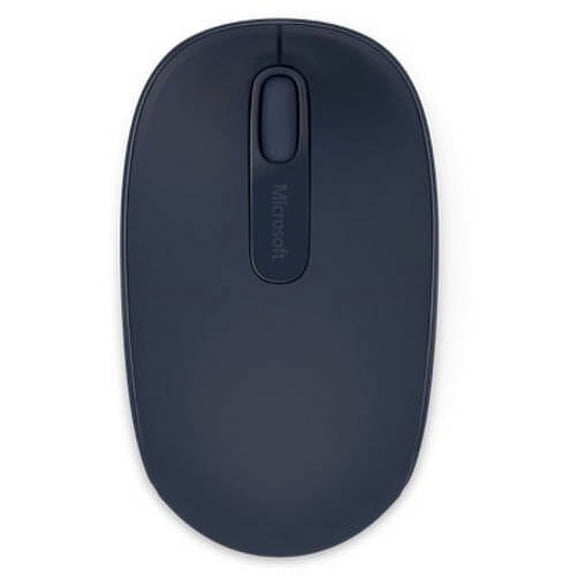


Microsoft Mobile Mouse 1850 - mouse - 2.4 GHz - wool blue
Pre-Owned Wireless Optical Mouse $59.99

Pre-Owned Wireless Optical Mouse
New, Microsoft Surface Mouse Platinum - Wireless - Bluetooth Connectivity - Ambidextrous Mouse with BlueTrack and Haptics $79.99
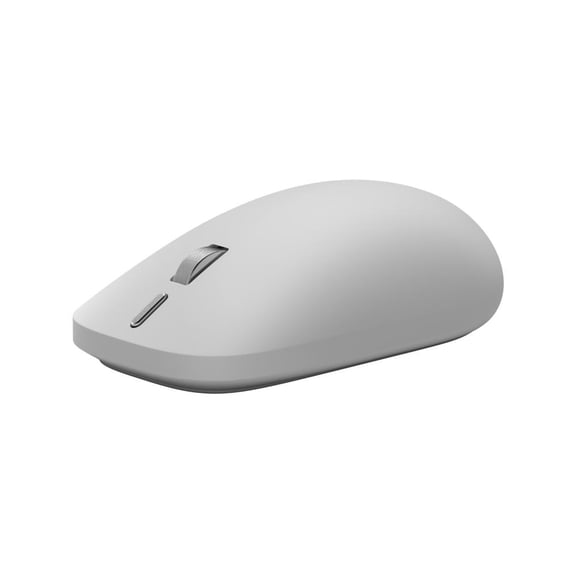
Microsoft Surface Mouse Platinum - Wireless - Bluetooth Connectivity - Ambidextrous Mouse with BlueTrack and Haptics
Microsoft Surface Arc Touch Mouse Platinum 2 Pack $159.99
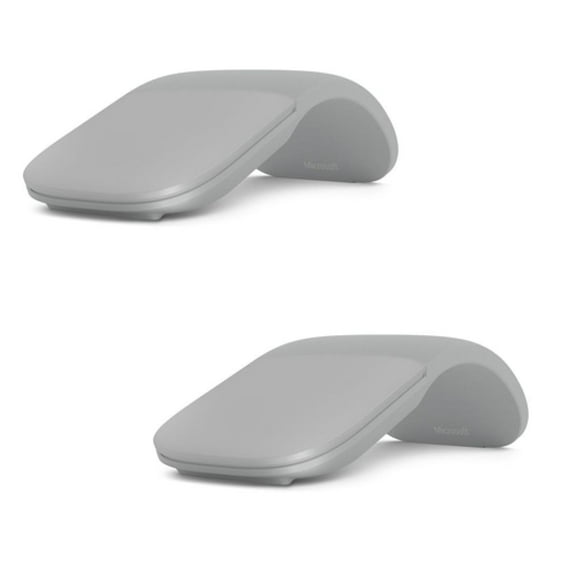
Microsoft Surface Arc Touch Mouse Platinum 2 Pack
Pre-Owned Microsoft Wireless Optical Mouse Blue $39.99

Pre-Owned Microsoft Wireless Optical Mouse Blue
Microsoft Surface Mouse 2nd Edition Wireless Bluetooth Mouse Black EP279479 $86.74

Microsoft Surface Mouse 2nd Edition Wireless Bluetooth Mouse Black EP279479
Pre-Owned Microsoft Wireless Notebook Optical Mouse $29.99

Pre-Owned Microsoft Wireless Notebook Optical Mouse
Microsoft Surface 2152 Mouse EP279481 $86.74
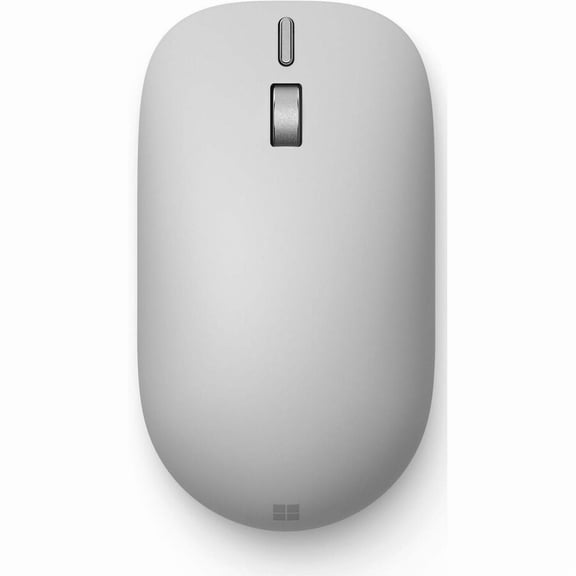
Microsoft Surface 2152 Mouse EP279481
Pre-Owned Microsoft Wireless Laser Mouse 8000 $79.99

Pre-Owned Microsoft Wireless Laser Mouse 8000
Pre-Owned Microsoft Wireless Intellimouse Explorer $69.99

Pre-Owned Microsoft Wireless Intellimouse Explorer
Pre-Owned Microsoft Wireless Laser Mouse 6000 v2.0 $69.99

Pre-Owned Microsoft Wireless Laser Mouse 6000 v2.0
Pre-Owned Microsoft Natural Wireless Laser Mouse 6000 $129.99

Pre-Owned Microsoft Natural Wireless Laser Mouse 6000
Other options to consider(12)
WITC Office 2021 Professional Plus | 64-Bit USB Edition $99.95

WITC Office 2021 Professional Plus | 64-Bit USB Edition
Microsoft Wireless Comfort Desktop 5000 Keyboard and Mouse Set, Black, CSD-00001 (Sold without manufacturer warranty) $299.95
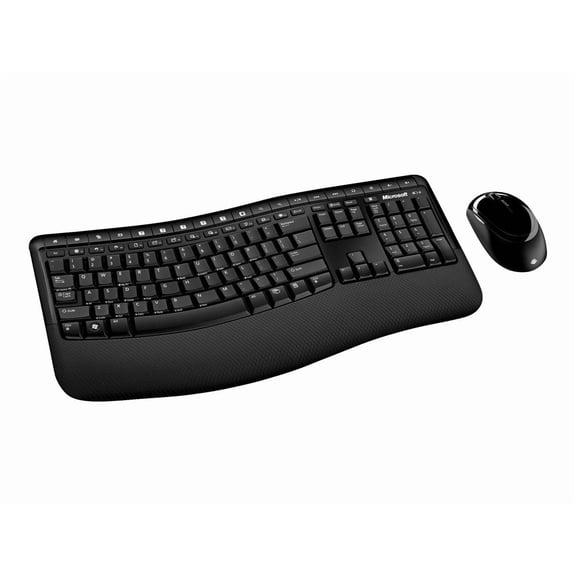
Microsoft Wireless Comfort Desktop 5000 Keyboard and Mouse Set, Black, CSD-00001 (Sold without manufacturer warranty)
Microsoft Designer Compact Keyboard - Matte Black. Standalone Wireless Bluetooth Keyboard. Compatible with Bluetooth Enabled PCs/Mac $34.99 $7.00/ea

Microsoft Designer Compact Keyboard - Matte Black. Standalone Wireless Bluetooth Keyboard. Compatible with Bluetooth Enabled PCs/Mac
Microsoft Surface USB4 Dock for Business - Black EP2-19863 $179.99

Microsoft Surface USB4 Dock for Business - Black EP2-19863
Microsoft J61-00001 SURFACE ADPTV MOUSE TAIL THUMB SUPP COM BLACK $35.98

Microsoft J61-00001 SURFACE ADPTV MOUSE TAIL THUMB SUPP COM BLACK
Pre-Owned Microsoft Trackball Explorer $139.99

Pre-Owned Microsoft Trackball Explorer
Restored Microsoft Wired Desktop 600 for Business (Refurbished) $54.99

Restored Microsoft Wired Desktop 600 for Business (Refurbished)
Microsoft Surface Pen Poppy Red - Tilt the tip to shade your drawings - Writes like pen on paper - Sketch, shade, and paint with artistic precision - Ink flows out in real time with no lag or laten...


Microsoft Surface Pen Poppy Red - Tilt the tip to shade your drawings - Writes like pen on paper - Sketch, shade, and paint with artistic precision - Ink flows out in real time with no lag or laten...
Microsoft Surface Pro Copilot+ PC + Surface Pro 12" Keyboard + Arc Mouse $1,499.99

Microsoft Surface Pro Copilot+ PC + Surface Pro 12" Keyboard + Arc Mouse
Microsoft Surface Pro Keyboard with Slim Pen for Business, Platinum $270.68
Microsoft Surface Pro Keyboard with Slim Pen for Business, Platinum
Microsoft USB-C Travel Hub - for Notebook, Desktop PC - Charging Capability - USB Type C - 4K - 3840 x 2160 - 2 x USB Ports - 1 x USB Type-A Ports - USB Type-A - 1 x USB Type-C Ports - USB Type-C -... $99.99

Microsoft USB-C Travel Hub - for Notebook, Desktop PC - Charging Capability - USB Type C - 4K - 3840 x 2160 - 2 x USB Ports - 1 x USB Type-A Ports - USB Type-A - 1 x USB Type-C Ports - USB Type-C -...
Microsoft GUW00001 Surface Wireless Noise Cancelling Headphones - Light Gray $349.99 $349.99/in

Microsoft GUW00001 Surface Wireless Noise Cancelling Headphones - Light Gray
FAQ
How do I connect a Microsoft wireless mouse?
Connecting a Microsoft wireless mouse is pretty straightforward. Most models use either Bluetooth or a USB receiver. For Bluetooth mice, turn on the mouse and activate Bluetooth on your device, then look for the mouse in your device's Bluetooth settings and pair it. If your mouse uses a USB receiver, just plug the receiver into a USB port and turn on the mouse. It should automatically connect. Be sure to check your device's compatibility and follow any instructions included with your mouse for the best experience.
Can I use these mice with a laptop?
Absolutely, Microsoft wireless mice are designed to work with laptops and desktop computers. Most connect via Bluetooth or a USB receiver, so as long as your laptop has Bluetooth or an available USB port, you can use them.
- Bluetooth models offer a cable-free setup.
- USB receiver models are plug-and-play.
How long do the batteries usually last?
Battery life for Microsoft wireless mice can vary based on the model and how often you use it. Many models use AA batteries and can last several months with regular use. Some newer models are designed to be energy efficient, helping extend battery life. To maximize battery performance, turn off the mouse when not in use and use high-quality batteries. Always check the product details for specific battery information before purchasing.
What’s the best way to clean my wireless mouse?
Keeping your wireless mouse clean helps it work smoothly.
- Turn off the mouse and remove batteries if possible.
- Use a soft, slightly damp cloth to wipe the surface.
- For stubborn spots, use a mild soap solution, but avoid getting moisture inside the mouse.
- Clean the scroll plane and buttons gently.
Are these mice good for both left and right-handed users?
Many Microsoft wireless mice feature a symmetrical or ambidextrous design, making them comfortable for both left and right-handed users. Look for models described as 'ambidextrous' or 'symmetrical' in the product details. Trying out different shapes can help you find the best fit for your hand and grip style. If you have specific ergonomic needs, check the product description for more information before making a choice.
Popular in Microsoft USB Wireless Mice for Easy Connectivity
Related Products
Incase Bluetooth Ergonomic Mouse – Designed by Microsoft – Two Programmable Buttons, Easy to Grip Thumb Rest, Precision Tracking, Connects 3 Devices, 15 Month Battery Life, PCs/Laptops - Pastel Blue
 Incase Bluetooth Ergonomic Mouse – Designed by Microsoft – Two Programmable Buttons, Easy to Grip Thumb Rest, Precision Tracking, Connects 3 Devices, 15 Month Battery Life, PCs/Laptops - Pastel Blue$77.66current price $77.66
TECKNET Bluetooth Mouse, 4000DPI Wireless Mice for Laptop 2-in-1(BT 5.0/3.0+2.4Ghz) Computer Mouse with USB Receiver for Mac (USB-A+Bluetooth, White)
 TECKNET Bluetooth Mouse, 4000DPI Wireless Mice for Laptop 2-in-1(BT 5.0/3.0+2.4Ghz) Computer Mouse with USB Receiver for Mac (USB-A+Bluetooth, White)$11.69current price $11.69
Wireless Mouse, 2.4G Wireless Ergonomic Optical Mouse, Cimetech Slim Silent Mouse with USB Receiver and 3 Adjustable DPI Cordless Computer Mouse for Laptop, Desktop, MacBook ,PC and Home Office-Pink
 Wireless Mouse, 2.4G Wireless Ergonomic Optical Mouse, Cimetech Slim Silent Mouse with USB Receiver and 3 Adjustable DPI Cordless Computer Mouse for Laptop, Desktop, MacBook ,PC and Home Office-Pink$8.61current price $8.61
Rechargeable Wireless Mouse,Bluetooth Mouse(BT5.0/3.0 & 2.4G),Wireless Mouse with USB Receiver,4800 DPI Optical Tracking,6 Adjustable DPI,Ergonomic Grips,6 Buttons
 Rechargeable Wireless Mouse,Bluetooth Mouse(BT5.0/3.0 & 2.4G),Wireless Mouse with USB Receiver,4800 DPI Optical Tracking,6 Adjustable DPI,Ergonomic Grips,6 Buttons$13.99current price $13.99
Bluetooth Rechargeable wireless Mouse for MacBook pro MacBook Air Mac Laptop Chromebook Windows Notebook MacBook HP PC DELL
 Bluetooth Rechargeable wireless Mouse for MacBook pro MacBook Air Mac Laptop Chromebook Windows Notebook MacBook HP PC DELL$11.08current price $11.08
MS LOGITECH WIRELESS | MX ERGO 910-005447 RT
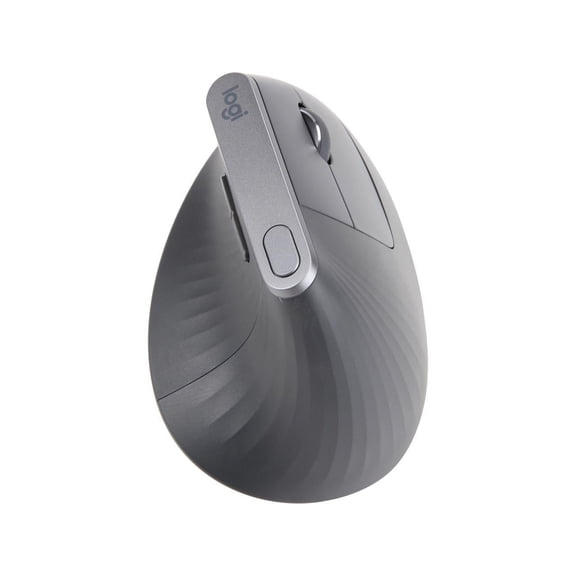 MS LOGITECH WIRELESS | MX ERGO 910-005447 RT$94.99current price $94.99
TECKNET Wireless Mouse, 2.4G Ergonomic Optical Mouse, Computer Mouse for Laptop, PC, Computer, Chromebook, Notebook, 6 Buttons, 24 Months Battery Life, 2600 DPI, 5 Adjustment Levels
 TECKNET Wireless Mouse, 2.4G Ergonomic Optical Mouse, Computer Mouse for Laptop, PC, Computer, Chromebook, Notebook, 6 Buttons, 24 Months Battery Life, 2600 DPI, 5 Adjustment Levels$13.99current price $13.99
TECKNET Wireless Mouse, 2.4G USB Computer Mouse with 6-Level Adjustable 4800 DPI, Silent Quiet Click,30 Months Battery, Ergonomic Grips, 6 Buttons Portable for PC, Chromebook, Mac - Grey
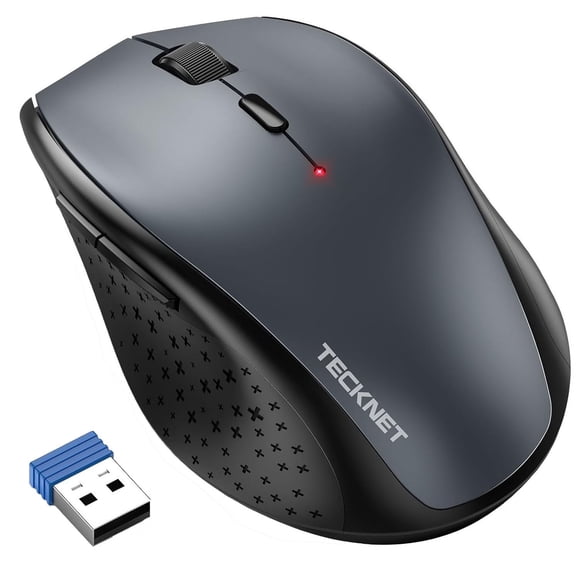 TECKNET Wireless Mouse, 2.4G USB Computer Mouse with 6-Level Adjustable 4800 DPI, Silent Quiet Click,30 Months Battery, Ergonomic Grips, 6 Buttons Portable for PC, Chromebook, Mac - Grey$10.29current price $10.29
Logitech M330 SILENT PLUS Wireless Mouse, 2.4GHz with USB Nano Receiver, 1000 DPI Optical Tracking, 2-year Battery Life, Compatible with PC, Mac, Laptop, Chromebook, Black
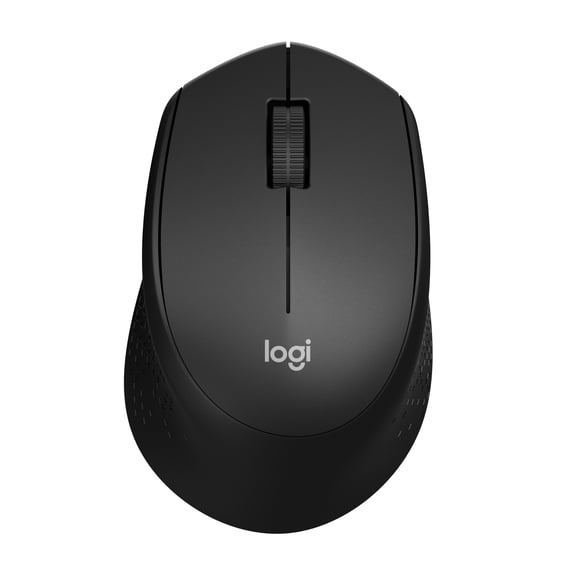 Logitech M330 SILENT PLUS Wireless Mouse, 2.4GHz with USB Nano Receiver, 1000 DPI Optical Tracking, 2-year Battery Life, Compatible with PC, Mac, Laptop, Chromebook, Black$19.50current price $19.50
TECKNET Rechargeable Wireless Mouse, 2.4G Silent Quiet Click, 6 Adjustable 4800 DPI, Cordless Computer Mouse, Ergonomic Mouse for Laptop, 6 Buttons USB for Chromebook, Ergo Grip - Blue
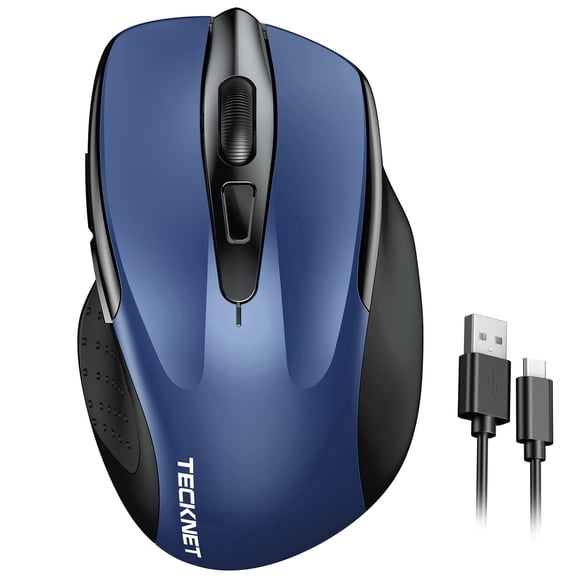 TECKNET Rechargeable Wireless Mouse, 2.4G Silent Quiet Click, 6 Adjustable 4800 DPI, Cordless Computer Mouse, Ergonomic Mouse for Laptop, 6 Buttons USB for Chromebook, Ergo Grip - Blue$13.99current price $13.99
TECKNET Wireless Mouse,Mouse Silent Click,Ergonomic Wireless Mouse,Computer Purple Mouse 6 Buttons,Wide Compatibility
 TECKNET Wireless Mouse,Mouse Silent Click,Ergonomic Wireless Mouse,Computer Purple Mouse 6 Buttons,Wide Compatibility$16.99current price $16.99
AJAZZ NJ07 Wireless Gaming Mouse, Tri-Mode 2.4G/Bluetooth/USB-C Wired, Instec S203 Sensor, 12800 DPI, 1000Hz Polling Rate, 67g Ultra-Lightweight Design, PC/Mac Compatible, White
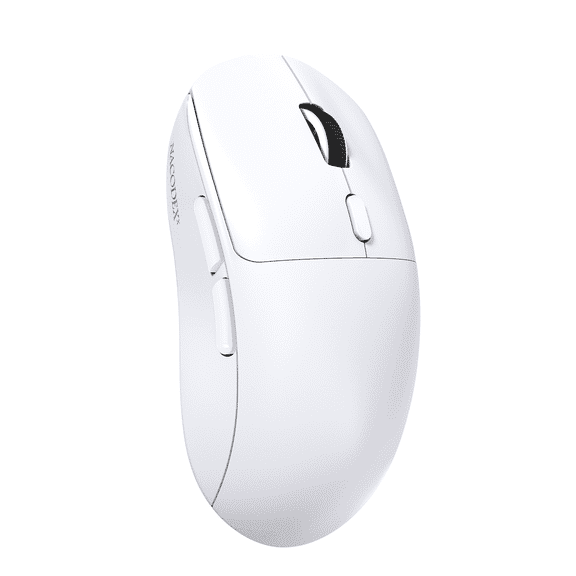 AJAZZ NJ07 Wireless Gaming Mouse, Tri-Mode 2.4G/Bluetooth/USB-C Wired, Instec S203 Sensor, 12800 DPI, 1000Hz Polling Rate, 67g Ultra-Lightweight Design, PC/Mac Compatible, White$17.59current price $17.59
Insten Wireless Mouse, 2.4G Cordless Optical Mouse with Adjustable DPI for Laptop, Computer, Chromebook, Desktop, Mac, Black
 Insten Wireless Mouse, 2.4G Cordless Optical Mouse with Adjustable DPI for Laptop, Computer, Chromebook, Desktop, Mac, Black$7.13current price $7.13
Macally USB C Mouse Wired - Comfortable and Precise - USB Type C Mouse for MacBook Pro/Air, iMac, Mac Mini/Pro, iPad - Plug and Play Apple USBC Mouse with Ambidextrous Body, Multiple DPI
 Macally USB C Mouse Wired - Comfortable and Precise - USB Type C Mouse for MacBook Pro/Air, iMac, Mac Mini/Pro, iPad - Plug and Play Apple USBC Mouse with Ambidextrous Body, Multiple DPI$19.99current price $19.99
TECKNET Wireless Mouse for Laptop, 2.4G Quiet Computer Mouse with USB Receiver, 4 Buttons Portable Cordless Mice for Chromebook, Laptop, PC, Mac, 800/1200/1600 DPI-Yellow
 TECKNET Wireless Mouse for Laptop, 2.4G Quiet Computer Mouse with USB Receiver, 4 Buttons Portable Cordless Mice for Chromebook, Laptop, PC, Mac, 800/1200/1600 DPI-Yellow$11.99current price $11.99
Macally Wired USB C Mouse for Mac and PC - Slim, Quiet, and Reliable - Type C Mouse for Macbook Pro/Air, iMac, Apple iPad, Laptop, Computer Desktop with 3 Button, Scroll Wheel, USBC, and 4 DPI Mode
 Macally Wired USB C Mouse for Mac and PC - Slim, Quiet, and Reliable - Type C Mouse for Macbook Pro/Air, iMac, Apple iPad, Laptop, Computer Desktop with 3 Button, Scroll Wheel, USBC, and 4 DPI Mode$19.99current price $19.99