Kay Pro(1)
Kaypro PC New replacement battery $40.19

Kaypro PC New replacement battery
FAQ
How do I know if my battery needs replacing?
If your computer isn't holding a charge like it used to, turns off unexpectedly, or you notice the battery drains quickly, it might be time for a replacement. Signs can include difficulty powering up or needing to stay plugged in constantly.
- Check for warning messages about battery health.
- Monitor how long your device operates unplugged.
If you're unsure, consulting your device's manual or contacting customer support can help you decide.
What should I look for in a replacement battery?
When shopping for a new battery, make sure it's compatible with your device model and matches the original specifications. Look for:
- Voltage and capacity that fit your computer's requirements.
- Reliable quality from trusted retailers.
- Clear warranty information and return policy.
Reading product descriptions carefully can help ensure you get the right fit for your needs.
How do I install a new computer battery safely?
To install a new battery, first power off your device and unplug it. Follow these steps:
- Remove the old battery using your device's instructions.
- Insert the new battery carefully, making sure it fits securely.
- Plug the device back in and charge fully before use.
If you have trouble, check the user manual or reach out to customer support for guidance.
Can I recycle my old laptop battery?
Yes, you can recycle old batteries instead of throwing them in the trash. Many electronics stores and recycling centers accept used batteries:
- Check local recycling programs for drop-off locations.
- Follow any packaging instructions for safe transport.
Proper disposal helps protect the environment and keeps hazardous materials out of landfills.
How long does a replacement battery usually last?
The lifespan of a new battery can vary depending on usage patterns and how well it's maintained. Generally, computer batteries last from one to three years:
- Regular charging and avoiding extreme temperatures can help extend battery life.
- Using your device according to manufacturer guidelines may also make a difference.
Individual results can vary, so monitoring performance over time is a good idea.
Popular in Shop Kay Pro Electronics and Accessories Online
Related Products
Lifetime Tamarack Angler 10 ft Sit-On-Top Fishing Kayak with Paddles, 2 Pack, Tan (90806)
 Lifetime Tamarack Angler 10 ft Sit-On-Top Fishing Kayak with Paddles, 2 Pack, Tan (90806)$1099.99current price $1099.99
Point 65 Sweden 318029 Falcon Mid Piece Kayak with Paddle, Red
 Point 65 Sweden 318029 Falcon Mid Piece Kayak with Paddle, Red$352.44current price $352.44
Lifetime Guster 10 ft. Sit-Inside Kayak, Bahama Fusion (91006)
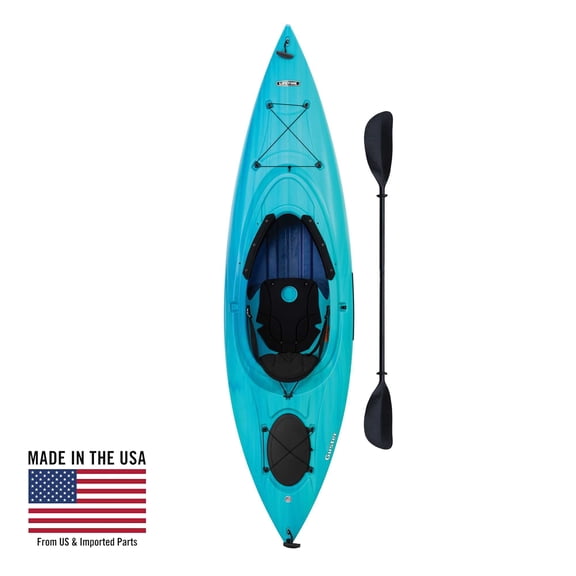 Lifetime Guster 10 ft. Sit-Inside Kayak, Bahama Fusion (91006)$649.99current price $649.99
Lifetime Zenith 10 Ft. Sit-in-Side Kayak, Aurora Fusion (91104)
 Lifetime Zenith 10 Ft. Sit-in-Side Kayak, Aurora Fusion (91104)$454.99current price $454.99
Lifetime Envoy 10.5 ft Sit-On-Top Tandem Kayak with Paddles, Sky Fusion (91192)
 Lifetime Envoy 10.5 ft Sit-On-Top Tandem Kayak with Paddles, Sky Fusion (91192)$749.99current price $749.99
Lifetime Hydros Angler 8 ft 5 in Sit-On-Top Fishing Kayak with Paddle, Lime Green (90785)
 Lifetime Hydros Angler 8 ft 5 in Sit-On-Top Fishing Kayak with Paddle, Lime Green (90785)$549.99current price $549.99
Lifetime 90766 Revel 10 Sit-Inside Kayak Lime Green
 Lifetime 90766 Revel 10 Sit-Inside Kayak Lime Green$519.99current price $519.99
Lifetime Tamarack 10 ft Sit-On-Top Kayak with Paddle, Arctic Fusion, 2 Pack (91144)
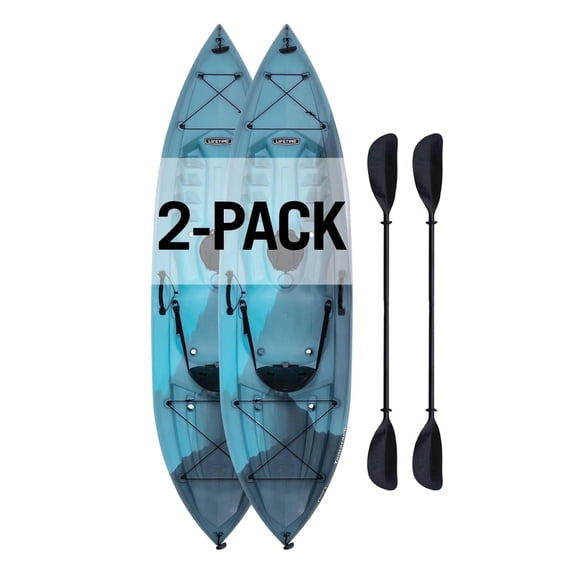 Lifetime Tamarack 10 ft Sit-On-Top Kayak with Paddle, Arctic Fusion, 2 Pack (91144)$1099.99current price $1099.99
Trac C11120 C11120; Paddle Extension-Kayak 24 (Black)
 Trac C11120 C11120; Paddle Extension-Kayak 24 (Black)$29.98current price $29.98
Lifetime Kenai 10 ft 3 in Sit-On-Top Kayak with Paddle, Lightning Fusion (91211)
 Lifetime Kenai 10 ft 3 in Sit-On-Top Kayak with Paddle, Lightning Fusion (91211)$598.00current price $598.00
Lifetime Guster 10 ft Sit-Inside Kayak, Bahama Fusion (91157)
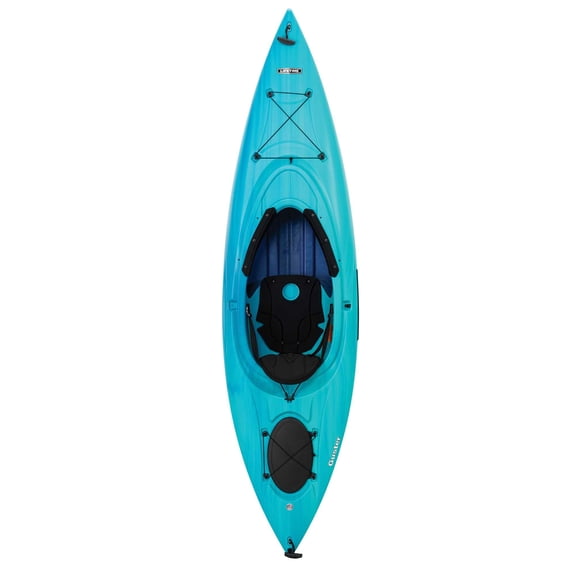 Lifetime Guster 10 ft Sit-Inside Kayak, Bahama Fusion (91157)$499.99current price $499.99