

Humanscale M8(1)
Humanscale M8 Adjustable Articulating Computer Monitor Arm - Two Piece Clamp On Mount with Base - Silver with Gray Trim $349.00

Humanscale M8 Adjustable Articulating Computer Monitor Arm - Two Piece Clamp On Mount with Base - Silver with Gray Trim
Other options to consider(1)
RunStar 8-Electrode Smart Scale for Body Weight and Fat BMI & Muscle Mass, Hidden LED Screen on Handle, APP Sync 28 Metrics, 400lb, Silver $49.99 Was $96.99
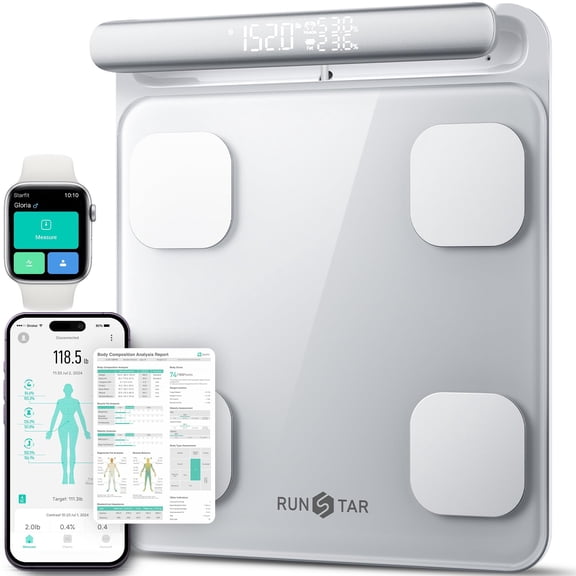
RunStar 8-Electrode Smart Scale for Body Weight and Fat BMI & Muscle Mass, Hidden LED Screen on Handle, APP Sync 28 Metrics, 400lb, Silver
FAQ
How does a monitor arm help my workspace?
A monitor arm can really transform your workspace by making it more comfortable and versatile. Adjustable arms let you position your screen exactly where you need it, which can help reduce eye strain or neck stiffness. Plus, having your monitor lifted frees up valuable desk space for other essentials. With the right setup, you can easily switch between sitting and standing positions or tilt and swivel your screen for collaboration. It's a simple upgrade that helps you stay organized and work more efficiently.
Is a clamp mount easy to install?
- The clamp-on mounting style is designed to be straightforward, so you don't need any special tools or drilling.
- Just slide the clamp over the edge of your desk, tighten it securely, and attach your monitor. Most arms fit desks of various thicknesses, giving you flexibility.
- If you follow the included setup instructions and double-check the fit, installation can be quick—even for first-time users.
- If you ever need assistance, installation guides and video tutorials can usually be found online for extra support.
Can I use a monitor arm with any screen size?
Monitor arms are generally designed to fit a wide range of screen sizes, but it's important to check the weight and size limits for the specific model you're interested in. Most arms are compatible with monitors that use standard mounting patterns like VESA. Be sure to check your monitor's specifications—especially its weight and dimensions—to confirm compatibility. You might need to look for adjustable features if you plan to swap out screens or upgrade your monitor in the future.
How do I keep the monitor arm clean?
- Regularly dust the monitor arm using a soft, dry cloth to prevent buildup.
- If needed, wipe surfaces gently with a damp cloth and mild soap—avoid harsh chemicals, as they may damage finishes.
- For joints and moving parts, check for dust accumulation and lightly clean as needed. Don't use excessive water near any mechanical sections.
- Keep the area around your desk tidy to prevent dirt or spills from affecting the arm or its base.
Where can I find replacement parts for my monitor arm?
If you need replacement parts, start by checking the product packaging or manual for details about compatible accessories. Many brands list replacement part options online, so it's a good move to visit the manufacturer's website or reach out to their customer support. You can also contact Walmart's customer service to see if replacement parts are available through the store. Having your product model number handy can speed up the process and help you find the correct pieces for your monitor arm.
Popular in Humanscale M8 Adjustable Monitor Arms and Scales
Related Products
Xiaomi Mi Smart Scale 2 with MI Fit App
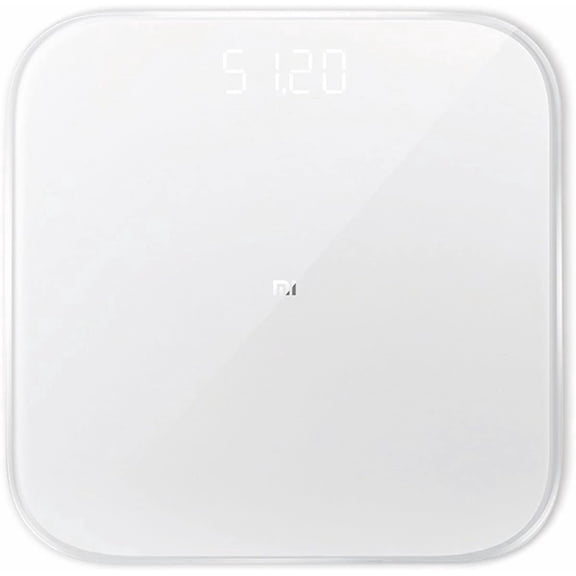 Xiaomi Mi Smart Scale 2 with MI Fit App$49.99current price $49.99
iHome Smart Scale Digital Bathroom Scale for Body Weight and BMI Tracking, White
iHome Smart Scale Digital Bathroom Scale for Body Weight and BMI Tracking, White
Health o meter 402KL Physician Scale w/ Height Rod & Counterweights
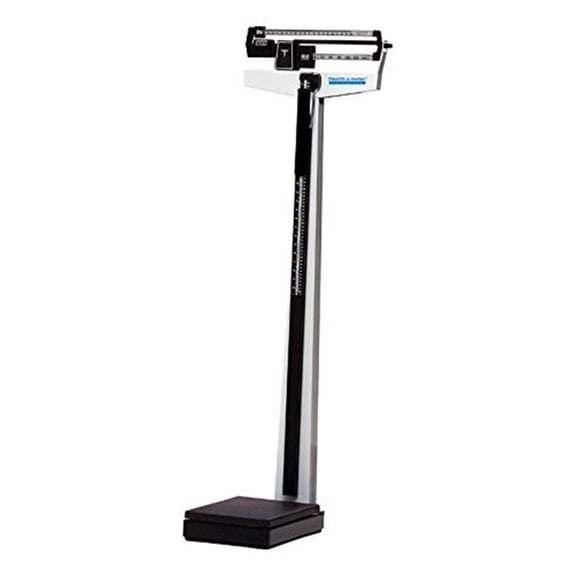 Health o meter 402KL Physician Scale w/ Height Rod & Counterweights$224.00current price $224.00
Health O Meter Floor Scale Dial 270 lbs. Black / White Mechanical, 100LB - CASE OF 3
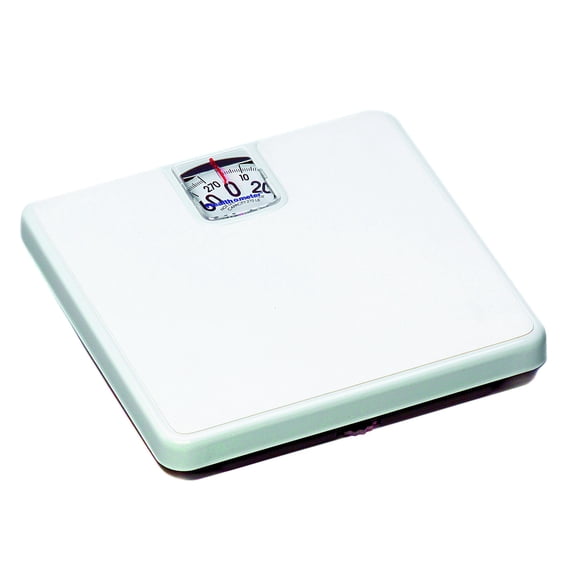 Health O Meter Floor Scale Dial 270 lbs. Black / White Mechanical, 100LB - CASE OF 3$26.96current price $26.96
GE Smart Body Fat Scale Bluetooth - LCD, Measures Weight, BMI, 13 Metrics, Rechargeable
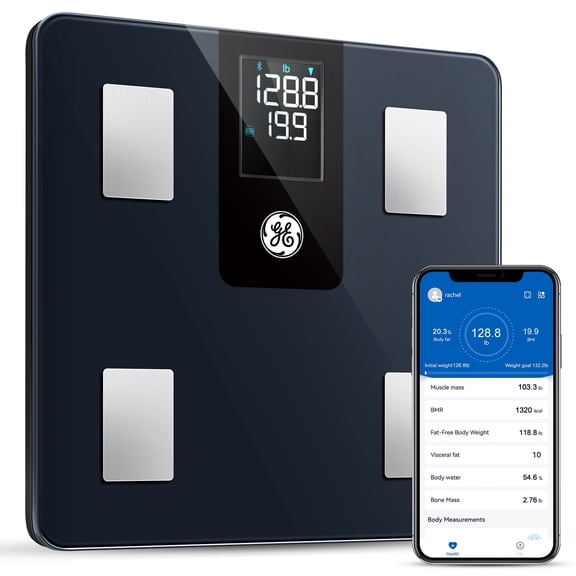 GE Smart Body Fat Scale Bluetooth - LCD, Measures Weight, BMI, 13 Metrics, Rechargeable$24.99current price $24.99
Health O Meter Physician Digital Bathroom Scale
 Health O Meter Physician Digital Bathroom Scale$424.00current price $424.00
Taylor 12.2 x 12.2 inch Digital Talking Scales Clear Glass Black
 Taylor 12.2 x 12.2 inch Digital Talking Scales Clear Glass Black$22.99current price $22.99
Health o meter Bluetooth Smart Body Composition Scale 440 lb Capacity with BMI Tracking
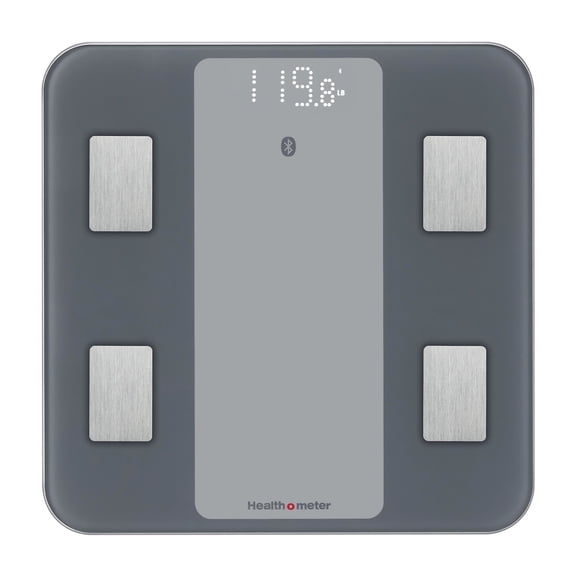 Health o meter Bluetooth Smart Body Composition Scale 440 lb Capacity with BMI Tracking$23.91current price $23.91
Health O Meter Digital Floor Scale 550 lbs. / 250 kg Capacity
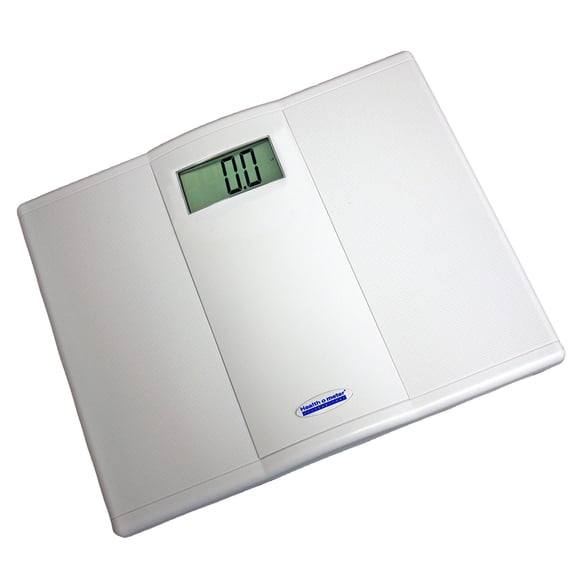 Health O Meter Digital Floor Scale 550 lbs. / 250 kg Capacity$92.04current price $92.04
Health O Meter Dial Floor Scale up to 270 lbs
 Health O Meter Dial Floor Scale up to 270 lbs$22.56current price $22.56
Health O Meter LCD Floor Scale 397 lbs. / 180 kg Capacity
 Health O Meter LCD Floor Scale 397 lbs. / 180 kg Capacity$82.00current price $82.00
Health O Meter Heavy Duty Digital Floor Scale
 Health O Meter Heavy Duty Digital Floor Scale$148.00current price $148.00
INEVIFIT Bathroom Scale, Highly Accurate Digital Bathroom Body Scale, Precisely Measures Weight up to 400 lbs - Black
 INEVIFIT Bathroom Scale, Highly Accurate Digital Bathroom Body Scale, Precisely Measures Weight up to 400 lbs - Black$49.99current price $49.99
Digital Weighing Scale with Body Fat and Water Weight for People, Bluetooth BMI Electronic Body Analyzer Machine, 400
Digital Weighing Scale with Body Fat and Water Weight for People, Bluetooth BMI Electronic Body Analyzer Machine, 400
Heavy Duty Waist High Digital Scale 600lb/272kg Capacity - 1 Each
 Heavy Duty Waist High Digital Scale 600lb/272kg Capacity - 1 Each$585.06current price $585.06
