

Gameboy Emulators(1)
Restored Authentic Nintendo Game Boy Original, Fully Functional Gameboy Classic Grey OEM Tested, Works Great (Refurbished) $144.97
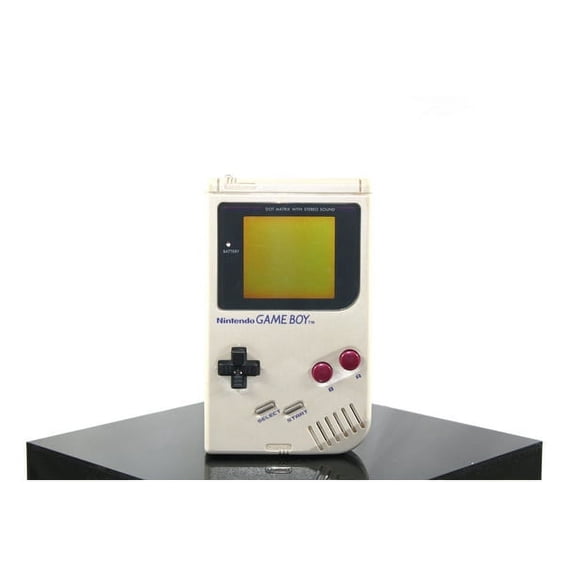
Restored Authentic Nintendo Game Boy Original, Fully Functional Gameboy Classic Grey OEM Tested, Works Great (Refurbished)
Other options to consider(4)
LUXMO USB N64 Controller Classic PC Gamepad Joystick Controller for Windows PC Mac Linux Raspberry pi3 Genesis Higan Retro Pie(Clear Green) $13.99
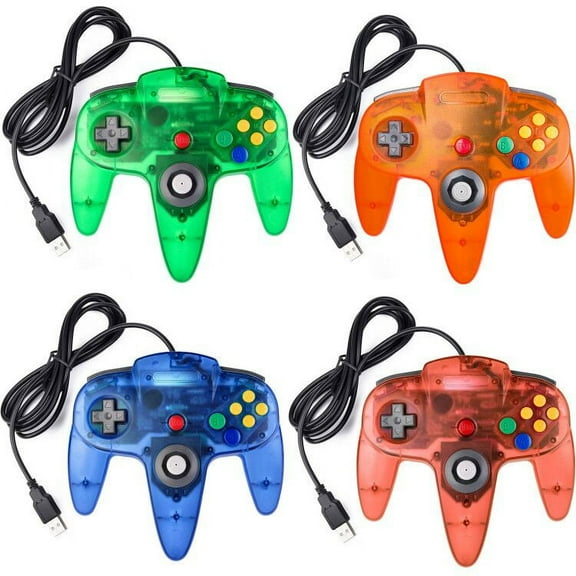
LUXMO USB N64 Controller Classic PC Gamepad Joystick Controller for Windows PC Mac Linux Raspberry pi3 Genesis Higan Retro Pie(Clear Green)
Classic N64 Controller,Gaming USB controller Compatible with N64 Video Game Console Replacement for N64 Emulator on PC,N64 USB Wired Controller for PC,Mac,Windows,Lunix Raspberry Pi 3 Genesis,Blue
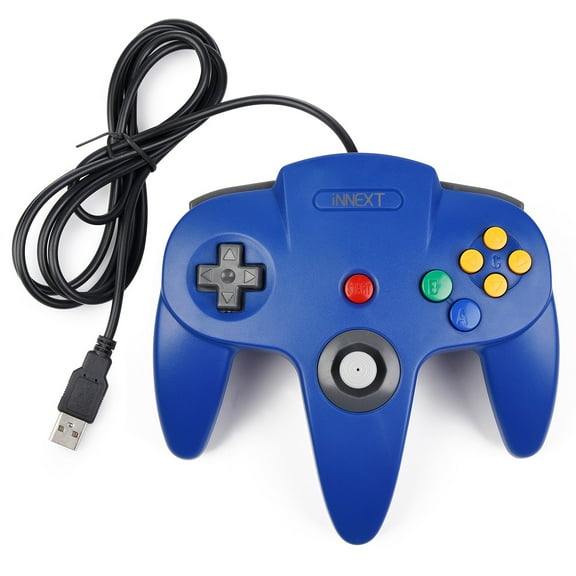


Classic N64 Controller,Gaming USB controller Compatible with N64 Video Game Console Replacement for N64 Emulator on PC,N64 USB Wired Controller for PC,Mac,Windows,Lunix Raspberry Pi 3 Genesis,Blue


Pre-Owned Game Boy Player Adapter - Tested - Nintendo Gamecube
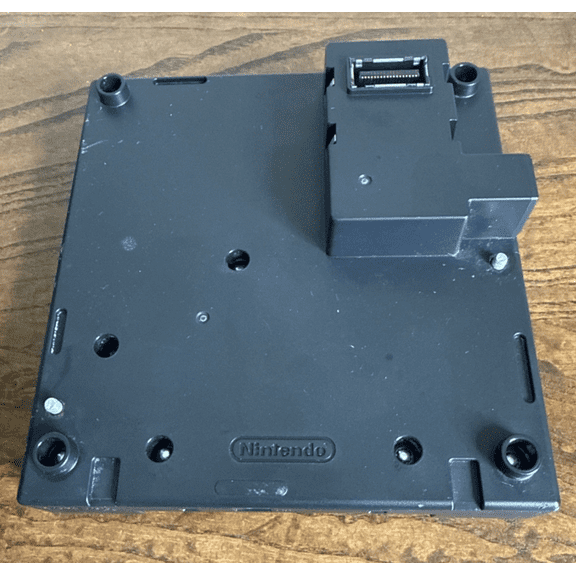
Pre-Owned Game Boy Player Adapter - Tested - Nintendo Gamecube
FAQ
What can I do with a Game Boy emulator?
A Game Boy emulator lets you play classic handheld games on modern devices. With an emulator, you can:
- Enjoy retro games that may be hard to find in physical form.
- Save your progress at any point, which wasn’t possible on the original hardware.
- Customize controls for a more comfortable gaming experience.
Keep in mind, you should only use game files you own the rights to. Emulators offer a fun way to revisit old favorites or discover classics you missed.
Are Game Boy emulators easy to set up?
Setting up a Game Boy emulator can be straightforward, especially for beginners. Most emulators come with simple installation steps:
- Download the emulator from a trusted source.
- Install it on your device following the instructions provided.
- Load your legally owned game files to start playing.
Many emulators offer user guides or online communities for extra help. If you’re new to emulators, start with one that’s known for its user-friendly interface.
Can I use a controller with a Game Boy emulator?
Yes, many Game Boy emulators support external controllers for a more authentic gaming feel. Here’s how you can usually connect one:
- Plug in a compatible controller via USB or Bluetooth.
- Open the emulator’s settings and map the buttons to your liking.
- Test the controls in-game to make sure everything works as expected.
Using a controller can make retro games even more enjoyable, especially for longer play sessions.
Do Game Boy emulators work on phones and computers?
Most Game Boy emulators are designed to work on a variety of devices, including smartphones, tablets, and computers. Here’s what to know:
- Many emulators have versions for Windows, Mac, Android, and iOS.
- Features may vary depending on the platform, so check compatibility before downloading.
- Touchscreen controls are common on mobile devices, while computers often support keyboard and controller input.
This flexibility means you can enjoy classic games wherever you like.
Is it legal to use a Game Boy emulator?
Using a Game Boy emulator itself is generally legal, but downloading or sharing copyrighted game files without permission may not be. To stay on the safe side:
- Only use game files (ROMs) that you legally own.
- Check the laws in your area regarding emulation and game backups.
- Some games may be available as official digital releases, which is another legal option.
When in doubt, consult the official game publisher or seek legal advice for your specific situation.
Popular in Gameboy Emulators for Classic Gaming
- N64 Memory Pak
- N64 Memory Expansion
- Gamecube Memory Card Stores
- Gamecube Memory Cards
- Gamecube Memory Card Wii
- Ds Flashcart Emulators
- Nintendo 3DS/2DS/DS/DSi Cases & Storage
- All Nintendo 3DS/2DS/DS/DSi Accessories
- Nintendo 3DS/2DS/DS/DSi Stylus Pens
- Refurbished Video Games Accessories
- Nintendo 3DS/2DS/DS/DSi Starter Kits
- Nintendo 3DS/2DS/DS/DSi Chargers & Cables
Related Products
Nintendo 3DS XL Black Video Game Console with Stylus, Charger and 16 GB SD Memory Card
 Nintendo 3DS XL Black Video Game Console with Stylus, Charger and 16 GB SD Memory Card$301.95current price $301.95
Pre-Owned Nintendo OEM GameCube Memory Card 59
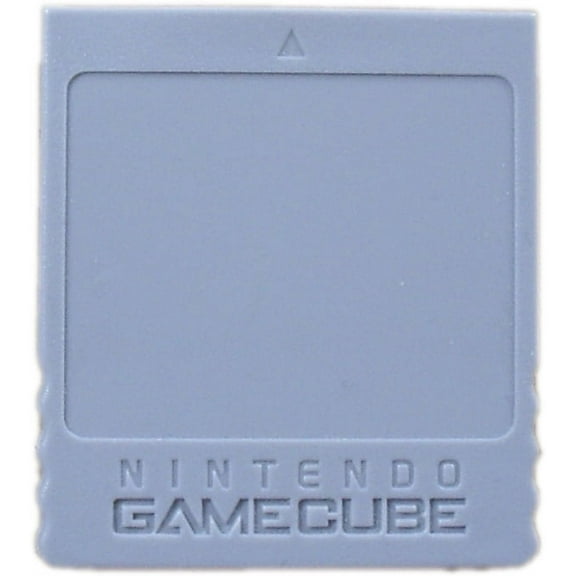 Pre-Owned Nintendo OEM GameCube Memory Card 59$29.95current price $29.95
N64 Controller Pack Expansion Memory Card 128M Game Console Storage Memory Card
 N64 Controller Pack Expansion Memory Card 128M Game Console Storage Memory Card$11.38current price $11.38
Restored Nintendo OEM 64 Controller Pak Memory Card For N64 (Refurbished)
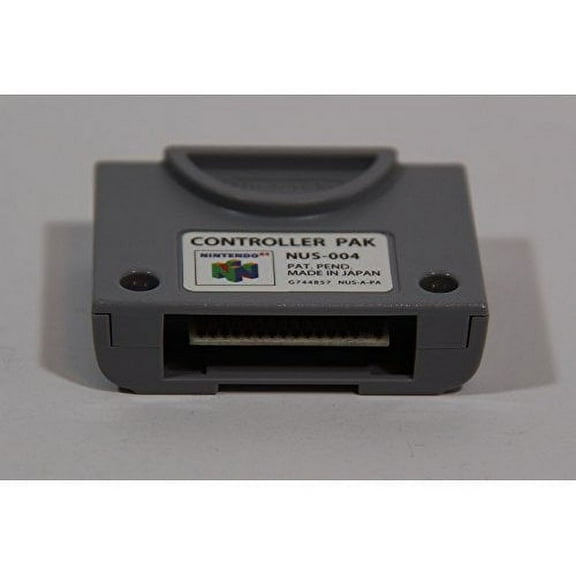 Restored Nintendo OEM 64 Controller Pak Memory Card For N64 (Refurbished)$11.99current price $11.99
249in1 Classic Collection for Nes Multi Games Cartridge 8 Bit BlueTransparent +30 mini
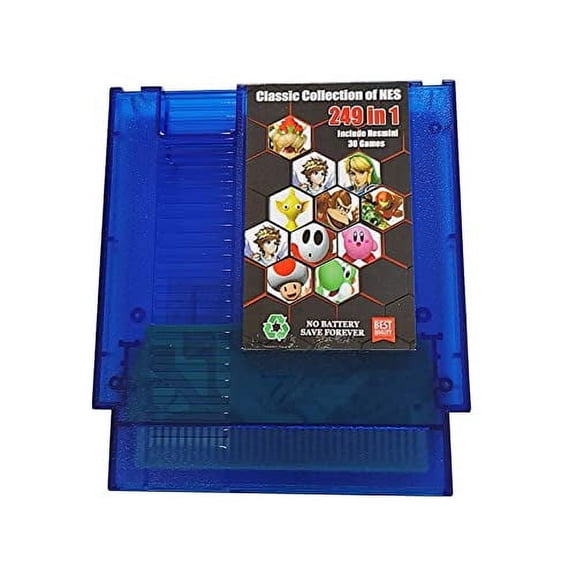 249in1 Classic Collection for Nes Multi Games Cartridge 8 Bit BlueTransparent +30 mini$41.99current price $41.99
Gamecube 4MB Memory Card for Wii And GameCube
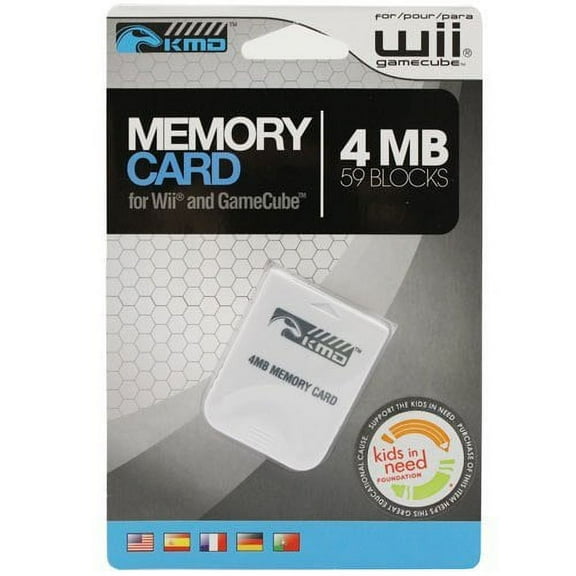 Gamecube 4MB Memory Card for Wii And GameCube$12.99current price $12.99
Controller Pak Memory Card for Nintendo 64
 Controller Pak Memory Card for Nintendo 64$19.97current price $19.97
2024 New Memory Jumper Pak Pack for Nintendo 64 N64 Game Console
 2024 New Memory Jumper Pak Pack for Nintendo 64 N64 Game Console$8.25current price $8.25
Pre-Owned Nintendo Black 251 Memory Card For GameCube And Wii
 Pre-Owned Nintendo Black 251 Memory Card For GameCube And Wii$29.62current price $29.62
Nintendo FTRSKBAA Handheld Game Console for 2DS - Electric Blue, Black
 Nintendo FTRSKBAA Handheld Game Console for 2DS - Electric Blue, Black$199.87current price $199.87
Replacement Reader Slot 1 Game Card Socket for 3DS / 3DS XL Fix Eject and Read Errors Spare Parts
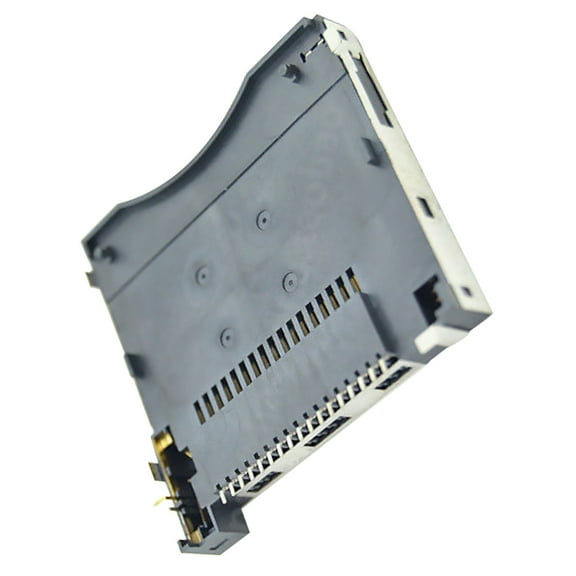 Replacement Reader Slot 1 Game Card Socket for 3DS / 3DS XL Fix Eject and Read Errors Spare Parts$14.97current price $14.97
Pre-Owned Authentic Nintendo N64 Expansion Pak
 Pre-Owned Authentic Nintendo N64 Expansion Pak$79.94current price $79.94
Nintendo 2DS Console - Red + White [Nintendo 2DS System]
![Nintendo 2DS Console - Red + White [Nintendo 2DS System]](https://i5.walmartimages.com/seo/Nintendo-2DS-Console-Red-White-Nintendo-2DS-System_39bb1d39-6ae0-424d-9bb4-f4041cd0cb9e.47455e67113dd69230ff402513e42592.jpeg?odnHeight=576&odnWidth=576&odnBg=FFFFFF) Nintendo 2DS Console - Red + White [Nintendo 2DS System]$199.96current price $199.96
Nintendo 2DS Console - Red + White [Nintendo 2DS System]$199.96current price $199.96Nintendo NintendoDS Portable Gaming Console
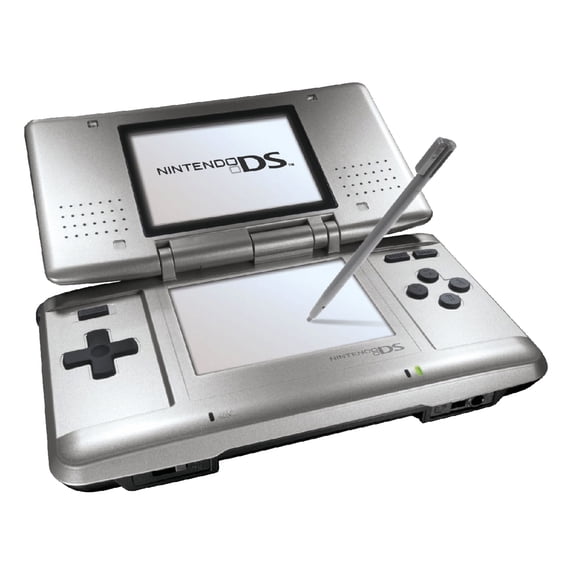 Nintendo NintendoDS Portable Gaming Console$139.95current price $139.95
Old Skool 128MB Memory Card Game Flash Memory Card for Sony PlayStation 2 PS2
 Old Skool 128MB Memory Card Game Flash Memory Card for Sony PlayStation 2 PS2$13.99current price $13.99
