

Cruzer Blade(9)
SanDisk Cruzer Blade 16GB USB 2.0 Flash Drive - SDCZ50-016G-B35 $13.03

SanDisk Cruzer Blade 16GB USB 2.0 Flash Drive - SDCZ50-016G-B35
SanDisk Cruzer Blade Thumb 64GB USB 2.0 External Flash Drive Portable Memory $12.10

SanDisk Cruzer Blade Thumb 64GB USB 2.0 External Flash Drive Portable Memory
SanDisk 32GB Cruzer Blade USB Flash Drive - SDCZ50-032G-A46 $13.99

SanDisk 32GB Cruzer Blade USB Flash Drive - SDCZ50-032G-A46
SanDisk Cruzer Blade 8GB USB Flash Drive $14.75

SanDisk Cruzer Blade 8GB USB Flash Drive
SanDisk Cruzer 16GB (8GB x 2) Cruzer Blade USB 2.0 Flash Drive Jump Drive Pen Drive SDCZ50 - Two Pack $22.99
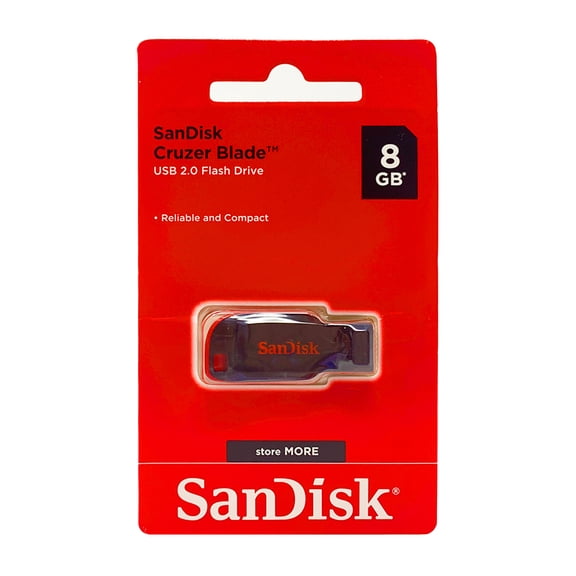
SanDisk Cruzer 16GB (8GB x 2) Cruzer Blade USB 2.0 Flash Drive Jump Drive Pen Drive SDCZ50 - Two Pack
128GB Cruzer Blade USB flash $24.99
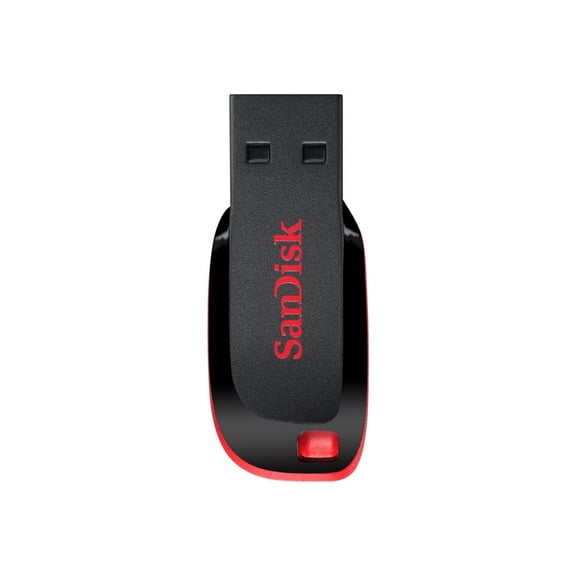
128GB Cruzer Blade USB flash
SanDisk 32GB Cruzer Blade USB 2.0 Flash Drive (SDCZ50-032G) Pack of 2 $28.90

SanDisk 32GB Cruzer Blade USB 2.0 Flash Drive (SDCZ50-032G) Pack of 2
SanDisk 32GB Cruzer Blade CZ50 USB 2.0 Flash Drive (SDCZ50-032G-B35) $14.95

SanDisk 32GB Cruzer Blade CZ50 USB 2.0 Flash Drive (SDCZ50-032G-B35)
SanDisk Cruzer Blade 32GB USB 2.0 Flash Drive- SDCZ50-032G-B35

SanDisk Cruzer Blade 32GB USB 2.0 Flash Drive- SDCZ50-032G-B35
Other options to consider(1)
name $18.99
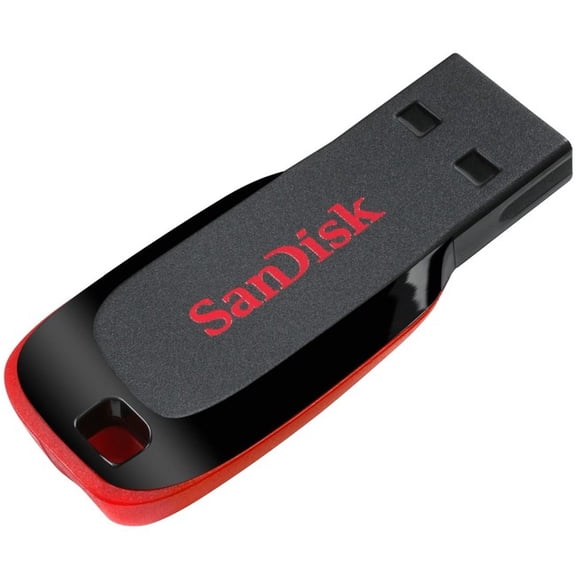
name
FAQ
How do I pick the right flash drive size?
Choosing the right flash drive size depends on what you want to store. If you plan to save documents and a few photos, a smaller capacity like 8GB or 16GB might be enough. For larger files like videos or lots of pictures, you may want 32GB, 64GB, or even 128GB.
- Consider what you'll use it for most often.
- If you're unsure, a mid-range capacity offers flexibility for various file types.
It's a good idea to think about future needs, so you don't run out of space quickly.
Can I use a flash drive with any computer?
Most flash drives are designed to work with a wide range of devices that have a standard USB port, including many computers, laptops, and some smart TVs. They typically use USB 2.0, which is compatible with USB 3.0 ports as well.
- Check that your device has a USB-A port.
- Some newer laptops may need a USB adapter if they only have USB-C ports.
Always safely eject the flash drive before removing it to help prevent file corruption.
What's the best way to keep my data safe on a flash drive?
To help keep your data secure, consider these simple habits:
- Keep your flash drive in a safe, dry place when not in use.
- Back up important files elsewhere, like on your computer or a cloud service.
- Use password protection or encryption software if your files are sensitive.
Regularly scanning your flash drive for viruses can also help protect your information.
How do I transfer files onto a flash drive?
Transferring files is pretty straightforward. Just plug the flash drive into an available USB port on your device. Once it's recognized, open your file explorer and drag the files you want to copy onto the flash drive icon.
- Wait for the files to finish transferring before unplugging.
- Use the 'Eject' option before removal to reduce the risk of file errors.
This process can work with documents, photos, music, and more.
Why isn't my flash drive showing up on my computer?
If your flash drive isn't appearing, there could be a few reasons:
- Try plugging it into a different USB port.
- Restart your computer and reinsert the drive.
- Check if the drive appears in your computer's disk management tool.
If it still doesn't show up, the issue might be with the drive or the USB port. Testing with another device can help narrow it down.
Popular in Cruzer Blade
Related Products
Verbatim Plectra 64GB USB-C Flash Drive, USB 3.2 Gen 1, Up to 100MB/s, Black
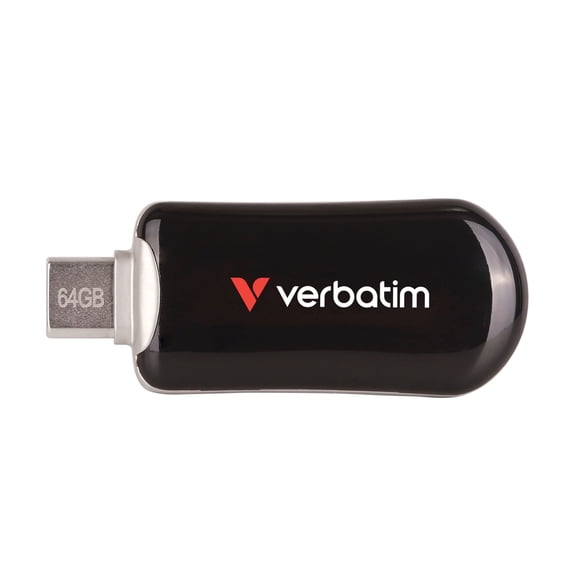 Verbatim Plectra 64GB USB-C Flash Drive, USB 3.2 Gen 1, Up to 100MB/s, Black$21.99current price $21.99
CENTON DataStick Pro 2GB USB 2.0 Flash Drive DSP2GB-005
 CENTON DataStick Pro 2GB USB 2.0 Flash Drive DSP2GB-005$16.23current price $16.23
32GB USB 3.0 Flash Drive TOPESEL 5 Pack Thumb Drive Memory Sticks
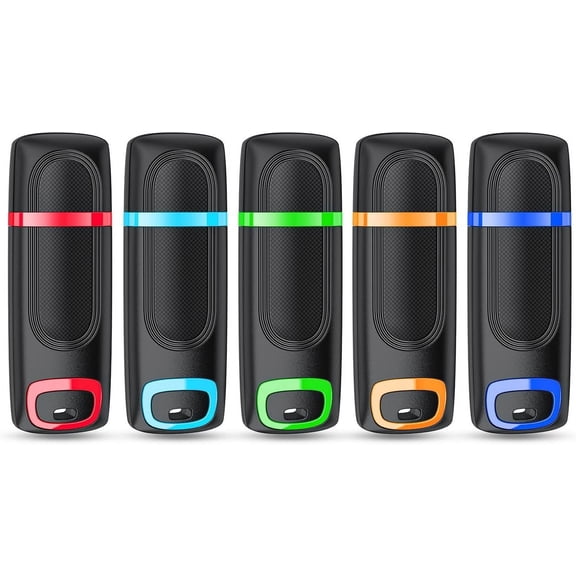 32GB USB 3.0 Flash Drive TOPESEL 5 Pack Thumb Drive Memory Sticks$39.99current price $39.99
Kingston DataTraveler Exodia S 128GB Portable USB 3.2 Gen 1 Flash Drive with Swivel Cap
 Kingston DataTraveler Exodia S 128GB Portable USB 3.2 Gen 1 Flash Drive with Swivel Cap$22.26current price $22.26
DATA LOCKER SENTRY4 DC WSL DATALOCKER SENTRY3.0
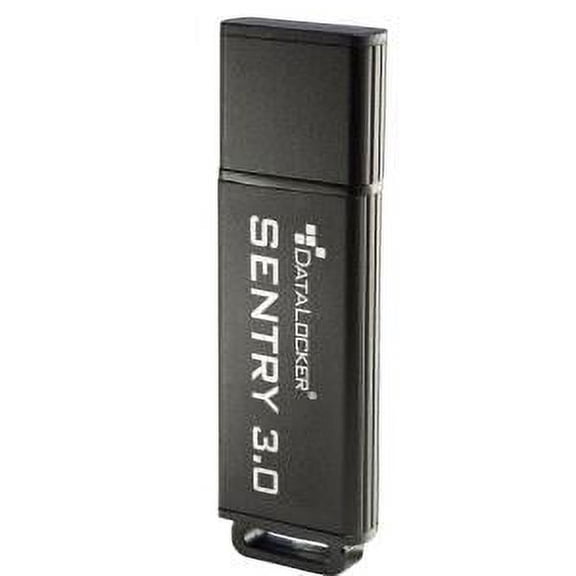 DATA LOCKER SENTRY4 DC WSL DATALOCKER SENTRY3.0$21.98current price $21.98
VERBATIM 49172 16gb Flash Drive Usb 3.0 Store N Go V3
 VERBATIM 49172 16gb Flash Drive Usb 3.0 Store N Go V3$26.13current price $26.13
Centon Datastick Sport USB 2.0 (Black), 32GB
 Centon Datastick Sport USB 2.0 (Black), 32GB$21.44current price $21.44
Verbatim 64GB Store 'n' Go USB 2.0 Flash Drive - Red
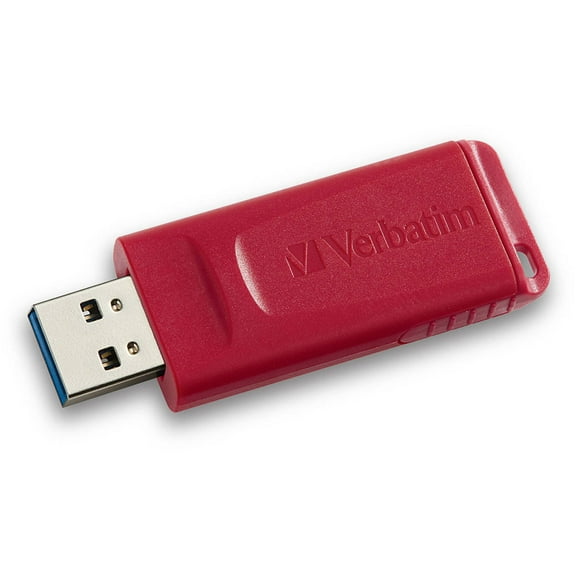 Verbatim 64GB Store 'n' Go USB 2.0 Flash Drive - Red$19.99current price $19.99
SecureData 8GB SecureUSB KP Encrypted Flash Drive with Pin Authentication
 SecureData 8GB SecureUSB KP Encrypted Flash Drive with Pin Authentication$94.99current price $94.99
Centon USB 2.0 Datastick Pro (Grey) 8GB
 Centon USB 2.0 Datastick Pro (Grey) 8GB$14.62current price $14.62
SanDisk 64GB Cruzer Glide USB 2.0 Flash Drive- SDCZ60-064G-B35
 SanDisk 64GB Cruzer Glide USB 2.0 Flash Drive- SDCZ60-064G-B35$20.00current price $20.00
SanDisk Cruzer Glide™ USB 2.0 Flash Drive, 128GB SDCZ60-128G-A46
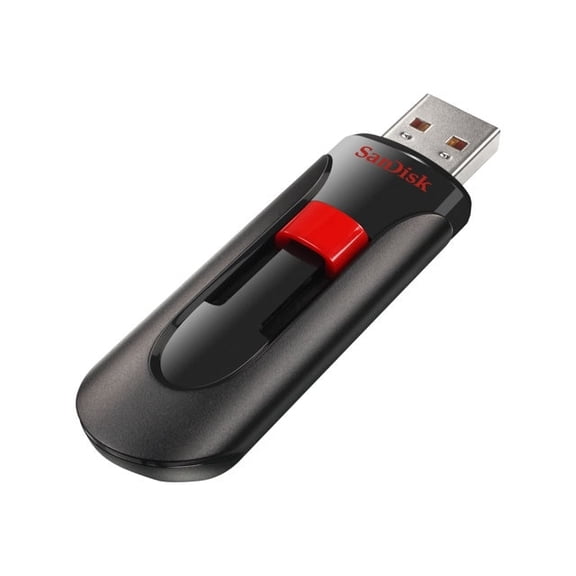 SanDisk Cruzer Glide™ USB 2.0 Flash Drive, 128GB SDCZ60-128G-A46$29.43current price $29.43
SanDisk Cruzer Glide USB Flash Drive 128GB SDCZ60-128G-A46 Encryption Password Retractable
 SanDisk Cruzer Glide USB Flash Drive 128GB SDCZ60-128G-A46 Encryption Password Retractable$24.99current price $24.99
SanDisk Cruzer Glide 3.0 USB Flash Drive, 128GB
 SanDisk Cruzer Glide 3.0 USB Flash Drive, 128GB$29.43current price $29.43