

Bower 50 Led Light(3)
In 50+ people's carts, Bower 12" Foldable Ring Light with Adjustable Stand and Remote Control- Black $34.74
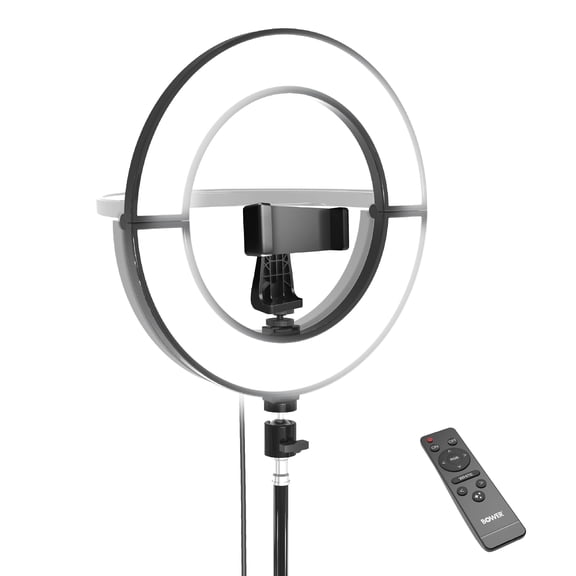
Bower 12" Foldable Ring Light with Adjustable Stand and Remote Control- Black
Bower Clip-on Snap Light for Streaming, Selfies & Remote Work - USB-C, 8-Level Brightness, Black $20.78
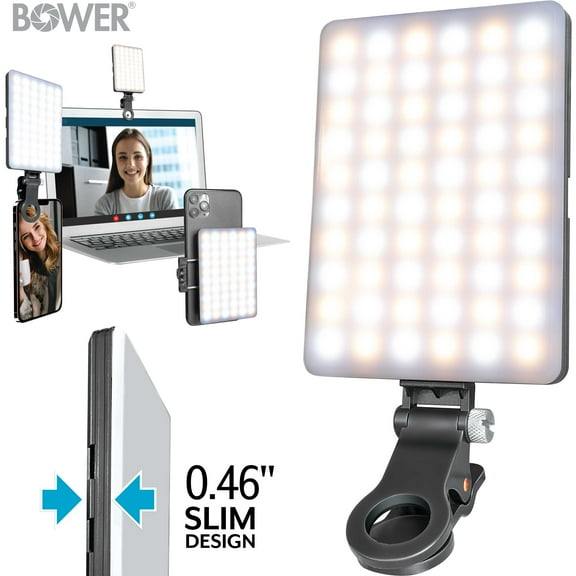
Bower Clip-on Snap Light for Streaming, Selfies & Remote Work - USB-C, 8-Level Brightness, Black
Bower 50 LED Photo/Video Light with Phone Mount Holder; Black $24.99

Bower 50 LED Photo/Video Light with Phone Mount Holder; Black
Other options to consider(1)
Bower 6-inch Flexible Panel LED Light $24.64
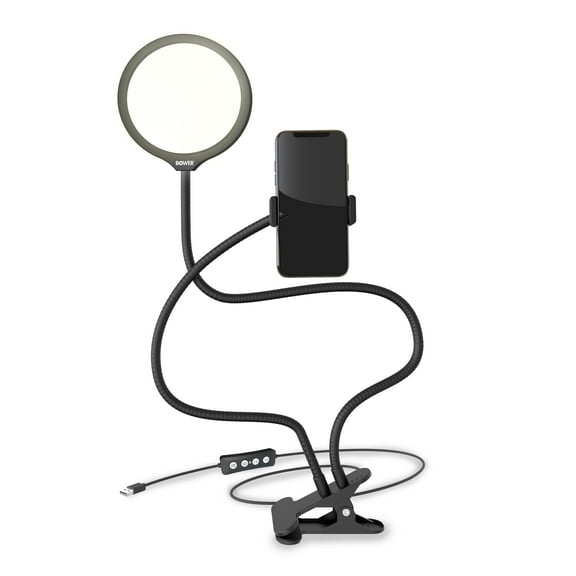
Bower 6-inch Flexible Panel LED Light
FAQ
How can I set up an LED photo light?
Getting your LED photo light ready is pretty simple. Start by attaching the light to the stand or phone mount, if included. Plug in the power cable or insert batteries, depending on how it operates. Adjust the brightness using the control buttons or remote, and position the light to reduce shadows for your photo or video shoot.
- Secure the light to a stable surface
- Connect power or batteries
- Adjust brightness and angle
Always follow the product instructions for safe use and setup.
What makes a ring light good for streaming?
A ring light can really improve your streaming setup because it provides soft, even lighting that reduces shadows and highlights facial features. Features like adjustable brightness, color temperature, and a remote control add flexibility for different environments.
- Even illumination for a professional look
- Easy brightness adjustments
- Foldable design for portability
Look for lights with convenient controls to make your streaming experience smoother.
Can I use a clip-on light for video calls?
Clip-on lights are great for video calls, especially if you're working in low-light environments. They attach easily to your device and let you adjust brightness to help you look your best on camera.
- Simple mounting on laptops or phones
- Multiple brightness settings
- Compact design for remote work
Choosing a light with USB-C compatibility can make it even easier to use during work calls.
How do I clean my LED light safely?
To keep your LED light working well, clean it gently. First, unplug or turn off the light. Use a soft, dry cloth to remove dust from the surface and lens. If there's stubborn dirt, lightly dampen the cloth with water—avoid using chemicals or getting moisture inside the device.
- Turn off and unplug before cleaning
- Use only a soft, dry or slightly damp cloth
- Avoid harsh cleaners and water on electronics
Regular cleaning can help maintain performance and extend the light's lifespan.
Where should I store my LED light when not in use?
To keep your LED light in good shape, store it in a dry, cool place when you're not using it. Make sure it's switched off and unplugged. If it comes with a carrying case or pouch, use it to protect the light from dust and scratches.
- Choose a safe, dust-free location
- Keep away from moisture and direct sunlight
- Use protective cases if available
This helps prevent accidental damage and keeps your light ready for next use.
Popular in Bower 50 LED Light for Smart Lighting Solutions
Related Products
UEGOGO 10 Inch Ring Light with 63" Stand & Phone Mount, 3 Color Modes USB Light for Selfies TikTok Zoom Video Recording
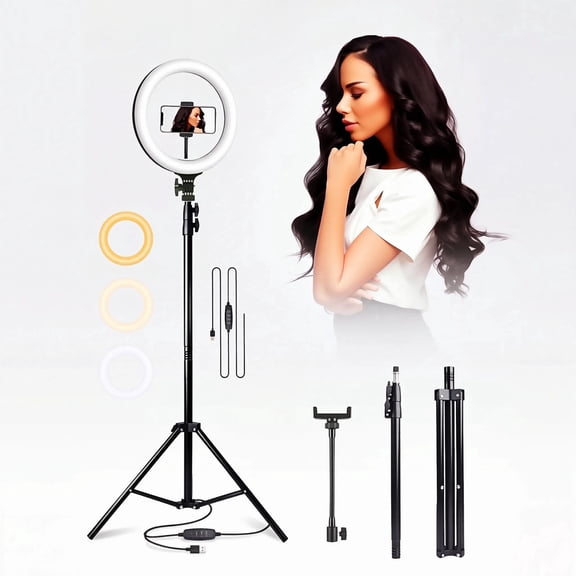 UEGOGO 10 Inch Ring Light with 63" Stand & Phone Mount, 3 Color Modes USB Light for Selfies TikTok Zoom Video Recording$20.99current price $20.99
Goodea 8'' LED Ring Light, Adjustable Color Modes, Phone Holder, Desktop Tripod Stand, Beauty Fill Light for Live Streaming, TikTok, YouTube, Makeup, Photography, Zoom, Selfies
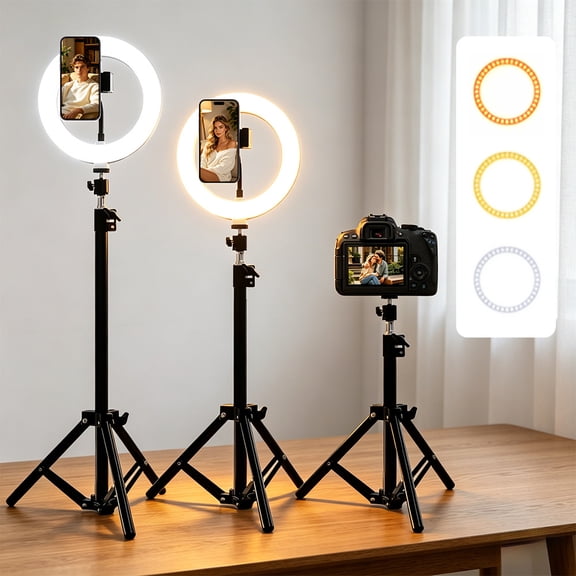 Goodea 8'' LED Ring Light, Adjustable Color Modes, Phone Holder, Desktop Tripod Stand, Beauty Fill Light for Live Streaming, TikTok, YouTube, Makeup, Photography, Zoom, Selfies$13.76current price $13.76
ZOMEI 12" RGB Ring Light, Dimmable LED with 63" Tripod & Phone Holder for Live Stream, TikTok, Zoom and Vlog
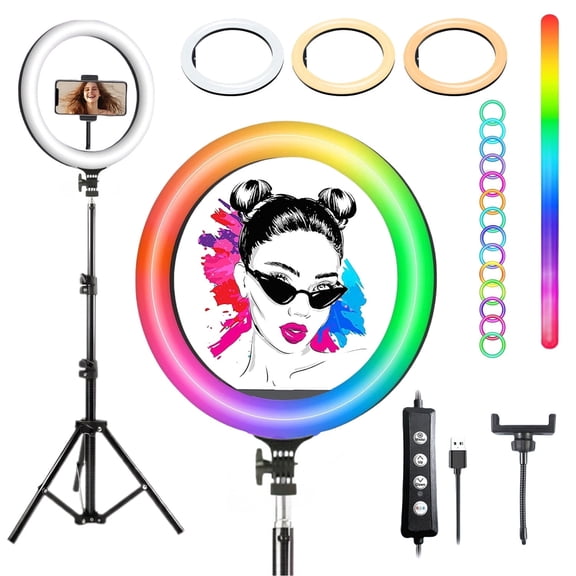 ZOMEI 12" RGB Ring Light, Dimmable LED with 63" Tripod & Phone Holder for Live Stream, TikTok, Zoom and Vlog$22.98current price $22.98
Cshidworld 2-Pack LED Video Light Kit, Remote Control Dimmable USB LED Continuous Light Photography Light with Tripods, 9 Color Filters and 10 Brightness Level for Video Recording, YouTube
 Cshidworld 2-Pack LED Video Light Kit, Remote Control Dimmable USB LED Continuous Light Photography Light with Tripods, 9 Color Filters and 10 Brightness Level for Video Recording, YouTube$28.99current price $28.99
Cshidworld 13" LED RGB Selfie Ring Light Mini & Extendable Tripod Stand & Phone Holder 10 Brightness Level 26 Light Modes Dimmable Ringlight,for Makeup Live Streaming YouTube Video Shooting
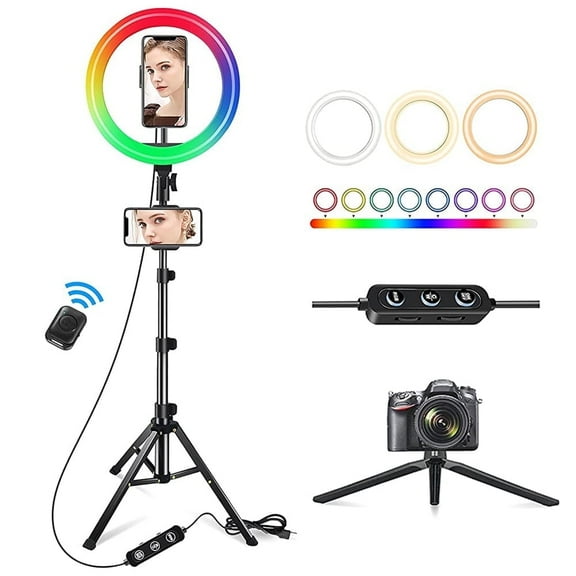 Cshidworld 13" LED RGB Selfie Ring Light Mini & Extendable Tripod Stand & Phone Holder 10 Brightness Level 26 Light Modes Dimmable Ringlight,for Makeup Live Streaming YouTube Video Shooting$24.99current price $24.99
Flashpoint Reverse Legs Nano Light Stand (Black, 7')
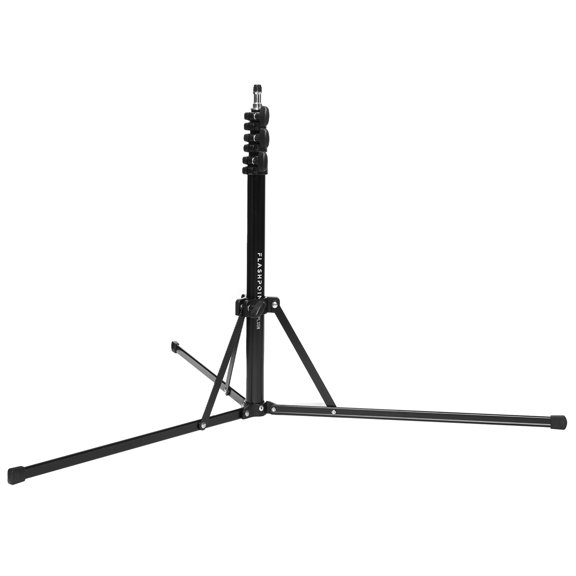 Flashpoint Reverse Legs Nano Light Stand (Black, 7')$32.99current price $32.99
Artograph 18” LED Selfie Ring Light with Tripod Stand & Phone Clamp for Live Stream/Makeup/YouTube Video, Dimmable, Color Temperature Control with Carrying Bag and Bluetooth Remote Control for Phone
 Artograph 18” LED Selfie Ring Light with Tripod Stand & Phone Clamp for Live Stream/Makeup/YouTube Video, Dimmable, Color Temperature Control with Carrying Bag and Bluetooth Remote Control for Phone$89.39current price $89.39
UBeesize 10" LED Selfie Ring Light with Tripod Stand & Phone Holder, Dimmable Desk Makeup Ring Light, Perfect for Live Streaming & YouTube Video, Photography, 3 Light Modes and 11 Brightness Levels
UBeesize 10" LED Selfie Ring Light with Tripod Stand & Phone Holder, Dimmable Desk Makeup Ring Light, Perfect for Live Streaming & YouTube Video, Photography, 3 Light Modes and 11 Brightness Levels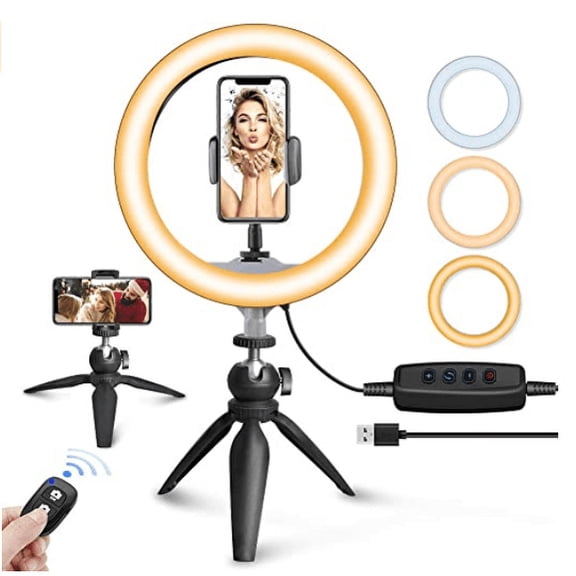
10 inch Selfie Ring Light with Table Top Stand & Cell Phone Holder for Live Stream, Makeup, YouTube Video, Photography TikTok, & more compatible with Universal Phone (Black) Tripod not included
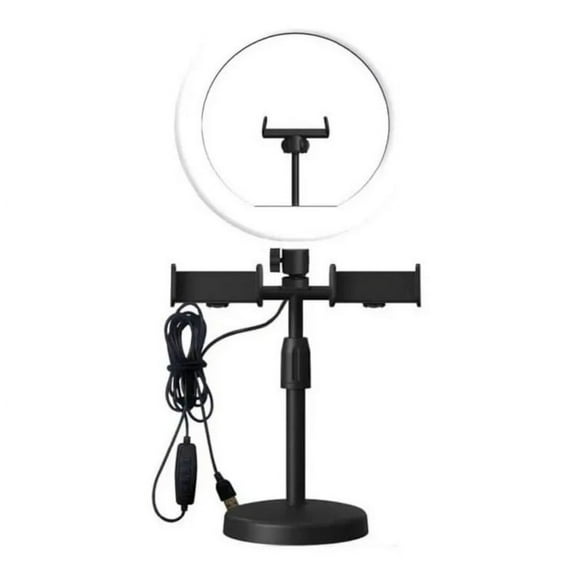 10 inch Selfie Ring Light with Table Top Stand & Cell Phone Holder for Live Stream, Makeup, YouTube Video, Photography TikTok, & more compatible with Universal Phone (Black) Tripod not included$29.99current price $29.99
DAYBETTER 10" Selfie Ring Light with Tripod Stand & Cell Phone Holder, Dimmable LED Ringlight for Makeup/Videos/Vlog/Tiktok, Usb Port
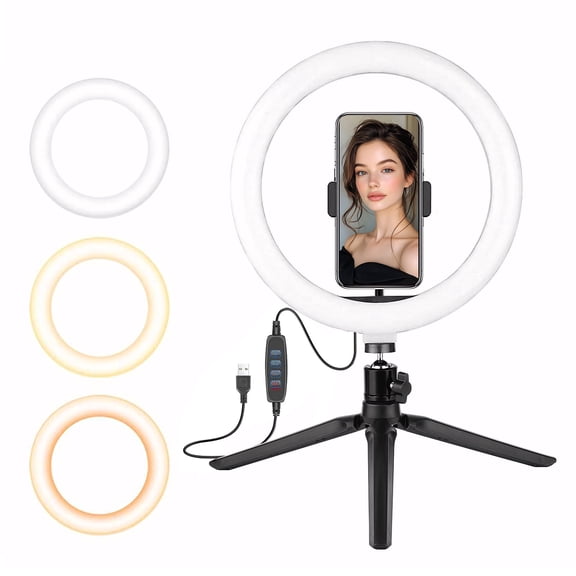 DAYBETTER 10" Selfie Ring Light with Tripod Stand & Cell Phone Holder, Dimmable LED Ringlight for Makeup/Videos/Vlog/Tiktok, Usb Port$9.99current price $9.99
Flashpoint Reverse Legs Nano Light Stand (Black, 8.5')
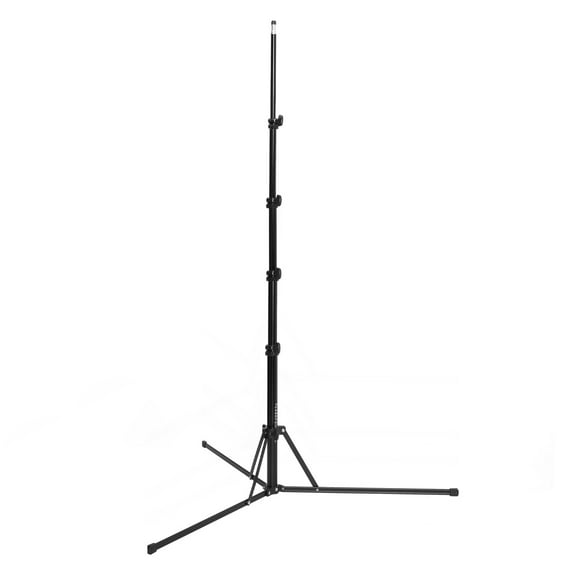 Flashpoint Reverse Legs Nano Light Stand (Black, 8.5')$48.15current price $48.15
ZOMEI 63" LED Ring Light with Stand & Phone Holder, USB Studio Light for Photography/Video/Live Streaming, Portable Fill Light
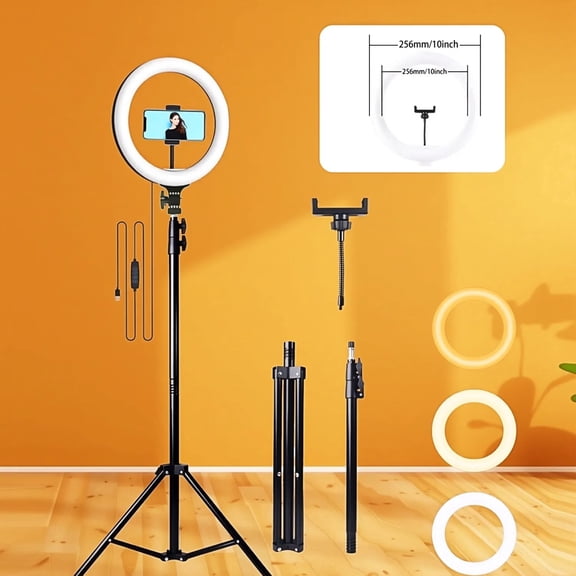 ZOMEI 63" LED Ring Light with Stand & Phone Holder, USB Studio Light for Photography/Video/Live Streaming, Portable Fill Light$22.49current price $22.49
Ring Lights for Selfie & Phone Clip-on, RAOYI Adjustable Phone Mount with Dimmable LED, Portable Lighting Kit for Laptop/Desktop/Monitor
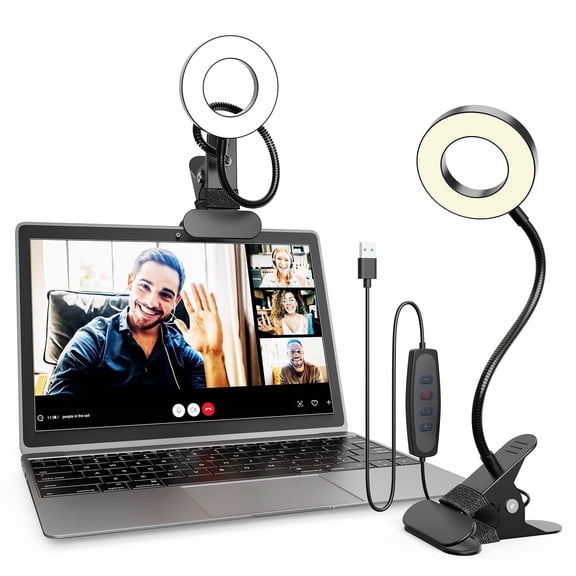 Ring Lights for Selfie & Phone Clip-on, RAOYI Adjustable Phone Mount with Dimmable LED, Portable Lighting Kit for Laptop/Desktop/Monitor$11.99current price $11.99
UEGOGO 10-inch Tri-Color Ring Light with a 43.3-inch Tripod and Phone Mount—an LED ring light designed specifically for selfies, perfect for TikTok and YouTube
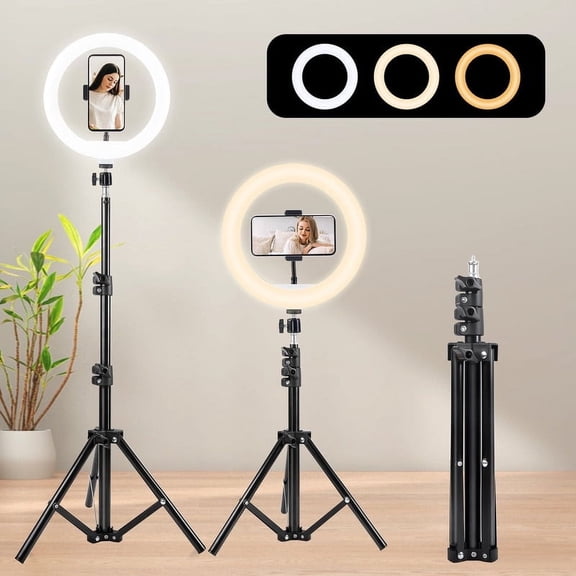 UEGOGO 10-inch Tri-Color Ring Light with a 43.3-inch Tripod and Phone Mount—an LED ring light designed specifically for selfies, perfect for TikTok and YouTube$23.98current price $23.98