5s Tape(4)
Jesscasday Replacement Battery Adhesive Tape Strip Sticker For iPhone 5/ 5S/ 6S/ 7/7Plus $6.59

Jesscasday Replacement Battery Adhesive Tape Strip Sticker For iPhone 5/ 5S/ 6S/ 7/7Plus
TIERPOP Replacement Battery Adhesive Tape Strip Sticker For iPhone 5/ 5S/ 6S/ 7/7Plus

TIERPOP Replacement Battery Adhesive Tape Strip Sticker For iPhone 5/ 5S/ 6S/ 7/7Plus
Replacement Battery Adhesive Tape Strip Sticker For 5/ 5S/ 6S/ 7/7Plus $6.19
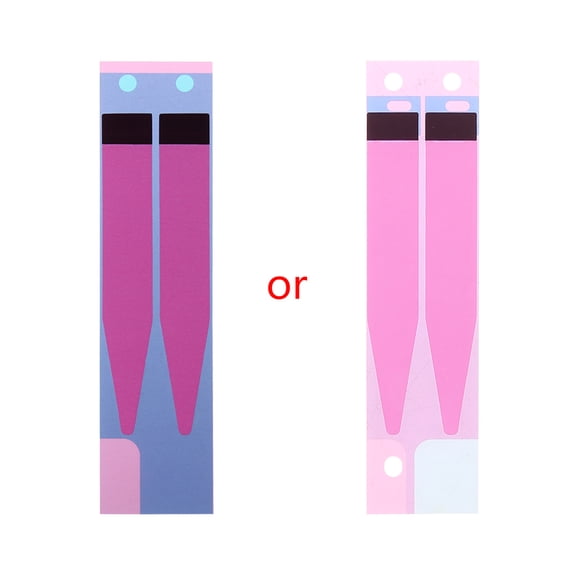
Replacement Battery Adhesive Tape Strip Sticker For 5/ 5S/ 6S/ 7/7Plus
YongCo Replacement Battery Adhesive Tape Strip Sticker For iPhone 5/ 5S/ 6S/ 7/7Plus $3.33 Was $6.14

YongCo Replacement Battery Adhesive Tape Strip Sticker For iPhone 5/ 5S/ 6S/ 7/7Plus
Other options to consider(2)
50PCS Replacement Battery Adhesive Sticker Tape Glue Strip Repair Parts for i/Phone 5 5C 5S SE $14.92

50PCS Replacement Battery Adhesive Sticker Tape Glue Strip Repair Parts for i/Phone 5 5C 5S SE
TAPDRA Part 50* Battery Adhesive Sticker Tape Glue Strip Replacement Repair Accessories For i/Phone 5 5C 5S SE $13.98

TAPDRA Part 50* Battery Adhesive Sticker Tape Glue Strip Replacement Repair Accessories For i/Phone 5 5C 5S SE
FAQ
How do I install battery adhesive tape?
Installing battery adhesive tape can help secure your phone's battery during replacement. Start by gently removing any old adhesive and cleaning the surface. Carefully align the new tape with the battery and press it into place, making sure it sticks evenly. After applying the tape, position the battery and press down to ensure a firm connection. If you're unsure about installation, consider seeking guidance from a trusted phone repair service or reference online tutorials for your specific phone model.
Will this tape fit different iPhone models?
Battery adhesive tape strips are designed to fit specific iPhone models. The products listed cover several models, such as iPhone 5, 5S, 6S, 7, and 7 Plus. Always check the packaging or product description to confirm compatibility with your device. Using tape that's made for your phone can help make the battery replacement process smoother and avoid fit issues. If you need assistance, reach out to customer support or consult your phone's repair manual.
What should I do before applying new battery tape?
Before applying new battery tape, it's important to prepare your device. Begin by powering off your phone and removing the back cover or battery compartment. Carefully detach the old battery and remove any remaining adhesive. Clean the area where the new tape will go to ensure a strong bond. Being thorough during preparation can help the tape stick better and keep the battery secure after installation.
Can I remove the tape if I need to replace the battery again?
Battery adhesive tape can typically be removed if you need to replace the battery in the future. When taking out the battery, try to gently peel away the tape to avoid damaging internal components. If the tape leaves residue, you can use a soft cloth or a small amount of rubbing alcohol to clean the area. Always handle your device carefully to prevent accidental damage during the removal process.
Is battery adhesive tape safe to use at home?
Using battery adhesive tape at home is generally safe if you follow proper steps and handle your phone carefully. Make sure to power off your device and avoid applying force when removing or installing components. It's a good idea to watch instructional videos or read guides specific to your phone model before starting. If you have concerns or experience difficulties, contacting a professional repair service can help ensure your device stays in good condition.
Popular in 5s Tape for Cell Phone Repairs and Adhesive Needs
Related Products
Replacement Adhesive Tape Strip Sticker for iMac LCD Panel Retina 5K, 27-inch, 2017 | Retina 5K, 27-inch, 2019
Replacement Adhesive Tape Strip Sticker for iMac LCD Panel Retina 5K, 27-inch, 2017 | Retina 5K, 27-inch, 2019
Tidel Engineering Touchsreen 644-0080-001S - Genuine OEM Replacement Part
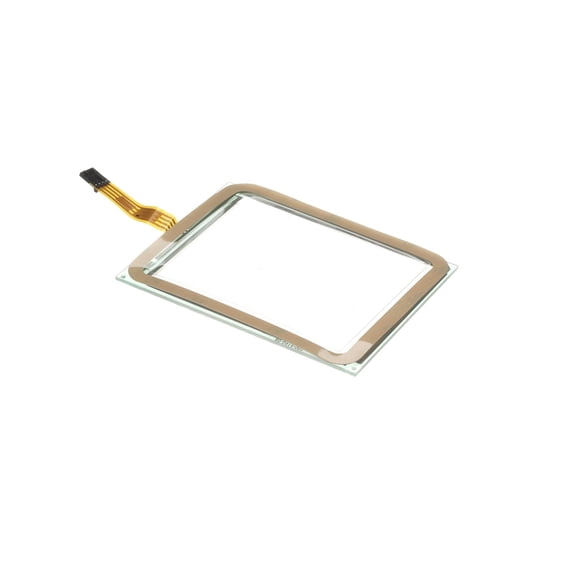 Tidel Engineering Touchsreen 644-0080-001S - Genuine OEM Replacement Part$138.84current price $138.84
BELTRON Omnipod 5 Case, Slim Protective Grip Case with Reinforced Technology Designed to Protect Omnipod 5 Receiver Secure Fit Black, Case Only
 BELTRON Omnipod 5 Case, Slim Protective Grip Case with Reinforced Technology Designed to Protect Omnipod 5 Receiver Secure Fit Black, Case Only$19.95current price $19.95
WIRESTER Shockproof Soft Rubber Cover Case for Apple iPhone 16e 6.1" 2025, Retro Clear Cassette Tape Hip Hop
 WIRESTER Shockproof Soft Rubber Cover Case for Apple iPhone 16e 6.1" 2025, Retro Clear Cassette Tape Hip Hop$11.99current price $11.99
NGB SUPREMACY For Gabb Phone 4 Phone Case Tempered Glass Screen Protector Full-Body Protective Shockproof Bumper Gabb Phone 4 Case Cover
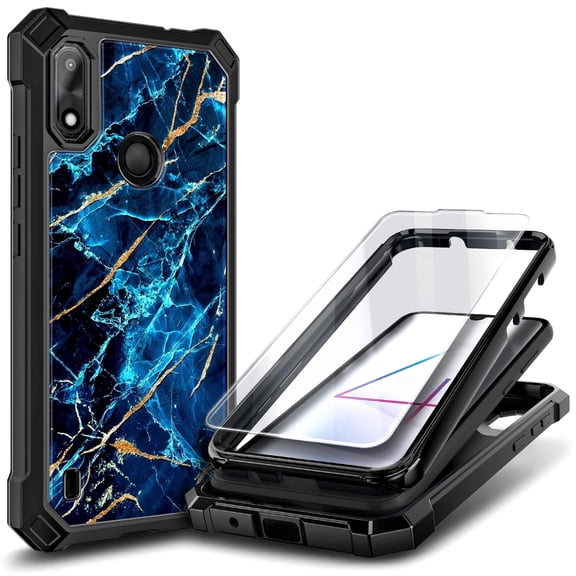 NGB SUPREMACY For Gabb Phone 4 Phone Case Tempered Glass Screen Protector Full-Body Protective Shockproof Bumper Gabb Phone 4 Case Cover$12.90current price $12.90
Holster for Siyata SD7 Radio, Nakedcellphone [Rotating/Ratchet] Belt Clip Holder Case with Secure Latch - Black
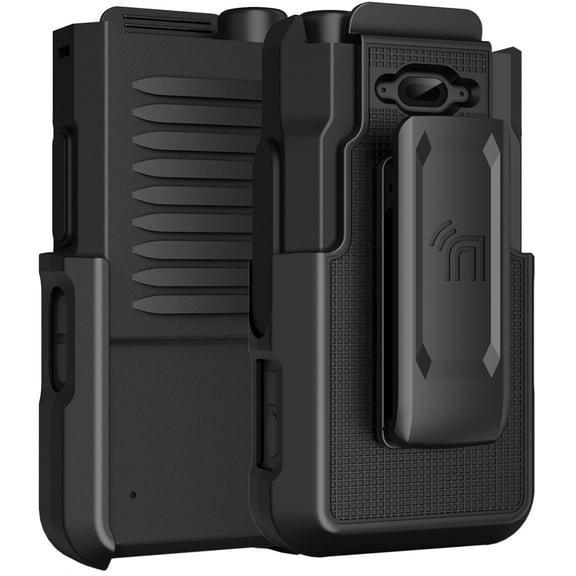 Holster for Siyata SD7 Radio, Nakedcellphone [Rotating/Ratchet] Belt Clip Holder Case with Secure Latch - Black$19.95current price $19.95
TIMMKOO Anti-Scratch Shock Absorption 4.0 inches Clear Case for Q3E and Q5 Mp3 Player
 TIMMKOO Anti-Scratch Shock Absorption 4.0 inches Clear Case for Q3E and Q5 Mp3 Player$9.99current price $9.99
PHOOZY Thermal Phone Case - Apollo Series (LARGE - GOLD)
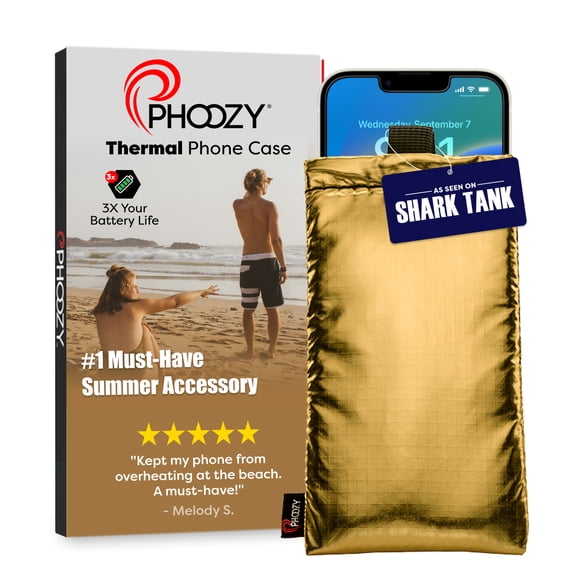 PHOOZY Thermal Phone Case - Apollo Series (LARGE - GOLD)$19.99current price $19.99
iLuv Twain l Two-Part Dual Protection Case for iPhone 5/5SE/5s
 iLuv Twain l Two-Part Dual Protection Case for iPhone 5/5SE/5s$15.74current price $15.74
Digital Gadgets DHPHHORNPL iHorn for iPhone (Purple)
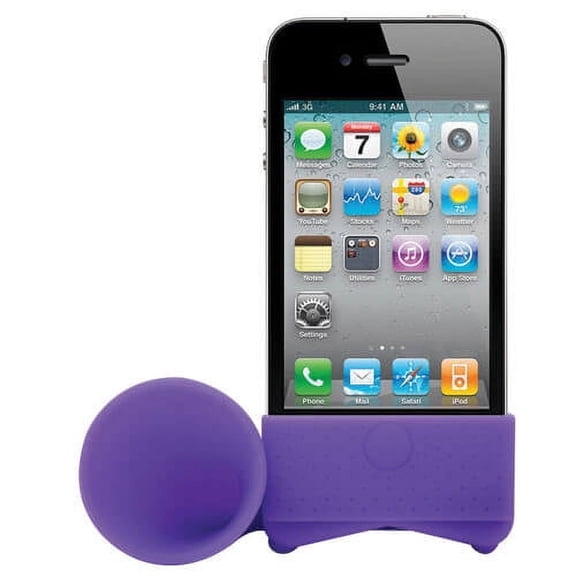 Digital Gadgets DHPHHORNPL iHorn for iPhone (Purple)$8.96current price $8.96
Vibrant LED Bowknot Phone Case, Built-in Colorful Glowing Cover with Flash Light, Sound Activated LED Case for Most Smartphones
 Vibrant LED Bowknot Phone Case, Built-in Colorful Glowing Cover with Flash Light, Sound Activated LED Case for Most Smartphones$9.88current price $9.88
BlindShell Classic 2 Cell Phone, Cardinal Red
 BlindShell Classic 2 Cell Phone, Cardinal Red$649.00current price $649.00
Universal Belt Clip for Cell Phone, [2-PACK] Nakedcellphone Attachment for Flip Phone, Smartphone, iPhone, iPod Touch/Nano, Apple TV Remote, Garage Clicker, etc (360 Ratchet Rotation and Kickstand)
 Universal Belt Clip for Cell Phone, [2-PACK] Nakedcellphone Attachment for Flip Phone, Smartphone, iPhone, iPod Touch/Nano, Apple TV Remote, Garage Clicker, etc (360 Ratchet Rotation and Kickstand)$14.99current price $14.99
Fanvil X7A Android VoIP Phone, 7-Inch Color Touch Screen, 20 SIP Lines, 802.11ac Wi-Fi, Dual-Port Gigabit Ethernet, Power Adapter Not Included
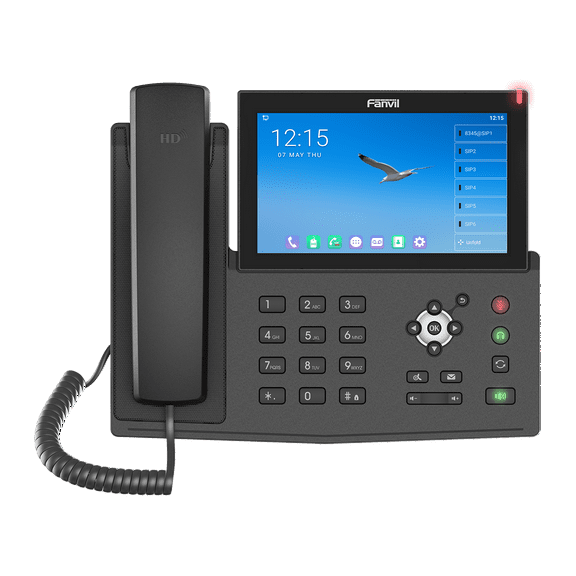 Fanvil X7A Android VoIP Phone, 7-Inch Color Touch Screen, 20 SIP Lines, 802.11ac Wi-Fi, Dual-Port Gigabit Ethernet, Power Adapter Not Included$128.00current price $128.00
Boomerang Tool Company Procase Touch Protective Universal Smartphone Case
 Boomerang Tool Company Procase Touch Protective Universal Smartphone Case$32.49current price $32.49
For Gabb Phone 4 Pro Hybrid Shockproof, Built-in Sliding Camera Lens Protection with Magnetic Finger Ring Stand Holder Phone Case Cover Blue
 For Gabb Phone 4 Pro Hybrid Shockproof, Built-in Sliding Camera Lens Protection with Magnetic Finger Ring Stand Holder Phone Case Cover Blue$13.97current price $13.97