Brand: Supermicro Computer Inc(14)
Supermicro SNK-P0046P - processor cooler - 1U $12.99
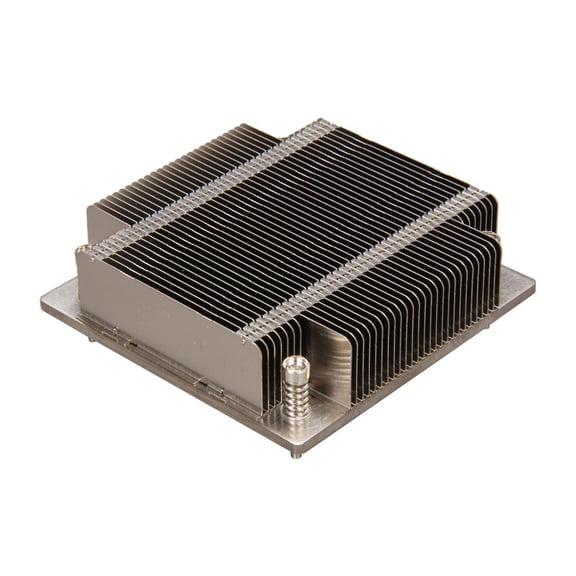
Supermicro SNK-P0046P - processor cooler - 1U
Supermicro CSE-512F-350B1 Computer Case - Rack-mountable - Black - 1U - 3 x Bay $283.36

Supermicro CSE-512F-350B1 Computer Case - Rack-mountable - Black - 1U - 3 x Bay
Supermicro SuperServer 5039MS-H8TRF Barebone System, 3U Rack-mountable, Intel C236 Chipset, Socket H4 LGA-1151, 1 x Processor Support, Black
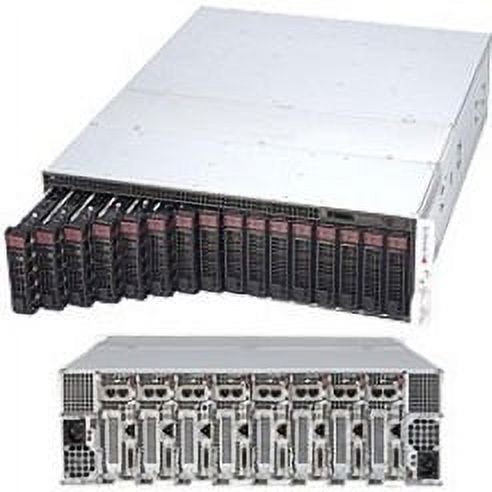
Supermicro SuperServer 5039MS-H8TRF Barebone System, 3U Rack-mountable, Intel C236 Chipset, Socket H4 LGA-1151, 1 x Processor Support, Black
Other options to consider(47)
FAQ
What should I check before picking a server barebone?
Before choosing a server barebone, it's important to consider a few key factors based on your needs:
- Processor compatibility: Make sure it supports the CPU family you plan to use (like AMD Ryzen, Intel Xeon, etc.).
- Form factor: Check if the barebone fits your rack or workspace (such as 1U, 3U, micro-ATX).
- Expansion slots: Review the number and type of PCIe slots for additional devices.
- Memory support: Confirm it matches your desired RAM type and capacity (DDR3, DDR4, DDR5).
- Storage options: Look for available SATA and M.2 slots for drives.
Matching these details with your requirements can help you pick a system that fits your project.
How do I know if a motherboard fits my case?
Checking whether a motherboard fits your case mostly comes down to its form factor. Here's what to look for:
- Form factor: Identify if your case supports micro-ATX, ATX, or other sizes matching the motherboard.
- Mounting holes: Make sure the layout matches the standoffs in your case.
- Rear I/O ports: See if the cutouts align with your case's back panel.
It's always a good idea to check your case's specifications against the motherboard details before buying.
Can I upgrade the processor in these systems?
Upgrading the processor depends on the motherboard's socket and chipset compatibility. Consider these points:
- Socket type: The CPU must match the motherboard's socket (like LGA-1700, LGA-2011, or AM5).
- Chipset support: Some chipsets only work with certain processor generations.
- BIOS updates: Occasionally, a BIOS update is needed for newer CPUs.
Checking your system's documentation can help determine if upgrades are possible for your setup.
What should I look for in a processor cooler?
Choosing a processor cooler involves a few important considerations:
- Form factor: Ensure the cooler fits your case size, especially for 1U rackmount systems.
- Socket compatibility: The cooler should match your CPU's socket type.
- Cooling performance: Match the cooler to your processor's power and typical workload.
- Noise level: Consider if quieter operation is important for your environment.
Picking the right cooler can help maintain stable operation and prolong the life of your system.
How do I add more storage to my server?
Expanding storage in your server is usually straightforward. Here are some steps to consider:
- Check available slots: See if there are open SATA ports or M.2 slots on your motherboard.
- Choose compatible drives: Match the interface (SATA, PCIe, or M.2) and size supported by your system.
- Mount the drive: Secure it in an available bay or slot and connect the necessary cables.
- Configure in BIOS or OS: Make sure your system recognizes the new drive and set it up as needed.
This approach lets you tailor your storage for current and future needs.
Popular in Shop Supermicro Motherboards and Barebone Systems Online
Related Products
ASRock X870 TAICHI CREATOR AM5 AMD X870 ATX Motherboard
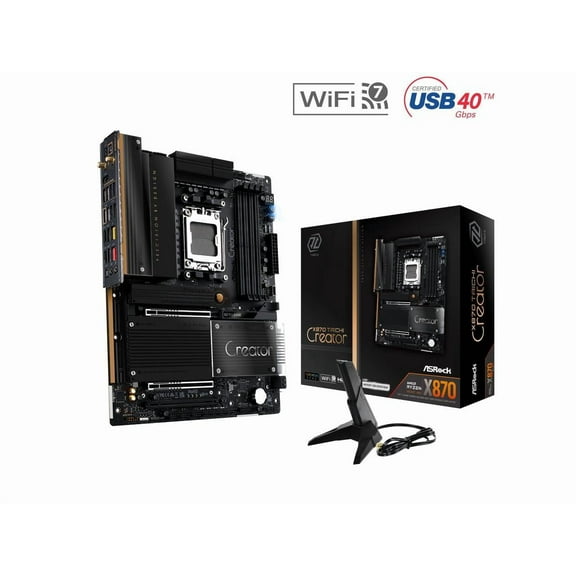 ASRock X870 TAICHI CREATOR AM5 AMD X870 ATX Motherboard$319.99current price $319.99
Gigabyte Ultra Durable B760M DS3H AX DDR4 Desktop Motherboard - Intel B760 Chipset - Socket LGA-1700 - Micro ATX (b760mds3haxddr4)
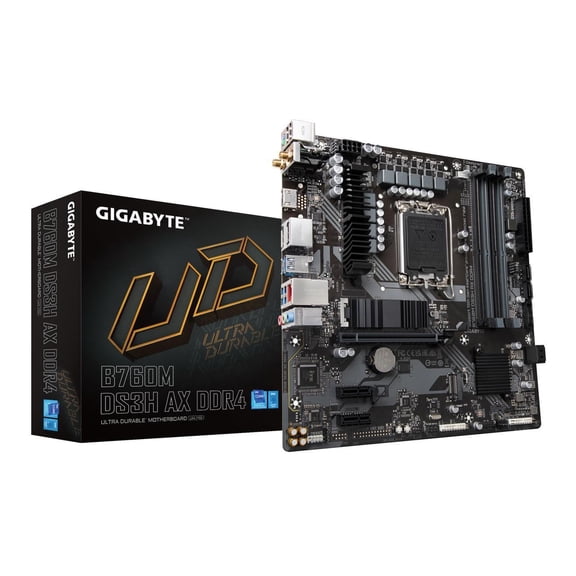 Gigabyte Ultra Durable B760M DS3H AX DDR4 Desktop Motherboard - Intel B760 Chipset - Socket LGA-1700 - Micro ATX (b760mds3haxddr4)$143.98current price $143.98
X99 PR9 Motherboard LGA 2011-3 Set Kit Supports 4X DDR4 RAM M.2/NVME M.2 with E5 2666v3 CPU Processor
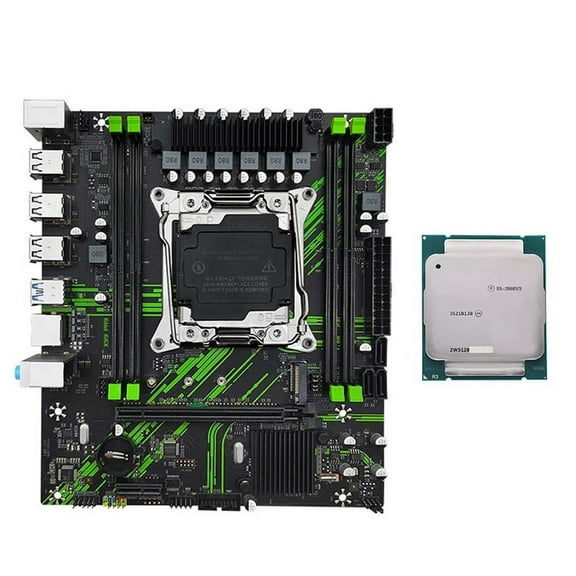 X99 PR9 Motherboard LGA 2011-3 Set Kit Supports 4X DDR4 RAM M.2/NVME M.2 with E5 2666v3 CPU Processor$103.00current price $103.00
Silverstone Tek 90 Degree Motherboard Mounting SSI-CEB/ATX/Micro-ATX Computer Case RV05B
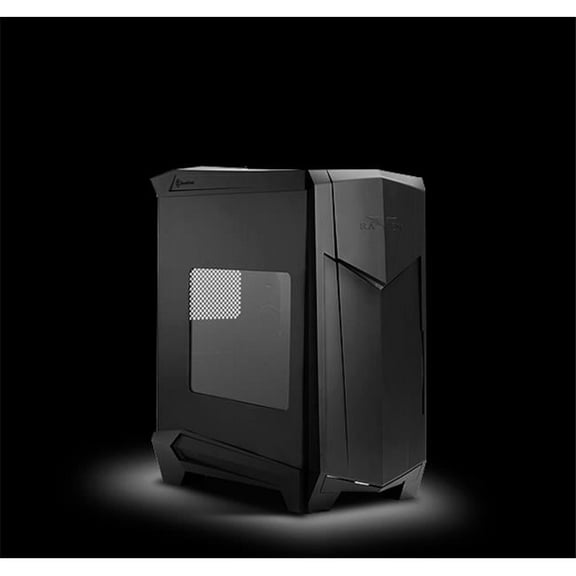 Silverstone Tek 90 Degree Motherboard Mounting SSI-CEB/ATX/Micro-ATX Computer Case RV05B$81.23current price $81.23
Supermicro X13SAE Workstation Motherboard - Intel W680 Chipset - Socket LGA-1700 - ATX (261602)
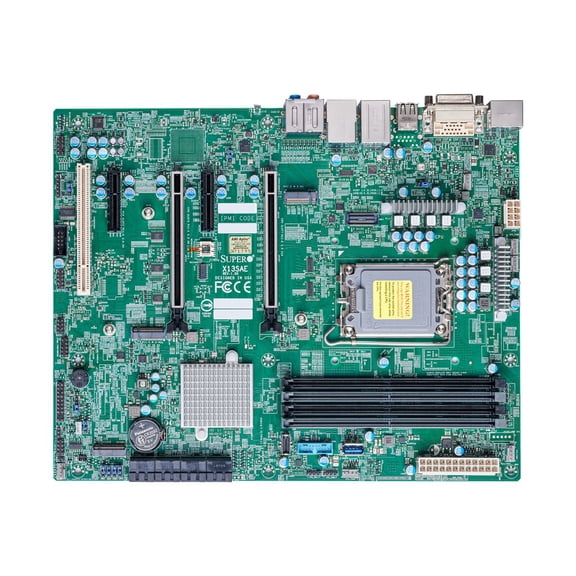 Supermicro X13SAE Workstation Motherboard - Intel W680 Chipset - Socket LGA-1700 - ATX (261602)$462.43current price $462.43
X99E Motherboard Dual Channel Supports 4XDDR4 RECC RAM PCIE X16 NVMe Gigabit LAN Card Computer Desktop Motherboard
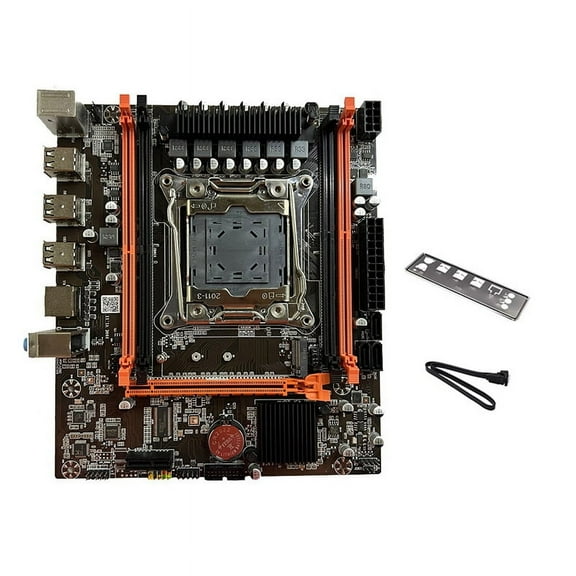 X99E Motherboard Dual Channel Supports 4XDDR4 RECC RAM PCIE X16 NVMe Gigabit LAN Card Computer Desktop Motherboard$52.49current price $52.49
AM4 CPU Backplate Excellent Heat Dissipation, Easy Replacement for Motherboards for AMD Socket AM4
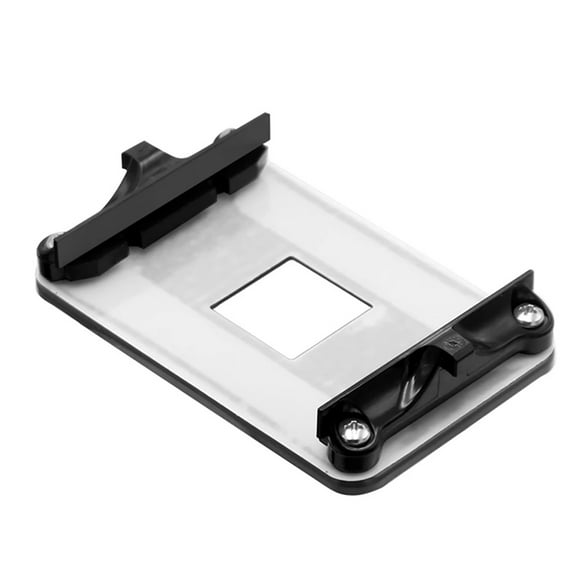 AM4 CPU Backplate Excellent Heat Dissipation, Easy Replacement for Motherboards for AMD Socket AM4$11.91current price $11.91
Genuine Dell Optiplex XE Series Intel Socket LGA775 Desktop Motherboard YMVJ6 US Intel LGA775 Motherboards
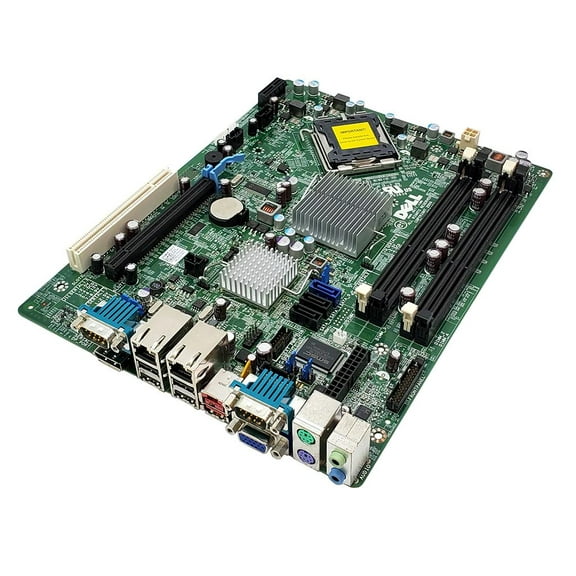 Genuine Dell Optiplex XE Series Intel Socket LGA775 Desktop Motherboard YMVJ6 US Intel LGA775 Motherboards$45.44current price $45.44