

Suggested
Meta Quest(1)
Quest 3 512GB Dive into Mixed Reality Get a 3-Month Trial of Meta Horizon+ Included $599.00
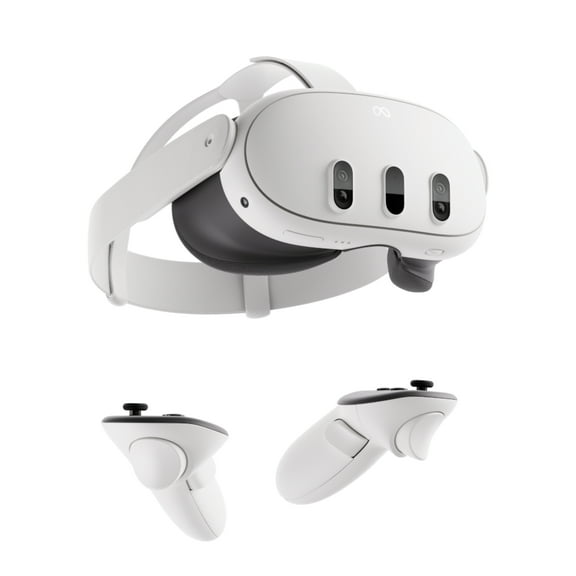
Quest 3 512GB Dive into Mixed Reality Get a 3-Month Trial of Meta Horizon+ Included
Other options to consider(3)
Best seller Right Handed Meta Quest 3 Controller $114.01
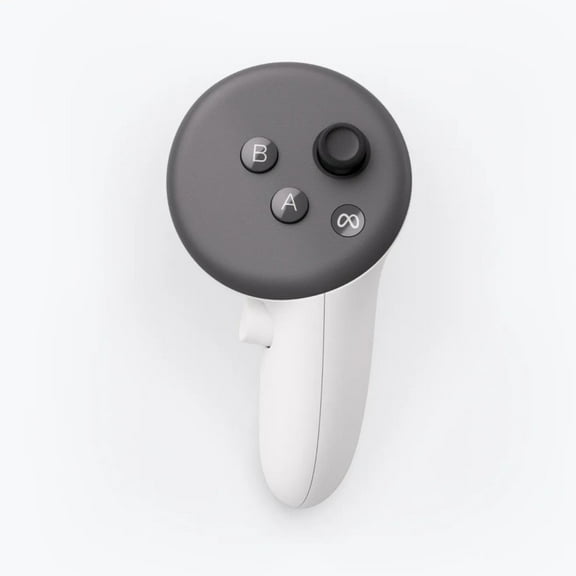
Right Handed Meta Quest 3 Controller

Beat Saber $29.99 Meta Quest Gift Card $29.99
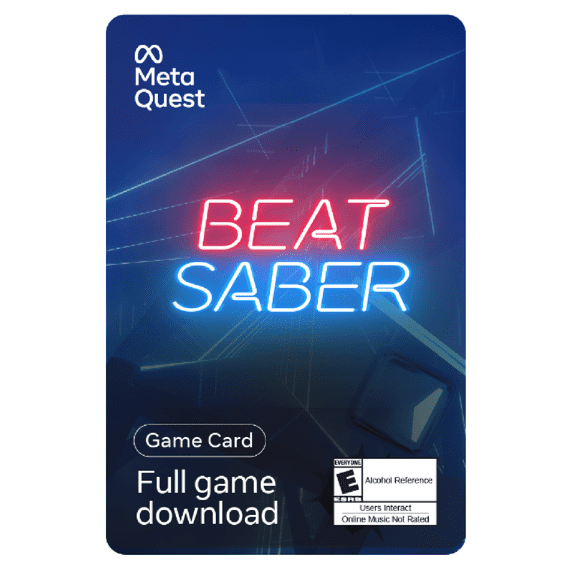
Beat Saber $29.99 Meta Quest Gift Card
100+ bought since yesterday Meta Quest VGC $15 - $100 [Digital] From $15.00
![Meta Quest VGC $15 - $100 [Digital]](https://i5.walmartimages.com/seo/Meta-Quest-VGC-15-100-Digital_3810e023-a964-4402-bcd9-be45416021a9.ab983c0b28f471888a67b4c9d1f81be8.png?odnHeight=576&odnWidth=576&odnBg=FFFFFF)
Meta Quest VGC $15 - $100 [Digital]
FAQ
What makes this VR headset worth it?
If you’re curious about immersive tech, a modern VR headset can offer a lot of value.
- Mixed reality experiences: Digital elements can layer into your real space for more interactive play and productivity.
- Rich content library: You’ll find games, fitness, creativity, and learning apps to explore.
- Flexible setups: Built-in tools help define safe boundaries and adjust comfort settings.
- Generous storage options: Higher-capacity models can hold more apps and recordings.
- Bundle perks: Some listings include trial memberships for added content; terms vary.
For the best fit, skim the product page details, check compatibility notes, and look for retailer support like convenient returns or protection plans.
How should I choose storage for a VR headset?
Think about how you’ll use it and who will share it.
- App size and variety: Larger, graphics-heavy games and mixed reality apps can use more space.
- Clips and captures: Saving gameplay recordings, screenshots, or 3D videos adds up.
- Multiple users: Profiles and separate libraries may benefit from more capacity.
- Offline use: If you’re often offline, extra storage for downloads can help.
App sizes differ, and storage needs vary over time. You can always uninstall and redownload content, but upgrading storage later may be limited. Check each product page for estimated install sizes and storage specs to decide what works best for your routine.
How do I set up a safe play space?
A clear, well-defined area can help you play more comfortably.
- Clear the floor: Move small furniture, cords, and clutter; keep pets out of the space.
- Good lighting: Moderate, even lighting can help tracking and awareness.
- Use boundary tools: Follow the headset’s setup to draw a safe zone and stay within it.
- Secure the controllers: Use wrist straps and keep a firm grip.
- Mind fatigue: Take regular breaks and stop if you feel discomfort.
- Follow the manual: Review the product’s safety guide for age, fit, and supervision recommendations.
Room layouts vary, so adjust your setup as needed and prioritize a clear, obstacle-free zone.
How can I use VR if I’m light-sensitive?
Sensitivity to flashing or intense visuals varies by person, so caution helps.
- Review safety info: Read the product’s health and safety guide before first use.
- Start slowly: Try short sessions, then gradually increase time if you feel comfortable.
- Adjust comfort settings: If available, lower brightness, enable comfort modes, and choose calmer experiences.
- Play in a lit room: Gentle ambient light may reduce contrast and help orientation.
- Stop if you feel unwell: Discontinue use at any sign of discomfort.
For personal medical guidance, consider speaking with a healthcare professional. Availability of settings and content varies by app; check product pages for details.
Where can I find accessories and replacements?
You can browse compatible add‑ons right on the product and category pages.
- Common accessories: Look for face covers, head straps, charging docks, cases, and cable replacements.
- Check compatibility: Match the accessory to your exact model and read the specs carefully.
- Read reviews: Customer feedback can highlight comfort, durability, and ease of install.
- Retailer services: Take advantage of pickup or delivery options and consider protection plans where offered.
If a part is missing or damaged on arrival, visit your order page to explore return or replacement options within the retailer’s policy window.
Popular in Explore Brand Products and Accessories
Related Products
Dragon: Marked for Death - Nintendo Switch
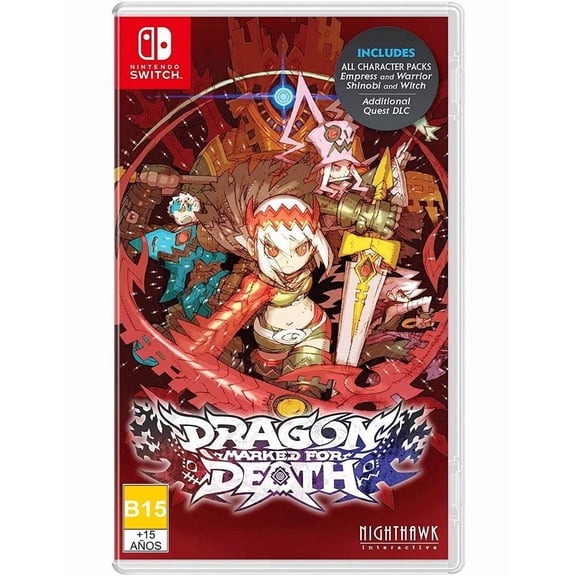 Dragon: Marked for Death - Nintendo Switch$30.00current price $30.00
Open Box HTC VIVE Focus Plus 99HARH001-00 3D Virtual Reality Dev Kit - AMOLED -
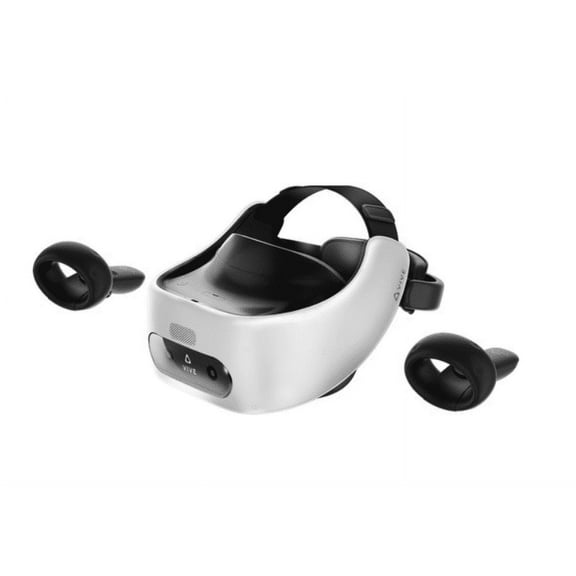 Open Box HTC VIVE Focus Plus 99HARH001-00 3D Virtual Reality Dev Kit - AMOLED -$249.00current price $249.00
My Dream Job: Babysitter (PC Sim Game) Go from diapers to dollars as happy parents fill up your piggy bank
 My Dream Job: Babysitter (PC Sim Game) Go from diapers to dollars as happy parents fill up your piggy bank$10.01current price $10.01
Skywin VR Tracker Straps for HTC Vive System Tracker Puck - Adjustable Straps for Hand or Arm Object and Full-Body Tracking in Virtual Reality (4 Pack)
 Skywin VR Tracker Straps for HTC Vive System Tracker Puck - Adjustable Straps for Hand or Arm Object and Full-Body Tracking in Virtual Reality (4 Pack)$33.99current price $33.99
Meta Quest 3S 128GB VR Headset — Level Up With Double the Storage — 2X Graphical Processing Power — Virtual Reality Without Wires — Access to 40+ Games with a 3-Month Trial of Meta Horizon+ Include
 Meta Quest 3S 128GB VR Headset — Level Up With Double the Storage — 2X Graphical Processing Power — Virtual Reality Without Wires — Access to 40+ Games with a 3-Month Trial of Meta Horizon+ Include$334.00current price $334.00
Decal style Skin Wrap compatible with Oculus Go Headset - WraptorCamo Old School Camouflage Camo Yellow (OCULUS NOT INCLUDED)
 Decal style Skin Wrap compatible with Oculus Go Headset - WraptorCamo Old School Camouflage Camo Yellow (OCULUS NOT INCLUDED)$16.95current price $16.95
2024 VR Glasses Facial Interface for Oculus Quest 2 Sweatproof Facial PU Foam Protection Pad
 2024 VR Glasses Facial Interface for Oculus Quest 2 Sweatproof Facial PU Foam Protection Pad$13.99current price $13.99
MLINS 1Pc Lens Cover Protector Compatible for Oculus questVR (Black)
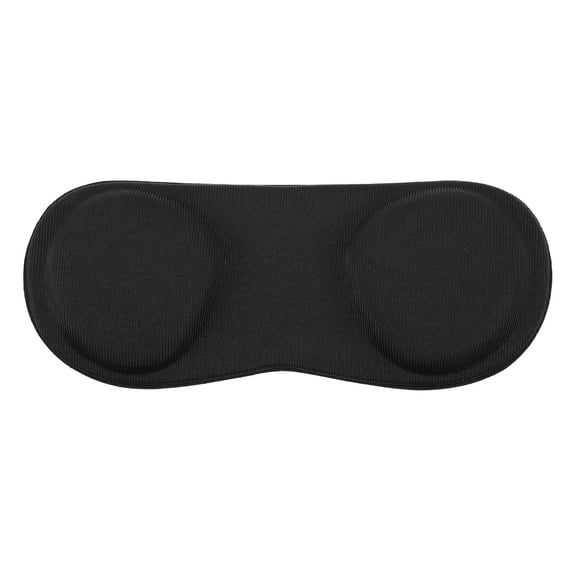 MLINS 1Pc Lens Cover Protector Compatible for Oculus questVR (Black)$10.66current price $10.66