

Hiearcool(1)
Universal Waterproof Case,Waterproof Phone Pouch Compatible for iPhone 12 Pro 11 Pro Max XS Max XR X 8 7 Samsung Galaxy s10/s9 Google Pixel 2 HTC Up to 7.0", IPX8 Cellphone Dry Bag -2 Pack $16.99

Universal Waterproof Case,Waterproof Phone Pouch Compatible for iPhone 12 Pro 11 Pro Max XS Max XR X 8 7 Samsung Galaxy s10/s9 Google Pixel 2 HTC Up to 7.0", IPX8 Cellphone Dry Bag -2 Pack
FAQ
Can I use this pouch while swimming?
Yes, the waterproof phone pouch is designed to help protect your device during activities like swimming. It's rated IPX8, which means it's intended for use underwater. However, it's important to check that the seal is securely closed before each use and avoid exposing the pouch to sharp objects or rough surfaces.
- Test the pouch with a tissue before putting your phone inside.
- Keep the pouch away from extreme temperatures.
- Always follow the manufacturer's guidelines for maximum depth and duration.
Taking these precautions can help keep your phone safe while you're in the water.
Will my phone's touchscreen work inside the case?
The waterproof case is designed to let you use your phone's touchscreen while it's protected. Most basic functions, like swiping and tapping, should work through the clear material. However, fingerprint ID and facial recognition may not always respond as expected, and using the phone underwater can sometimes affect sensitivity.
- Touchscreen works best when the pouch is clean and dry.
- Physical buttons, like volume or power, may be easier to use.
For photos or calls, try testing the pouch before heading out to make sure it meets your needs.
How do I check if the pouch is sealed right?
Before putting your phone in, it's smart to double-check that the pouch is fully sealed. Start by closing the locking mechanism as instructed. Then, do a quick test: place a dry tissue inside, seal the pouch, and submerge it in water for a few minutes.
- If the tissue stays dry, the seal is secure.
- If you notice moisture, recheck the closure and try again.
This test can help you feel confident your phone will stay protected during use.
Can I take photos underwater with this pouch?
The waterproof phone pouch makes it possible to capture photos while your device is underwater. The clear front allows for camera use, but some features like autofocus or flash might not perform the same as in open air.
- Press the shutter button gently to avoid moving the pouch.
- Wipe the pouch's surface before use for clear shots.
- Test your phone's camera in the pouch before your adventure.
Experimenting beforehand can help you get the best results for your underwater photos.
How should I clean the waterproof pouch after use?
After using the waterproof pouch, it's a good idea to clean it to help maintain its clarity and function. Start by rinsing with fresh water to remove salt, sand, or chlorine. Let it air dry completely before opening and storing.
- Avoid using harsh chemicals or abrasive materials.
- Keep the pouch out of direct sunlight when drying.
- Store in a cool, dry place after cleaning.
Regular care can help the pouch stay ready for your next outing.
Popular in Hiearcool
Related Products
Docking Station Side-Mount Bracket -Compatible with Dell/Thunderbolt Dock/USB C Docking Station
 Docking Station Side-Mount Bracket -Compatible with Dell/Thunderbolt Dock/USB C Docking Station$16.99current price $16.99
Anker 563 10-in-1 USB-C Docking Station, Gray, 2.8 lbs
 Anker 563 10-in-1 USB-C Docking Station, Gray, 2.8 lbs$259.99current price $259.99
j5create USB-C Triple Display Docking Station with 100W PD Adapter, JCD543P
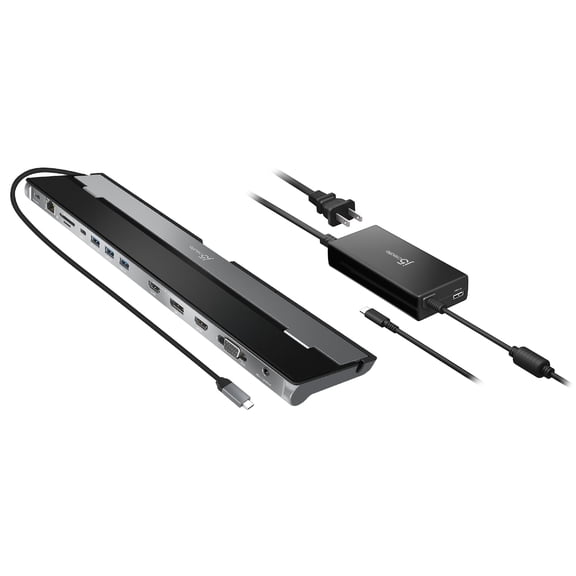 j5create USB-C Triple Display Docking Station with 100W PD Adapter, JCD543P$94.99current price $94.99
Universal Dock Station, 15-in-1 USB Dock with 100W Charge, HDMI&DP, 10Gbps USB, Gigabit Ethernet
 Universal Dock Station, 15-in-1 USB Dock with 100W Charge, HDMI&DP, 10Gbps USB, Gigabit Ethernet$150.98current price $150.98
Plugable USB C Docking Station with Charging, Compatible with Thunderbolt 3 and USB-C MacBooks and Specific Windows, Chromebook, Linux Systems (HDMI Display, 60W Charging, Ethernet, 3x USB 3.0 Ports)
 Plugable USB C Docking Station with Charging, Compatible with Thunderbolt 3 and USB-C MacBooks and Specific Windows, Chromebook, Linux Systems (HDMI Display, 60W Charging, Ethernet, 3x USB 3.0 Ports)$74.88current price $74.88
Surface Pro 7 USB C Hub, 5-in-2 Surface Pro Adapter Docking Station with 4K HDMI, USB C 60W PD Charging, USB 3.0, SD/TF Card Reader Port, for Microsoft Surface Pro 7 Accessories
 Surface Pro 7 USB C Hub, 5-in-2 Surface Pro Adapter Docking Station with 4K HDMI, USB C 60W PD Charging, USB 3.0, SD/TF Card Reader Port, for Microsoft Surface Pro 7 Accessories$14.39current price $14.39
j5create 11-Port USB Type-C Dock Dual 4K HDMI Hub Space Gray (JCD3199)
 j5create 11-Port USB Type-C Dock Dual 4K HDMI Hub Space Gray (JCD3199)$119.99current price $119.99
IOGEAR USB-C 8K Nano Dock Pro - GUD3C8K2P
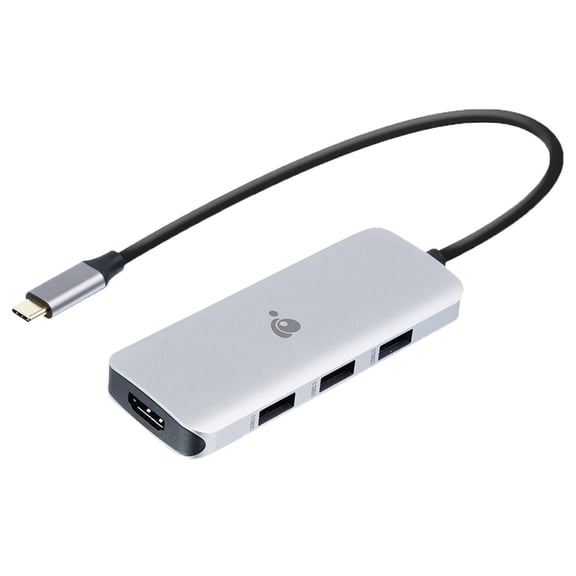 IOGEAR USB-C 8K Nano Dock Pro - GUD3C8K2P$33.00current price $33.00
