

Brand: Ergotech(3)
Ergotech P415756-BLK Desk Clamp 100 Series Stnd Pair With 100 Series Mount $80.54

Ergotech P415756-BLK Desk Clamp 100 Series Stnd Pair With 100 Series Mount
Ergotech FDM-STAND-2 Dual Freedom Sit-Stand Desk Workstation $149.99
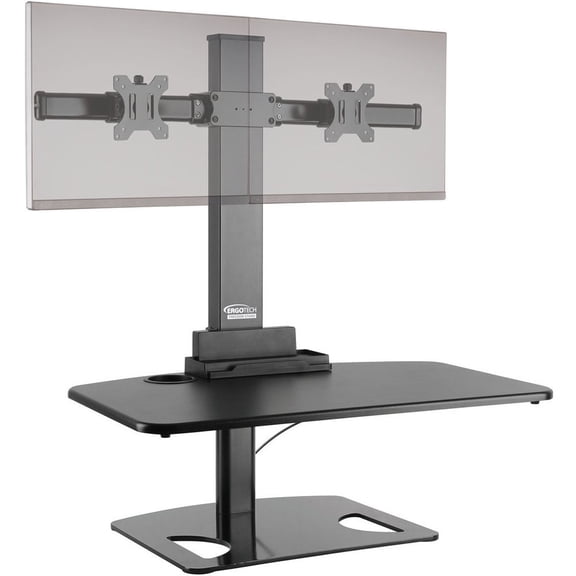
Ergotech FDM-STAND-2 Dual Freedom Sit-Stand Desk Workstation
Ergotech Freedom CPU Mount for CPU - Black $33.00
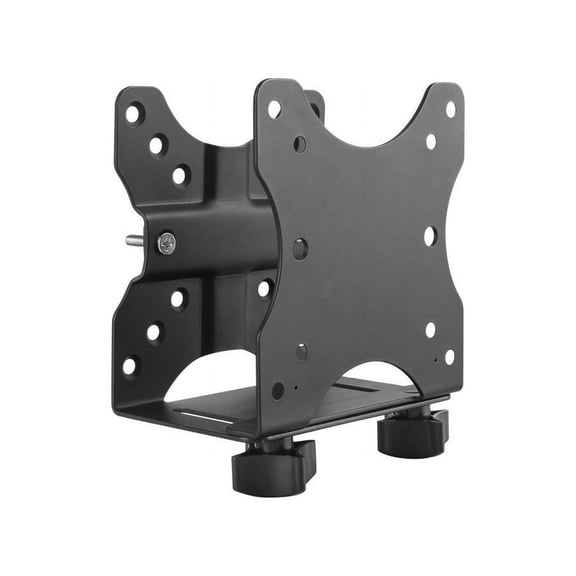
Ergotech Freedom CPU Mount for CPU - Black
FAQ
How do I set up a desk mount stand?
Setting up a desk mount stand is usually straightforward, but following the included instructions is key. Start by ensuring your desk surface is stable and clear.
- Attach the clamp or base securely to your desk, making sure it's firmly in place.
- Connect the arms or brackets according to the manual.
- Mount your monitor or device carefully, using the appropriate screws and hardware.
- Double-check all connections for stability and adjust the height or angle as needed.
Taking your time during setup can help you get the most out of your stand and keep your workspace safe.
Can a sit-stand workstation help with comfort?
A sit-stand workstation can provide flexibility by letting you alternate between sitting and standing throughout your day. Many users find this helps reduce fatigue and supports better posture.
- Switching positions may ease pressure on your back and legs.
- Adjust the height gradually to find what's most comfortable for you.
- Remember to move around regularly for the best results.
While a sit-stand setup can offer benefits, comfort depends on individual habits and workspace layout.
How do I clean a monitor desk stand?
Keeping your monitor desk stand clean helps maintain its appearance and function. Start by unplugging any attached devices for safety.
- Wipe down surfaces with a soft, damp cloth to remove dust and smudges.
- Avoid harsh cleaners or abrasive pads, which could damage the finish.
- For tougher spots, use a mild soap diluted in water, then wipe dry.
Regular cleaning can help your stand last longer and look its best in your workspace.
What should I check before mounting three monitors?
Before mounting three monitors, take a few steps to help with a smooth installation.
- Check the weight and size limits of your stand to be sure it's compatible with your monitors.
- Make sure your desk has enough space for the stand's base and the monitors' full width.
- Plan out cable management to keep your setup tidy and prevent cord strain.
Reviewing these points beforehand can help you avoid surprises during setup.
Are replacement parts available for desk stands?
If you need replacement parts for your desk stand, check the product packaging or manual for part numbers and contact information. Many manufacturers offer replacement screws, clamps, or arms.
- Look for official support channels listed by the manufacturer.
- Keep your model information handy when inquiring about parts.
- Some retailers may also assist with finding compatible components.
Reaching out to the manufacturer directly is often the best way to find the right parts for your stand.
Popular in Standing Desk Mounts and Workstations for Office Setup
- Ergotech TV Accessories
- Monitor Arms Stands Articulating Platforms Shelves
- Triple Monitor Stands
- Siig Monitor & Screen Accessories
- Monitor Stand Rotate
- Vivo Desk Mount
- Computer Monitor Mounts and Stands
- All TV and Monitor Mounts
- Tilt TV Mounts
- TV Mounts for 98 Inch and Up TVs
- TV Mounts for 65 Inch TVs
- TV Mounts
Related Products
VIVO Mobile Computer Cart with Monitor Mount, PC Holder, Keyboard Tray
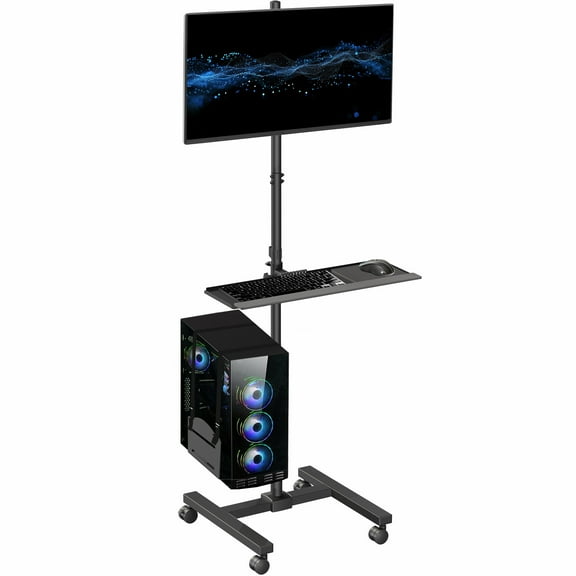 VIVO Mobile Computer Cart with Monitor Mount, PC Holder, Keyboard Tray$119.99current price $119.99
Behome 2 Pack Monitor Stand, Desk Monitor Riser 3 Height Adjustable, Laptop Riser with Airflow Vents, Desktop Stand for Computer, Printer, Monitor, Laptop, Black Steel, 14.57 in
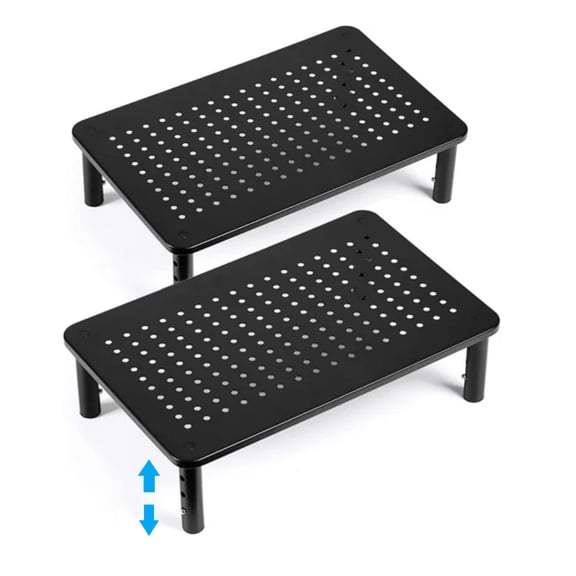 Behome 2 Pack Monitor Stand, Desk Monitor Riser 3 Height Adjustable, Laptop Riser with Airflow Vents, Desktop Stand for Computer, Printer, Monitor, Laptop, Black Steel, 14.57 in$22.99current price $22.99
Wooden Laptop Stand Computer Stand Compatible with 14.8"-17.6'' Universal Laptop Shelf Ergonomic Laptop Riser for Desk
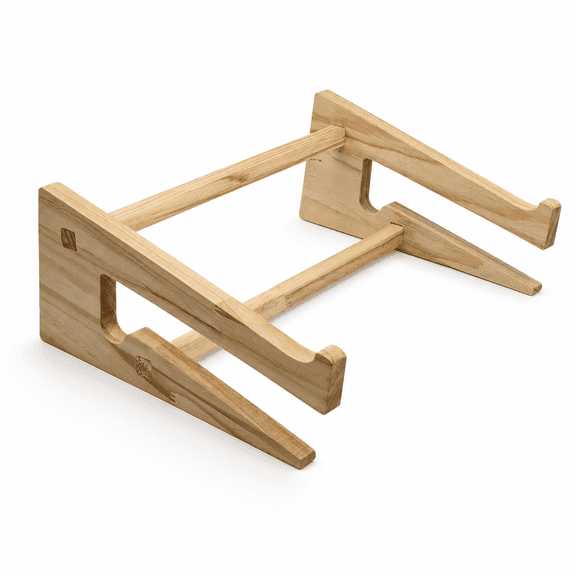 Wooden Laptop Stand Computer Stand Compatible with 14.8"-17.6'' Universal Laptop Shelf Ergonomic Laptop Riser for Desk$12.99current price $12.99
Mount-It! Mobile Computer Cart With Monitor Mount & CPU Holder
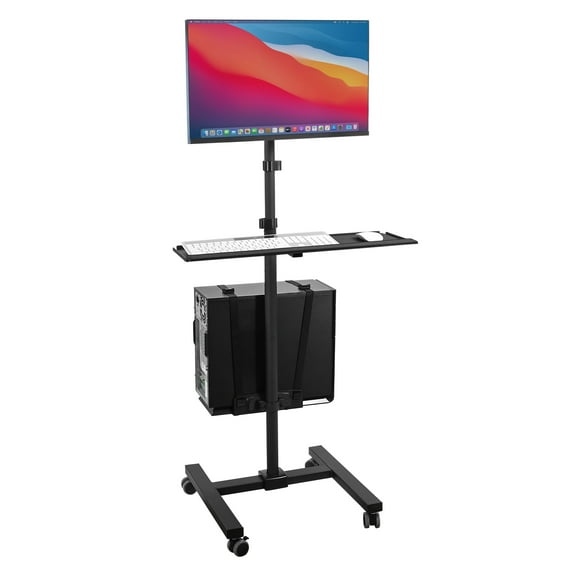 Mount-It! Mobile Computer Cart With Monitor Mount & CPU Holder$166.99current price $166.99
Adjustable Foldable Laptop Stand Aluminum Notebook Riser Computer Holder
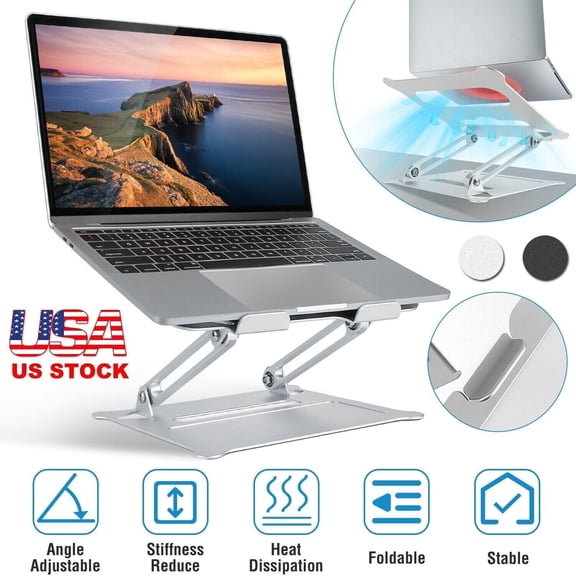 Adjustable Foldable Laptop Stand Aluminum Notebook Riser Computer Holder$14.39current price $14.39
Fellowes 8038401 FELLOWES NOTEBOOK STAND - UP TO 17 INCH SCREEN SUPPORT - 25 LB LOAD CAPACITY - 4 IN
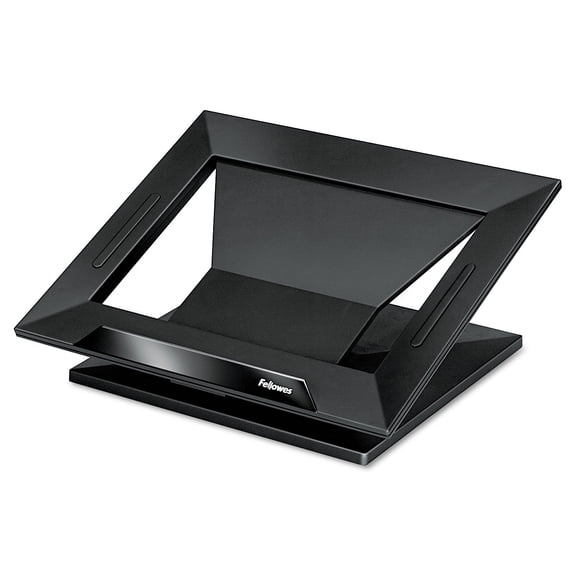 Fellowes 8038401 FELLOWES NOTEBOOK STAND - UP TO 17 INCH SCREEN SUPPORT - 25 LB LOAD CAPACITY - 4 IN$39.99current price $39.99
Yescom Nexusx Commander Mobile Computer Cart Workstation Dual Monitor on Wheels Adjustable Hospital School Office ANSI/BIFMA X5.5-2021 Certificated Black
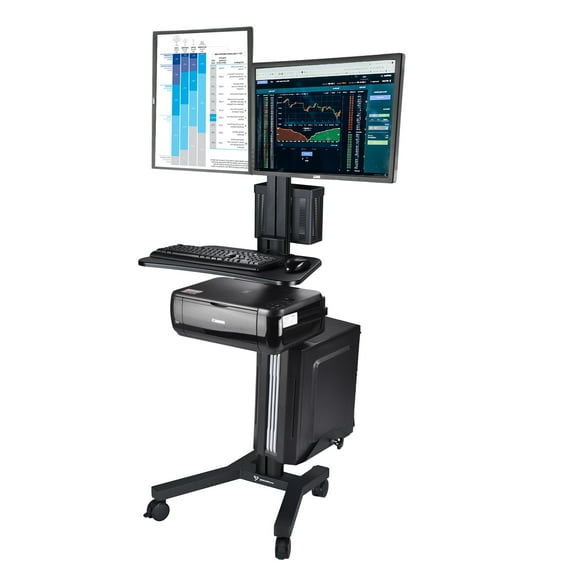 Yescom Nexusx Commander Mobile Computer Cart Workstation Dual Monitor on Wheels Adjustable Hospital School Office ANSI/BIFMA X5.5-2021 Certificated Black$378.99current price $378.99
Mount-It! Mobile Standing Desk with Dual Monitor Mount 40-Inch Wide, Height Adjustable, Black
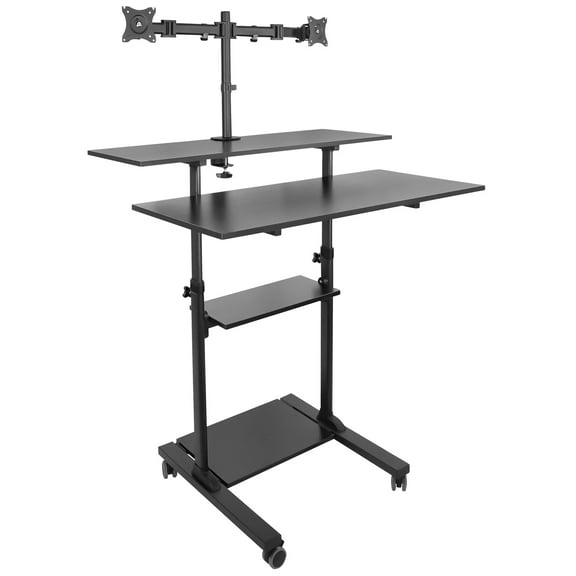 Mount-It! Mobile Standing Desk with Dual Monitor Mount 40-Inch Wide, Height Adjustable, Black$275.99current price $275.99
Mount-It! 38'' Standing Desk Converter – Height Adjustable Sit Stand Riser with Dual Monitor Space, Keyboard Tray & Device Slot – Gas Spring Lift, MDF Desktop, Black
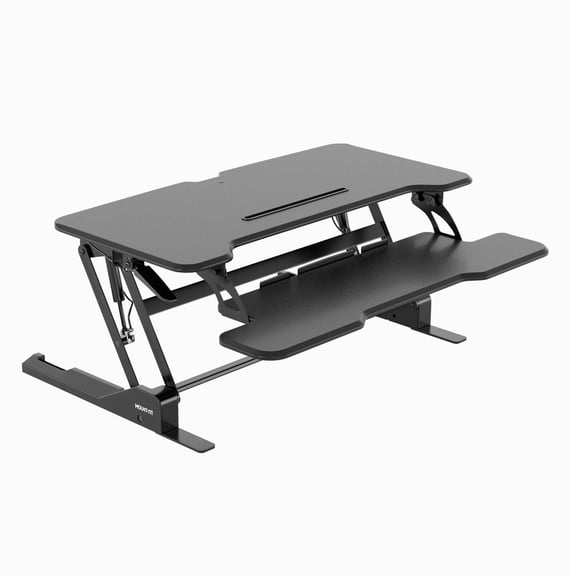 Mount-It! 38'' Standing Desk Converter – Height Adjustable Sit Stand Riser with Dual Monitor Space, Keyboard Tray & Device Slot – Gas Spring Lift, MDF Desktop, Black$229.99current price $229.99
Mount-It! Extra Wide Mobile Standing Desk with Dual Monitor Mount, Rolling Computer Workstation
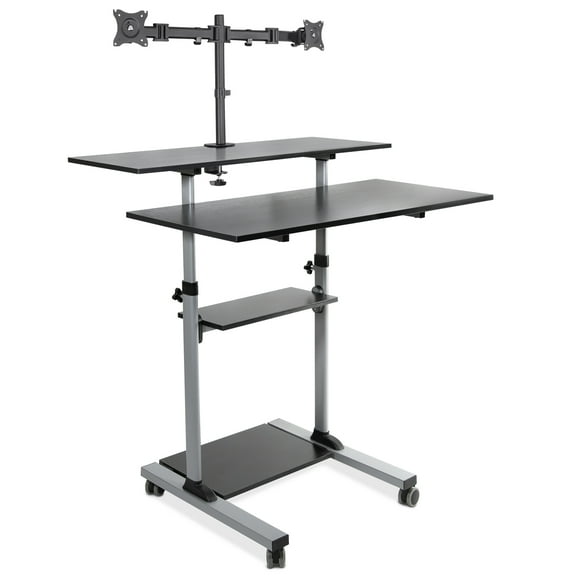 Mount-It! Extra Wide Mobile Standing Desk with Dual Monitor Mount, Rolling Computer Workstation$275.99current price $275.99
2-Pack Monitor Stand Riser with 3 Height Adjustable and Mesh Platform for Laptop, Computer, Printer
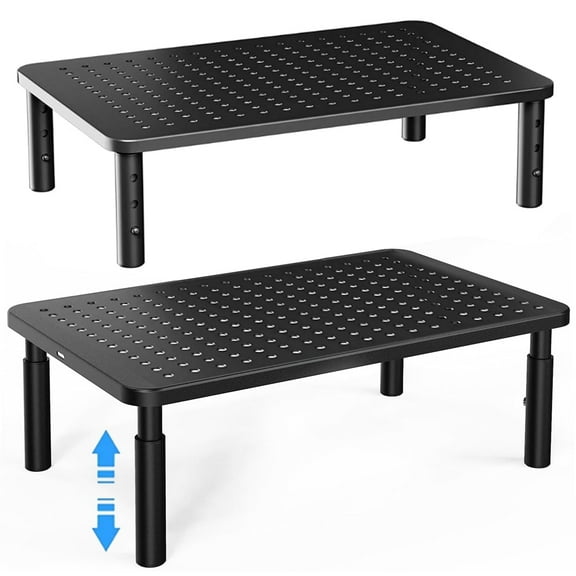 2-Pack Monitor Stand Riser with 3 Height Adjustable and Mesh Platform for Laptop, Computer, Printer$18.99current price $18.99
ELG Desktop Monitor Stand and Laptop Riser, Adjustable Height Steel Organizer, 44 lb Capacity, Black, 2 Pack
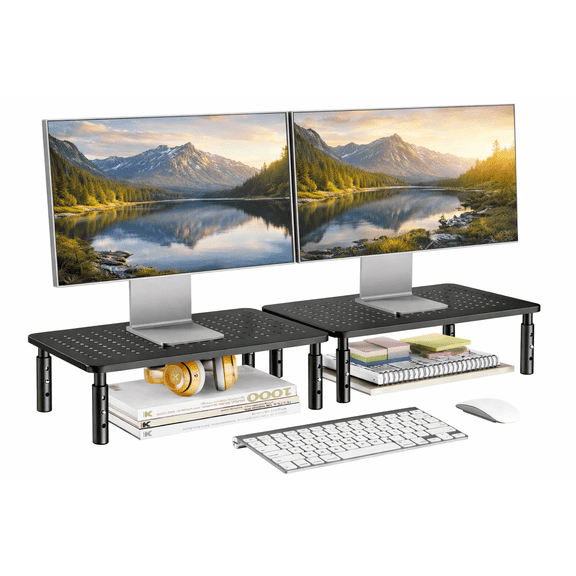 ELG Desktop Monitor Stand and Laptop Riser, Adjustable Height Steel Organizer, 44 lb Capacity, Black, 2 Pack$23.99current price $23.99
iDecoMart Clear Acrylic Laptop Stand, Monitor Riser for Home Office
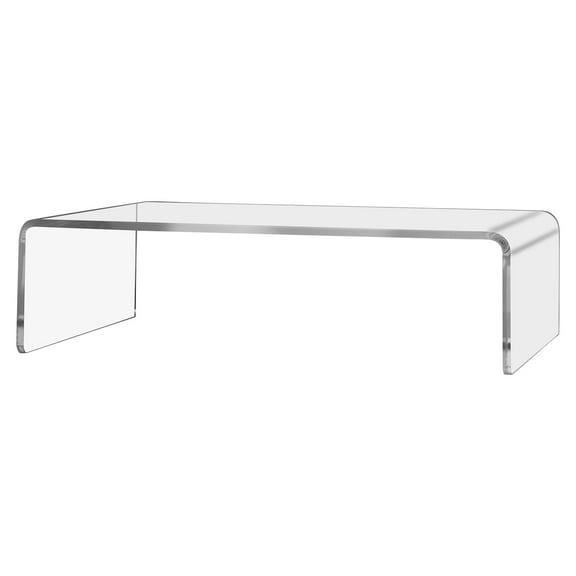 iDecoMart Clear Acrylic Laptop Stand, Monitor Riser for Home Office$23.99current price $23.99
Adjustable Standing Desk Converter – Dual Aluminum Laptop & Keyboard Riser with Independent Height and Tilt
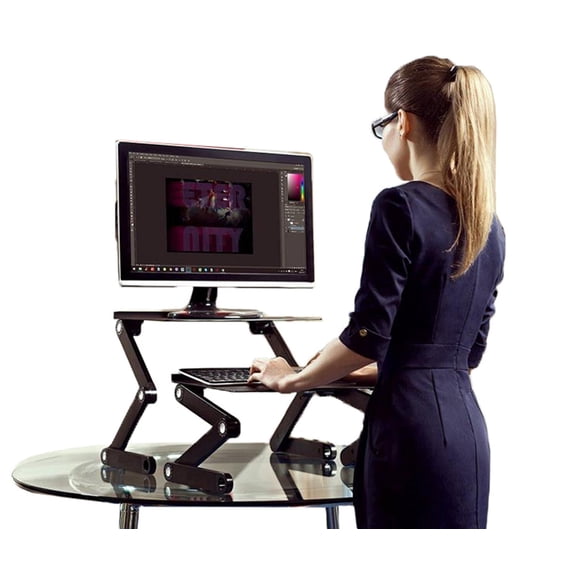 Adjustable Standing Desk Converter – Dual Aluminum Laptop & Keyboard Riser with Independent Height and Tilt$99.99current price $99.99
Monoprice Multimedia Riser Desktop Monitor Stand - Clear Glass, Large 30.8 x 11 Inches - Workstream Collection
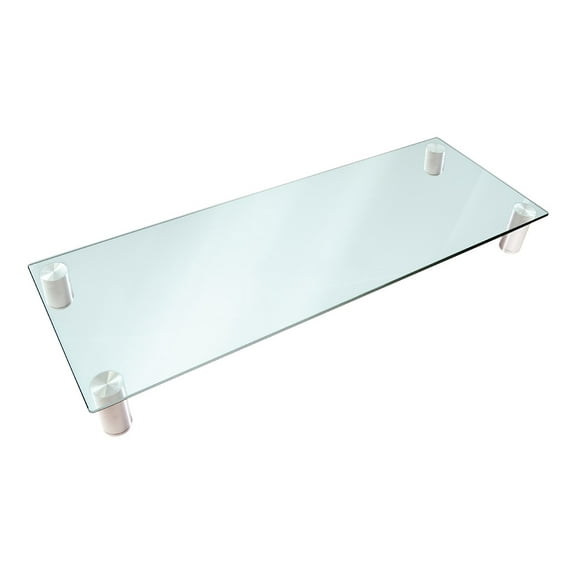 Monoprice Multimedia Riser Desktop Monitor Stand - Clear Glass, Large 30.8 x 11 Inches - Workstream Collection$64.88current price $64.88
Stand Up Desk Store Compact Clamp-On Retractable Adjustable Height Under Desk Keyboard Tray | for Desks Up to 1.5" (Small, 24.5" Wide)
 Stand Up Desk Store Compact Clamp-On Retractable Adjustable Height Under Desk Keyboard Tray | for Desks Up to 1.5" (Small, 24.5" Wide)$69.00current price $69.00