

Aven Microscopes(1)
Aven 26700-218 Mighty Scope v2 USB Digital Microscope $413.93

Aven 26700-218 Mighty Scope v2 USB Digital Microscope
Other options to consider(2)
Aven Tools 26700-401 $1,160.17
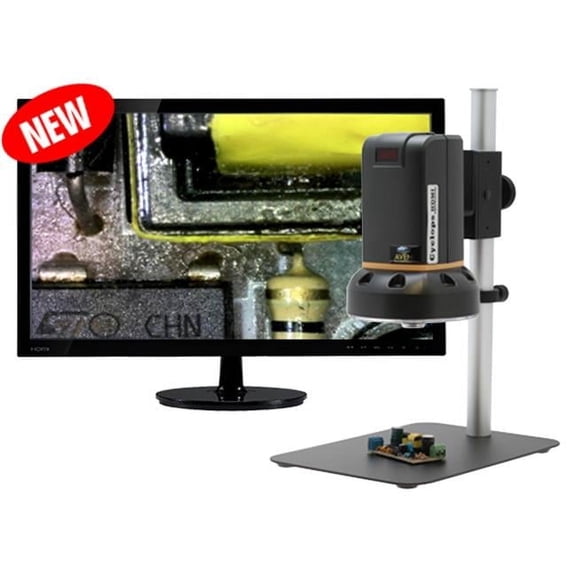
Aven Tools 26700-401
Microscope Eyepiece $191.64

Microscope Eyepiece
FAQ
what can you look at with a digital microscope?
A digital microscope is great for viewing small objects in crisp detail. You can use it for a wide range of applications, such as:
- Examining electronics or circuit boards for repairs or learning.
- Looking at fabric weaves or tiny parts in jewelry.
- Observing plant leaves, insects, or minerals for science projects.
- Checking stamps, coins, or other collectibles for fine details.
It's a handy tool for curious minds, hobbyists, and professionals who want to get a closer look at everyday objects.
how do you connect the microscope to a computer?
Connecting a USB digital microscope to your computer is usually simple. Start by plugging the microscope's USB cable into an available port on your Windows or Mac computer. Most models are plug-and-play, but you may need to install included software for advanced features or image capture.
- Follow on-screen prompts if any software needs to be installed.
- Open the software or compatible camera app to view the live image.
Be sure to check the user manual for details specific to your device.
is it easy to take photos with it?
Taking photos with a digital microscope can be straightforward. Many microscopes have a built-in button on the device or in the accompanying software that lets you capture images instantly.
- Adjust the focus to get a clear view of your subject.
- Press the capture button on the microscope or use the software interface.
- Saved images usually go directly to your computer for easy sharing or editing.
This makes it simple to document your discoveries or share them with others.
can kids use a digital microscope for school projects?
Digital microscopes can be a fun and educational tool for kids working on school projects. They make it easy to explore science topics like biology or materials science by displaying magnified images on a computer screen.
- Supervision is recommended for younger children to ensure safe and proper use.
- The simple controls and live viewing features can spark curiosity and make learning interactive.
Always follow the included instructions for safe handling and setup.
how do you clean the lens safely?
Keeping the lens of your digital microscope clean helps maintain image clarity. Here's a safe way to do it:
- Use a soft, lint-free microfiber cloth to gently wipe the lens.
- If needed, apply a small amount of lens cleaning solution to the cloth (never directly on the lens).
- Avoid using paper towels or abrasive materials that could scratch the surface.
Regular gentle cleaning can help your microscope deliver clear images for a long time.
Popular in Aven Microscopes
Related Products
BEBANG 4.3" Coin Microscope, 1080p, 8 LED Lights, Digital Microscope for Adults Kids, Windows MacOS Compatible, 32GB
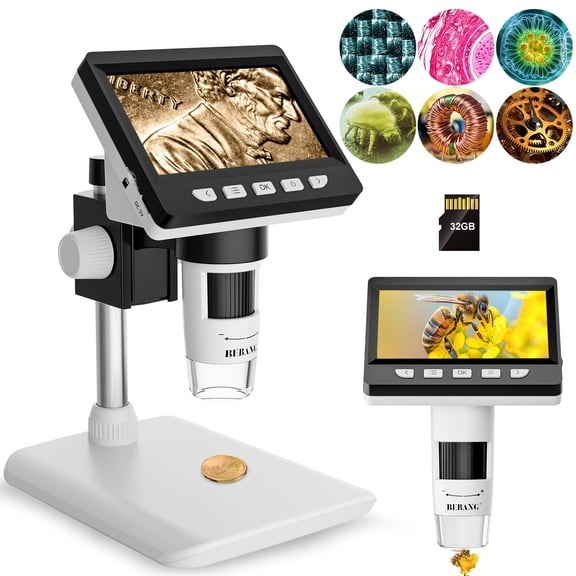 BEBANG 4.3" Coin Microscope, 1080p, 8 LED Lights, Digital Microscope for Adults Kids, Windows MacOS Compatible, 32GB$49.99current price $49.99
BEBANG 7" Coin Microscope for Adults, 1080P Ips Digital Microscope with 8 Adjustable LED Lights, 2 Flexible Side Lights, PC View Compatible with Windows, Ios, 32GB
 BEBANG 7" Coin Microscope for Adults, 1080P Ips Digital Microscope with 8 Adjustable LED Lights, 2 Flexible Side Lights, PC View Compatible with Windows, Ios, 32GB$95.99current price $95.99
Industrial Edition 4.3-Inch Digital Microscope with LED 8 Adjustable Light Source, Single Pack
 Industrial Edition 4.3-Inch Digital Microscope with LED 8 Adjustable Light Source, Single Pack$40.00current price $40.00
Wireless Digital Microscope, 1600X Digital Microscope Camera 3in1 Type-C USB Portable Electronic Microscope For Soldering LED Magnifier For Cell Phone Repair
 Wireless Digital Microscope, 1600X Digital Microscope Camera 3in1 Type-C USB Portable Electronic Microscope For Soldering LED Magnifier For Cell Phone Repair$18.99current price $18.99
VEVOR Compound Binocular Microscope, 40-2000X Magnification, Professional Compound Microscope for Adult with Phone Adapter, LED Light, Aluminum Alloy Body, for Lab, School, Home, Education
 VEVOR Compound Binocular Microscope, 40-2000X Magnification, Professional Compound Microscope for Adult with Phone Adapter, LED Light, Aluminum Alloy Body, for Lab, School, Home, Education$109.90current price $109.90
BEBANG 7" IPS Digital Microscope, 12MP Coin Microscope with 10 LED Lights for Error Coins, PC View, Soldering Microscopes for Adults, 32GB
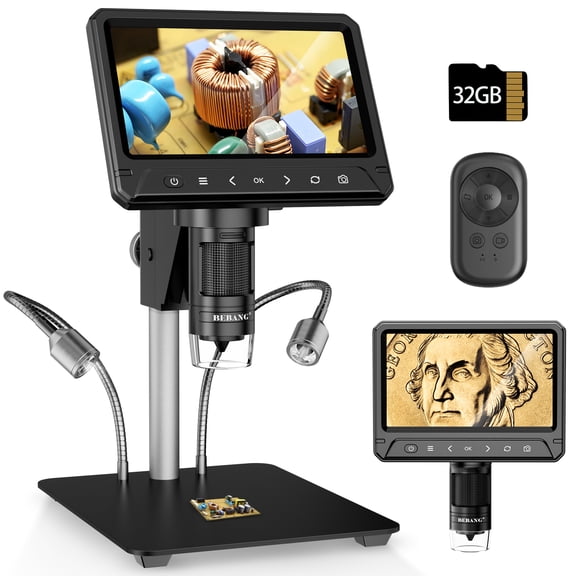 BEBANG 7" IPS Digital Microscope, 12MP Coin Microscope with 10 LED Lights for Error Coins, PC View, Soldering Microscopes for Adults, 32GB$92.99current price $92.99
BEBANG 10.1" LCD Digital Microscope for Adults, Coin Microscope for Electronics Repair, Error Coins, 32G
 BEBANG 10.1" LCD Digital Microscope for Adults, Coin Microscope for Electronics Repair, Error Coins, 32G$136.99current price $136.99
USCAMEL Coin Microscope for Adults, 7-Inch IPS Digital Microscope with 30 LED Lights, 32GB SD Card, Remote Control, PC Viewing, Windows & Mac Compatible, for Error Coin Inspection & Soldering
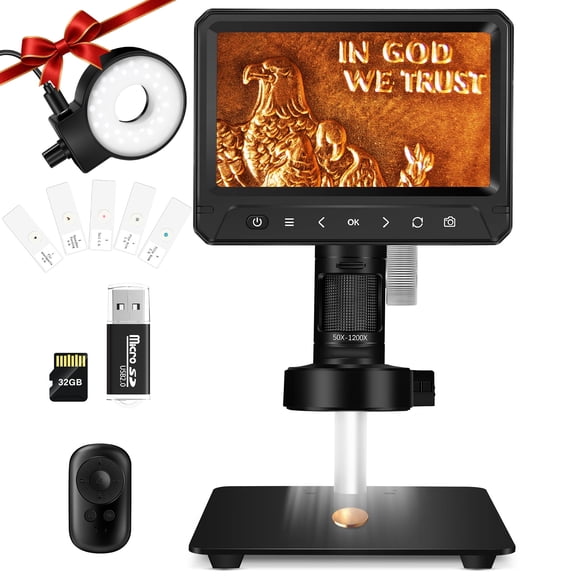 USCAMEL Coin Microscope for Adults, 7-Inch IPS Digital Microscope with 30 LED Lights, 32GB SD Card, Remote Control, PC Viewing, Windows & Mac Compatible, for Error Coin Inspection & Soldering$75.80current price $75.80
MAXIMIZE Ultra Tiny 30X-60X Microscope | LED & UV Lights | Zoom Lens & Focus Wheel | Portable & Lightweight
 MAXIMIZE Ultra Tiny 30X-60X Microscope | LED & UV Lights | Zoom Lens & Focus Wheel | Portable & Lightweight$13.79current price $13.79
AmScope 14-LED Microscope Dual Gooseneck Lights New
 AmScope 14-LED Microscope Dual Gooseneck Lights New$117.99current price $117.99
Luxo 23726RB-ESD System 273RB-LED-ESD Safe Binocular Stereo-Zoom Microscope with Roller Bearing Stand, LED-3000 Ring Light, 23 mm
 Luxo 23726RB-ESD System 273RB-LED-ESD Safe Binocular Stereo-Zoom Microscope with Roller Bearing Stand, LED-3000 Ring Light, 23 mm$2603.00current price $2603.00
Active Eye High-Precision Microscope with Super Bright LED 60X-100X
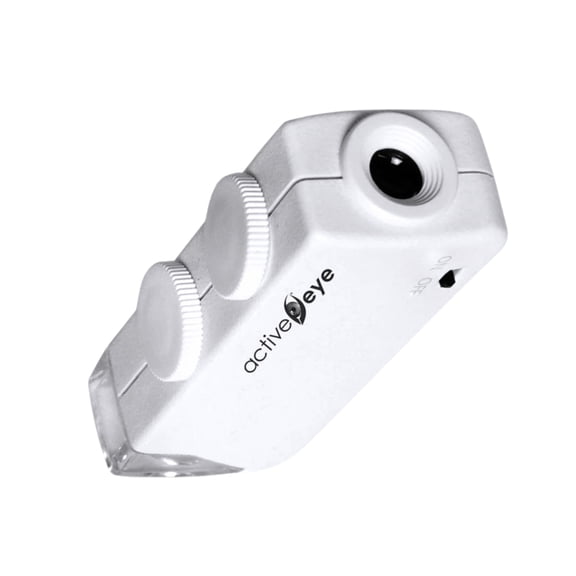 Active Eye High-Precision Microscope with Super Bright LED 60X-100X$26.97current price $26.97
AmScope 150W Fiber Optical Microscope Illuminator Light Box
 AmScope 150W Fiber Optical Microscope Illuminator Light Box$272.99current price $272.99
Luxo 23711RB System 273RB-RLI Binocular Stereo-Zoom Microscope with Roller Bearing Stand, Fiber Optic Illuminator Ring Light, 23 mm
 Luxo 23711RB System 273RB-RLI Binocular Stereo-Zoom Microscope with Roller Bearing Stand, Fiber Optic Illuminator Ring Light, 23 mm$2933.27current price $2933.27