

Surface Laptops in Shop Laptops By Brand



















About Surface Laptops in Shop Laptops By Brand - Walmart.com
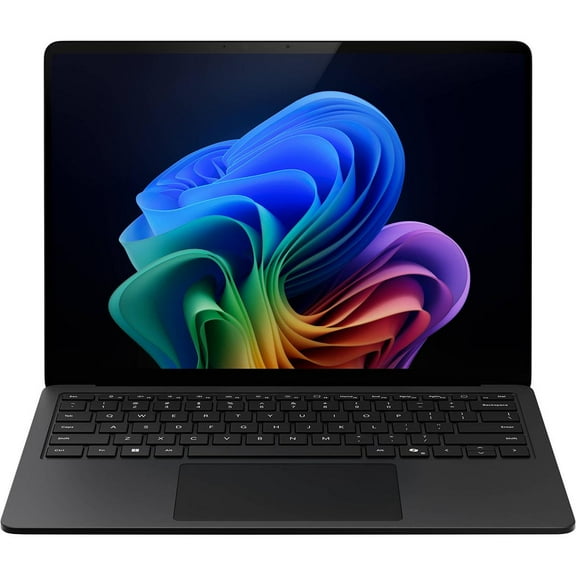
You can compare surface laptops more clearly when you focus on form factor, memory, processor choice, screen size, and storage. You'll notice this category stands out for sleek designs, touchscreen options, detachable models, and configurations built for work, class, and travel.
As you narrow your options, you'll want to match your daily tasks with the right Surface model line. You can use this guide to compare Surface Laptop, Surface Pro, Surface Laptop Studio, and Surface Laptop Go with less guesswork.
Choosing the right surface laptops model
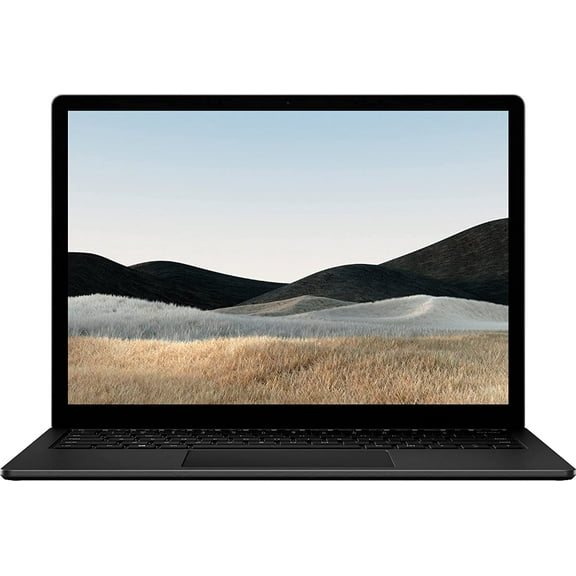
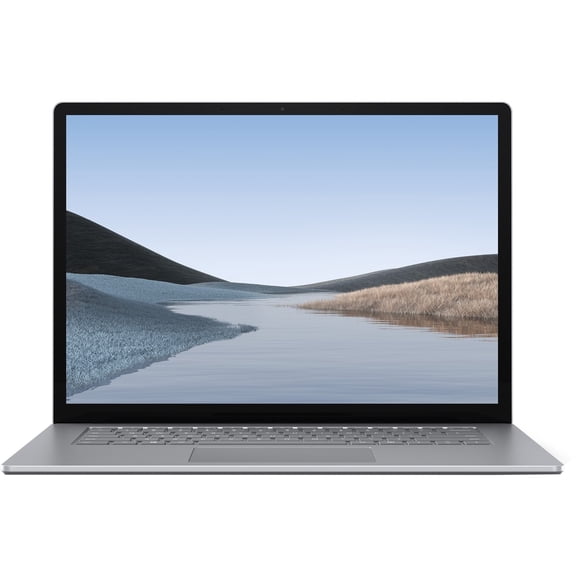
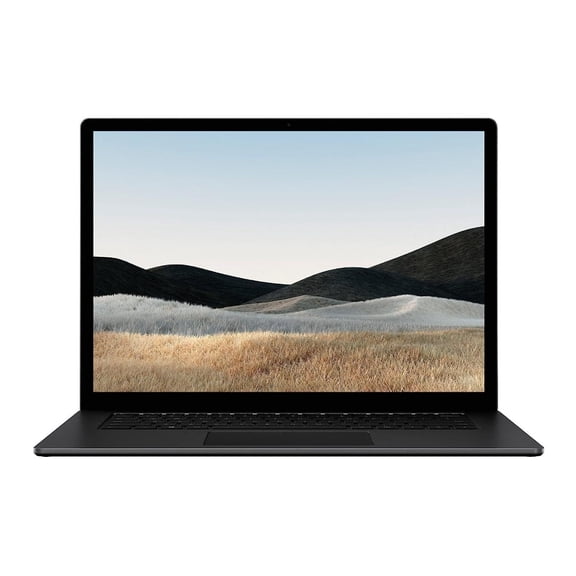
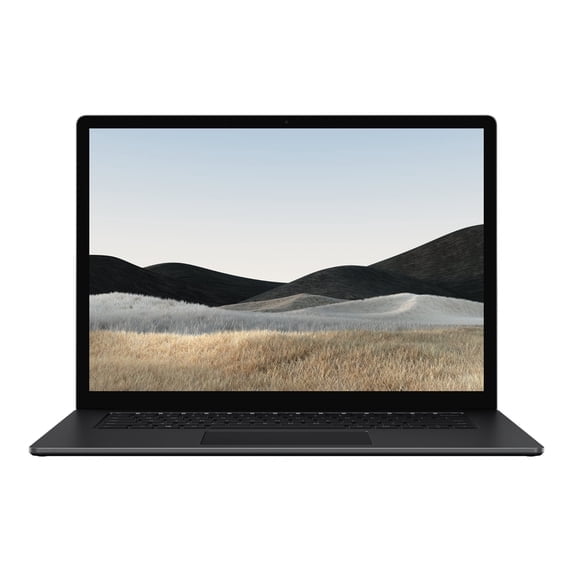
You should start with model line because your form factor affects how you type, carry, and present. You'll usually prefer a traditional clamshell when your day centers on steady keyboard use and lap typing.
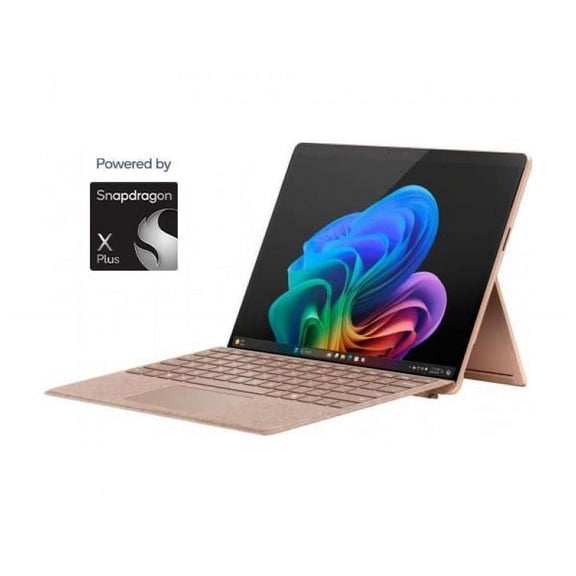
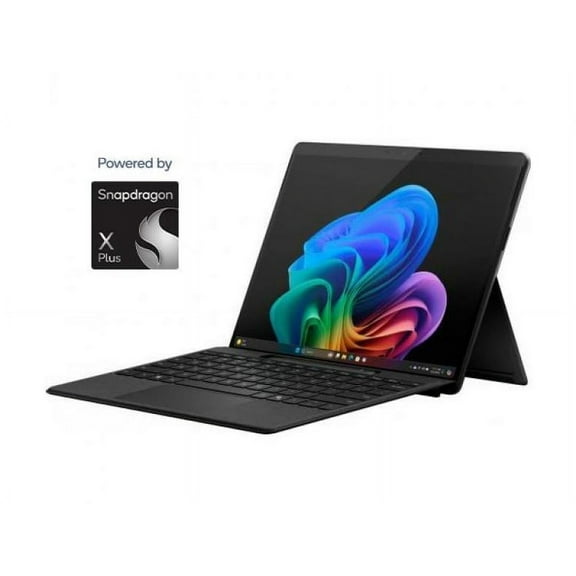
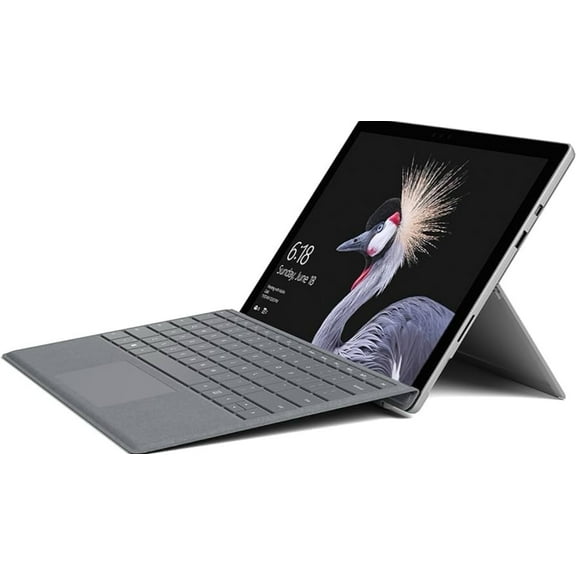
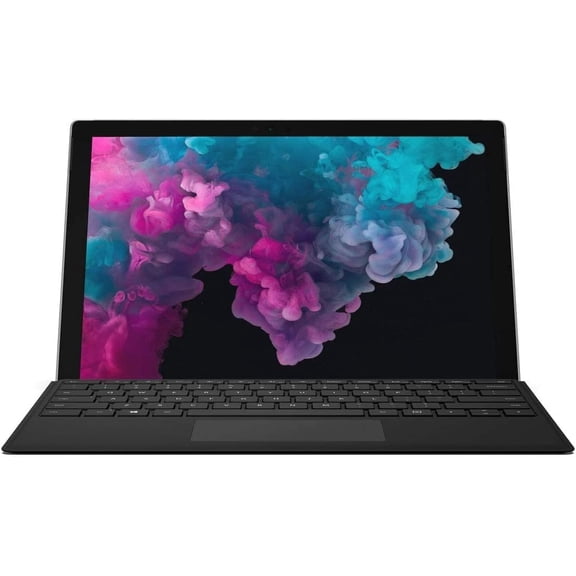
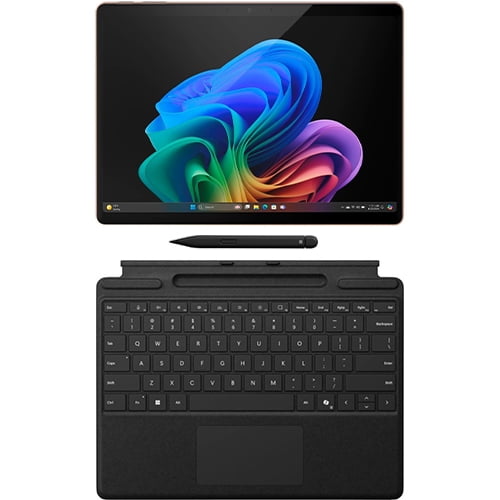
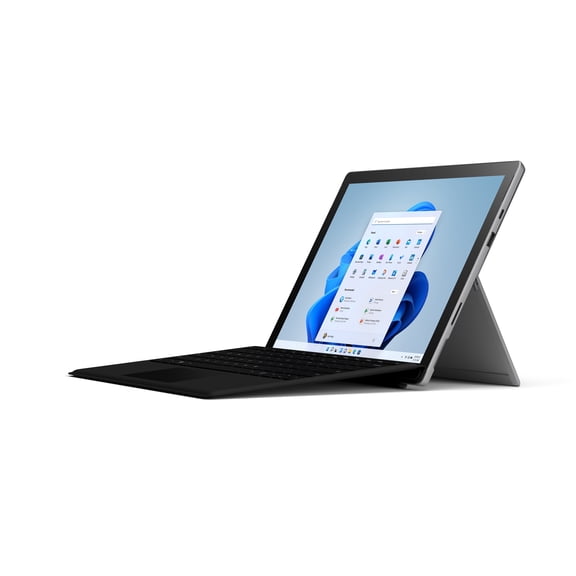
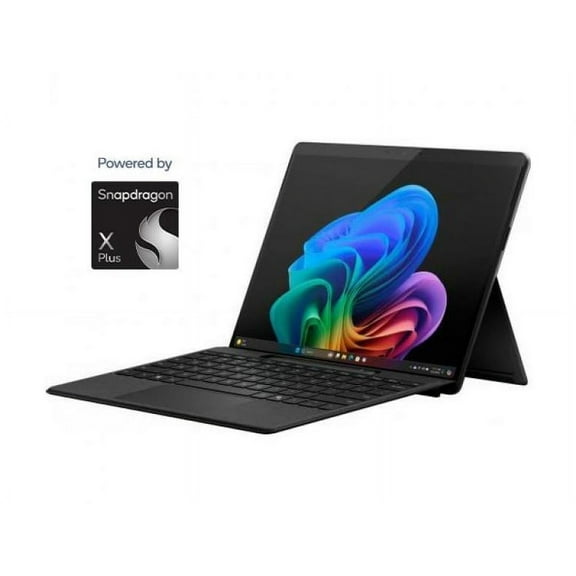
If you want flexibility, you can compare a surface pro laptop with a detachable design for notes, drawing, and touch use. You'll get a lighter tablet-style setup that fits desks, flights, and meetings more easily.
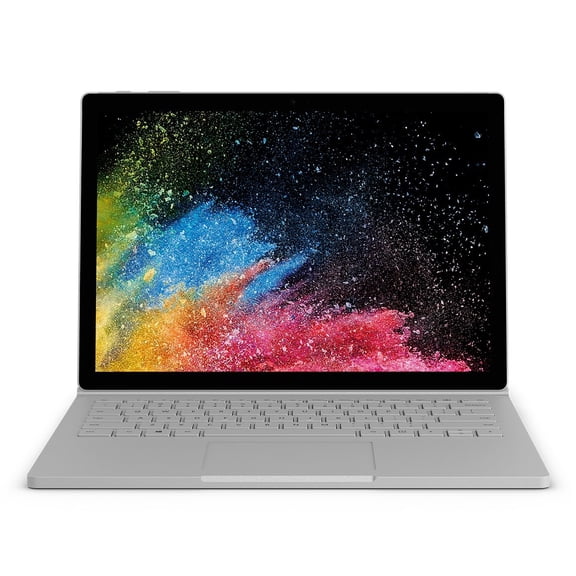
You may also consider Surface Laptop Studio when your work includes sketching, editing, or switching between creative tasks. You'll appreciate its adaptable design when your workflow changes often during the day.
For lighter everyday use, you can look at Surface Laptop Go for portability and compact carry. You'll find it easier to slip into a tote, backpack, or commuter bag.
What benefits to expect from a microsoft surface laptop
You can expect responsive performance for email, streaming, documents, and web-based work across many configurations. You'll also get a clean, modern design language that fits home offices, classrooms, and shared spaces.
Because this category includes touchscreen and detachable options, you can choose a setup that matches how you write and present. You'll have more flexibility than with standard laptops that only support basic keyboard use.
- You can pick a clamshell model when your priority is traditional typing comfort.
- You can choose a detachable Surface Pro when your routine mixes tablet and laptop tasks.
- You can compare compact and larger screens based on travel habits and workspace size.
- You can select more RAM when your day includes many tabs, video calls, and creative apps.
When you compare category-specific features, you can see why Surface devices appeal to commuters and hybrid workers. You'll benefit from slim builds, precise touch displays, and SSD storage that helps files open quickly.
Comparing RAM and storage for surface laptops
You should treat memory as a daily multitasking decision, not just a spec line. You'll notice 8GB works for lighter browsing, streaming, documents, and email with fewer demanding apps open.
If your routine includes many browser tabs, spreadsheets, meetings, and everyday multitasking, you should consider 16GB. You'll get more headroom when your workload shifts between school, work, and personal tasks.
For heavier workflows, you may compare surface pro 32gb ram options with higher-end configurations. You'll want that extra memory when you edit large files, run multiple programs, or keep many windows active.
You should also compare storage based on how many local files you keep. You'll find 256GB SSD suits documents and everyday apps, while 512GB SSD gives you more room for photos and larger projects.
If you store bigger media libraries or larger work files, you may want 1TB SSD capacity. You'll reduce the need to juggle external drives when your laptop holds more content directly.
Comparing processors and screen sizes
You should compare processor type by balancing speed, battery habits, and app compatibility. You'll often see Intel Core i5 or i7 options when you want familiar software support across many desktop programs.
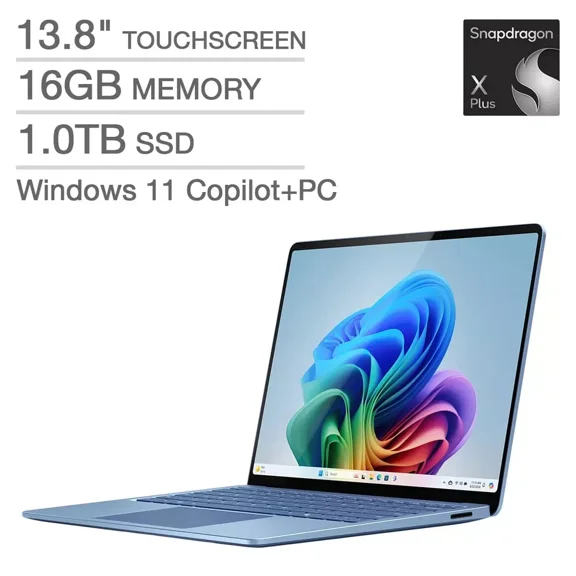
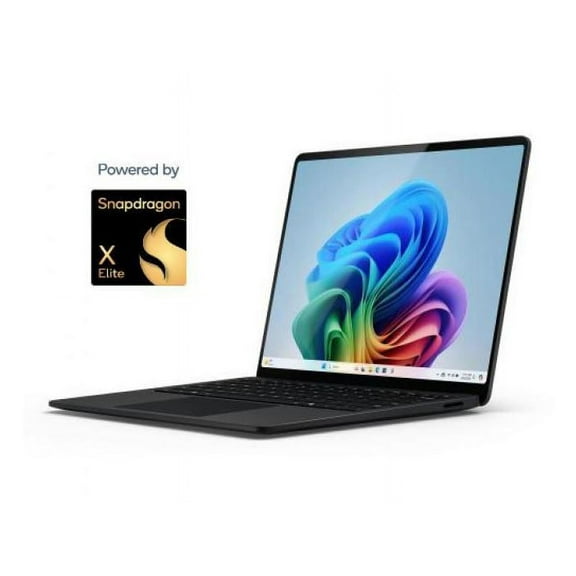
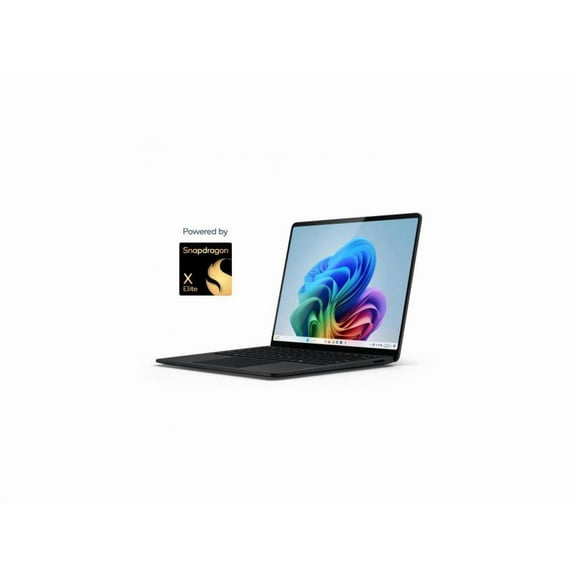
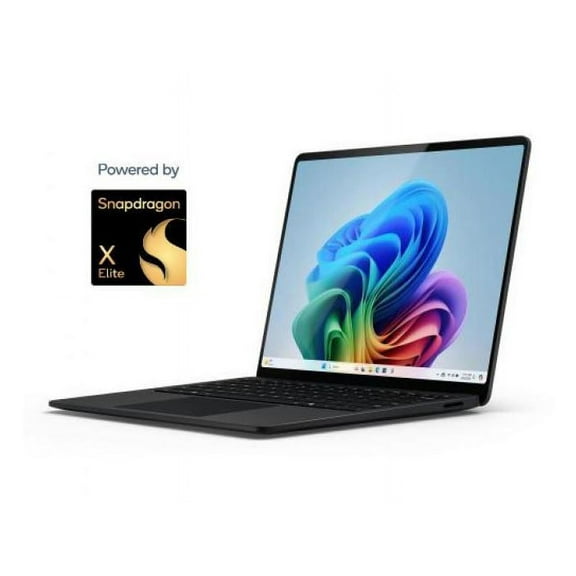
If you want newer efficiency-focused designs, you can look at Snapdragon X Elite or Snapdragon X Plus models. You'll often get strong battery expectations and quick everyday responsiveness for mobile use.
Because compatibility matters, you should check whether your key apps match your processor choice. You'll make a smarter decision when your school, office, or creative software aligns with your device.
Screen size also shapes your daily experience, especially if you move between small tables and larger desks. You'll like a 13.8-inch display when portability matters, while a 15-inch screen gives you more viewing area.
When you compare a surface laptop 7 configuration, you should look at processor, RAM, and screen together. You'll get a clearer picture of how that setup fits commuting, presentations, and longer work sessions.
Matching surface laptops to how you work
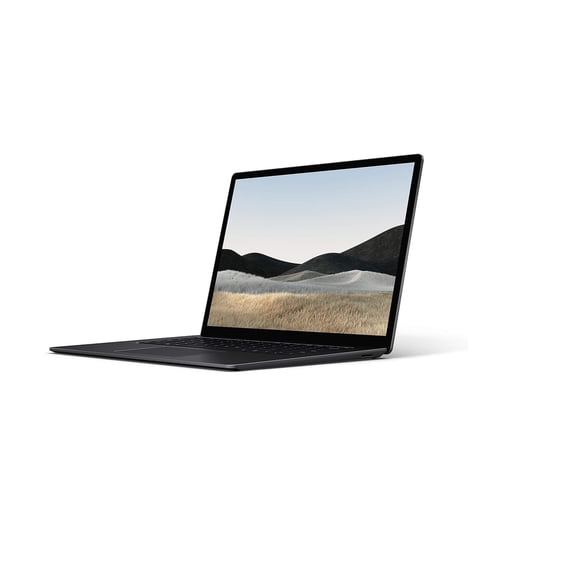
You can use Surface Laptop for office tasks, writing, research, and steady keyboard-heavy routines. You'll get a familiar notebook shape that suits home desks, classrooms, and business travel.
If your day includes handwritten notes, touch input, or quick transitions between modes, you can consider Surface Pro. You'll benefit from a setup that moves easily from typing to tablet-style use.
You may prefer Surface Laptop Studio when your projects involve design tools, sketching, or flexible screen positions. You'll have an easier time adapting your device to varied creative workflows.
For lighter carry and casual daily computing, you can compare smaller models built for quick portability. You'll appreciate that approach when your laptop needs to fit tight spaces and shorter sessions.
As you review surface laptop price alongside features, you should weigh memory, processor, and storage before focusing on model name. You'll make a stronger long-term choice when your configuration matches your real workload.
When you buy surface laptop options with clear decision criteria, you can avoid overbuying or undershooting your needs. You'll feel more confident when your model, RAM, processor, and storage support your everyday routine.