

ASUS Computers Laptops Desktops and Chromebooks






















About ASUS Computers Laptops Desktops and Chromebooks - Walmart.com
Asus computers help you compare everyday laptops, gaming systems, and work-ready desktops in one place. You can sort by series, screen size, device type, and processor to match how you study, create, play, or work.
How to choose Asus computers by series
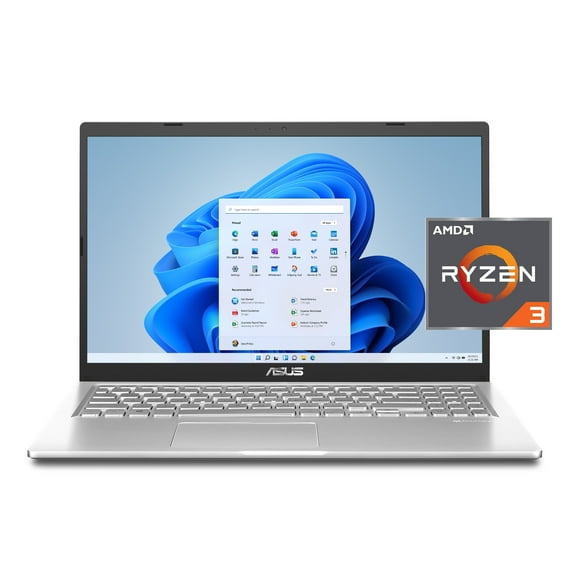
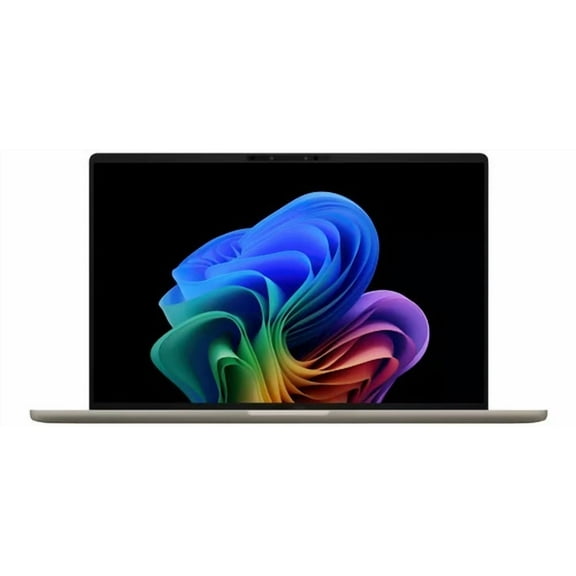
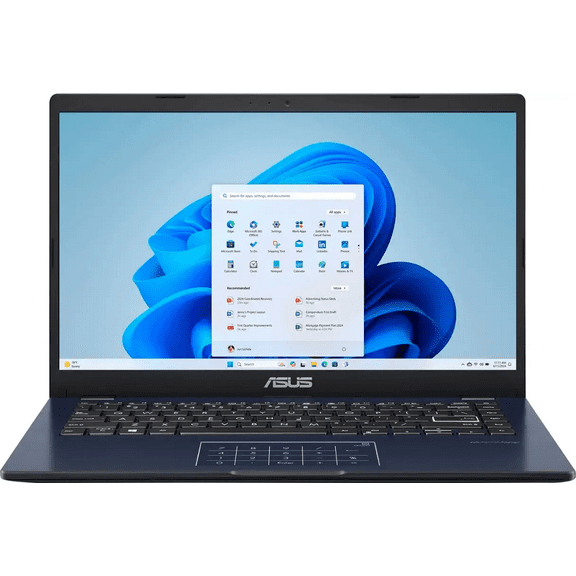
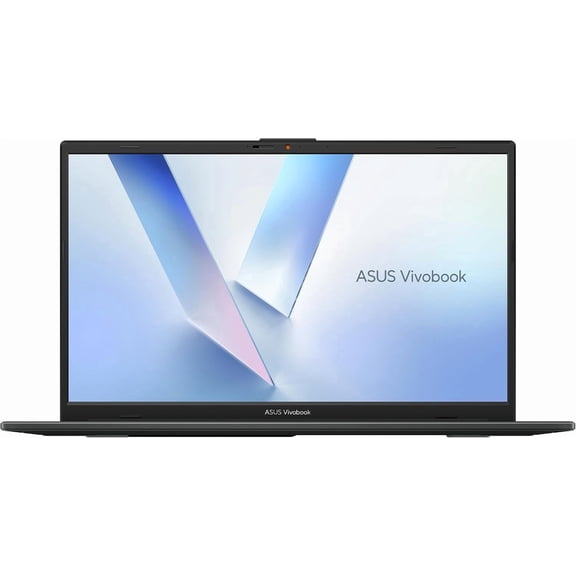
When you compare Asus computers, the series often shows how the device fits your routine. You can look at Vivobook for daily tasks and Zenbook for streamlined portability.
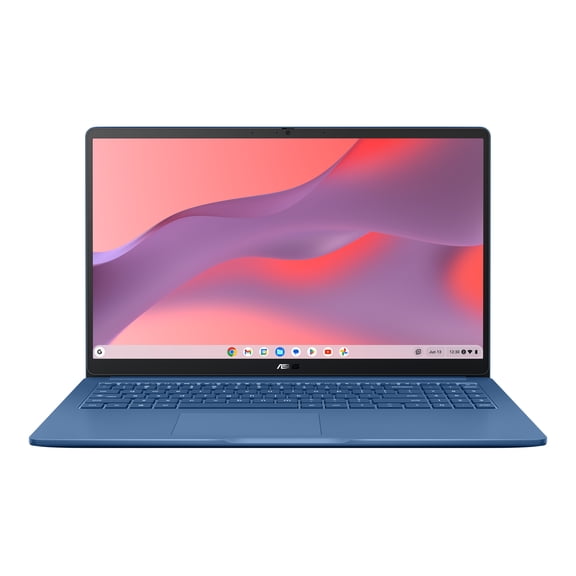
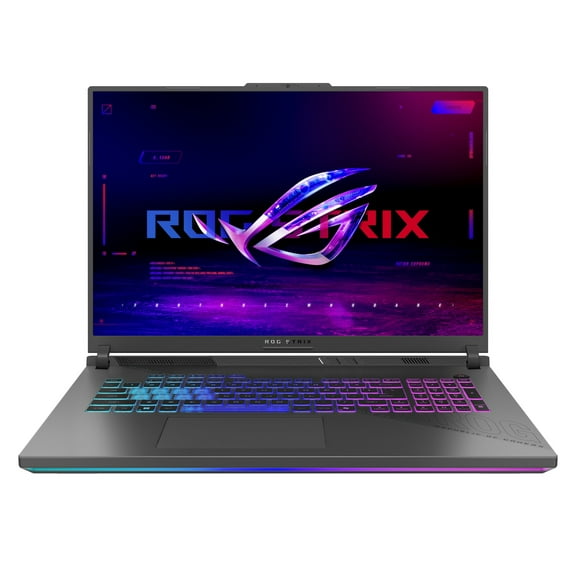
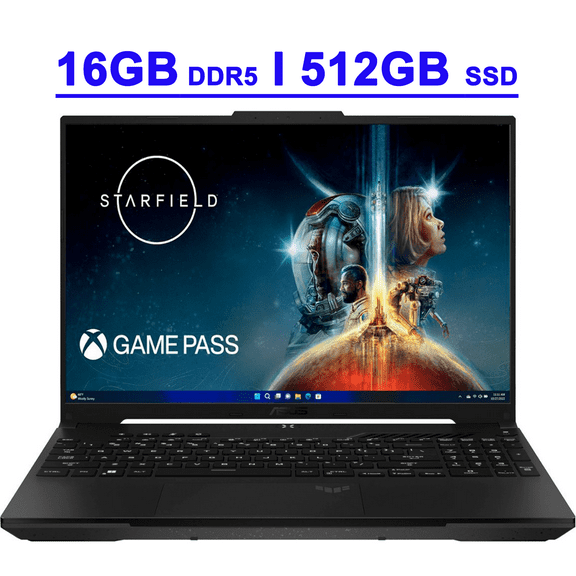
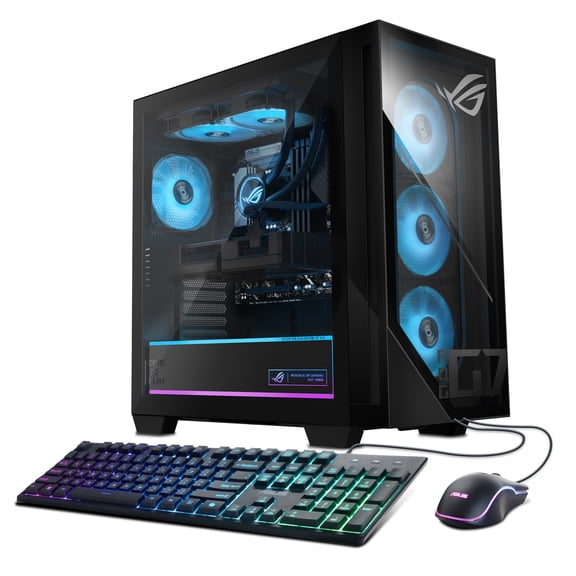
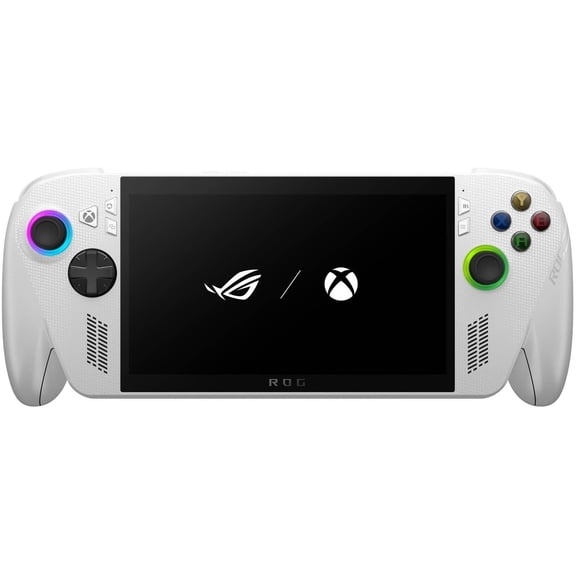
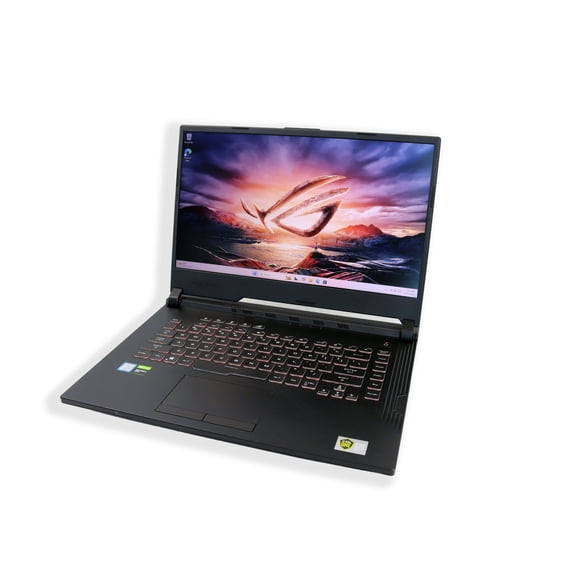
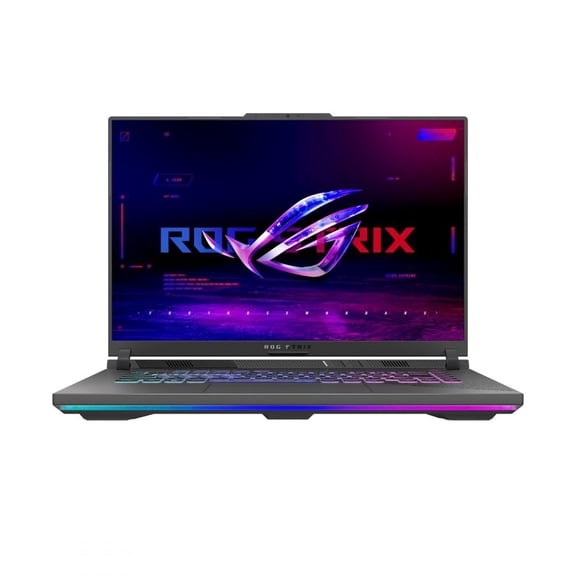
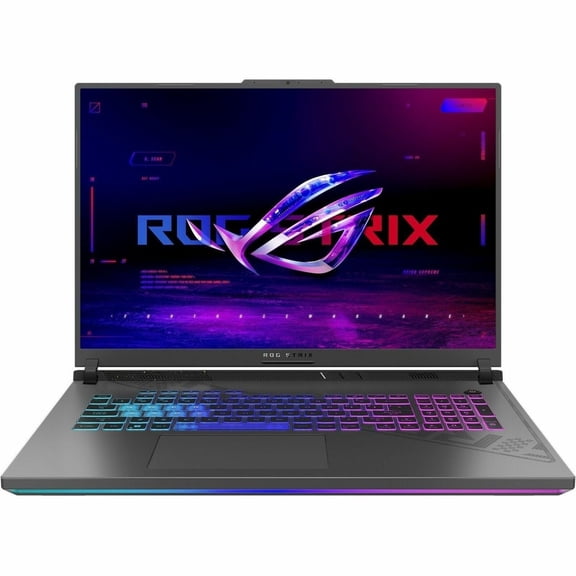
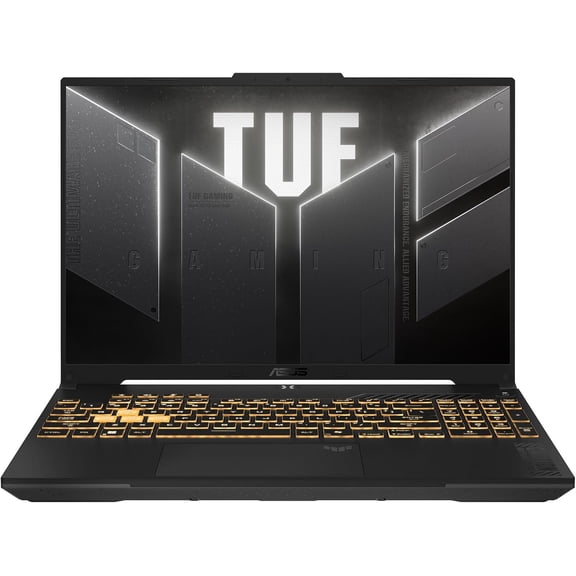
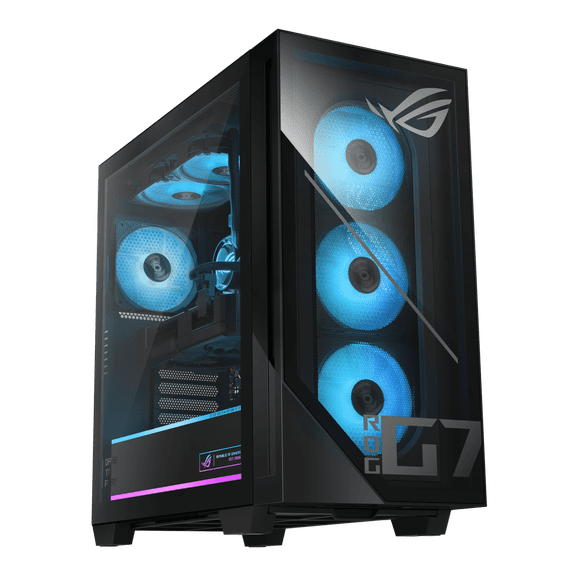
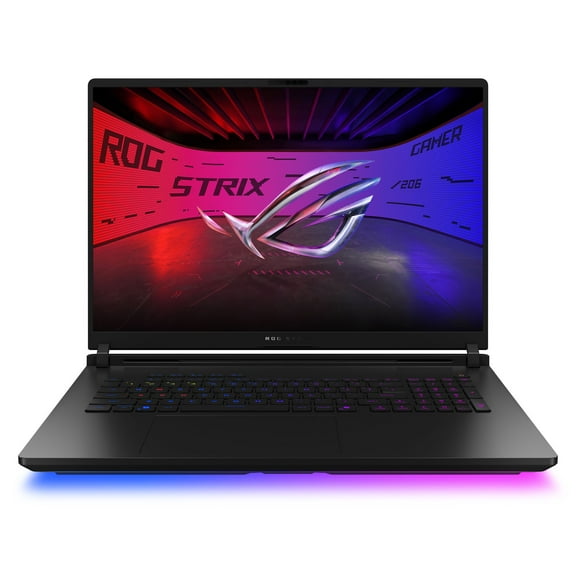
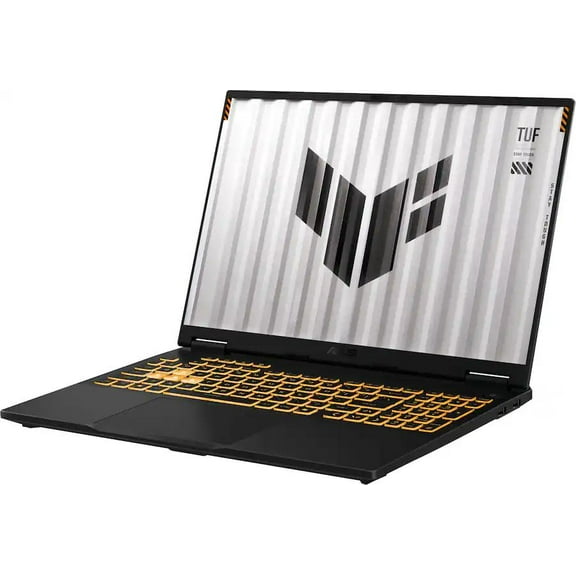
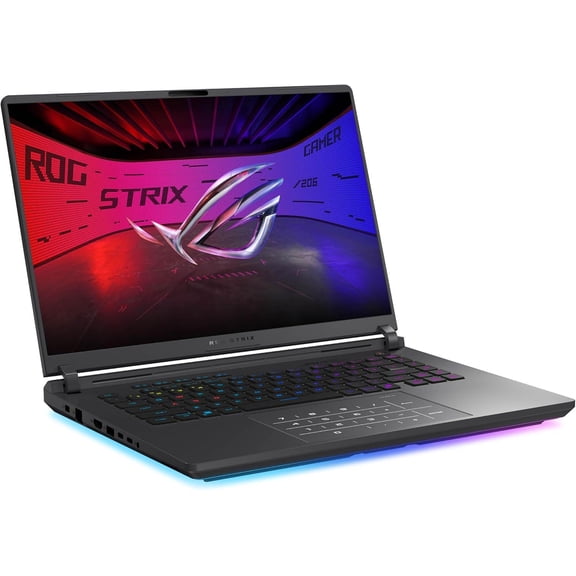
You can compare ROG for gaming focus, TUF for durable performance, and Chromebook Edition for web-based simplicity. Your shortlist gets clearer when you connect each series to the tasks you handle most often.
If you want a model for documents, streaming, and schoolwork, you may start with a Vivobook or Chromebook Edition. If your workload includes creative apps or demanding games, you may compare Zenbook, ROG, or TUF models more closely.
You can use these series differences to narrow choices faster and avoid specs that don't match your habits. Your search becomes simpler when you connect each lineup to the tasks you actually handle every week.
What to look for in Asus computers features
Screen size changes how your device feels in your bag and on your desk. You may prefer a 14-inch model for easier carrying. You may want a 16-inch display for more room for spreadsheets and side-by-side windows.
A 15.6-inch size gives you a middle ground if you want balance between workspace and portability. You should also check weight in pounds, because a lighter laptop can feel easier to carry between classes and meetings.
- You can pick a 14-inch screen when your priority is easier carrying and compact storage.
- You can choose a 15.6-inch display when you want everyday versatility for work and entertainment.
- You can move to a 16-inch panel when your tasks need wider viewing space.
- You can compare laptop, Chromebook, desktop, and all-in-one formats based on where you use them.
Device type matters just as much as size when you compare your options. You may want a laptop for flexibility or a Chromebook for browser-first tasks.
You may prefer a desktop for a fixed setup or an all-in-one for a cleaner workspace. Your room and routine can help you decide which format fits your needs.
Processor type helps you match speed to your workload without overcomplicating your decision. You can compare Intel Core i5 and Ryzen 5 for everyday multitasking.
You can compare Intel Core i7 and Ryzen 7 for heavier editing, gaming, and larger project files. You should also look at clock speed when you want a clearer sense of responsiveness.
You should also look for SSD storage when you want faster starts and quicker app loading. Your choice between hundreds of gigabytes and one terabyte depends on how many photos, videos, games, and programs you keep locally.
Comparing Vivobook S16 and other Asus options
If you searched for asus vivobook s16 or vivobook s16, you're likely balancing screen space with daily portability. You can use that model family as a reference point when you want a larger display for schoolwork, streaming, or routine productivity.
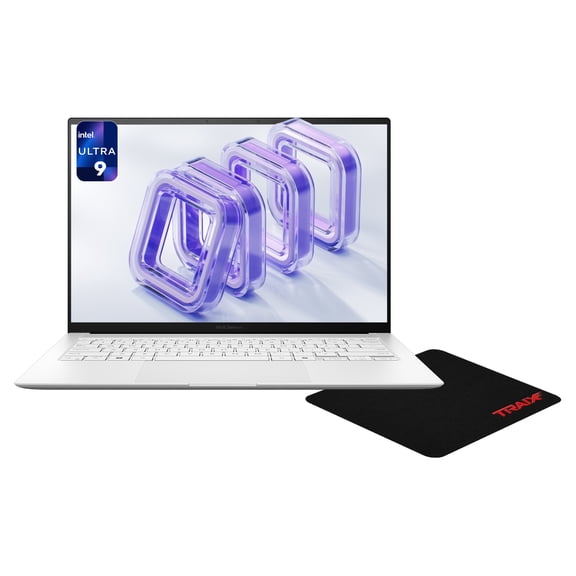
A Vivobook S16 style setup often suits you when you keep many tabs open and prefer more visual room. You may still compare it against a 14-inch Zenbook if your commute or travel plans make lighter carry more important.
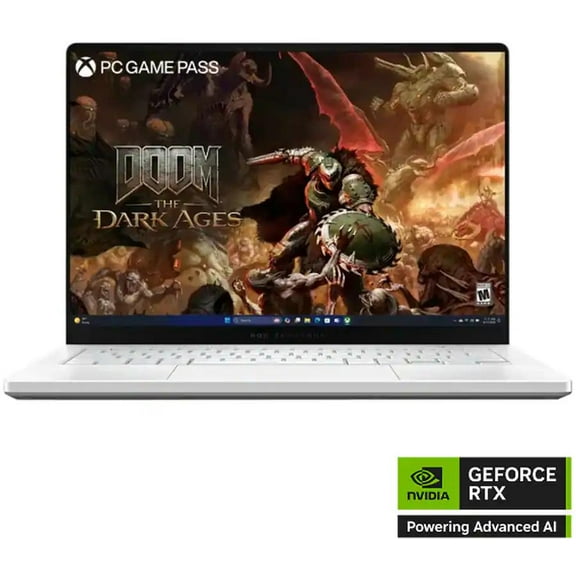
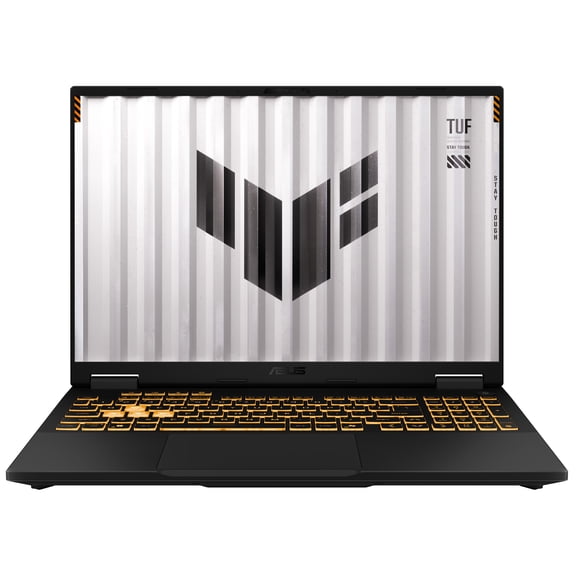
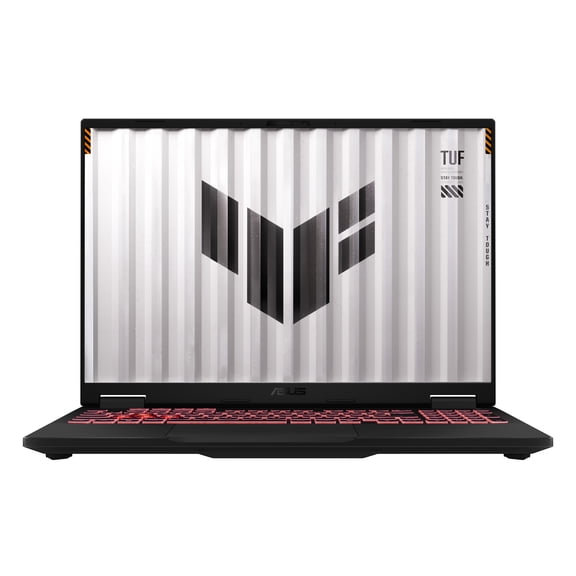
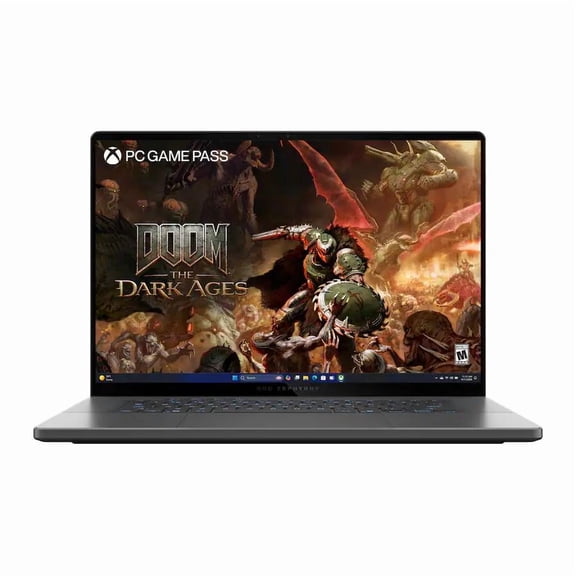
You can also compare a gaming-focused ROG or TUF system if your routine includes higher frame rate play or graphics-heavy software. Your needs may point to stronger processors, more storage, and cooling-focused designs in those lineups.
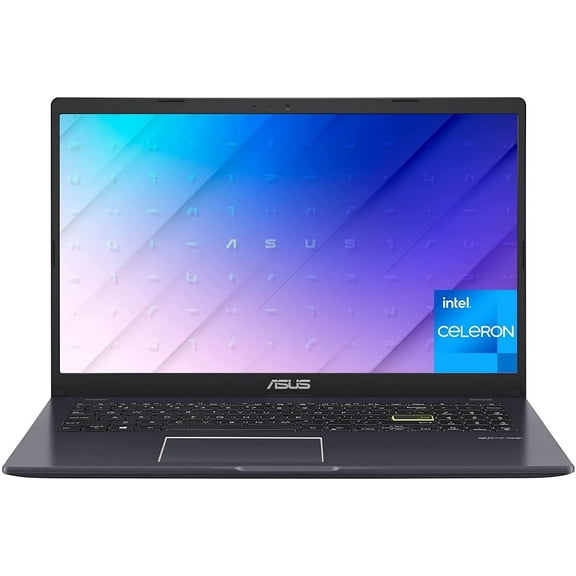
For browser-based work, a Chromebook Edition can make sense if you rely on cloud files and web apps. You may like that route when your tasks center on email, documents, streaming, and classroom platforms.
Matching your device to daily use
You can choose a compact laptop when you move between home, school, and the office during the week. Your setup stays easier to carry when you pair a smaller screen with the performance level you actually use.
If your projects include photo editing, video work, or large presentations, you may want a bigger display and a stronger processor. You should compare Intel Core i7 or AMD Ryzen 7 options when your software demands smoother multitasking.
For a family computer in a shared room, you may prefer a desktop or all-in-one format. Your household can benefit from a stationary setup that keeps school tasks, browsing, and streaming in one consistent place.
Battery life also deserves attention when you expect longer stretches away from an outlet. You can look for options with up to 10 hours of battery life and charging features that help you get back to work faster.
Storage capacity shapes how comfortably your computer handles files over time. You may want larger SSD capacity if your library includes games, videos, design assets, or offline work you access often.
Making a confident Asus computers decision
You can make a clearer choice when you compare series, screen size, device type, processor, battery life, and storage together. Your final pick can feel more aligned when each spec supports the way you work, learn, create, and relax.
With Asus computers, you can focus on the combinations that fit your routine instead of guessing between random models. Your decision gets easier when the device format and performance level match your everyday tasks.