

Android on Google Pixel

Connect seamlessly
Experience a selection of connected devices with Android.
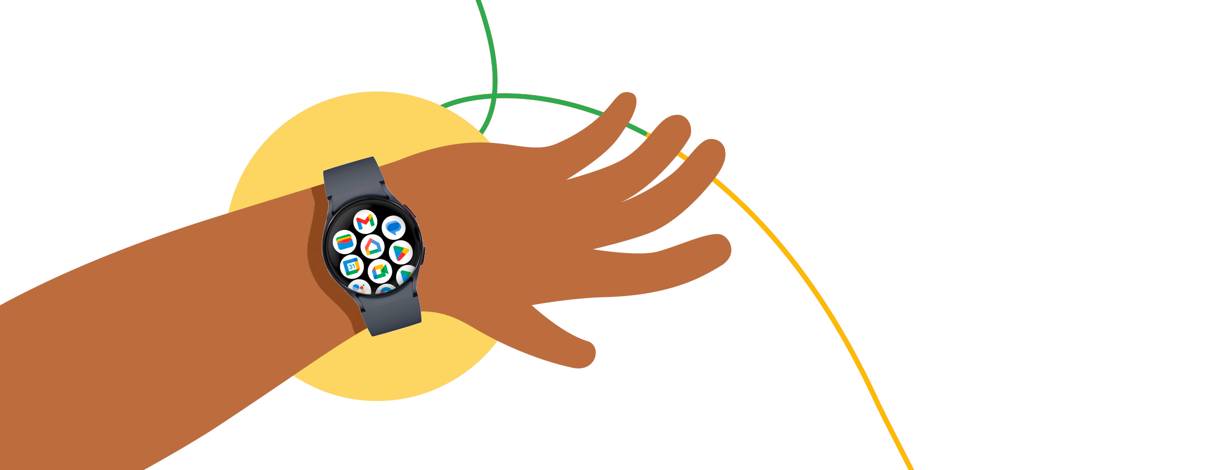
All the apps you loveAll the apps you love
Enjoy your favorite Google apps, across Galaxy devices.Shop now
Track your healthTrack your health
Optimize workouts & maintain your wellness across devices.Shop now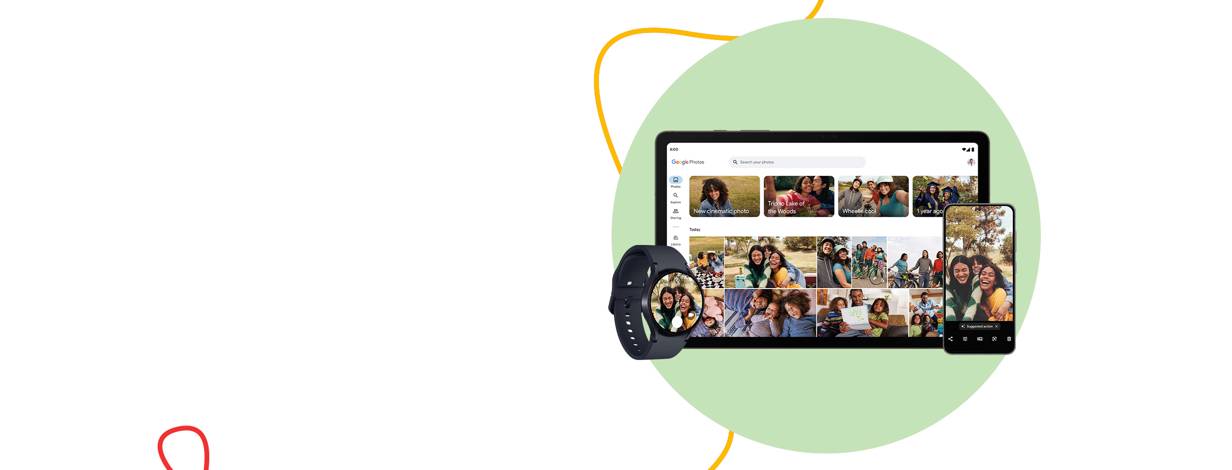
It’s better, togetherIt’s better, together
Connect a world of devices with Android on Samsung Galaxy.Shop now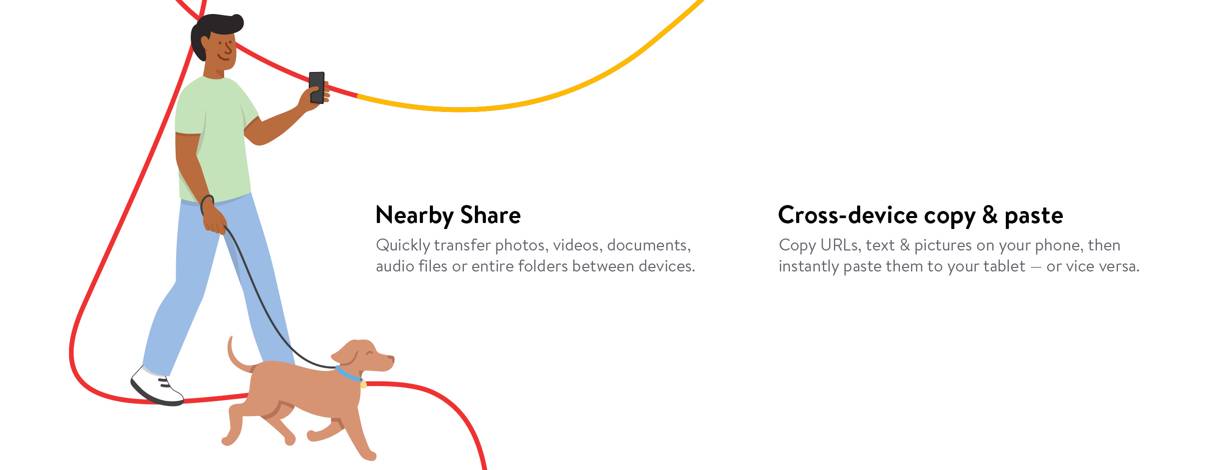
Features for easier living
FAQ
What software do Google Pixel phones run?
These smartphones run the Android operating system with a clean, straightforward interface designed to feel fast and familiar. Many models receive consistent security and feature updates, which can help keep the experience current over time. You can personalize layouts, notifications, and permissions to suit your preferences, and take advantage of tools like digital wellbeing dashboards, gesture navigation, and smart spam‑call filtering. Setup is typically quick, and over‑the‑air updates can arrive automatically, depending on your settings.
- OS: Android.
- Updates: Regular releases delivered wirelessly; timing can vary by model.
- Apps: A wide app selection is available through the platform’s marketplace.
Why consider a Google Pixel phone today?
If you like a simple software experience, strong everyday photos, and steady updates, this lineup can be a practical choice. Recent models tend to offer smooth performance for browsing, social apps, and navigation, plus helpful tools for messaging, call management, and photo editing. Many support 5G on compatible networks and include privacy and safety controls, with availability varying by model and region. You’ll also find multiple sizes and storage options so you can pick what fits your needs.
- Software: Clean interface with thoughtful features.
- Camera: Computational processing that may improve quick shots.
- Shopping: Check availability for pickup or delivery at checkout.
What are potential trade-offs with Google Pixel phones?
Every phone has trade‑offs, and this lineup is no exception. Depending on the model, you may see limited color choices, fixed storage without a microSD slot, or battery life that varies with your apps, screen brightness, and signal strength. Some versions may not include certain accessories in the box, and the selection of third‑party cases or mounts can differ by device and release year. Enhanced photo modes can also take a moment to process, depending on lighting and settings.
- Storage: Often fixed; choose capacity carefully before buying.
- Battery: Lifespan varies by usage patterns and settings.
- Accessories: Availability can depend on model and timing.
Review each product’s specs and what’s included to avoid surprises.
How do Google Pixel phones compare to others?
These Android phones usually prioritize a streamlined interface, frequent software updates, and computational photography. Other smartphones may lean into different strengths, such as heavily customized interfaces, larger camera hardware, or tight ties to specific ecosystems. The better fit depends on what you value most—simplicity, customization, camera style, or accessories.
- If you prefer simplicity: A clean interface can reduce visual clutter.
- If you love photos: Software processing can deliver consistent point‑and‑shoot results.
- If you want flexibility: Android offers broad customization for settings and apps.
Before deciding, consider hands‑on factors like size, display type, and the availability of cases and chargers for your chosen model.
How can I move data to a Google Pixel?
Moving from your old phone is typically straightforward. During setup, these devices usually offer a built‑in transfer option. You can connect your previous phone with a cable or use a wireless method, then sign in to your accounts to sync contacts, photos, and compatible apps. Some items—like app logins or certain media—may require you to sign in again or re‑download.
- Back up your old device to cloud storage, if possible.
- Charge both phones and connect to reliable Wi‑Fi.
- Follow on‑screen prompts to copy data and apps.
Exact steps can vary by model and what you’re moving. To avoid interruptions, keep both devices powered and nearby until the transfer completes.