Windows Installation Disc(66)
Microsoft Office 2021 Professional Plus | 64-Bit DVD Edition $99.95

Microsoft Office 2021 Professional Plus | 64-Bit DVD Edition
Windows 10 Home 32/64 Bit DVD with Key Install Repair Recover Restore Plus Drivers Pack & Open Office, 3PK $39.99
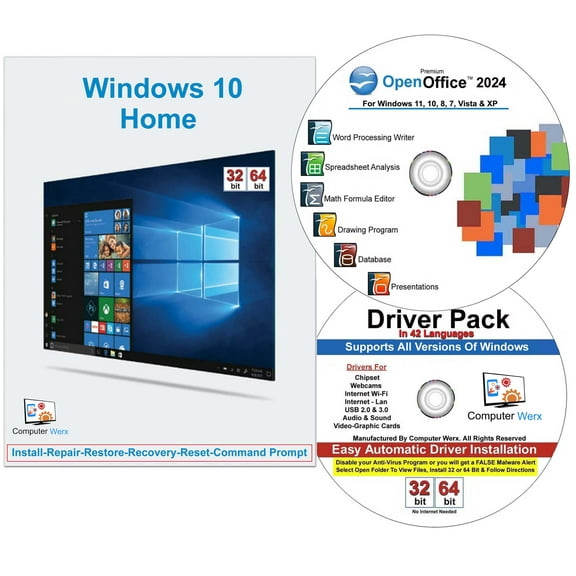
Windows 10 Home 32/64 Bit DVD with Key Install Repair Recover Restore Plus Drivers Pack & Open Office, 3PK
Computer Werx Windows 11 Home 64 Bit Repair, Recover, Restore & Reinstall USB For UEFI Bios & Drivers Pack, 2PK $19.99
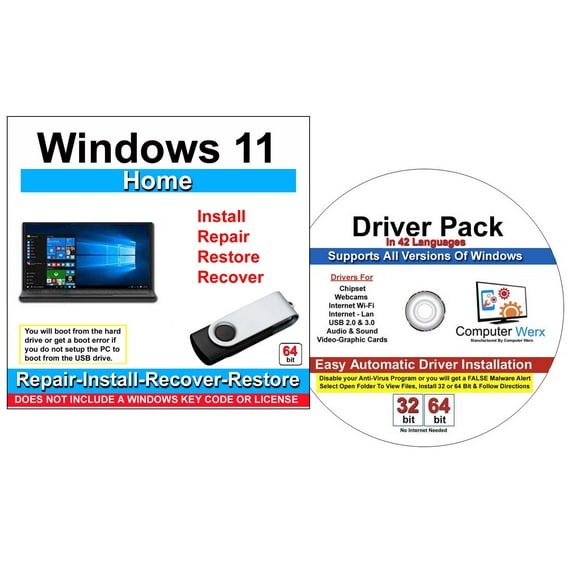
Computer Werx Windows 11 Home 64 Bit Repair, Recover, Restore & Reinstall USB For UEFI Bios & Drivers Pack, 2PK
Microsoft Windows 10 Pro 64-BIT (USB) $34.95
Microsoft Windows 10 Pro 64-BIT (USB)
Windows 10 Home 32/64 Bit Install, Repair, Recover & Restore DVD $17.99
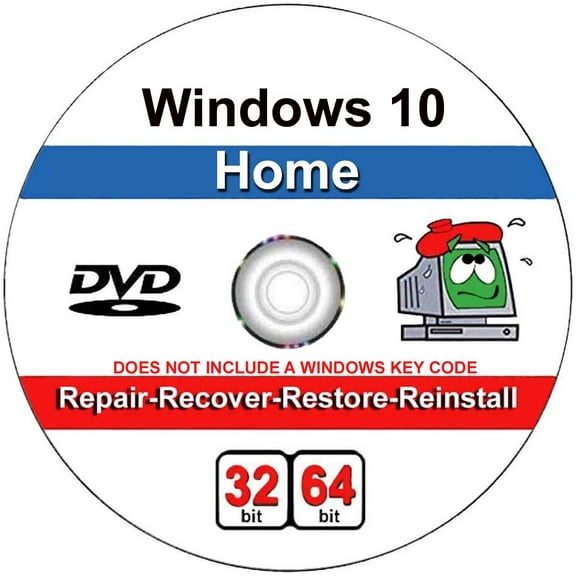
Windows 10 Home 32/64 Bit Install, Repair, Recover & Restore DVD
Computer Werx: Windows 10, Home & Professional Install (DVD) $19.99
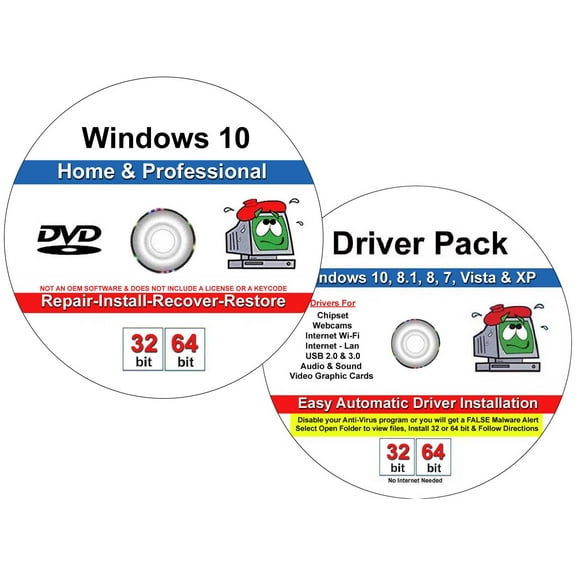
Computer Werx: Windows 10, Home & Professional Install (DVD)
Virtual: Windows 11, Professional 64Bit Bulk Pack Software (DVD) $29.99
Virtual: Windows 11, Professional 64Bit Bulk Pack Software (DVD)
Windows 10 Home 32/64 Bit DVD with Key Install Repair Recover Restore Plus Drivers Pack & Open Office, 3PK $39.99
Windows 10 Home 32/64 Bit DVD with Key Install Repair Recover Restore Plus Drivers Pack & Open Office, 3PK
Windows 7 All Versions Repair Recover Restore Re-install 32/64 Bit DVD Plus Drivers Pack $19.99
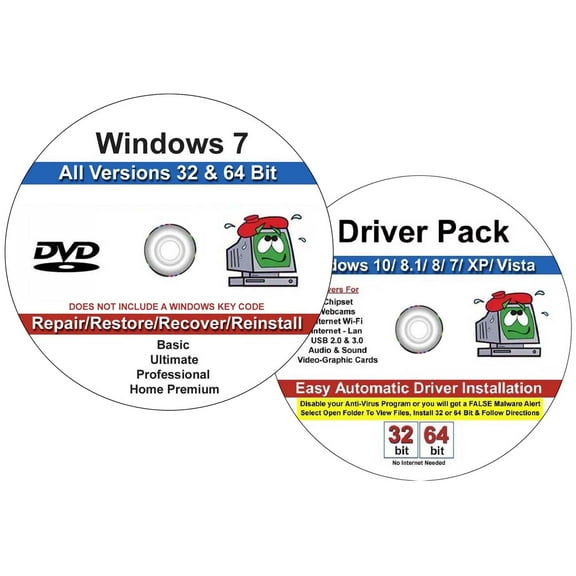
Windows 7 All Versions Repair Recover Restore Re-install 32/64 Bit DVD Plus Drivers Pack
Windows 11 HOME 64 BIT OEM DVD $29.95

Windows 11 HOME 64 BIT OEM DVD
Microsoft Windows 11 Pro 64-BIT (USB) $99.95

Microsoft Windows 11 Pro 64-BIT (USB)
Microsoft Windows 11 PRO 64-BIT DVD $34.95
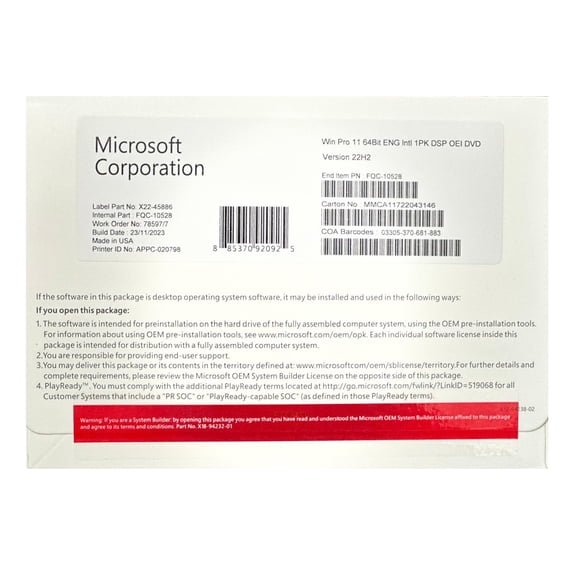
Microsoft Windows 11 PRO 64-BIT DVD
MS-OEM-Computer Werx: Windows 11 Home Full Version, 64 Bit (PC Disc Key) 1 User $79.99
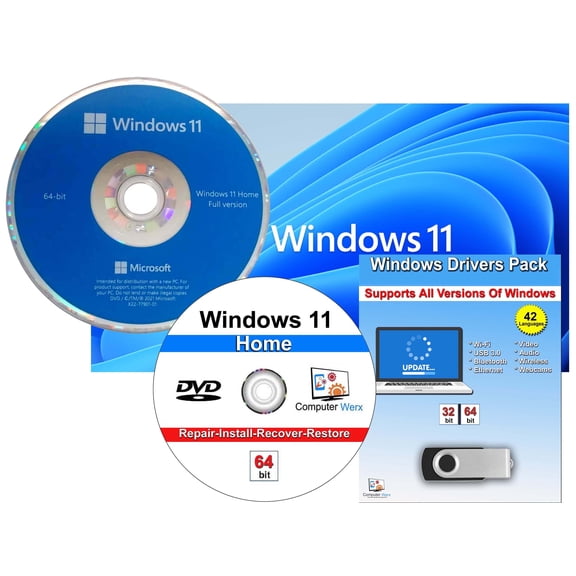
MS-OEM-Computer Werx: Windows 11 Home Full Version, 64 Bit (PC Disc Key) 1 User
Windows 11 Home 64 Bit DVD & Repair, Recover, Restore, Reinstall Software & Drivers Pack. 3 Pack $74.99
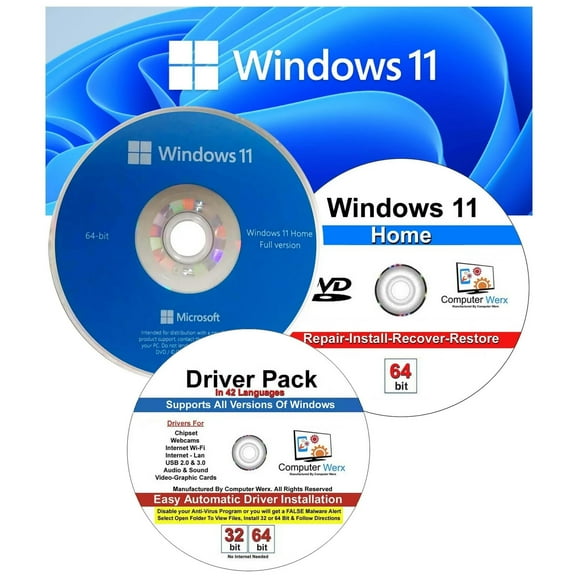
Windows 11 Home 64 Bit DVD & Repair, Recover, Restore, Reinstall Software & Drivers Pack. 3 Pack
Microsoft Windows 11 PRO 64-BIT DVD $34.95
Microsoft Windows 11 PRO 64-BIT DVD
Windows 11 Home 64 Bit Repair Restore Recover Upgrade Install with a Key & Drivers Pack, 2 Pack $32.22
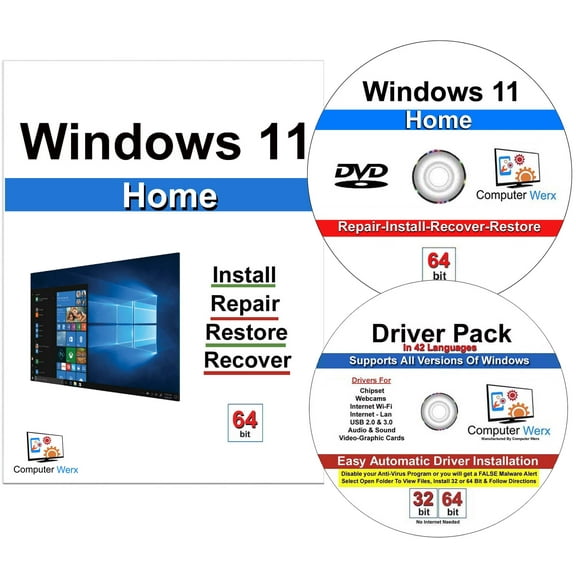
Windows 11 Home 64 Bit Repair Restore Recover Upgrade Install with a Key & Drivers Pack, 2 Pack
Computer Werx : Software, Windows 11 Repair, Recover, Restore & Reinstall (DVD) 1 User $17.99
Computer Werx : Software, Windows 11 Repair, Recover, Restore & Reinstall (DVD) 1 User
Microsoft Windows 10 Home 64-bit (OEM Software) (DVD) $39.95

Microsoft Windows 10 Home 64-bit (OEM Software) (DVD)
Computer Werx Windows 11 Home Install Repair Recover Restore DVD with Key plus Office 2024, 2 PK $34.99
Computer Werx Windows 11 Home Install Repair Recover Restore DVD with Key plus Office 2024, 2 PK
Windows 10 Home 32/64 Bit Install Repair Recover Restore DVD Plus Drivers $19.99
Windows 10 Home 32/64 Bit Install Repair Recover Restore DVD Plus Drivers
Windows 10 Pro 32/64 Bit DVD with key Install Repair Recover Restore Plus Drivers Pack & Registry Cleaner, 3PK $39.99
Windows 10 Pro 32/64 Bit DVD with key Install Repair Recover Restore Plus Drivers Pack & Registry Cleaner, 3PK
Computer Werx Windows 10 Professional 32/64 Bit Install Repair Restore Recovery USB with Key & Drivers Pack $43.95

Computer Werx Windows 10 Professional 32/64 Bit Install Repair Restore Recovery USB with Key & Drivers Pack
Software: Windows 11 Home | Refreshed design | One-Time Purchase for 1 PC | $62.99
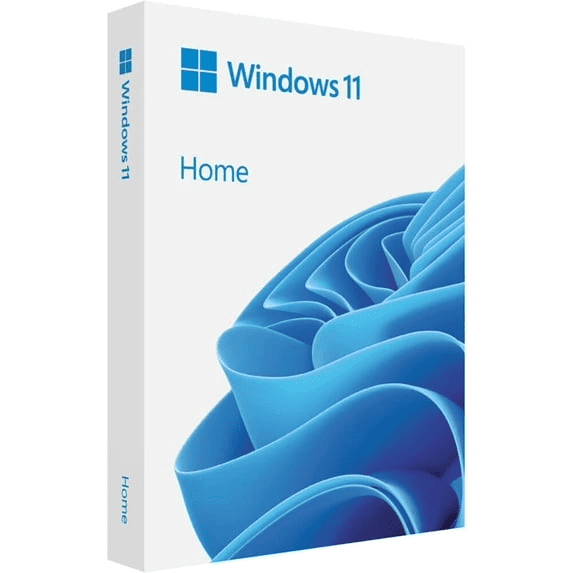
Software: Windows 11 Home | Refreshed design | One-Time Purchase for 1 PC |
Best seller, Microsoft: Windows 11 Home (PC USB) 1 User Sleek and Modern Interface $129.00 $12.90/ea
Microsoft: Windows 11 Home (PC USB) 1 User Sleek and Modern Interface
Microsoft Windows 11 Home DVD 64 Bit (OEM Software) $34.95

Microsoft Windows 11 Home DVD 64 Bit (OEM Software)
Computer Werx Windows 11 Home 64 Bit Repair, Recover, Restore & Reinstall DVD Software $17.99
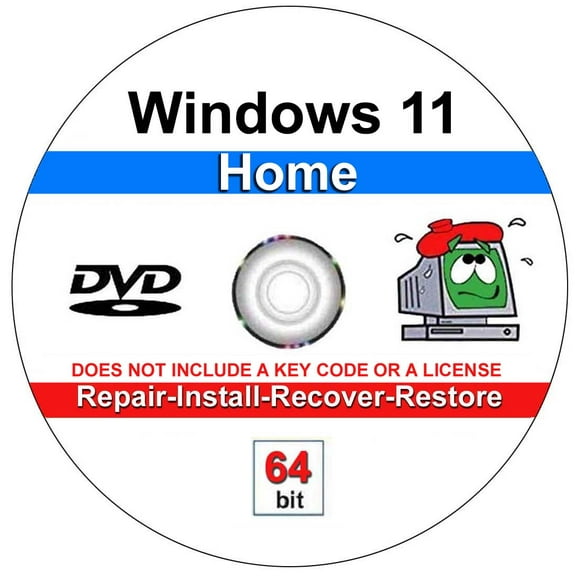
Computer Werx Windows 11 Home 64 Bit Repair, Recover, Restore & Reinstall DVD Software
Computer Werx: Windows 11 Pro 64 Bit, Office 2021 pro Plus & Drivers Pack (PC Disc) 1 User $79.99
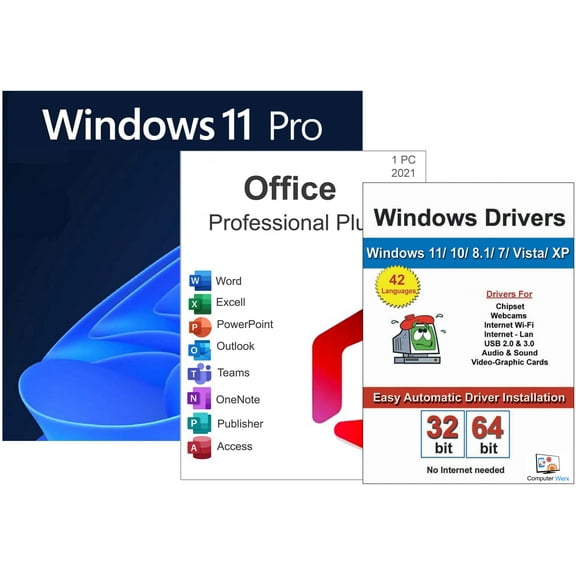
Computer Werx: Windows 11 Pro 64 Bit, Office 2021 pro Plus & Drivers Pack (PC Disc) 1 User
Computer Werx: Windows 10 Professional, 32/64 Bit (PC Disc) 1 User $39.99
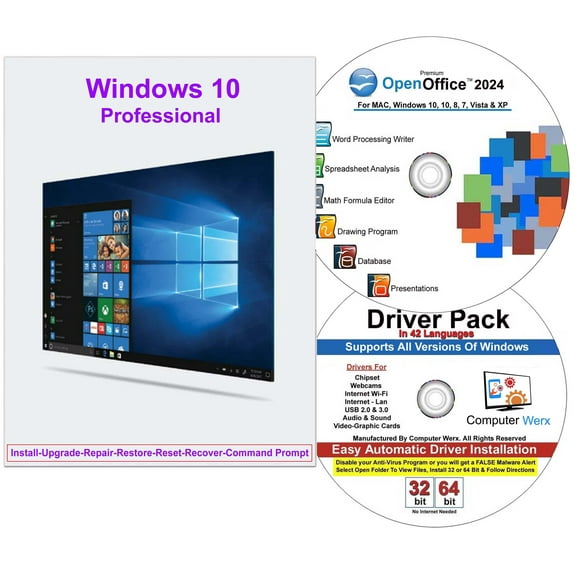
Computer Werx: Windows 10 Professional, 32/64 Bit (PC Disc) 1 User
Windows 10 Pro - Box pack - 1 license - flash drive - 32/64-bit - English International
Windows 10 Pro - Box pack - 1 license - flash drive - 32/64-bit - English International
Computer Werx Windows 11 Pro Install Repair Restore Recover DVD with Key & Office 2024, 2PK $34.99
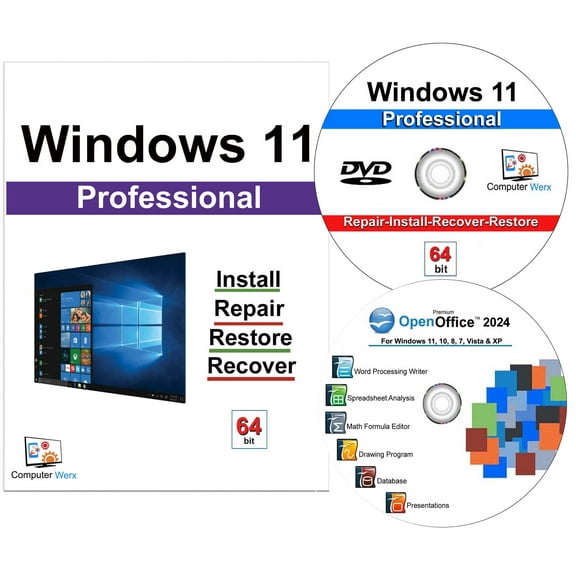
Computer Werx Windows 11 Pro Install Repair Restore Recover DVD with Key & Office 2024, 2PK
Windows 11 Home 64 Bit Repair Restore Recover Upgrade Install with a Key & Drivers Pack, 2 Pack $32.22
Windows 11 Home 64 Bit Repair Restore Recover Upgrade Install with a Key & Drivers Pack, 2 Pack
Computer Werx Windows 10 Home 32/64 Bit USB with Key Install Repair Recover Restore USB & Drivers Pack, 2 Pack $43.95
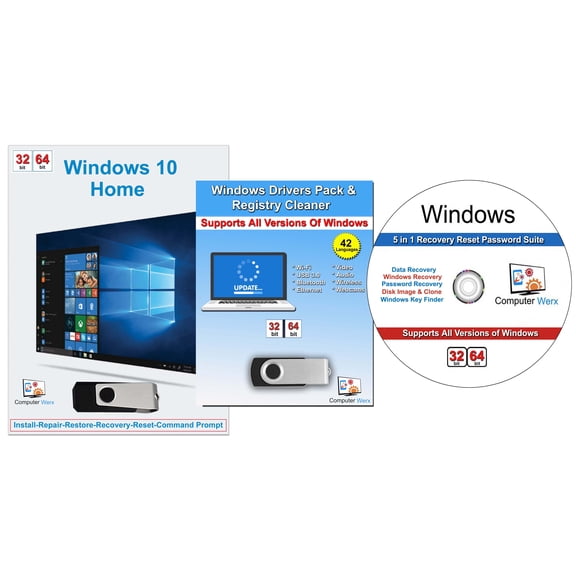
Computer Werx Windows 10 Home 32/64 Bit USB with Key Install Repair Recover Restore USB & Drivers Pack, 2 Pack
Computer Werx: Windows 10 Home 32/64 Bit Repair & Install DVD, 3 Pack $39.95

Computer Werx: Windows 10 Home 32/64 Bit Repair & Install DVD, 3 Pack
Computer Werx: Windows 11, Professional 64 Bit Repair Software (DVD) 2 Users $49.99
Computer Werx: Windows 11, Professional 64 Bit Repair Software (DVD) 2 Users
Microsoft Windows 10 PRO (DVD) $34.95

Microsoft Windows 10 PRO (DVD)
Computer Werx Windows 11 Professional 64 Bit DVD & Open Office 2024, 2 PK $49.99
Computer Werx Windows 11 Professional 64 Bit DVD & Open Office 2024, 2 PK
Windows 10 Pro 32/64 Bit DVD with key Install Repair Recover Restore Plus Drivers Pack & Registry Cleaner, 3PK $39.99
Windows 10 Pro 32/64 Bit DVD with key Install Repair Recover Restore Plus Drivers Pack & Registry Cleaner, 3PK
Windows 7 $10.48 Was $11.99
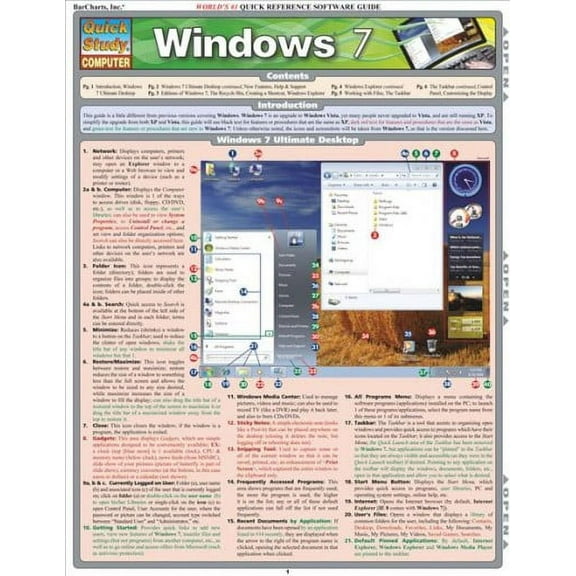
Windows 7
Computer Werx: Windows 10 Home, Repair, Restore & Recover 32/64 Bit (PC Disc Key) 1 User, 3 Pack $39.95
Computer Werx: Windows 10 Home, Repair, Restore & Recover 32/64 Bit (PC Disc Key) 1 User, 3 Pack
Computer Werx Windows 10 Professional, 32/64 Bit (PC Disc) 1 User $39.90
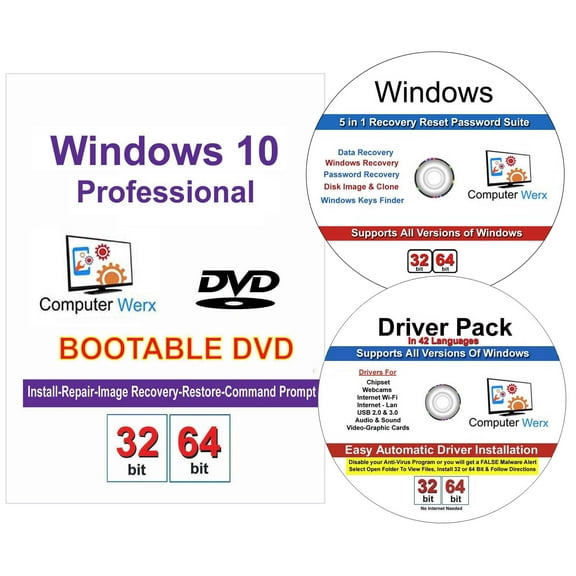
Computer Werx Windows 10 Professional, 32/64 Bit (PC Disc) 1 User
Microsoft Windows 10 Professional 64 -bit OEM | DVD with License Key $39.95

Microsoft Windows 10 Professional 64 -bit OEM | DVD with License Key
Computer Werx Windows 10 Professional 32/64 Bit Repair Restore Recover USB for Legacy Bios Plus Drivers DVD Software $18.99
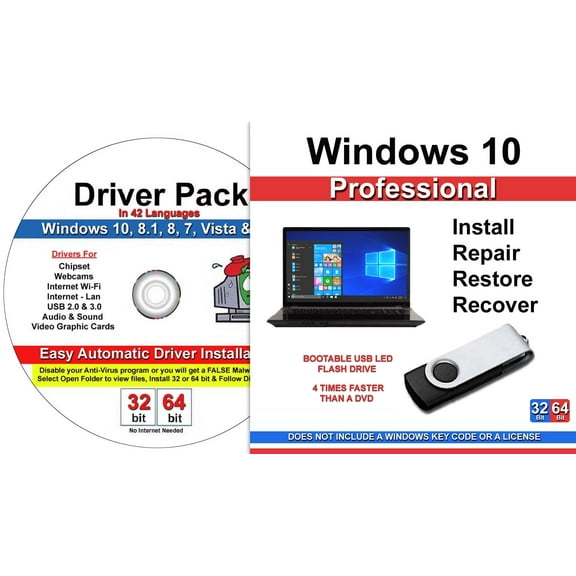
Computer Werx Windows 10 Professional 32/64 Bit Repair Restore Recover USB for Legacy Bios Plus Drivers DVD Software
Windows 10 Professional OEM 64 Bit DVD English Language Full Product $59.00

Windows 10 Professional OEM 64 Bit DVD English Language Full Product
Computer Werx: Windows 11, Professional 64 Bit Repair Software (DVD) $17.99
Computer Werx: Windows 11, Professional 64 Bit Repair Software (DVD)
Computer Werx Windows 10 Professional Repair Install DVD with Key & Office 2024, 2 PK $39.99
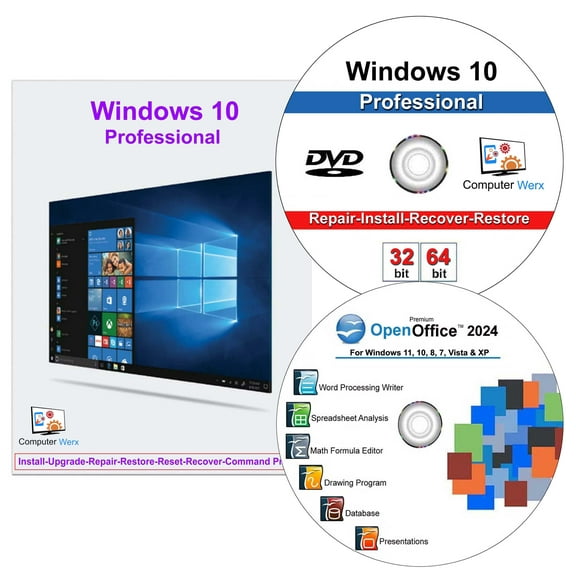
Computer Werx Windows 10 Professional Repair Install DVD with Key & Office 2024, 2 PK
Computer Werx: Windows 10, Professional 32/64 Bit Reset Recovery Suite (DVD) $39.99
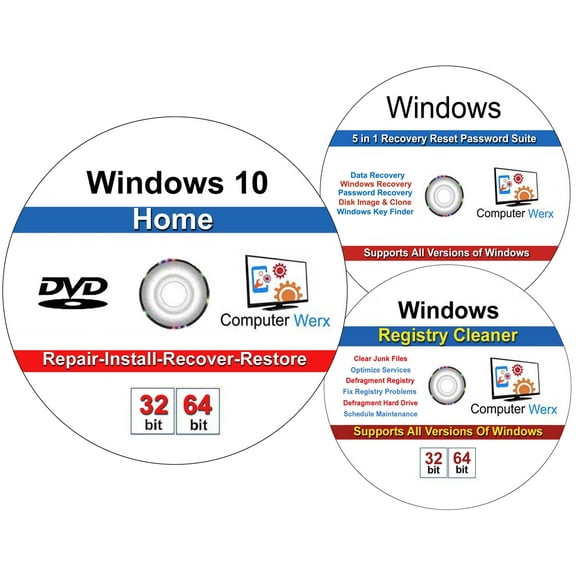
Computer Werx: Windows 10, Professional 32/64 Bit Reset Recovery Suite (DVD)
Computer Werx: Windows 11 Pro Office 2021 Pro Plus 5-in-1 Recovery/Reset Password Suite (PC Disc) $89.99
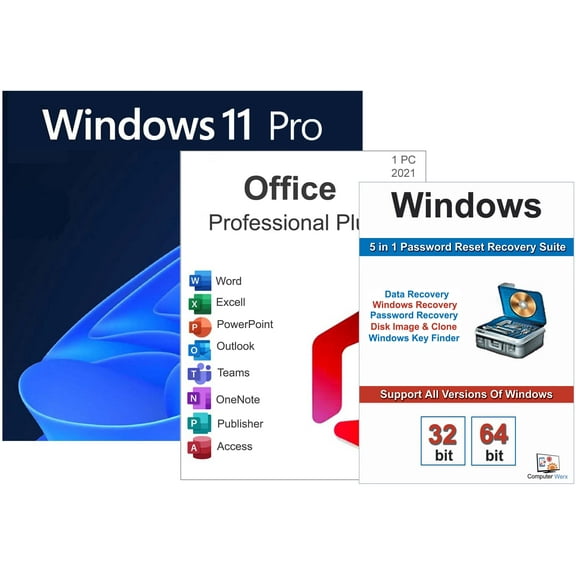
Computer Werx: Windows 11 Pro Office 2021 Pro Plus 5-in-1 Recovery/Reset Password Suite (PC Disc)
Windows 10 Professional 32/64 Bit Repair Recover Restore Install DVD w/Key & Open Office 2024 & 5 in 1 Utility Suite & Drivers Software. 4 Pack $56.85
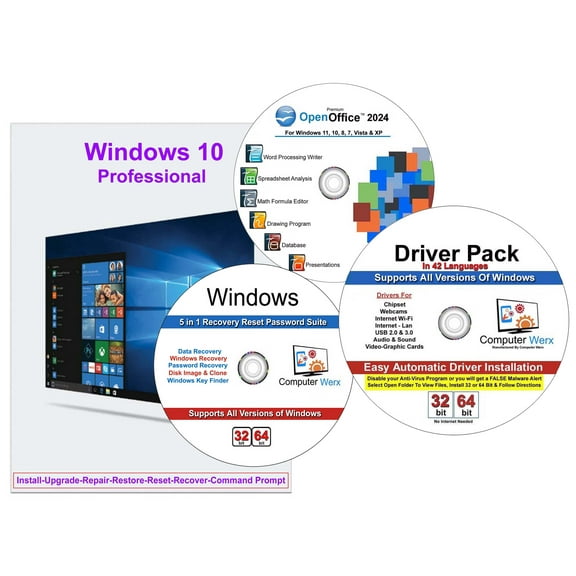
Windows 10 Professional 32/64 Bit Repair Recover Restore Install DVD w/Key & Open Office 2024 & 5 in 1 Utility Suite & Drivers Software. 4 Pack
Microsoft Windows 10 Home 64-bit (OEM Software) (DVD) $39.95
Microsoft Windows 10 Home 64-bit (OEM Software) (DVD)
Microsoft Windows v.8.0 Pro Pack 32/64-bit, Product Upgrade, 1 PC, Standard $99.99
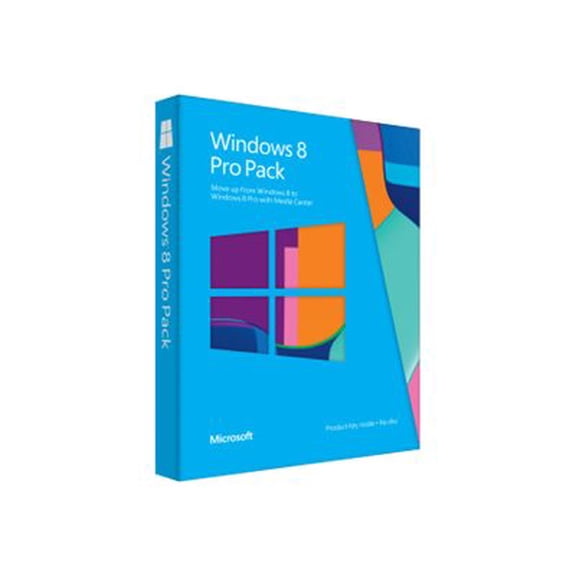
Microsoft Windows v.8.0 Pro Pack 32/64-bit, Product Upgrade, 1 PC, Standard
Other options to consider(51)
FAQ
How do I get a Windows installation disc?
You can find installation media here in a few quick steps:
- Search for "Windows installation disc" and use filters to narrow by version (10 or 11) and edition (Home or Pro).
- Choose a format that fits your PC: DVD if you have an optical drive, or USB if you don’t.
- Check the listing to see if it includes a product key or if it’s repair/recovery media only.
- Confirm 64-bit vs. 32-bit matches your device and that your system supports UEFI or Legacy boot as needed.
- Review what’s included (some sets add driver packs) and read customer reviews for context.
- Choose delivery or pickup at checkout. Availability can vary by location.
Backing up your files before reinstalling or repairing can help protect your data.
What exactly is a Windows installation disc?
A Windows installation disc (or USB) is bootable media that contains the operating system setup files. It’s used to install, reinstall, or repair Windows on a PC.
- Common uses: clean installs on new drives, upgrading to a newer version, or fixing startup problems.
- What’s included: the installer; some products also include driver packs or utilities.
- License key: certain packages come with a key, while others are repair-only and rely on an existing license.
- Format: discs (DVD) or USB drives; choose based on your computer’s ports.
Before using any installation media, it’s a good idea to back up important files and verify compatibility (edition, 64-bit/32-bit, and your device’s boot mode).
No Windows disc—how can I reinstall or repair?
You’ve got a few options if you don’t have a disc:
- Use built‑in recovery: If Windows still starts, try Reset/Recovery options to restore the system while keeping or removing files.
- Purchase media: Look for repair/recovery or full install media (DVD or USB). Check whether a product key is included.
- Create your own: On another PC, download the operating system maker’s media creation tool to build a bootable USB or burn a DVD.
Before you begin, back up important data and note your license information. Results can vary by device, and steps to access the boot menu differ by manufacturer, so consulting your PC’s manual can be helpful.
Can I make my own Windows 10/11 media?
Yes, many customers create their own installation media using the operating system maker’s official tool. Here’s a general approach:
- On a working PC, download the media creation utility from the OS maker.
- Choose the version, language, and 64‑bit/32‑bit architecture that matches your device and license.
- Select USB (8GB or larger) to create a bootable drive, or save an ISO to burn a DVD.
- Boot your PC from the media (via boot menu) and follow on‑screen prompts.
Keep your product key handy, back up files beforehand, and review your PC’s UEFI/Legacy boot settings. Instructions can vary by device, so consider checking your manufacturer’s guidance.
DVD or USB—what’s better for installing Windows?
Both work—it depends on your PC and preferences:
- USB drive: Often faster and widely supported on newer PCs. It’s ideal if you don’t have an optical drive.
- DVD disc: Useful for systems with a DVD drive and for keeping a physical backup you can store.
- Compatibility: Verify your device supports booting from your chosen media (UEFI or Legacy). Some ultra‑thin laptops only support USB.
- Convenience: USBs are reusable; DVDs are write‑once and good for archiving.
If you’re unsure, check your PC’s manual for boot options. Whichever you choose, back up your files and confirm you’re using the right edition and 64‑bit/32‑bit architecture for your license.
Popular in Windows Installation Disc for Software Setup
Related Products
Windows 10 Pro 32/64 Bit DVD with key Install Repair Recover Restore Plus Drivers Pack & Registry Cleaner, 3PK
Windows 10 Pro 32/64 Bit DVD with key Install Repair Recover Restore Plus Drivers Pack & Registry Cleaner, 3PK$39.99current price $39.99AVG Driver Updater 1-Year | 1-PC (Windows)
 AVG Driver Updater 1-Year | 1-PC (Windows)$38.75current price $38.75
Penguin 31-in-1 Ultimate Bootable USB 3.0 (128 GB) – Multi-Boot Linux & Windows Toolkit | System Recovery, Password Reset, Installers, Cybersecurity, Forensics & Repair Tools
 Penguin 31-in-1 Ultimate Bootable USB 3.0 (128 GB) – Multi-Boot Linux & Windows Toolkit | System Recovery, Password Reset, Installers, Cybersecurity, Forensics & Repair Tools$39.99current price $39.99
Nuance Dragon NaturallySpeaking Premium v13
 Nuance Dragon NaturallySpeaking Premium v13$199.99current price $199.99
BullZIGA Antivirus Software for Windows 1-Year | 1-Device
 BullZIGA Antivirus Software for Windows 1-Year | 1-Device$14.95current price $14.95
Office 2021 Pro Plus DVD & 5 in 1 Recovery Reset Password Utility Software, 2 Pack
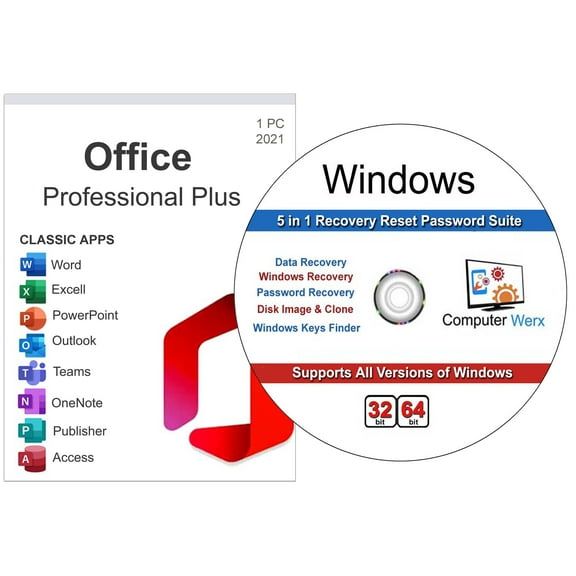 Office 2021 Pro Plus DVD & 5 in 1 Recovery Reset Password Utility Software, 2 Pack$59.99current price $59.99
AVG TuneUp - 1-Year | 10-Devices (Windows/Mac OS/Android)
 AVG TuneUp - 1-Year | 10-Devices (Windows/Mac OS/Android)$34.95current price $34.95
Malwarebytes Premium - 10 Devices / 1 Year - Key Card
 Malwarebytes Premium - 10 Devices / 1 Year - Key Card$89.99current price $89.99
Microsoft Windows 10 Pro 64-BIT (USB)
Microsoft Windows 10 Pro 64-BIT (USB)$34.95current price $34.95AVG Ultimate Multi-Device - 1-Year | 3-Device (Windows/Mac OS/Android/iOS)
 AVG Ultimate Multi-Device - 1-Year | 3-Device (Windows/Mac OS/Android/iOS)$39.95current price $39.95
McAfee Total Protection 1-Year | 5-Device (Windows/Mac OS/Android/iOS)
 McAfee Total Protection 1-Year | 5-Device (Windows/Mac OS/Android/iOS)$39.95current price $39.95
Nero: Platinum, Unlimited Perpetual Suite (Software)
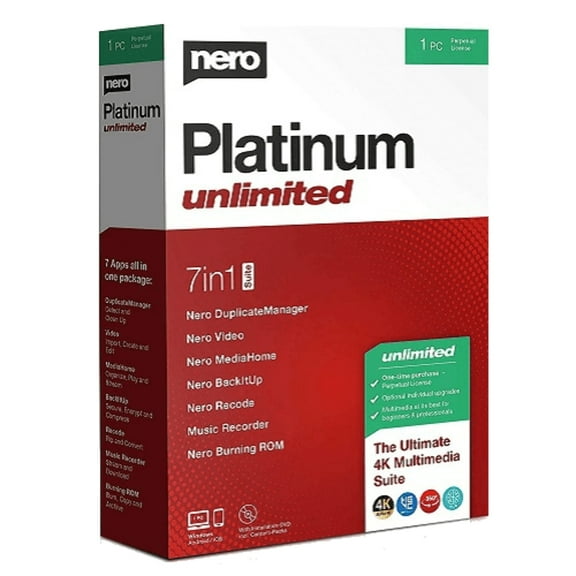 Nero: Platinum, Unlimited Perpetual Suite (Software)$87.25current price $87.25
AVG Ultimate Multi-Device - 2-Years | 3-Device (Windows)
 AVG Ultimate Multi-Device - 2-Years | 3-Device (Windows)$49.95current price $49.95