


Z8000 Bluetooth Mouse
Key item features
- Designed to fit your hand naturally, avoiding painful positions and allowing you to work conveniently for longer hours
- 2 total buttons for your convenience and optimal usage
- Bluetooth effectively avoids interference from other wireless devices to ensure dependable connectivity
- The symmetrical shape lets left as well as right handers use mouse with ease
- The touch scroller provides 4-way touch scrolling
- Enjoy the freedom of Bluetooth wireless connectivity found in most devices
- Comes in silver product color for a chic look with maximum usability
Specs
- BrandHP
- Mouse typeWireless Mice
- ColorSilver, Dual Color, Black
- ConnectionBluetooth, Wireless
- WirelessBluetooth
- Buttons2
How do you want your item?
About this item
Product details
- Designed to fit your hand naturally, avoiding painful positions and allowing you to work conveniently for longer hours
- 2 total buttons for your convenience and optimal usage
- Bluetooth effectively avoids interference from other wireless devices to ensure dependable connectivity
- The symmetrical shape lets left as well as right handers use mouse with ease
- The touch scroller provides 4-way touch scrolling
- Enjoy the freedom of Bluetooth wireless connectivity found in most devices
- Comes in silver product color for a chic look with maximum usability
Specifications
Brand
Mouse type
Color
Connection
Warranty
Warranty information
Please be aware that the warranty terms on items offered for sale by third party Marketplace sellers may differ from those displayed in this section (if any). To confirm warranty terms on an item offered for sale by a third party Marketplace seller, please use the 'Contact seller' feature on the third party Marketplace seller's information page and request the item's warranty terms prior to purchase.
Warnings
Ingestion Hazard
 WARNING: “⚠ WARNING: This product can expose you to some chemicals, which is known to the State of California to cause For more information, go to www.P65Warnings.ca.gov.”
Similar items you might like
Based on what customers bought
Best seller Wireless Mouse, 2.4GHz with USB Receiver, 1200 DPI Optical Tracking, 5 Buttons,Ambidextrous PC/Mac/Laptop - Red $11.69
Best seller Sponsored$1169current price $11.69
Wireless Mouse, 2.4GHz with USB Receiver, 1200 DPI Optical Tracking, 5 Buttons,Ambidextrous PC/Mac/Laptop - Red
13474.5 out of 5 Stars. 1347 reviewsSave with Shipping, arrives in 2 days
Best seller TECKNET Wireless Mouse, 2.4G USB Computer Mouse with 6-Level Adjustable 4800 DPI, Silent Quiet Click,30 Months Battery, Ergonomic Grips, 6 Buttons Portable for PC, Chromebook, Mac - Grey $9.88
Best seller Sponsored$988current price $9.88
TECKNET Wireless Mouse, 2.4G USB Computer Mouse with 6-Level Adjustable 4800 DPI, Silent Quiet Click,30 Months Battery, Ergonomic Grips, 6 Buttons Portable for PC, Chromebook, Mac - Grey
244.6 out of 5 Stars. 24 reviewsSave withShipping, arrives tomorrowIn 50+ people's carts Logitech Silent Wireless Mouse, Black, Walmart Exclusive $13.83
In 50+ people's carts 4 optionsAvailable in additional 4 options$1383current price $13.83
Logitech Silent Wireless Mouse, Black, Walmart Exclusive
41404.5 out of 5 Stars. 4140 reviewsBest seller Advanced Wireless Mouse 2, White, Walmart Exclusive $20.00 Was $24.88
Best seller $2000current price $20.00, Was $24.88$24.88
Advanced Wireless Mouse 2, White, Walmart Exclusive
414.9 out of 5 Stars. 41 reviews50+ bought since yesterday Logitech Full Size Wireless Mouse, Silver, Walmart Exclusive $14.88 Was $16.88
50+ bought since yesterday 3 optionsAvailable in additional 3 options$1488current price $14.88, Was $16.88$16.88
Logitech Full Size Wireless Mouse, Silver, Walmart Exclusive
2364.6 out of 5 Stars. 236 reviewsmemzuoix Wireless Rechargeable LED Mouse, 2.4G with USB Receiver, 5-Button, 1200 DPI, Ambidextrous Design for PC, Laptop, Desktop, Chromebook, Mac –Pink $16.29 Was $29.99
 9 optionsAvailable in additional 9 options$1629current price $16.29, Was $29.99$29.99
memzuoix Wireless Rechargeable LED Mouse, 2.4G with USB Receiver, 5-Button, 1200 DPI, Ambidextrous Design for PC, Laptop, Desktop, Chromebook, Mac –Pink
794.5 out of 5 Stars. 79 reviewsWireless Mouse, Mouse for Laptop, Bluetooth Mouse, Black $14.99
 4 optionsAvailable in additional 4 options$1499current price $14.99
Wireless Mouse, Mouse for Laptop, Bluetooth Mouse, Black
2744.5 out of 5 Stars. 274 reviewsTONAIN Wireless Bluetooth Mouse For Computer Silent Mice Ergonomic $5.33
 $533current price $5.33
TONAIN Wireless Bluetooth Mouse For Computer Silent Mice Ergonomic
Clearance Giunmcul My Order Wireless Mouse with Dazzling Lights 2.4G Noiseless Mouse with USB Receiver Portable Computer Mice for Desktop Computer Laptop $8.99 Was $9.99
Clearance


 $899current price $8.99, Was $9.99$9.99
Giunmcul My Order Wireless Mouse with Dazzling Lights 2.4G Noiseless Mouse with USB Receiver Portable Computer Mice for Desktop Computer Laptop
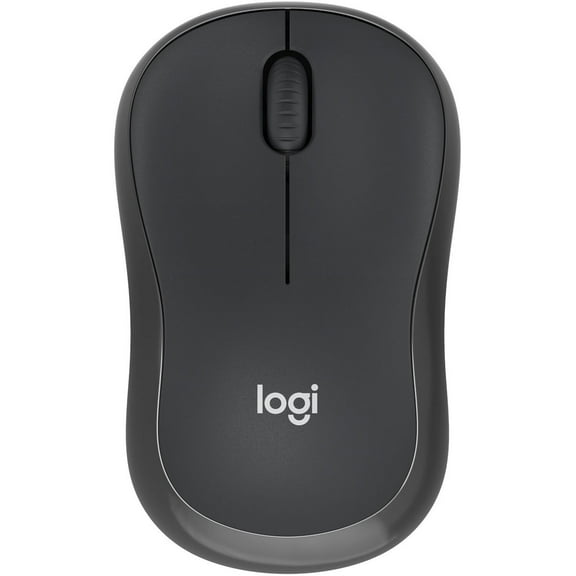
Logitech M240 Silent Wireless Mouse, Graphite $19.99 Was $24.99
 $1999current price $19.99, Was $24.99$24.99
Logitech M240 Silent Wireless Mouse, Graphite
314.7 out of 5 Stars. 31 reviewsUSB Wired Mouse, Portable Computer Mouse for Desktop, Laptop, Home Office and School Use By PULMCheerger $6.97 Was $10.00
 2 optionsAvailable in additional 2 options$697current price $6.97, Was $10.00$10.00
USB Wired Mouse, Portable Computer Mouse for Desktop, Laptop, Home Office and School Use By PULMCheerger
724.1 out of 5 Stars. 72 reviewsBest seller onn 6-Button Wireless Bluetooth Ambidextrous Mouse, USB-A Nano Receiver, Black $14.88
Best seller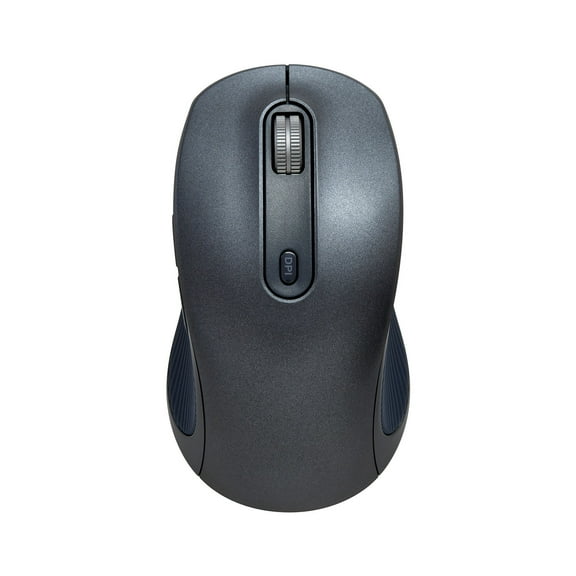 $1488current price $14.88
onn 6-Button Wireless Bluetooth Ambidextrous Mouse, USB-A Nano Receiver, Black
944.6 out of 5 Stars. 94 reviewsClearance Wireless Mouse, Mouse for Laptop, Bluetooth Mouse, Pink $12.99 Was $15.99
Clearance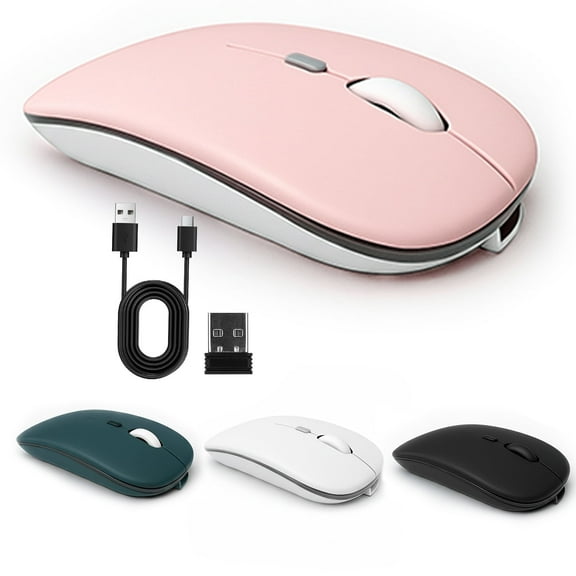 3 optionsAvailable in additional 3 options$1299current price $12.99, Was $15.99$15.99
Wireless Mouse, Mouse for Laptop, Bluetooth Mouse, Pink
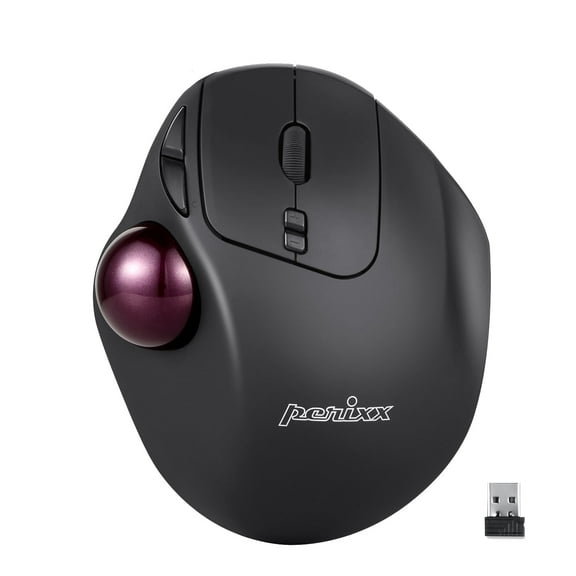
4574.7 out of 5 Stars. 457 reviewsPerixx Perimice-717 Wireless USB Trackball Programmable Computer Mouse, Built-in Trackball $24.99
 2 optionsAvailable in additional 2 options$2499current price $24.99
Perixx Perimice-717 Wireless USB Trackball Programmable Computer Mouse, Built-in Trackball
904.2 out of 5 Stars. 90 reviewsBest seller onn 6-Button Wireless Mouse, Ergonomic, 6 Buttons, 2.4GHz, Black $19.88
Best seller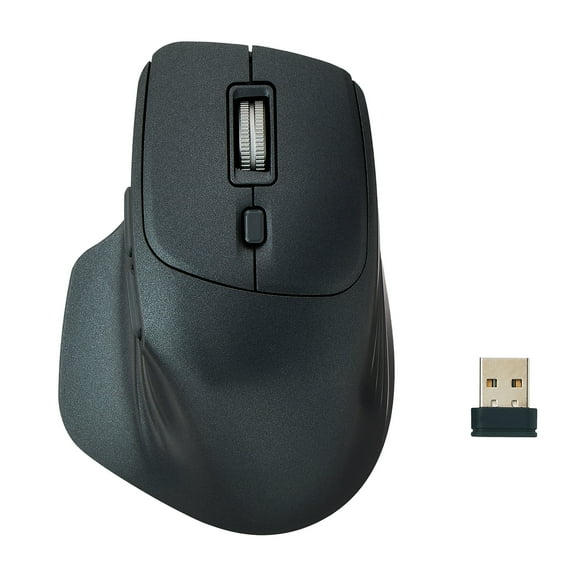 $1988current price $19.88
onn 6-Button Wireless Mouse, Ergonomic, 6 Buttons, 2.4GHz, Black
1204.5 out of 5 Stars. 120 reviewsBest seller Wired Mouse, USB-A Wired , 1200 DPI Optical Tracking, 5 Buttons,Ergonomic Cord Mouse for PC/Mac/Laptop-Red $10.99 Was $19.99
Best seller 8 optionsAvailable in additional 8 options$1099current price $10.99, Was $19.99$19.99
Wired Mouse, USB-A Wired , 1200 DPI Optical Tracking, 5 Buttons,Ergonomic Cord Mouse for PC/Mac/Laptop-Red
1624.6 out of 5 Stars. 162 reviewsonn Optical USB Wireless Mouse with Nano Receiver, Ultramarine $9.88
 $988current price $9.88
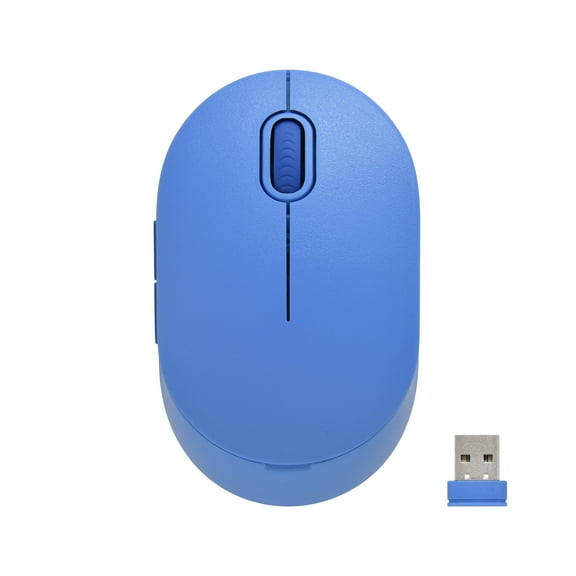
onn Optical USB Wireless Mouse with Nano Receiver, Ultramarine
434.6 out of 5 Stars. 43 reviewsTENMOS Wireless Bluetooth Mouse Rechargeable Silent Mouse Dual Mode (Bluetooth 5.1 2.4G) with Nano Receiver $14.17 Was $18.99
 12 optionsAvailable in additional 12 options$1417current price $14.17, Was $18.99$18.99
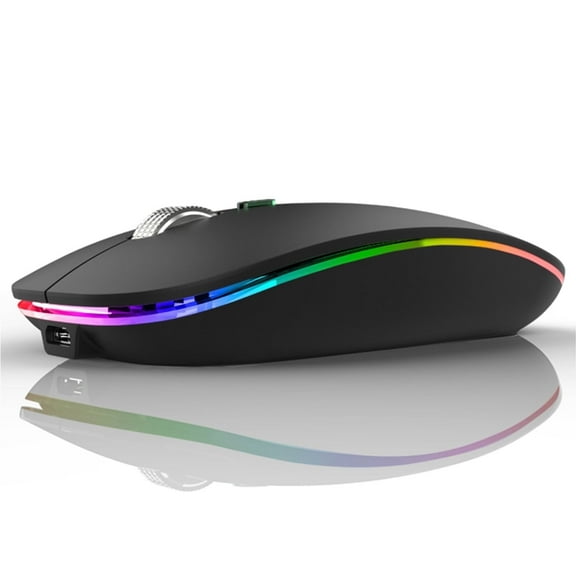
TENMOS Wireless Bluetooth Mouse Rechargeable Silent Mouse Dual Mode (Bluetooth 5.1 2.4G) with Nano Receiver
3504.6 out of 5 Stars. 350 reviews



Customer ratings & reviews
Filtered and sorted results would be available on the new 'Customer ratings & reviews' page.
Showing 1-3 of 3 reviews
Mouse
Glides well, not sure if compatible with other pcs than win 8 &or HP Only fault is that there is no middle button for use with 3d modelling apps
Too Many Problems
On a grading scale of A to F, I would give this mouse a D. I like the basic ideas: (1) The capacitive touch surface implements touch sensitive scrolling; that is no wheel; scroll on either left or right hand side with either index or middle finger. (2) The left and right buttons may be pushed anywhere along the length of the the left or right side of the mouse. (3) The laser driven sensor provides an extremely high resolution movement. (4) It's Bluetooth, so it about instantly installs on about any PC. It is so easy. This is so cool. However, in practice this is what I've found. (1) The scrolling is intermittent. My capacitively coupled touch is not reliable sensed and often ignored. (2) Ergonomically, the mouse is quite small and thin (not very high). It is for a very small hand, and thus uncomfortable for me, with an average size (male) hand. (3) It misses mouse clicks. (3A) Single clicks are occasionally ignored and I need to repeat the click. (3B) Double clicks are occasionally ignored also. Now these are harder to analyze. You have to play with the mouse setting in control panel to get the double click speed which works best for you. Myself, after trying various such double click speed settings I still get occasional skips. (4) I think sometimes the laser sensor resolution is too great. For example, when working on edges as one often has to do in image processing, mechanical drawings, spreadsheets. Specifically, I can pull (copy) a spreadsheet cell down by a click-hold on the edge of the cell, then drag. Apparently, visually the pointer is on the edge of the cell yet the actual coordinates are not. This happens occasionally to me and I have to retry once or twice to lock on the cell edge. OK - so what to do? Well, I would say that if you have to be highly productive in what you are doing - like on the job, or under pressure to finish some outside project, this mouse is a lousy productivity tool. It will slow you down and annoy you. Now another Bluetooth mouse of HP's is the X4000b. It too is high resolution laser sensing, regular scroll wheel and buttons. This beauty worked like gangbusters. I could crank my stuff out. I bought it for my laptop. It was so cool I thought I would buy another for this here desktop. BUT I COULD NO LONGER FIND IT. So this HP Z8000 under review here looked the closest. So I had to get it instead. The X4000b is the productivity mouse to get, not this one. Get the X4000b if you can find it. Now this HP Z9000 under review here is cute little thing, with innovative touch sensing. And it's so easy to attach to a PC. (By the way, you can install it and still keep the other mouse running at the same time.) I just hate returning it. But I can't be at max productivity with it. After awhile all the glitches described above annoy me. My best guess is I'll just stick it in the filing cabinet. Then if someone wants to play with it he can, and we can just pass it around and anybody who wants can mess with it until they get tired of it or it gets lost or busted.
Nice looking paper holder
Mouse stop working after first month. Reach the HP support for mouse/keyboard is impossible. I was on hold for over hour several times. The pairing light does not light up, so the mouse is a paper holder brick now. Just nice looking paper holder :)
