


Measuring Wheels in Measurement Tools





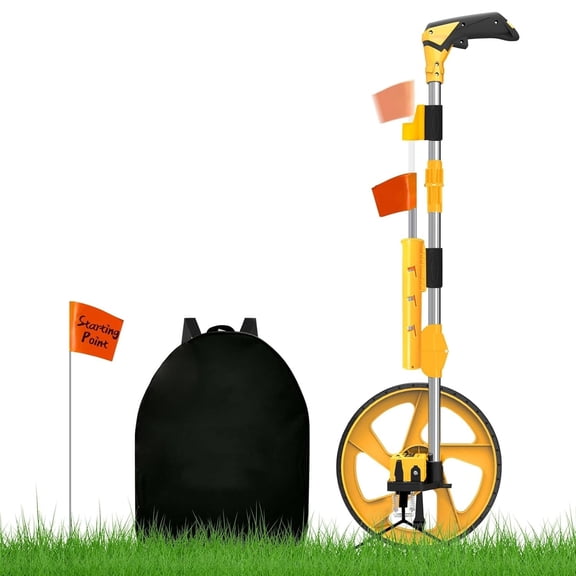








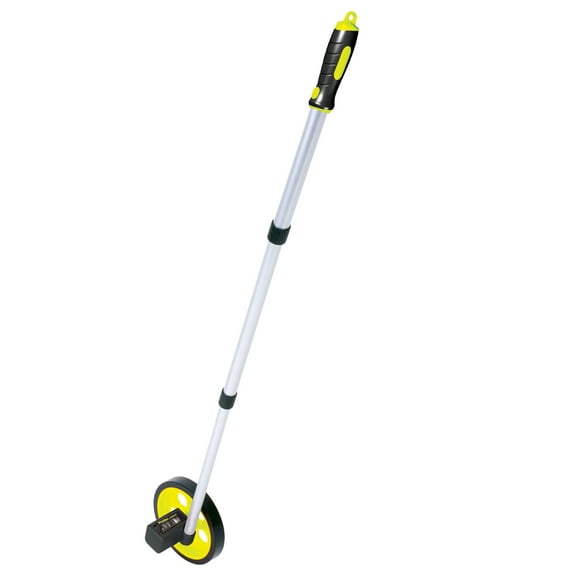
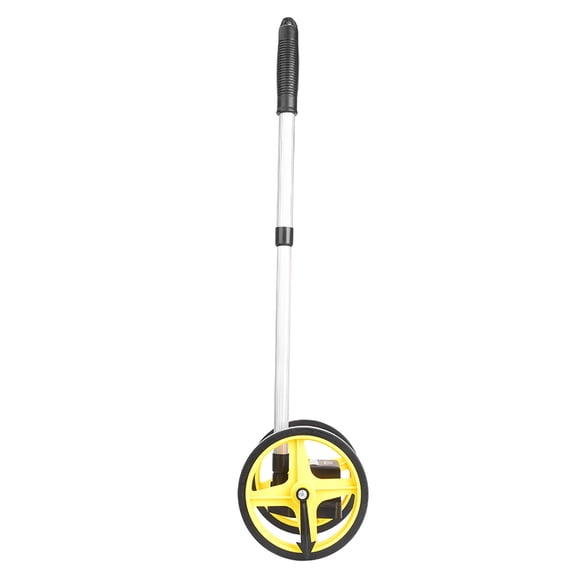
![Measuring Wheel in Meters, Foldable Meters Measure Wheel | Metric Units [Up to 9,999m], Rolling Measurement with Backbag, One Key to Reset/Kickstand to Keep Stand/Starting Point Arrow.](https://i5.walmartimages.com/seo/Measuring-Wheel-Meters-Foldable-Meters-Measure-Wheel-Metric-Units-Up-9-999m-Rolling-Measurement-Backbag-One-Key-Reset-Kickstand-Keep-Stand-Starting-P_fc199904-38e4-43e1-8e2d-03cb3f54f2a0.1a344115f154c93d4448437071df14a0.jpeg?odnHeight=576&odnWidth=576&odnBg=FFFFFF)

About Measuring Wheels in Measurement Tools - Walmart.com
When you need a measuring wheel for distance checks, you should compare wheel size, display style, units, and handle design at Walmart. This category helps you narrow tools for pavement, gravel, grass, and long layout work without guesswork.
If you're mapping a yard, marking a jobsite, or checking property lines, you need a walking measurement tool that suits your terrain. You should review wheel diameter, readout type, and reset controls before choosing a tool for regular field use.
Choosing the right measuring wheel
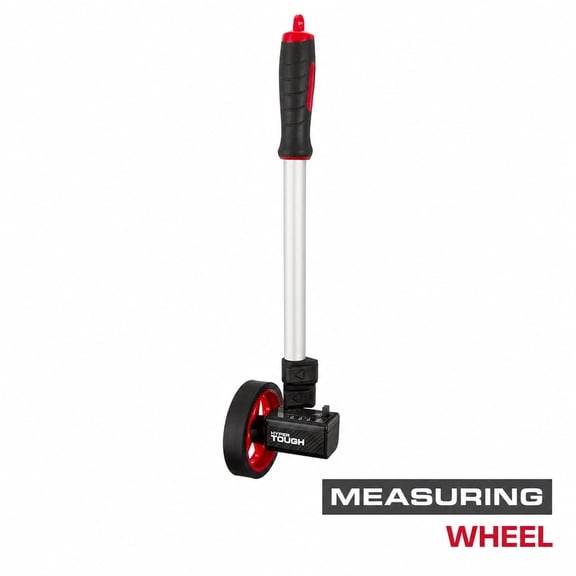
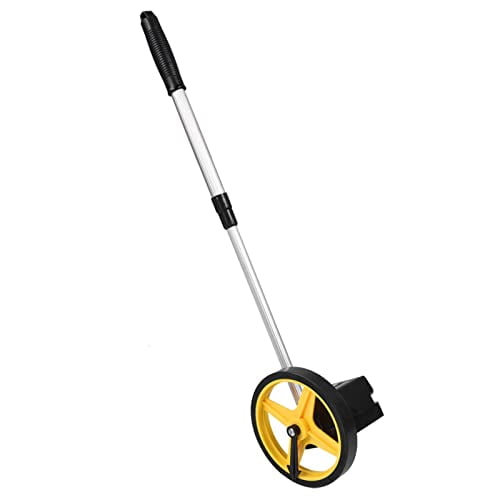
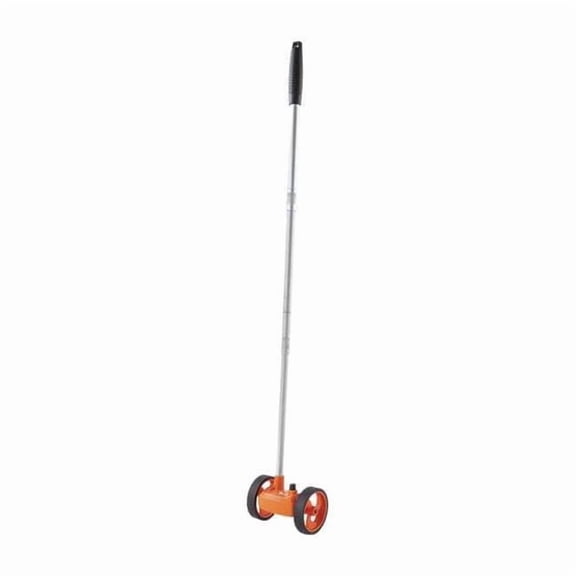
Start with the surface you plan to cover, because wheel diameter changes how your tool rolls and tracks. A 4-inch option suits indoor floors, sidewalks, and tighter spaces where turning room matters.
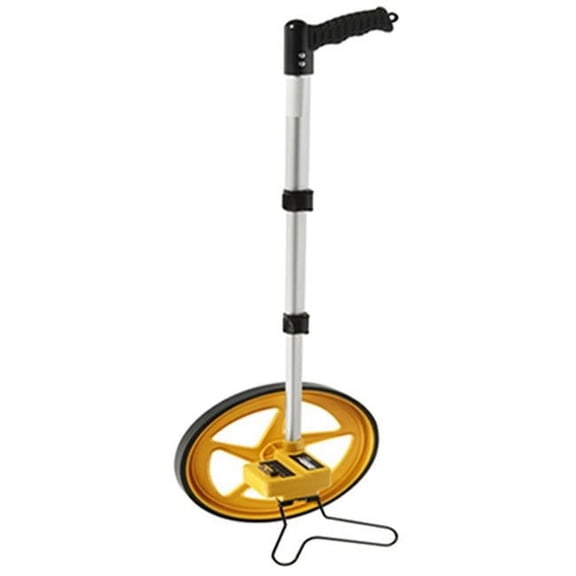
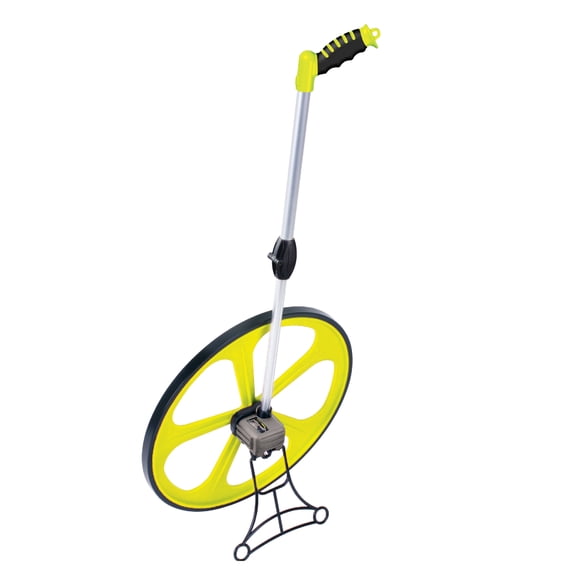
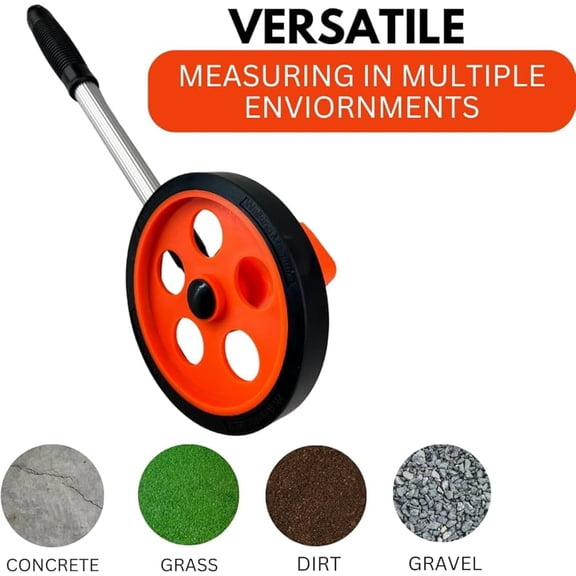
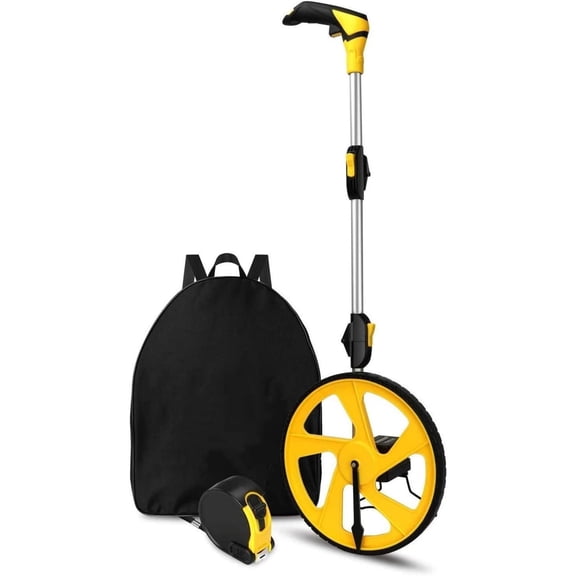
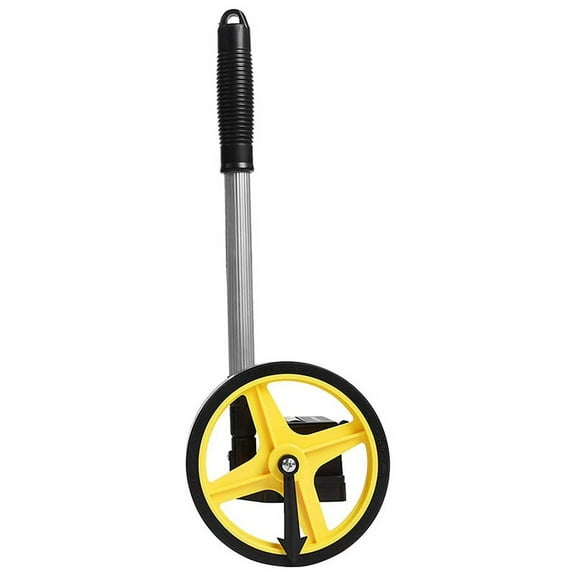
For gravel, grass, or uneven ground, you should consider a 12-inch wheel for steadier outdoor measuring. A 19-inch size fits longer open stretches where rough terrain can interrupt smaller wheels.
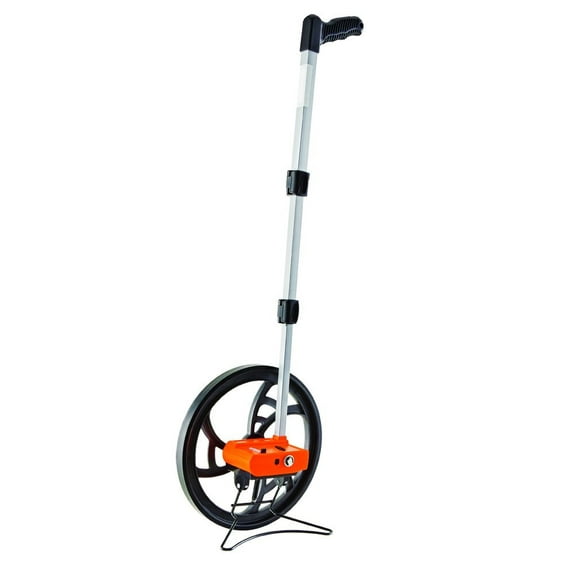
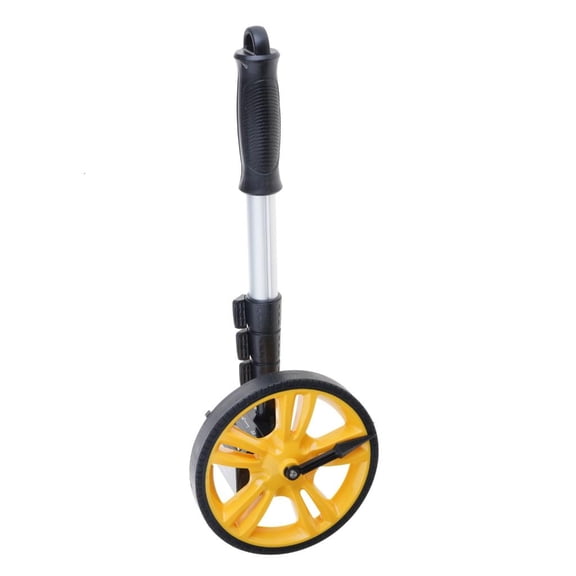
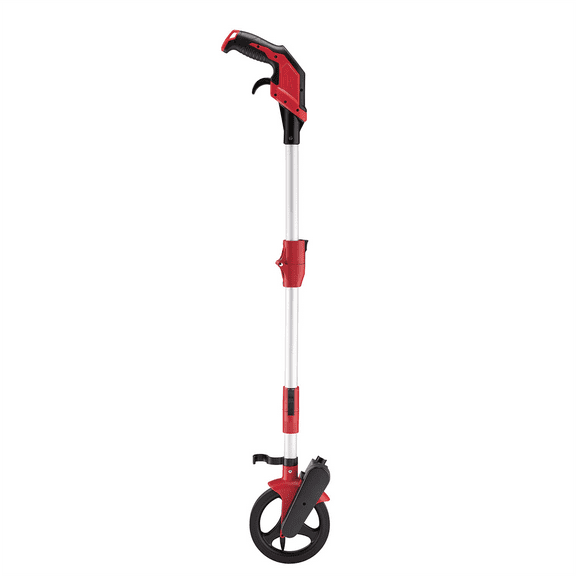
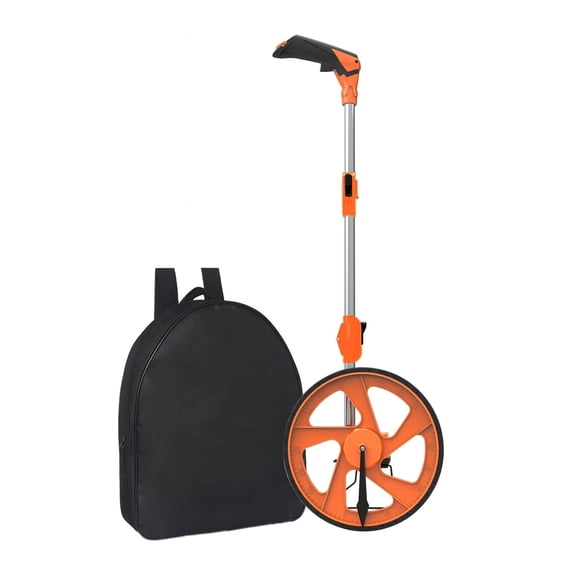
Handle design matters during transport, so you should check whether the frame folds or telescopes. A compact shape lets you fit your tool into a trunk, work van, or crowded storage area.
Rather than choosing by size alone, you should match the wheel to the setting and route length. That approach helps you keep indoor surveying controlled and outdoor layouts consistent across longer passes.
How to compare a measuring wheel with digital display
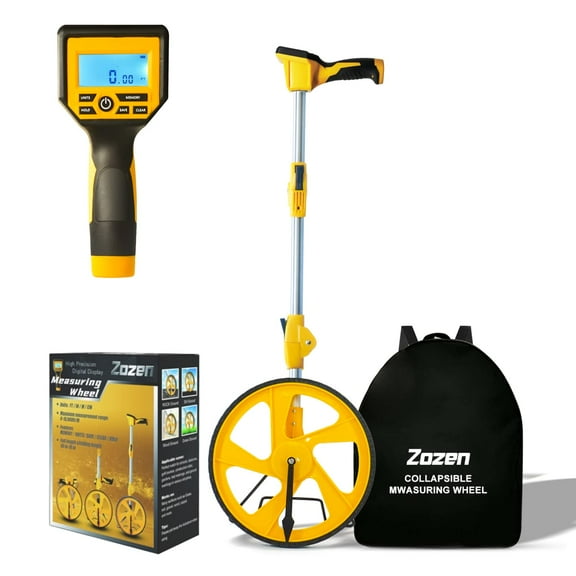
Display type affects how you read results in the field, so you should decide what feels clear during your workday. A measuring wheel with digital display gives you a screen readout that supports quick number checks.
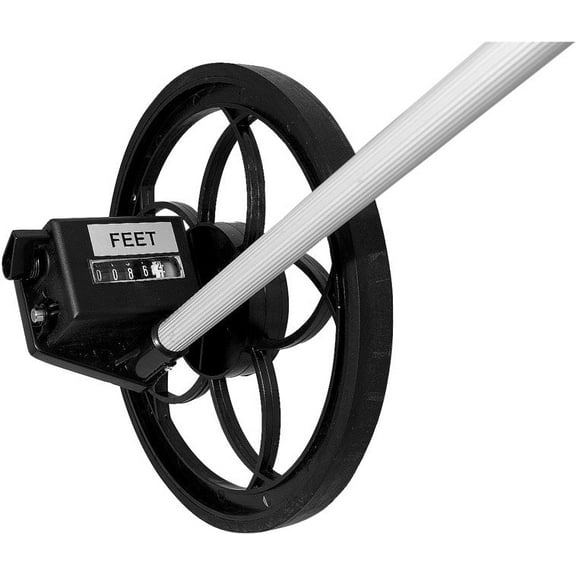
A mechanical analog counter gives you a straightforward format that many crews already know how to use. That style works well when you want a simple wheel meter setup with fewer electronic controls.
Reset access also matters, because you may restart measurements many times during layouts or estimates. You should look for a reset button or lever that you can reach without interrupting your pace.
- You should choose digital LCD readouts when you want clear screen visibility during repeated measuring tasks.
- You should consider mechanical analog counters when you prefer a familiar, direct readout format.
- You should check reset styles when your work includes multiple passes on one project.
- You should compare folding or telescoping handles when vehicle storage matters to your routine.
Gear-driven counters deserve attention when your projects involve longer distances and repeated daily use. You should look for that mechanism when you want dependable tracking across extended rolling paths.
Choosing a measuring wheel in feet or metric
Units shape how easily you record results, so you should confirm whether your projects call for feet and inches, metric, or both. A measuring wheel in feet fits many U.S. layout tasks, while metric supports meter-based plans.
Dual-unit options help when you switch between crews, documents, or project types during the week. With one tool, you can move between feet and metric readings without carrying separate formats.
Readout clarity matters alongside units, because fast checks reduce pauses during site walks and perimeter work. You should compare display windows, digit size, and labeling before choosing your wheel measure tool.
Checking materials, construction, and portability
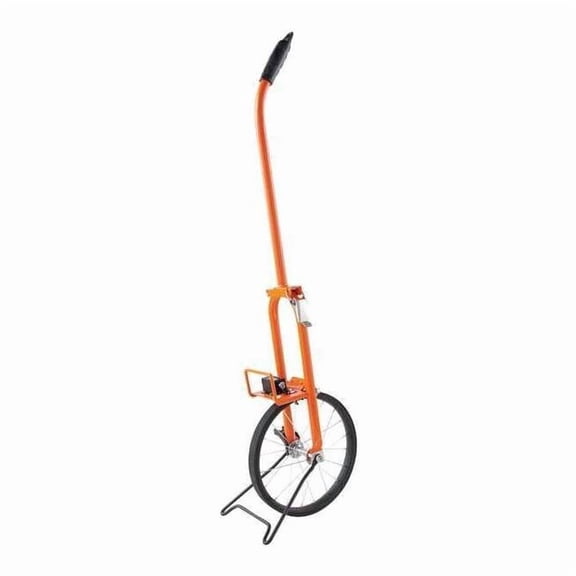
Frame material affects carrying feel, so you should compare aluminum, steel, and heavy-duty plastic based on your routine. Aluminum supports lighter handling, steel offers a rigid feel, and plastic fits practical everyday use.
Construction details also shape field use, and you should inspect grip texture, frame joints, and wheel tread. Those features influence how your tool feels in hand and how it tracks across your usual terrain.
Portability becomes important when your tool rides in a truck or moves between jobs during the day. You should measure folded length and check telescoping sections before choosing a walking measurement tool.
Counter placement can also affect convenience, because you need a clear view while you walk and record distances. You should compare where the display sits on the frame and how naturally your hand reaches it.
Matching a walking distance measuring tool to your project
Landscaping projects often call for perimeter checks, bed edges, and fence runs across grass or soil. You should pair those jobs with a mid-size or large wheel that rolls smoothly on outdoor surfaces.
Road construction and site layout often involve longer paths, rougher ground, and repeated distance verification. You should consider larger wheels, visible counters, and dependable gear-driven designs for those applications.
Indoor surveying usually involves hallways, finished floors, and tighter turns around fixtures or displays. You should look for a smaller wheel and compact frame when maneuverability matters inside buildings.
Real estate visits can require quick exterior measurements without carrying bulky equipment across a property. You should consider a folding unit that stores neatly and supports fast perimeter checks during walkthroughs.
Across these tasks, your choice should reflect terrain, display preference, unit needs, and transport limits. That combination helps you use a measuring meter wheel or wheel measure tool with fewer interruptions on the job.
With the right measuring wheel, you can get readable distance results, steady rolling on your terrain, and tidy storage between projects. When wheel size, readout type, units, and frame design align with your work, you gain a tool that fits daily measuring tasks.