



































Black Friday Computers Laptops Tablets Deals & More
Shop by category

Delivery in as fast as 1 hour*
New MacBook Neo
Shop nowFrom
$
699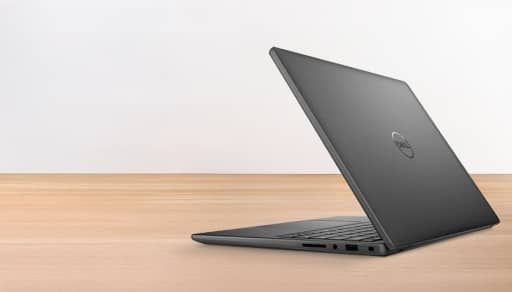
From laptops to desktops
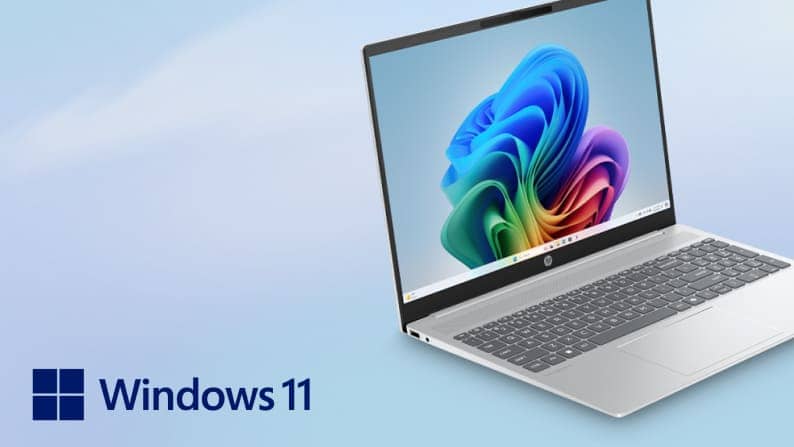
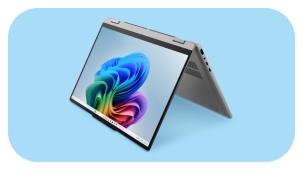
Work it out with Windows
Shop now
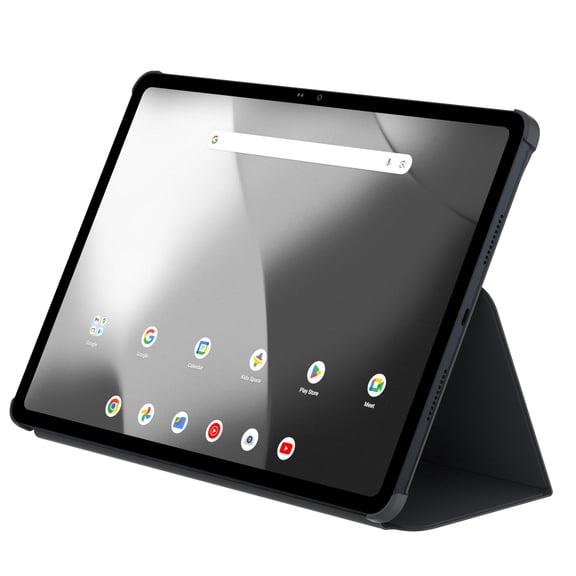
Simple, fast Chromebooks
Shop now
Deals on tablets
Shop Deals
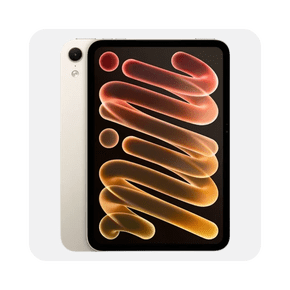
The new iPad mini
From $699 or as low as $44/mo.*
Shop nowSavings in computing
Don't miss these





HPHillside PlanterDellLenovoAppleUnbrandedASUSAestriVowenEmpowered PCMSIAcerOrvunelaSTGAubronOmunksFelmuzaroKTCSamsungSkytech GamingAVPAVPNOBRANDGenericonnSTGSivirLGNoavLifeYwmsflKqbmzfrLiquipelZeHangTecBlair TechESOORLIEFDELYNMicrosoftSteelSeriesBenQHBMYNMINISFORUMOsdhezcn360SPB DISPLAYATTACK SHARKczpwoermaHoengagerNORQINOmnihiltwocowerXidaxAOCAtgdlukGO360BOOTHiBUYPOWERNimoPeidaliSwoeBthToshibaVerbatimyanjunjunACASISAlienwareATK Gaming GearChuwiEvounicGaming ProHomultuinJancapnJWEIBKLiteVisMoonmyNaleruPhilips PPDSPolycomSGINStarforgeTian QiWUYWZKXUBIYMAlogic USAANXPTIMEaomogoBelkinBTOCrisuaCultureFlyEJEASENDALDMVEternal God LLCEverGrowFsioekGaming proGaming-ProGJXGTSOHNIPASONKENIIQKEXINLogitechLucidSoundMoxalcNextCheerOADUKQOrinokia TechOyzzrazePerixxPowerARazerSave'tSayoDeviceSICONWSTCLUODEGAVeloTechViewSonicVORALYNWestern DigitalWIND LANDWitrigsXFXXiaomiXIBUFExuanqing storeZMNGDOQD360SPBAcBuzACEMAGICAdvanced BattlestationsAGM MobileAierxuanAjazzajkhsahAndroidAngel CanadaANMUYUMAQVINAtrillyAudio-TechnicaAULABaseusbe quiet!Begin Home DecorbeibeiBeumtyBloydekBLUEINGBOSGAMEBotDreamBvglcoryBVIUFIClarisonicCloudangleColour TalkCosemaryCPOMSCubotCyberPowerPCDAHONGYUNDeco GearDFGJFDDhirDPJJDTDUNHOOduziwenEDDBNiEEEkiteKidsElecElement ElectronicsElgatoEloEyoyoEYYEZONEDEALGROUP ELECTRONICSFALUTONFaretiFlachicFLARNRIANKIFoBianJieFosmonFusion5GAMDIASGaming-proGARMINGBXGBXGreatunesGUAQUGuomeiGuzackHatugeHawksbillHead Case DesignsHemoblloHnjugfeHolanHonYundahvfxhzvIcriusIncaseJabrajanyoneJAYUANONE
New arrivals
Uses external data. Price when purchased online



















FAQ
About Black Friday Computers Laptops Tablets Deals & More - Walmart.com
Laptops and tablets overlap in many daily tasks, so the first decision is usually how you plan to work and play. If you searched for Black Friday laptops and tablets deals, the same question applies to every model you compare. Writing down your main tasks first makes the rest of the comparison clearer.
Match the device to your daily tasks
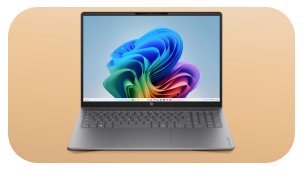
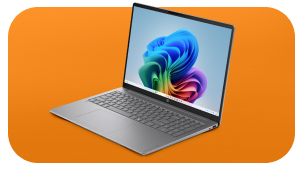
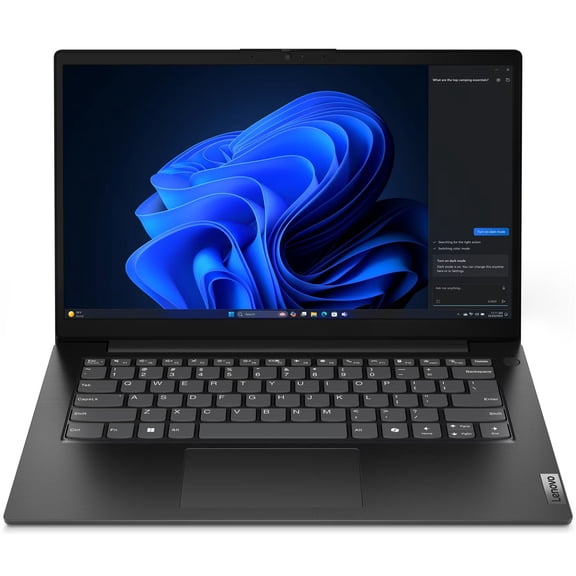
Typing long documents, editing spreadsheets, and managing many browser tabs all favor a physical keyboard and a larger screen. A laptop usually gives you a full keyboard and more room for multiple windows side by side. That layout suits school projects, office work, and any task built around heavy text entry.
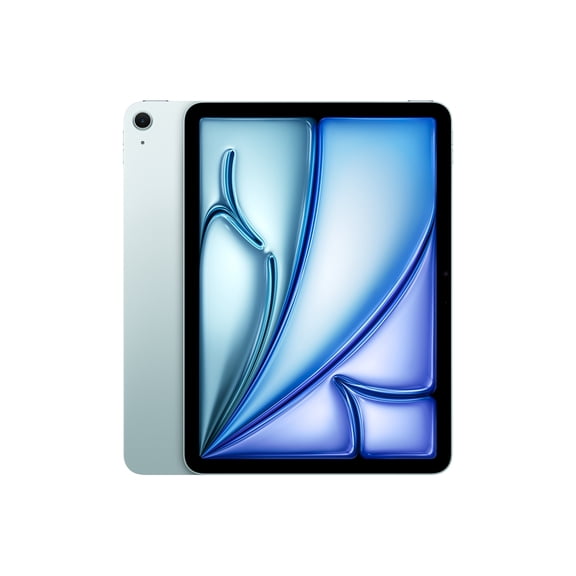
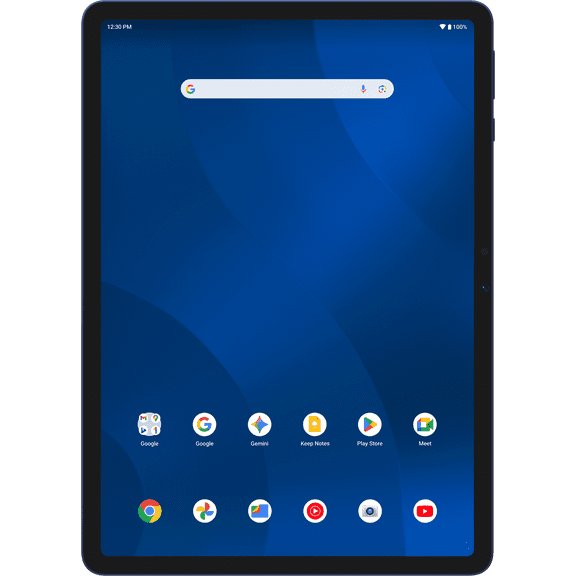
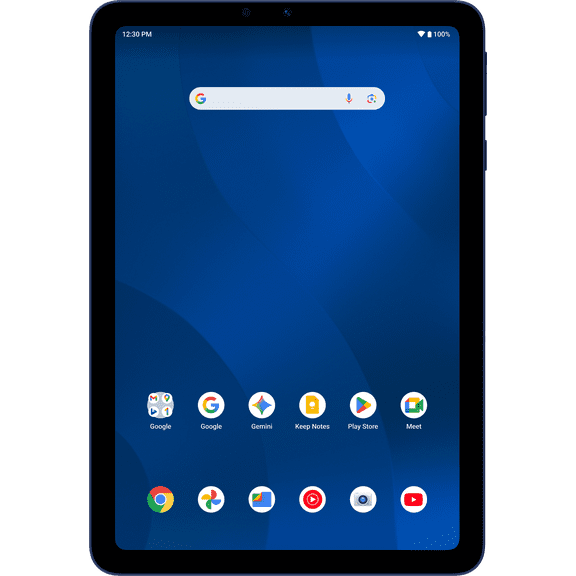
Tablets appeal when you want touch input, a lighter frame, and a screen you can hold in your lap. Many tablets pair with a detachable keyboard or stylus, which changes how practical typing feels. Check whether a keyboard or stylus is listed with the model you are considering.
Battery life and storage deserve a close look on both device types. Listed battery figures come from the manufacturer, and everyday use will change them. The operating system and app support also shape which device fits your routine.
Comparing laptops and tablets for daily use
Black Friday may be why you started looking, but whether you need a keyboard for long sessions is still the core question. Laptops suit writing, spreadsheets, and multitasking, while tablets suit reading, video, and light note taking. Use that split as a starting point, then adjust for your own habits and any school or work software you need.
Screen size is the next filter, since a larger display helps with spreadsheets and video editing. Tablets are generally lighter to carry, which can help when you read on the couch or travel. A compact screen can work well for streaming, note taking, and casual web use.
Ports and connections matter if you plan to attach an external monitor, drive, or mouse. Count the connectors you use every day, since adapters add bulk and another item to carry. List the accessories you already own so you can see which gaps remain.
Checking keyboard and stylus needs
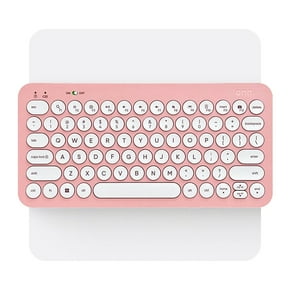
Some people use a tablet with a detachable keyboard for writing, but heavy software may need a laptop. Check whether the keyboard attaches magnetically or connects through a separate cable or Bluetooth link. Compare key layout and keyboard size in the product details, since those affect long typing sessions.
- Screen size and display type for the tasks you do most
- Keyboard style, whether built in or detachable
- Operating system and the apps you rely on
- Storage, battery figures, and weight from the listed specs
Set your priorities before opening a long list of models, so the search stays focused. Rank typing, portability, screen size, and app compatibility from most important to least important. Then compare only the two or three models that clearly fit that ranking.
Narrowing your shortlist before you buy
Record the screen size, keyboard type, and storage figure for each model you consider. Use the same three fields for every device so the comparison stays fair across all of them.
After searching for laptops and tablets deals for Black Friday, keep three notes for each device. Those three entries give you a consistent basis for deciding between any two products, without relying on memory.