









iPad and Tablets for Every Need

















































About iPad and Tablets for Every Need - Walmart.com
Tablets give you a flexible screen for streaming, schoolwork, reading, and everyday tasks. You can compare operating systems, screen sizes, storage, and connectivity to match how you plan to use your device.
When you shop this category, you can narrow choices by practical decisions instead of guessing. You can move from compact models for travel to larger displays for drawing, typing, and movie nights.
Choosing tablets by operating system
Your operating system shapes how your tablet fits your apps, accessories, and other devices. You should compare Android, iPadOS, Windows, and Fire OS based on the tools you already use.
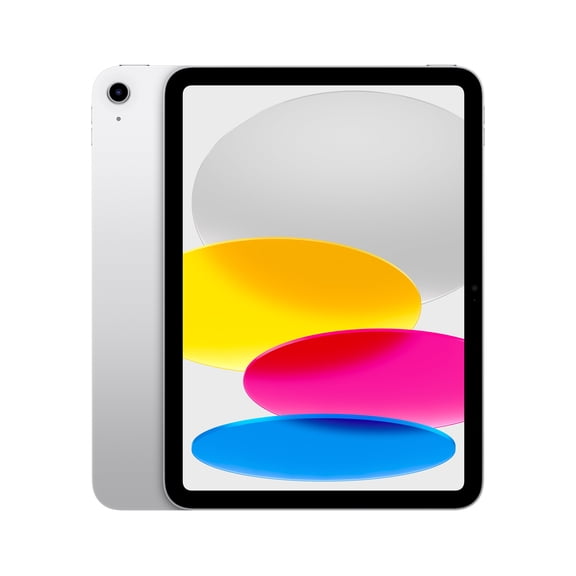
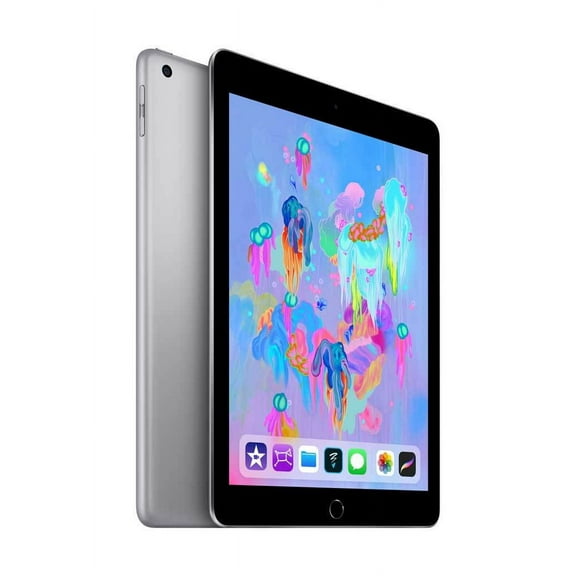
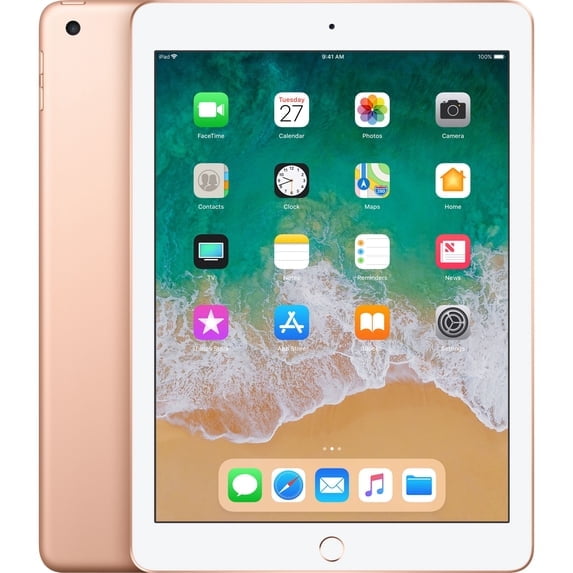
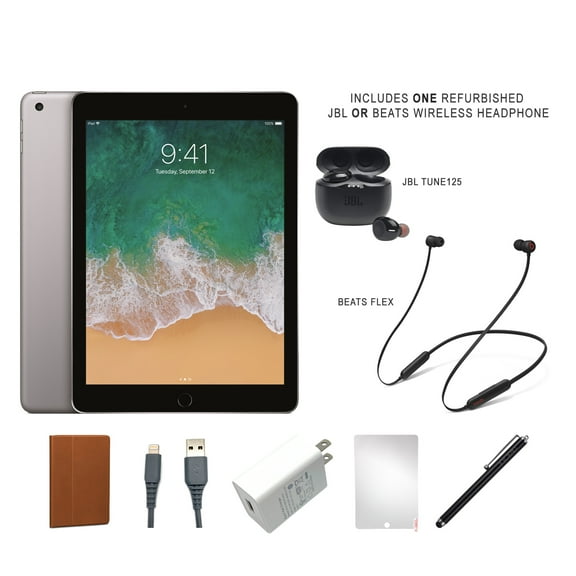
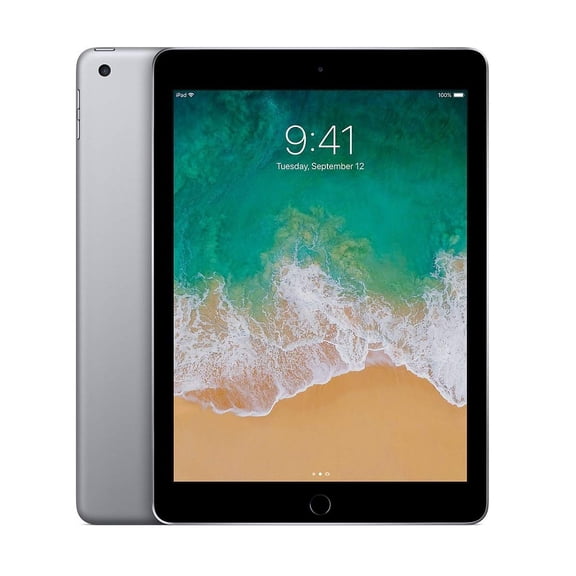
If you use Google apps often, you may prefer android tablets for familiar navigation and broad app choices. If your home already uses Apple devices, you may want iPadOS for smooth syncing across messages, photos, and files.
You can also consider Windows when you want a tablet that feels closer to a laptop. You may prefer Fire OS when you want simple entertainment features and easy family-focused content access.
What to look for in screen size and storage
Your screen size changes how your tablet feels in your hands and bag. You should compare seven to eight inches, nine to 10 inches, and 11 inches and above.
If you read on the go, you may like a seven to eight inch model for easier carrying. If you stream shows or split your screen, you may want a nine to 10 inch display.
When you sketch, watch movies, or use a keyboard case, you may prefer 11 inches and above. You’ll usually get more room for notes, creative apps, and side-by-side viewing.
Your storage choice affects how many apps, downloads, photos, and videos you can keep ready. You should think about whether 32GB, 64GB, 128GB, or 256GB and above fits your routine.
If you mainly browse, stream, and check email, you may be comfortable with 32GB or 64GB. If you download games, offline movies, or large art files, you may want more space.
- You can choose compact screens for reading, commuting, and lighter bags.
- You can choose mid-size displays for homework, streaming, and everyday browsing.
- You can choose larger screens for drawing, multitasking, and keyboard use.
- You can choose higher storage when your apps, photos, and videos add up quickly.
Comparing connectivity and everyday features
Your connectivity choice affects where and how you use your tablet each day. You should compare Wi-Fi models with cellular-ready options based on your routine.
If you mostly use your device at home, school, or the office, Wi-Fi may fit your setup. If you travel often, you may prefer cellular access for browsing and maps away from home networks.
You should also check battery life details, charging style, camera placement, and port type. Those features shape how easily you can video chat, connect accessories, and recharge between tasks.
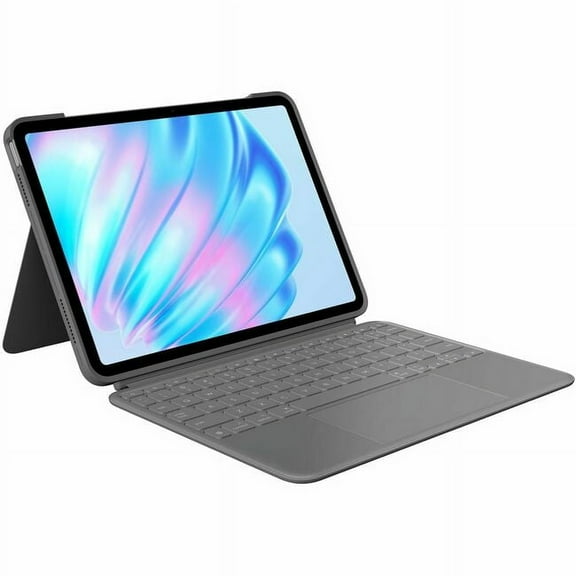
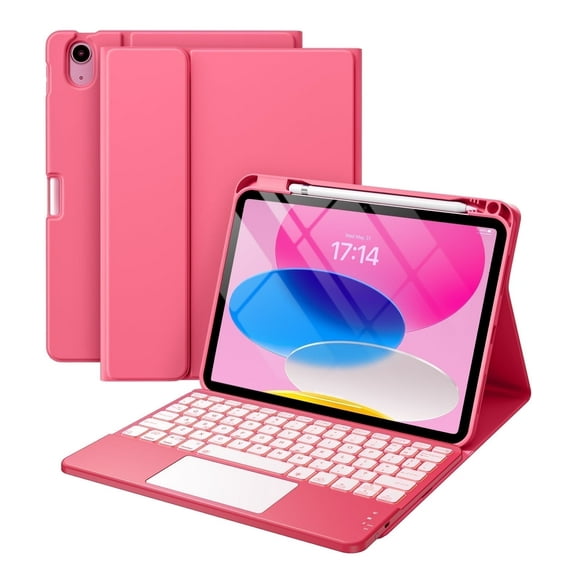
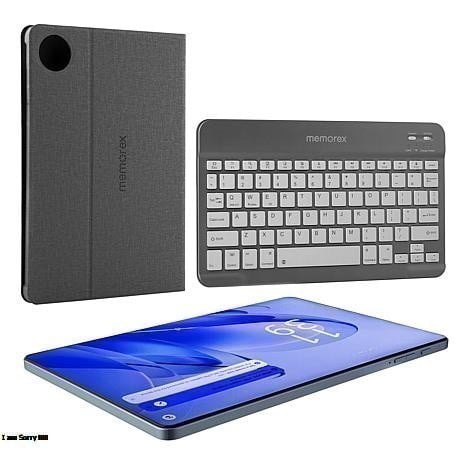
If you plan to type often, you may look for keyboard compatibility and stand support. If you use wireless earbuds, you may check Bluetooth support for quick pairing with your audio gear.
Android tablets and kids tablets for specific needs
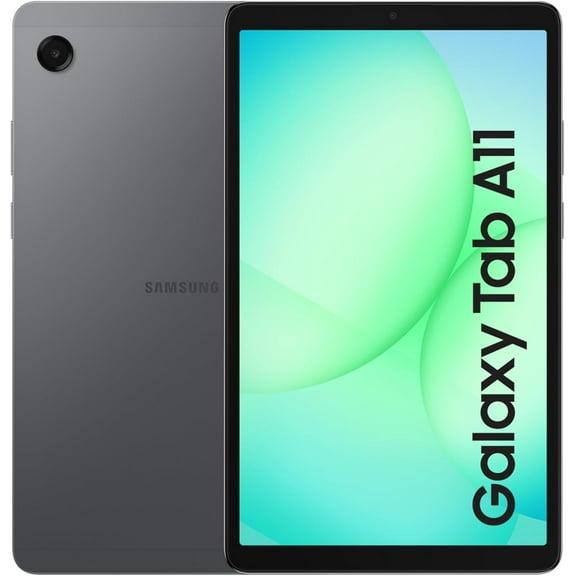
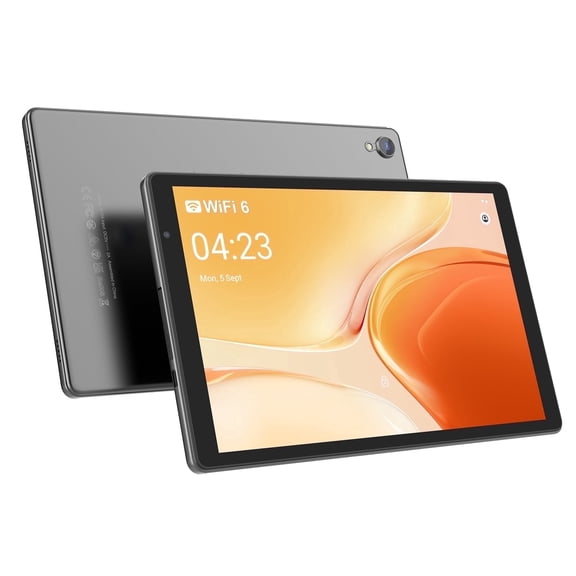
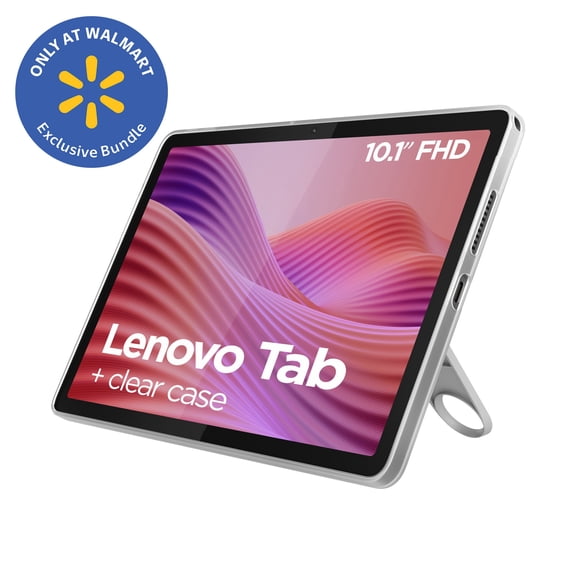
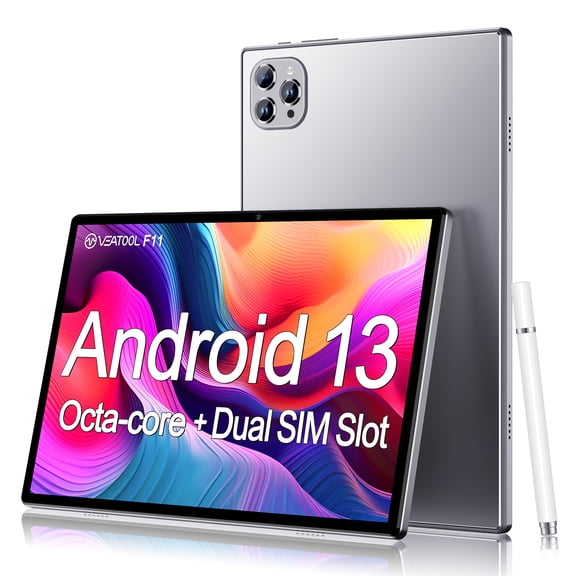
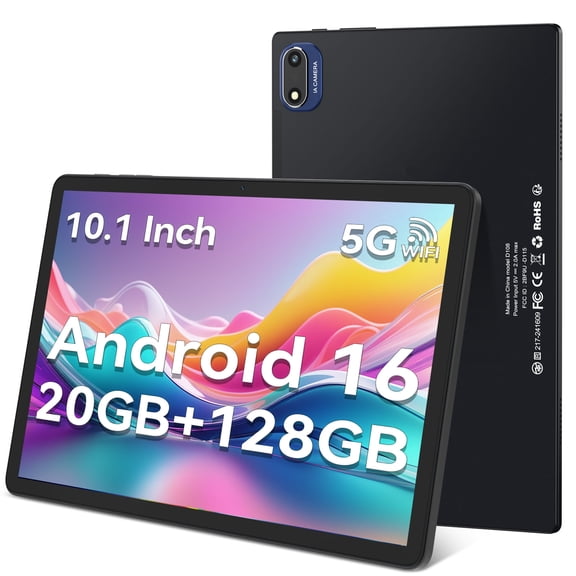
Android tablets work well when you want broad app choice and flexible hardware options. You can compare screen sizes, storage tiers, and performance levels across many everyday setups.
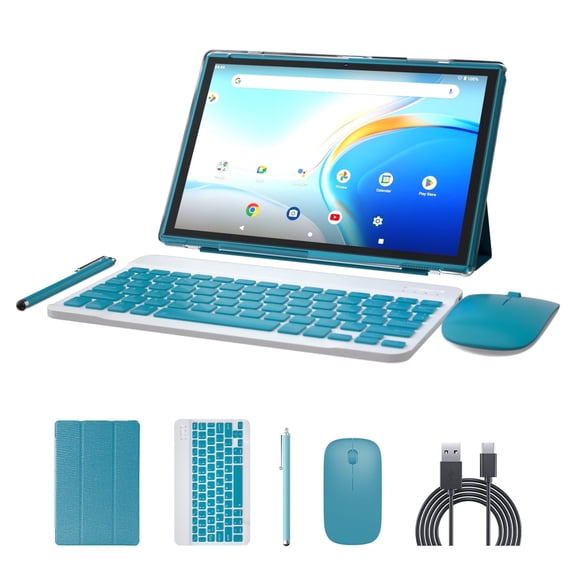
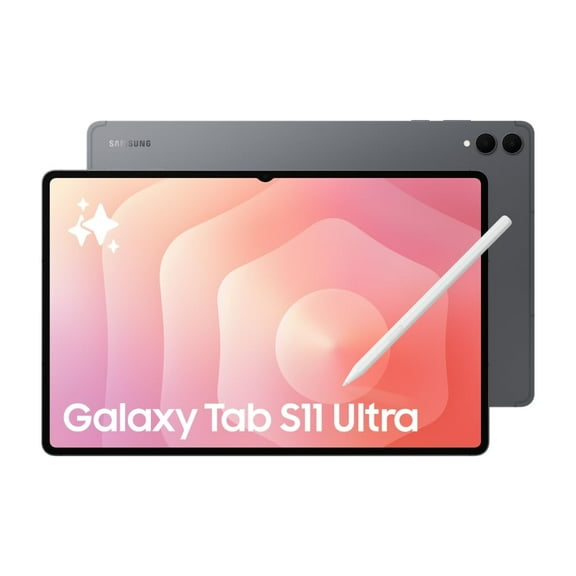
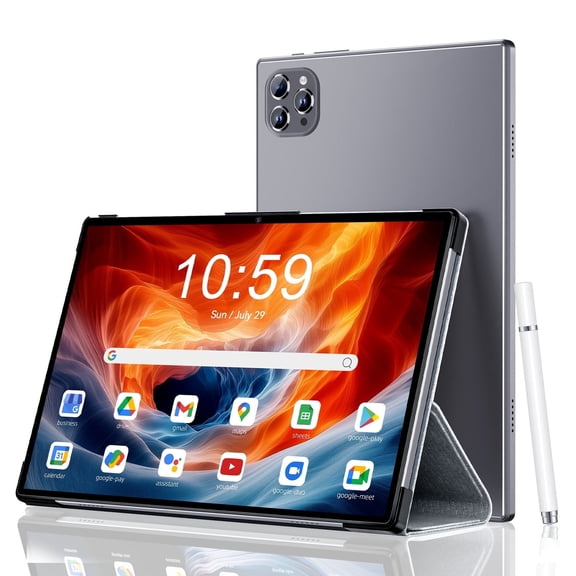
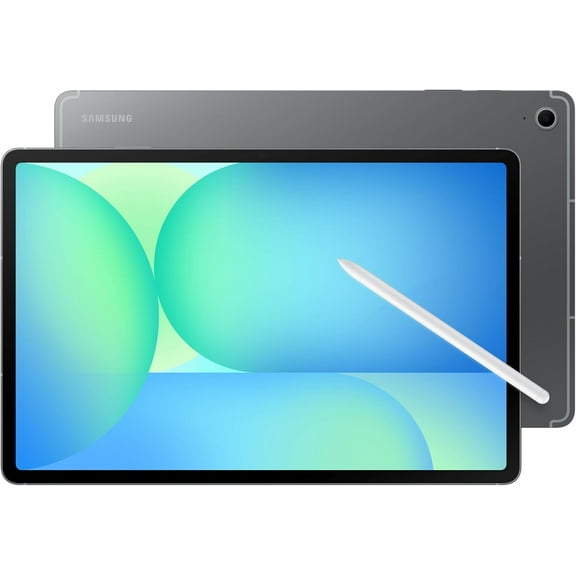
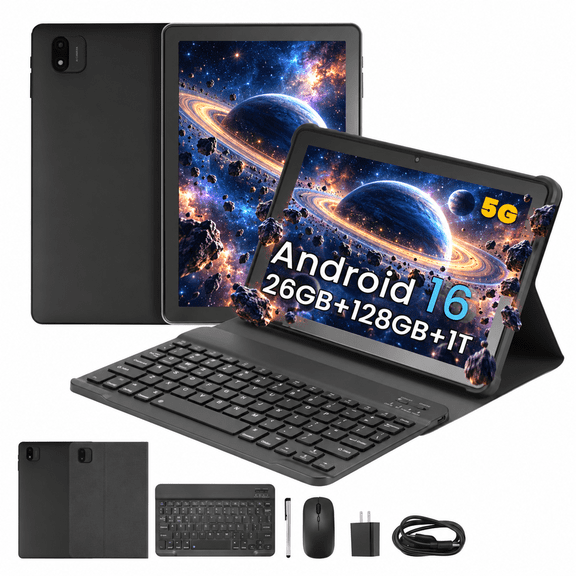
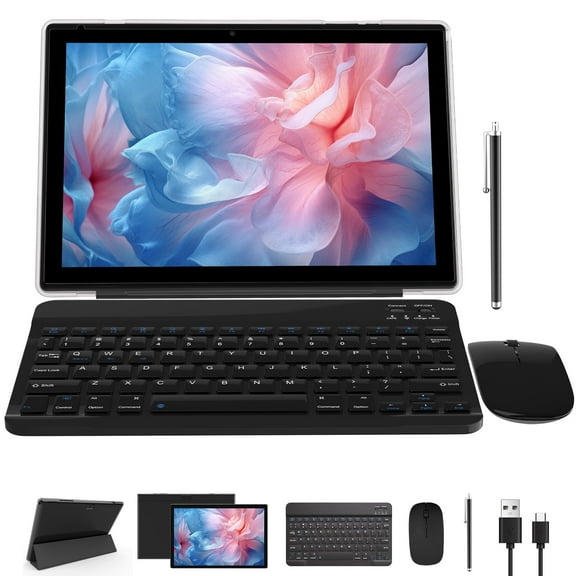
If you want a device for streaming, light work, and casual gaming, android tablets can cover several needs. You can also find options that support stylus input, detachable keyboards, and expandable storage.
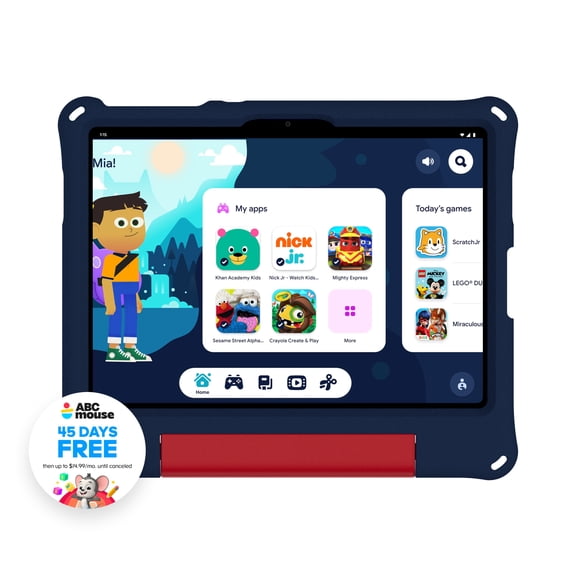
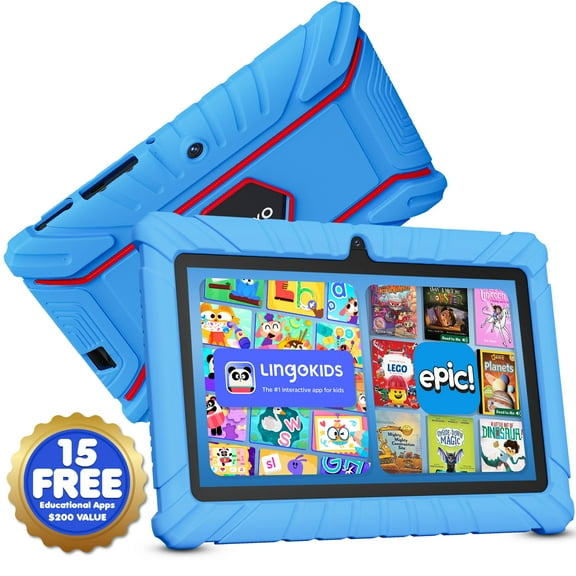
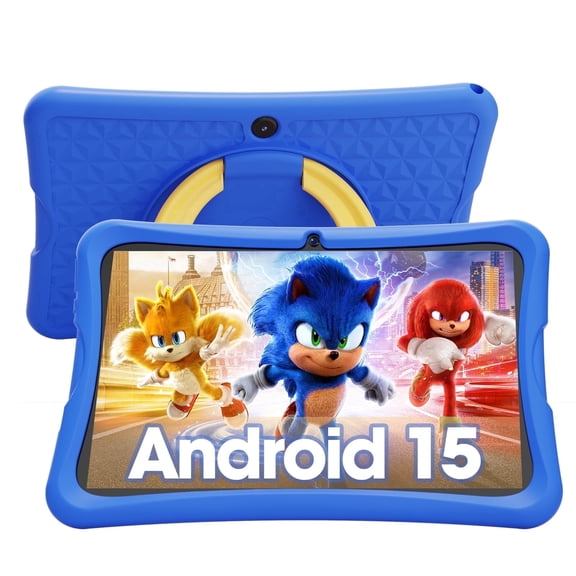
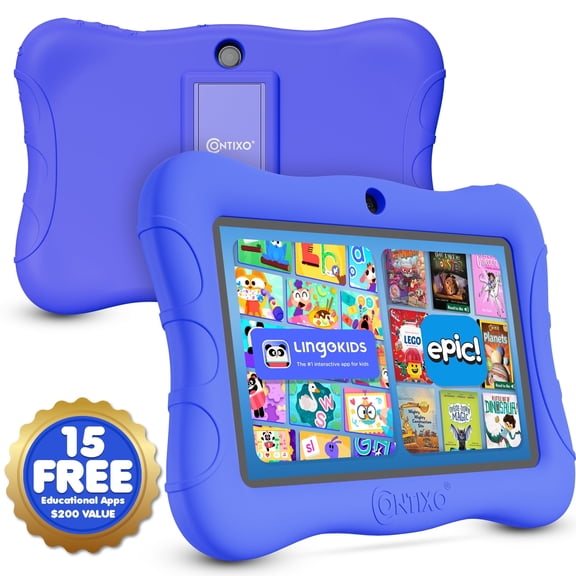
Kids tablets make sense when you want simpler navigation, durable designs, and age-focused content tools. You should look for features like parental controls, easy-to-hold sizes, and layouts made for younger users.
If your child uses learning apps, storybooks, and videos, you may prefer a smaller screen for easier handling. If your household shares one device, you may want more storage for multiple profiles and downloads.
Matching tablets to drawing, gaming, and productivity
Your primary use case can quickly narrow the field and make comparison easier. You should match your tablet to drawing, gaming, productivity, or general family use.
If you create art, drawing tablets usually need a responsive screen, stylus support, and enough storage for layered files. You may also want a larger display so your hand has more room to move.
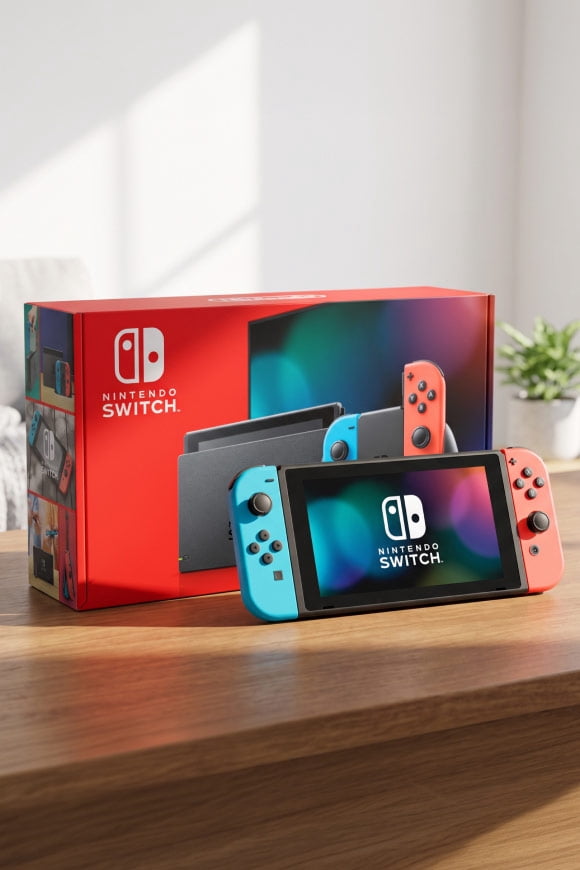
If you play games, you may look for a bright screen, solid battery life, and enough space for larger installs. If you handle email, documents, and video calls, you may want strong multitasking support and keyboard compatibility.
For schoolwork, you may want a balanced screen size that travels easily and still feels comfortable for notes. For movies and reading, you can choose between larger visuals or lighter portability based on your habits.
With tablets, you can focus on the choices that actually affect daily use. You’ll feel more confident when your operating system, screen size, storage, and connectivity fit the way you spend your time.