



PlayStation 4 (PS4) VR









![Red Matter 2 (PSVR2 Required) [Limited Run Games #147] - PlayStation 5](https://i5.walmartimages.com/seo/Red-Matter-2-PSVR2-Required-Limited-Run-Games-147-PlayStation-5_8b44ac67-0c94-4a2c-a504-2afce8191c23.bfc4bbff37b3af449c8491d70c1f9f34.jpeg?odnHeight=576&odnWidth=576&odnBg=FFFFFF)

![Budget Cuts - PSVR [Sony PlayStation 4]](https://i5.walmartimages.com/seo/Budget-Cuts-PSVR-Sony-PlayStation-4_8db652b4-fb06-43ba-8559-aae5fbf406a9.ed2a15bf9385db08ec57f558485aa54f.jpeg?odnHeight=576&odnWidth=576&odnBg=FFFFFF)
![Firewall: Zero Hour VR for PlayStation 4 [VIDEOGAMES] PS 4, Playstation VR](https://i5.walmartimages.com/seo/Firewall-Zero-Hour-Sony-PlayStation-4-711719520757_d52568ec-4a3e-44dc-9712-716b011ce380_1.cee708714431481ee6053f0f91040b44.jpeg?odnHeight=576&odnWidth=576&odnBg=FFFFFF)

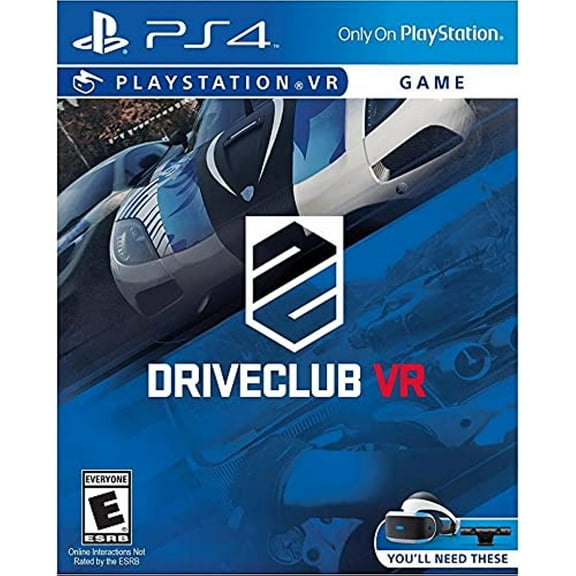
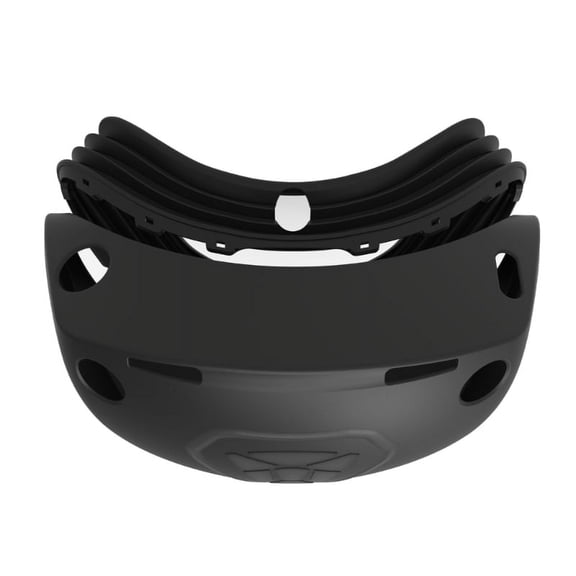

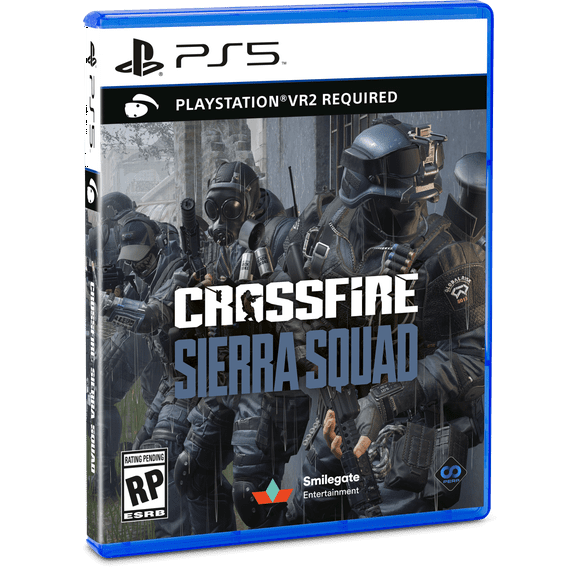

About PlayStation 4 (PS4) VR - Walmart.com
Your playstation 4 vr bundle should make setup simpler and gaming more immersive. You can compare bundle parts, console fit, and game options before you choose.
How to choose a playstation 4 vr bundle
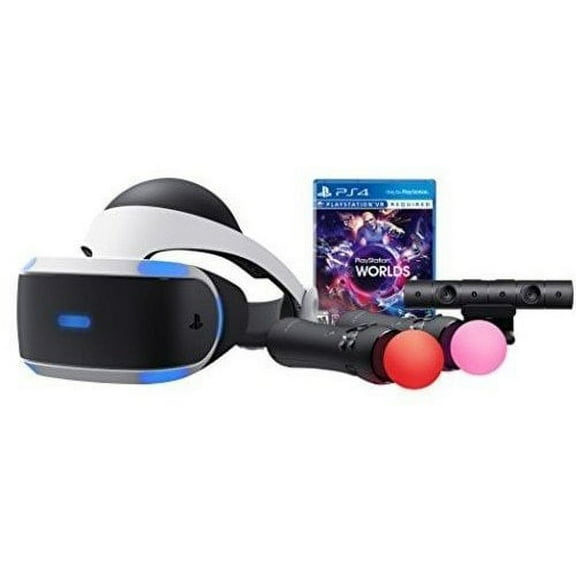
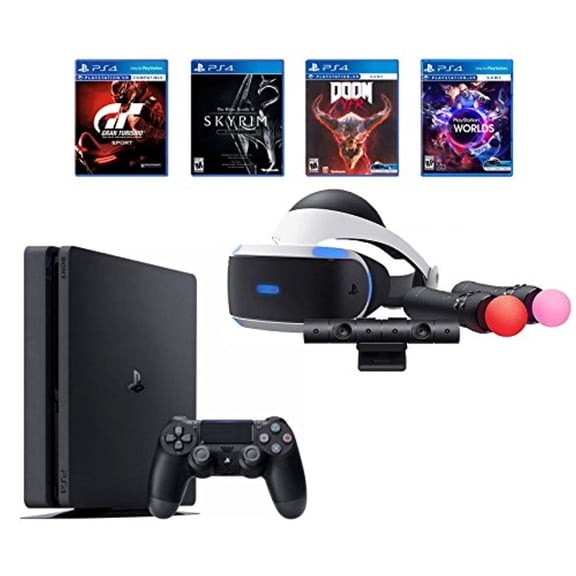
When you compare a playstation 4 and playstation vr bundle, you should start with the hardware inside the box. You may see headset-only options, camera bundles, move controller bundles, or mega pack combinations.
A headset-only option works if you already own the camera, processor unit, and required cables. A camera bundle helps you start faster because you get the tracking camera with your headset.
Move controller bundles matter when your favorite games use hand tracking for aiming, grabbing, or gesture-based play. A mega pack can include multiple core parts and selected games, which helps you match your setup quickly.
- You can choose headset-only bundles when you already own core PS4 VR hardware.
- You can look for camera bundles when you need the camera for tracking and setup.
- You can compare move controller bundles when your games support motion-based controls.
- You can consider mega packs when you want several pieces in one purchase.
Choosing bundle components and hardware generation
You should check whether your bundle includes the headset, processor unit, camera, connection cables, and motion controllers. You can avoid setup confusion when you confirm each part before checkout.
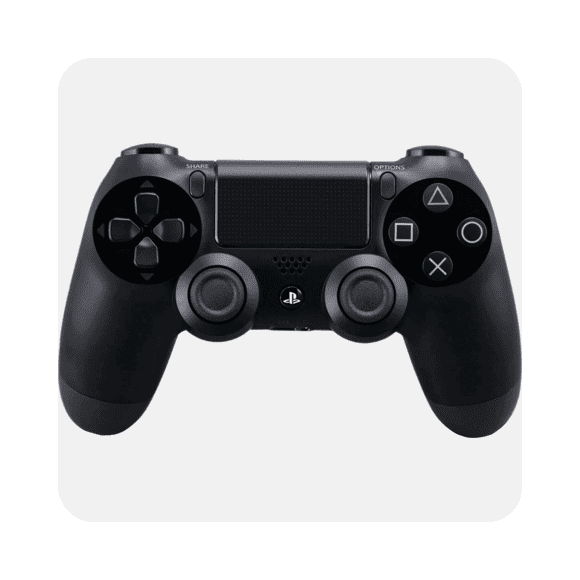
Some games let you play with a standard DualShock 4 controller, while others work best with Move controllers. You should compare controller needs with the games you want to play first.
When you review hardware generation, you may notice PSVR Gen 1 and PSVR Gen 2 differences in cabling and setup. You should match the generation to your console and accessory needs.
Gen 1 setups often include the original processor unit and connection path designed for PS4 systems. Gen 2 setups can change cable layout, so you should read the included parts list carefully.
Checking ps4 vr bundle compatibility
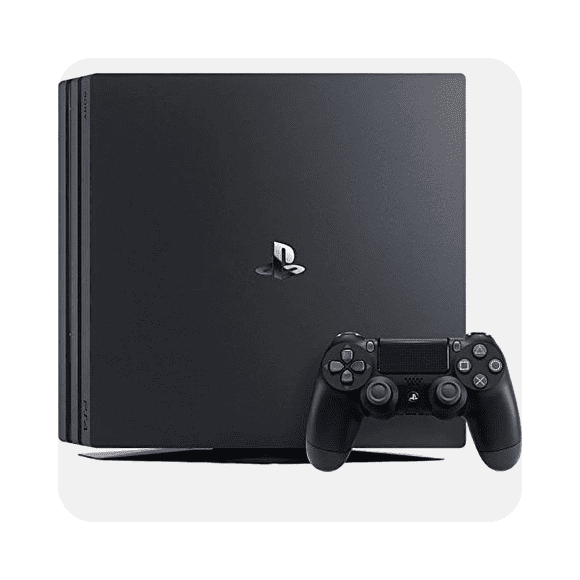
Your ps4 vr bundle should match the console you already own. You can use many PSVR setups with PS4 Slim and PS4 Pro when the correct camera and processor unit are included.
If you want a playstation 4 pro vr bundle, you should confirm the listing names PS4 Pro compatibility clearly. You can expect the same core VR library, while your PS4 Pro may support sharper presentation in supported titles.
You may also want PS5 compatible support for an existing headset. You should know that PS5 use typically requires a PlayStation camera adapter with the original PSVR setup.
That detail matters because console support depends on the right camera connection, not only the headset itself. You can make setup easier when you check adapter requirements before you choose.
Comparing included games and supported titles
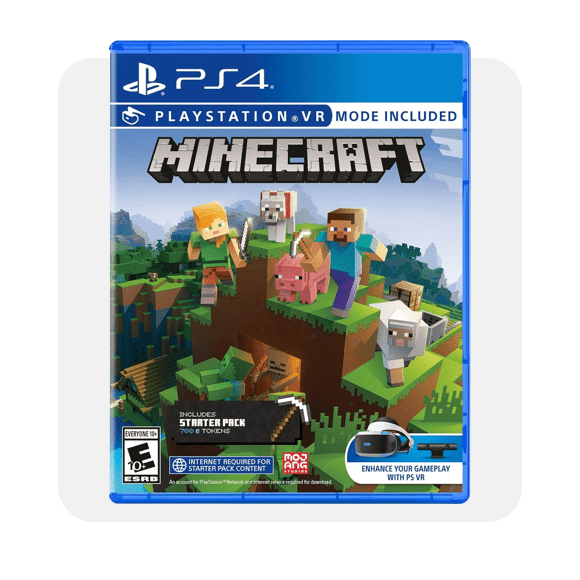
You should look at included games as a major decision point, especially when bundles vary by title. You may find options tied to Iron Man VR, Skyrim VR, Gran Turismo Sport, or No Man's Sky.
Each title supports a different play style, so you should match the game to how you like to play. You may prefer cockpit racing, open-world exploration, story-driven action, or motion-based combat.
If you search for a psvr bundle, you may also compare support for the crossfire game series and other shooter experiences. You should check whether your chosen game needs Move controllers or works with DualShock 4.
That controller detail affects how complete your bundle feels on day one. You can avoid extra accessory hunting when your selected package already supports your favorite games.
Matching your setup to real play scenarios
If you already own a camera and processor unit, you may want a headset-focused option with fewer extras. You can keep your setup straightforward by replacing only the part you need.
If you're building a full living room setup, you may want a camera bundle or move controller bundle. You can get tracking hardware ready for games that use hand presence and room-facing movement.
If your household uses a PS4 Pro, you should compare listings that call out PS4 Pro support directly. You can narrow choices faster when the compatibility details are easy to verify.
If you plan to use an existing headset across console generations, you should check PS5 adapter needs before ordering. You can prevent setup delays when your cables and camera connection match your console.
For game-first shoppers, included titles can guide the whole decision. You can choose Iron Man VR for action, Gran Turismo Sport for racing, or No Man's Sky for exploration-focused sessions.
When you want a complete starter option, a playstation 4 vr bundle with camera and controllers can reduce guesswork. You can move from unboxing to play with fewer missing parts.
What to look for before you choose
You should compare included hardware, console compatibility, generation details, and game support in every listing. You can make a smarter pick when those four points line up with your setup.
Your ideal bundle depends on the parts you already own and the games you plan to play. You can choose with more confidence when every required piece is clearly listed.