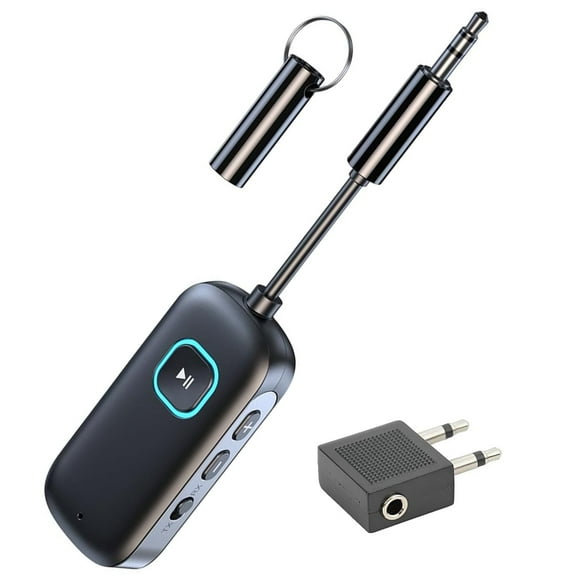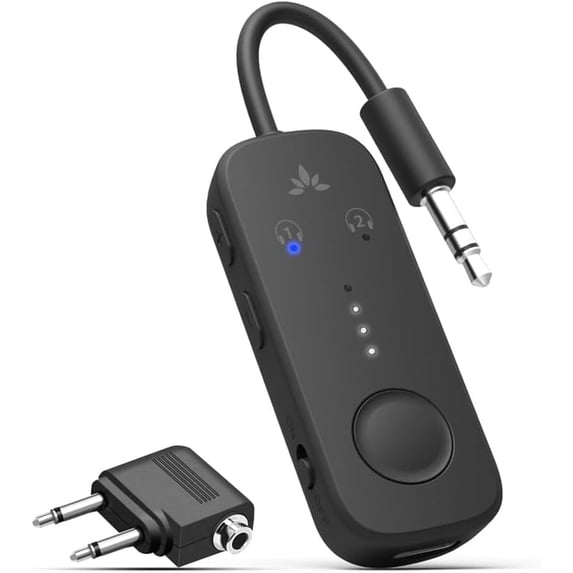
Avantree Relay Premium Airplane Bluetooth 5.3 Adapter, BTTC-218
Hero image 0 of Avantree Relay Premium Airplane Bluetooth 5.3 Adapter, BTTC-218, 0 of 9

Avantree Relay Premium Airplane Bluetooth 5.3 Adapter, BTTC-218

Key item features

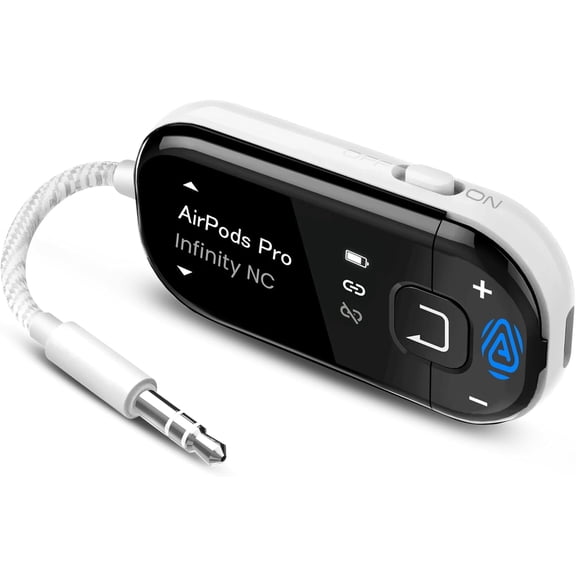
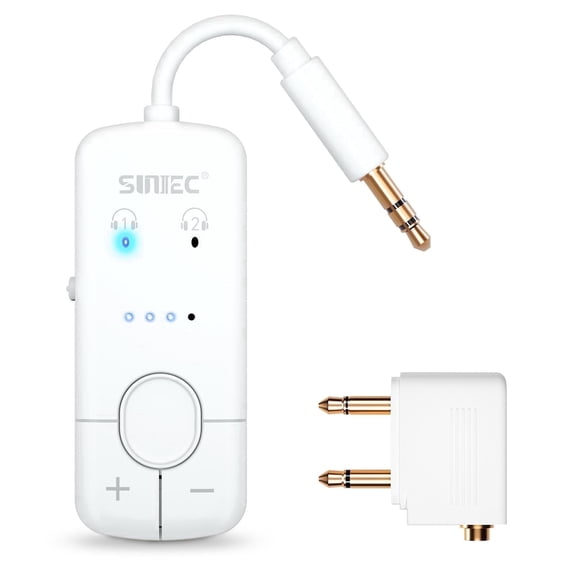
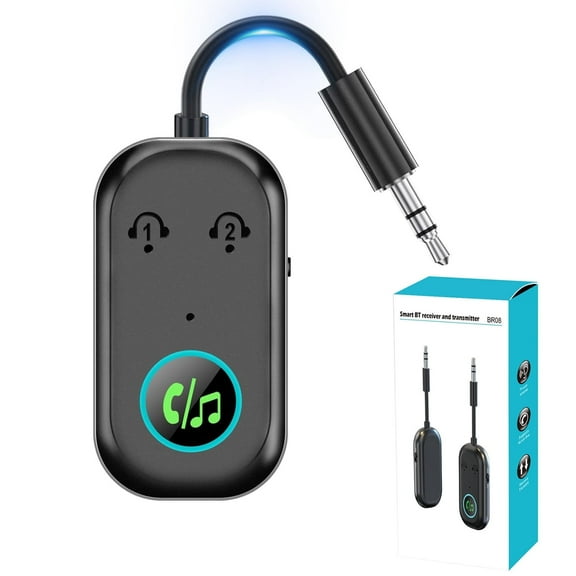
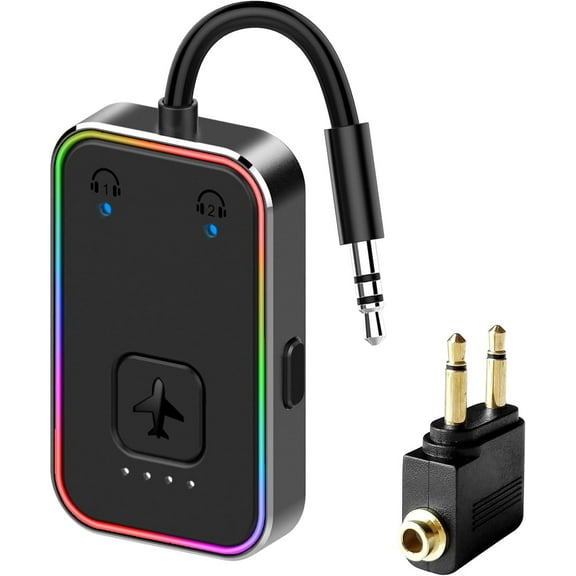
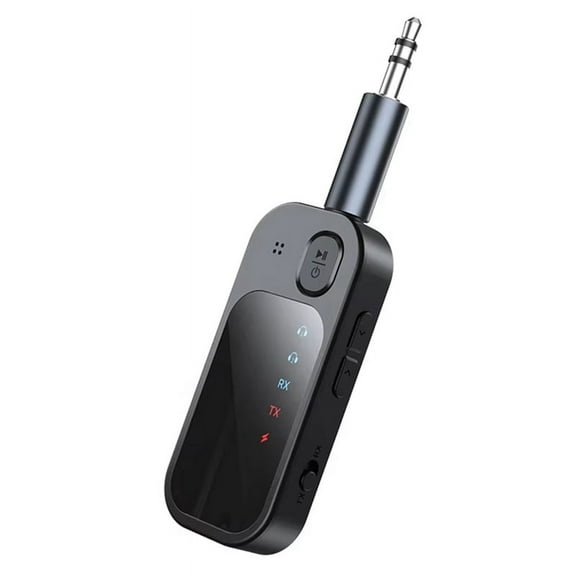
  • Travel Entertainment: Connects any Bluetooth headphones or earbuds to in-flight entertainment systems, enhancing travel audio experiences.
  • Advanced Audio: Features Bluetooth 5.3 and Qualcomm aptX Low Latency adaptive technology for low latency and high-quality sound.
  • Portable Design: Includes a sleek zippered case for convenient on-the-go portability.
  • Extended Playtime: Offers a long-lasting battery, providing up to 25 hours of uninterrupted audio enjoyment.
  • Broad Compatibility: Versatile with all headphones, suitable for in-flight movies, gym workouts, and gaming sessions.
  • Dual Headphone: Supports two headphones simultaneously for shared listening experiences.
Generated by AI
Current price is Now $29.74
You save $5.25
was $34.99
Price when purchased online
  • Free 30-day returns
Walmart Protection Plan by Allstate

(Only one option can be selected at a time)

How do you want your item?

Plus, get 50% off an annual plan at checkout!
How do you want your item?
Ships to
Arrives by Fri, Jun 26
.
Order within 1 hr 30 min
Sold by AvantalkDirectPro Seller
Fulfilled by Walmart
4.596153846153846 stars out of 5, based on 157 seller reviews(4.6)
Free 30-day returns

walmart plus

Get 50% off a year of Walmart+

Exclusions, T&C apply.

About this item

Product details

Specifications

Warranty

Warnings

Customer ratings & reviews

4.6 out of 5 stars
stars21 ratings6 reviews
How item rating is calculated
Filtered and sorted results would be available on the new 'Customer ratings & reviews' page.
Sort by |

Showing 1-3 of 6 reviews

May 5, 2026
anonymous
Item details
Color: White
Sold byAvantalkDirectDelivered byWalmart
5 out of 5 stars review

Verified Purchase

Device is fine. Instructions need detail.

1. "Set Up Before You Fly:" do this so your earbuds will recognize the Relay automatically. More important: BEFORE you get on the plane SWITCH OFF BLUETOOTH on your phone, computer, tablet, etc. Your headphones have probably paired with one or more of these devices previously, and may automatically do so anytime you use the headphones; meaning that you'll get on the plane, want to connect to Relay, but your headphones will auto-link to one of your other devices jammed in a bag somewhere. Pair Relay before takeoff! Also, remember that "Airplane Mode" on your phone does NOT switch off Bluetooth, only cell service. 2. "Prepare Your Headphones/Put headphones in pairing mode." For my earbuds, it means remove them from their case and put them in my ears. 3. "Connect to Relay" means to switch on the Relay by the tiny On/Off switch on the side of the device. The tiny light beneath the left-hand headphones icon should blink red, and blue. If it doesn't, hold down the large button at the bottom of the device. If/when the blinking blue light turns solid blue, the Relay is paired with somebody's headphones, hopefully yours. 4. "Get Sound from Airplane" means to plug the Relay into the audio jack at your seat, which may take a simple 3.5mm mini-plug like that coming from the Relay or, on older aircraft, it may need the dual 3.5mm mini-plug adapter that came with your Relay or, rarely, some other adapter. 5. "Adjust Volume" assumes that, having connected, and initiated playing from your seat monitor, sound is flowing from the airplane to the Relay to your headphones. Adjust first the Volume control on your seat monitor, then on your headphones, then on the Relay, in that order. If any of these three volume controls is totally off, you may get no sound, so start again, increasing volume on each device one at a time, finally fine-tuning the volume via the oblong buttons on the side of your Relay. 6-2. "Share with 2 Headphones." Once the left-hand headphone icon shows you're connected and you're getting sound from the airplane, you can hold down the big buttom (MFB). The red and blue lights on the right-hand headphone icon should blink. When the blue light remains on, pairing (with some other headphones somewhere) has been successful. Hope it was your flight-mate's headphones. We live in an age when control of gizmos is assumed to be intuitive, despite the reality. All those marvelous tech writers from the early age of computers who wrote such clear instructions have retired; and the people who invent our devices, who know how they should work because they invented them, write instructions for themselves, whn in fact they should be written for us, people who by definition have never seen the device before and need clear, logical instructions to climb the learning curve.

Helpful?2GGCOVL4FV3P5131969628
Dec 27, 2024
Will
Item details
Color: Black
5 out of 5 stars review

Verified Purchase

Works well and is super useful during travel

Helpful?2GGCOVL4FV3P5131969628
Feb 12, 2025
Graphgrl
5 out of 5 stars review

Seller Verified Purchase

Fantastic delivery and box was well packaged.

Excellent device, bought this for my next trip.

International review
Review from walmart.ca
Helpful?2GGCOVL4FV3P5131969628