

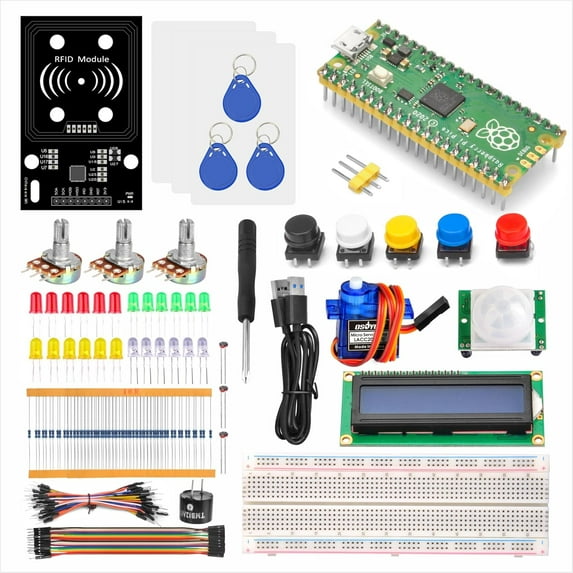
OSOYOO Python Hardware Programming Learning Kit for Raspberry Pi Pico with MicroPython and Graphical Programming Tutorials
Key item features
-
OSOYOO Python hardware Programming Learning Kit
Raspberry Pi Pico is a low-cost, high-performance microcontroller board with flexible digital interfaces.
It is built on RP2040, a brand-new chip developed right here at Raspberry Pi. Whether you’re looking for a standalone board for deep-embedded development or a companion to your Raspberry Pi computer, or you’re taking your first steps with a microcontroller, this is the board for you.
For the Pico, we created the basic starter learning kit. We have prepared many interesting and practical projects for you, and collected a lot of authoritative related information, just turn on your computer and you can complete programming learning.
-
Raspberry Pi Pico Features :
RP2040 microcontroller chip designed by Raspberry Pi in the United Kingdom
• Dual-core Arm Cortex M0+ processor, flexible clock running up to 133 MHz
• 264KB of SRAM, and 2MB of on-board Flash memory
• Castellated module allows soldering direct to carrier boards
• USB 1.1 with device and host support ,Low-power sleep and dormant modes
• Drag-and-drop programming using mass storage over USB
• 26 × multi-function GPIO pins, Accurate clock and timer on-chip
• 2 × SPI, 2 × I2C, 2 × UART, 3 × 12-bit ADC, 16 × controllable PWM channels
• Temperature sensor,Accelerated floating-point libraries on-chip
-
Easy to use
We have prepared the soldered pico board and micro USB cable, after receiving , you can connect to the computer for operation
-
Button controls LED
Using button to control LED lights. Learning how to read digital data from a Pico digital pin and output 0/1 data to Pico digital pins
-
Display temperature on I2C LCD
In this lesson, we will show you how to send temperature information from Pico to I2C LCD screen.
I2C is a very popular protocol which can exchange data between computer (Master) and its external devices(Slave).
-
Make Intruder Alarm System
Using PIR motion sensor to detect human movement. Once an intruder’s motions is detected, then Pico will trig a buzzer alarm. This is a typical application used in many home security system.
-
Using SPI port to access RFID
Use the RFID module to make a security access control system, so as to learn the RFID communication protocol SPI to send data to Pico.
-
Programming Languages and Tutorials
- We have how-to videos, PDF and online tutorials that make it easy for anyone to learn how to use the Pico.
- We offer 3 programming languages: MicroPython 、 Arduino (C / C ++) and Piper (graphic programming). You can view different tutorials as needed.
Specs
- Compatible modelsRaspberry Pi Pico
- CompatibilityRaspberry Pi
- BrandOsoyoo
- Has written warrantyNo
- AccessoriesMicro USB Cable
- Has nrtl listing certificationN
How do you want your item?
About this item
Product details
-
OSOYOO Python hardware Programming Learning Kit
Raspberry Pi Pico is a low-cost, high-performance microcontroller board with flexible digital interfaces.
It is built on RP2040, a brand-new chip developed right here at Raspberry Pi. Whether you’re looking for a standalone board for deep-embedded development or a companion to your Raspberry Pi computer, or you’re taking your first steps with a microcontroller, this is the board for you.
For the Pico, we created the basic starter learning kit. We have prepared many interesting and practical projects for you, and collected a lot of authoritative related information, just turn on your computer and you can complete programming learning.
-
Raspberry Pi Pico Features :
RP2040 microcontroller chip designed by Raspberry Pi in the United Kingdom
• Dual-core Arm Cortex M0+ processor, flexible clock running up to 133 MHz
• 264KB of SRAM, and 2MB of on-board Flash memory
• Castellated module allows soldering direct to carrier boards
• USB 1.1 with device and host support ,Low-power sleep and dormant modes
• Drag-and-drop programming using mass storage over USB
• 26 × multi-function GPIO pins, Accurate clock and timer on-chip
• 2 × SPI, 2 × I2C, 2 × UART, 3 × 12-bit ADC, 16 × controllable PWM channels
• Temperature sensor,Accelerated floating-point libraries on-chip
-
Easy to use
We have prepared the soldered pico board and micro USB cable, after receiving , you can connect to the computer for operation
-
Button controls LED
Using button to control LED lights. Learning how to read digital data from a Pico digital pin and output 0/1 data to Pico digital pins
-
Display temperature on I2C LCD
In this lesson, we will show you how to send temperature information from Pico to I2C LCD screen.
I2C is a very popular protocol which can exchange data between computer (Master) and its external devices(Slave).
-
Make Intruder Alarm System
Using PIR motion sensor to detect human movement. Once an intruder’s motions is detected, then Pico will trig a buzzer alarm. This is a typical application used in many home security system.
-
Using SPI port to access RFID
Use the RFID module to make a security access control system, so as to learn the RFID communication protocol SPI to send data to Pico.
-
Programming Languages and Tutorials
- We have how-to videos, PDF and online tutorials that make it easy for anyone to learn how to use the Pico.
- We offer 3 programming languages: MicroPython 、 Arduino (C / C ++) and Piper (graphic programming). You can view different tutorials as needed.
Specifications
Compatible models
Compatibility
Brand
Has written warranty
Warranty
Warranty information
Similar items you might like
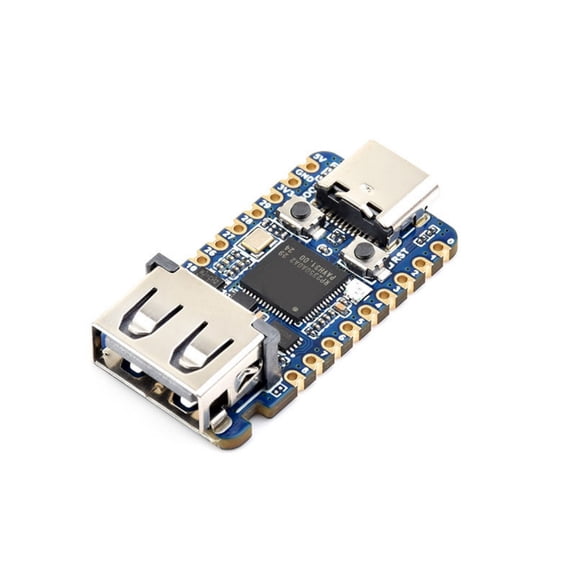
for Raspberry Pi Pico 2 RP2350 USB A Development Board RP2350A Waveshare RP2350-USB-A $20.29 Was $23.39
 $2029current price $20.29, Was $23.39$23.39
for Raspberry Pi Pico 2 RP2350 USB A Development Board RP2350A Waveshare RP2350-USB-A
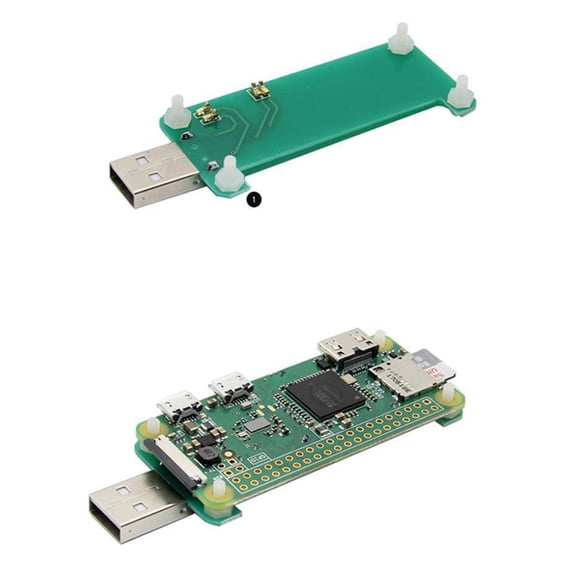
TAPDRA USB-A Addon Board P4wnP1 Compatible for Raspberry Pi Zero Portable Responder and PoisonTap Attacks $13.87
 $1387current price $13.87
TAPDRA USB-A Addon Board P4wnP1 Compatible for Raspberry Pi Zero Portable Responder and PoisonTap Attacks
Jesscasday Electronics DIY Electronic Starter Kit Complete Project Set 830 hole Breadboard $17.34 Was $17.34
 $1734current price $17.34, Was $17.34$17.34
Jesscasday Electronics DIY Electronic Starter Kit Complete Project Set 830 hole Breadboard
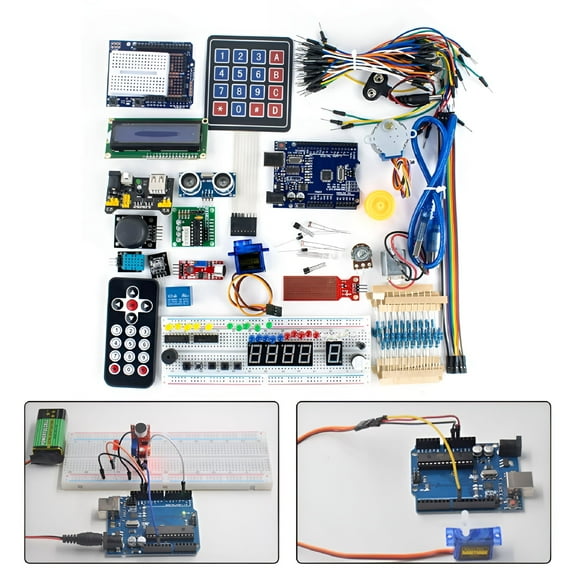
GJX Starter Kit for Arduino Projects with 60 Electronic Components $33.44
 $3344current price $33.44
GJX Starter Kit for Arduino Projects with 60 Electronic Components
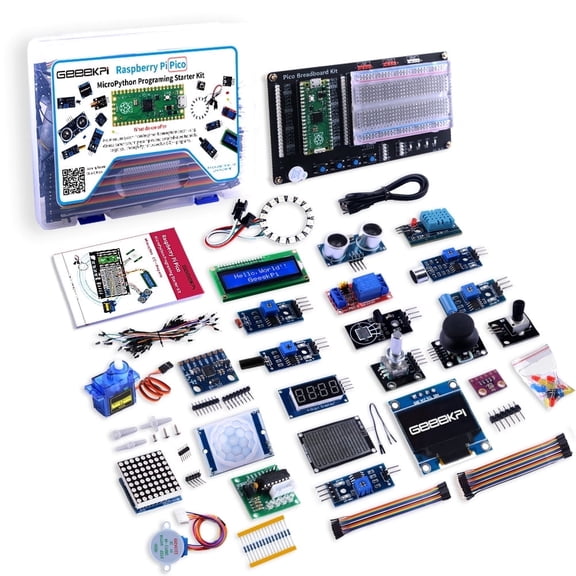
52Pi Raspberry Pi Pico Micro Python Programing Kit for Raspberry Pi Beginners & Software Engineer $62.98
 $6298current price $62.98
52Pi Raspberry Pi Pico Micro Python Programing Kit for Raspberry Pi Beginners & Software Engineer
44 out of 5 Stars. 4 reviewsKuman 37 in 1 Sensor Module Kit for Arduino and Raspberry Pi with Project Tutorials $27.35 Was $35.99
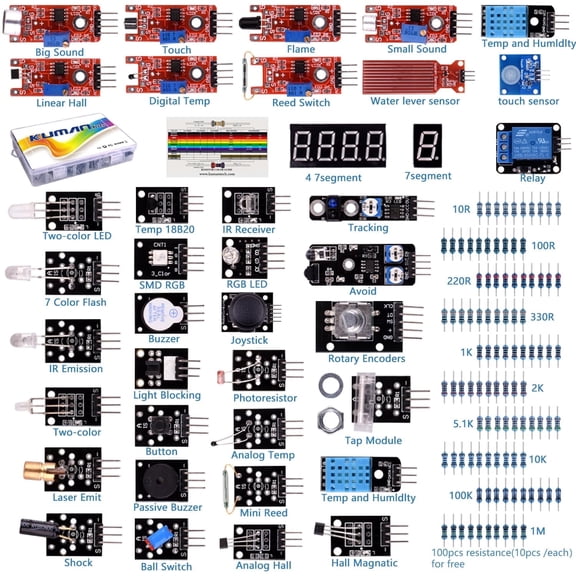 $2735current price $27.35, Was $35.99$35.99
Kuman 37 in 1 Sensor Module Kit for Arduino and Raspberry Pi with Project Tutorials
34.7 out of 5 Stars. 3 reviewsGJX Complete R3 Starter Kit with Tutorial for DIY Electronic Kit $31.75
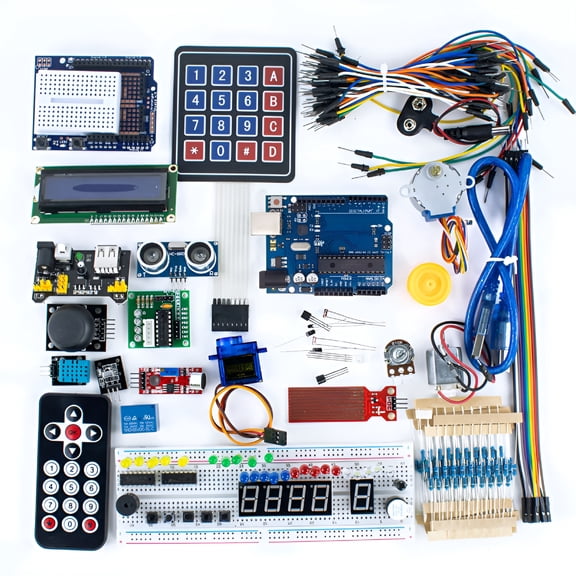 $3175current price $31.75
GJX Complete R3 Starter Kit with Tutorial for DIY Electronic Kit
22-In-1 Starter Kit Sensor Module With Tutorial For Arduino Durable $23.29 Was $28.79
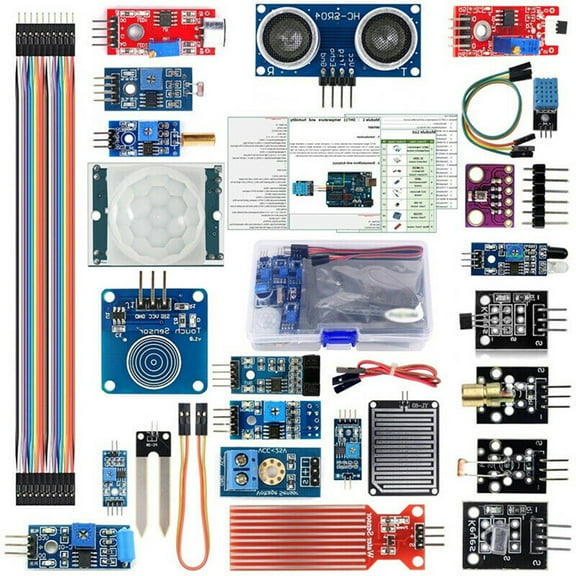 $2329current price $23.29, Was $28.79$28.79
22-In-1 Starter Kit Sensor Module With Tutorial For Arduino Durable
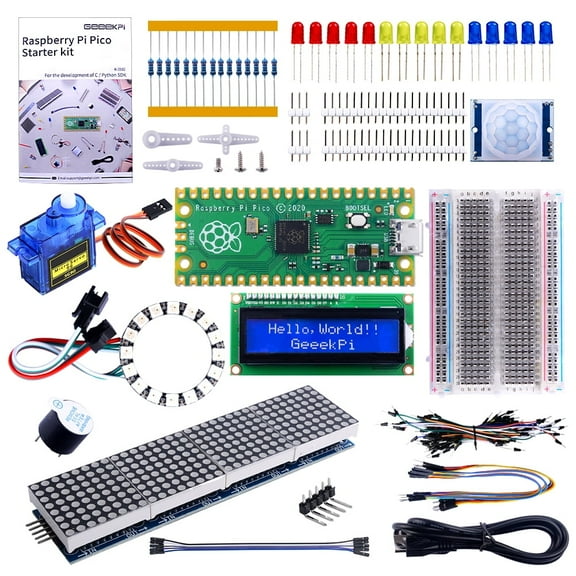
52Pi Raspberry Pi Pico Basic Starter Kit with Raspberry Pi Pico, Breadboard, I2C 1602 LCD Display Module, 9g Mirco Servo for Raspberry Pi Beginners & Software Engineer $29.59
 $2959current price $29.59
52Pi Raspberry Pi Pico Basic Starter Kit with Raspberry Pi Pico, Breadboard, I2C 1602 LCD Display Module, 9g Mirco Servo for Raspberry Pi Beginners & Software Engineer
24.5 out of 5 Stars. 2 reviewsLIANXUE Super Starter Kit for SET R3 Breadboard with Detailed Tutorial for Easy Programming Electronics Learning DIY Kit $35.94
 $3594current price $35.94
LIANXUE Super Starter Kit for SET R3 Breadboard with Detailed Tutorial for Easy Programming Electronics Learning DIY Kit
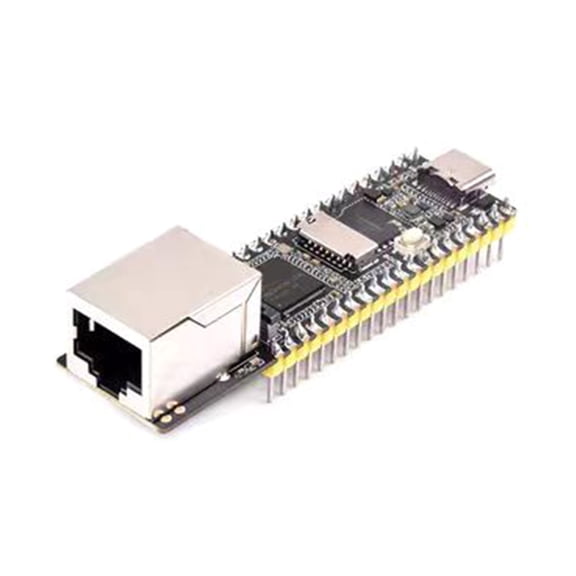
RV1103 Linux Microcontroller Development Board ARM RISC V with Ethernet Port $14.58 Was $16.29
 2 optionsAvailable in additional 2 options$1458current price $14.58, Was $16.29$16.29
RV1103 Linux Microcontroller Development Board ARM RISC V with Ethernet Port
Best seller Raspberry Pi Zero 2 W Case Kit with Raspberry Pi Zero 2 W Case Power Supply $12.98
Best seller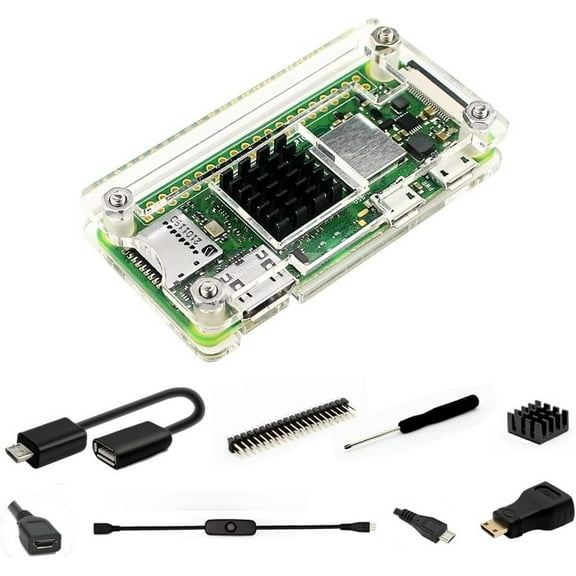 $1298current price $12.98
Raspberry Pi Zero 2 W Case Kit with Raspberry Pi Zero 2 W Case Power Supply
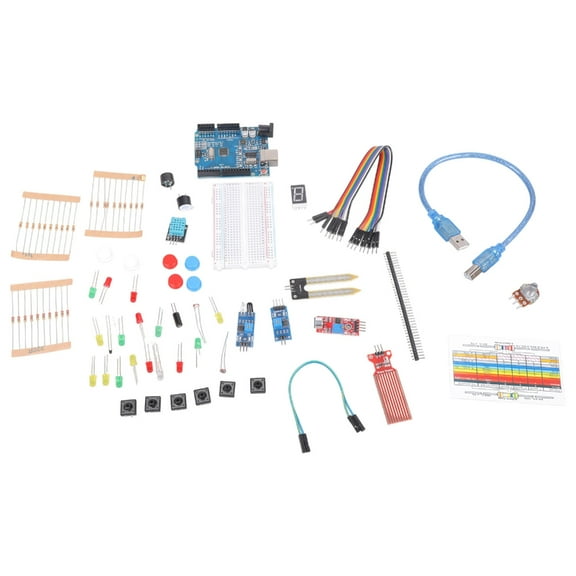
32.3 out of 5 Stars. 3 reviewsStarter Kit for UNO R3 Learning Suite with Retail Box Stepper Motor Learning Kit $13.68 Was $16.92
 $1368current price $13.68, Was $16.92$16.92
Starter Kit for UNO R3 Learning Suite with Retail Box Stepper Motor Learning Kit
PICKIT2 PIC Kit2 USB Programmer and Emulator for PIC Microcontrollers for MPLAB IDE $29.02
 $2902current price $29.02
PICKIT2 PIC Kit2 USB Programmer and Emulator for PIC Microcontrollers for MPLAB IDE
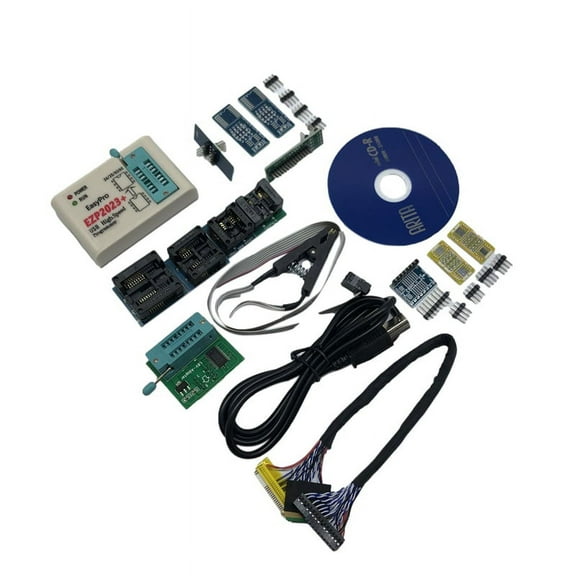
EZP2023 USB SPI Programmer with 12 Adapter Support 24 25 93 95 EEPROM Flash Bios Compiler Highest Programming Speed $25.16
 $2516current price $25.16
EZP2023 USB SPI Programmer with 12 Adapter Support 24 25 93 95 EEPROM Flash Bios Compiler Highest Programming Speed
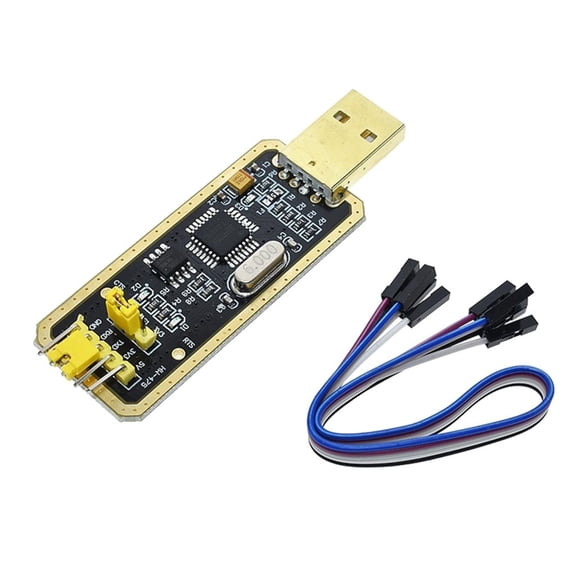
FT232 USB to TTL Adapter USB to Serial Converters for Development Project Hardware Development Programmer Module $5.69 Was $5.69
 $569current price $5.69, Was $5.69$5.69
FT232 USB to TTL Adapter USB to Serial Converters for Development Project Hardware Development Programmer Module
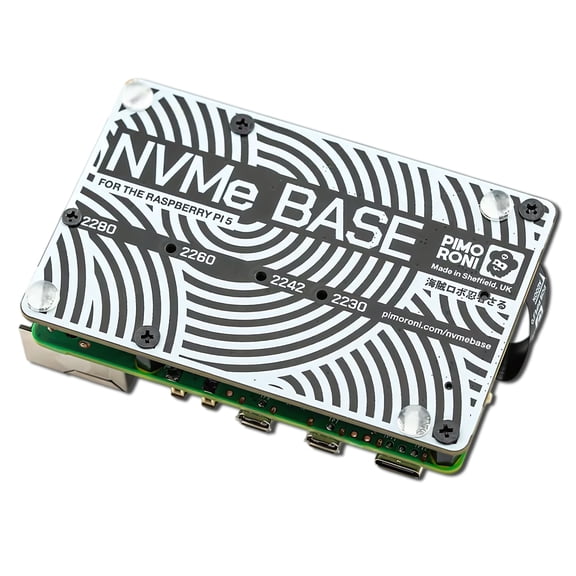
Pimoroni Raspberry Pi PCIe Extension Board for Raspberry Pi 5 $29.59
 $2959current price $29.59
Pimoroni Raspberry Pi PCIe Extension Board for Raspberry Pi 5
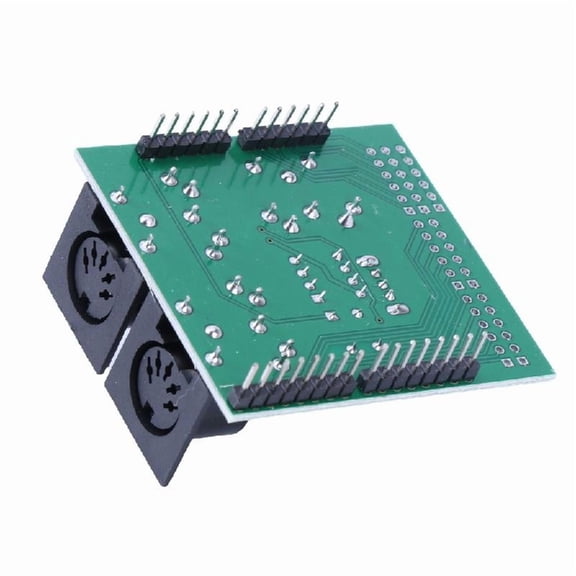
25 out of 5 Stars. 2 reviewsHigh Presision MIDI Shield Board Testing Module for Microcontrollers $13.36
 $1336current price $13.36
High Presision MIDI Shield Board Testing Module for Microcontrollers
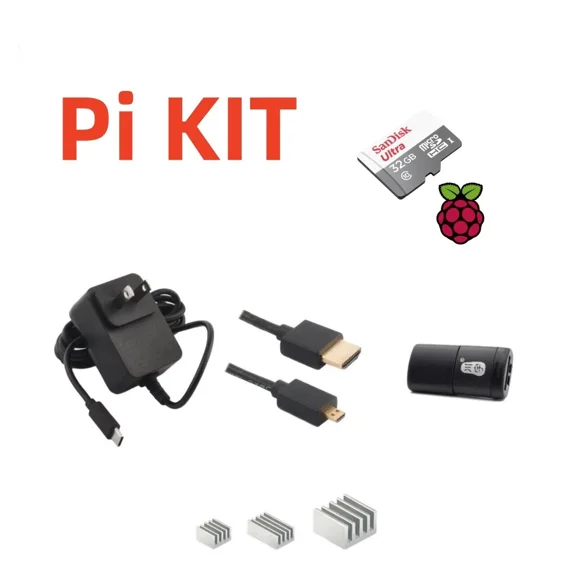
LYSSA -Starter Kit Only - Raspberry Pi 4 Model B Not Included $47.68
 $4768current price $47.68
LYSSA -Starter Kit Only - Raspberry Pi 4 Model B Not Included
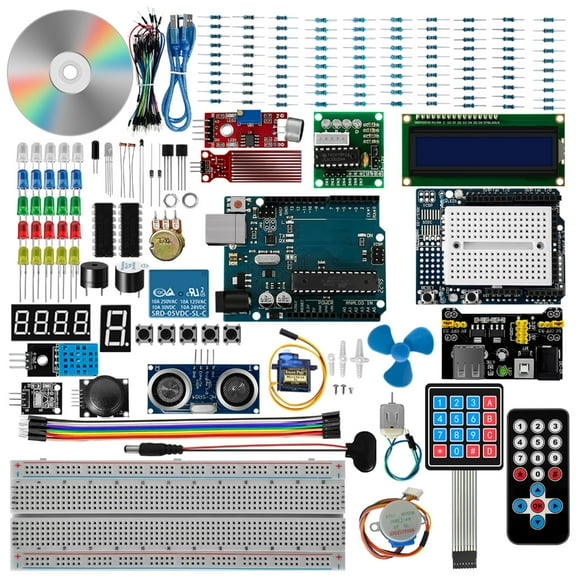
PatungKu Fast-Learning Super Starter Kit Breadboard with Step Motor / SG90 Servo / 1602 LCD / jumper- Wire / Tutorial DIY $49.36
 $4936current price $49.36
PatungKu Fast-Learning Super Starter Kit Breadboard with Step Motor / SG90 Servo / 1602 LCD / jumper- Wire / Tutorial DIY
