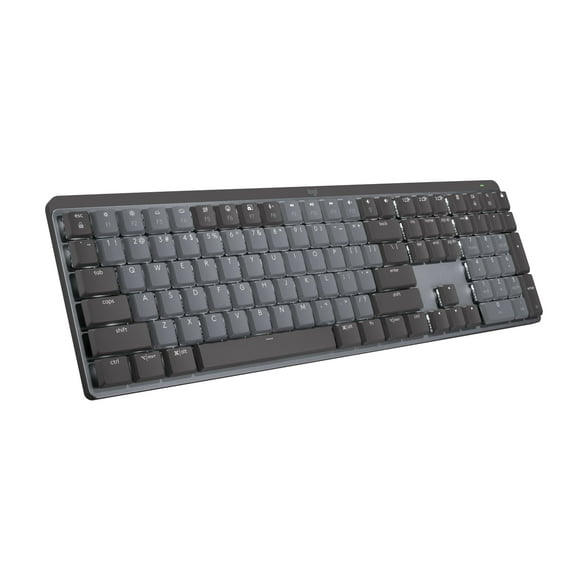
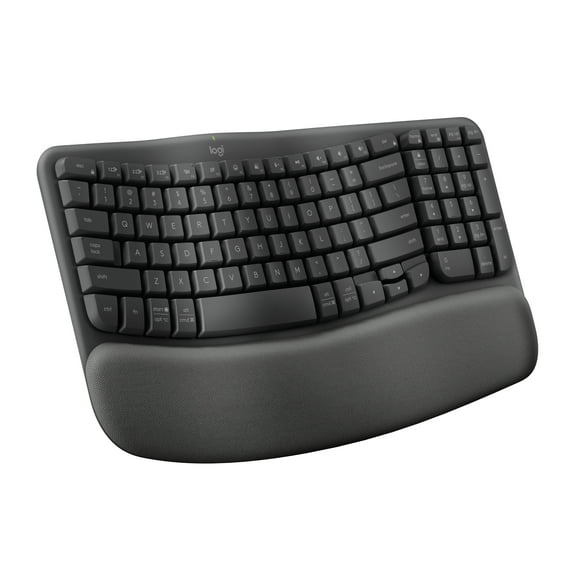
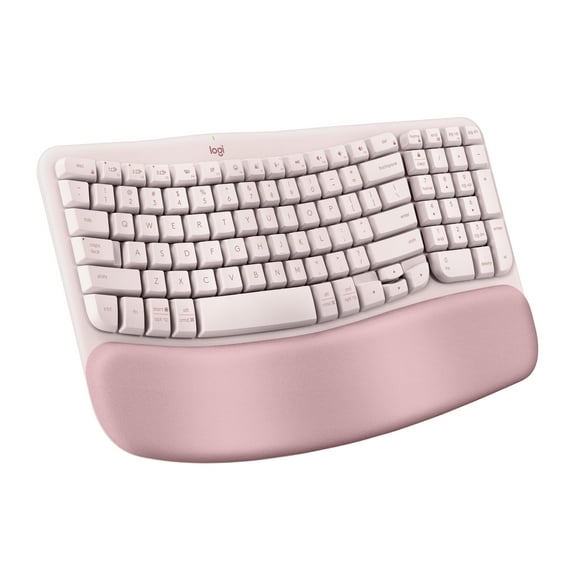
Logitech ERGO Series K860 Wireless Ergonomic Keyboard - Split Keyboard, Wrist Rest - Graphite
Hero image 0 of Logitech ERGO Series K860 Wireless Ergonomic Keyboard - Split Keyboard, Wrist Rest - Graphite, 0 of 14

Logitech ERGO Series K860 Wireless Ergonomic Keyboard - Split Keyboard, Wrist Rest - Graphite

4.5 stars out of 219 reviews
(4.5)|
219 ratings

Key item features

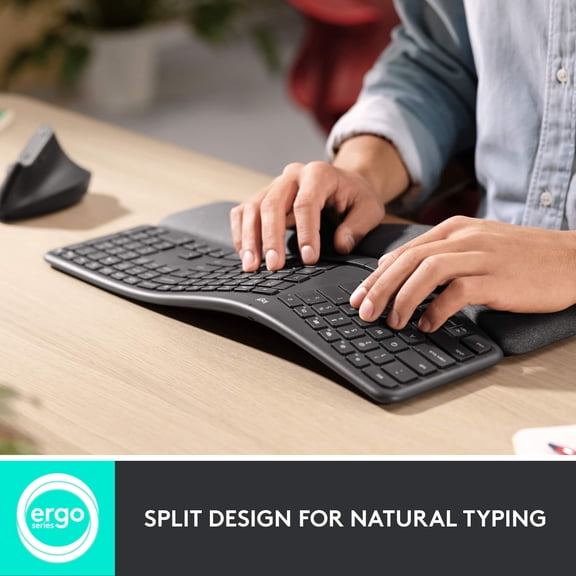
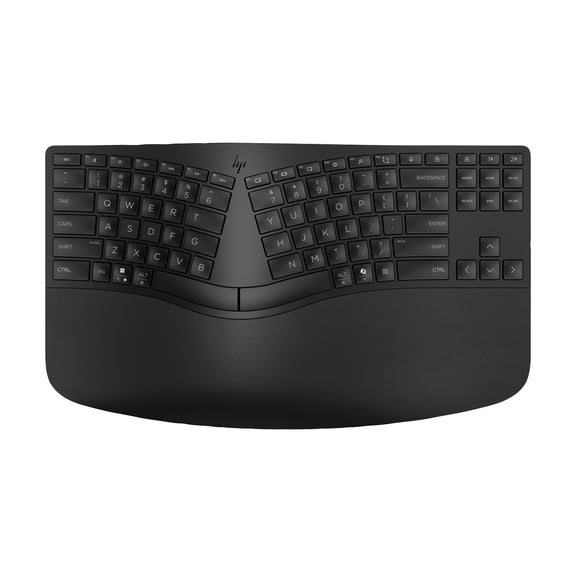
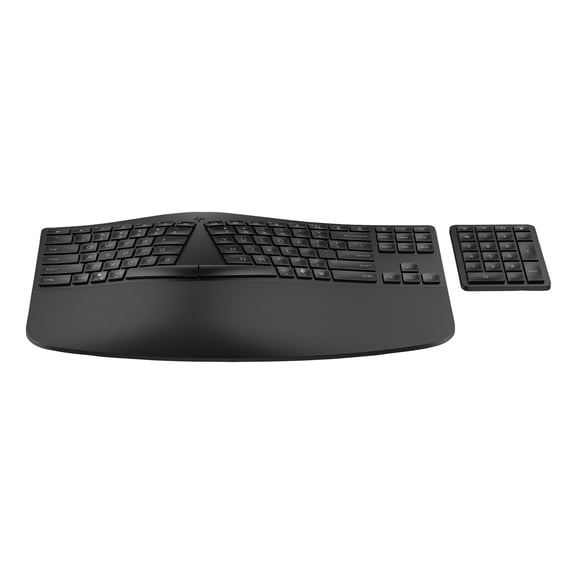
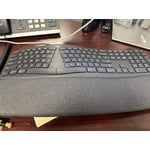
  • Ergonomic Design: Features a curved, split keyframe and sloping design to promote natural typing posture and reduce muscle strain on wrists and forearms.
  • Comfortable Support: Includes a pillowed wrist rest with memory foam, offering 54% more wrist support and 25% less wrist bending compared to standard keyboards.
  • Precision Keys: Scooped Perfect Stroke keys are shaped for fingertips, providing a comfortable, precise, and fluid typing experience with increased key stability.
  • Adjustable Tilt: Ergonomically designed tilt legs offer 0, -4, and -7-degree adjustments for optimal palm lift and natural wrist posture whether seated or standing.
  • Certified Ergonomics: Certified by United States Ergonomics for improving posture and lowering muscle strain, ensuring an advanced ergonomic design.
  • Convenient Connectivity: Offers versatile connection options via USB receiver or Bluetooth, alongside a full-size layout, quiet keys, and CAPS LOCK indicator.
  • Sustainable Materials: Constructed with 71% certified post-consumer recycled plastic in Graphite parts and uses FSC-certified paper for packaging, contributing to carbon neutrality.
Generated by AI
Current price is $139.00
Price when purchased online
  • Free shipping
  • Free 30-day returns
Walmart Accident Plan by Allstate

(Only one option can be selected at a time)

How do you want your item?

How do you want your item?
Columbus, 43215
Arrives between Apr 10 - Apr 14
|
Sold and shipped by kj salesPro Seller
4.218390804597701 stars out of 5, based on 87 seller reviews(4.2)
Report an issue with this seller
Free 30-day returns
Other sellers
$149.99
+Free shipping
Shipping, arrives by tomorrow to Columbus, 43215
Sold and shipped by MyOfficeInnovations
Free 30-day returns

About this item

Product details

Specifications

Warranty

Warnings

Customer ratings & reviews

4.5 out of 5 stars
stars219 ratings148 reviews
How item rating is calculated

Reviews summary

Pros
  • : Provides natural hand and wrist alignment.
  • : Provides comfortable support for wrists.
  • : Keys have a solid feel.
  • : Made with durable materials and sturdy build.
Neutral
  • : Offers high quality at a premium, but can be reasonably priced depending on the retailer.
Generated by AI

Customer photos

  • +17 images
Filtered and sorted results would be available on the new 'Customer ratings & reviews' page.
Sort by |

Showing 1-3 of 148 reviews

Feb 1, 2026
Bria
5 out of 5 stars review

Seller Verified Purchase

Love it!

Honestly, I love this keyboard. It's very quiet. I work with a lot of people and at times it's silent and all you can hear is clicking on the keyboard. I'll tell you this, this keyboard is much more quiet than the one I had before. I actually love that. It's smooth on the fingers. Never thought I would care about that before lol. Def would buy again.

Review from Logitech
Helpful?17YPULB1KNYG321655927
Jan 29, 2026
InfoCat411
5 out of 5 stars review

Seller Verified Purchase

It's alright

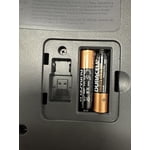
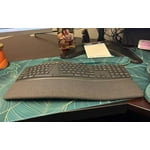
It has a fabric print, so it is actually a smooth and soft wrist rest. Be careful to get your USB dongle out of the box because it is easy to miss. Fascinatingly enough, there is empty space in the battery hatch to store the dongle. It doesn't fit there snuggle though. Looks sleek compared to my old worn out Microsoft ergonomic keyboard. Easier to look under for missing pens and sticky note.

Review from Logitech
Helpful?17YPULB1KNYG321655927
Mar 9, 2026
France
5 out of 5 stars review

Seller Verified Purchase

keyboards have a bug/quirk

I have used this type of keyboard for years. However IF you click the Home button instead of the 1 to switch the keyboard to another VM, the 1 switch button will blink and will NOT type unless U hit the Home button again, it will blink and not work. To me since the Home button is just below the switch monitor/machine button this is a bug and Logitech does not seem to be familiar with it as I opened a ticket for it and finally in frustration purchased a new keyboard. W\hen that repeated the same behavior I began to explore exactly what caused it and pinpointed the issue. A simple click of the Home button fixes the behavior. Well now I have two keyboards that work. Out the purchase money but I work in IT and could not afford to wait for an answer they did not have.

Review from Logitech
Helpful?17YPULB1KNYG321655927