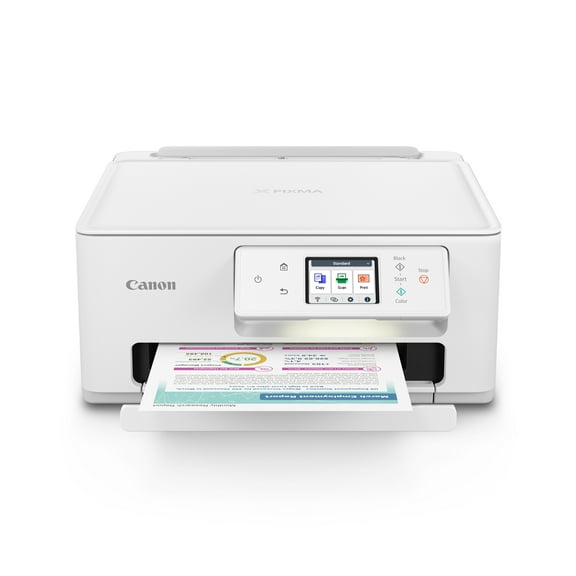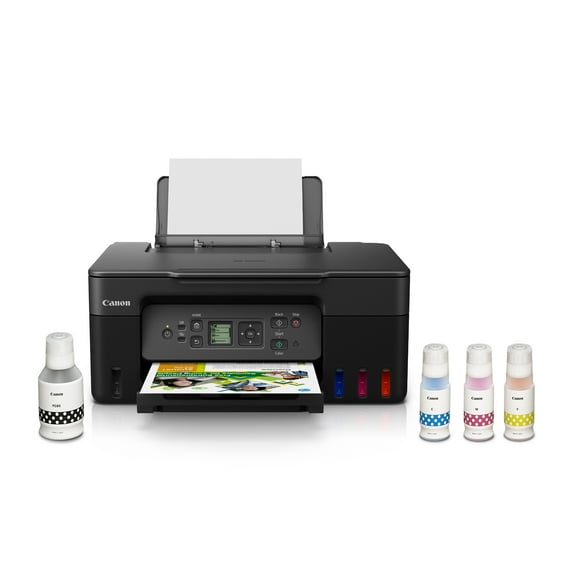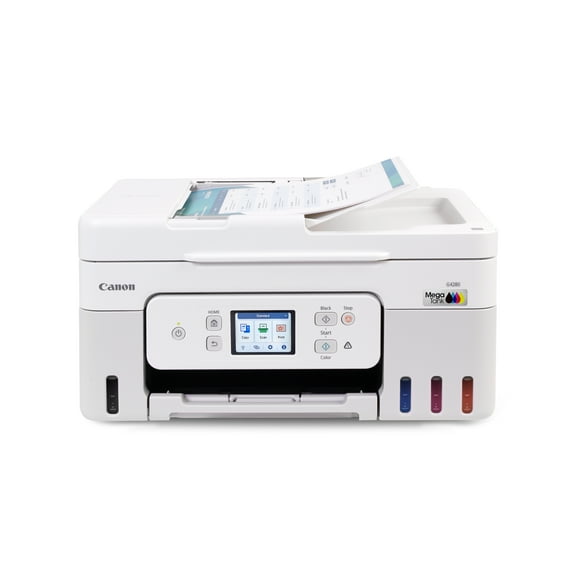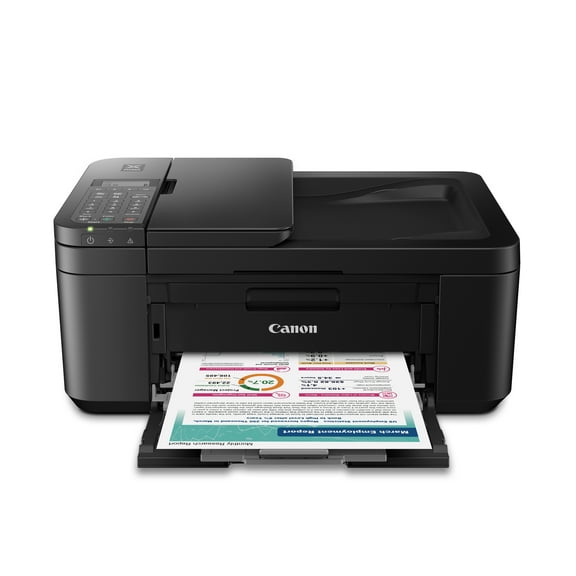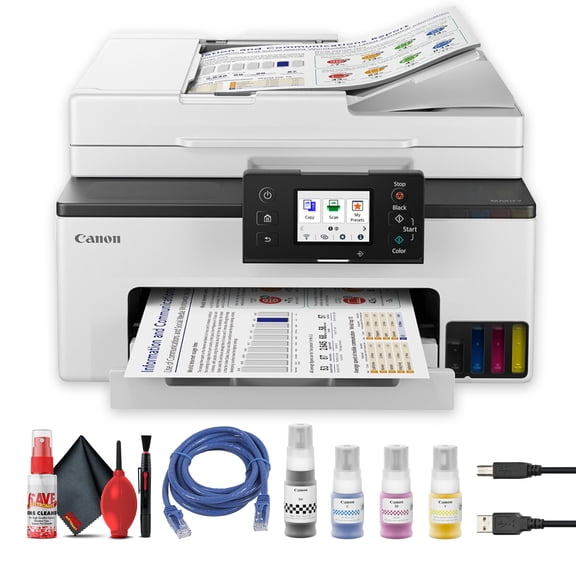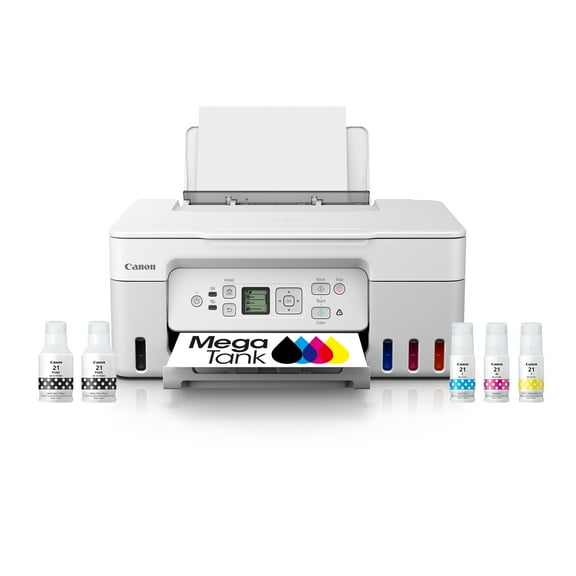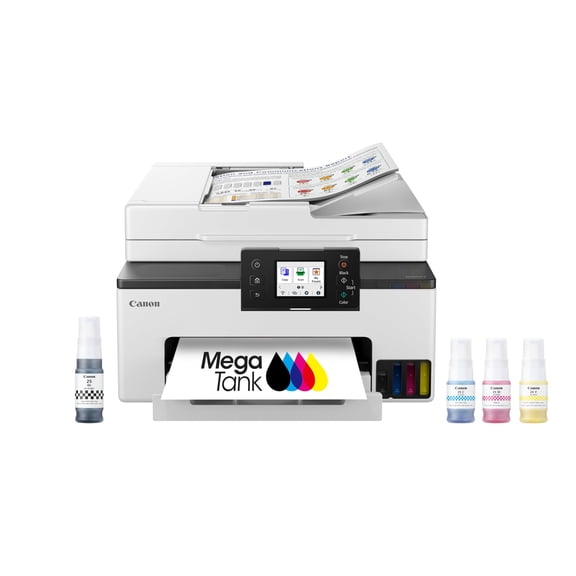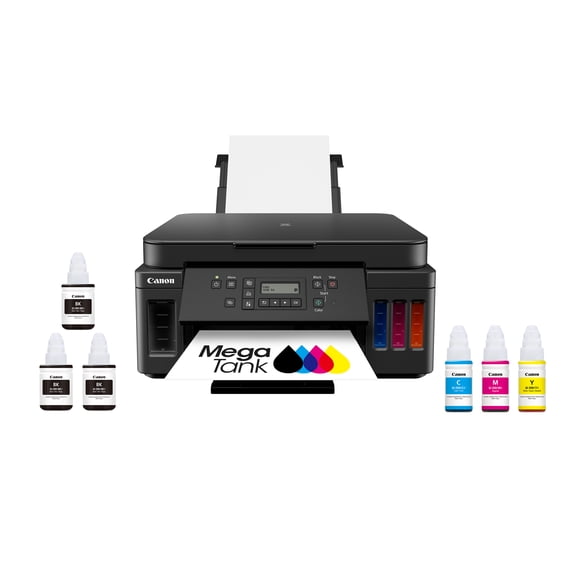
Canon MegaTank PIXMA G6020 All-In-One, Wireless Color Inkjet Printer for Home Office Use
Hero image 0 of Canon MegaTank PIXMA G6020 All-In-One, Wireless Color Inkjet Printer for Home Office Use, 0 of 10

Canon MegaTank PIXMA G6020 All-In-One, Wireless Color Inkjet Printer for Home Office Use

Key item features

  • Wireless Versatility: This 3-in-1 device offers wireless printing, copying, and scanning capabilities, ideal for a home office setup.
  • Extended Ink Supply: Includes two years of ink, providing up to 6,000 black and 7,000 color pages from integrated, refillable ink tanks, plus two bonus black ink bottles.
  • Efficient Printing: Features print speeds of 13 ipm for black and 6.8 ipm for color, along with automatic two-sided printing for convenience.
  • High Productivity: Designed for serious print productivity with a 5,000-page duty cycle and a 250-sheet plain paper capacity.
  • Cost-Effective Operation: The MegaTank system delivers outstanding high yields, resulting in a low cost per page for both black and vivid color prints.
  • Seamless Connectivity: Offers Wi-Fi and Ethernet connections for printing from computers, and supports mobile printing via the Canon PRINT app.
Generated by AI
Current price is Now $273.48
You save $25.52
was $299.00
Price when purchased online
  • Free shipping
  • Free 30-day returns
Walmart Protection Plan by Allstate

(Only one option can be selected at a time)

Tech Support

How do you want your item?

How do you want your item?
Ships to
Arrives by Thu, May 28
|
Sold and shipped by MyOfficeInnovations
4.510257831993346 stars out of 5, based on 14428 seller reviews(4.5)
Report an issue with this seller
Free 30-day returns
Other sellers
$299.00
+Free shipping
Shipping, arrives by tomorrow to Columbus, 43215
Sold and shipped by Walmart.com
Free 30-day returns

About this item
Product details

Specifications

Warranty

Customer ratings & reviews

3.8 out of 5 stars
stars269 ratings219 reviews
How item rating is calculated

Reviews summary

Pros

  • : Setup and operation are easy to understand and use.
  • : Offers reasonable cost for its capabilities.
  • : Holds a large quantity of ink, reducing refills.
  • : Setup process is straightforward with online instructions.

Neutral

  • : Can produce vibrant, high-quality photos, but may lack vivid colors and contrast in some cases.
  • : Can produce excellent output, but may be slow and prone to issues.
Generated by AI

Customer photos

  • +14 images
Filtered and sorted results would be available on the new 'Customer ratings & reviews' page.
Sort by |

Showing 1-3 of 219 reviews

Oct 31, 2025
Dunvegan31
5 out of 5 stars review

Seller Verified Purchase

LOVE this printer!

I can't imagine having a printer that does NOT print double sided. I don't consider me taking the paper and putting it back in the tray to print the other side 'double sided' printing. THIS printer prints both sides without you having to touch the paper at all. Not only that, but this printer WILL connect easily to a Google Chromebook!! I can print right from my Chromebook without having to use my actual PC. It has large tanks so I don't have to worry about replacing cartridges. It has a front AND back loading tray and the front tray will hold 250 sheets, which is 1/2 of a ream. I can't love this printer enough!

Review from usa.canon.com
Helpful?4WD82Z9B07O3473729371
Oct 8, 2025
David
Top Reviewer
Item details
Color: Black
Sold and shipped byAdorama
5 out of 5 stars review

Verified Purchase

More than one.

I purchased this Canon PIXMA G6020 MegaTank printer knowing exactly what I was getting. I have owned the very same printer for over 3 years,. It has, and still does, perform perfectly. This printer isn't replacing the other one. I needed this new printer because it seemed like everyone in our home needs to print things when someone else needs to too. This new printer will solve that problem. It will also provide the great results we've become accustomed to. It produces great prints of photos, and documents, without costing a small fortune in ink. We've consistently printed over 5000 sheets before needing to purchase more ink, and the cost of that ink is extremely inexpensive compared to the ink cartridge printers we've owned in the past. It's also very simple to add new ink to the tanks. The bottles won't release the ink until they are placed on the refill ports on the printer, and it only takes a few seconds for the ink to transfer from the bottles to the tanks. I'll list some Pro's and Con's below. Pro's: 1- Extremely low cost prints. 2- Easy to setup and operate. 3- Included software CD includes helpful editing applications. 4- Wireless capability 5- Prints from a paper cartridge, and has a rear feed option for thicker cardstock. 6- Prints great photos. 7- Scans great photos. 8- Prints documents %26 photos quickly. 9- Printer heads are replaceable, and easy to remove/install. (Haven't needed to, but the instructions are simple). 10- Doesn't take up a lot of space. 11- Canon tech support is a phone call away, and free during the warranty period. 12- The built-in display folds out to make it more visible, and folds in to keep it out of the way when the printer isn't being used. Con's: 1- It wasn't free.

Helpful?4WD82Z9B07O3473729371
Nov 19, 2019
Walmart customer
5 out of 5 stars review

Seller Verified Purchase

A Good Addition to Any Home /Small Business Office

I greatly like this printer overall; the simple, functional design much is to my liking. I bought G6020 to replace my aged Canon ip6700D six-ink printer that was wearing out. I mostly print documents now (fewer photographs than with the ip6700D) and chose this Mega Tank printer for its ink and paper capacity. I found It easy to setup and have had no problem connecting my desktop, tablet, and smartphone to it via my home WiFi network. My only complaints: the small digital information panel is not lighted...and the front control panel, which needs to be opened out for the printer to function, too easily returns to the closed position when the various buttons and pressed; I need to hold open the front panel with one hand and operate the buttons with the other hand. This is a bit annoying but not a game-changer for me as most all of the printer functions can be operated using the printer's software.

Review from usa.canon.com
Helpful?4WD82Z9B07O3473729371