

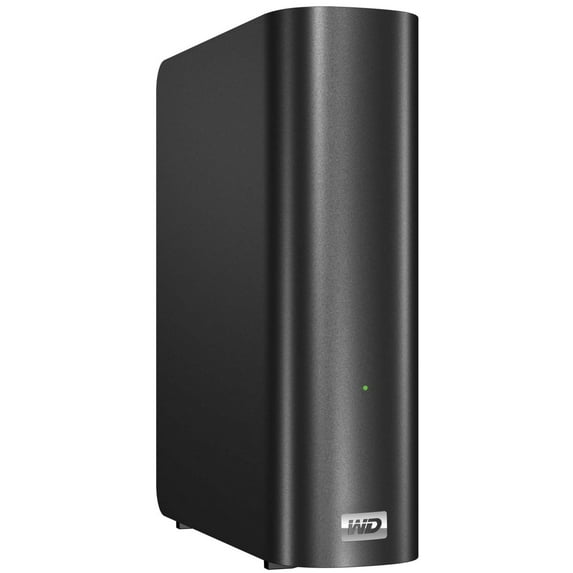
WD My Book Live Personal Cloud Storage
Key item features
Key Features and Benefits:
- Your media and files on your own personal cloud
Create your own personal cloud, without the monthly fees and mysterious location of your data. Store your media and files on the drive and access them securely over the Internet with any PC or Mac computer. Or, use WD's mobile apps for easy access with your tablet or smartphone. It's like having up to 3 TB of extra storage for your mobile device. - Now streaming to your HDTV
Watch your daughter's birthday party video or show off your vacation slideshow on your TV. The built-in media server streams music, photos and movies to any DLNA -certified multimedia device such as a WD TV Live network media player, Blu-ray Disc player, Xbox 360, PlayStation 3, and connected TV. DLNA 1.5 & UPnP certified. - Shared storage for all your computers
Now you can store your entire family's movies, music, photos, and important files to one place for everyone in the home to share. Just plug the drive into your wireless router so that you can store and access files with any PC or Mac in your home. - Automatic, wireless backup for all your computers
Protect your precious memories and wirelessly back up all the PC and Mac computers on your network to one reliable location. Windows users can use the included WD SmartWare software and every time you save something, it's instantly backed up. Mac users can utilize all the features of Apple Time Machine backup software to protect their data. - Speed without compromise
Built with an 800 MHz CPU for maximum performance to power all your applications from streaming to remote access. Designed around the most recent advances in Ethernet chip technology, this product delivers best-in-class read speeds faster than traditional USB 2.0 drives. - Serve up your music with iTunes
The drive includes iTunes server support so you can centralize your music and video collection and stream it any Mac or PC with iTunes. - Easy to set up, easy to find on your network
Set up is a snap. In just a few minutes, you're up and running. Mac, Windows 7, and Windows Vista computers will automatically find your My Book Live drive in seconds. If you're running Windows XP, the WD's simple discovery software makes it easy to set up the drive. - Add an extra layer of protection for your files
You can automatically make a second copy, or safepoint, of your My Book Live on another My Book Live or NAS drive on your home network. Now you've got double-safe protection for all your media and ultimate peace of mind.
What's Included:
- WD My Book Live WDBACG0020HCH
- Network cable
- Power adapter
- Software
Specs
- Data storage2 TB
- BrandWD
- Form factorDesktop
- Inputs/OutputsNetwork (RJ-45)
- Processor800 MHz CPU
- In/Out typeWireless
How do you want your item?
About this item
Product details
WD's My Book Live personal cloud storage provides shared storage on your home network that can be accessed wirelessly within and outside the home. Share files with Mac computers and PCs, stream media to your entertainment center, and access your files remotely with the WD 2go app and website.
Key Features and Benefits:
- Your media and files on your own personal cloud
Create your own personal cloud, without the monthly fees and mysterious location of your data. Store your media and files on the drive and access them securely over the Internet with any PC or Mac computer. Or, use WD's mobile apps for easy access with your tablet or smartphone. It's like having up to 3 TB of extra storage for your mobile device. - Now streaming to your HDTV
Watch your daughter's birthday party video or show off your vacation slideshow on your TV. The built-in media server streams music, photos and movies to any DLNA -certified multimedia device such as a WD TV Live network media player, Blu-ray Disc player, Xbox 360, PlayStation 3, and connected TV. DLNA 1.5 & UPnP certified. - Shared storage for all your computers
Now you can store your entire family's movies, music, photos, and important files to one place for everyone in the home to share. Just plug the drive into your wireless router so that you can store and access files with any PC or Mac in your home. - Automatic, wireless backup for all your computers
Protect your precious memories and wirelessly back up all the PC and Mac computers on your network to one reliable location. Windows users can use the included WD SmartWare software and every time you save something, it's instantly backed up. Mac users can utilize all the features of Apple Time Machine backup software to protect their data. - Speed without compromise
Built with an 800 MHz CPU for maximum performance to power all your applications from streaming to remote access. Designed around the most recent advances in Ethernet chip technology, this product delivers best-in-class read speeds faster than traditional USB 2.0 drives. - Serve up your music with iTunes
The drive includes iTunes server support so you can centralize your music and video collection and stream it any Mac or PC with iTunes. - Easy to set up, easy to find on your network
Set up is a snap. In just a few minutes, you're up and running. Mac, Windows 7, and Windows Vista computers will automatically find your My Book Live drive in seconds. If you're running Windows XP, the WD's simple discovery software makes it easy to set up the drive. - Add an extra layer of protection for your files
You can automatically make a second copy, or safepoint, of your My Book Live on another My Book Live or NAS drive on your home network. Now you've got double-safe protection for all your media and ultimate peace of mind.
What's Included:
- WD My Book Live WDBACG0020HCH
- Network cable
- Power adapter
- Software
Specifications
Data storage
Brand
Form factor
Inputs/Outputs
Warranty
Warranty information
Please be aware that the warranty terms on items offered for sale by third party Marketplace sellers may differ from those displayed in this section (if any). To confirm warranty terms on an item offered for sale by a third party Marketplace seller, please use the 'Contact seller' feature on the third party Marketplace seller's information page and request the item's warranty terms prior to purchase.
Similar items you might like
Based on what customers bought
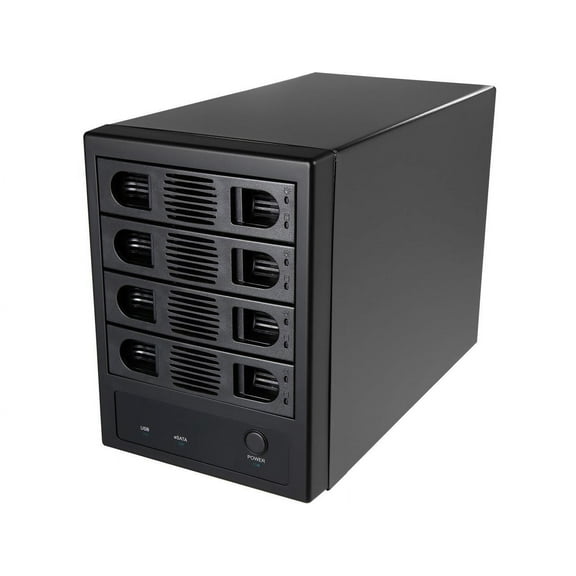
SYBA SY-ENC50104 4 Bay 3.5" SATA III HDD NON-RAID Enclosure – Supports USB 3.0 & eSATA Interface $98.29
 $9829current price $98.29
SYBA SY-ENC50104 4 Bay 3.5" SATA III HDD NON-RAID Enclosure – Supports USB 3.0 & eSATA Interface
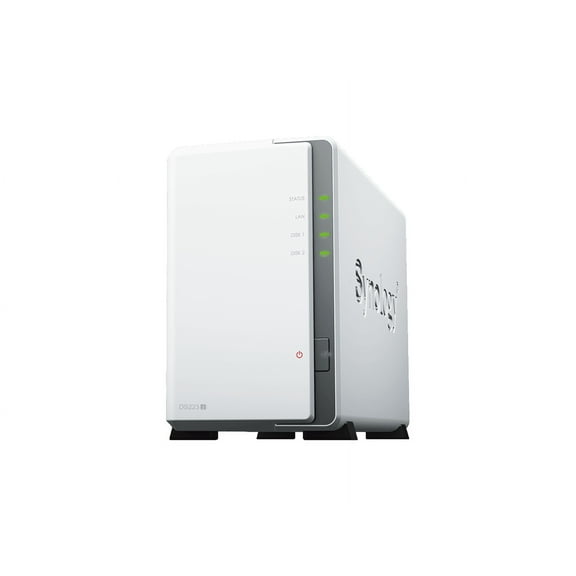
95 out of 5 Stars. 9 reviewsSynology 2-bay DiskStation DS223j (Diskless) $194.99
 $19499current price $194.99
Synology 2-bay DiskStation DS223j (Diskless)
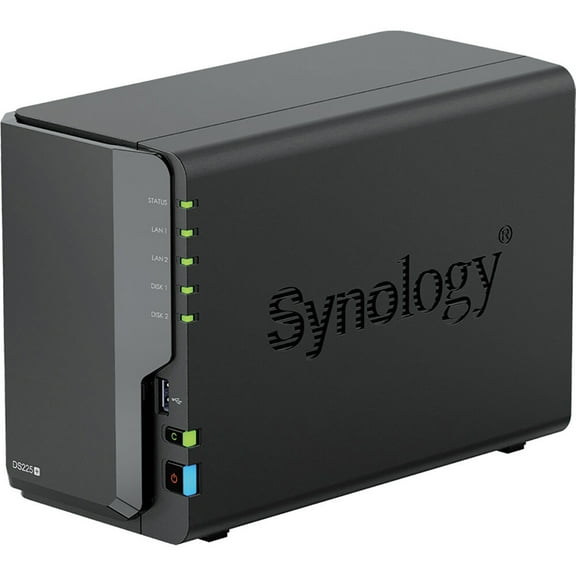
154.4 out of 5 Stars. 15 reviewsSynology DiskStation DS225 SAN/NAS Storage System - 1 x Intel Celeron J4125 Quad-core (4 Core) 2 GHz - 2 x HDD Supported - 0 x HDD Installed - 2 x SSD Supported - 0 x SSD Installed - 2 GB RAM DDR4... $339.99
 $33999current price $339.99
Synology DiskStation DS225 SAN/NAS Storage System - 1 x Intel Celeron J4125 Quad-core (4 Core) 2 GHz - 2 x HDD Supported - 0 x HDD Installed - 2 x SSD Supported - 0 x SSD Installed - 2 GB RAM DDR4...
94.8 out of 5 Stars. 9 reviewsSynology DiskStation DS124 1-Bay NAS Enclosure, Diskless $143.99
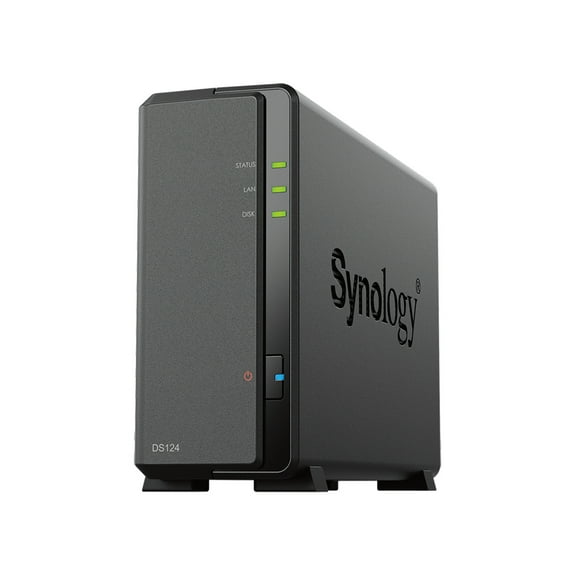 $14399current price $143.99
Synology DiskStation DS124 1-Bay NAS Enclosure, Diskless
65 out of 5 Stars. 6 reviewsNetapp x5605a r100 r150 storage shelf emu 106-00005 rev.b0, 301329103 $75.00
 $7500current price $75.00
Netapp x5605a r100 r150 storage shelf emu 106-00005 rev.b0, 301329103
ORICO NAS Metabox Private Cloud NAS Storage Networkable RAID Enclosure Mode 1Gbe $169.99
 2 optionsAvailable in additional 2 options$16999current price $169.99
ORICO NAS Metabox Private Cloud NAS Storage Networkable RAID Enclosure Mode 1Gbe
25 out of 5 Stars. 2 reviewsSynology D4EC-2666-8G DDR4-2666 8GB ECC Server Memory $52.99 $52.99/count
 $5299current price $52.99$52.99/count
Synology D4EC-2666-8G DDR4-2666 8GB ECC Server Memory
24.5 out of 5 Stars. 2 reviewsData storage GCR-8485B $91.00
 $9100current price $91.00
Data storage GCR-8485B
12U Wall Mount Server Cabinet, 15.5” Deep Network Rack Enclosure, 200lbs Capacity, Locking Glass Door, IT & A/V Equipment Storage $165.32
 $16532current price $165.32
12U Wall Mount Server Cabinet, 15.5” Deep Network Rack Enclosure, 200lbs Capacity, Locking Glass Door, IT & A/V Equipment Storage
TERRAMASTER F4-425 4-Bay NAS Storage – Intel x86 Quad-Core CPU, 4GB RAM, 2.5GbE LAN, Network Attached Storage Multimedia Server for Home Users (Diskless) $365.49 Was $429.99
 $36549current price $365.49, Was $429.99$429.99
TERRAMASTER F4-425 4-Bay NAS Storage – Intel x86 Quad-Core CPU, 4GB RAM, 2.5GbE LAN, Network Attached Storage Multimedia Server for Home Users (Diskless)
33.3 out of 5 Stars. 3 reviewsOWC Mercury Helios 3S Thunderbolt 3 PCIe Expansion Solution $277.10
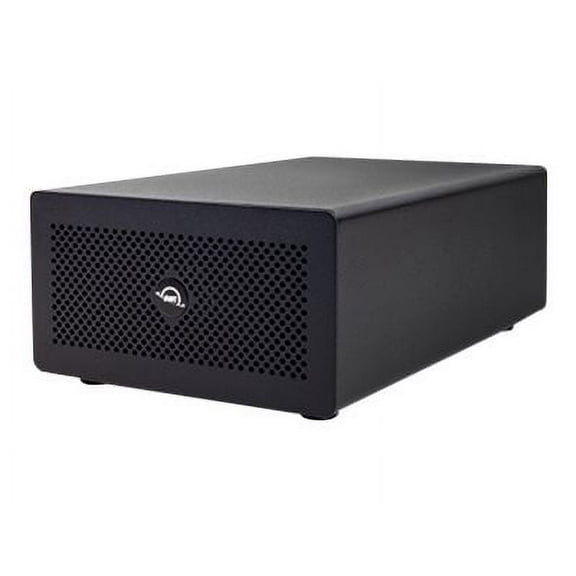 $27710current price $277.10
OWC Mercury Helios 3S Thunderbolt 3 PCIe Expansion Solution
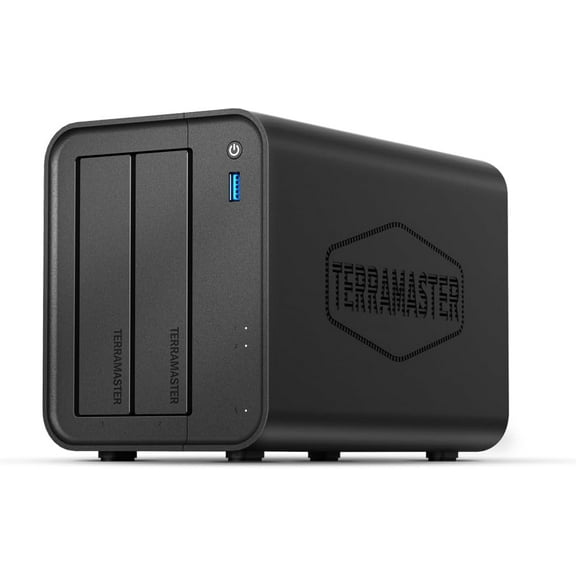
TERRAMASTER F2-425 2-Bay NAS Storage - Intel x86 Quad-Core CPU, 4GB RAM, 2.5GbE LAN, Network Attached Storage Multimedia Server for Home Users (Diskless) $254.99 Was $269.99
 $25499current price $254.99, Was $269.99$269.99
TERRAMASTER F2-425 2-Bay NAS Storage - Intel x86 Quad-Core CPU, 4GB RAM, 2.5GbE LAN, Network Attached Storage Multimedia Server for Home Users (Diskless)
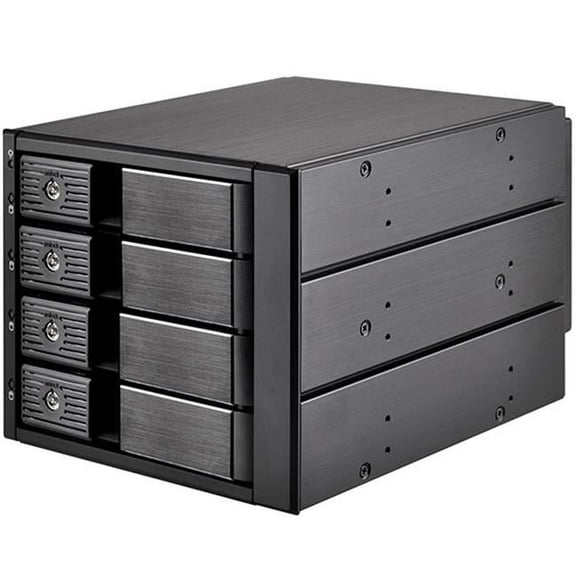
15 out of 5 Stars. 1 reviews3x5.25" device bay to 4x3.5" SAS/SATA 6.0 Gbits trayless hot-swap HDD cage $128.36
 $12836current price $128.36
3x5.25" device bay to 4x3.5" SAS/SATA 6.0 Gbits trayless hot-swap HDD cage
BUFFALO LinkStation 210 2TB 1-Bay NAS Server (1 x 2TB, TAA Compliant) $185.98
 3 optionsAvailable in additional 3 options$18598current price $185.98
BUFFALO LinkStation 210 2TB 1-Bay NAS Server (1 x 2TB, TAA Compliant)
193.6 out of 5 Stars. 19 reviewsLantronix XDT10P0-01-S xDirect PoE Single Port RS232/422/485 10/100 Device Server w/o Power Supply $199.33
 $19933current price $199.33
Lantronix XDT10P0-01-S xDirect PoE Single Port RS232/422/485 10/100 Device Server w/o Power Supply
QNAP TS-233-US Diskless System Network Storage $219.01
 $21901current price $219.01
QNAP TS-233-US Diskless System Network Storage
2.5 in. 2 Bay SAS SATA Storage Mobile Rack $58.15
 $5815current price $58.15
2.5 in. 2 Bay SAS SATA Storage Mobile Rack
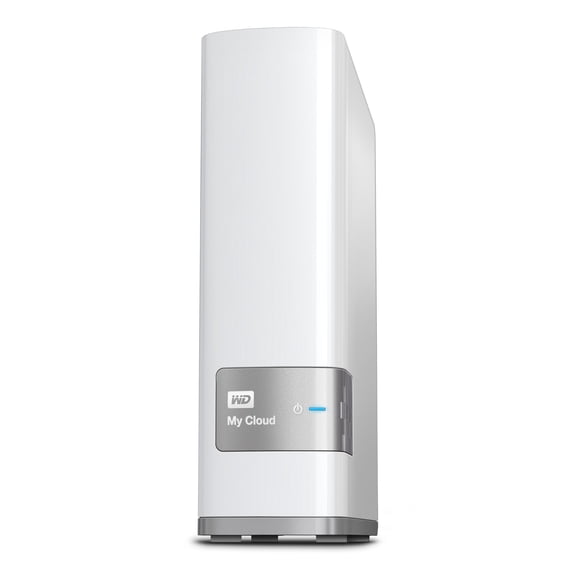
WD 2TB My Cloud Personal Network Attached Storage - NAS - $249.99
 $24999current price $249.99
WD 2TB My Cloud Personal Network Attached Storage - NAS -
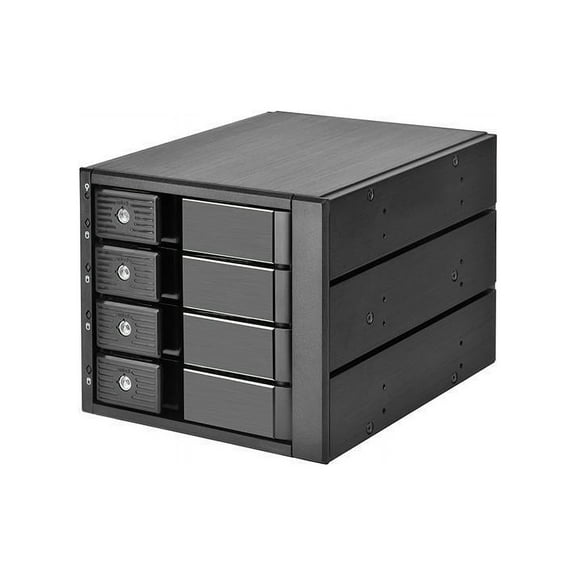
Three 5.25" device bay to four 3.5" SAS-12G / SATA 6Gbit/s trayless hot-swap cage $142.37
 $14237current price $142.37
Three 5.25" device bay to four 3.5" SAS-12G / SATA 6Gbit/s trayless hot-swap cage
Customer ratings & reviews
Filtered and sorted results would be available on the new 'Customer ratings & reviews' page.
Showing 1-3 of 11 reviews
Verified Purchase
Very Good Network Drive.
My Laptop did not recognize the Network Drive because I have Windows 7 Home Premium ... it requires Win. 7 Professional or better for Windows Backup to work (I need to upgrade) ... I should have read more reviews before choosing a Drive so I'm still giving this drive 5 stars. WD's Website has Instructions and Software that you can download & install in order to use the Drive. After I installed the WD Software, I used it to backup my Laptop HD to my new Network Drive. I used WD's "WD Link" Software to Map the Network Drive's Partitions (assigns Drive Letters) .. it has 4 partitions ... one partition is for PC Backup ... one partition (public) is for videos, music, ect. that you want to share on your Network ... one partition is for Personal Files that you don't want to share on the Network ... and one partition is for Time Machine Backup. After I mapped the Network Drives, I could access them from my laptop and copy files to any of the Drives (E: through H:). I will need to upgrade to Windows 7 Professional in order to get Full use of this Network Drive. I also need a Blu-Ray Player with a Network port since my HDTV is not a Smart TV. If you have Windows 7 Professional or better, you should have no problems with this Network Drive.
Verified Purchase
Does exactly what it suppose to!
Great product. Very satisfied with it. Have not used it for backup of computers yet, but have many pictures an documents and I am able to access from anywhere and my iPad and iPhone 4S. Half the drive was taken by manual and setup files that you can get off the website. They are hidden several levels down making it hard to find out why so much of your drive is already gone!!! Also, the manual totally misrepresent the app wd2go and wad photo. It makes you think you can only access your data from the app only once then you need to get set up with new code numbers. Once you enter the code and in the app you can access your data all you want every day. They need to say that. I was going to send it back until I understood how it works. Manual needs updating.
Verified Purchase
Great Stuff
This is perfect! Cloud services watch out. This is the best solution for small enterprises to keep all files in one location.
