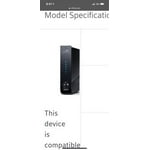
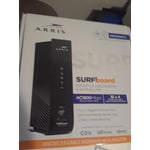
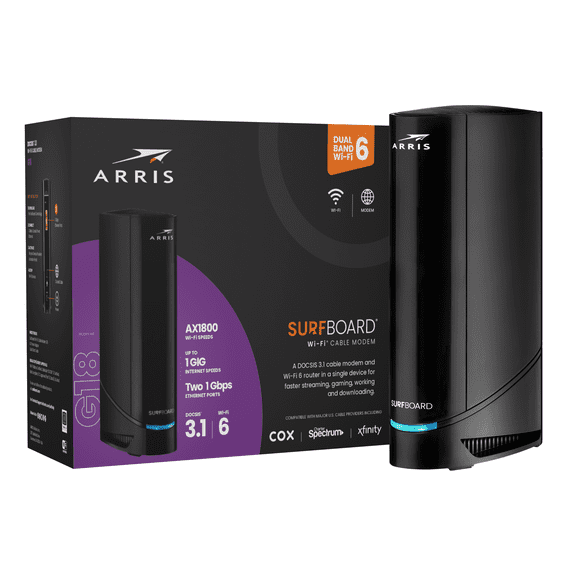
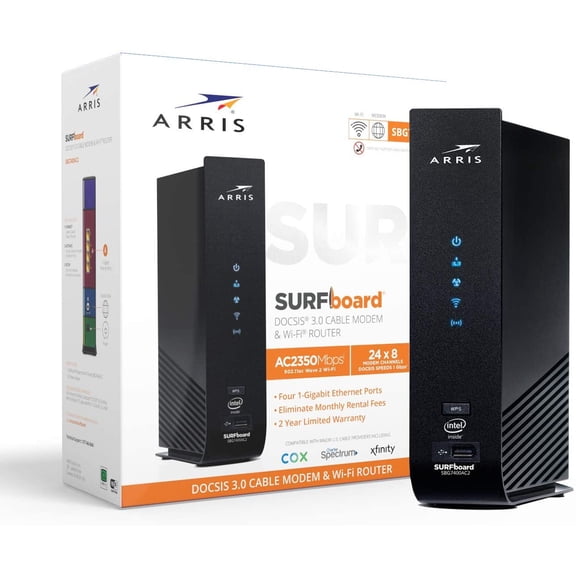
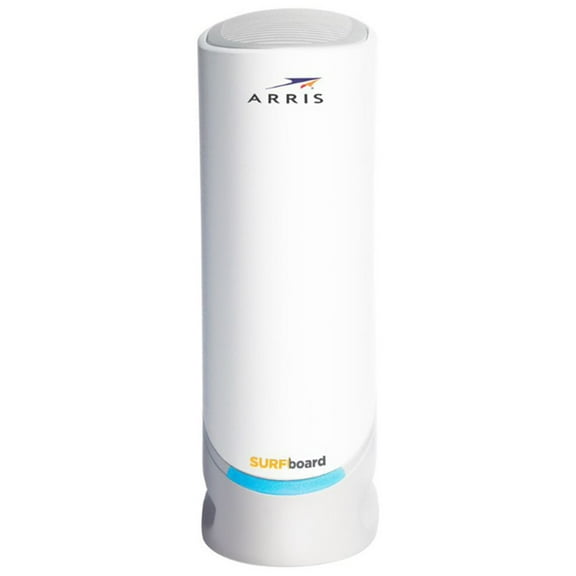
[This review was collected as part of a promotion.] Setup for this modem/router combo was a breeze. After disconnecting the existing modem that came from my cable company, I connected the coax cable to the back of my new modem and downloaded the Surfboard app to my phone. In the app, I scanned the QR code on the side of the modem which pre-populated the SSID and password for the WiFi, so I didn't have to manually type in the information. I am mildly dyslexic, so I found this to be extremely helpful. Next, I opened a web browser which automatically took me to my internet provider's Self-install page. I entered my account information and the MAC number off of the included Product Info card but the self-install site complained that the modem wasn't compatible. I called the cable company and they were able to activate it from their side (I might have entered the number incorrectly). After hanging up the phone with them, I attempted to connect my devices to the WiFi, to no avail. So, I decided to reboot the modem. Joy! My devices connected. Since my Smart Home devices had all been configured for my previous router's SSID and password, I used the Modem's IP address to reconfigure everything to match the previous router's config. At first, nothing seemed to connect … until I rebooted. That did the trick!
Everything had been working for days when I decided I would run a Speed Test. The test indicated that I was getting 56mbps via WiFi, but I expected to get around 300+mbps. So, I decided to unplug the modem for thirty seconds. After plugging it back in and running Speed Test, it rated at 424mbps! Speeds have been consistently fast ever since. With the new modem in place, my programs stream with no difficulty, even when I am transferring large files from my computer at the same time. It has been really nice not having buffering symbols on my television al the time.
Overall, here are the Pros and Cons that I have noted:
Pros:
* The modem's settings are accessible from the phone app so you don't need to connect via computer and Ethernet cable.
* The app shows all of the devices that are connected at any given time. This is perfect for diagnosing connectivity issues, but also great for managing households with children.
* You can name the 2.4ghz and 5ghz bands the same WiFi name which will simplify connectivity, especially in a Smart Home setting.
Cons:
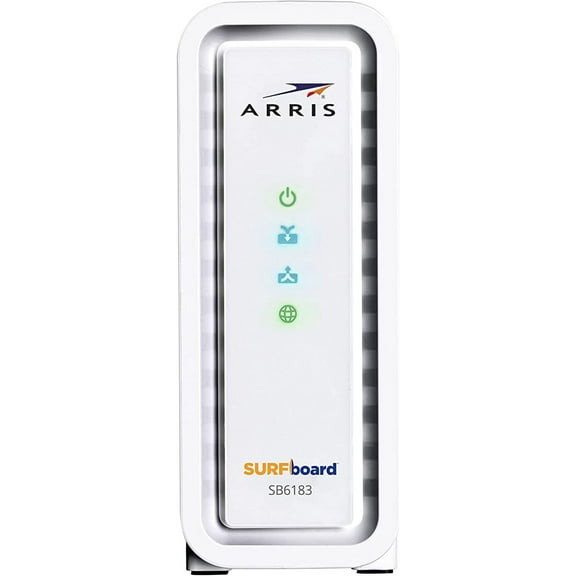
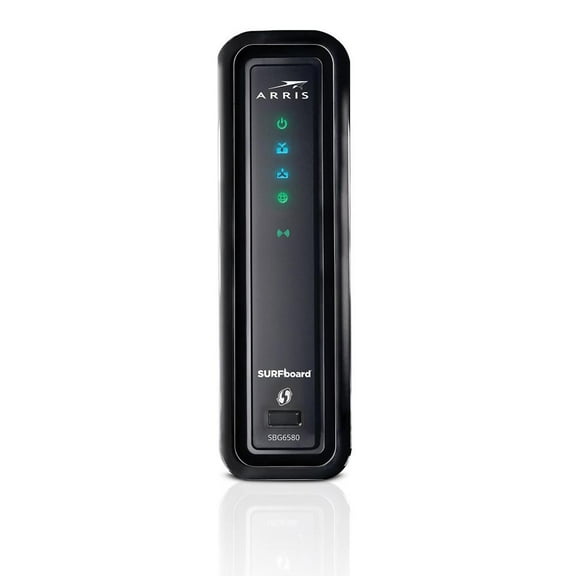
* The lights are extremely bright and can disrupt a person's sleep if anywhere near a bedroom. I found the setting to disabled all the lights (except for Power), but I don't like it because I like to be able to see when my internet is working (sometimes it goes down in our area). We have just been placing a strip of electrical tape over it at night.
* It took two reboots after everything was set up, in order to attain full functionality. This is more of an annoyance, really, but still worth noting.






![Cable Modem - Fast DOCSIS 3.0 16x4 Gigabit, [Check with your provider for compatibility], 1 Gbps Port, 400 Mbps Max Internet Speed, 2 Year Warranty](https://i5.walmartimages.com/asr/4dab1b58-492a-4487-8784-7d97602f5c38.63b202d425b862d896de11abd06282c3.jpeg?odnHeight=576&odnWidth=576&odnBg=FFFFFF)