

Temperature & Humidity in Test, Measure, and Inspect




















About Temperature & Humidity in Test, Measure, and Inspect - Walmart.com
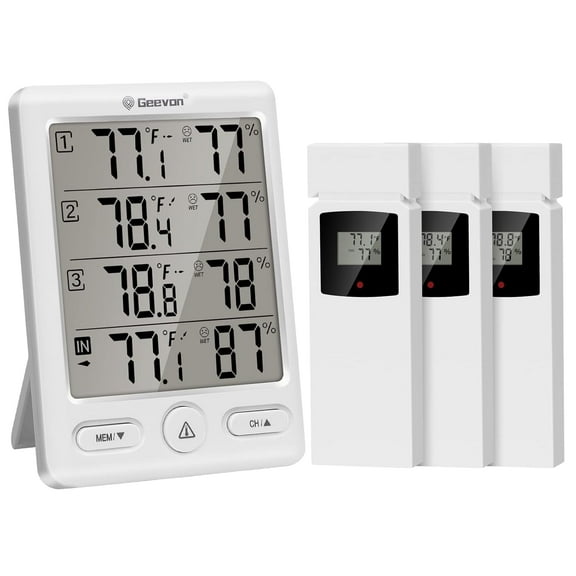
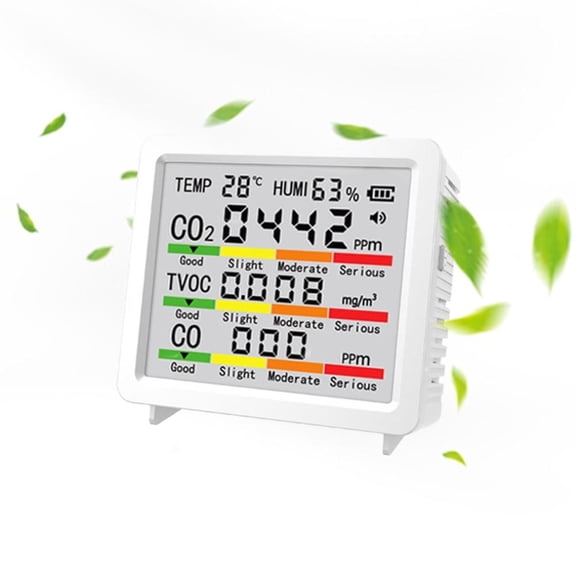
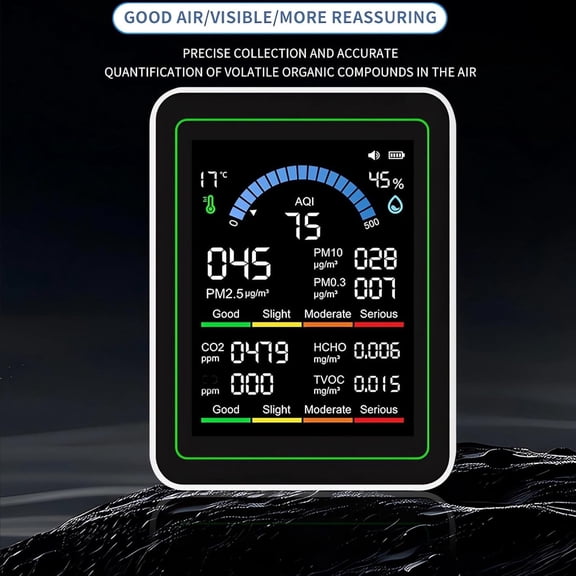
Temperature humidity monitors help you track room conditions, storage spaces, and work areas with clear readings and fast checks. You can compare display type, placement, power source, and measurement range to match your routine.
If you monitor a nursery, greenhouse, workshop, or cold storage area, you need readings you can review quickly. You can also compare backlit screens, app alerts, and mounting styles that fit your space.
How to choose temperature humidity monitors
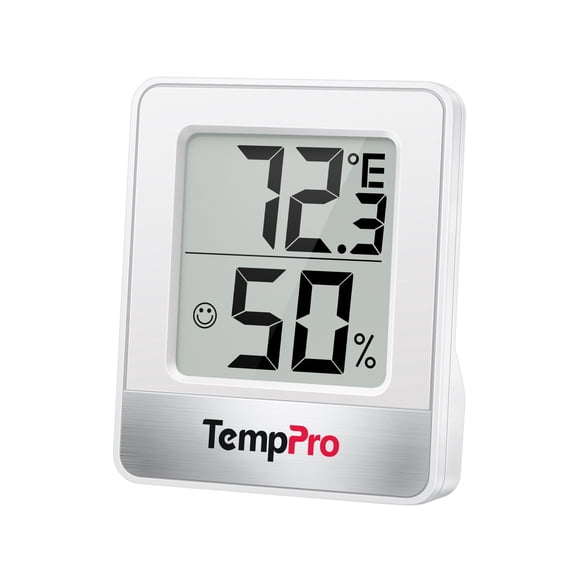
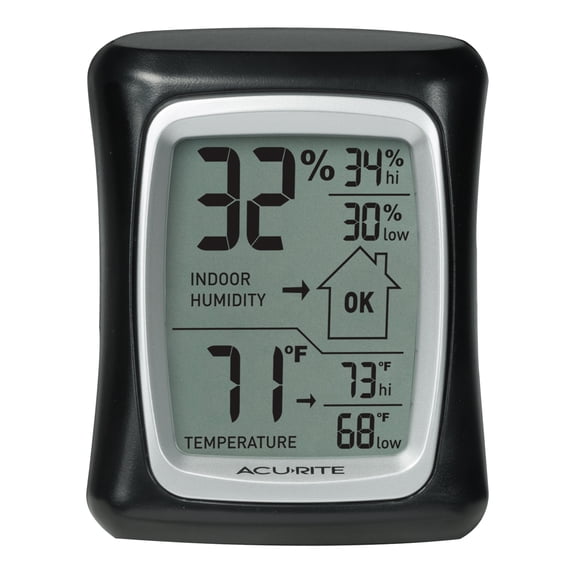
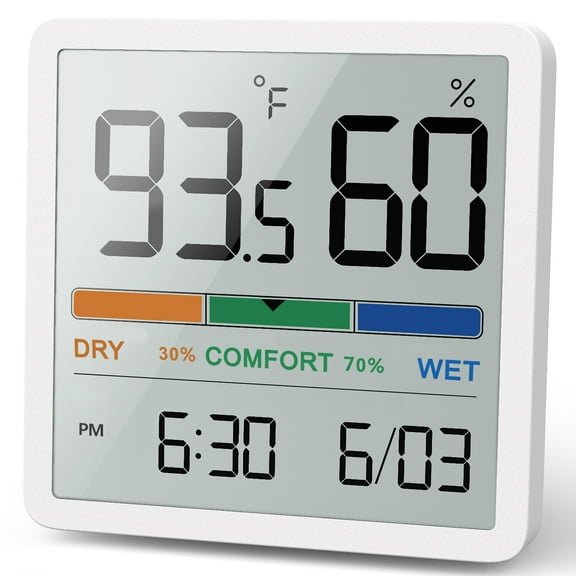
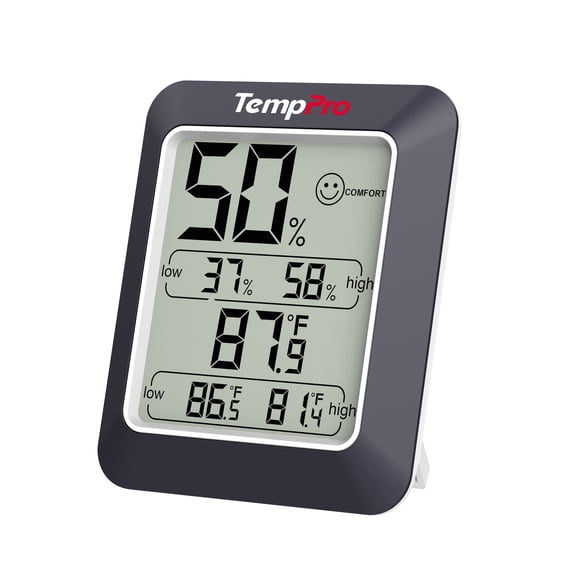
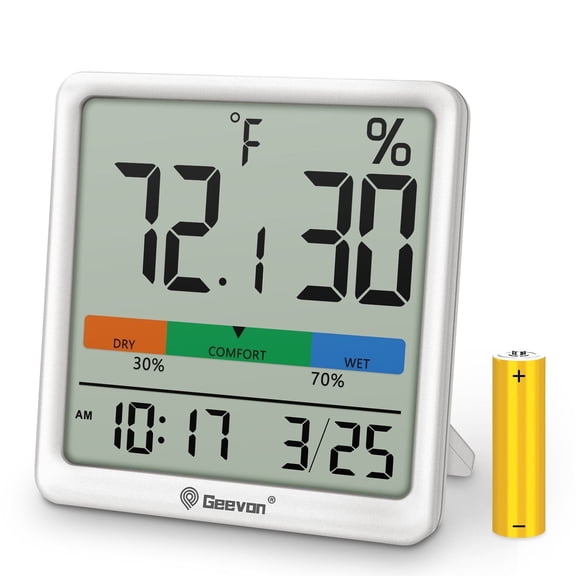
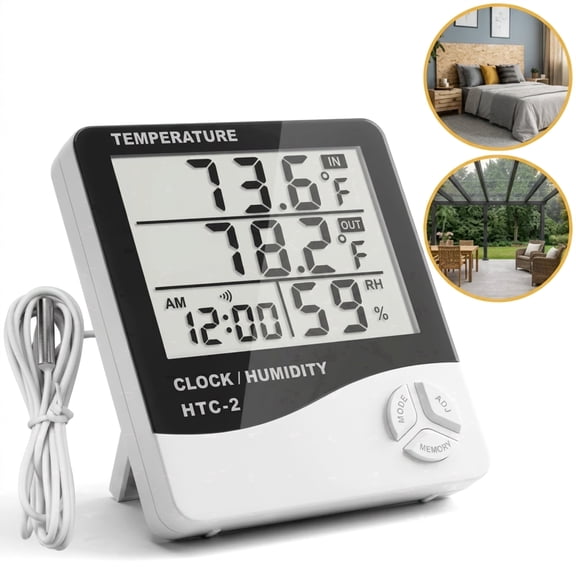
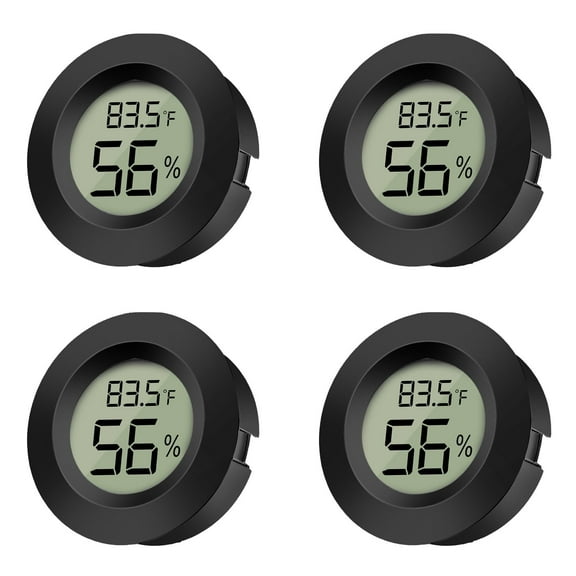
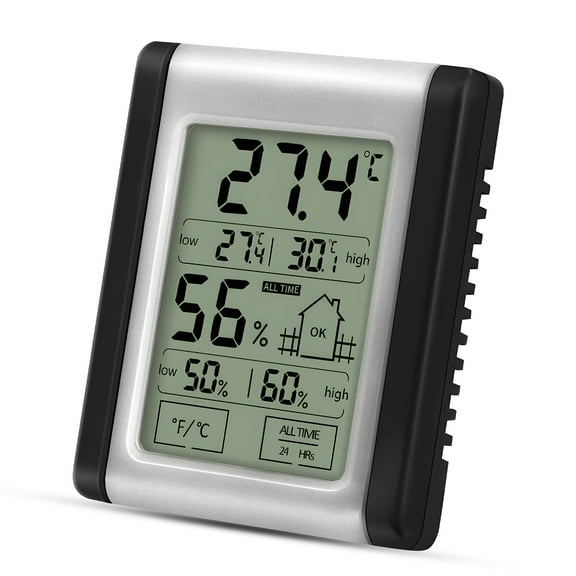
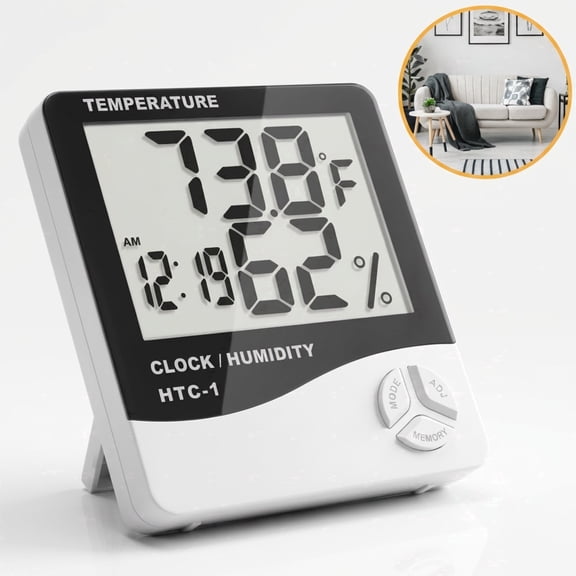
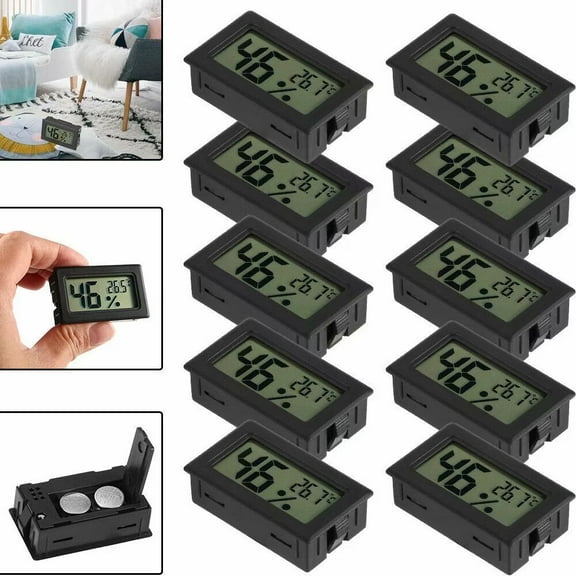
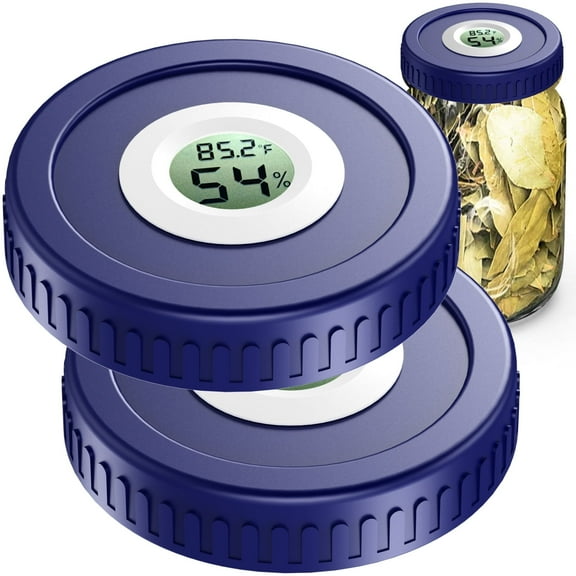
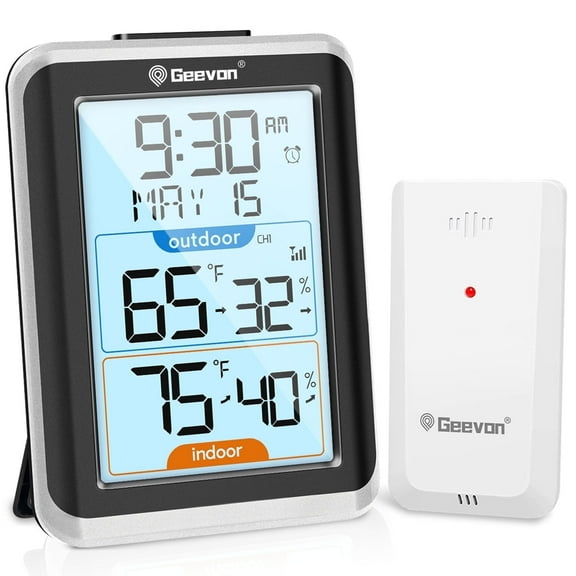
You should start with display type because it shapes how easily you read results during the day. You may prefer a digital temperature humidity meter when you want large numbers and quick checks.
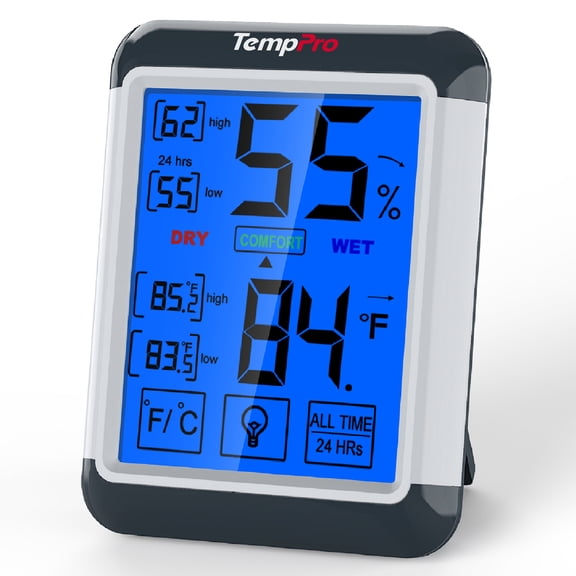
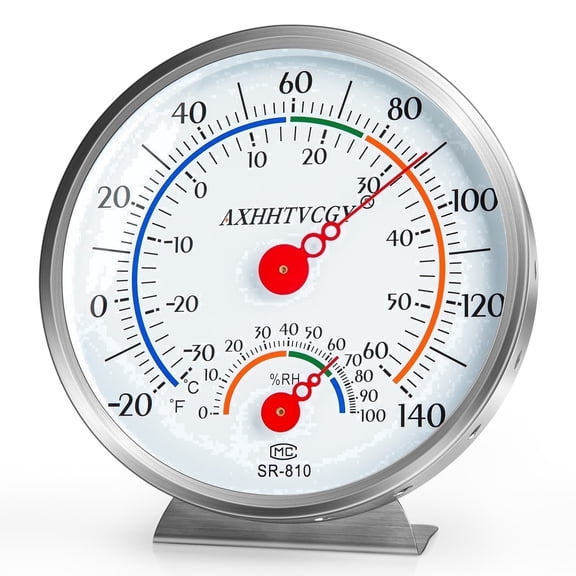
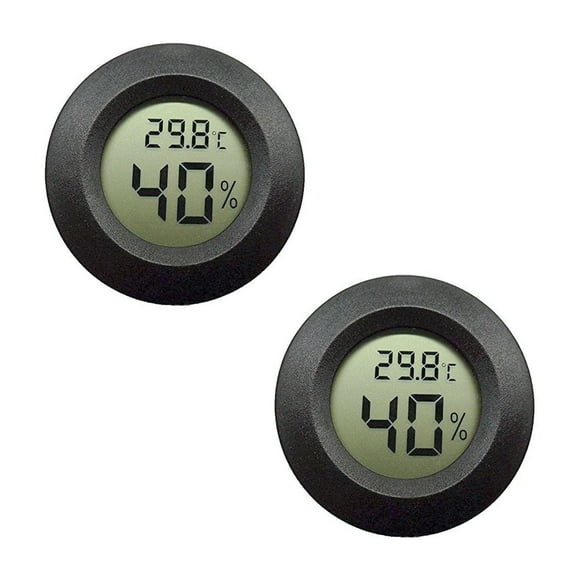
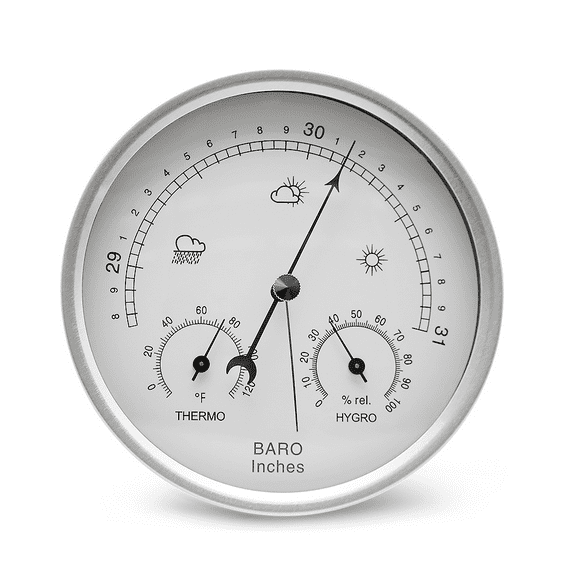
If you like simple visual tracking, you can compare an analog humidity gauge with a digital screen. You can also use LCD backlit displays when you check readings in dim basements or utility rooms.
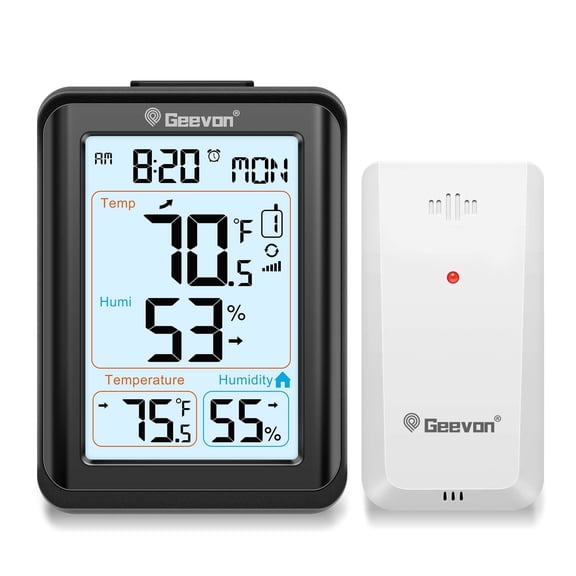
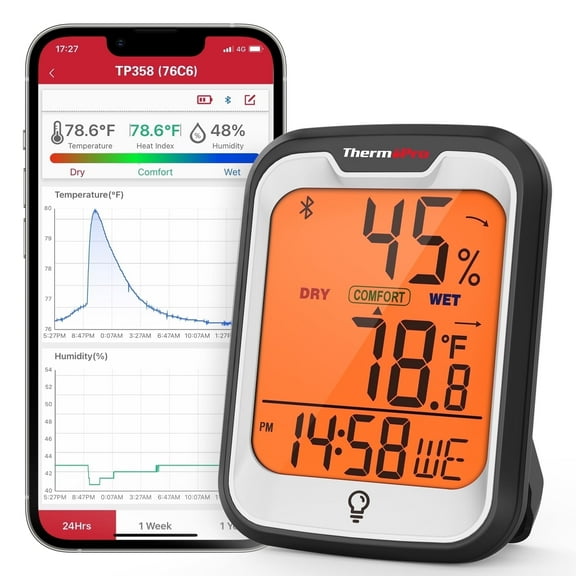
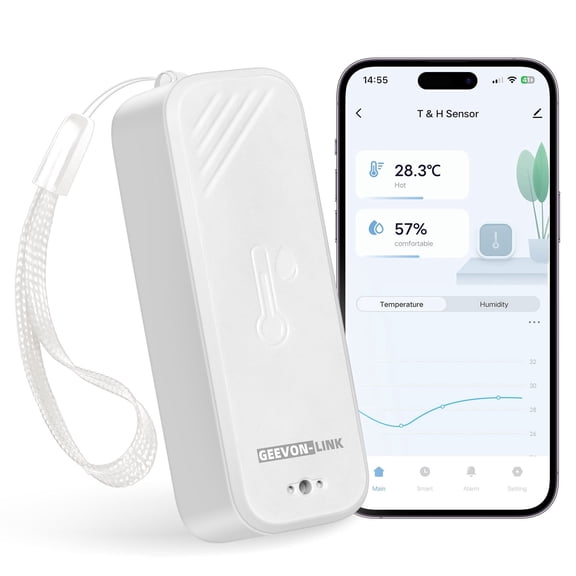
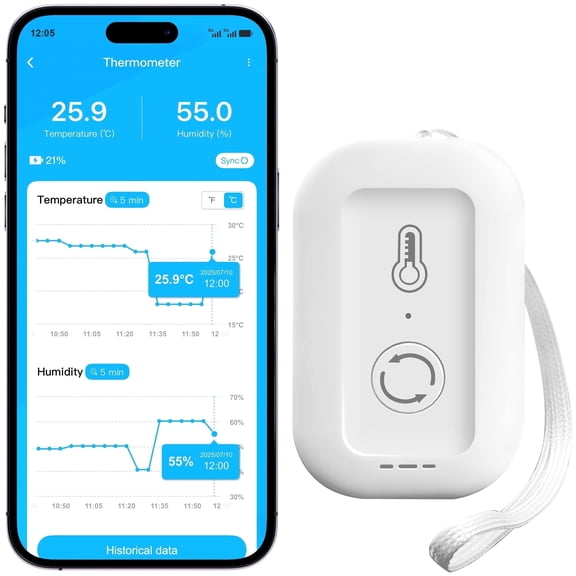
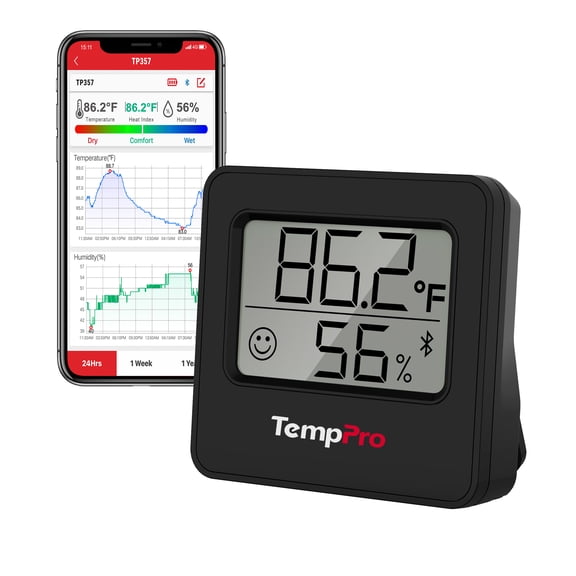
You can also choose smart app models when you want remote updates and logged trends over time. You should check whether your setup uses WiFi or Zigbee before you pick a temperature and humidity sensor.
- You can read digital screens quickly when you need quick indoor checks.
- You can use backlit displays easily in darker rooms or storage areas.
- You can monitor trends remotely with app-connected models and phone alerts.
- You can match wall-mounted or desktop styles to your available space.
Choosing placement for an indoor humidity monitor
You should match placement to the area you’re measuring because indoor and outdoor conditions differ a lot. You may want an indoor humidity monitor for bedrooms, offices, music rooms, or pantry shelves.
If you’re checking patios, garages, or greenhouses, you should look for outdoor-ready construction and broad operating ranges. You can choose weather-resistant housings when your monitor faces changing temperatures and damp air.
Wall-mounted units help you keep readings visible at eye level in workspaces and shared rooms. Desktop units give you flexible placement when you move a temperature reader between shelves, counters, and benches.
Comparing power source and smart connectivity
You should think about power source early because it affects where and how often you use your monitor. You can choose battery operated models for portable checks or spots without easy outlet access.
If you want infrequent battery changes, you may prefer USB rechargeable units for desks, hobby tables, or indoor stations. You should consider hardwired options when you need steady operation in permanent setups.
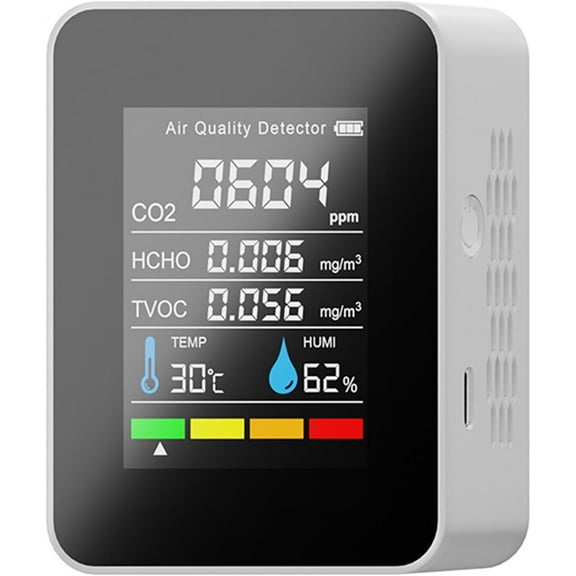
Smart connectivity can matter when you track changing conditions across several rooms or storage zones. You should check app support, signal range, and protocol compatibility before choosing a connected temperature and humidity sensor.
If you already use home automation, you should compare whether a monitor works with your existing system. You can avoid setup issues by confirming WiFi or Zigbee support before installation.
Understanding measurement range and accuracy
You should choose measurement range based on the environment, not just the display style. Standard room models fit living spaces, while industrial high-temp options suit demanding work areas.
If you monitor freezers or cold storage, you should check low-end temperature limits before you choose. You can get useful readings when your monitor works in colder spaces.
Accuracy matters because small differences can change how you interpret a room or storage area. You should compare relative humidity meter specs like plus or minus two percent RH tolerance when precision matters.
You may also want to compare manual calibration with factory-calibrated designs. Manual calibration gives you adjustment control, while factory-calibrated units help you start using readings quickly.
What to look for in readability and mounting
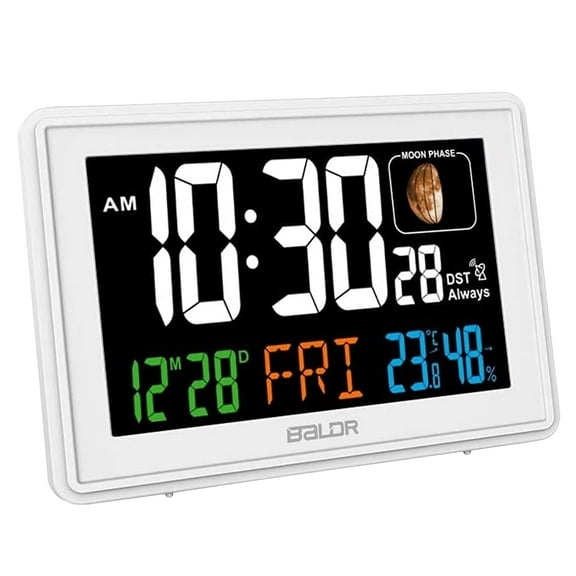
You should check screen size and number contrast if you read measurements from across a room. You can notice that large digits help when your monitor sits on a wall, shelf, or equipment rack.
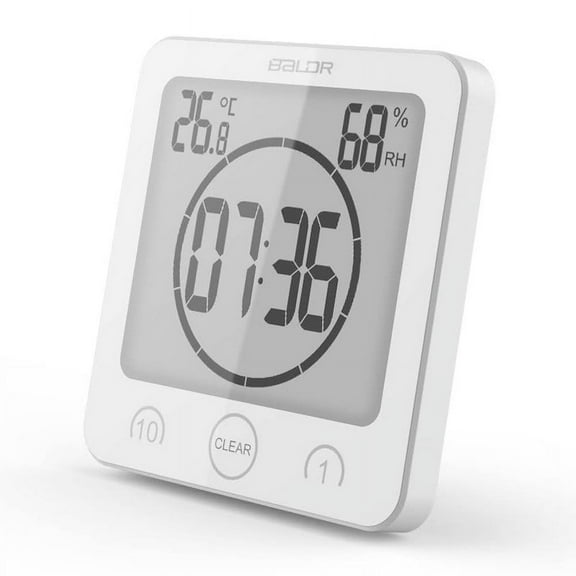
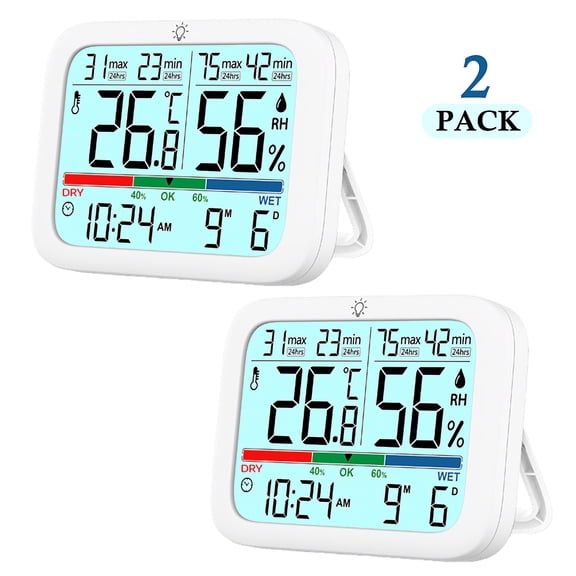
Backlighting helps you read an indoor humidity monitor in dim corners, garages, and utility closets. You can also compare touch controls, simple buttons, and display icons for easier daily use.
Mounting style affects convenience as much as accuracy, especially in busy spaces. You should measure your shelf depth or wall area before choosing a desktop or wall-mounted design.
Matching temperature humidity monitors to real use cases
You can use temperature humidity monitors in nurseries, classrooms, instrument rooms, and hobby spaces where steady readings matter. You may also place them in greenhouses, garages, and storage rooms that change throughout the day.
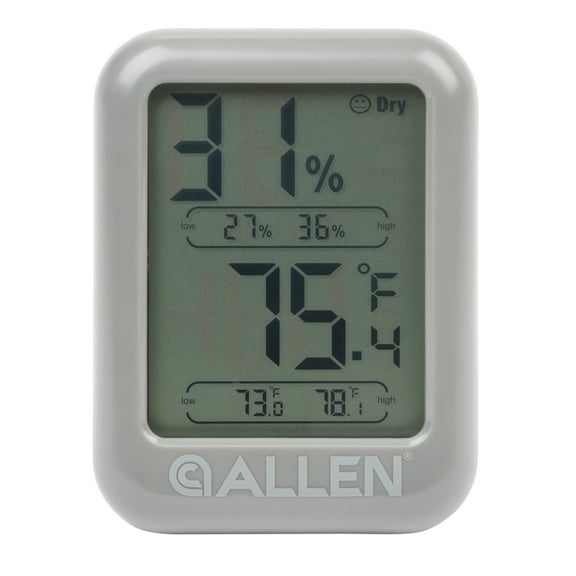
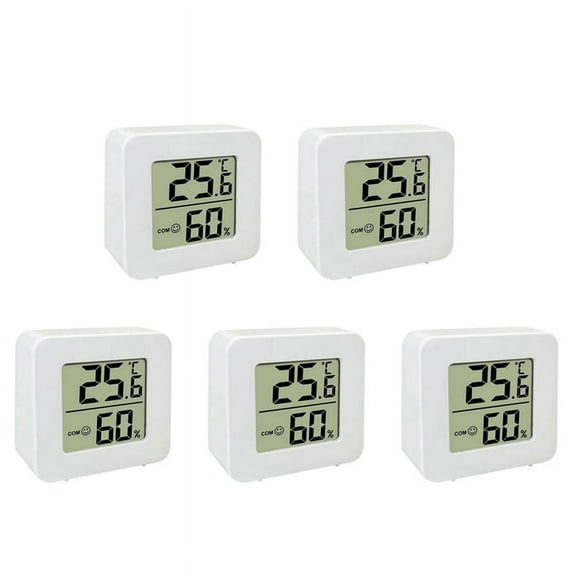
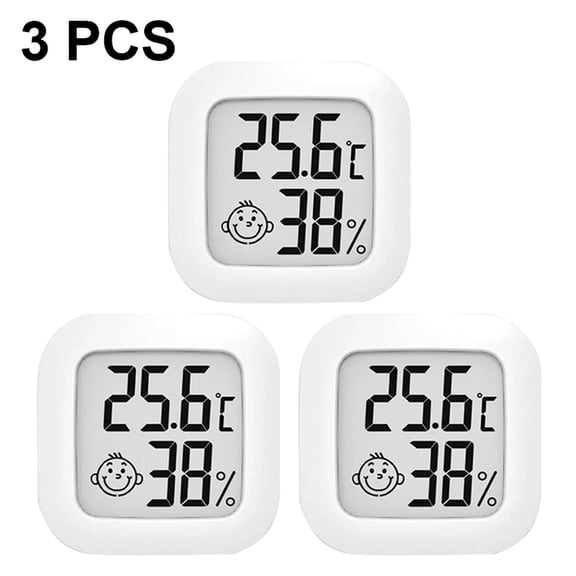
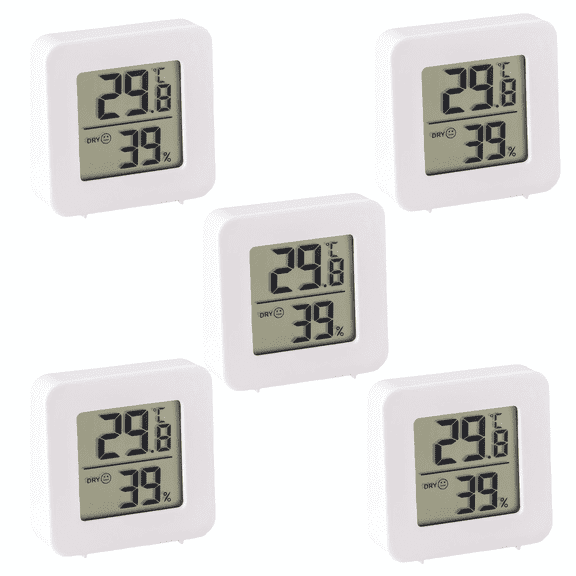
If you watch indoor comfort, you should consider a compact digital unit with a clear display. You can appreciate a desktop design when you move it between a bedroom, office, and living room.
If you track workshop or warehouse conditions, you should look for wider operating ranges and easy wall placement. You can benefit from a temperature reader with larger numbers when you check from a distance.
For connected homes, you may prefer app-based models that log readings over time. You should compare alerts, history views, and wireless compatibility when you want reduced manual checking.
If you monitor cold storage or demanding work areas, you should focus on range, calibration, and power setup first. You can make a suitable choice when your monitor fits your environment and your reading routine.
You can narrow the field quickly when you compare display type, placement, power source, and range together. You can feel more confident choosing the right monitor when your readings stay visible, relevant, and easy to review.