

MSI Computers Laptops Desktops Shop Online















About MSI Computers Laptops Desktops Shop Online - Walmart.com
An MSI computer gives you clear paths for gaming, creation, and daily work. You can compare processor, graphics, memory, and device style without guesswork.
If you're narrowing down MSI systems, you likely care about frame rates, cooling, and multitasking room. You can use those factors to match your setup to how you play or create.
How to choose an MSI computer
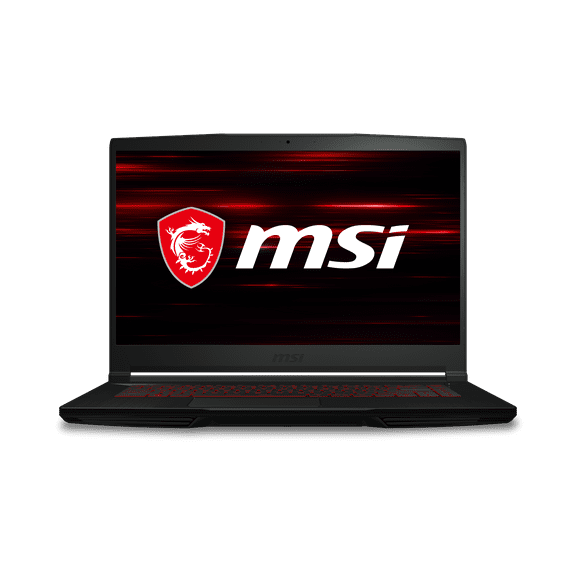
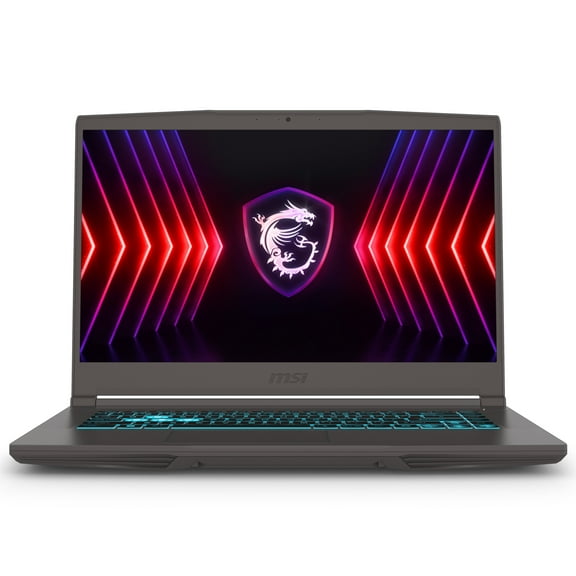
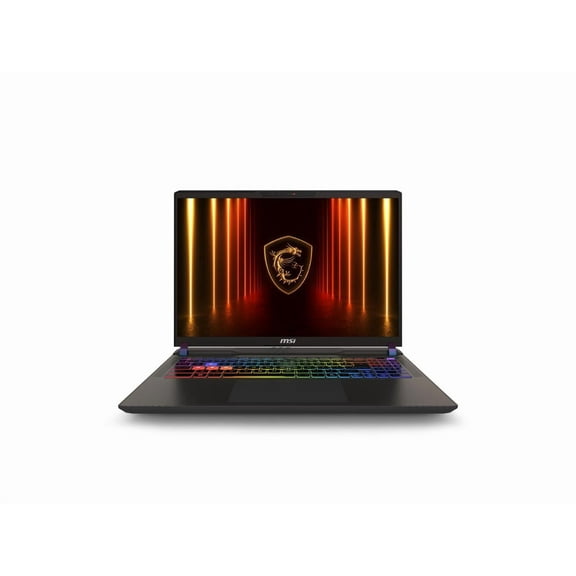
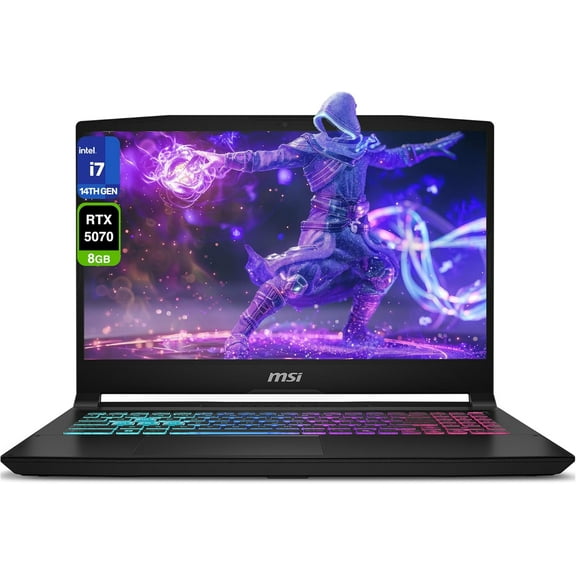
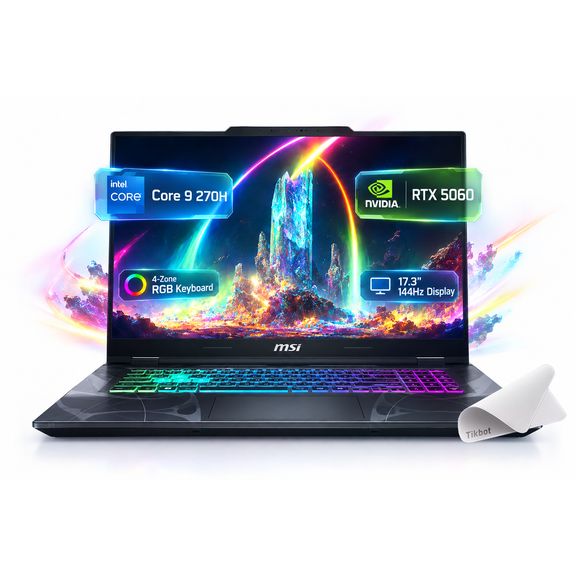
You should start with the device type that fits your routine. You may want a gaming laptop for portability, a creator laptop for editing, a gaming desktop for expansion, or an all-in-one for a cleaner desk.
You should also compare your main use case before you pick specs. You can prioritize gaming power, content creation speed, professional multitasking, or everyday convenience without adding confusion.
Why an MSI computer can fit your setup
You can get hardware combinations that support fast gameplay, smooth editing timelines, and responsive everyday tasks. You'll notice that matching your processor and graphics card helps you choose performance that fits your workload.
When you compare by category attributes, you can narrow choices faster and with less uncertainty. You can focus on mobility, cooling behavior, and room for future upgrades.
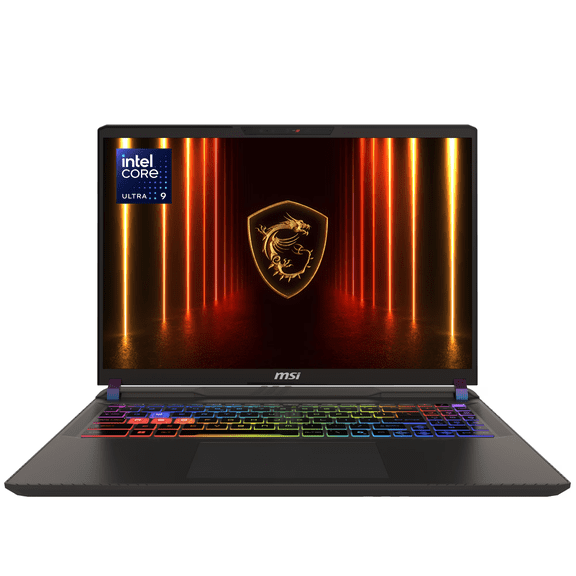
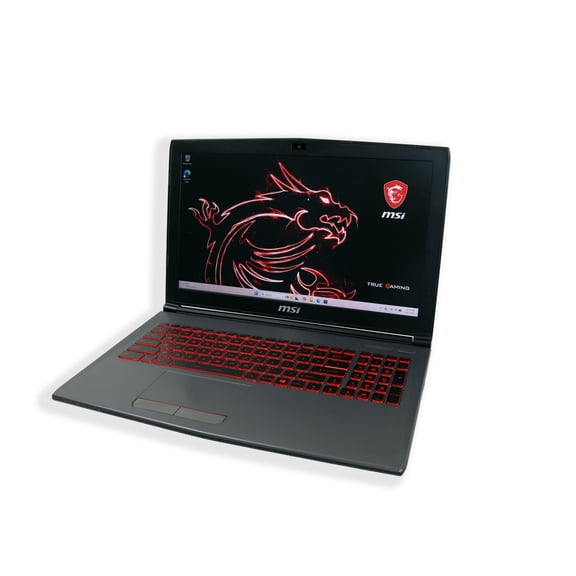
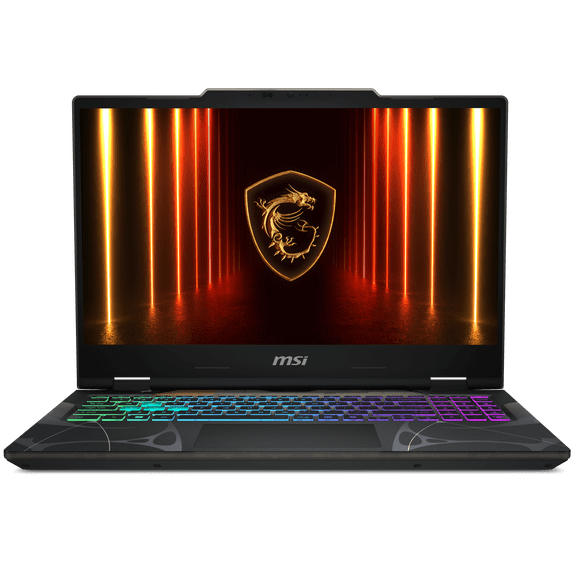
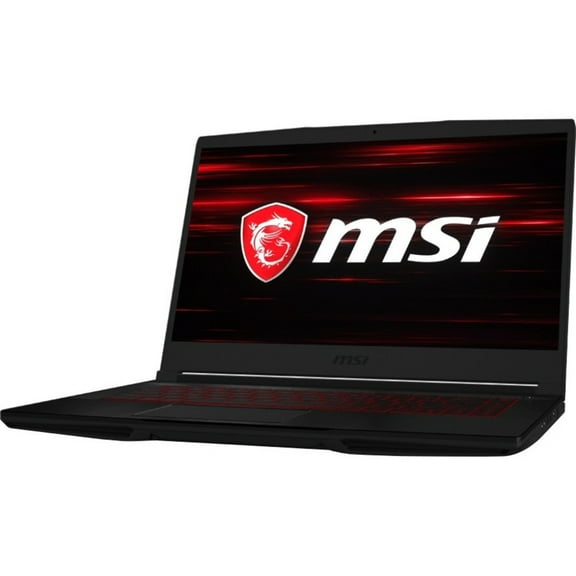
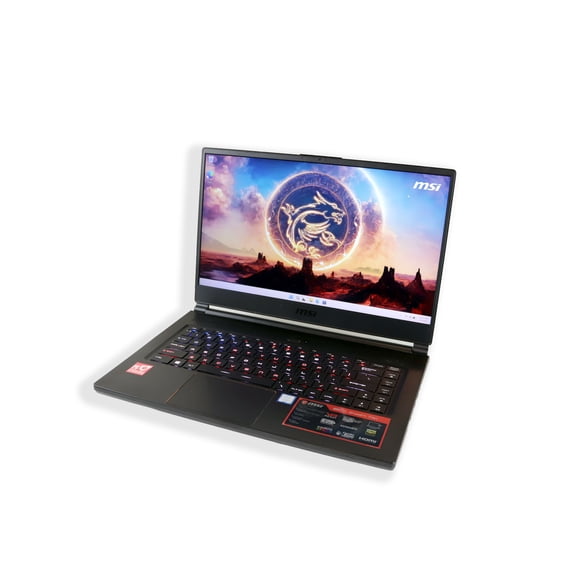
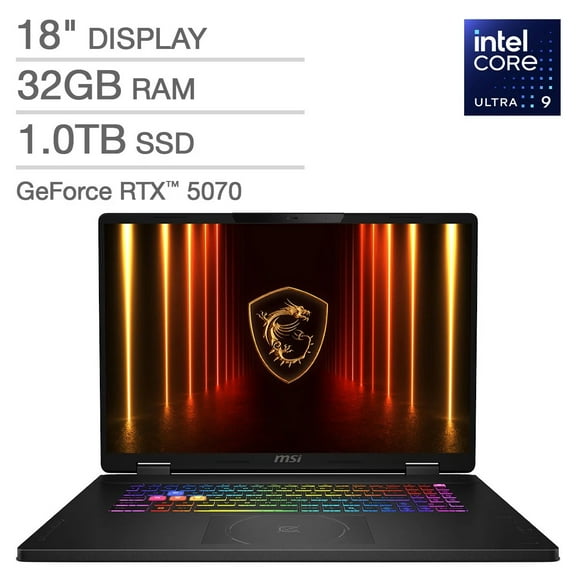
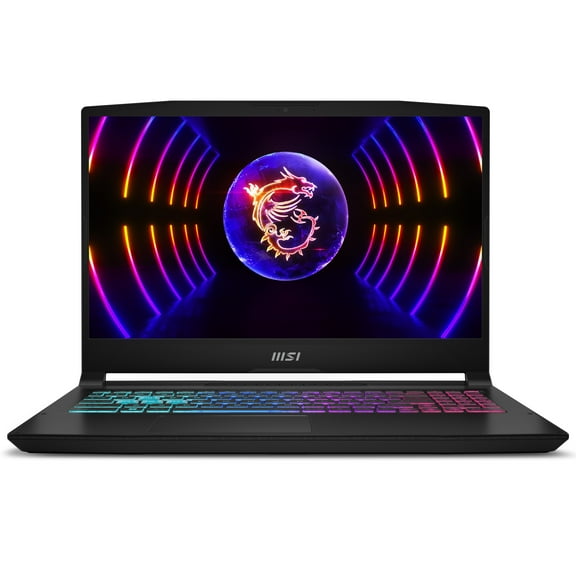
- You can choose a gaming laptop when you need strong graphics and easier travel.
- You can choose a creator laptop when your work includes design apps, video timelines, or layered files.
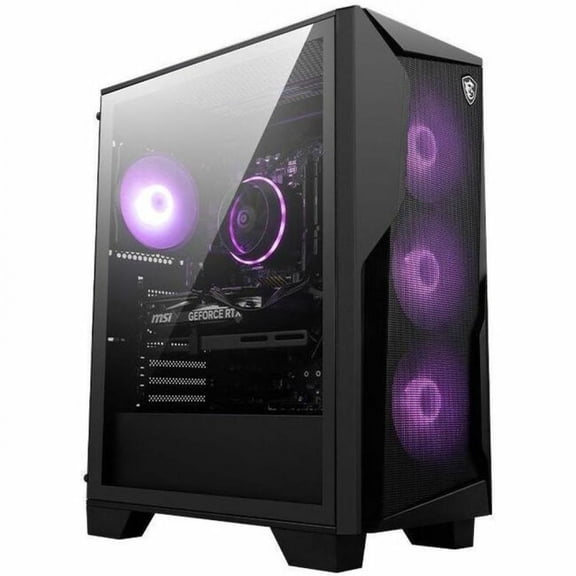
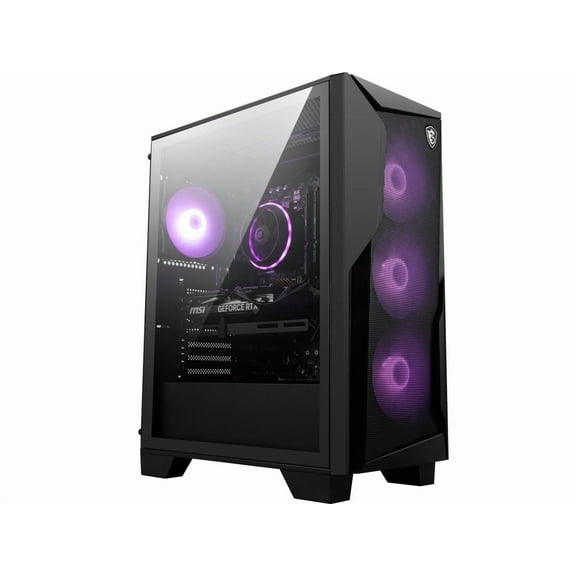
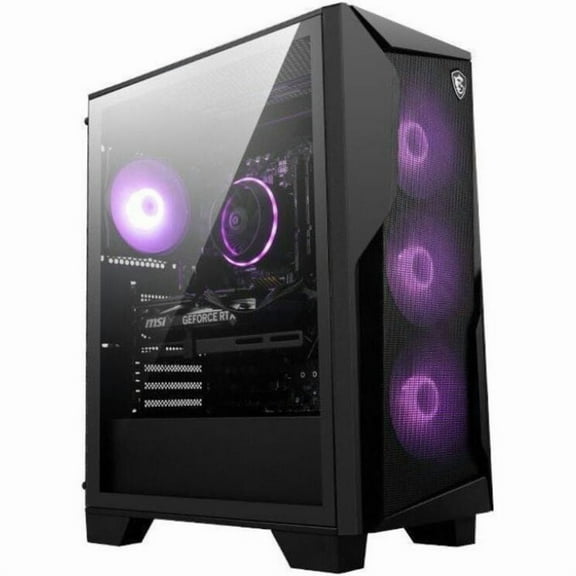
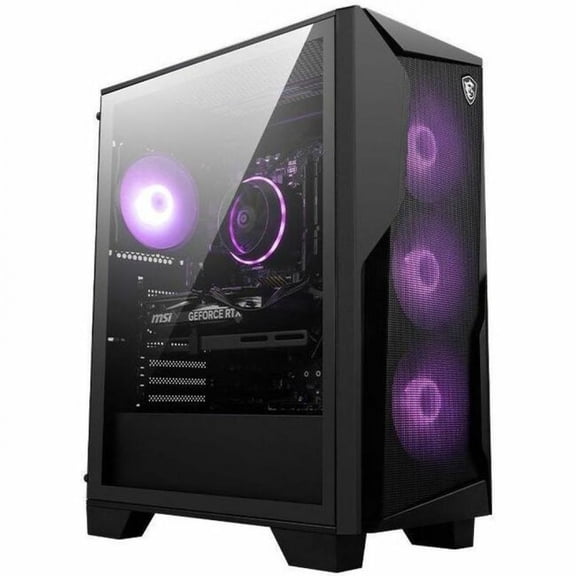
- You can choose a gaming desktop when you want more internal space and easier component access.
- You can choose an all-in-one when you want fewer cables and a simpler desk setup.
- You can compare 16GB, 32GB, and 64GB memory options based on how many apps you run.
You may also appreciate clearer paths between casual use and enthusiast-level performance. You can move from schoolwork and streaming to higher refresh gaming or heavier creation software with more confidence.
Choosing processor and graphics card options
You should compare processor type first if you multitask often. You can look at Intel Core i7, Intel Core i9, AMD Ryzen 7, and AMD Ryzen 9 based on your app load.
If you keep many tabs, chats, and creative tools open, you'll usually want more cores and stronger sustained performance. You can feel that difference during exports, compiling, or background tasks.
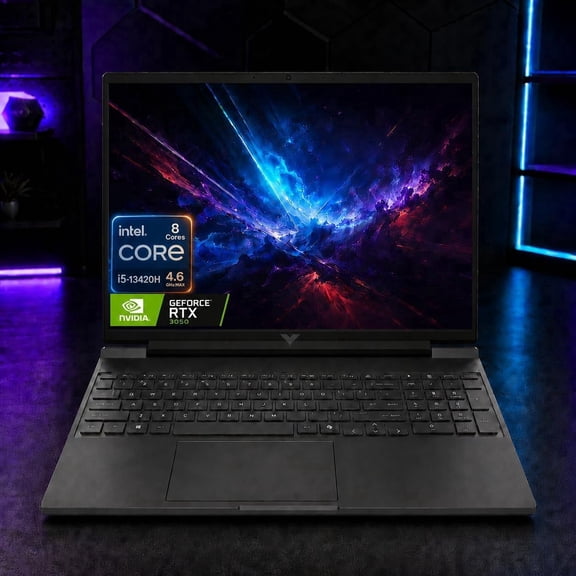
You also need to compare the graphics card because it shapes gaming visuals and creator acceleration. You can look for NVIDIA RTX 4060, RTX 4070, RTX 4080, or RTX 2050 options by workload.
If you're considering a 2050 laptop, you may be targeting lighter gaming or entry-level graphics tasks. You can step up to RTX 4060, 4070, or 4080 for stronger visual settings and faster rendering.
You should check VRAM size along with the GPU model when you play newer games or edit large media files. You can get smoother performance when your graphics memory matches your software demands.
Choosing RAM, storage, and upgrade flexibility
You should compare RAM capacity based on how many tasks you run at once. You can start with 16GB for everyday use, move to 32GB for heavier multitasking, or consider 64GB for larger projects.
If you edit video, build large design files, or stream while gaming, you'll likely want more memory headroom. You can reduce slowdowns when your system has enough RAM for active workloads.
You should also think about storage and upgrade access before you decide. You can benefit from extra internal room if you keep a large game library, raw footage, or project archives.
When upgradeability matters, you may prefer configurations that leave room for future changes. You can extend the useful life of your setup by planning around memory and storage needs now.
Matching device type to your use case
You can use a gaming laptop when you want to move between rooms, classes, or trips. You'll want to balance portability with cooling capacity, since thinner designs may run louder under load.
If you play longer sessions, you should compare airflow design and fan behavior in plain terms. You can often trade a little extra weight for steadier performance and less fan noise.
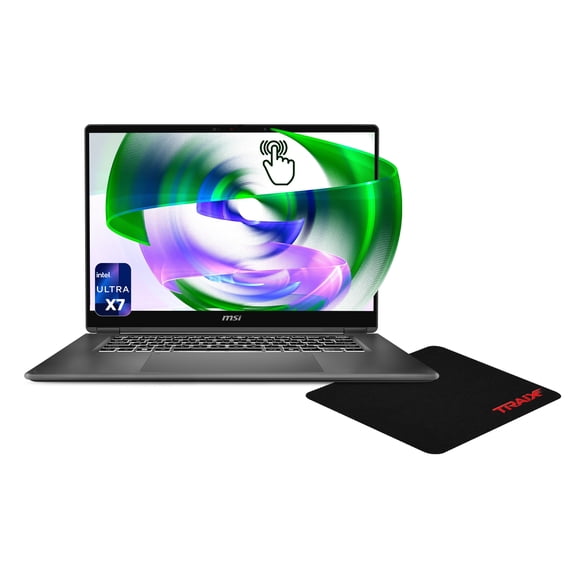
You may prefer a creator laptop when your day mixes editing, design, and meetings. You can keep a mobile setup while still choosing stronger processors, discrete graphics, and larger memory options.
For a home station, you might choose a gaming desktop for easier expansion and more connection options. You can add peripherals, compare tower sizes, and prioritize airflow for long sessions.
If your needs are lighter, you may like an all-in-one for web tasks, documents, and streaming. You can keep your space tidy while still getting an organized computer setup.
An MSI computer category works well when you need clear spec choices without guesswork. You can compare gaming, creator, and everyday configurations and land on a setup that fits your routine.