

MSI Laptops in Shop Laptops By Brand
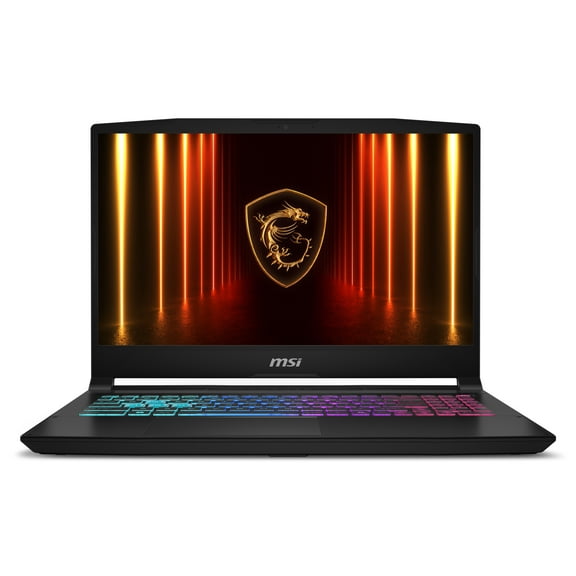


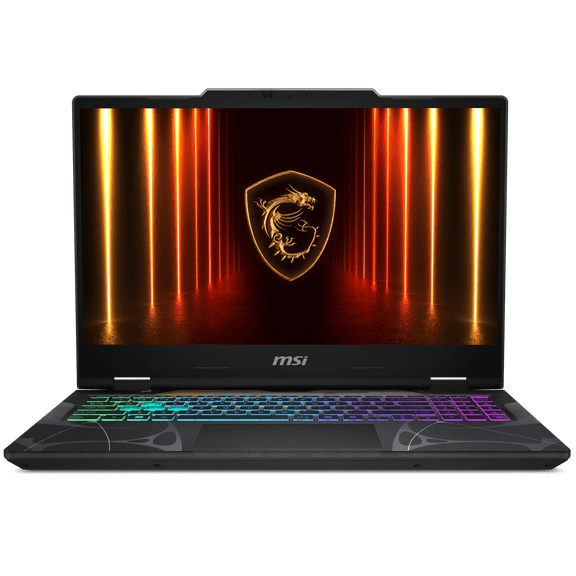
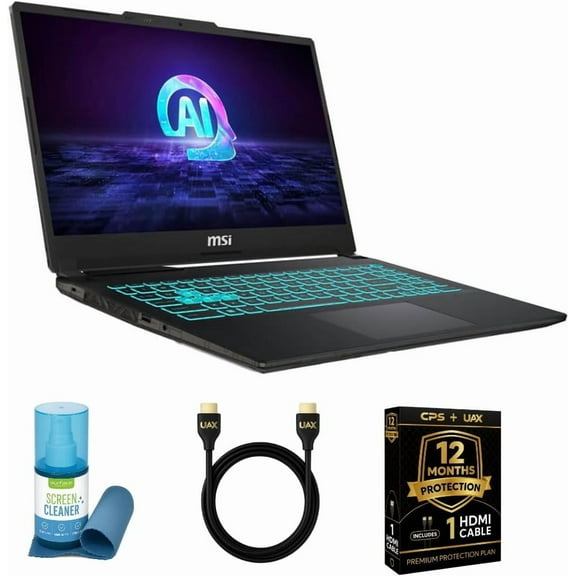
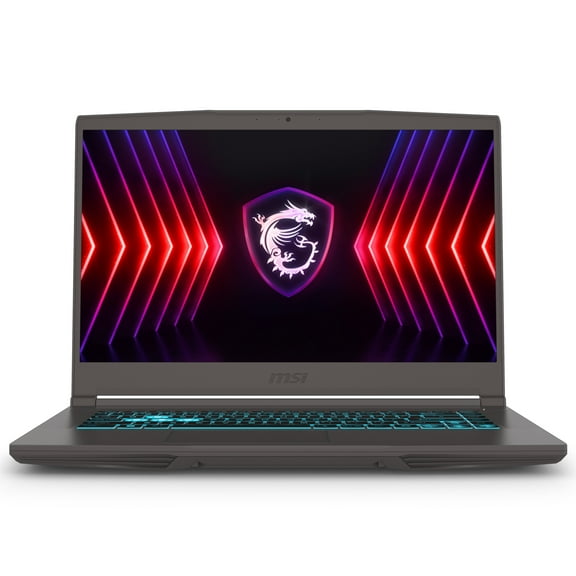
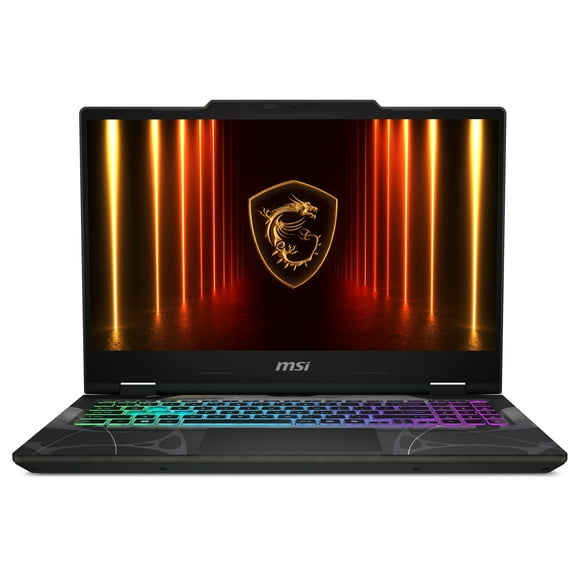
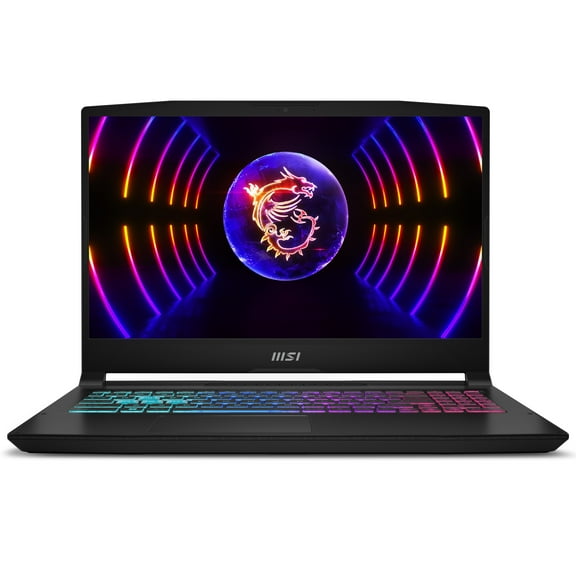


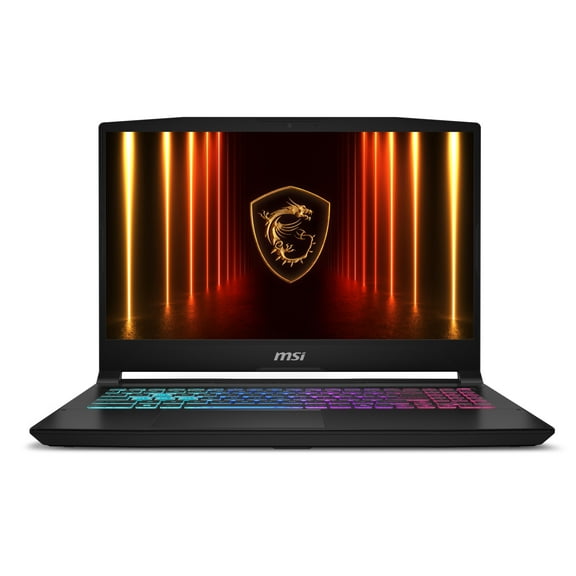

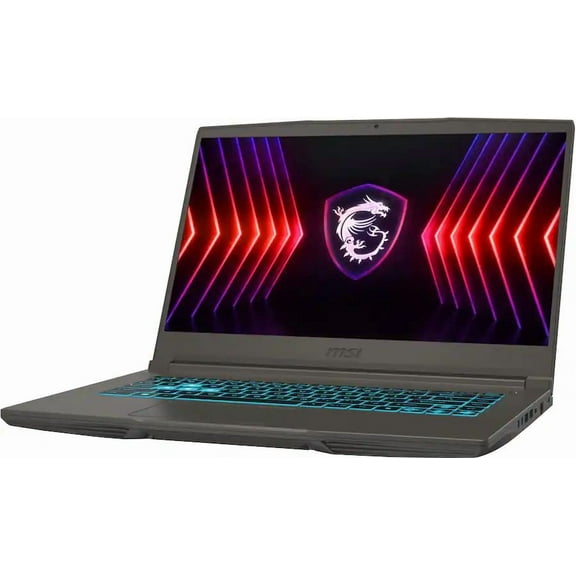

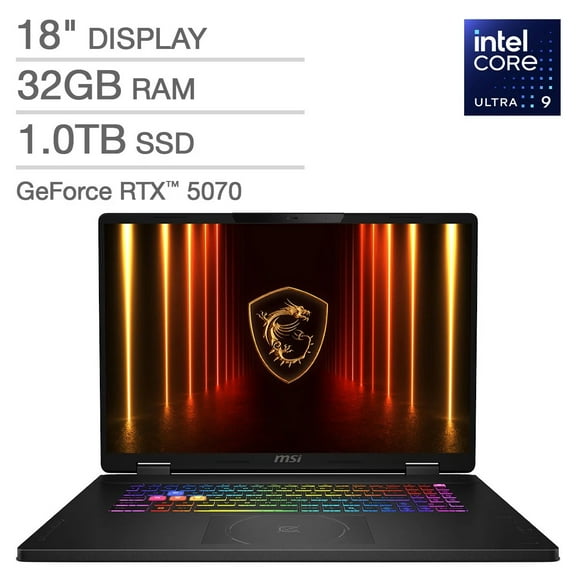

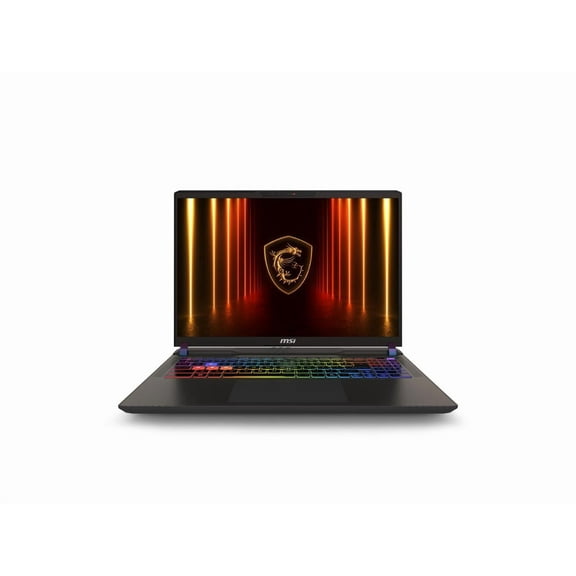
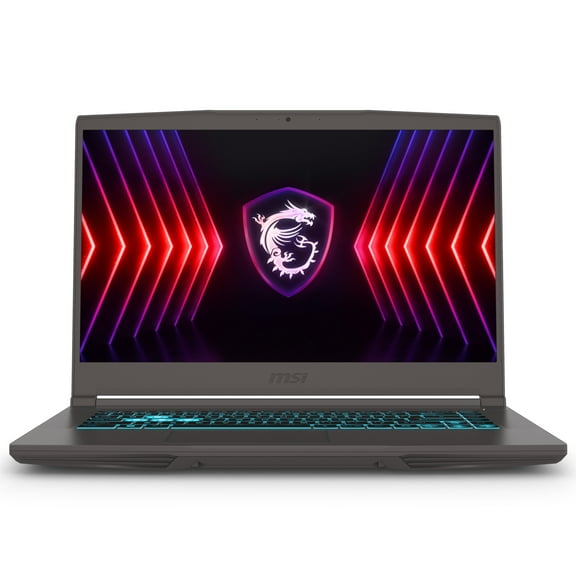
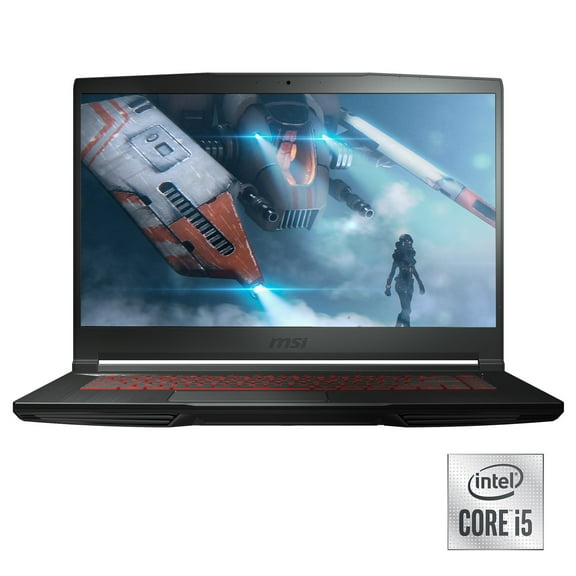
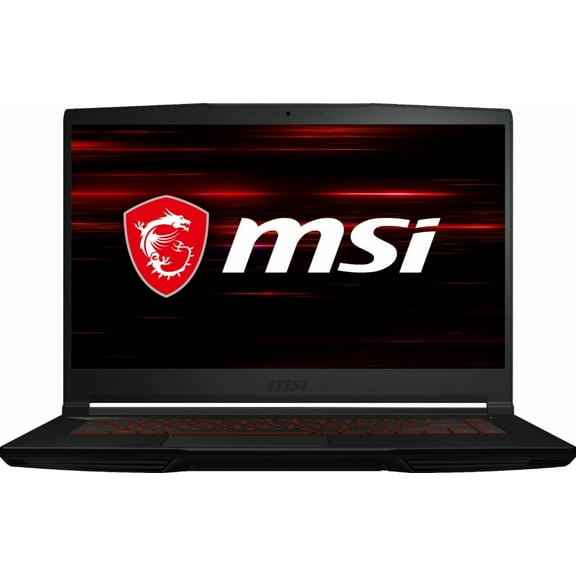

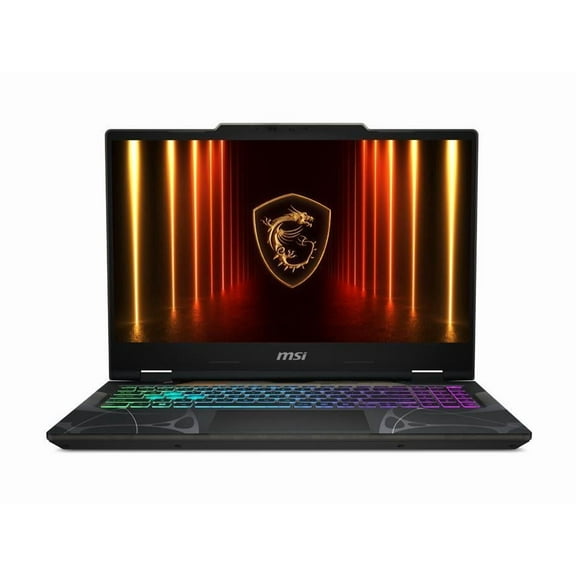


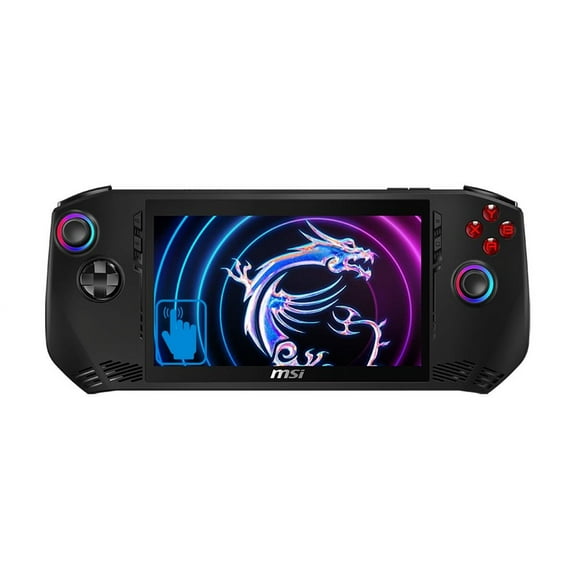


About MSI Laptops in Shop Laptops By Brand - Walmart.com
MSI laptops help you match serious performance to how you work, play, and create. You can compare gaming-focused designs, creator-ready models, and screen sizes that fit your setup.
If you want fast graphics, strong cooling, and high-refresh displays, you’ll find clear choices in this category. You can narrow your search by series, GPU, processor, and screen size without guessing.
How to choose MSI laptops by series
You should start with the laptop series because each lineup fits a different kind of workload. You can use that shortcut to separate thin travel-friendly systems from larger desktop-replacement designs.
If you want MSI gaming laptops with a slimmer profile, you may prefer Stealth models for portable play and everyday carry. If you want higher power ceilings, you can compare Raider and Titan options for larger cooling layouts.
You can look at Katana and Cyborg models when you want gaming-first features in more approachable configurations. If you edit photos, videos, or design files, you may lean toward MSI creator laptops built for visual workflows.
- You can choose Stealth when you want a thinner gaming setup for travel or shared spaces.
- You can choose Raider or Titan when you want larger chassis options for stronger sustained performance.
- You can choose Katana or Cyborg when you want focused gaming features and straightforward configuration choices.
- You can choose Creator models when you want color-conscious displays and hardware for editing tasks.
Choosing graphics and processor power in MSI laptops
You should compare the graphics card and processor together because your workload depends on both. You’ll notice smoother gameplay and faster rendering when those parts match your software demands.
If you’re considering an RTX 4060 laptop, you can expect capable performance for many modern games and creative apps. If you want more headroom for heavier settings, you can move up to RTX 4070, RTX 4080, or RTX 4090 options.
You can pair those GPUs with an Intel Core i7 laptop configuration for strong multitasking and gaming. If you run heavier exports or complex projects, you may prefer Intel Core i9, AMD Ryzen 7, or AMD Ryzen 9 choices.
When you compare specs, you should think about the games you play and the programs you open daily. You can avoid overbuying or underbuying when you match your chip and graphics tier to actual use.
What to look for in cooling and display performance
You should pay attention to cooling because sustained power matters during long sessions. You’ll want airflow and heat management that keep performance consistent across gaming, streaming, and editing tasks.
If you see Cooler Boost references, you can read that as extra help moving heat away from key components. You’ll get a plain benefit here, because stronger cooling can support steadier speeds during extended use.
You should also compare refresh rate and resolution based on what you watch and play. You’ll notice that a 144Hz gaming laptop can feel very smooth, while 240Hz can suit faster competitive play.
If you want sharper detail for editing or immersive visuals, you can compare QHD against FHD screens. If you want easier frame-rate targets in games, you may prefer FHD with the right GPU pairing.
Choosing the right screen size for your setup
You should measure where you’ll use your laptop before picking a display size. You can balance portability, keyboard space, and screen room by comparing each format carefully.
If you commute often, you may prefer 14-inch or 15.6-inch models for lighter bags and tighter desks. If you want a roomier view, you can step into 16-inch systems for a larger workspace.
A 17 inch MSI laptop can make sense when you want a bigger panel for gaming, editing, or split-screen multitasking. You should expect a larger footprint, but you’ll gain visual space for timelines, maps, and chat windows.
You can also think about external monitors when choosing size. If you dock at a desk often, you may prioritize portability first and add a larger display later.
How MSI laptops fit real gaming and creative use
You can match a Stealth model with a 14-inch or 15.6-inch screen when you travel between classes or workspaces. You’ll get a setup that supports daily carry while still handling games after hours.
If you play fast shooters or competitive titles, you should look for a stronger GPU and a higher refresh display. You can pair an RTX 4070 or higher with 144Hz or 240Hz panels for responsive motion.
You may want a Creator model with a larger display if you spend hours in editing software. You can combine that with an Intel Core i7 laptop or higher-tier processor for smoother multitasking across creative apps.
For a desk-first setup, you can compare Raider or Titan systems with 16-inch or 17.3-inch screens. You’ll have more room for cooling hardware, larger visuals, and extended gaming sessions.
You can also build around accessories that support your routine, including gaming monitors, docks, and laptop sleeves. You’ll create a setup that fits home play, school projects, or content work with less compromise.
MSI laptops give you a structured way to choose series, graphics, processor, cooling, and screen size in one category. You can land on a system that fits your daily workload and delivers the display and performance balance you need.