

Intercom Systems for Home & Business | Walmart























About Intercom Systems for Home & Business | Walmart - Walmart.com
Intercoms help you communicate across your home or workplace with fast, direct contact. You can compare wireless, wired, audio, and video options based on range, installation, and daily use.
How to choose intercoms for your space
When you compare home intercoms, you should start with where you need coverage. You may need a room to room intercom for upstairs calls, front entry contact, or desk-to-desk communication.
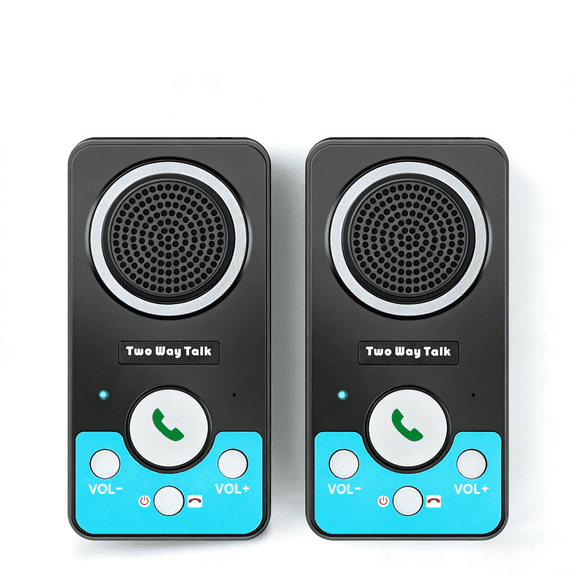
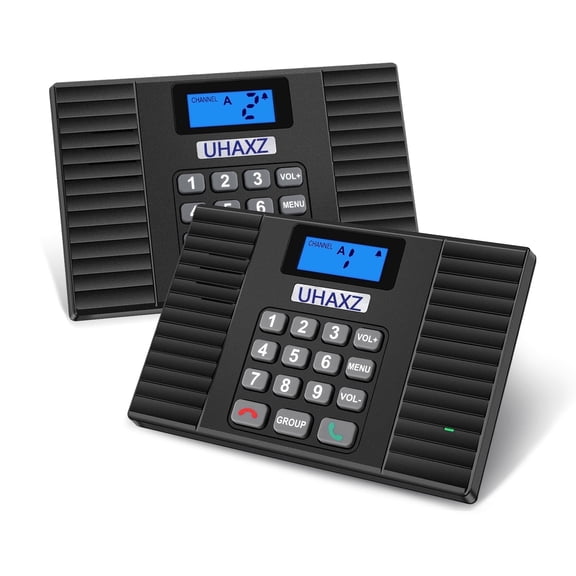
Type is your first decision because it shapes setup and everyday convenience. You can choose wireless models for flexible placement, wired systems for fixed stations, audio units for voice, or video units for added viewing.
Range is your next key factor because walls, floors, and distance affect performance. You should check stated feet or mile ranges, and you should compare line-of-sight numbers with typical indoor use.
Power source also matters because it affects placement and maintenance. You can pick battery operated units for mobility, plug-in options for steady power, or hardwired systems for built-in installation.
Why a wireless intercom system can fit daily routines
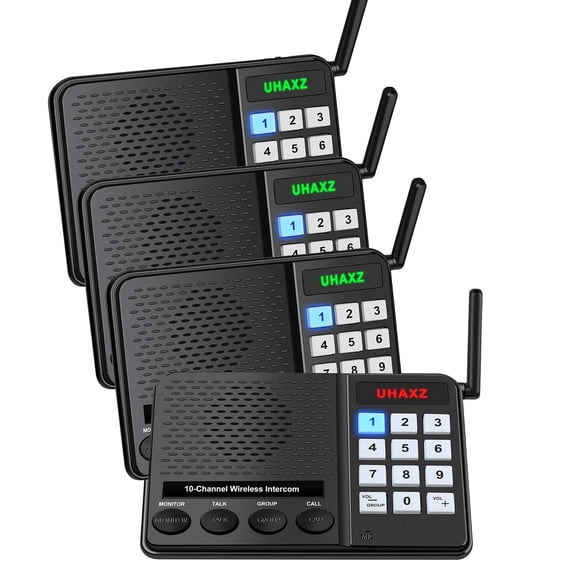
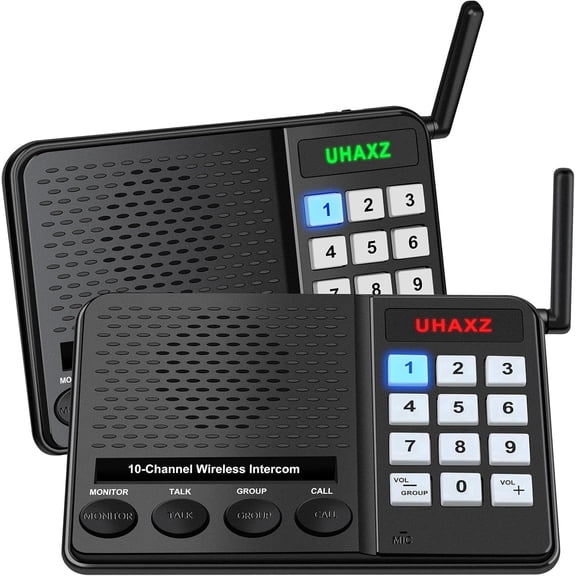
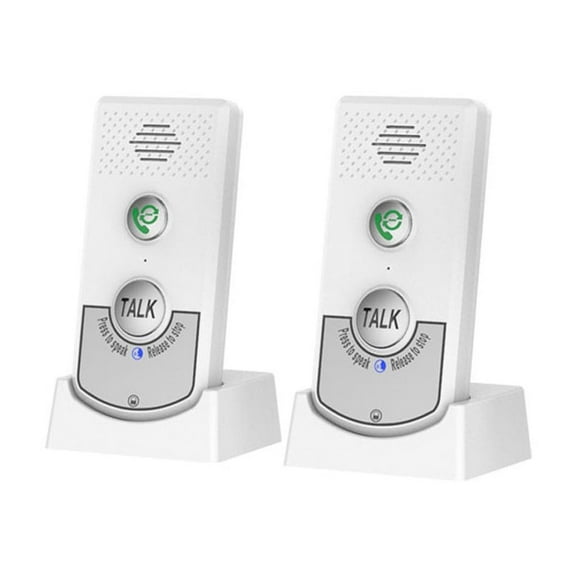
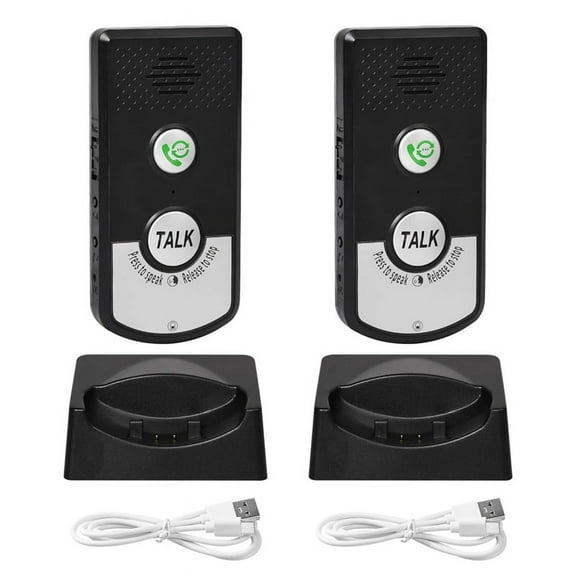
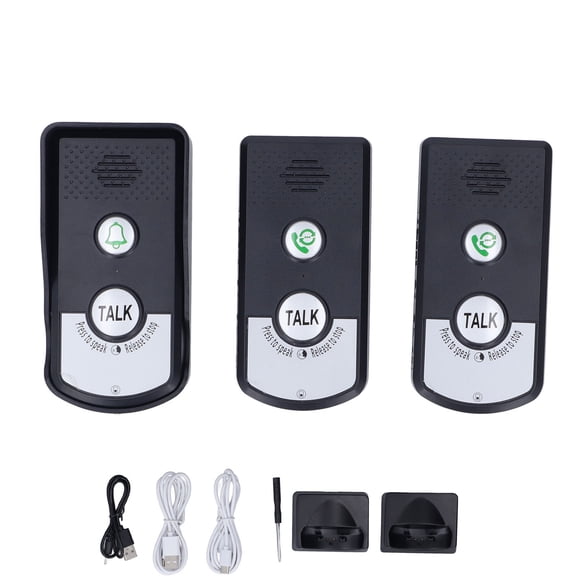
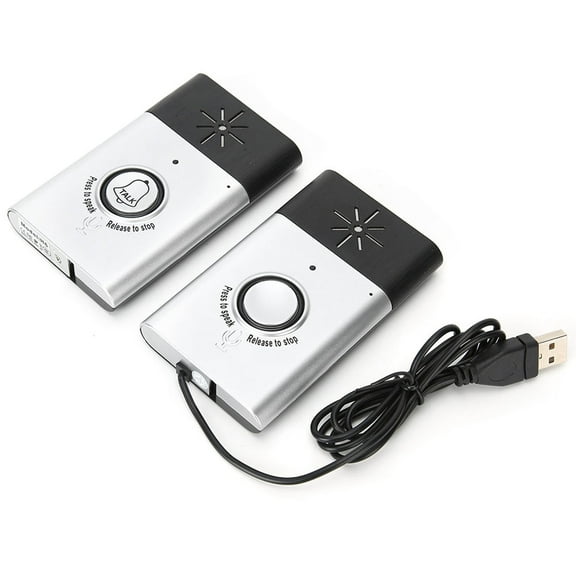
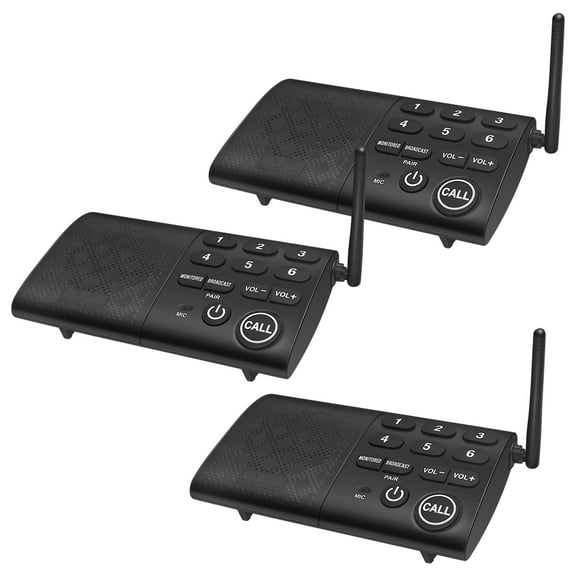
A wireless intercom system gives you placement flexibility without planning cable runs through walls. You can move stations between rooms more easily when your layout changes or your needs shift.
You may also prefer wireless intercoms for home if you want quicker setup. You can place a base in the kitchen, a station upstairs, and another near the garage.
- You can speak between rooms without shouting across floors.
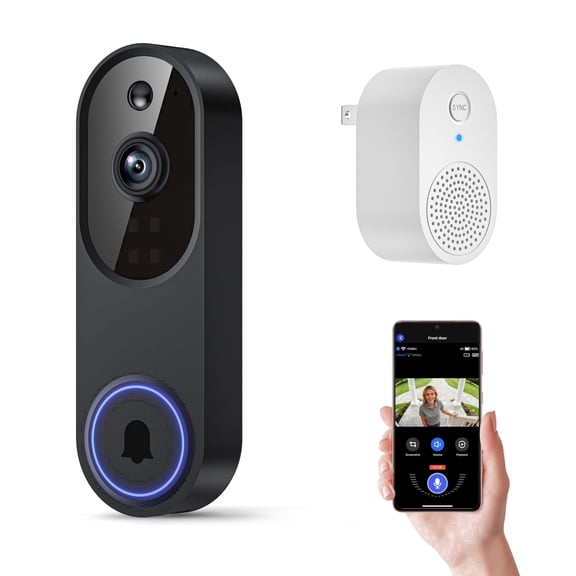
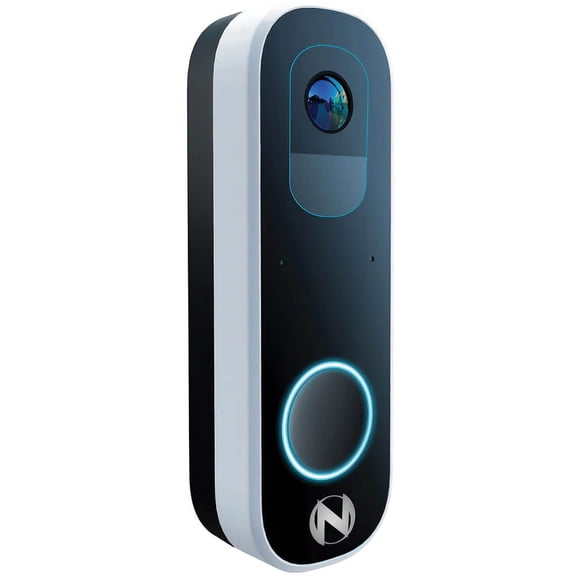
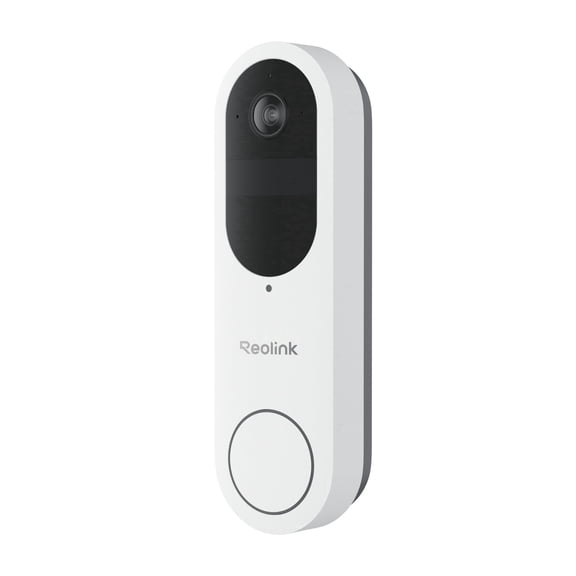
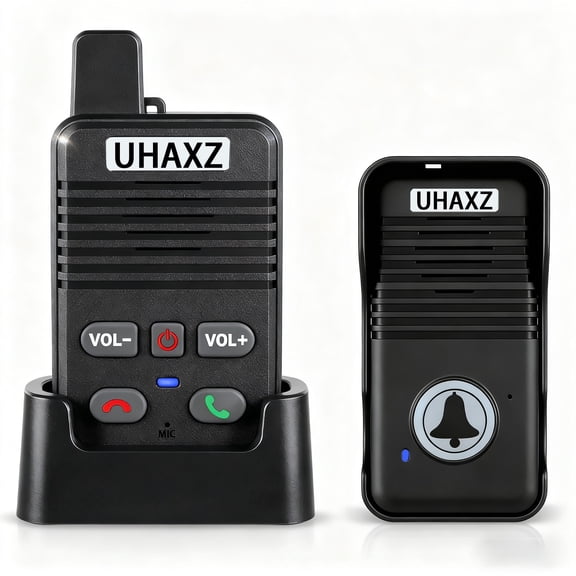
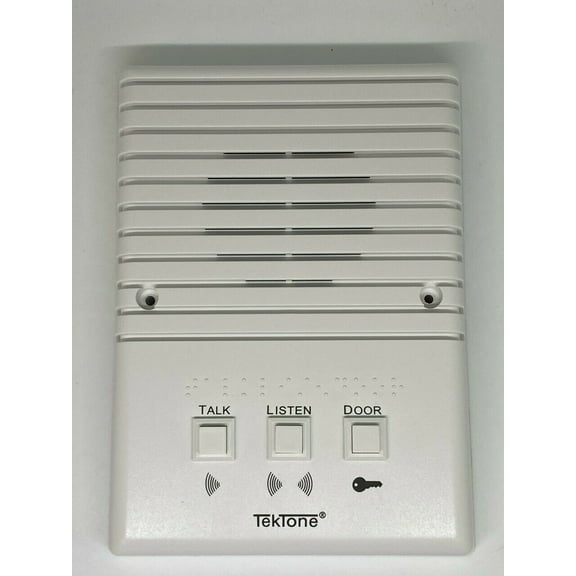
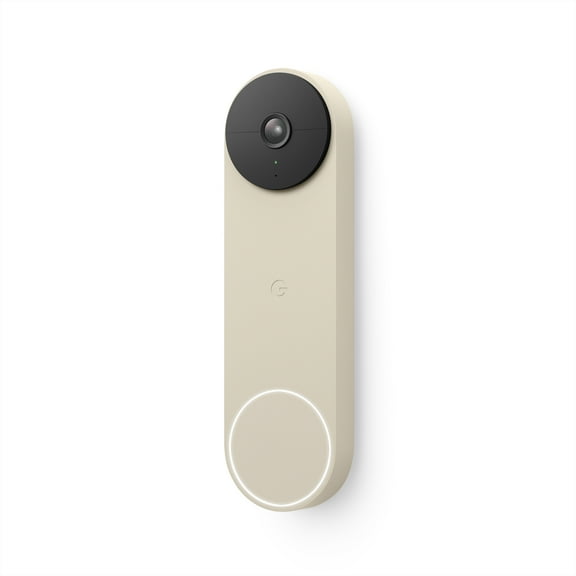
- You can screen visitors with a door intercom before opening the entry.
- You can connect work areas when you need faster office communication.
- You can add stations over time if your system supports expansion.
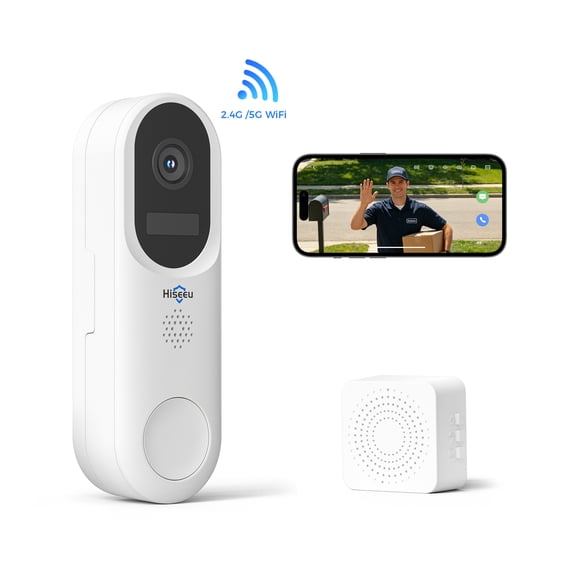
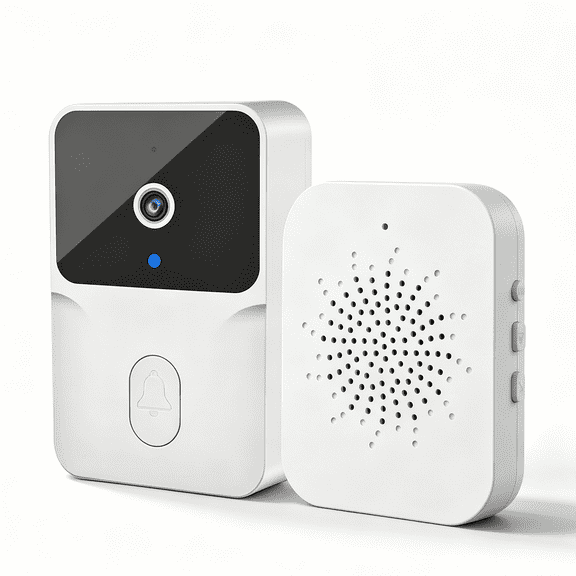
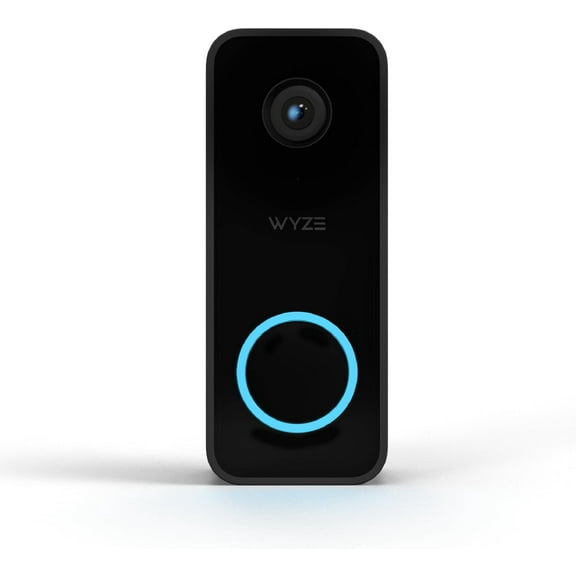
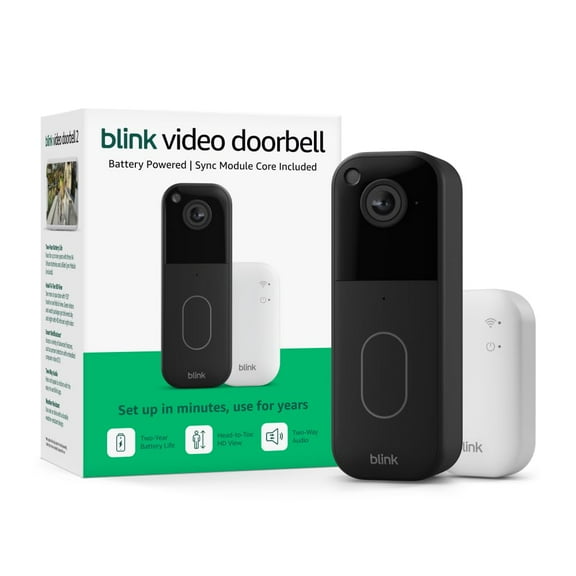
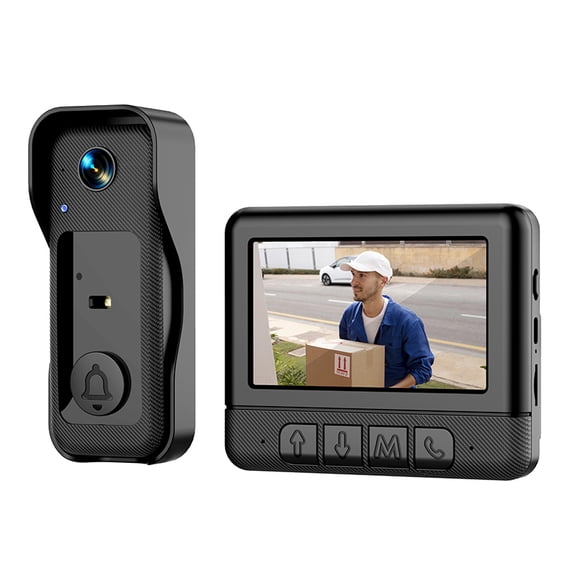
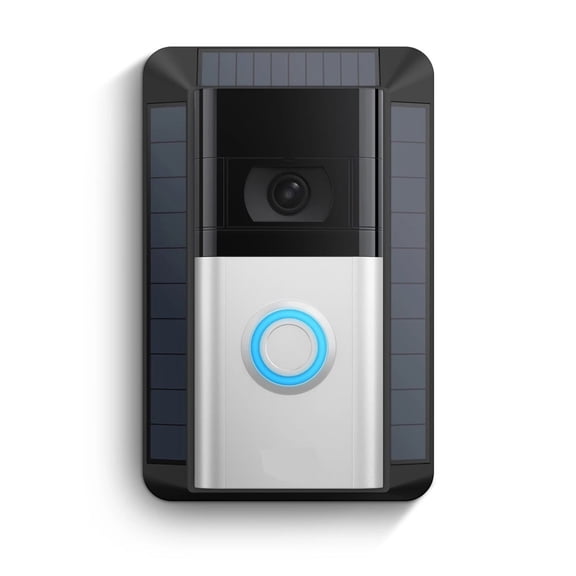
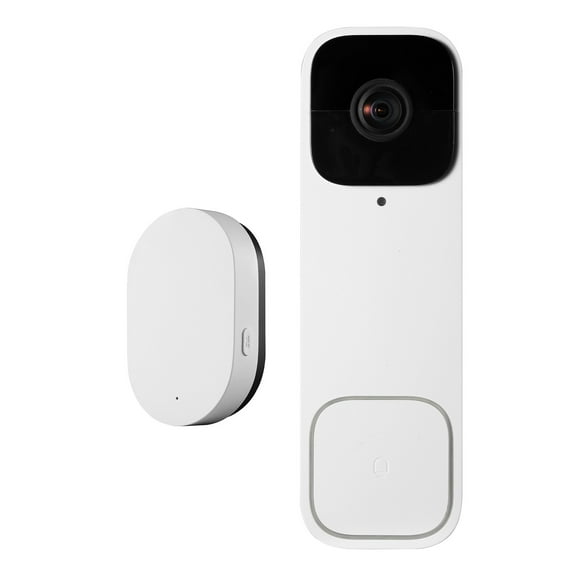
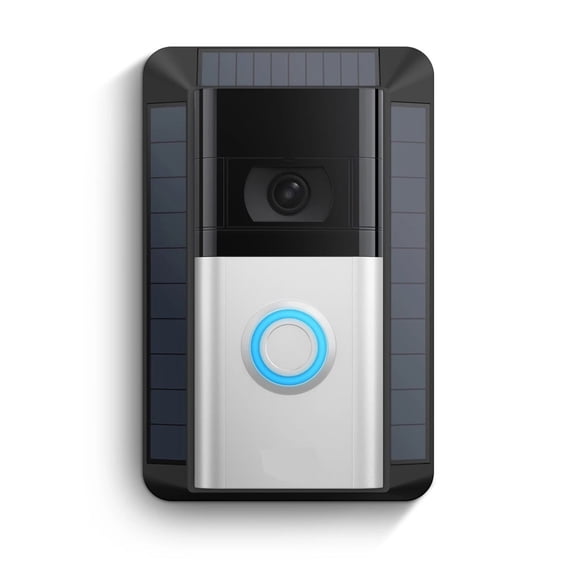
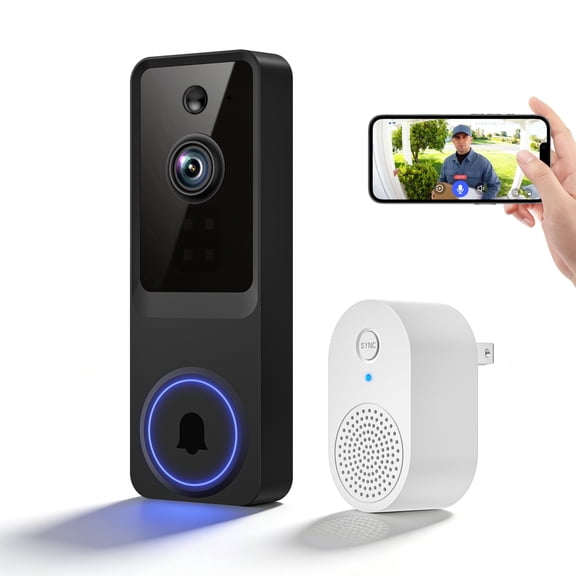
Video styles can help you pair voice communication with a live view at the door or gate. You can use two-way talk to handle deliveries, guests, or office reception tasks.
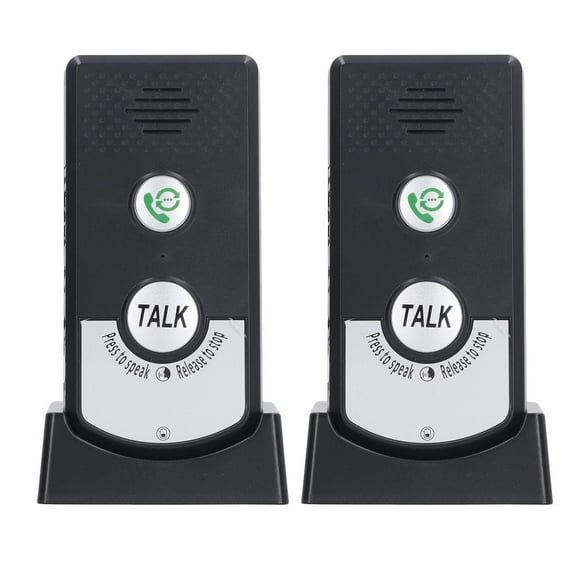
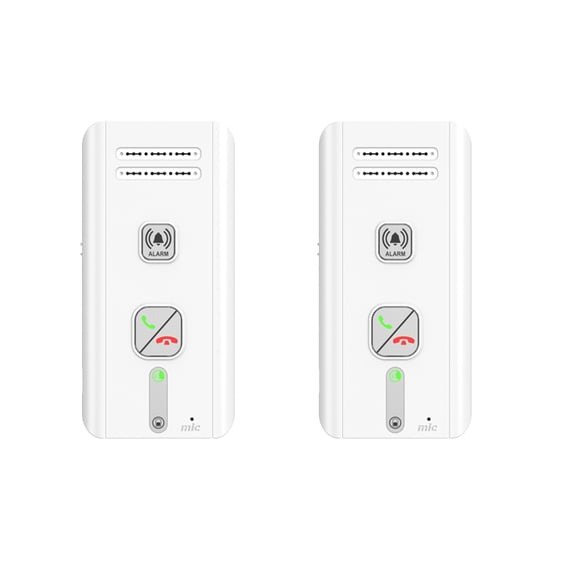
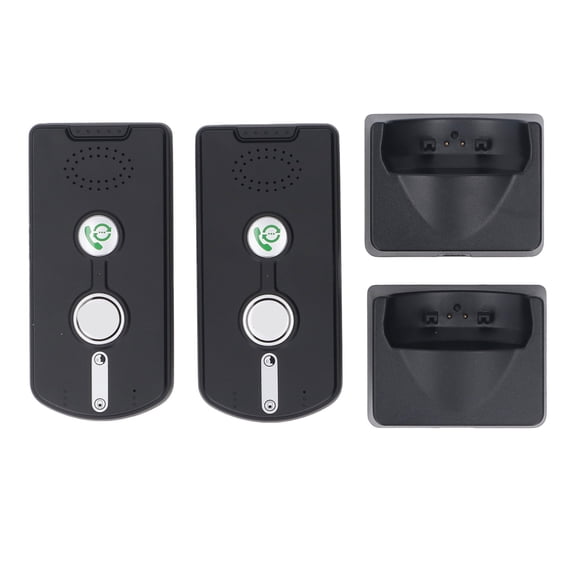
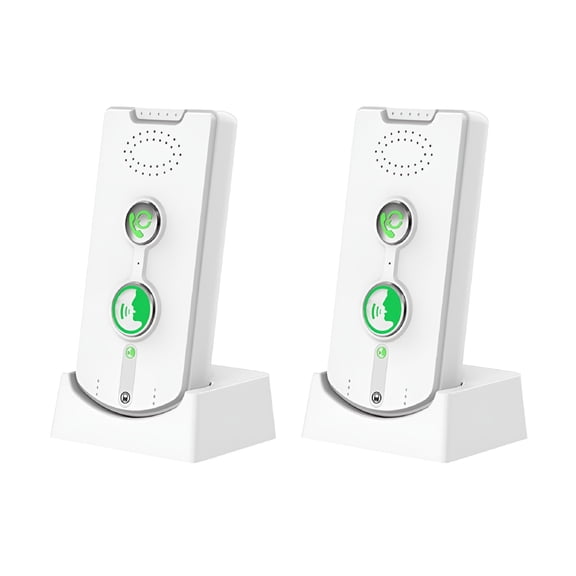
Audio-only styles can work well when you want simple communication and a smaller setup footprint. You can focus on clear voice transmission without extra screen placement.
What to look for in range, power, and expandability
You should measure the farthest points you need to connect before choosing a long range intercom. You can then compare rated distance, wall penetration, and multi-floor coverage with your actual layout.
Frequency and signal strength matter because they influence how well your system handles walls and doors. You should look for plain range details that explain indoor use, not just open-area numbers.
If you need coverage between separate offices or detached spaces, you should check line-of-sight range carefully. You can often use those numbers as a guide, but indoor obstacles usually reduce reach.
Expandability is another major decision point when you expect your setup to grow. You should check how many stations, handsets, or monitors your network can support.
Power choices affect upkeep and placement in different ways. You can use battery powered intercom options where outlets are limited, while plug-in units suit fixed indoor stations.
Hardwired designs can suit remodels, offices, or planned entry systems where permanent placement matters. You should consider installation complexity alongside your preferred look and station location.
When you compare video units, you should review screen size, camera resolution, and two-way talk. You can use those details to judge how clearly you’ll view visitors and communicate.
Matching home intercoms to real use cases
For family spaces, you can use home intercoms to connect bedrooms, kitchens, play areas, and garages. You’ll find multi-floor coverage especially useful when rooms sit far apart.
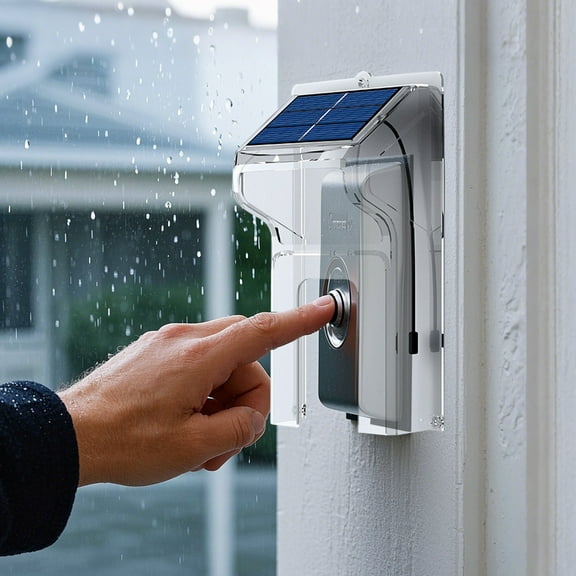
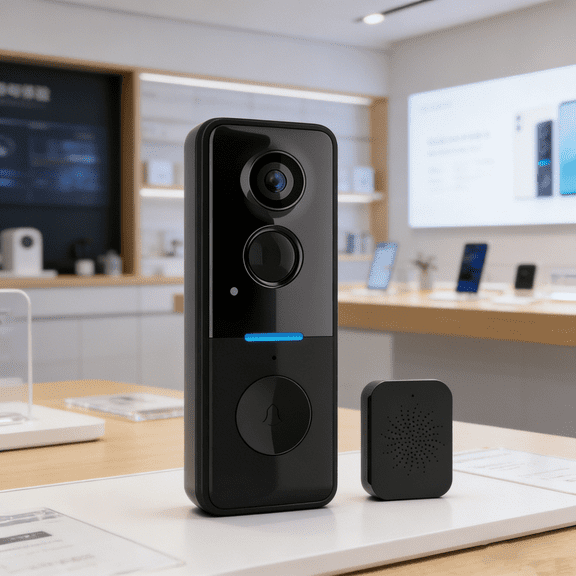
If you manage a front entry, you may want a door intercom with audio or video capability. You can speak with visitors at the door and confirm who has arrived.
In a small business or office intercom system setup, you can connect reception, stock rooms, and private offices. You’ll keep communication direct without relying on phone transfers between nearby spaces.
For workshops or larger properties, you should compare long-range models with stronger stated transmission distance. You can focus on systems designed for separate buildings, gates, or wider floor plans.
Battery-operated choices can help you handle temporary setups, rental spaces, or flexible room layouts. You can move units more easily when you rearrange furniture or change work areas.
Plug-in and hardwired options can make sense when you want stations in the same place each day. You’ll get a more fixed setup for entrances, hallways, counters, or shared meeting areas.
When you need simple room communication, you can choose an audio room to room intercom. When you need visitor viewing, you can step up to a video style with a screen.
As you compare intercoms, you should balance range, power, and station count with your floor plan. You’ll get clearer everyday communication when your system matches your space from the start.