

Inspection & Analysis Tools in Test, Measure, and Inspect
















About Inspection & Analysis Tools in Test, Measure, and Inspect - Walmart.com
With inspection analysis tools, you can compare hidden conditions, surface readings, and temperature patterns before you choose equipment for your job. You also get category guidance that helps you match tool type, display style, application, and power source to your workflow.
How to choose inspection analysis tools by tool type
When you compare borescopes, thermal cameras, coating thickness gauges, and moisture meters, you should start with the material or area you need to inspect. You can use that choice to narrow features that fit engines, walls, ducts, panels, and production parts.
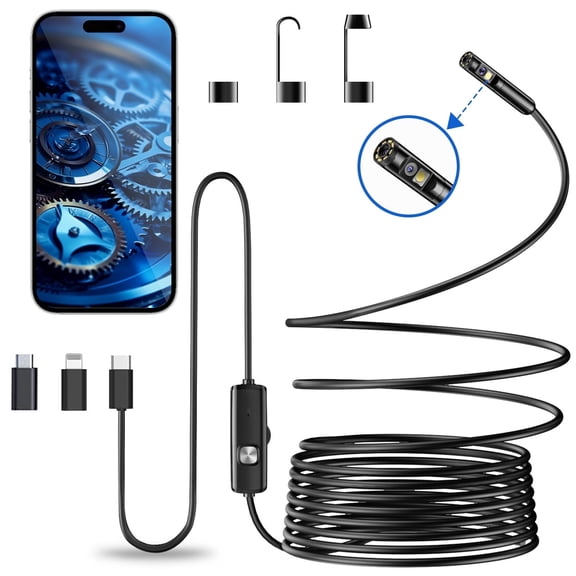
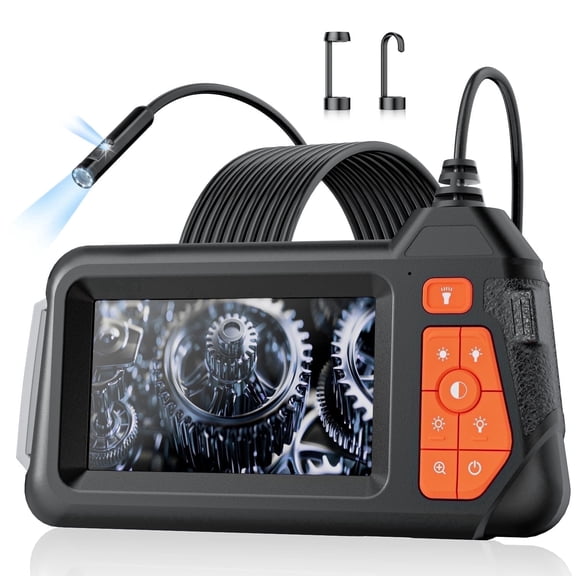
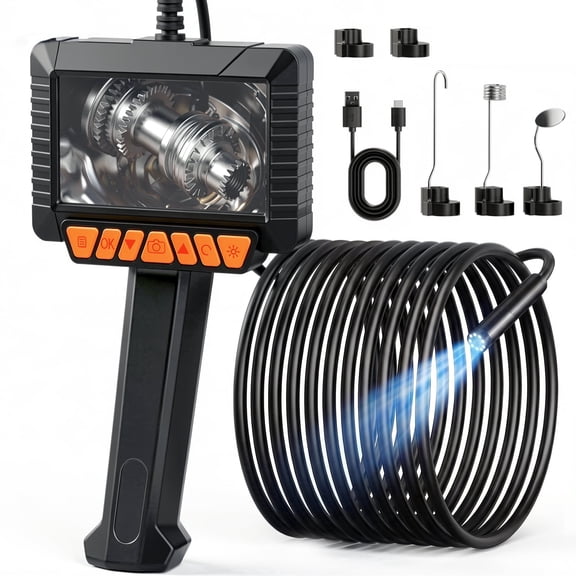
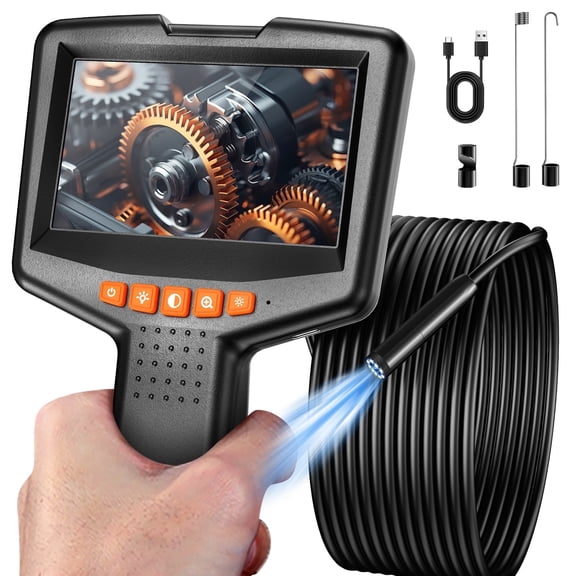
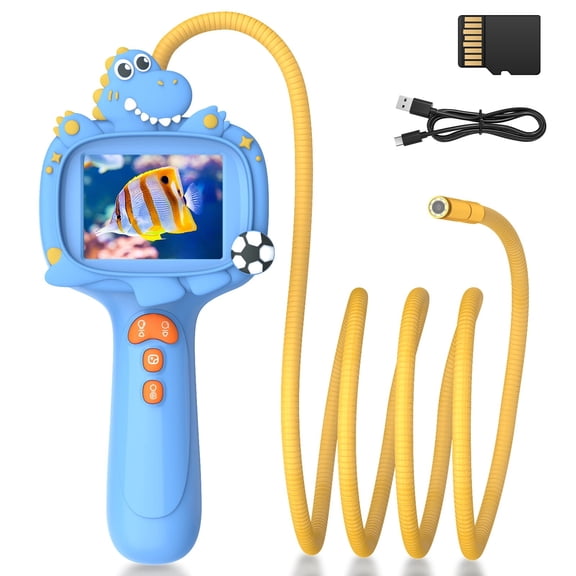
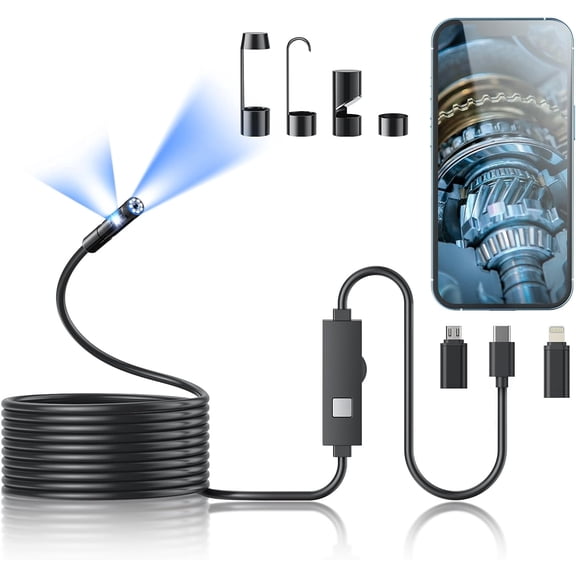
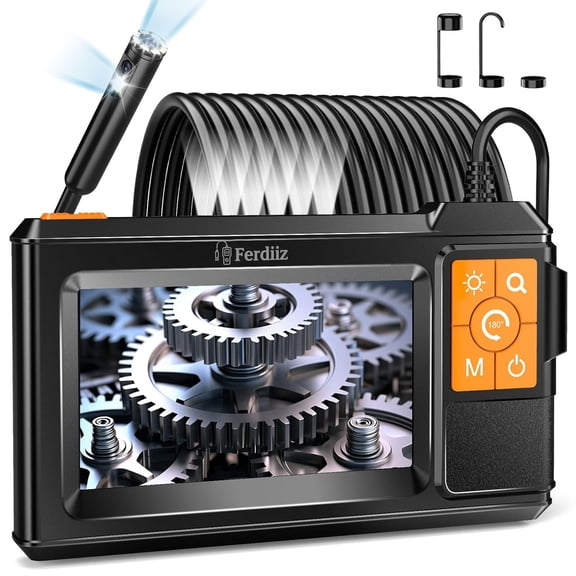
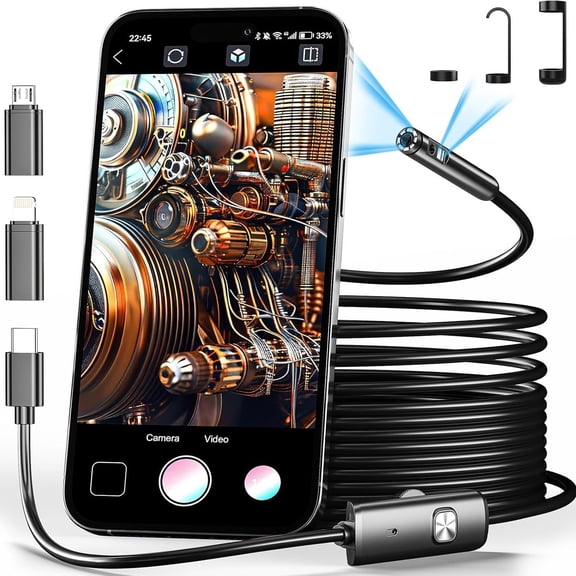
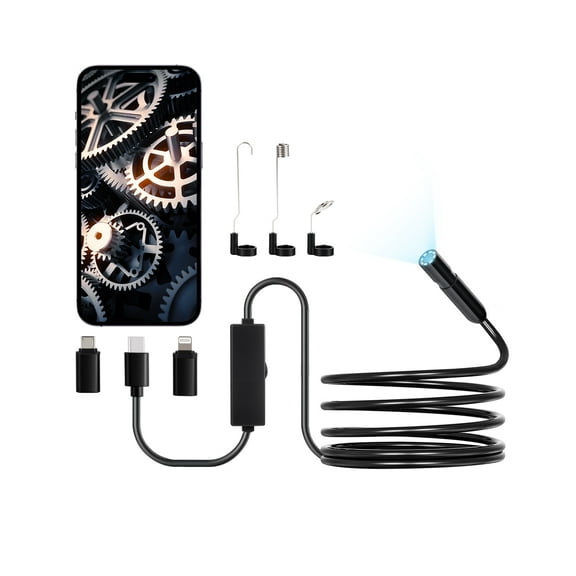
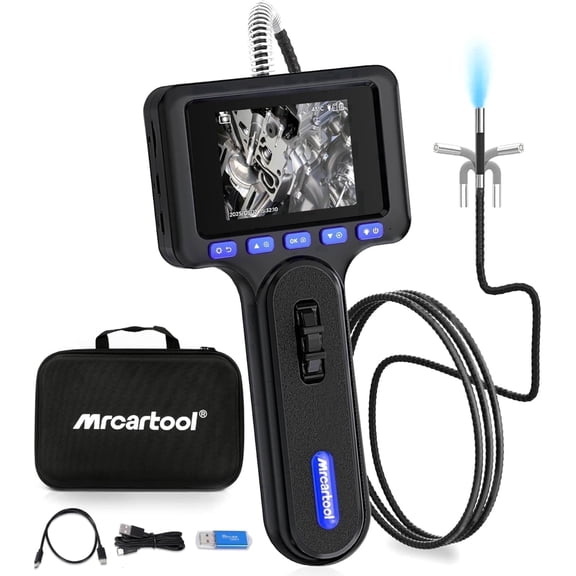
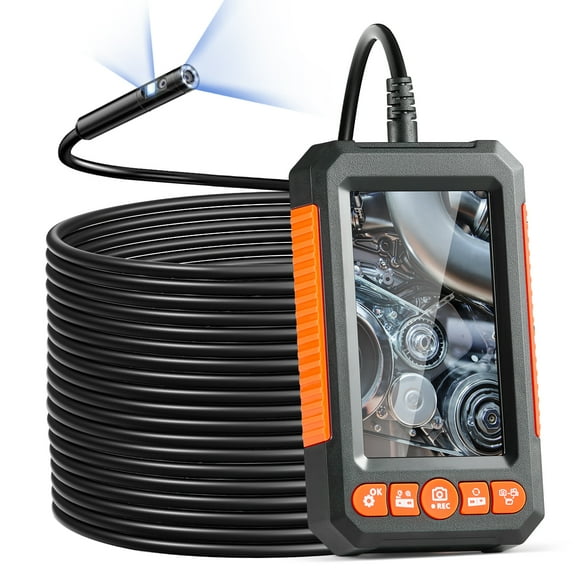
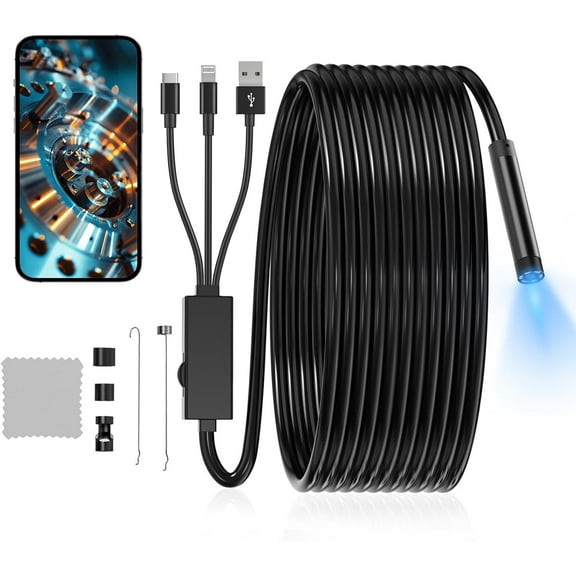
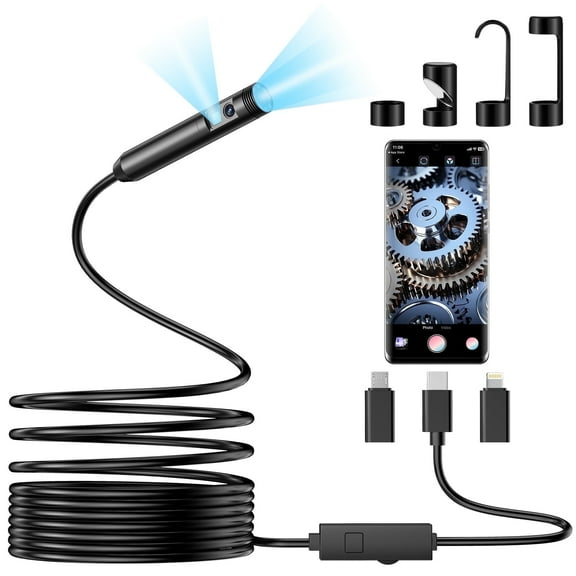
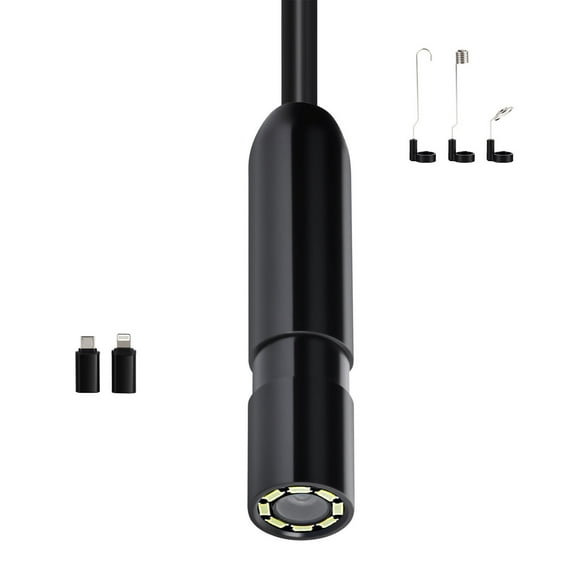
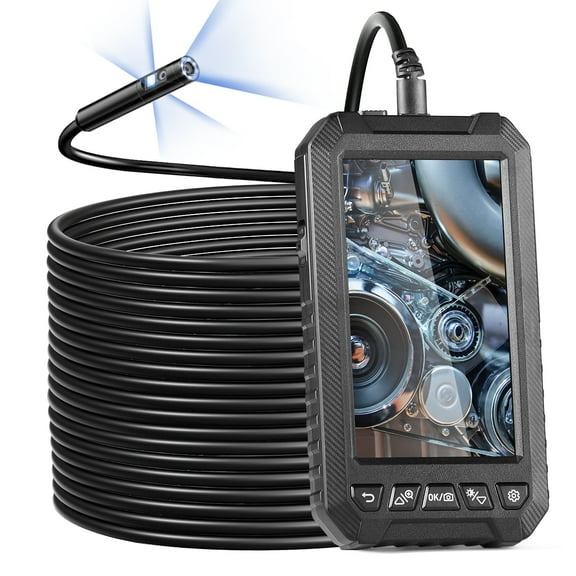
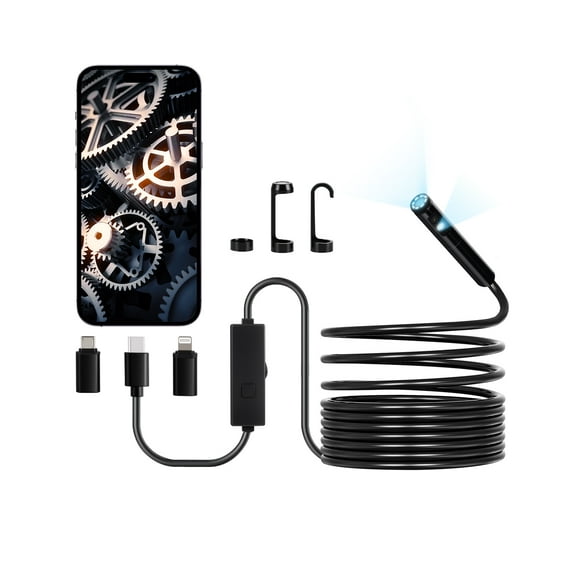
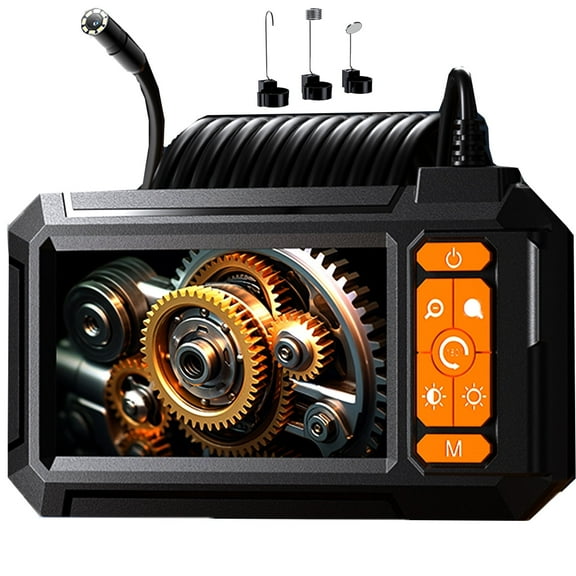
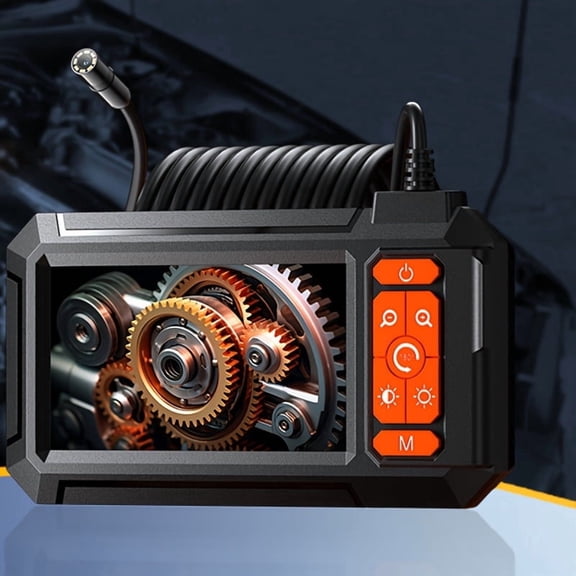
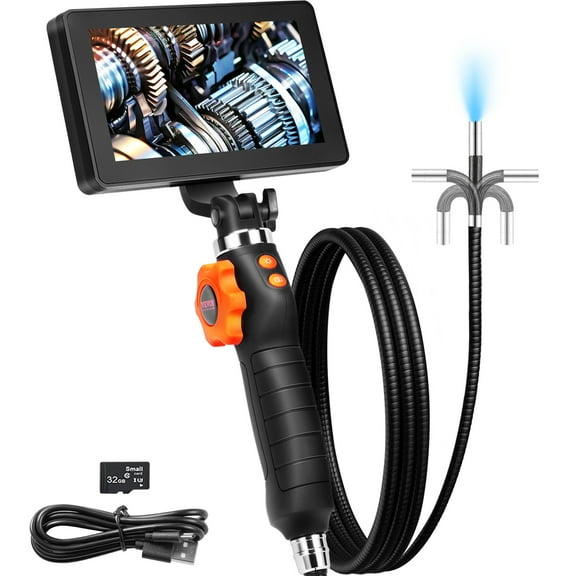
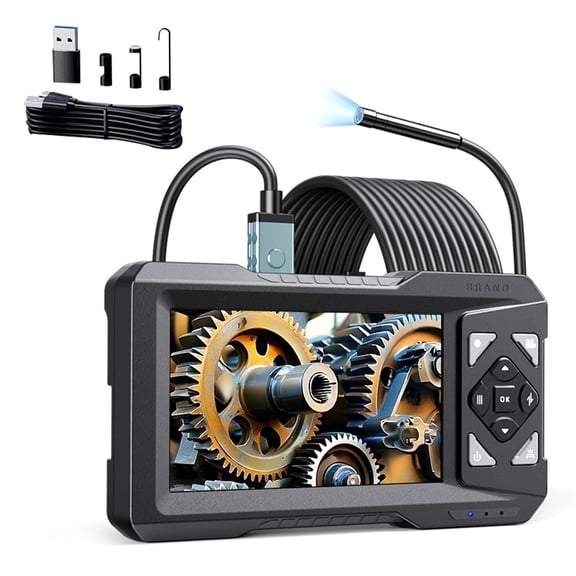
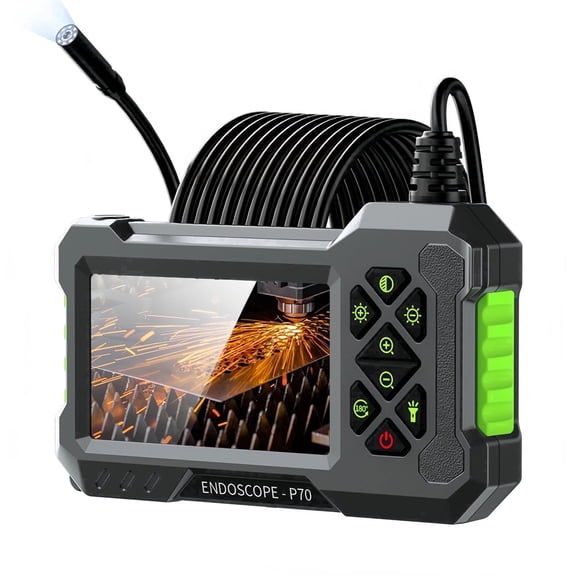
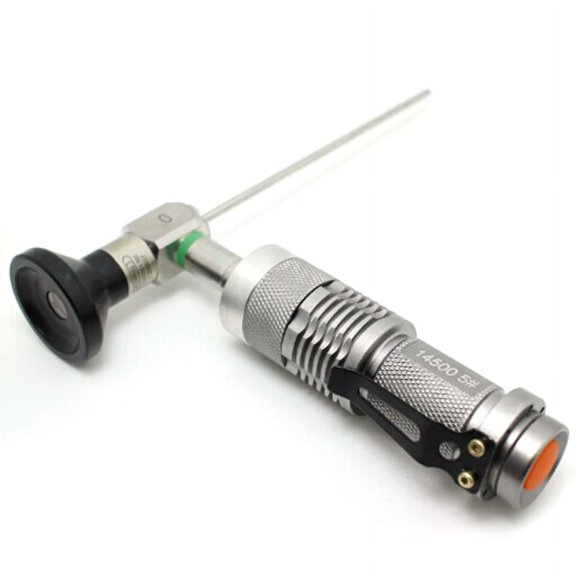
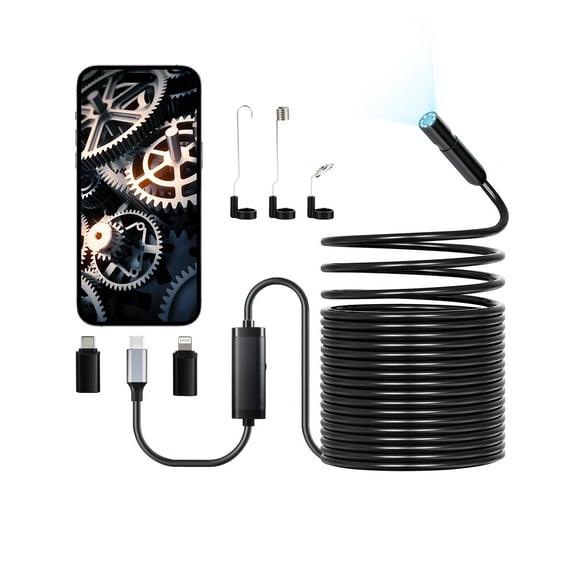
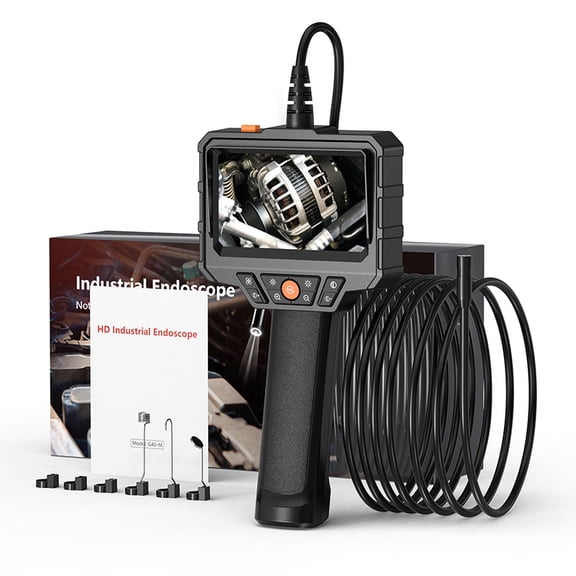
If you need to view tight spaces, you should consider a borescope with a flexible probe and clear sensor resolution. You can inspect engine bays, pipe runs, wall cavities, and equipment housings without opening larger sections.
When you need to compare hot and cool areas, you should look at thermal cameras with readable images and practical temperature ranges. You can spot uneven heat patterns in electrical HVAC systems, insulation gaps, and machine surfaces.
If you need surface measurement, you should compare coating thickness gauges by substrate compatibility and reading consistency. You can check painted metal parts, plated surfaces, and manufacturing finishes with more confidence.
For building materials, you should consider moisture meters that fit wood, drywall, and similar surfaces. You can use home inspection tools like these to review basements, trim, and wall sections during routine property checks.
- You can use borescopes to inspect narrow spaces that standard flashlights can't reach.
- You can use thermal cameras to compare heat patterns across panels, ducts, and equipment housings.
- You can use coating thickness gauges to verify finish consistency on metal parts and manufactured components.
- You can use moisture meters to check walls, floors, and trim during property evaluations.
Choosing digital inspection equipment by display type
When you compare display types, you should think about where you read results and how you share them. You can choose digital LCD screens, smartphone compatible designs, or analog dial formats based on your setting.
If you work in changing light, you should look for a digital LCD that stays readable in garages, job sites, and plant floors. You can review numbers, images, and menus directly on the tool without extra accessories.
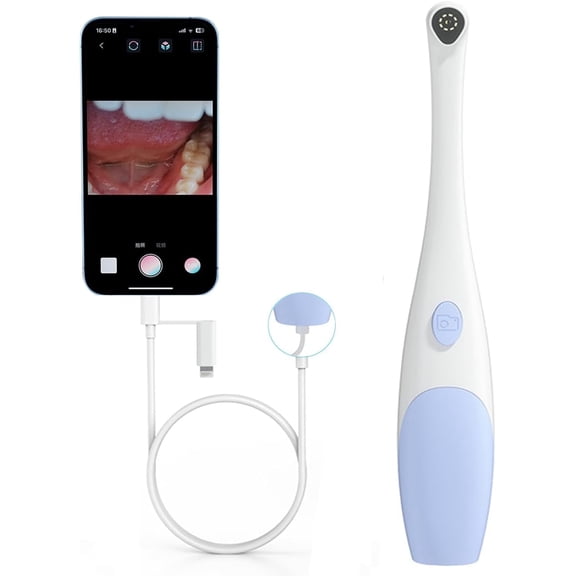
When you want easier file sharing, you should compare smartphone compatible models with app support and export options. You can move images, readings, and reports to mobile devices or a PC for documentation.
If you prefer simple visual checks, you may consider an analog dial for straightforward readings and fewer menu steps. You can keep operation familiar when your tasks don't require stored images or digital logs.
For technical buyers, you should compare sensor resolution and frequency range because those details affect what you can detect. You can usually expect clearer images, steadier readings, or more useful response across specific materials.
When you document repeat inspections, you should check whether your digital inspection equipment stores files internally or exports them externally. You can keep records for service visits, property notes, maintenance logs, and manufacturing checks.
Matching industrial analysis tools to your application
Your application should guide nearly every decision because automotive, electrical HVAC, home inspection, and industrial manufacturing needs differ. You can narrow choices faster when you compare access, surface type, reporting needs, and operating conditions.
For automotive work, you should consider borescopes for internal viewing and thermal cameras for heat pattern checks. You can inspect engine compartments, exhaust areas, connectors, and cooling components with less disassembly.
In electrical HVAC settings, you should compare thermal imaging, display clarity, and environmental durability before you choose. You can review vents, ducts, breakers, and equipment cabinets in spaces that may have dust or moisture.
For property evaluations, you should look at home inspection tools that balance portability, readability, and fast setup. You can move from attic spaces to wall surfaces and trim areas without carrying bulky gear.
In industrial manufacturing, you should compare industrial analysis tools by substrate compatibility, repeatable readings, and data logging options. You can support process checks, finish verification, and maintenance documentation across multiple stations.
When your worksite changes often, you should check IP rating details in plain terms before you choose. You can use dustproof or waterproof rated models when your environment includes debris, damp areas, or outdoor exposure.
Comparing power source, calibration, and reporting features
When you choose a power source, you should match run time and charging access to your schedule. You can compare rechargeable Li-ion, AA battery, and corded AC models based on mobility and station setup.
If you move between rooms, vehicles, or production areas, you should consider rechargeable Li-ion tools for cordless use. You can recharge between shifts and keep cables out of tight inspection spaces.
When you want easy battery swaps, you should compare AA battery models for field flexibility. You can carry replacements in your kit and continue inspections without waiting for a charge cycle.
If you work at a bench or fixed station, you should look at corded AC options for steady power. You can keep tools ready for repeated checks in service bays, labs, or quality control areas.
You should also compare pre-calibrated and manual calibration formats because setup affects daily workflow. You can start faster with pre-calibrated models, or you can fine-tune manual options for specific inspection routines.
Before you decide, you should check whether your tool supports saved readings, image capture, or exportable reports. You can keep clearer records, share findings faster, and support repeat inspections with less guesswork.
With the right inspection analysis tools, you can match tool type, display, application, and power source to the work in front of you. You also gain clearer readings, easier reporting, and more confident decisions across automotive, HVAC, property, and manufacturing tasks.