



Fans in Cooling



























About Fans in Cooling - Walmart.com
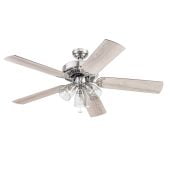
Cooling fans help you direct airflow where you need it, from compact desks to larger living spaces. You can compare fan types, power options, speed settings, and controls to match your room and routine.
When you choose this category, you can focus on airflow, noise, and footprint without guessing. You’ll also find options for sleep spaces, work areas, patios, and shared rooms.
How to choose cooling fans by fan type
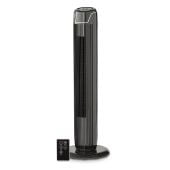
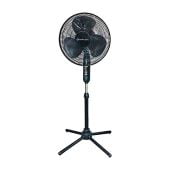
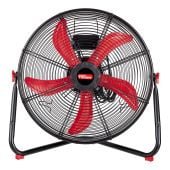
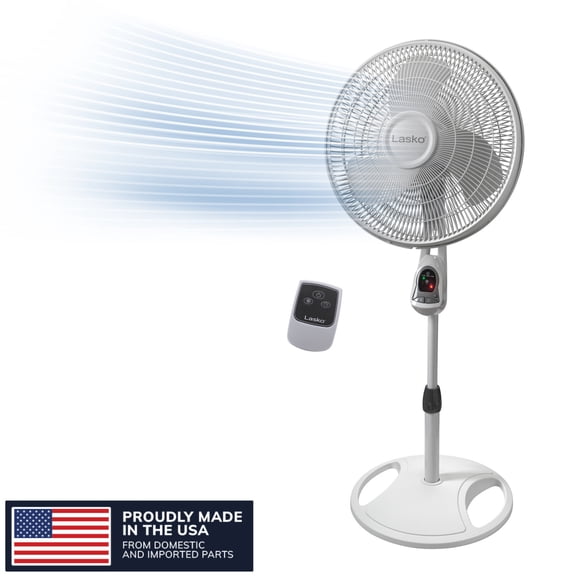
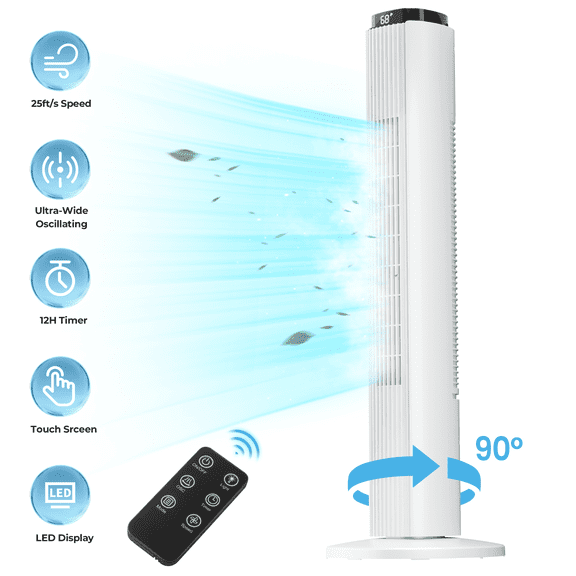
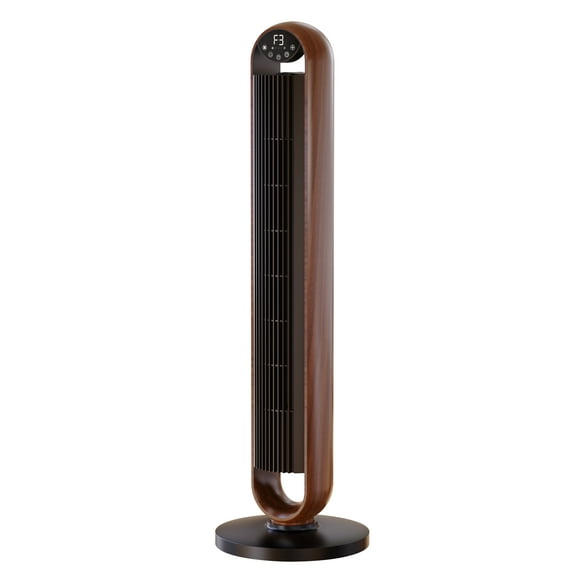
You should start with fan type because shape affects reach, placement, and airflow feel. Tower fans fit narrow spots, while pedestal fans raise airflow higher across open rooms.
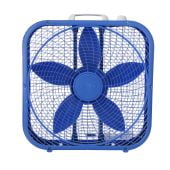
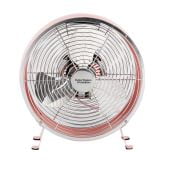
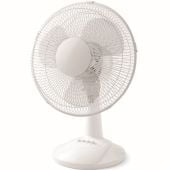
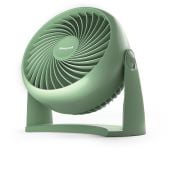
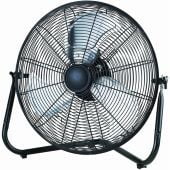
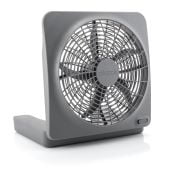
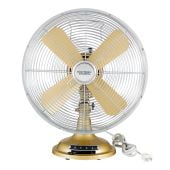
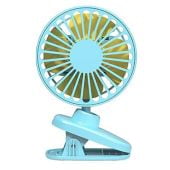
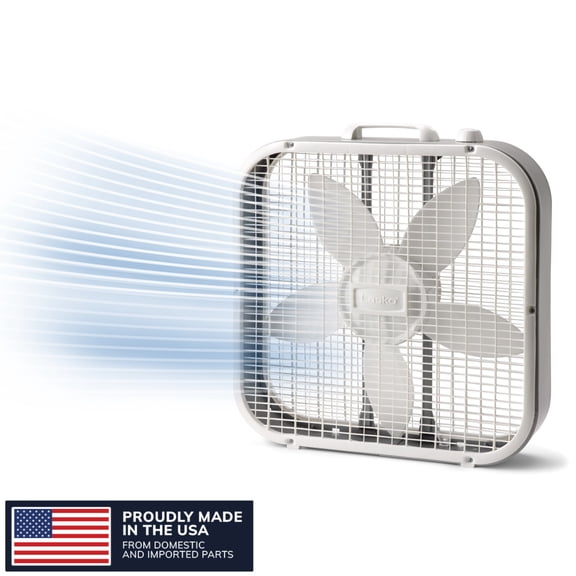
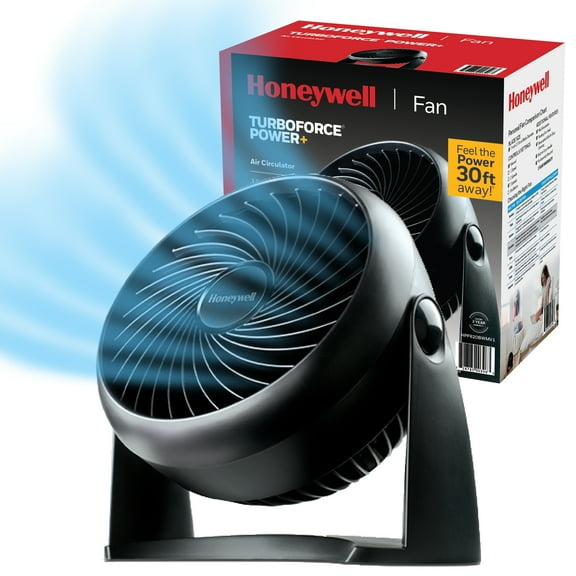
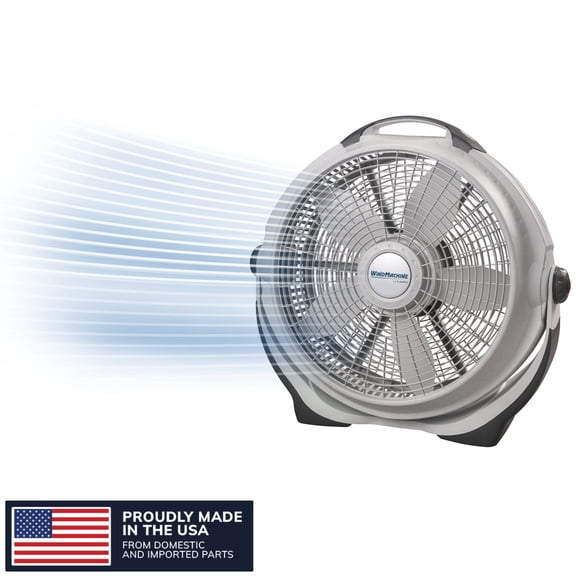
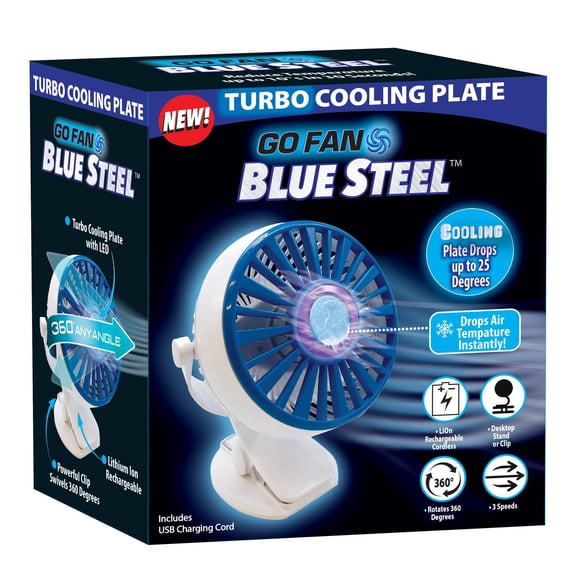
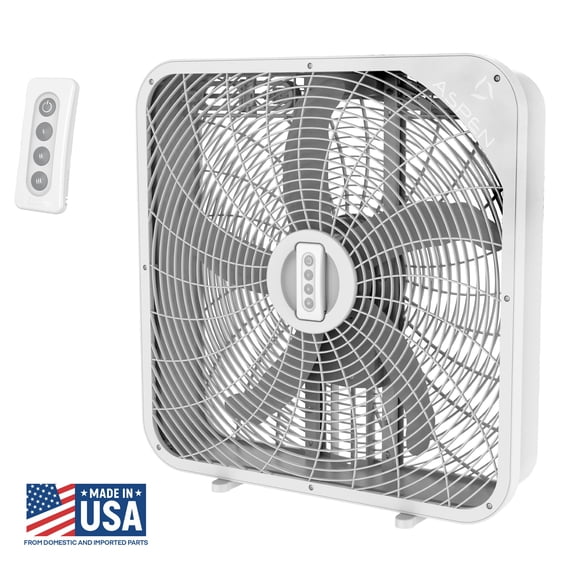
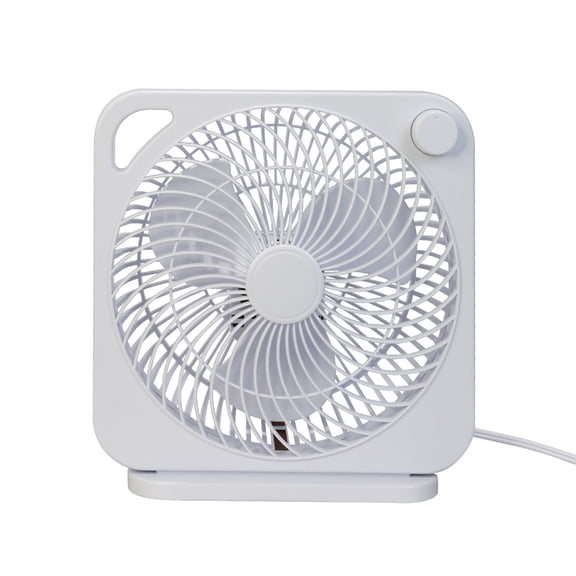
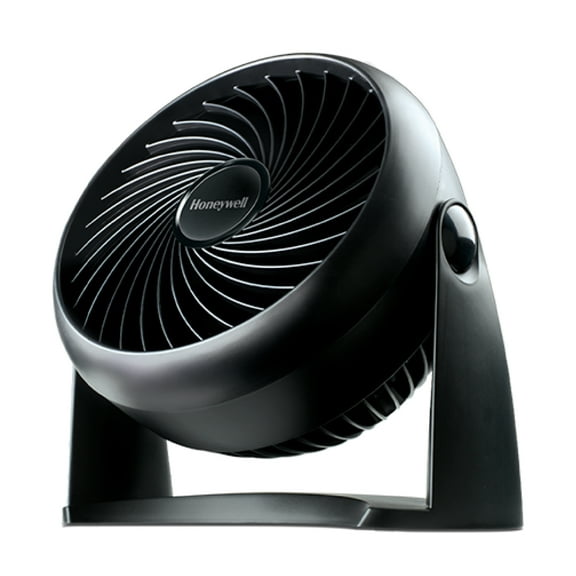
If you want a broad breeze near windows or garages, box fans can suit that setup well. Table and personal fans work when you need directed airflow on a nightstand, desk, or countertop.
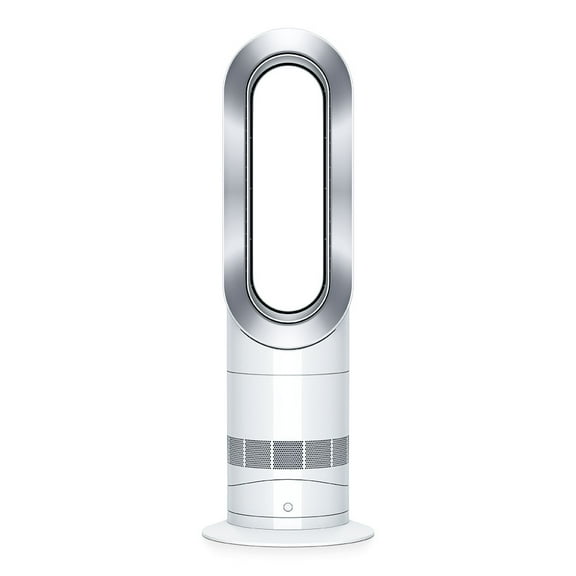
You may also compare bladeless styles with traditional grates when layout matters around kids or pets. Bladeless designs give you a smooth profile, while grates can offer a familiar fan look.
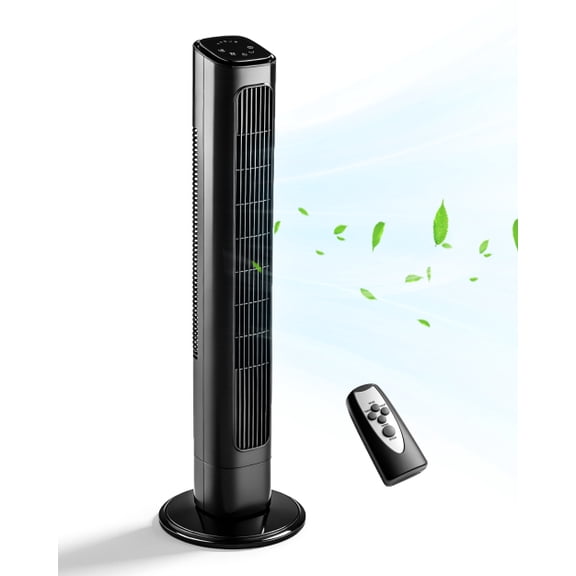
- You can use tower fans in bedrooms, hallways, and corners where floor space feels limited.
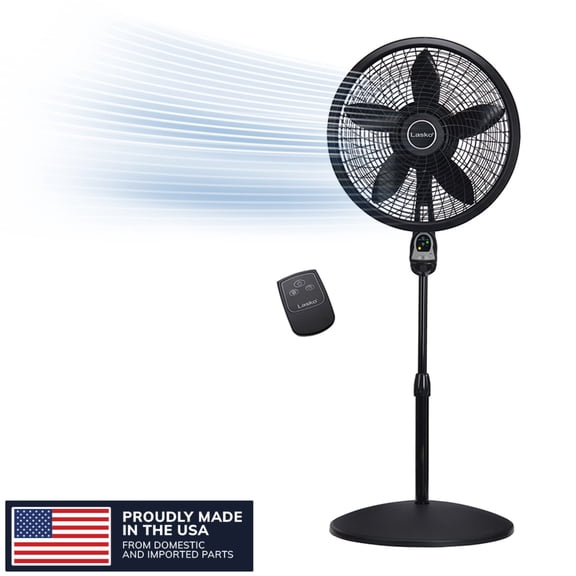
- You can place pedestal fans in family rooms or home gyms when you want elevated airflow.
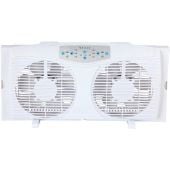
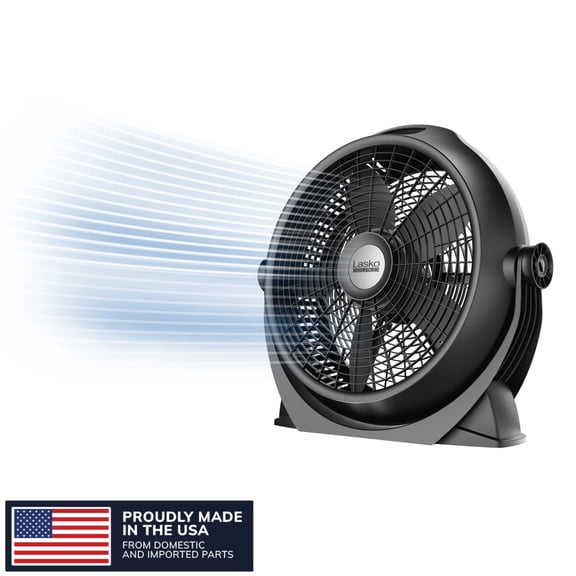
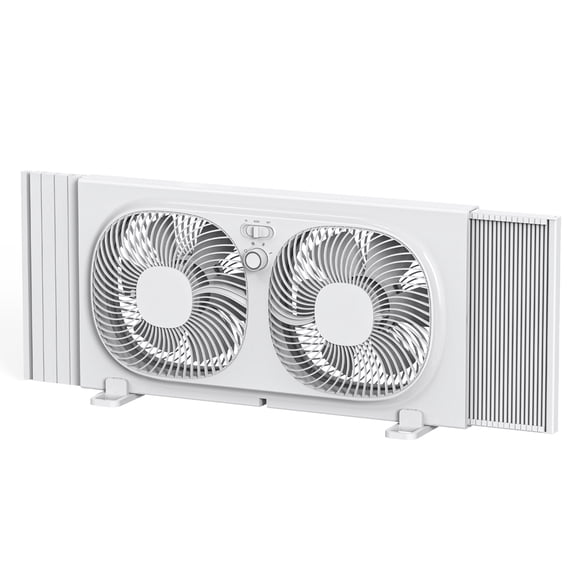
- You can set box fans near windows or doorways when you want stronger cross-room air movement.
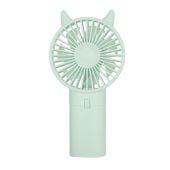
- You can keep table and personal fans close when you want focused airflow at short range.
Comparing tower fans and oscillating fans
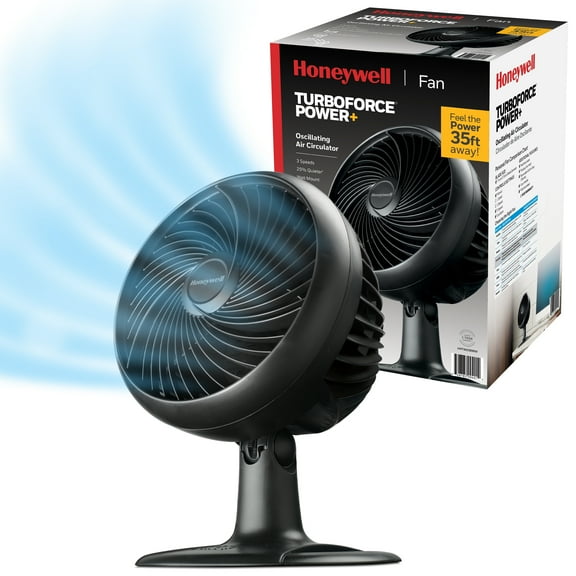
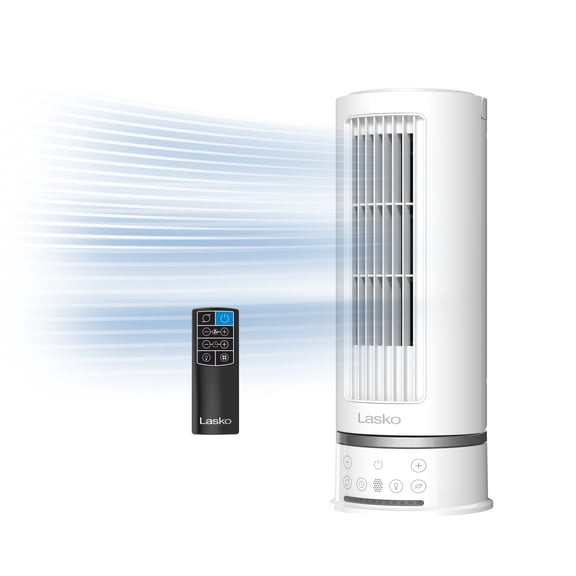
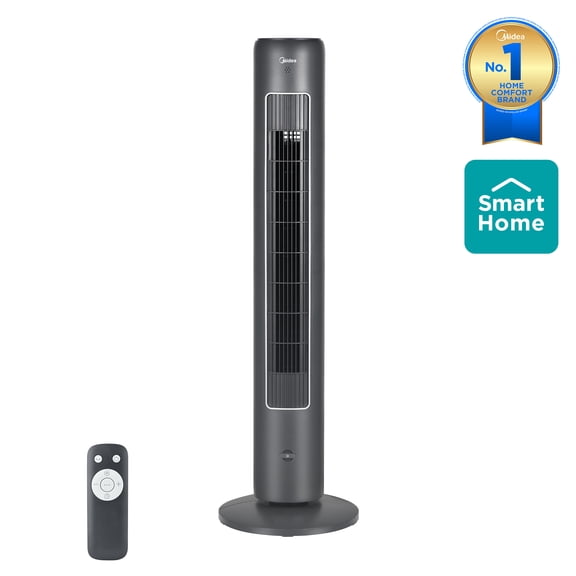
You’ll often compare tower fans and oscillating fans when you want wide coverage without moving furniture. Many tower styles oscillate, so you can spread airflow across more of the room.
You should check the fan’s base size and height before you decide where it will stand. A taller profile can help you feel airflow while sitting in bed or on a sofa.
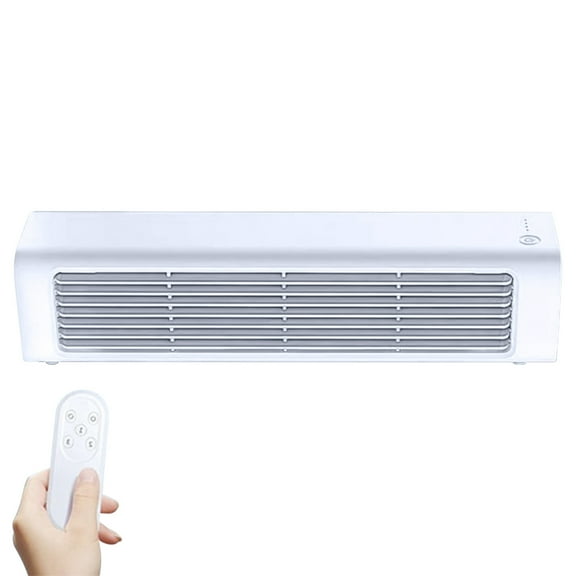
If you want steadier airflow across a workspace, you can look for smooth oscillation and multiple speed levels. Remote control options let you change settings from across the room.
You may also prefer manual controls for a simple setup, or smart controls for connected convenience. App-enabled options can help you adjust airflow without leaving your desk or couch.
Choosing airflow, speed settings, and room coverage
You should match airflow to room size, and CFM helps you compare that in plain terms. Higher CFM usually means you’ll feel more air moving across a wider space.
For a desk or bedside setup, you may need less output and a smaller footprint. For a living room or open area, you may want a taller unit or a wider blade span.
You can also compare 3-speed, variable speed, and turbo settings based on how much control you want. Three-speed models keep choices simple, while variable speed gives you finer airflow adjustment.
If your space heats up fast in the afternoon, turbo mode can give you a quicker burst of airflow. If you work or sleep nearby, lower settings can feel less distracting.
Checking noise levels for sleep and work
You should look at decibel ratings when you need quiet bedroom fans or a calmer home office setup. Lower decibel numbers usually mean you’ll notice less fan sound during calls or overnight use.
If you’re placing a fan beside your bed, you may want quieter low-speed operation first. If you’re cooling a larger room, you can compare whether higher airflow stays comfortable for your space.
You’ll also want to check control options that make nighttime use easier. A remote, timer, or app control can help you adjust settings without getting up.
When you share a room, you may prefer oscillation because it spreads airflow instead of aiming at one spot. That can help you keep comfort balanced across the space.
Deciding on power source and portability
You should choose a power source based on where you’ll use your fan frequently. Corded electric models suit steady indoor placement, while USB and battery-operated options support flexible movement.
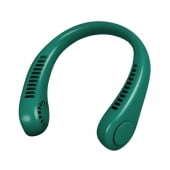
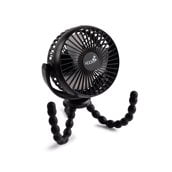
If you want portable fans for a desk, dorm, or craft room, USB power can keep setup simple. If you need rechargeable outdoor fans, you can move them between patios, campsites, and sidelines.
You may also compare battery-operated and rechargeable designs by runtime and charging method. A rechargeable model can reduce cord clutter, while a plug-in model can support longer stationary use.
Before you decide, you should measure where the fan will sit and how far it must travel. A carry handle, lighter frame, or compact base can make frequent moving easier.
Matching controls and features to your routine
You should compare remote control, manual, and smart features based on how you actually use a fan. Manual controls suit grab-and-go simplicity, while remotes help when the fan sits across the room.
If your fan runs at night, you may want a timer so it follows your sleep routine. If your fan stays in a busy room, you may prefer easy-to-read controls and quick speed changes.
You can also check whether the grille, intake, or exterior shape looks easy to wipe clean. That detail matters when your fan runs often during warmer months.
When you compare these choices carefully, you can narrow the category faster and avoid mismatched airflow. The right setup helps you stay comfortable in the spaces you use frequently.