

Adjustable DC Power Supplies for Lab Testing


























About Adjustable DC Power Supplies for Lab Testing - Walmart.com
A bench tester helps you measure, verify, and troubleshoot electronics with clear bench setups and dependable readings. You can compare equipment types, power options, and connectivity details that fit your workspace.
If you handle circuit checks, board repair, or lab instruction, you need tools built for repeatable bench work. You can use this guide to compare benchtop instruments, portable units, and modular setups without guesswork.
Choosing the right bench tester
When you choose a bench tester, you should start with the equipment type that matches your daily tasks. You may need an oscilloscope for signal viewing, a multimeter for core readings, or a function generator for controlled output.
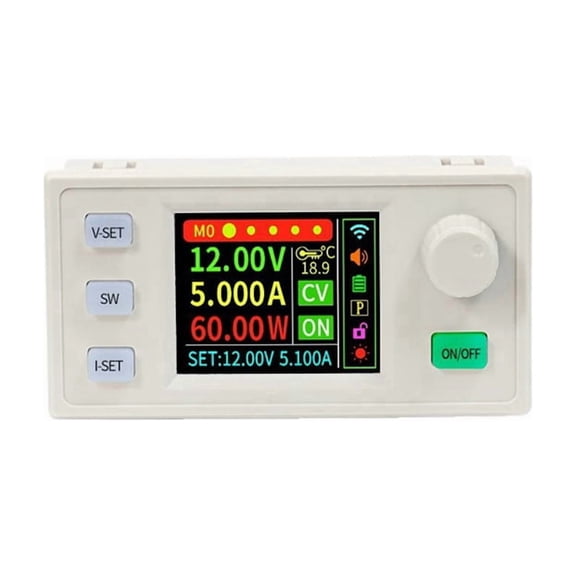
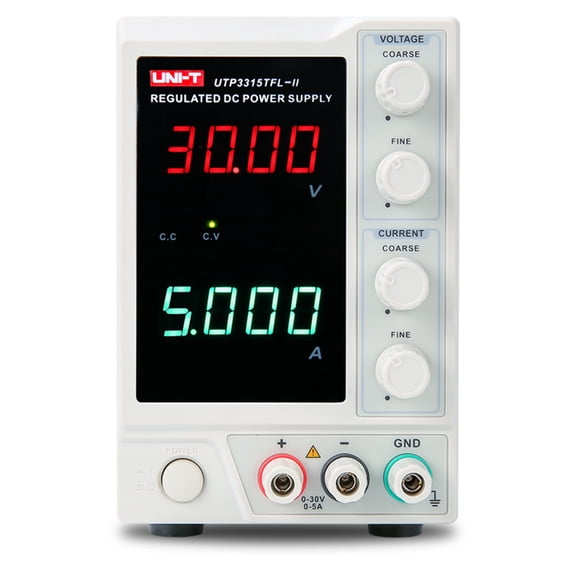
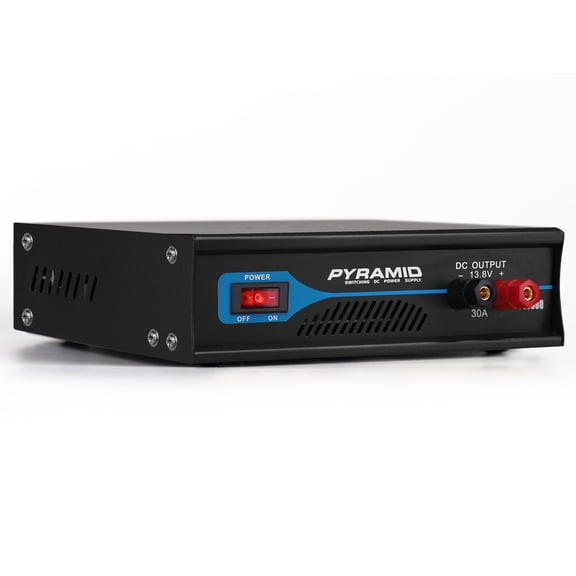
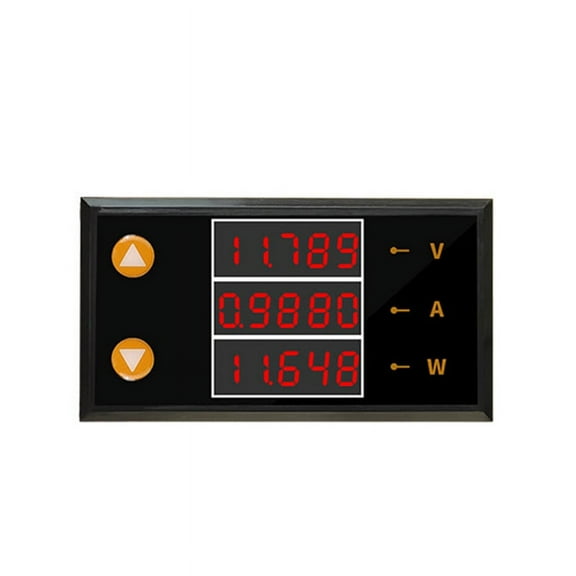
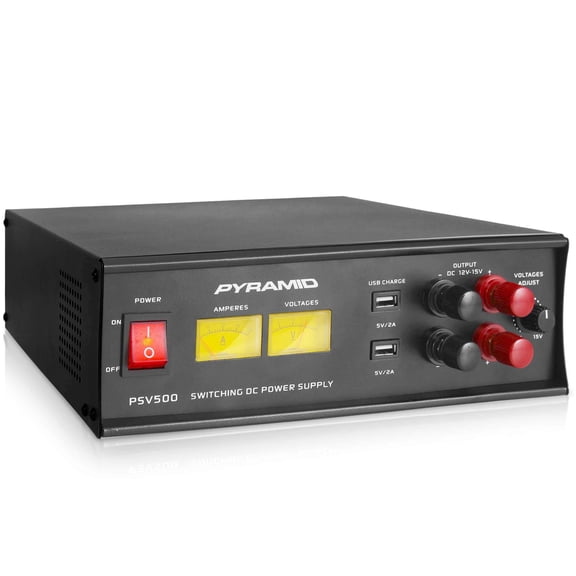
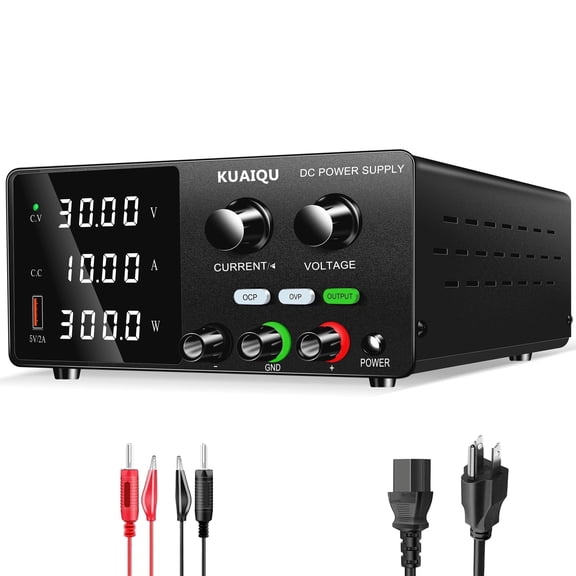
You can also compare a power supply when your setup needs steady voltage for prototyping or diagnostics. Your workbench stays easy to manage when your tools match your application instead of adding extra steps.
For automotive diagnostics, you may want portable or benchtop gear that moves between stations without slowing your routine. For circuit board repair, you may prefer compact displays and fine measurement control for delicate components.
In educational labs, you may look for clear interfaces that help students follow readings and controls quickly. In industrial research settings, you may need modular equipment that fits larger test benches and changing project demands.
- You can match oscilloscopes to waveform checks and timing analysis.
- You can use multimeters for voltage, current, resistance, and continuity tasks.
- You can add function generators when your tests need controlled signal output.
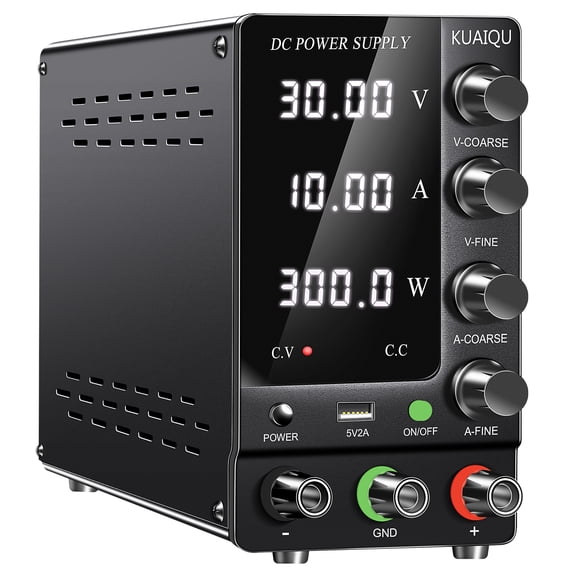
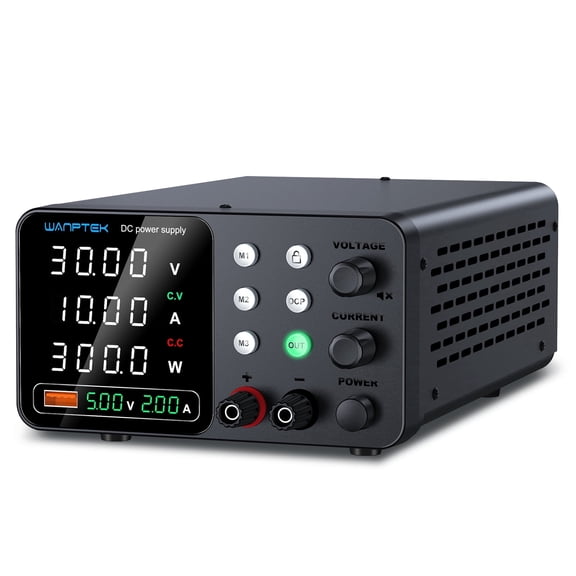
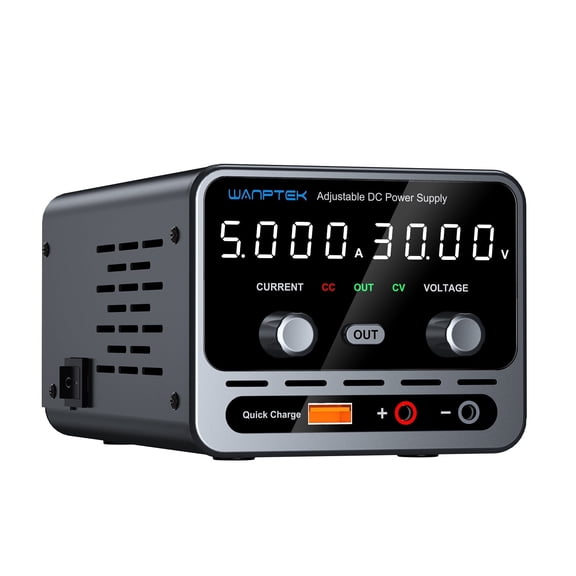
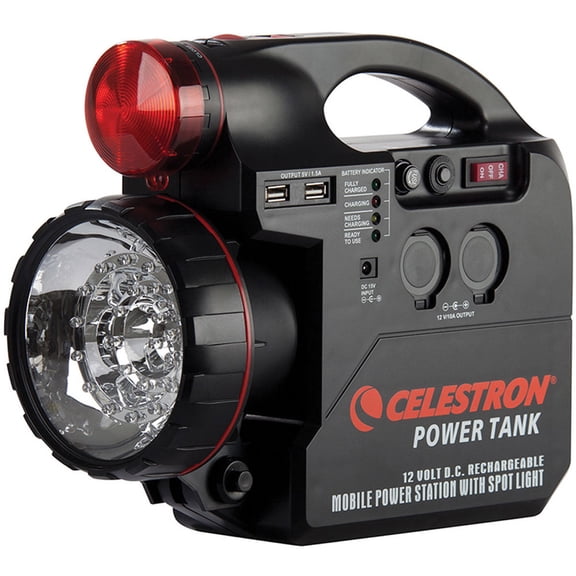
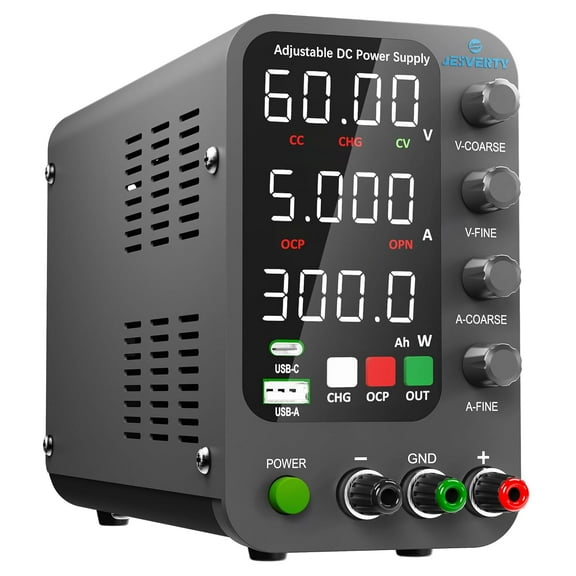
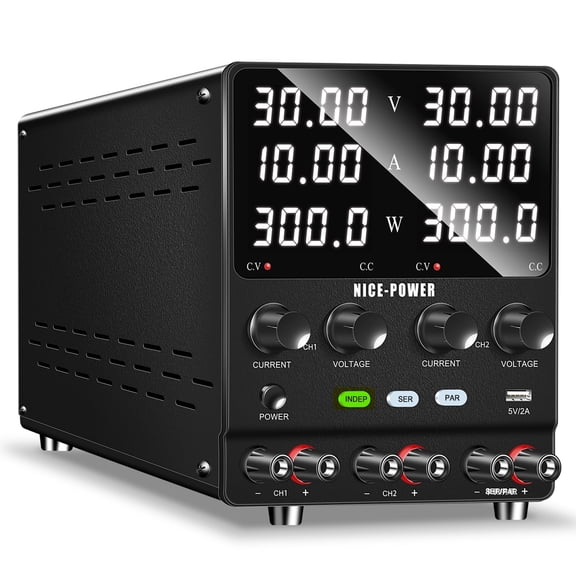
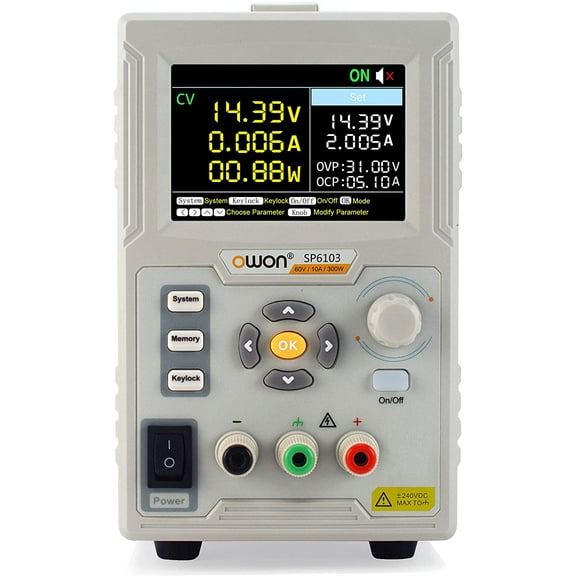
- You can choose bench power supplies for stable input during development and repair.
What to look for in bench tester equipment
You should check measurement accuracy before comparing screen size or housing style. Your results matter when tolerance percentages align with the components, assemblies, or systems you test.
If you review calibration details, you can confirm whether a unit supports your documentation needs. You may look for NIST traceability when your records require a recognized calibration reference.
You should also compare safety and power details before adding equipment to an electrical test bench. Your setup may call for AC powered units, DC bench supply formats, or battery operated tools.
When you review safety ratings, you can check overvoltage protection and CAT ratings for the environments you support. Your decision becomes clearer when those specifications match your application and power range.
Connectivity also matters if you plan to link instruments, capture data, or build repeatable procedures. You may compare USB and GPIB interface options when your bench test equipment needs to work with software or other devices.
You can also weigh ease of use against advanced controls by reviewing display type, menu layout, and front-panel access. Your team may work efficiently when readings, settings, and outputs stay easy to see and adjust.
How application and form factor shape your setup
You should compare benchtop, portable, and modular designs based on how your workspace actually functions. Your bench space, storage needs, and test frequency can change which format fits naturally.
If you run a fixed electronic test bench, you may prefer benchtop units with larger displays and dedicated controls. You can keep cables, probes, and power access organized when instruments stay in one place.
If you move between machines, classrooms, or service areas, you may prefer portable units with simple transport. Your workflow stays flexible when your tools can shift without rebuilding your process.
When your projects expand over time, you may consider modular systems that support changing instrument combinations. You can build around current tasks and add capability as your testing needs evolve.
You may also think about integration across several tools before choosing a single bench tester or a mixed setup. Your instruments work smoothly together when interfaces, trigger options, and connection standards align.
For board repair, you can pair a multimeter, power supply, and oscilloscope for step-by-step diagnosis on one station. For training labs, you can choose clear displays and straightforward controls that support repeated student use.
In development environments, you may want function generation, measurement logging, and power control in one coordinated workspace. Your testing stays easy to repeat when each instrument supports a consistent workflow.
Bench tester guidance for confident selection
You can narrow your options quickly when you compare equipment type, application, power source, and form factor together. Your final setup should support accurate readings, clean integration, and practical daily use.
With the right bench tester approach, you can build an organized electronic bench testing station that supports dependable results. Your workspace benefits from tools that fit your measurements, connections, and testing routine.