



Die Cutting in Arts Crafts & Sewing


































About Die Cutting in Arts Crafts & Sewing - Walmart.com
With die cutting, you can create clean shapes, layered designs, and custom details for cards, albums, and home crafts. You’ll find options that match your skill level, material choices, and preferred way to craft.
If you’re comparing your first setup or replacing older tools, you’ll want clear guidance on machine type, cutting width, and compatibility. You can also narrow your choice by how you design, connect, and store your crafting gear.
How to choose die cutting machines
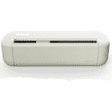
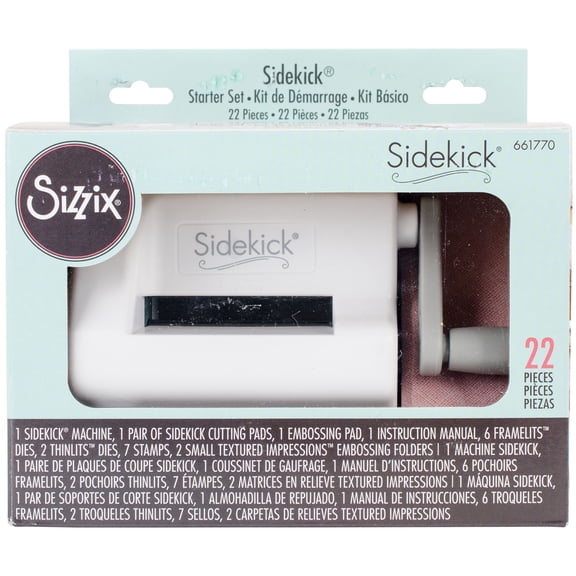
When you compare machine type, you’ll usually choose manual, electronic, or digital formats. You can use a manual die cutter for hand-crank cutting, or you can pick electronic models for more detailed designs.
If you like simple passes with metal dies, you may prefer a manual die cutter for cards, tags, and labels. If you want file-based designs, you may prefer electronic or digital machines with app or computer support.
Cutting width also shapes your experience, because you’ll match it to your projects and workspace. You can use six-inch formats for smaller pieces, nine-inch options for flexibility, and 12-inch sizes for larger layouts.
- You can choose manual models when you want straightforward cutting for paper crafts and scrapbooking die cuts.
- You can choose electronic formats when you want detailed lettering, layered images, and repeated custom shapes.
- You can compare six-inch, nine-inch, and 12-inch widths based on your mats, materials, and project size.
- You can check whether your setup uses bluetooth, usb, or standalone controls for your preferred workflow.
Choosing die cutting supplies and compatible materials
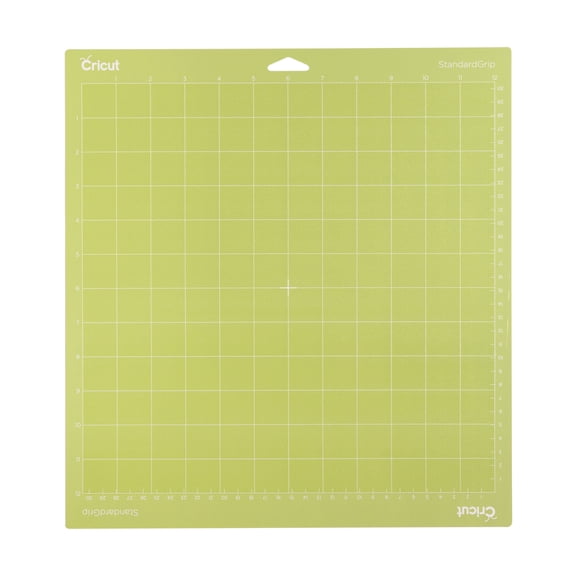
When you review die cutting supplies, you should check mats, blades, plates, folders, and dies before you commit. You’ll also want to confirm whether your machine supports paper, cardstock, vinyl, fabric, or leather.
Material compatibility matters because you may cut delicate paper one day and thicker fabric the next. You can compare pressure systems and blade types to understand how your machine handles thin sheets or denser materials.
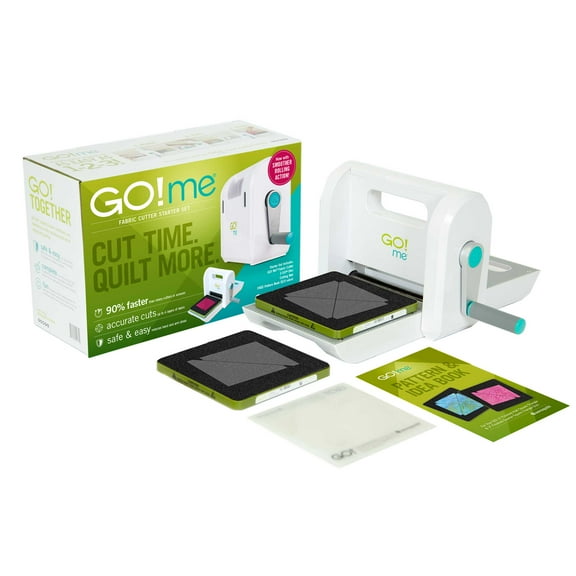
If you focus on scrapbooking, you may want paper, cardstock, and adhesive vinyl support for titles and accents. If you sew or quilt, you may look for fabric die cutting capability and room for repeatable pattern pieces.
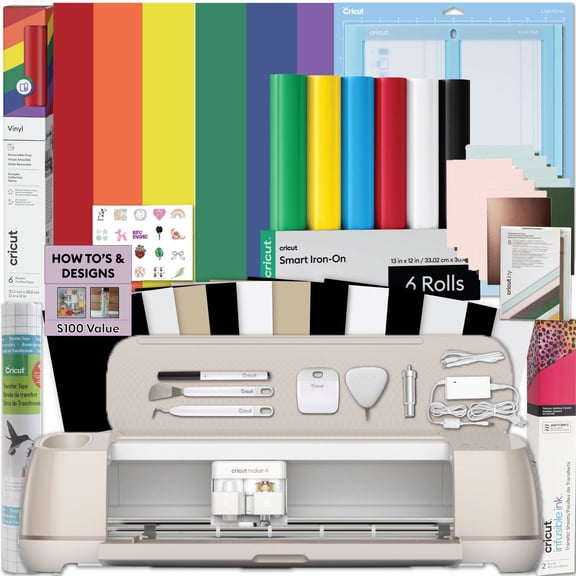
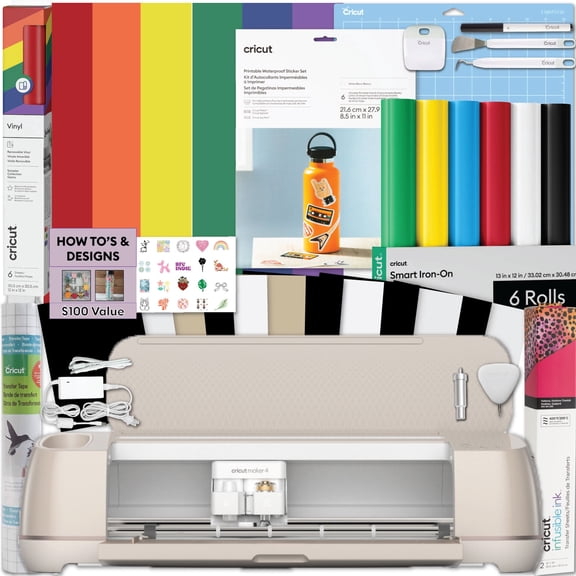
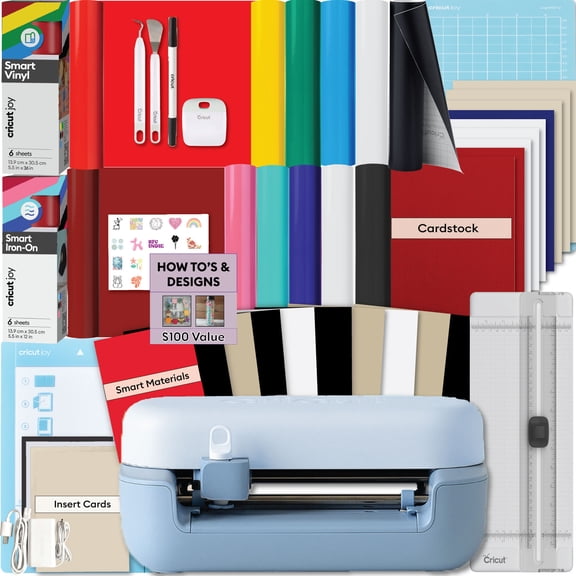
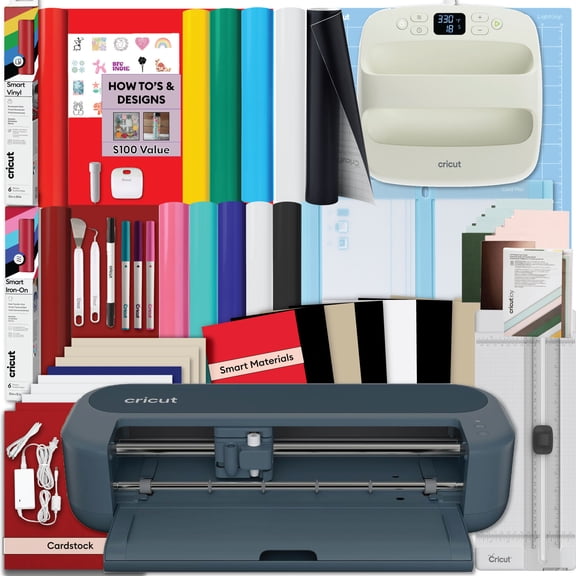
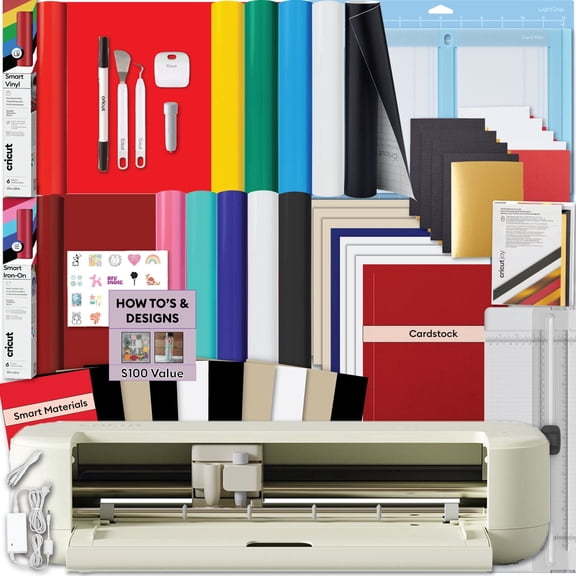
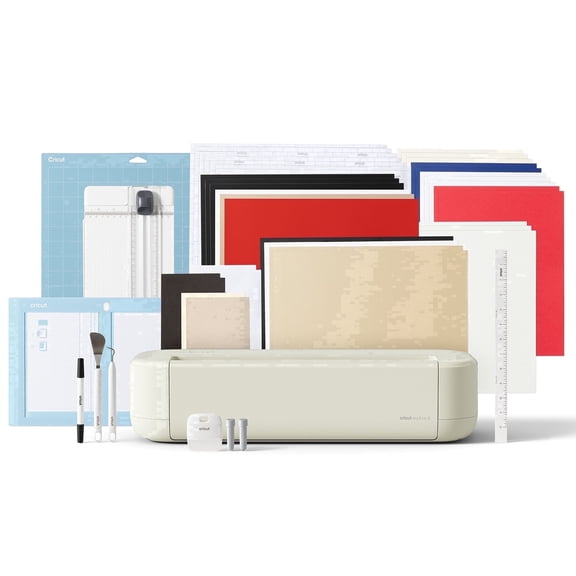
Starter kit contents can shape your first project, especially if you want to begin right away. You should check whether your package includes cutting mats, blades, sample materials, or basic tools.
Some crafters also use embossing folders, specialty dies, and replacement plates as their projects expand. You can build your collection over time with die cut shapes, layered dies, alphabets, and seasonal templates.
Comparing connectivity and software needs
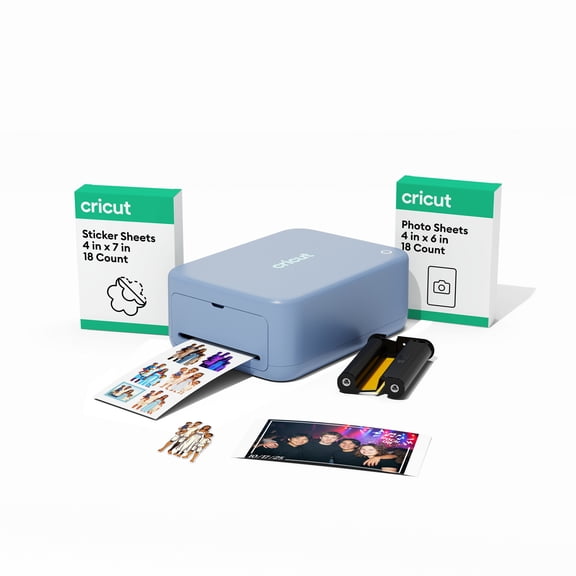
You should compare connectivity before you choose a machine, because your crafting style may be hands-on or screen-based. You can find bluetooth, usb, and standalone options that fit different work areas and design habits.
If you want fewer cords around your table, you may prefer bluetooth connection for flexible placement. If you craft beside a laptop, you may prefer usb for direct setup and steady file transfer.
Some shoppers also want a standalone machine that works with built-in controls and less setup. You should check whether your machine needs internet access, app sign-in, or separate design software before you begin.
Software expectations matter if you plan to cut custom names, layered decals, or intricate shapes. You can keep things simple with pre-made dies, or you can create original files with a digital die cutting machine.
If you craft often during travel or at events, you may prefer offline-friendly options and compact accessories. You’ll want to measure your table space, storage shelf, and power access before choosing your setup.
Matching die cutting to your projects
You can match machine features to the way you actually craft, which makes your purchase easier to use. You may want one setup for card making, another for quilting, or a wider machine for mixed diy crafts.
For card making, you may choose a smaller width with easy-to-store plates and dies for quick sessions. For scrapbooking, you may prefer broader formats that handle full-page titles, borders, and photo mats.
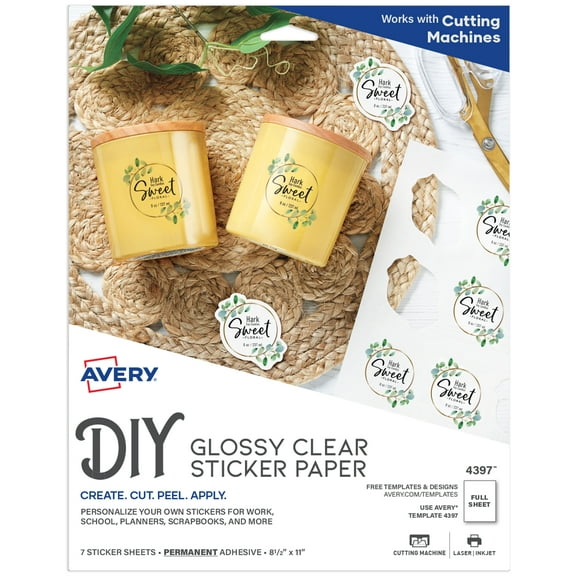
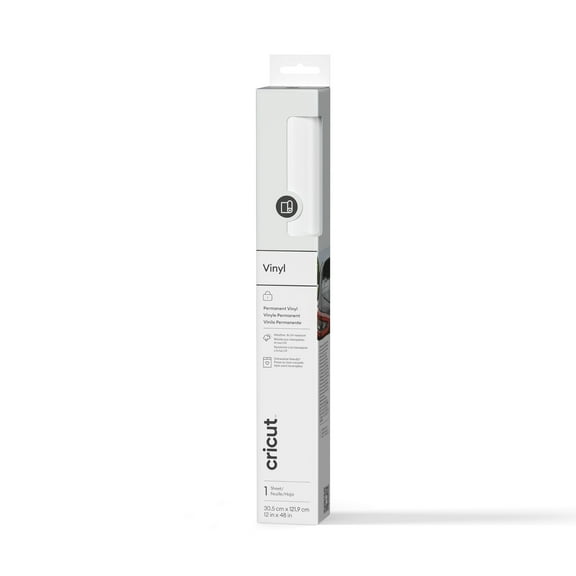
If you make decals, labels, or party details, you may look for vinyl compatibility and digital design support. If you cut fabric pieces, you should look for fabric-ready settings, stable mats, and enough pressure for clean edges.
Seasonal projects can also shape your choice, especially if you decorate for holidays or classroom events. You can use holiday die cuts and christmas die cutting templates for ornaments, gift tags, banners, and table accents.
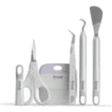
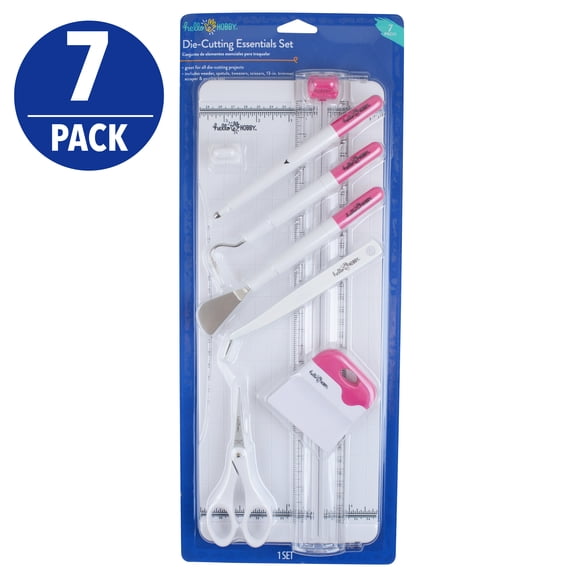
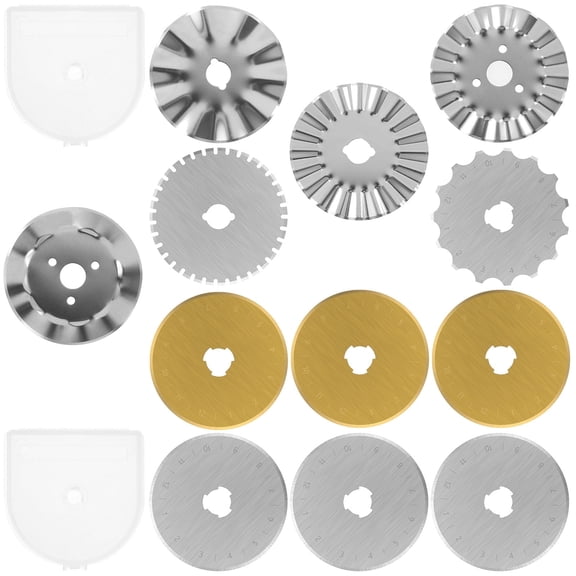
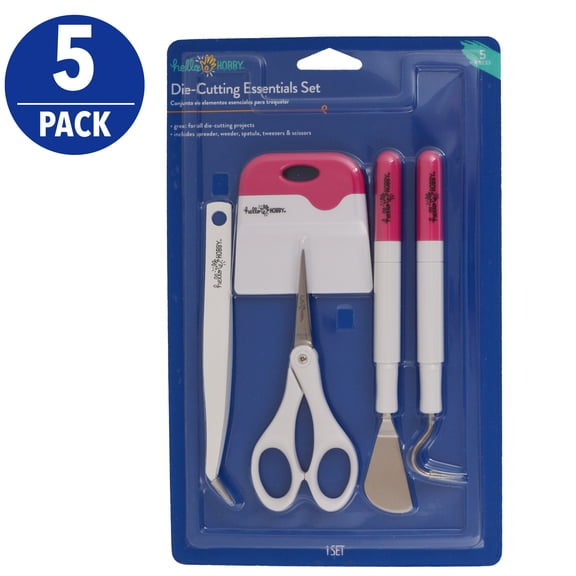
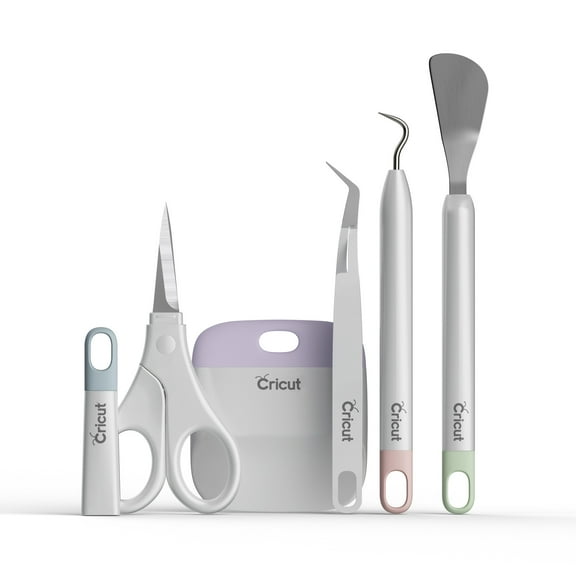
As your skills grow, you may want extra die cutting tools that support precision and repeatable results. You can add replacement blades, scoring tools, weeding tools, and storage options that keep your station organized.
When you choose the right combination of machine type, width, materials, and connectivity, you’ll craft with less guesswork. You’ll end up with a setup that fits your projects, your space, and your creative routine.
Popular in Die Cutting in Arts Crafts & Sewing - Walmart.com
- Mini Dies
- Everything Dies
- Die Cutting 3d
- Elizabeth Craft Designs Die Cutting Tools & Accessories
- Cottagecutz Die Cutting Tools & Accessories
- Ecstasy Crafts Die Cutting Tools & Accessories
- Accuquilt Dies
- Cheery Lynn Designs Die Cutting Tools & Accessories
- Joy Cutting Dies
- Die Cutter Metal
- Graphic 45 Die Cutting Tools & Accessories
- Gemini Die Cutting And Embossing Machine