

Industrial Data Recorders for Test and Measurement
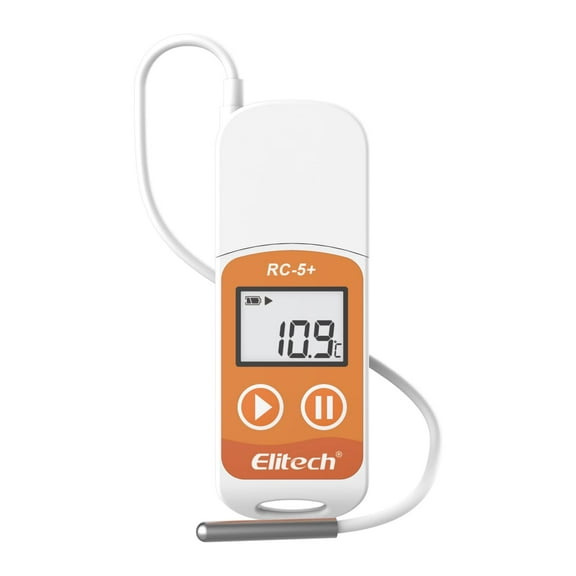

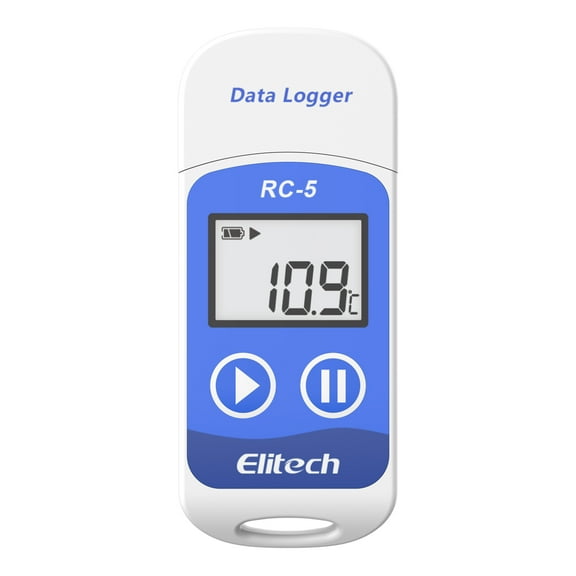
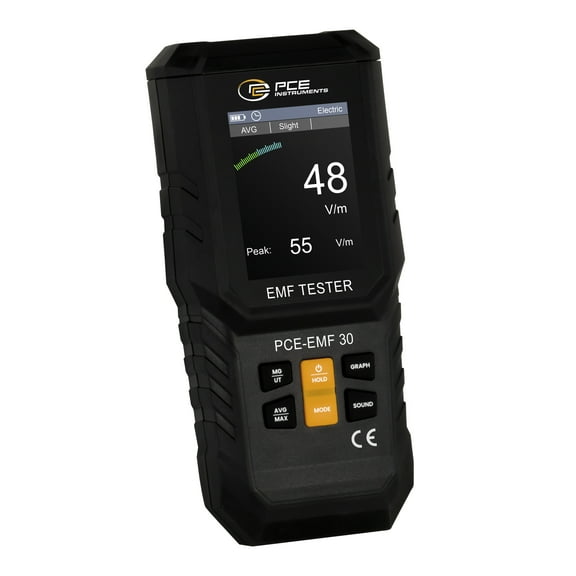


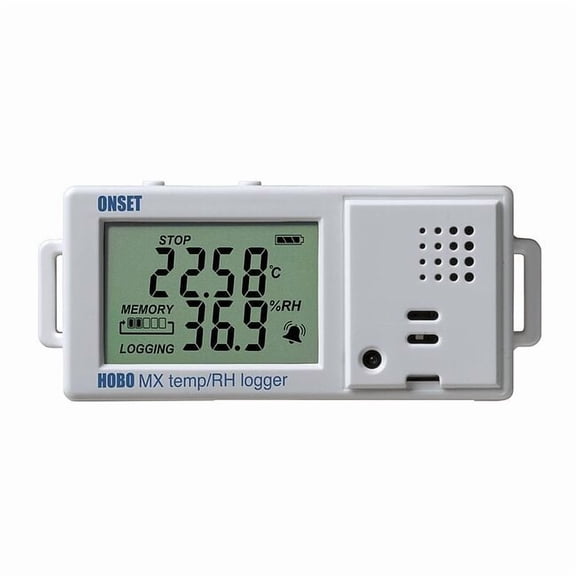













About Industrial Data Recorders for Test and Measurement - Walmart.com
Data recorders help you capture time-based measurements with clear, repeatable logs for industrial, lab, and facility tasks. You can compare channel count, connectivity, and sensor options to match your workflow from the start.
If you need traceable readings, data recorders give you a practical way to store temperature, humidity, voltage, or pressure information. You can review trends later or retrieve files quickly for reporting, audits, and daily checks.
How to choose data recorders for your measurements
You should start with the measurement parameter because your application drives sensor compatibility and recording format. You may need a temperature recorder for cold storage, or you may need voltage and pressure inputs for equipment testing.
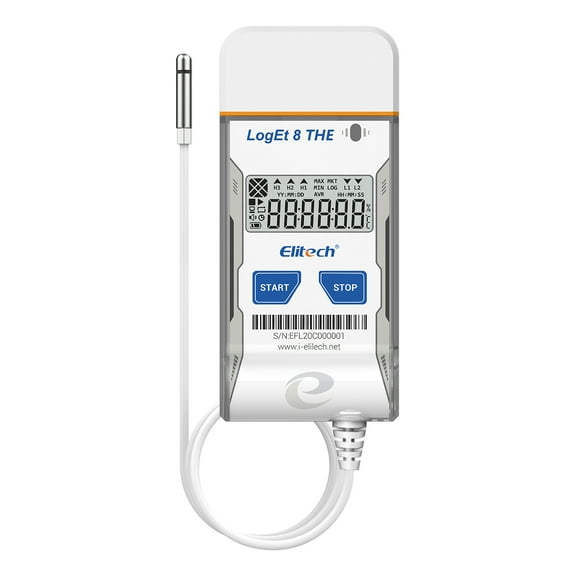
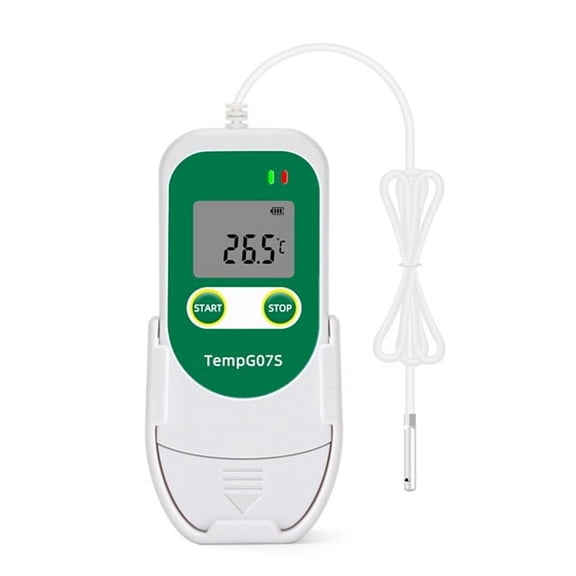
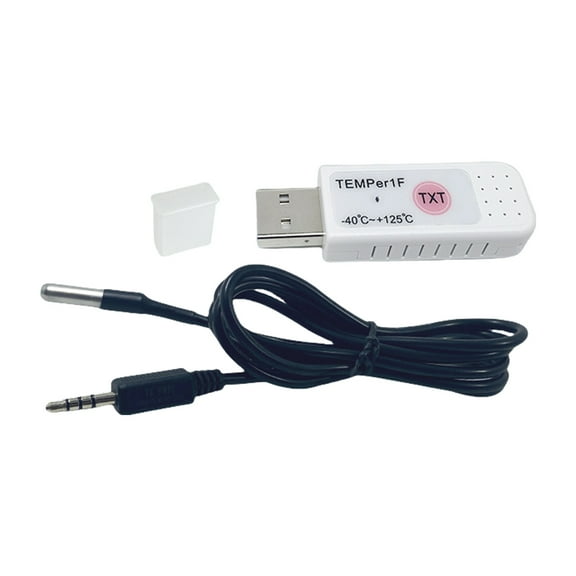
When you compare sensor setups, you should check whether you need an internal sensor, an external probe, or a thermocouple input. If your process uses RTD sensors or thermocouple types, you can match the recorder to those specific connections.
Channel count matters because you may record one point or monitor several locations at once. You can choose single channel units for simple checks, dual channel models for side-by-side comparison, or multi-channel options for broader monitoring.
- You can track one or several measurement points over time with organized digital records.
- You can match your device to temperature, humidity, voltage, or pressure applications.
- You can choose internal sensors, external probes, or thermocouple inputs based on your setup.
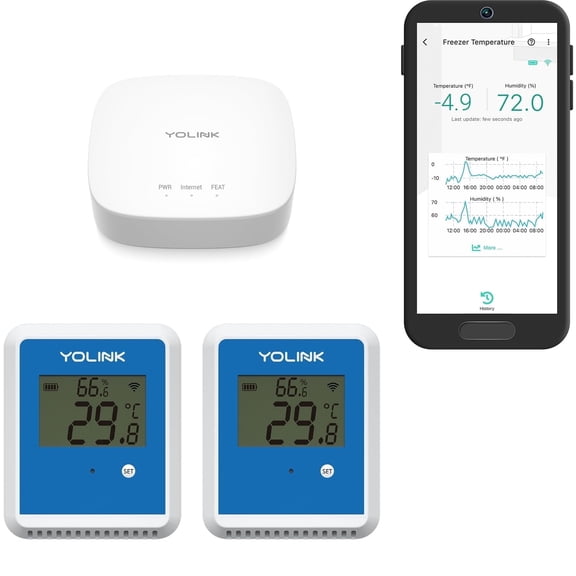
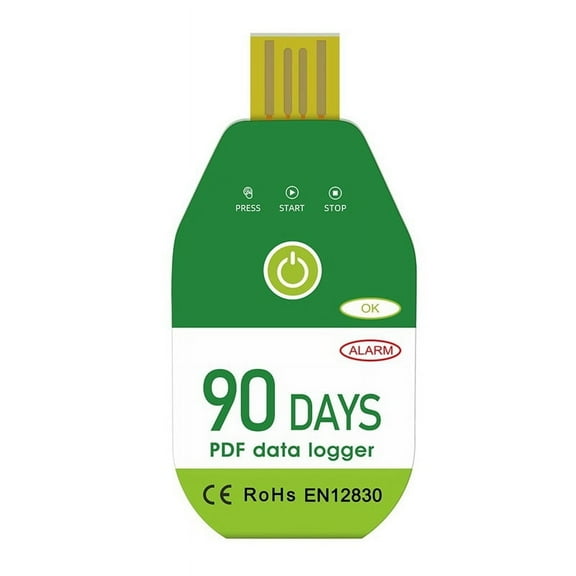
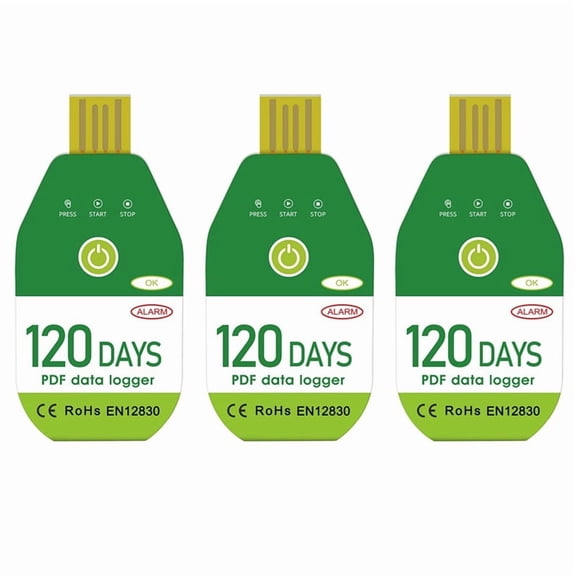
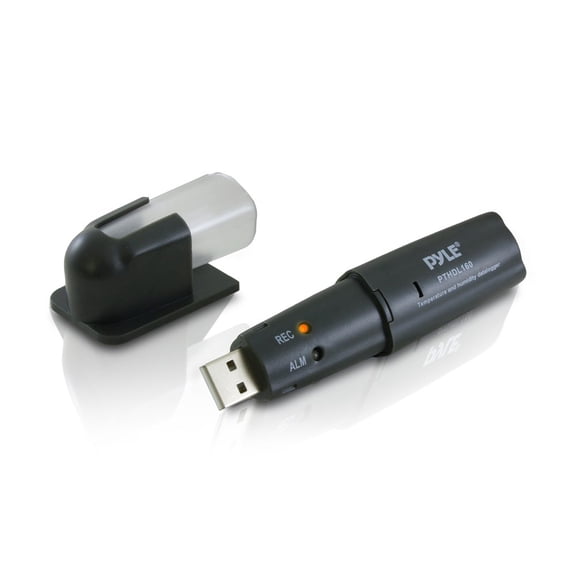
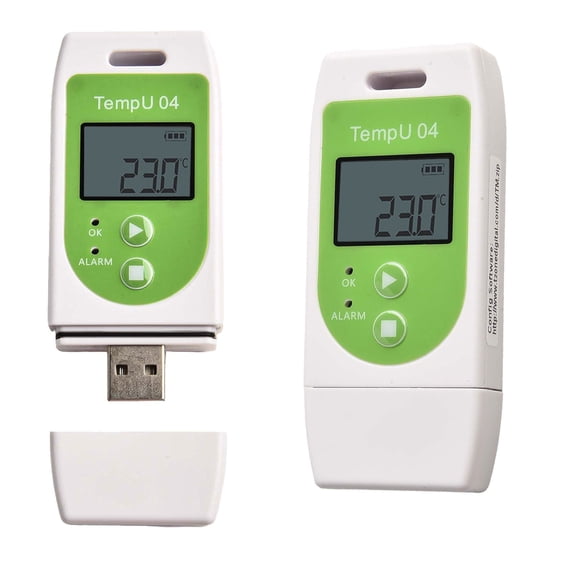
- You can retrieve stored files through USB or monitor activity through wireless connections.
Choosing between a data logger and digital data recorder
You may see overlap between a data logger and a digital data recorder, but your use case usually clarifies the choice. If you need portable spot deployment, you may prefer compact logger formats with simple mounting and battery operation.
If you need broader visibility, you may lean toward a digital data recorder with multiple inputs and longer session management. You can use that format when your workflow includes several sensors, frequent downloads, or centralized review.
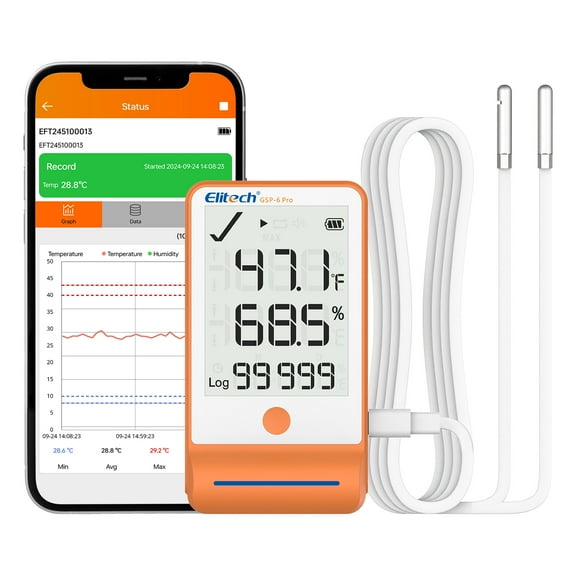
Connectivity affects how you collect results, so you should compare USB, WiFi, Bluetooth, and cellular options carefully. If you want manual file transfer, USB can keep your process direct and simple.
When you need remote visibility, WiFi or cellular options can support a data logger monitoring system across rooms or sites. If you want close-range syncing without cables, Bluetooth can fit routine checks and mobile review.
What features to look for in digital data loggers
You should check memory capacity, sample interval settings, and battery expectations before you choose a unit. If you record frequent readings, you’ll want storage and power settings that align with your logging schedule.
Battery life often depends on how often you sample and how you transmit data. If you use wireless reporting, you should compare power demands against your expected deployment length.
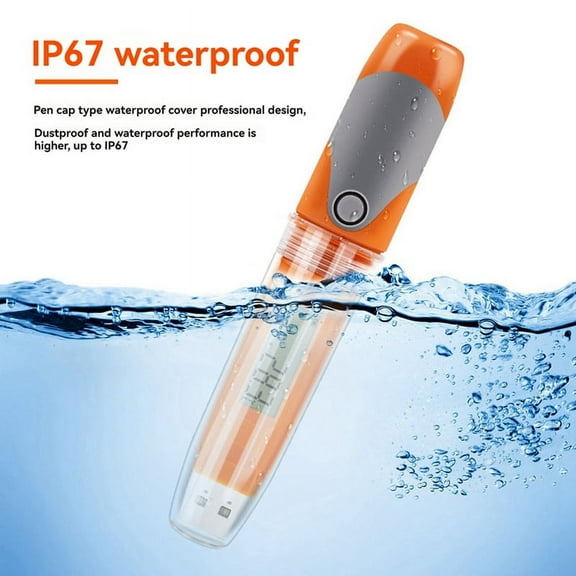
You should also measure the environment where the recorder will work. If you plan to place it in dusty or wet spaces, you can compare IP65 and IP67 ratings for enclosure protection.
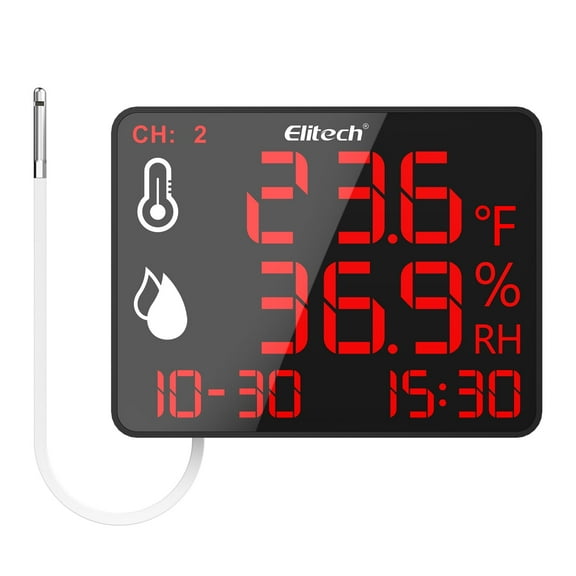
Display style and download method can shape your daily routine more than you expect. If you need quick field checks, you may prefer visible readings on the device before you export any files.
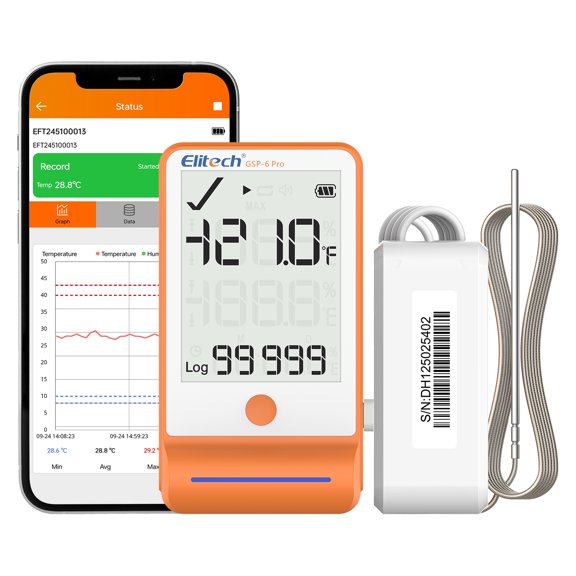
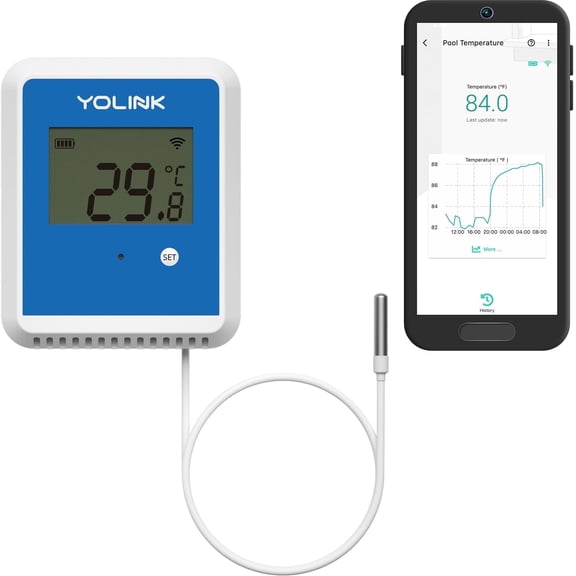
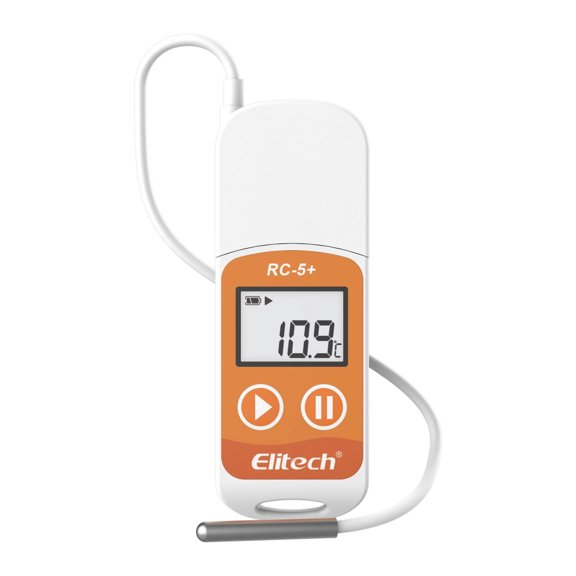
Probe style is another key decision because your access point may be tight, enclosed, or distant from the recorder body. You can use external probes or thermocouple leads when your sensor must reach inside equipment or storage spaces.
Matching data recorders to real work environments
You can use temperature recorders in refrigerators, freezers, incubators, and shipping containers where time-stamped readings matter. If you monitor storage conditions, you can review trends instead of relying on a single spot reading.
For building operations, you may use humidity and temperature logging to document room conditions across offices, labs, or stock areas. You can compare dual channel or multi-channel setups when several zones need review together.
If you work with machinery or panels, you may need voltage inputs or thermocouple support for process tracking. You can choose a digital data logger that fits test benches, maintenance checks, or equipment verification tasks.
Remote locations often change your connectivity decision more than any other feature. If you visit the site often, USB may fit your routine, but WiFi or cellular can suit less accessible installations.
You should also consider how quickly you need to act on incoming information. If you only need historical records, a basic logger may cover your needs, while connected systems support regular oversight.
How to compare setup details before you decide
You can narrow your options faster when you list your parameter, sensor type, deployment area, and download method first. That approach helps you avoid choosing a recorder that fits the label but misses your actual connections.
Before you decide, you should check whether your application needs internal sensing, probe placement flexibility, or thermocouple compatibility. You’ll get a more useful fit when your recorder matches your environment, sample interval, and retrieval method.
With the right data recorders, you can capture dependable logs, review trends clearly, and support consistent documentation across your operation. You’ll finish with records that are easier to retrieve, compare, and use in everyday work.