


Cricut













































About Cricut - Walmart.com
Cricut helps you create labels, cards, decals, and custom gifts with machines, materials, and tools that work together. You can compare machine size, material compatibility, and bundle contents to match your projects and your workspace.
Choosing the right Cricut machines for your projects
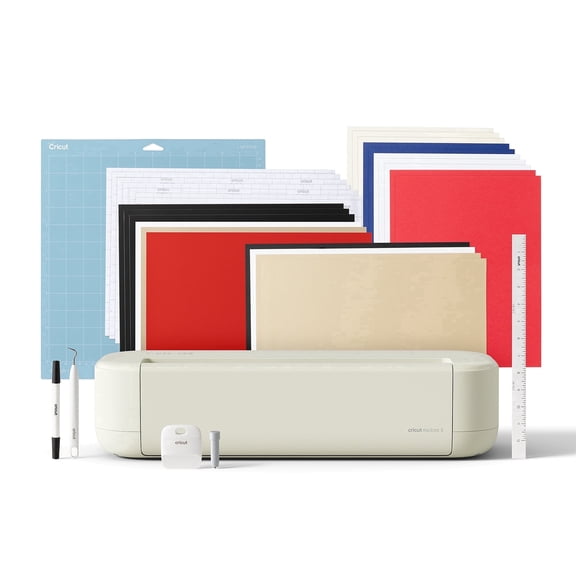
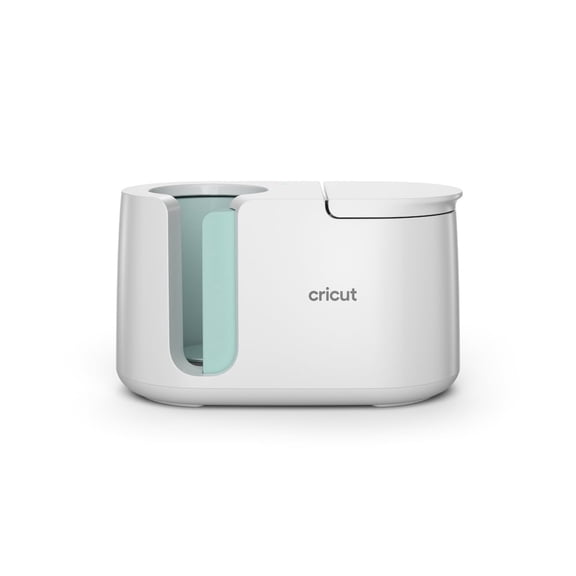
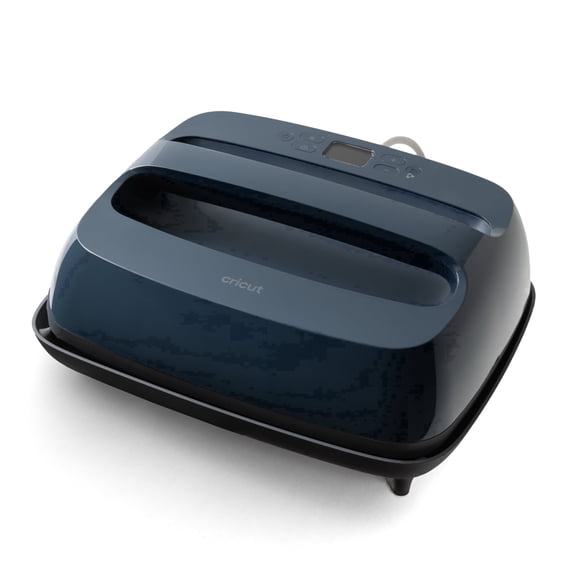
When you compare Cricut machines, you should start with the projects you plan to make most often. You may prefer a compact option for quick labels, or you may need a larger machine for wider cuts.
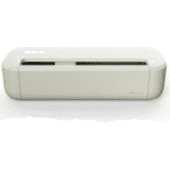
If you make decals, cards, and simple paper crafts, you can look at portable models that fit smaller spaces. If you cut thicker materials, you should consider cutting force and broader material support.
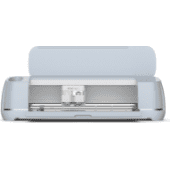
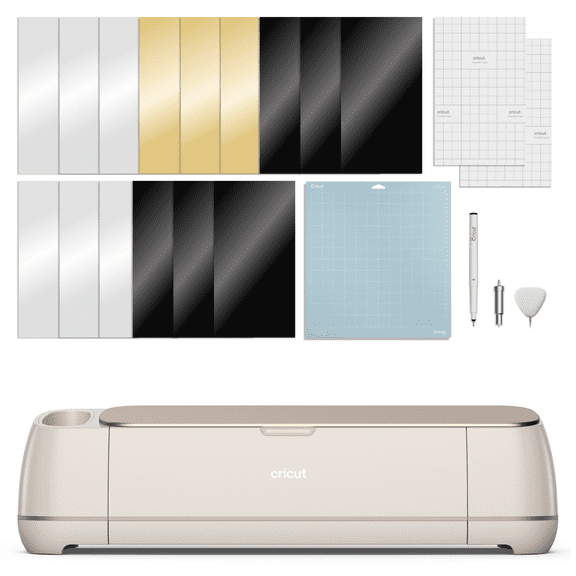
For advanced projects, you may compare models that handle adhesive vinyl, iron-on, cardstock, infusible ink, and leather. You can use that material range to narrow your choice quickly and avoid mismatched supplies.
- You can choose a compact machine when your desk space is limited.
- You can pick a wider format machine when your projects need longer or larger cuts.
- You can select stronger cutting capability when your designs use thicker materials.
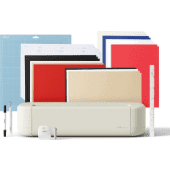
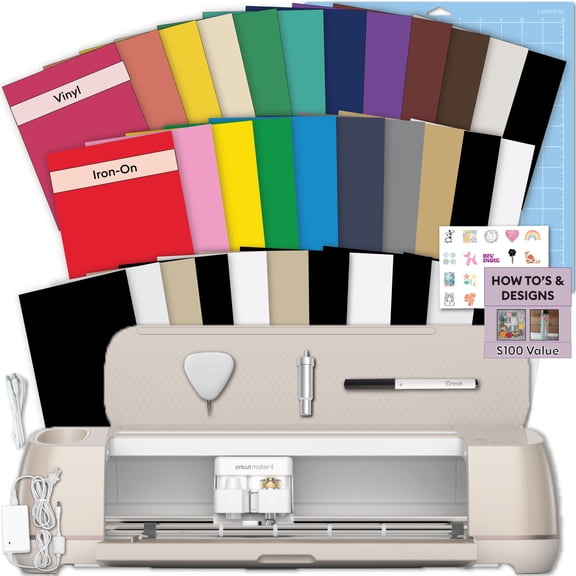
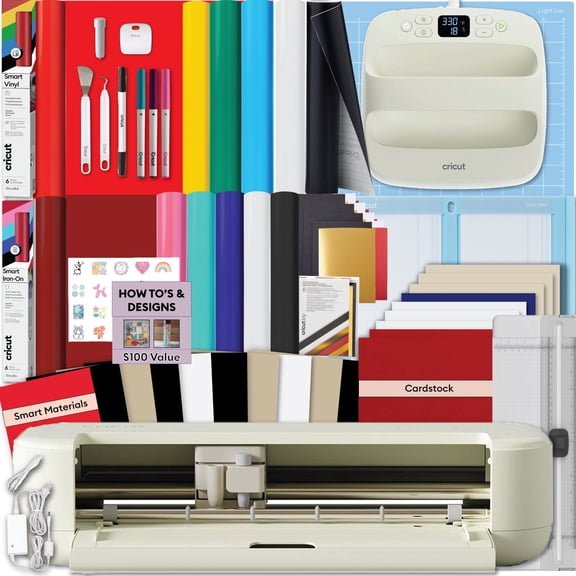
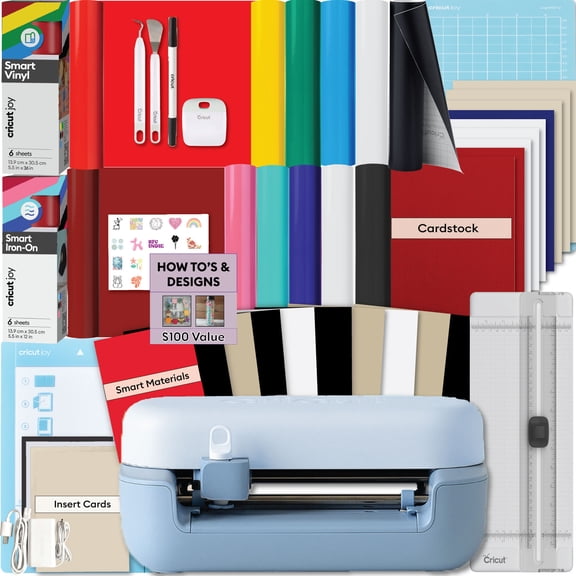
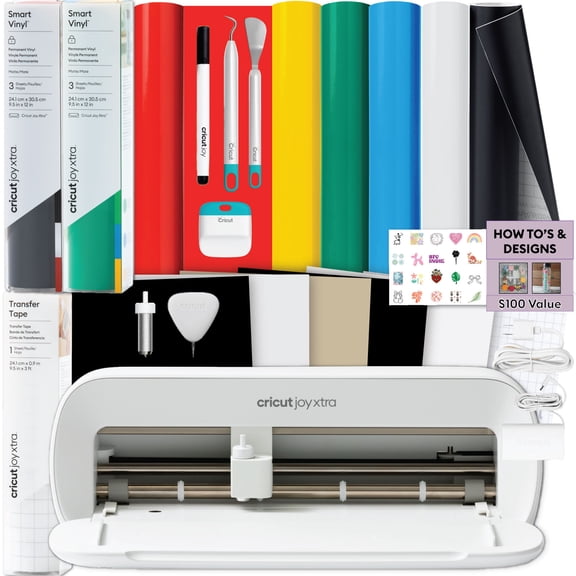
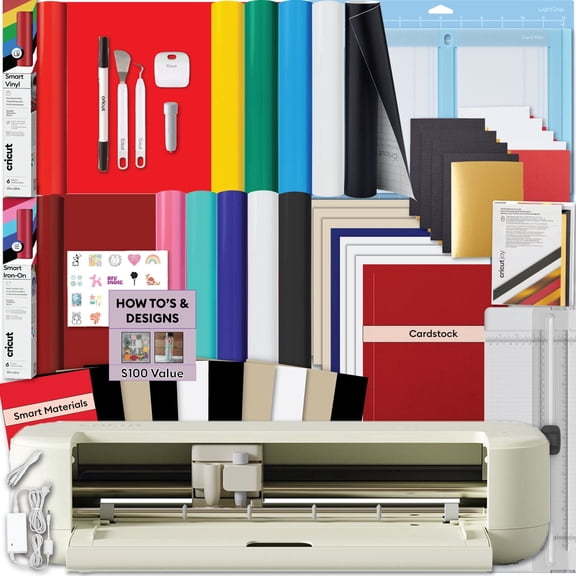
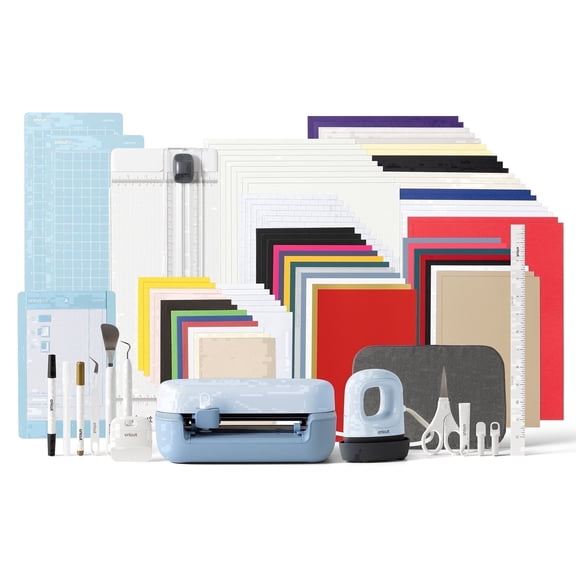
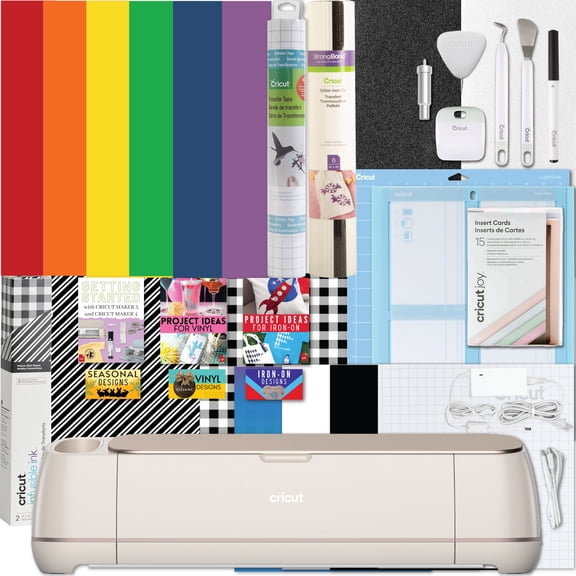
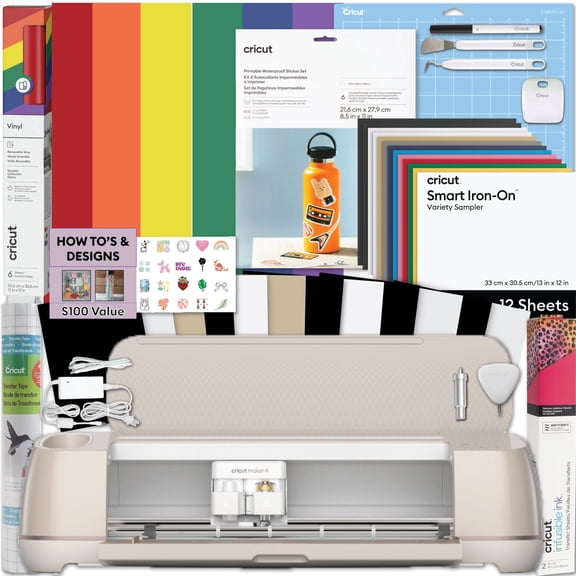
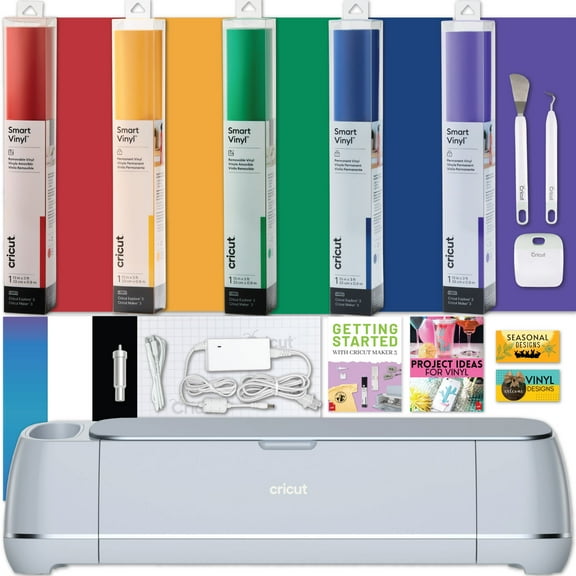
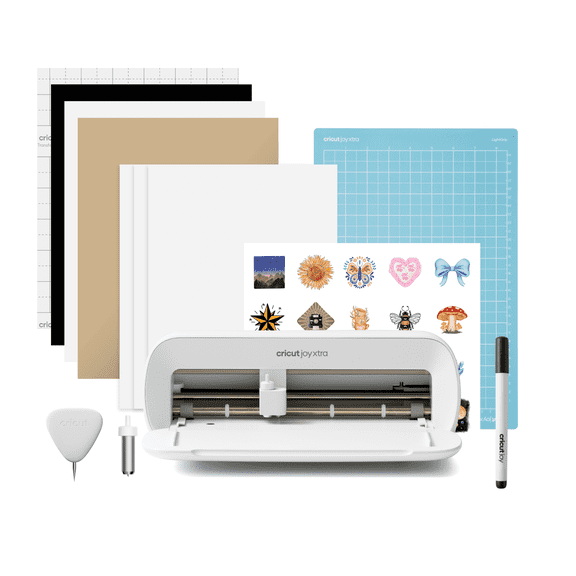
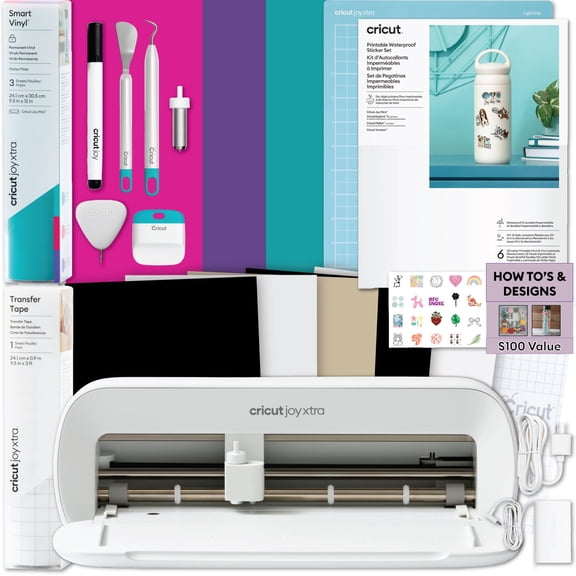
- You can start with a Cricut starter bundle when you want tools and materials together.
How to compare product types and bundles
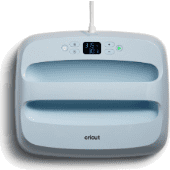
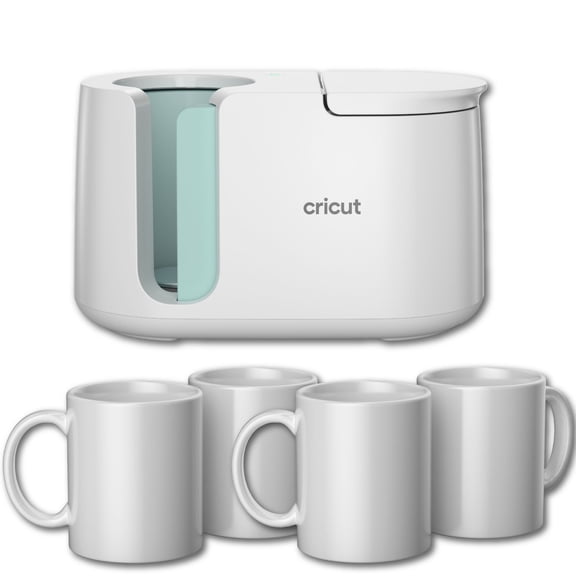
You should look at product type before you choose a single item. You may need cutting machines, vinyl transfer supplies, hand tools, mats and blades, or bundles.
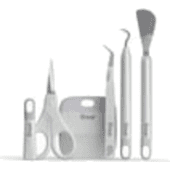
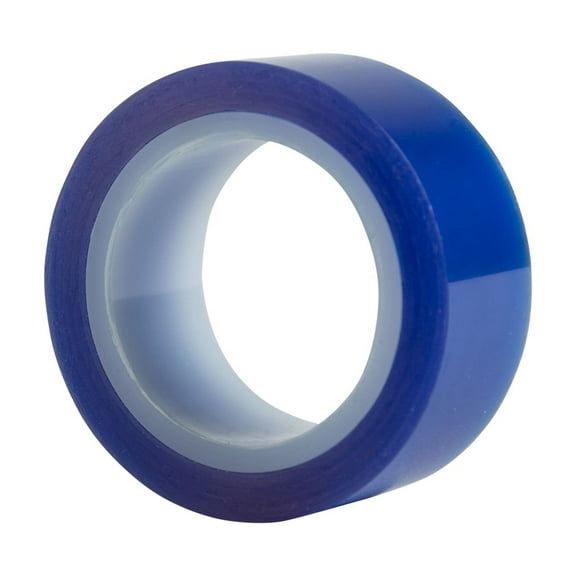
If you already own a machine, you can focus on replacement mats, fine-point blades, weeding tools, and transfer tape. If you're starting fresh, you may find bundles helpful because your basics arrive in one coordinated set.
Bundle comparisons matter because you can check whether you need materials, tools, or machine accessories right away. You should compare included items carefully, since some bundles support paper crafting while others support vinyl projects.
Understanding Cricut vinyl and material compatibility
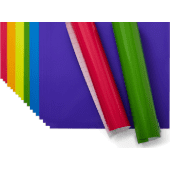
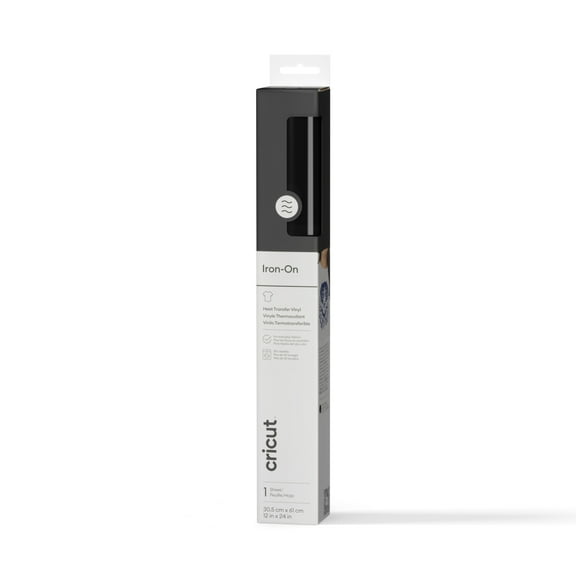
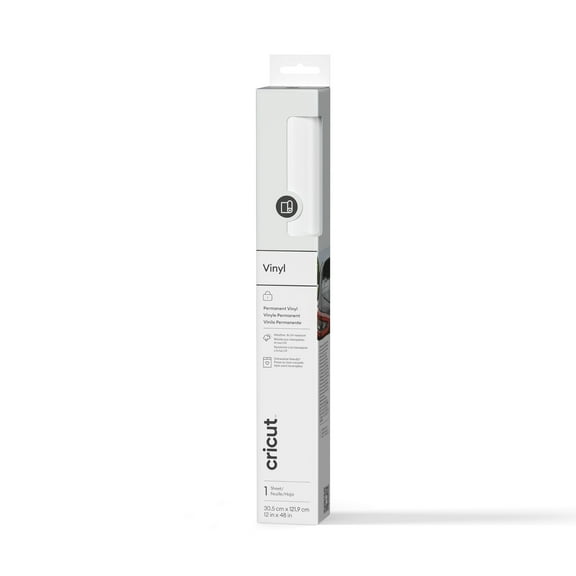
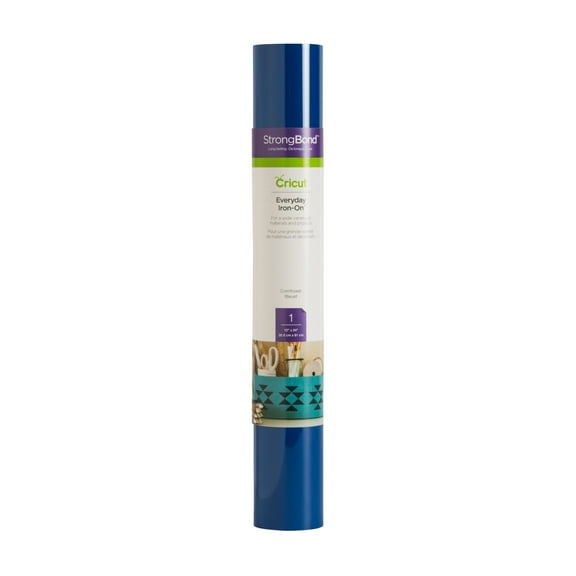
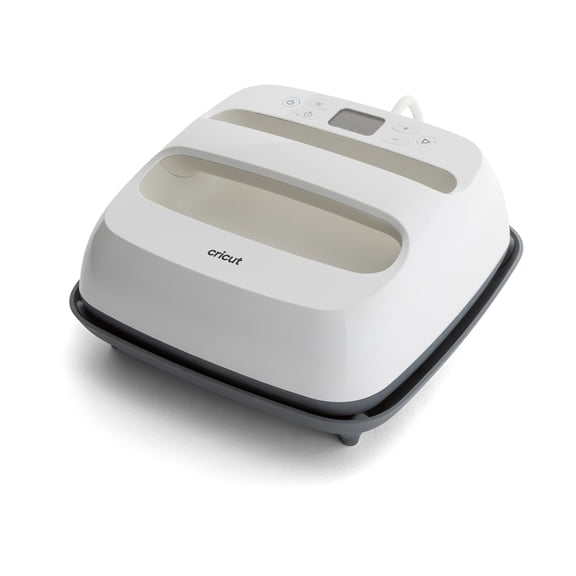
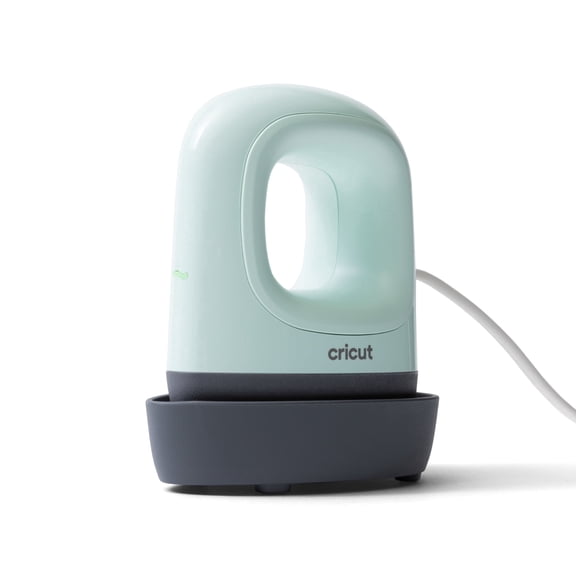
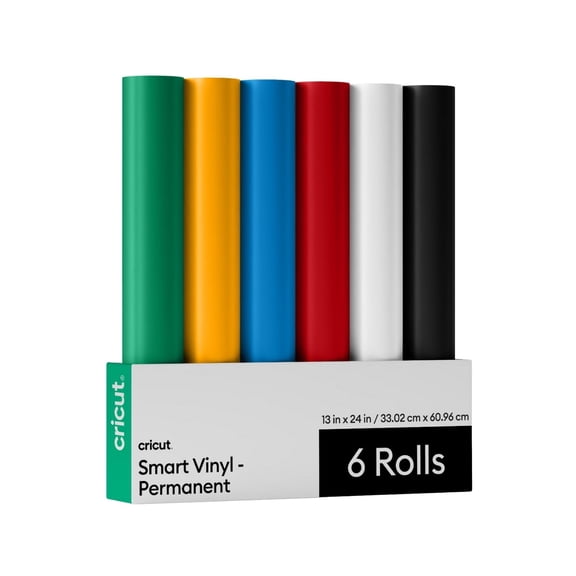
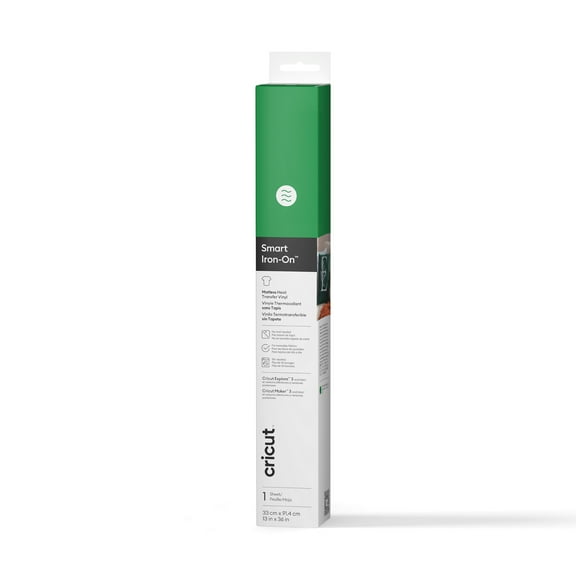
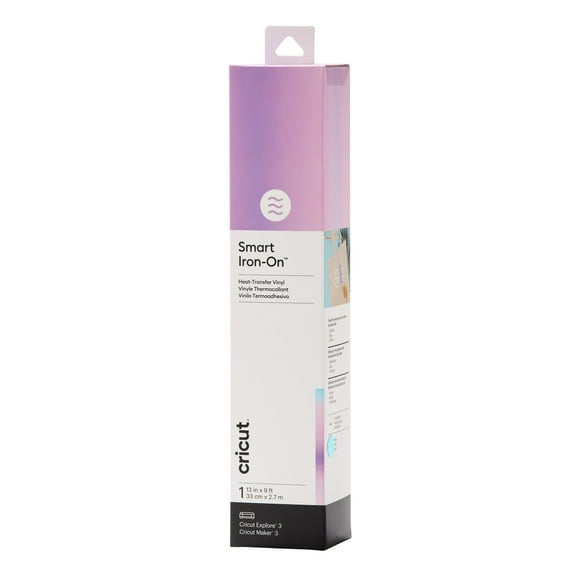
When you shop Cricut vinyl, you should match the material to the surface and finish you want. You can choose adhesive vinyl for decals, iron-on for apparel, cardstock for cards, and infusible ink for transfer projects.
You should also check whether your machine supports the material you want to use most often. You can avoid trial and error when you compare compatibility before you pick blades, mats, and settings.
Different materials change how your finished project looks and how much prep work you need. You may want removable vinyl for temporary designs, or you may want iron-on sheets for personalized shirts and tote bags.
What to look for in Cricut accessories
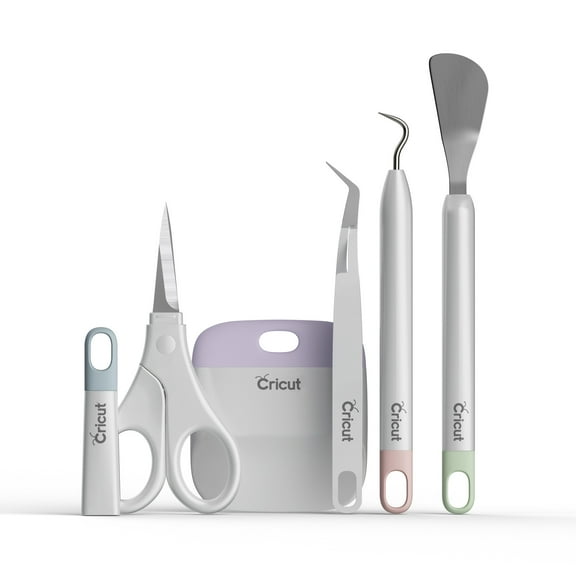
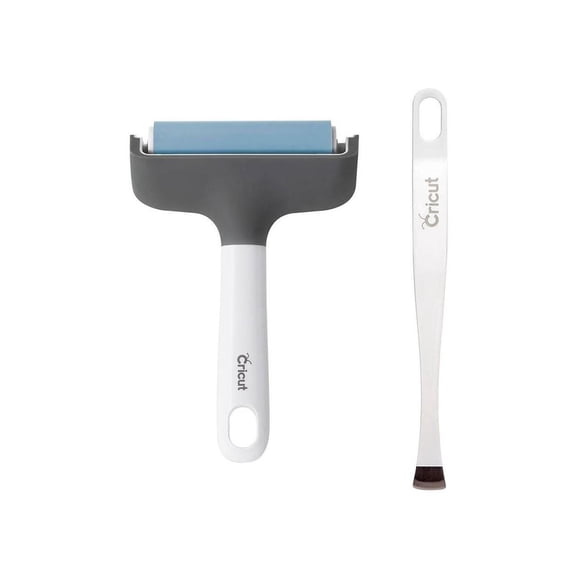
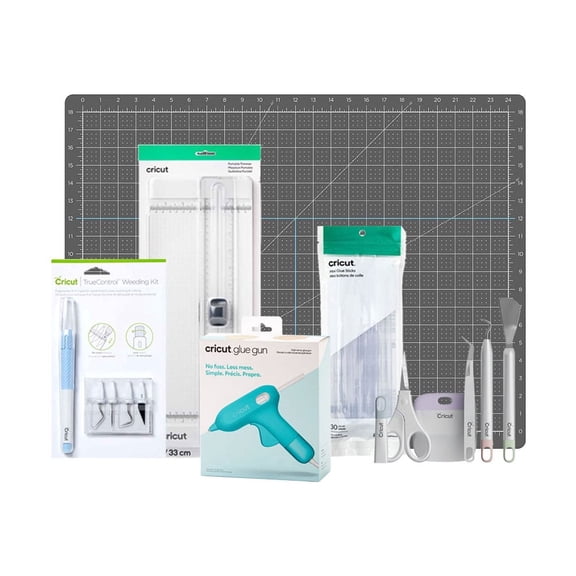
Your accessories shape how smoothly your projects come together, especially when you make detailed cuts or repeated designs. You should consider Cricut accessories like mats, blades, scoring tools, transfer supplies, and hand tools.
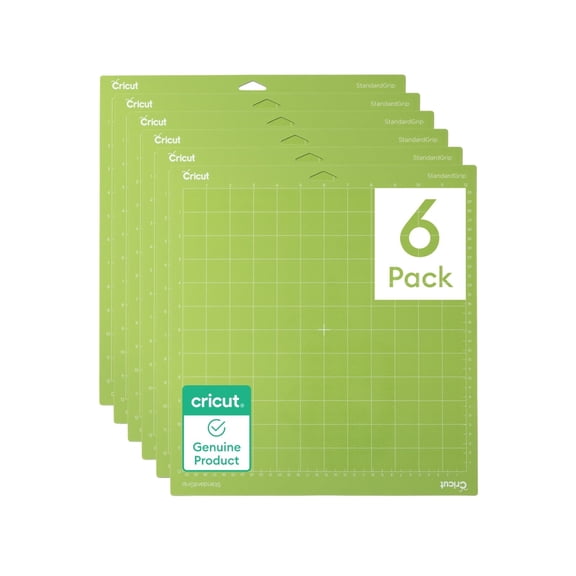
Mats affect how securely your material stays in place during cutting. You can compare grip levels based on whether you use light paper, standard vinyl, or specialty materials.
Blades and tools also matter when your projects vary from simple stickers to layered cards. You should keep replacement blades and essential Cricut tools nearby so your cuts stay clean and your assembly stays organized.
Matching machine models to your space and skill level
You should compare machine models by portability, cutting width, and project volume. You may like a smaller machine for occasional crafts, while a larger unit can fit batch work and wider materials.
Beginners often want a simple setup with guided software steps and a manageable footprint. If your experience is growing, you may look for expanded material support and room to try more techniques.
If you craft for events or a small business, you should consider output needs and workspace layout. You can compare whether your table space, storage, and project frequency fit a compact model or a larger machine.
Checking software needs and everyday use
You should also review software compatibility before you choose a machine or bundle. You can check Design Space requirements, device support, and how you prefer to create or upload designs.
If you like ready-made templates, you may want a setup that helps you start quickly with guided projects. If you create custom graphics, you should confirm your workflow works smoothly with your devices and file types.
Daily use gets easier when your tools, mats, and materials fit the way you craft. You can build a setup that supports quick labels, weekend gifts, classroom projects, or steady custom orders with less guesswork.
With the right Cricut setup, you can move from idea to finished project with clear choices and avoid mismatched supplies. You can feel confident knowing your machine, materials, and accessories fit the way you like to create.