


Find auto parts that fit
Let’s search for parts that fit your vehicle.
Backup Camera Types in Backup Cameras
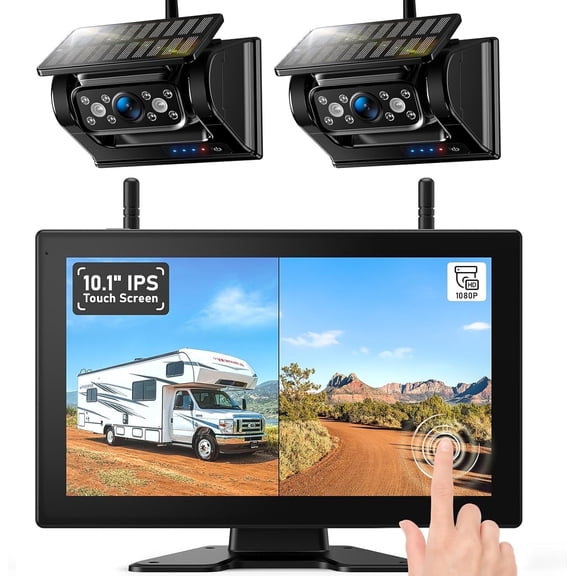


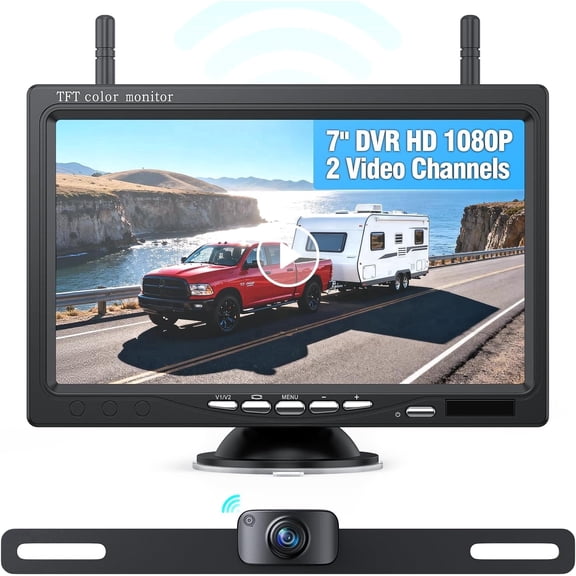
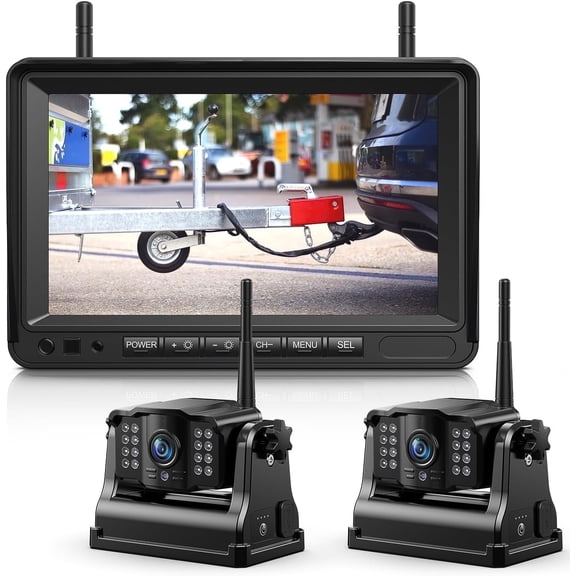
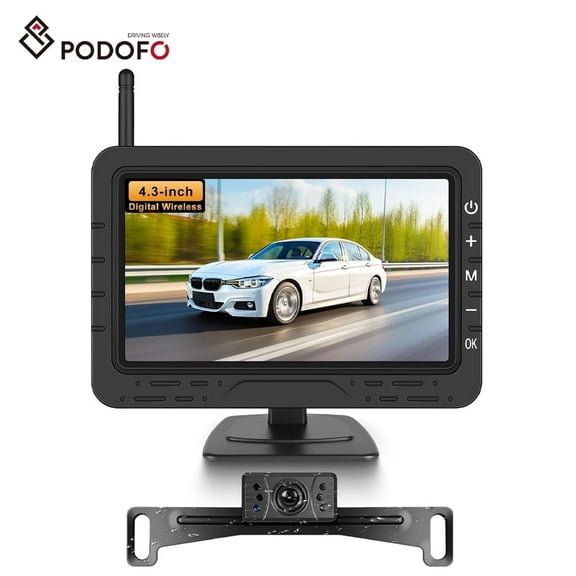











About Backup Camera Types in Backup Cameras - Walmart.com
When you compare types of backup cameras, you can match your vehicle, installation plan, and screen setup with less guesswork. You’ll also spot differences that matter, like wireless transmission, mounting style, and night visibility in tight parking spaces.
If you’re replacing an older reverse cam or adding one to a vehicle without a factory screen, you need clear buying guidance. You can use this guide to compare wired systems, wireless backup camera options, and display choices that fit daily driving.
Understanding types of backup cameras
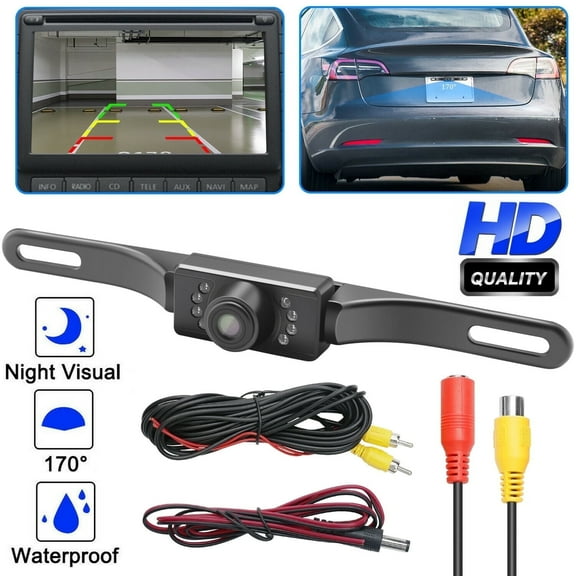
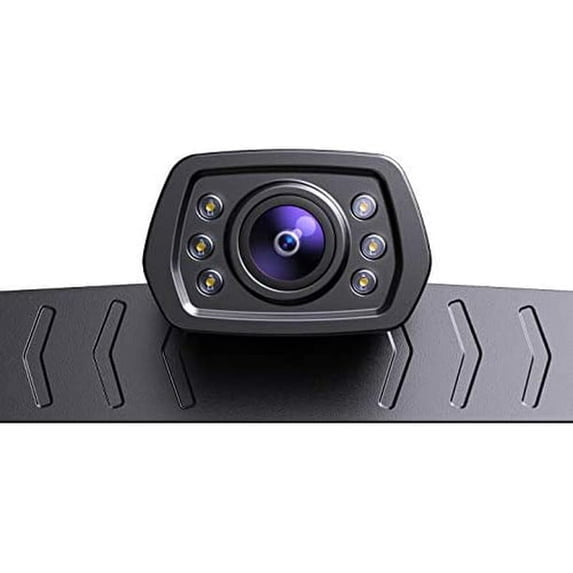
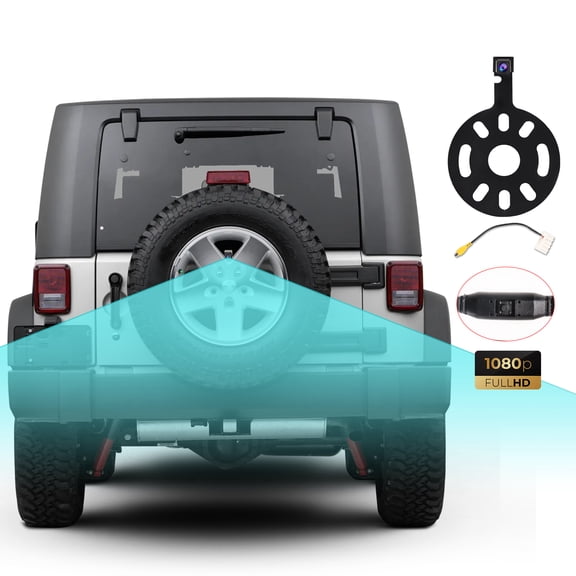
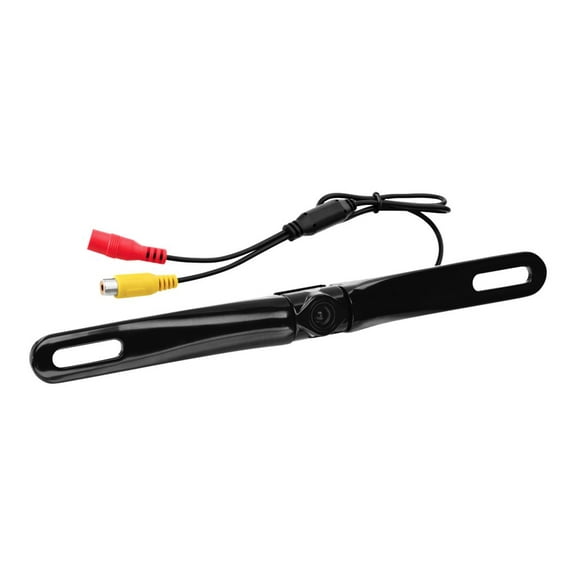
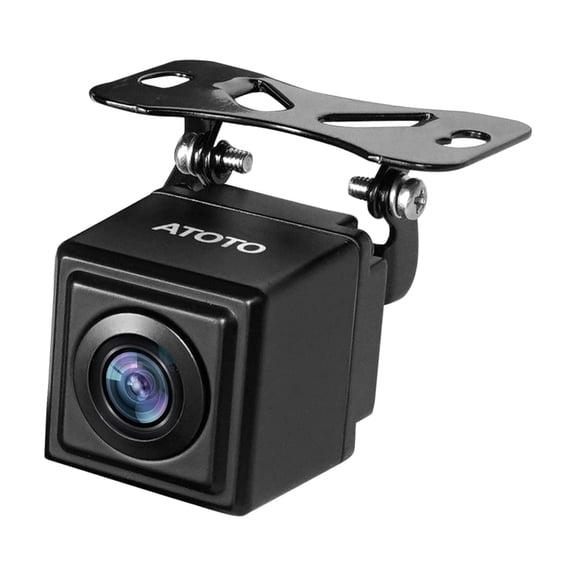
You’ll usually choose among license plate, bracket mount, flush mount, and tailgate handle designs first. Your vehicle body style often decides which camera style looks cleaner and lines up with your rear view.
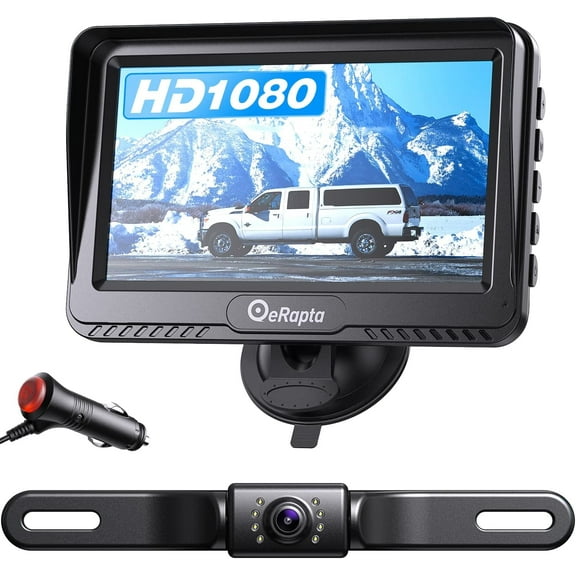
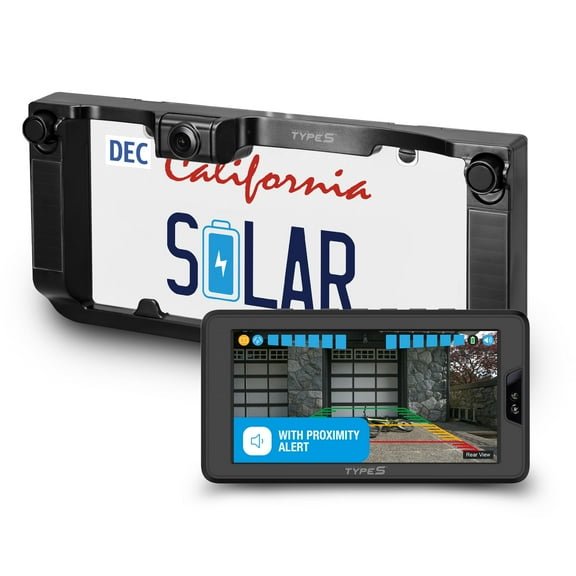
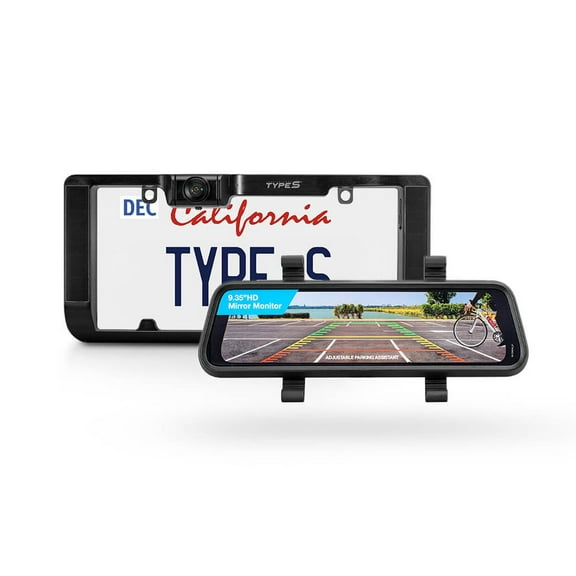
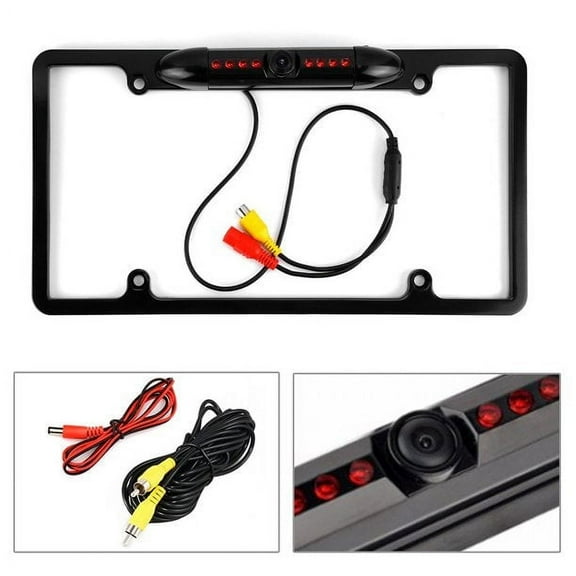
If you drive a truck, you may prefer a tailgate handle camera that fits the factory handle area. If you want a simple add-on, you may choose a license plate frame style instead.
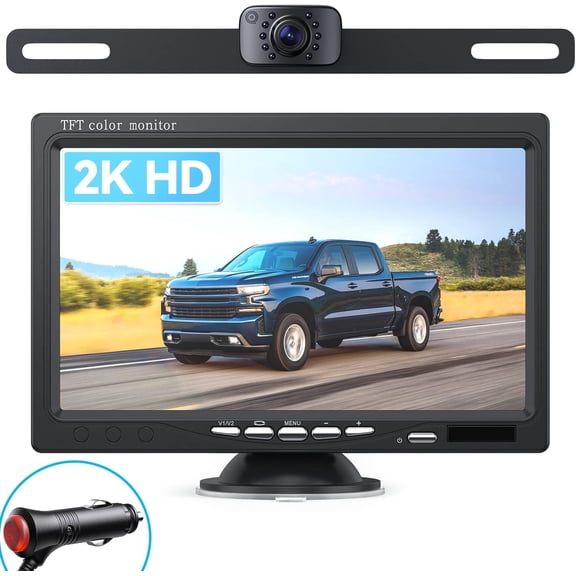
You can also compare how your camera sends video to the display. Your choices often include wired, wireless, Bluetooth, or Wi-Fi systems, and each setup changes installation steps.
- You can pick wired systems when you want a steady signal and a fixed connection path through your vehicle.
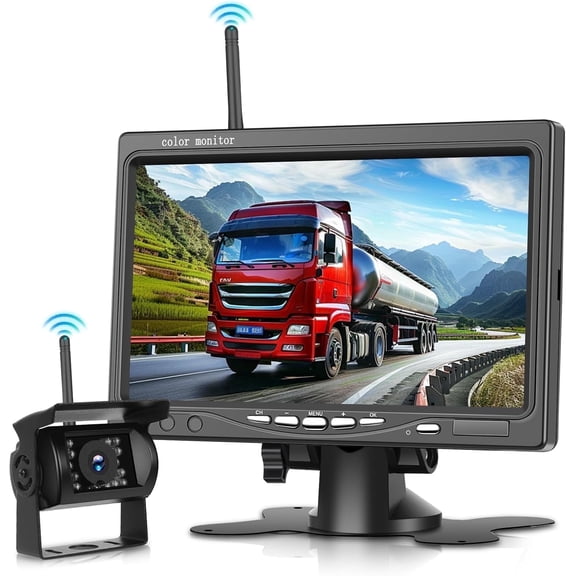
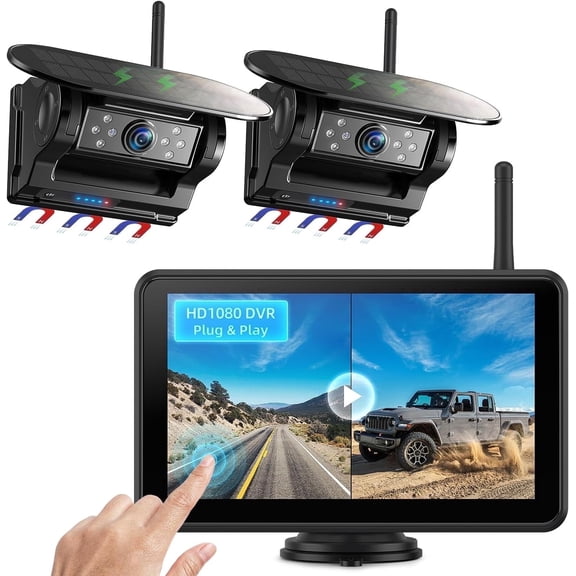
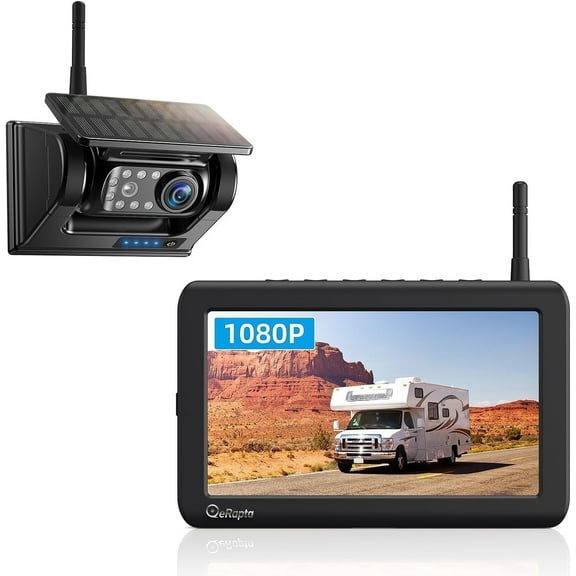
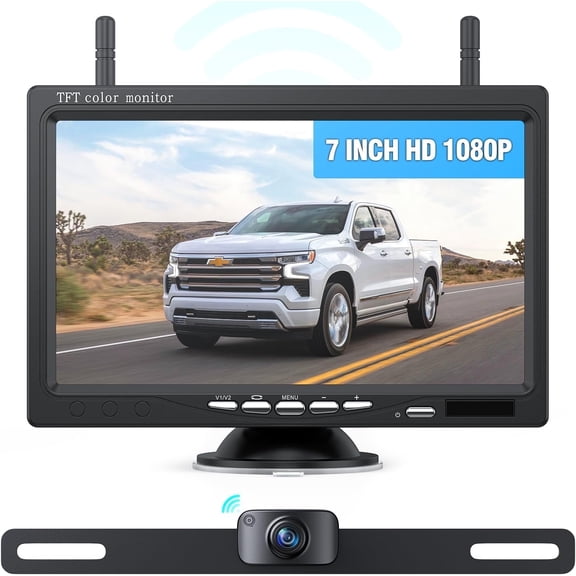
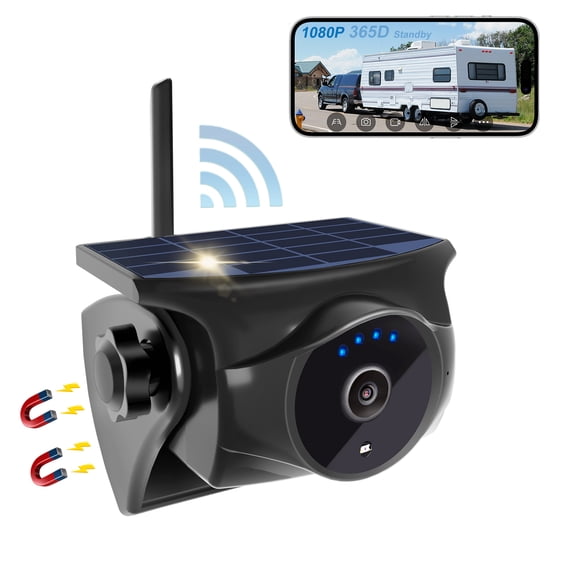
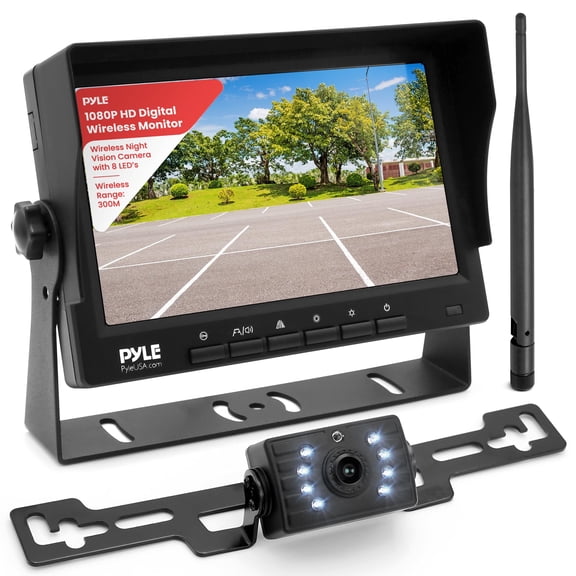
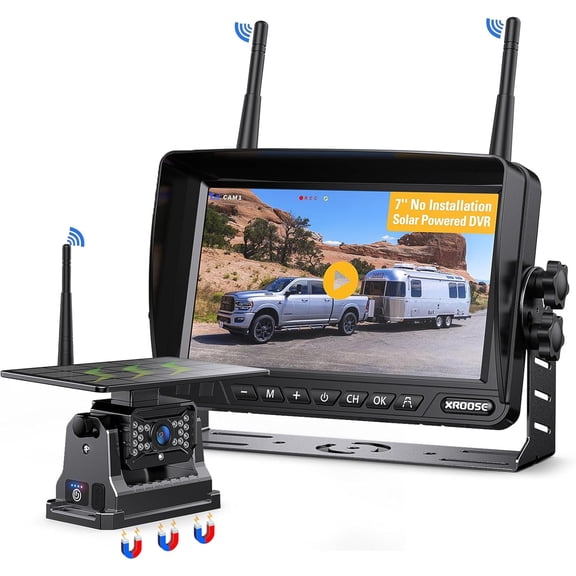
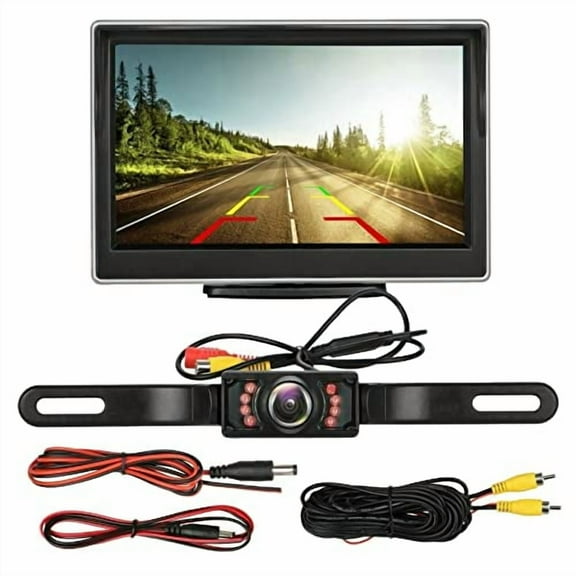
- You can choose a wireless backup camera when you want fewer cables and a simpler DIY installation.
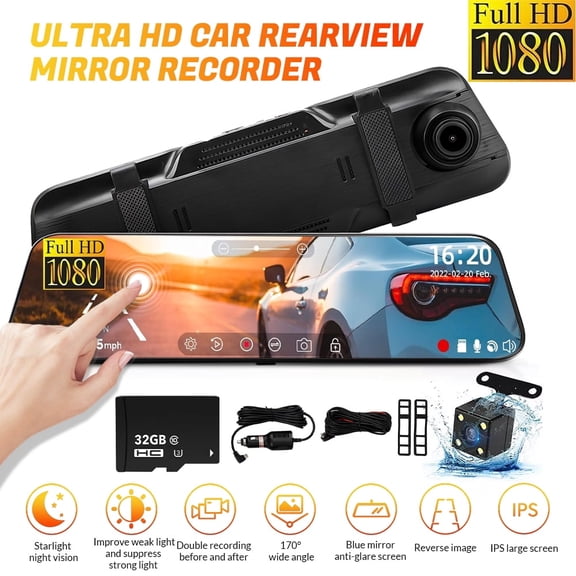
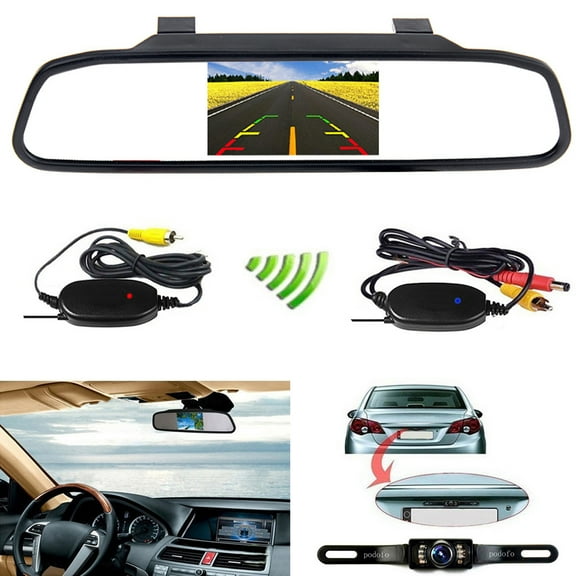
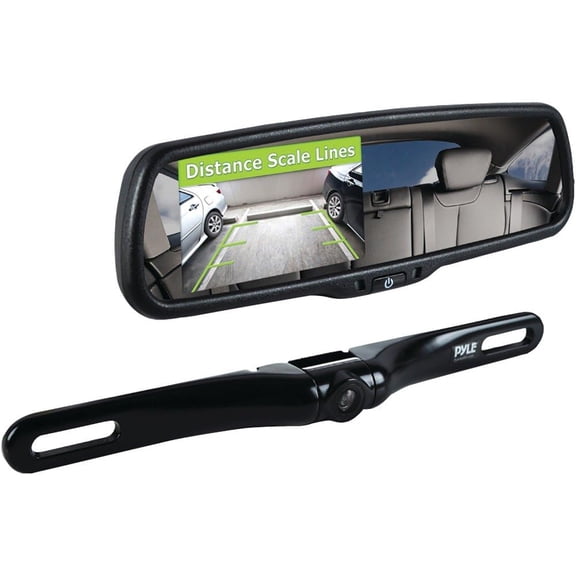
- You can select rearview mirror monitors if you want your display in your natural line of sight.
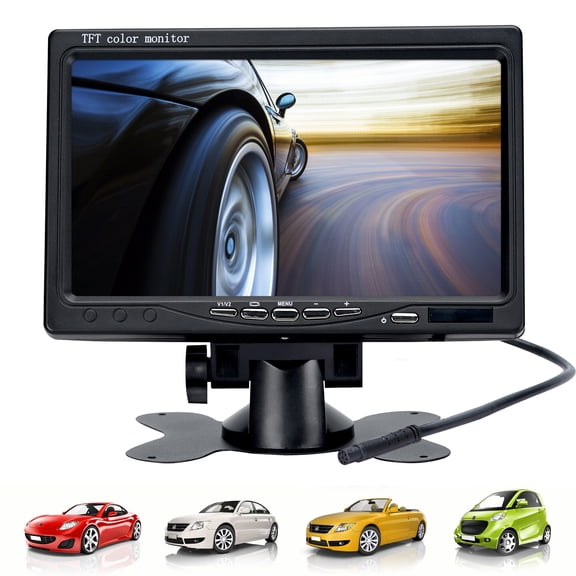
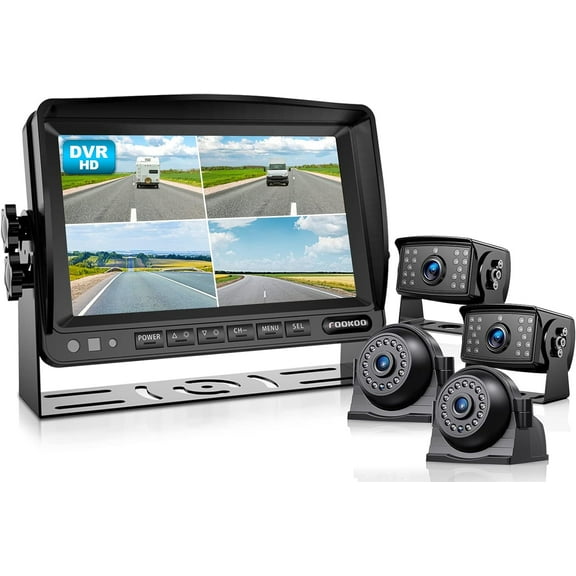
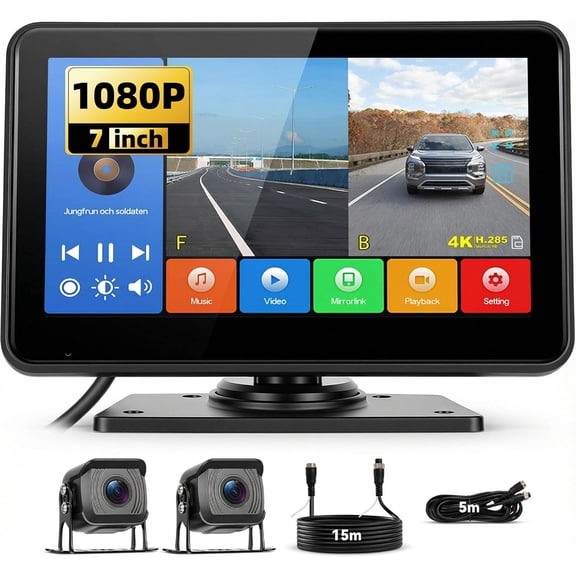
- You can use dash monitors when you want a separate screen that works across many vehicle interiors.
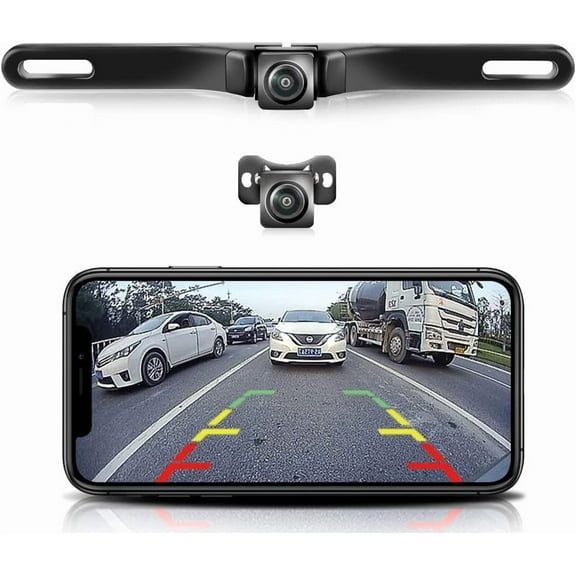
- You can consider smartphone app viewing if you want flexible display placement and app-based controls.
Choosing connection type and installation method
When you compare wired and wireless systems, you should think about signal path before anything else. You’ll often get a direct video feed from wired setups, which can feel more consistent during daily use.
If you prefer easier installation, you may lean toward a wireless backup camera with a transmitter and receiver. You can usually avoid running a long video cable from the rear of your vehicle to the front.
You should still check transmitter frequency and possible interference around other electronics in your vehicle. You’ll want a stable connection if you back into garages, trailers, or crowded parking lots every day.
For DIY projects, you may find wireless, Bluetooth, or Wi-Fi systems easier to plan. If you want a more integrated look, you may prefer a hardwired rev cam with hidden routing.
You should also match the display type to your dashboard layout and driving habits. You can choose a rearview mirror monitor, a dash monitor, a smartphone app, or OEM screen integration.
Comparing mounting style, resolution, and viewing angle
You should measure your rear mounting area before choosing among these types camera options. Your license plate area, bumper shape, or tailgate handle can limit what fits without extra drilling.
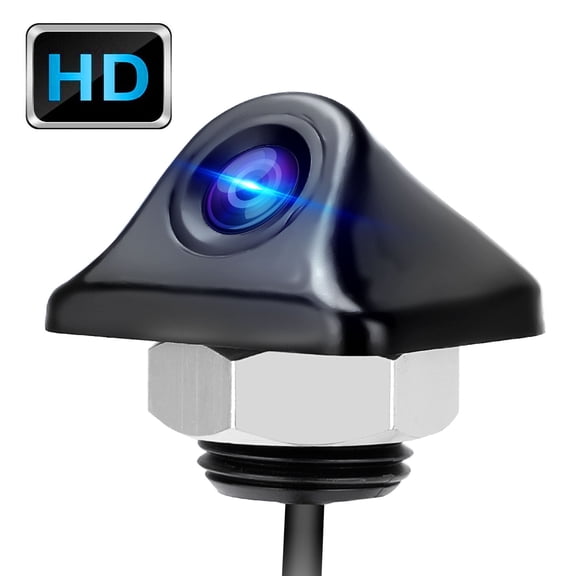
If you want a clean installed look, you may consider flush mount cameras. If you want easier placement changes, you may prefer bracket mount styles that give you more flexibility.
You’ll also want to compare camera resolution because sharper detail can make parking lines and obstacles easier to read. You can choose standard definition, 720p, or 1080p Full HD depending on your display and preferences.
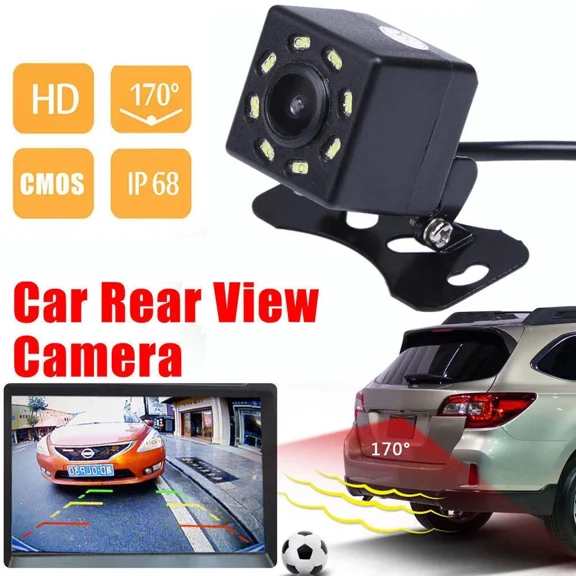
When you review back cameras, you should check the field of view in degrees, not only the photo quality. A wider angle can show more area behind you, but too much width can add lens distortion.
You can use viewing angle details to match your driving routine. If you back into narrow spaces often, you may want broad coverage with a balanced image that still looks natural.
You should also review weatherproof ratings like IP67 or IP68 before installing outside. Those ratings help you compare how a camera housing handles rain, road spray, dust, and regular car washes.
Picking night vision and display options for daily driving
You may drive before sunrise, after work, or during bad weather, so night visibility matters. You can compare infrared, LED assist, and low-light sensor designs based on how and when you drive.
If you want a cleaner low-light image, you may look for a low-light sensor setup. If you want extra illumination around the lens, you may choose LED assist or infrared support.
You should also think about where you’ll watch the image when reversing. Your rearview mirror monitor can keep the picture close to eye level, while your dash monitor can offer a larger dedicated screen.
If your vehicle already has a compatible factory display, you may prefer OEM screen integration. If you want flexibility across different vehicles, you may choose a smartphone app or stand-alone monitor.
You can match these backup cameras to different routines with less trial and error. If you tow, you may want a stable signal, wide view, and a screen you can glance at quickly.
If you commute in crowded lots, you may prefer compact mounts, clear 1080p detail, and dependable night visibility. If you drive a pickup, you may choose a tailgate handle reverse cam that fits your rear trim better.
When you understand the main types of backup cameras, you can narrow your options by connection, mount, screen, and image needs. You’ll make a more confident choice when your camera setup matches your vehicle and your parking routine.