

All Phones in Office Phones



















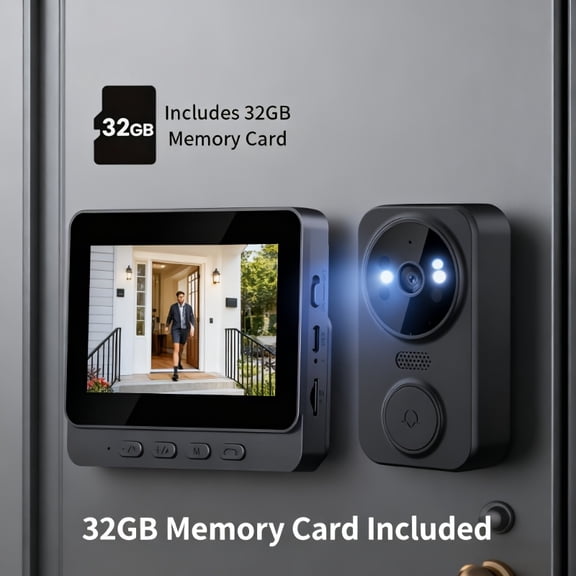
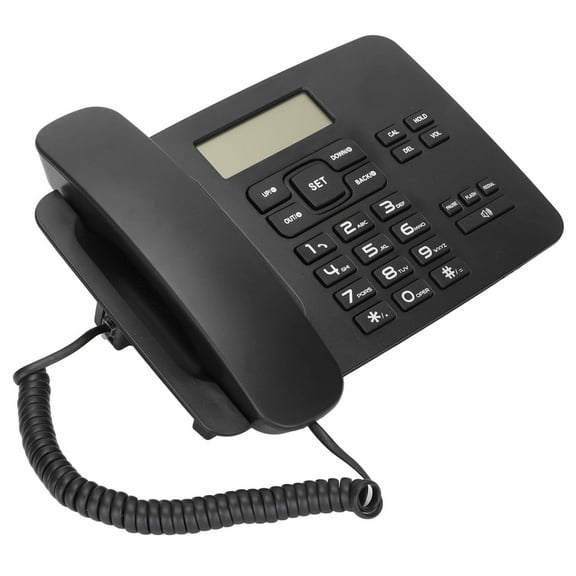
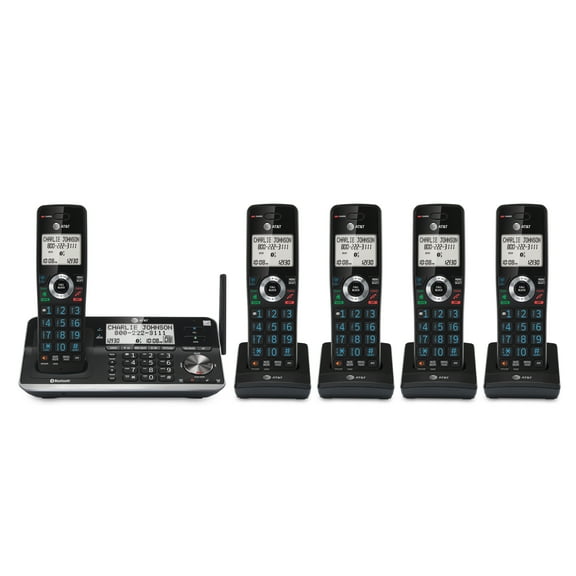
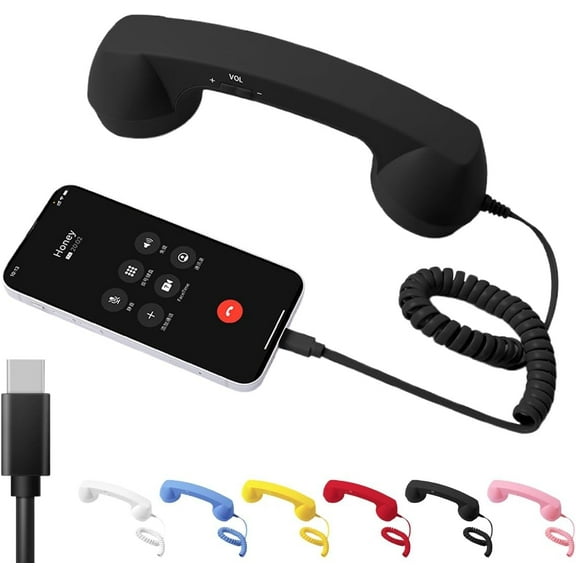




About All Phones in Office Phones - Walmart.com
Cell phones help you stay connected for work, photos, streaming, and daily tasks. On this page, you can compare smartphones by operating system, carrier compatibility, condition, and network technology.
How to choose cell phones for your routine
When you compare cell phones, you should start with how you use your device each day. Your calls, photos, apps, games, and travel habits shape which model fits you.
If you rely on messaging, maps, and mobile payments, you may want smartphones with processors built for multitasking and extended battery life. If you need a backup device, you may prefer fewer extras and familiar controls.
You can narrow your options quickly when you focus on a few key decisions first. Your operating system, storage size, and network support usually matter before color or finish.
- You can choose iOS if you want a familiar Apple ecosystem and simple syncing across supported devices.
- You can choose Android if you want a wide variety of hardware and flexible settings.
- You can choose unlocked cell phones if you want flexibility when you switch compatible carriers.
- You can choose prepaid phones if you want straightforward service options without a long contract.
- You can choose refurbished cell phones or restored models if you want tested devices across more conditions.
Choosing smartphones by operating system
Your operating system affects how you download apps, move photos, and connect with other devices. You should compare iOS and Android based on the tools you already use.
If you use Apple services often, you may prefer iOS for familiar menus and connected features. If you want a wide variety of hardware, you may lean toward Android smartphones.
You should also check app compatibility before you decide. Your banking apps, smart home controls, and work platforms may shape which system feels straightforward to use.
Storage matters just as much as software when you plan to keep your phone for years. You should look for enough room for photos, videos, downloaded playlists, and large apps.
If you shoot lots of video, you may want higher storage so your phone stays responsive. If you mostly call, text, and browse, you may need less space.
Comparing unlocked cell phones, prepaid phones, and carrier options
Your carrier setup can affect how much flexibility your phone gives you after purchase. You should compare unlocked cell phones, prepaid phones, and carrier-locked models before you choose.
Unlocked phones can give you flexibility to use a compatible carrier of your choice. You should still check supported bands, because compatibility depends on the phone and the network.
When you review technical details, you may see GSM and CDMA references on older models. You should treat those terms as compatibility clues that help you match service support.
Prepaid phones can work well when you want a simple setup and predictable monthly service. You may prefer them for a first phone, travel phone, or backup line.
Carrier-locked phones may fit you if you already know which network you plan to use. You should confirm activation steps, carrier policies, and network support before you commit.
What to look for in refurbished cell phones and restored models
Your condition choice can expand your options across features, colors, and storage sizes. You can compare new, refurbished, and restored models based on appearance and testing details.
New phones usually arrive with current packaging and untouched exterior condition. Technicians typically check refurbished cell phones and restored models for function before they reach you.
You should read the listing for notes about cosmetic condition and included accessories. Your screen appearance, housing finish, charger details, and battery information can vary by item.
If you want a device for everyday use, you may focus on function first and cosmetic wear second. If you plan to gift the phone, you may care more about exterior appearance.
You should also compare return information and product descriptions carefully. Your confidence improves when you know whether the listing explains testing, grading, and included components clearly.
Choosing 5G phones and other features that match your use
Your network technology affects how your phone handles streaming, downloads, and busy mobile routines. You can compare 5G phones and 4G LTE models based on your area and usage.
If you stream often or share large files, you may want 5G support for newer network access. If your needs are basic, you may find 4G LTE support fits your routine.
You should also look at screen size, camera setup, and battery capacity with your habits in mind. Your commute, workday, and entertainment time can make those details more important.
For travel, you may want unlocked support, solid battery life, and enough storage for offline maps. For family use, you may want prepaid options, durable cases, and cell phone accessories.
If you need one device for photos, apps, and video calls, you should prioritize storage and network support. Your phone can feel straightforward to use when its features match your routine.
With clear details on software, carrier compatibility, condition, and connectivity, you can compare this category with confidence. Your next phone choice feels more focused when those details match how you use it.