

Office Phones in Office Technology






















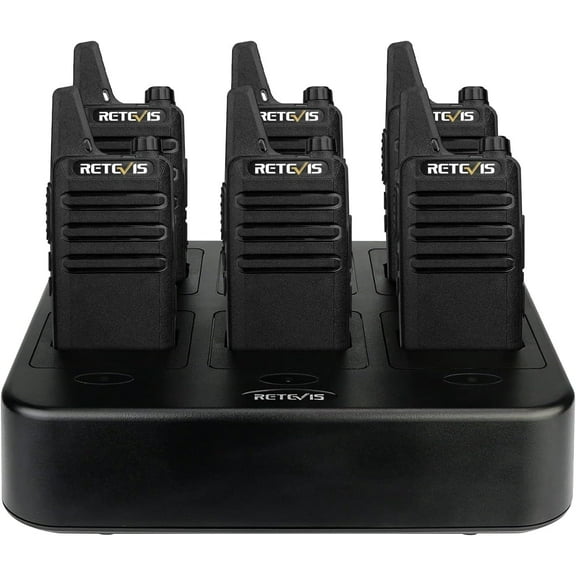




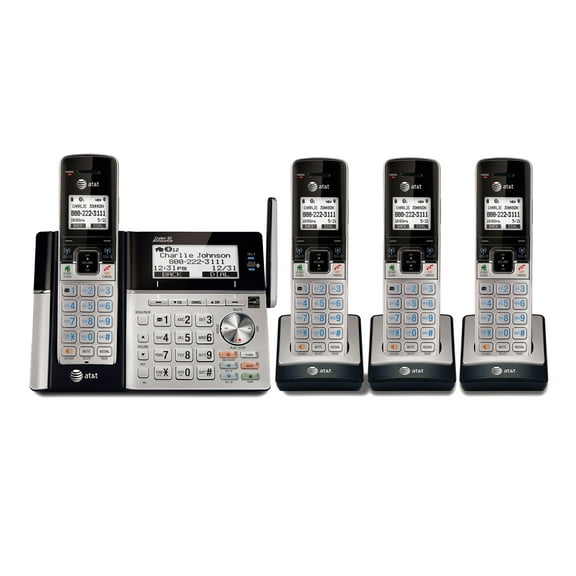
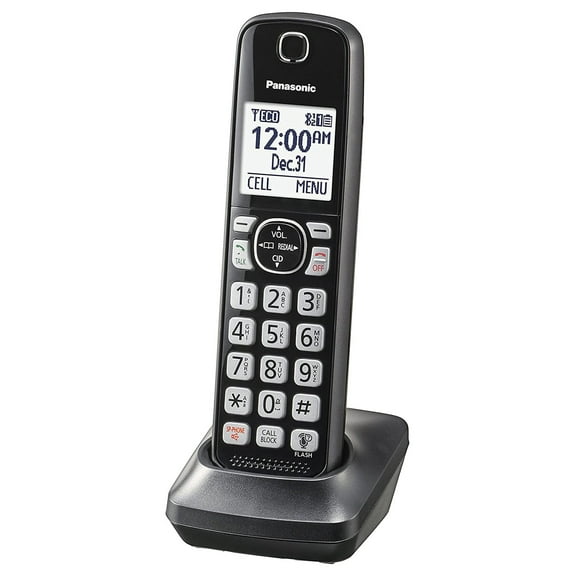
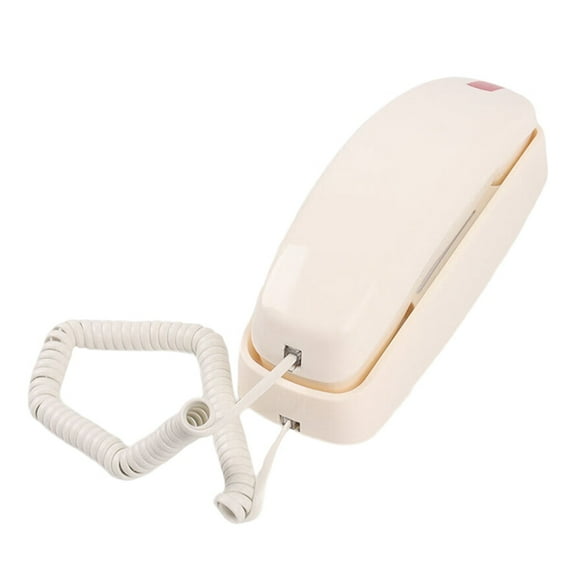



About Office Phones in Office Technology - Walmart.com
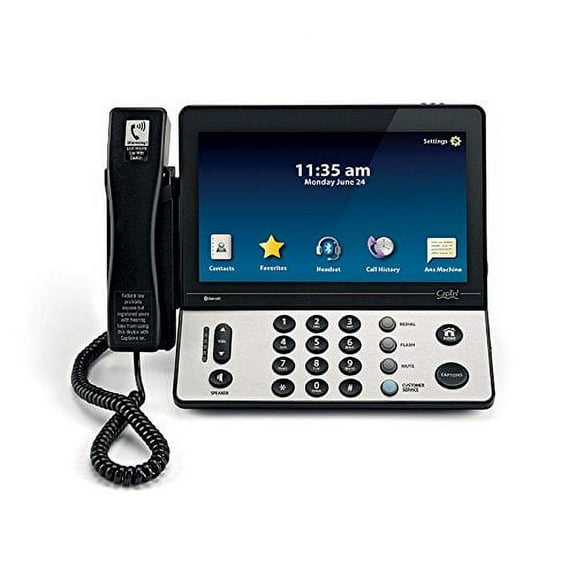
Office phones help you keep business calls clear, organized, and easier to manage during busy workdays. You can compare line capacity, connectivity, and desk setup to match your workspace.
How to choose office phones for your setup
When you choose office phones, you should start with how many calls you handle at once. You may only need one line, or you may need room for several active conversations.
Line capacity matters because your daily workflow changes with each step up. You can use one-line models for simple calling, while multi line office phones support busier teams.
Connectivity is another key decision because your service type shapes compatibility. You should check whether you use traditional analog service, VoIP office phones, or SIP-based calling.
Your desk layout also affects which configuration feels practical during the day. You can choose corded office phones for a fixed station, or cordless office phones for added movement.
Key benefits of business desk phones
Business desk phones give you a dependable calling setup that fits focused work. You can keep your hands near your keyboard, notes, and monitor during long call blocks.
Clear audio supports smoother conversations with clients, coworkers, and vendors. You may notice that a dedicated handset often feels easier to use during repeated daily calls.
- You can separate personal and work communication with a dedicated office calling setup.
- You can manage higher call volume by choosing one-line, two-line, four-line, or multi-line designs.
- You can match your service type by comparing analog, VoIP, and SIP compatibility.
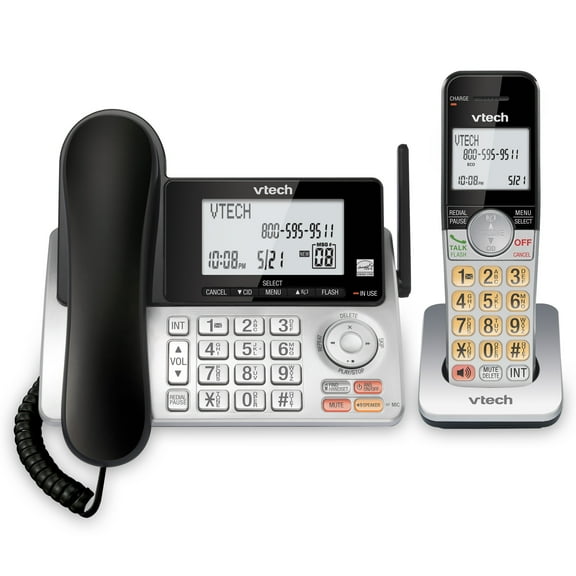
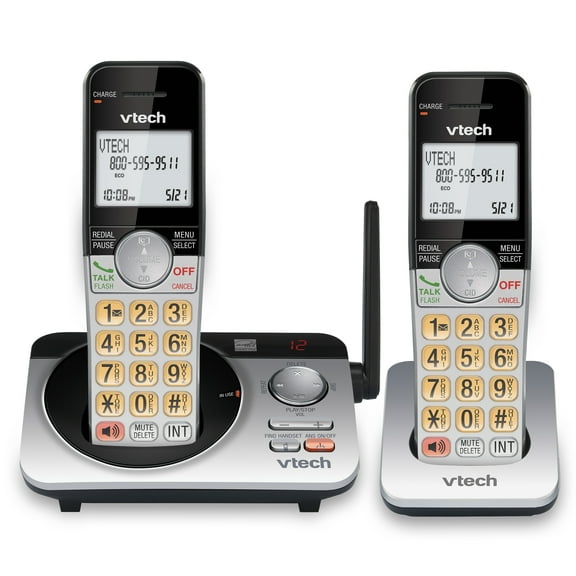
- You can support your layout with corded desk units, cordless handsets, or base plus handset bundles.
For home office use, you may want a smaller footprint and simple controls. For small business use, you may want extra line support and transfer-ready functions.
Enterprise desk environments often need broader compatibility and expansion options across many workstations. You can narrow your choice faster when you compare by use case first.
Choosing line capacity and connectivity for office phones
You should measure line capacity by how many simultaneous calls your team handles. A one-line model works for light calling, while two-line and four-line options fit growing desks.
Multi line office phones make sense when you transfer calls often or monitor several lines. You can keep conversations moving without juggling separate devices across the office.
Compatibility deserves close attention because not every phone works with every service type. You should confirm whether your provider uses analog POTS, VoIP, or SIP before you choose.
Analog POTS phones connect to traditional phone service that many smaller offices already use. VoIP office phones and SIP models fit internet-based systems that support modern business communication setups.
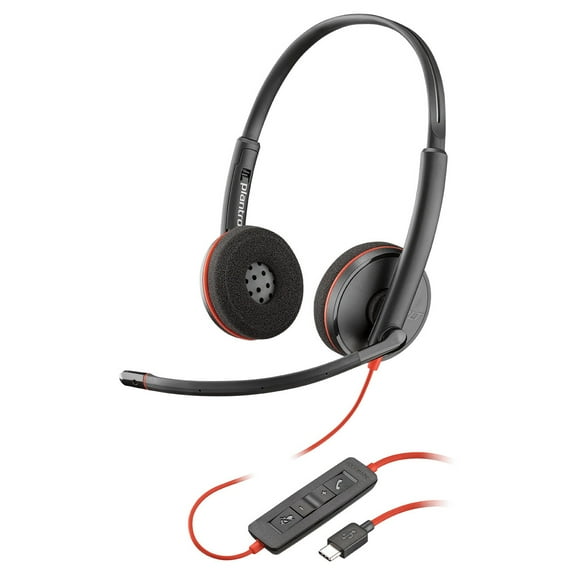
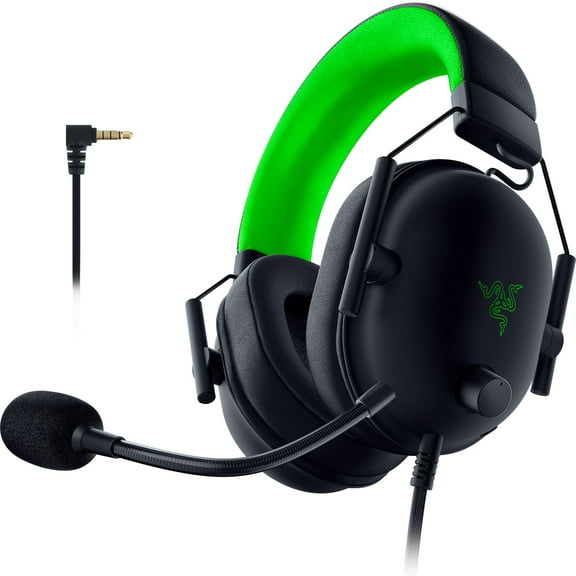
You may also compare feature sets that shape daily call handling. You can look for speakerphone, caller ID, voicemail access, directory storage, and headset support.
If your team routes calls across several people, you may want transfer, intercom, or paging functions. You should also check whether the system supports expansion handsets or extra stations.
Comparing corded and cordless office phones
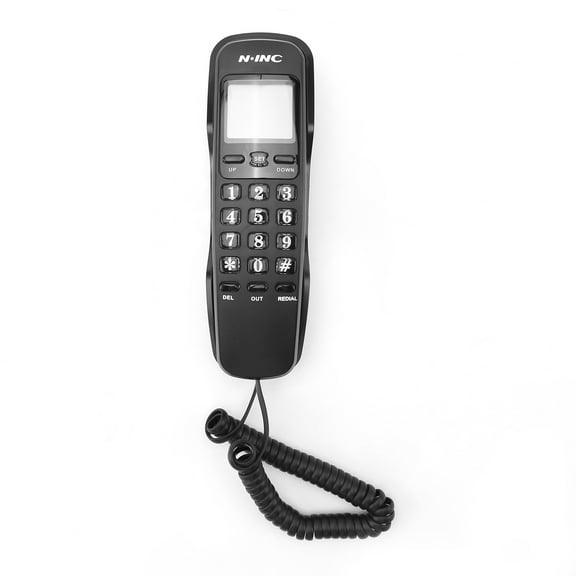
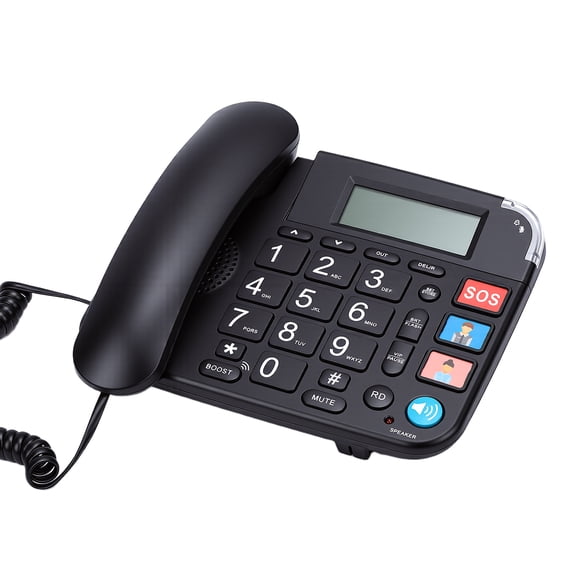
Corded office phones fit desks where you want a fixed, always-ready calling position. You can place them beside a computer and keep a consistent setup for reception or admin work.
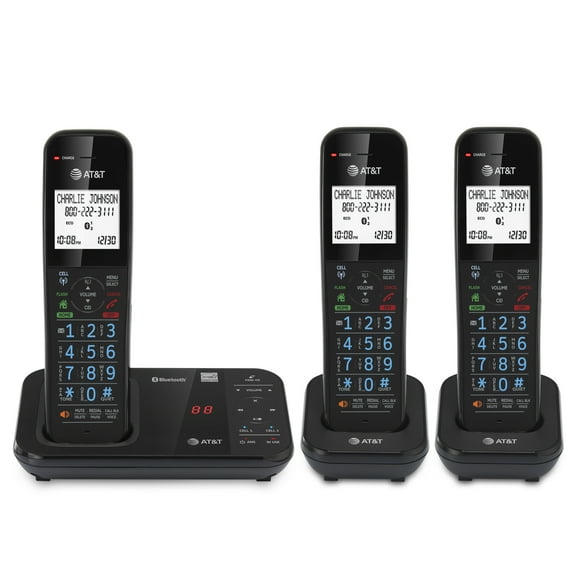
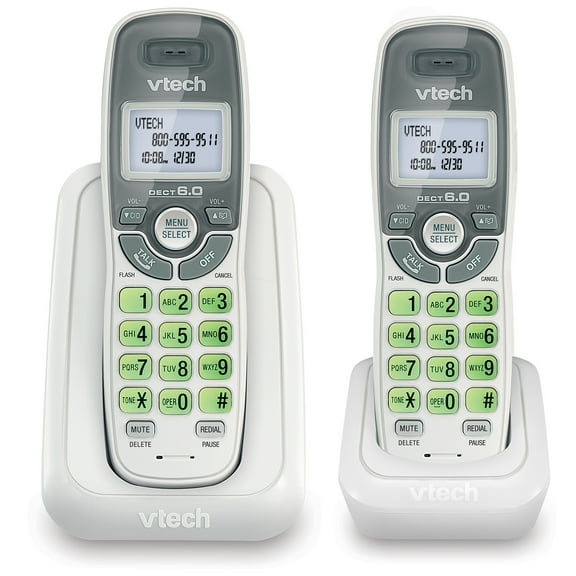
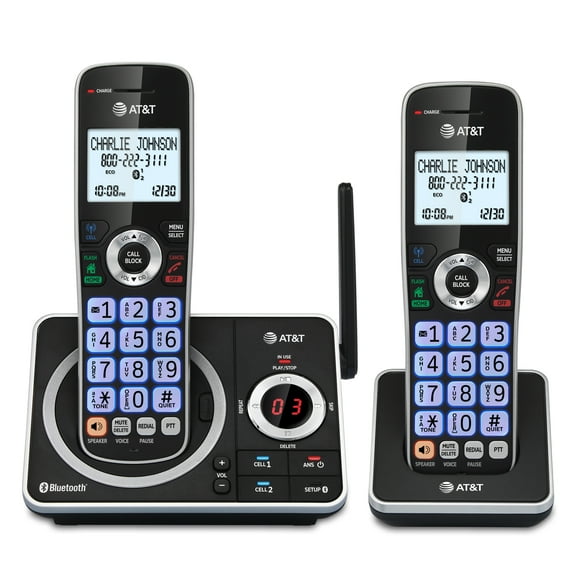
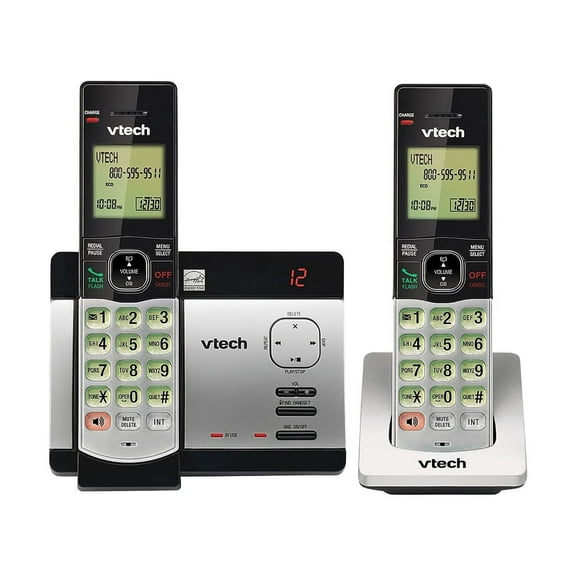
Cordless office phones help when you move between counters, shelves, or nearby rooms. You can stay available during tasks that don’t keep you at one desk.
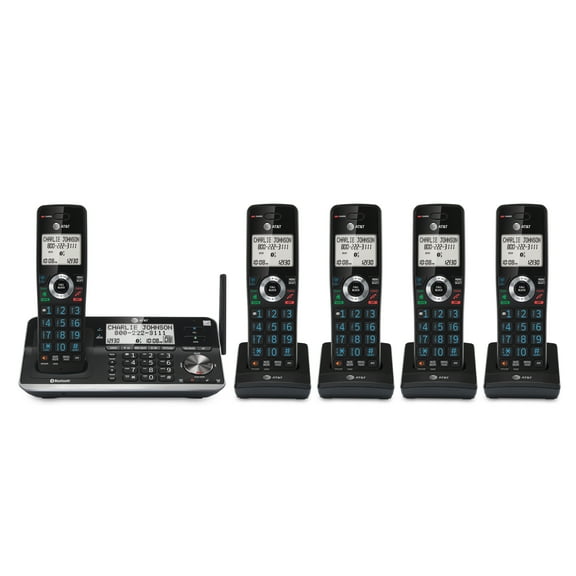
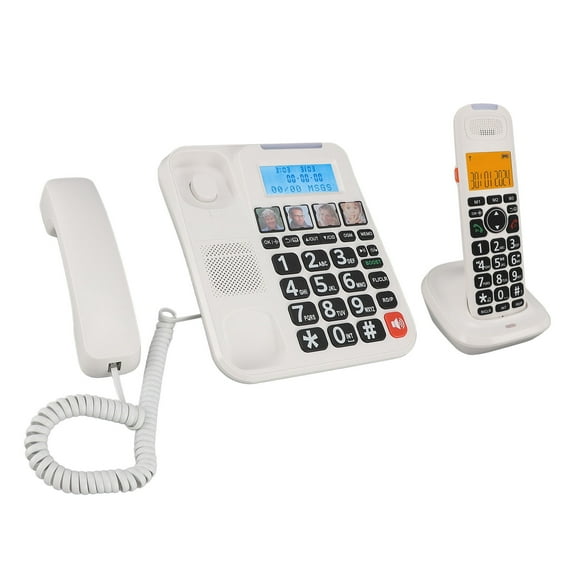
Base plus handset bundles can give you a mix of desk stability and flexible movement. You may prefer this setup when one shared line serves several nearby work areas.
Your workspace size should guide this decision as much as your calling habits. You should consider desk spacing, outlet access, and where you need to answer calls most often.
Matching office phone systems to real work scenarios
For a home office, you may want business phones with straightforward setup and a compact footprint. You can keep your workspace neat while maintaining a dedicated business line.
For a front desk or reception area, desk phones for office use often need visible controls and multiple line access. You can answer, place, and transfer calls with less interruption.
For a small business team, office phone systems may need several stations and shared call handling. You should compare line support, handset expansion, and service compatibility before choosing.
In larger offices, you may need enterprise desk units that fit an existing VoIP or SIP environment. You can align each desk with the same platform for simpler setup planning.
If your staff splits time between seated work and movement, cordless setups can fit daily routines well. You can move around the office while staying connected to incoming calls.
When your calling needs are steady and desk-based, a corded model may feel more straightforward. You can build a reliable workstation around clear controls and consistent placement.
You can choose office phones with more confidence when you compare lines, service type, and configuration together. That approach helps your team stay connected with a setup that fits your daily workflow.