




TV Mounts for Flat Screen TVs, Wall Mounts & Ceiling Mounts

















About TV Mounts for Flat Screen TVs, Wall Mounts & Ceiling Mounts - Walmart.com
TV mounts help you free up floor space and create a cleaner viewing setup in your room. You can compare mount type, TV size fit, VESA pattern, and weight capacity before you choose.
If you want a wall setup that looks neat and feels intentional, you’ll want decision details that actually matter. You’ll find guidance here for motion range, wall compatibility, and profile depth.
Choosing tv mounts for your room
You should start with how you watch and where your screen sits in the room. Your viewing angle, furniture height, and wall location all shape the mount style you need.
When you mount your TV, you can open up console space and reduce visual clutter around the screen. You can also place your display at a height that matches your couch, bed, or workout area.
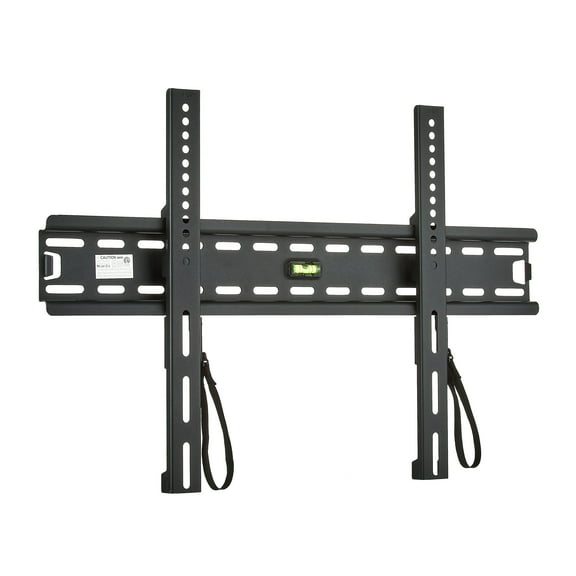
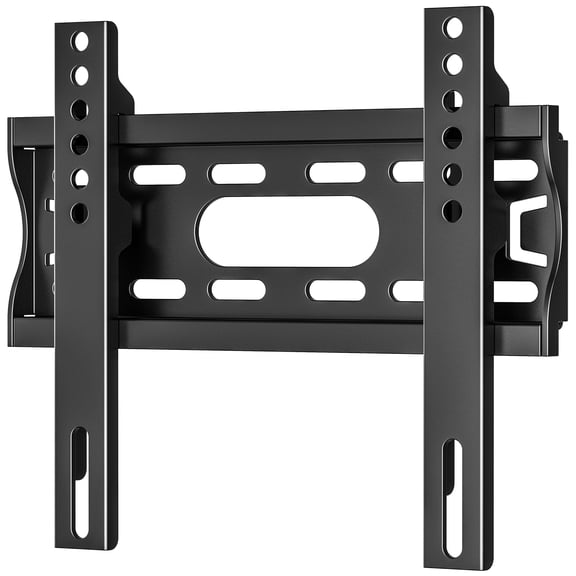
- For a close-to-wall look, you can use a fixed mount when your screen stays in one position.
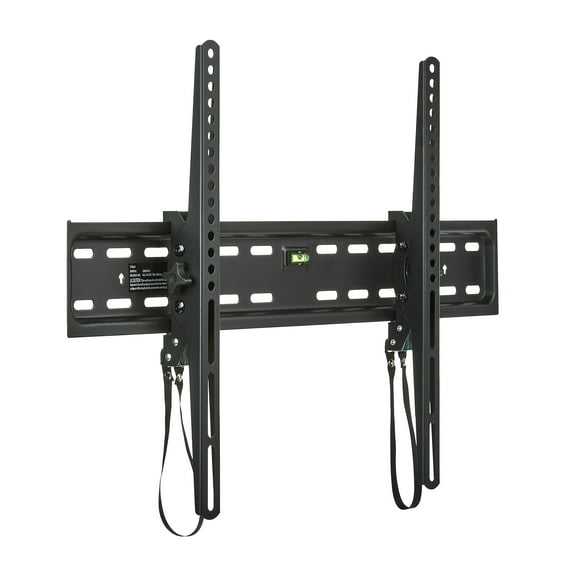
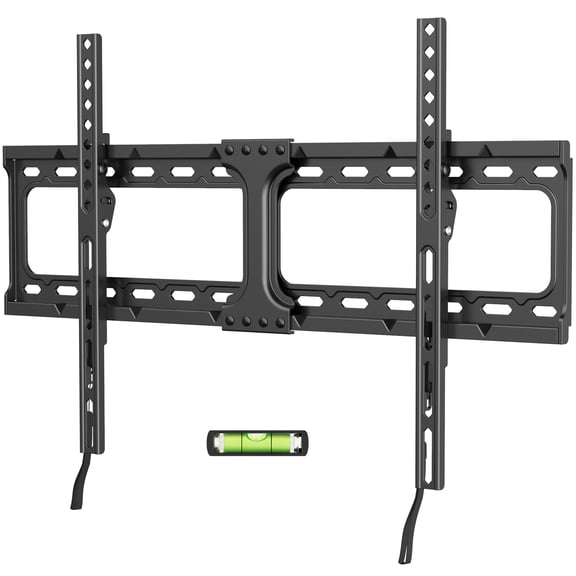
- To cut glare from windows or lamps, you can choose a tilting tv mount for a higher screen position.
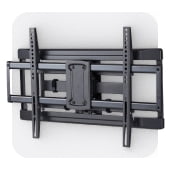
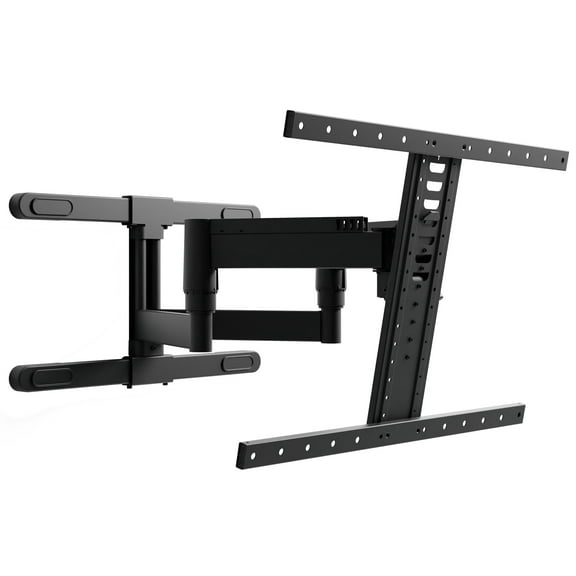
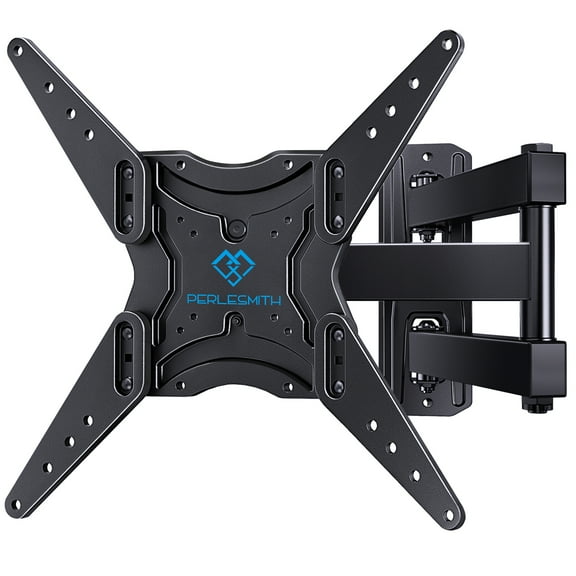
- When your seating shifts between areas, you can pick a full motion tv mount for extension and turning.
- In a corner or open layout, you can consider a swivel tv mount for side-to-side adjustment.
- With a larger screen, you can check a heavy duty tv wall mount for higher weight support.
Because rooms vary, you’ll want to compare movement and wall distance before you buy. A mount with the right range can help your screen face the spot where you actually sit.
How to compare a tv wall mount by type
You’ll usually choose between fixed, tilting, full motion, and swivel designs. Each type changes how flat your TV sits and how much you can adjust it later.
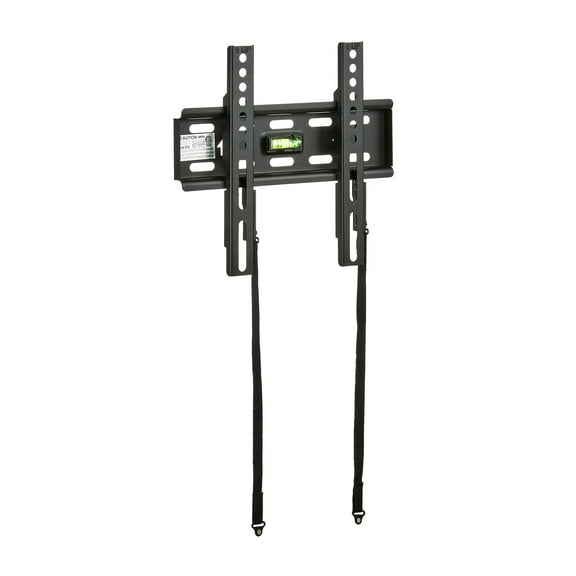
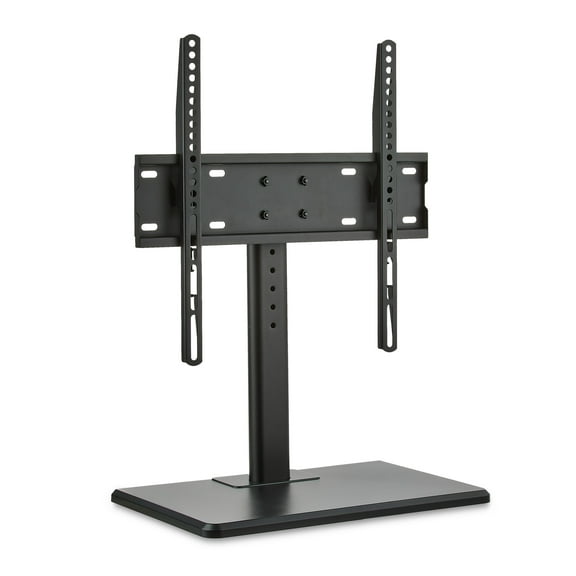
A fixed tv wall mount works well when you want a slim profile and a steady viewing position. You’ll often see it used in living rooms where your sofa faces the screen directly.
A tilting tv mount lets you angle the screen downward a few degrees. You may prefer it when your TV hangs above a fireplace console or a taller media cabinet.
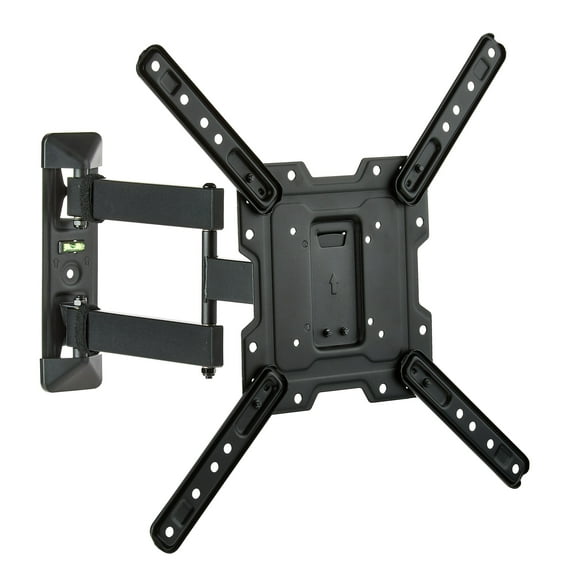
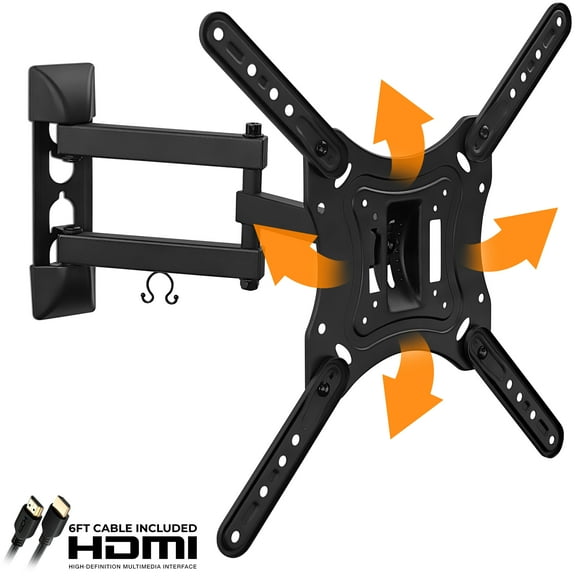
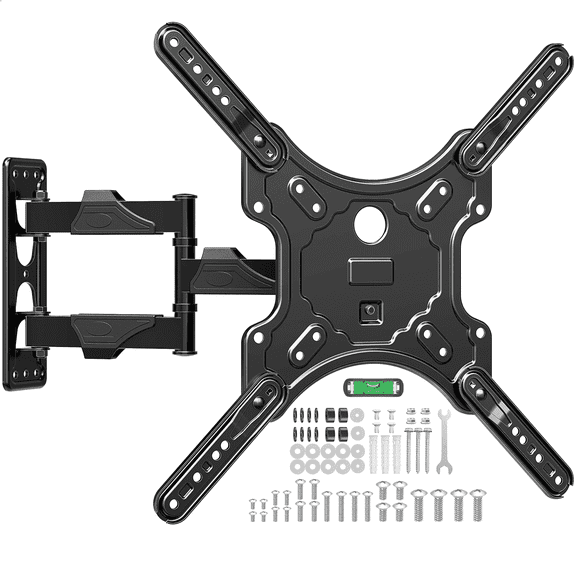
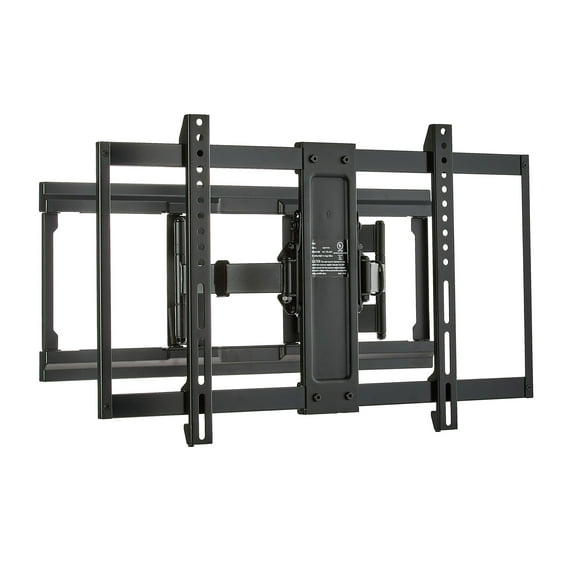
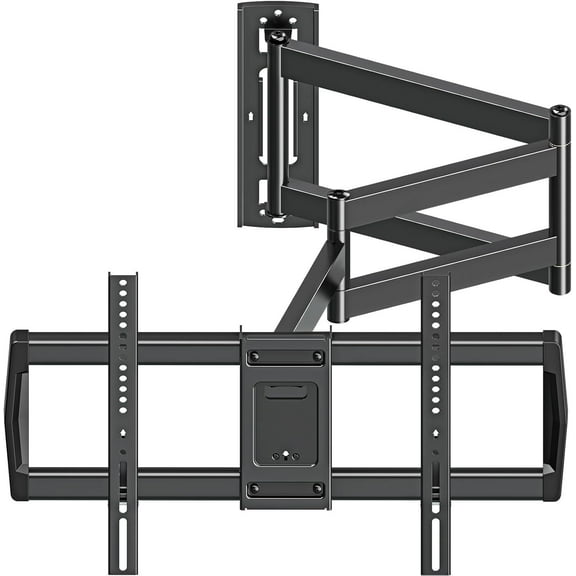
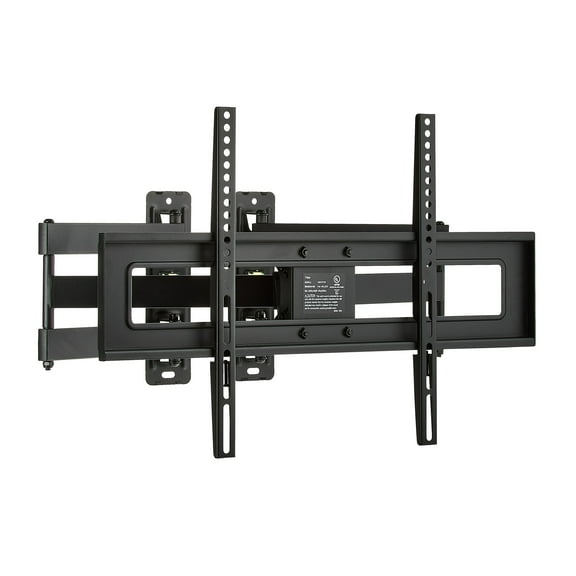
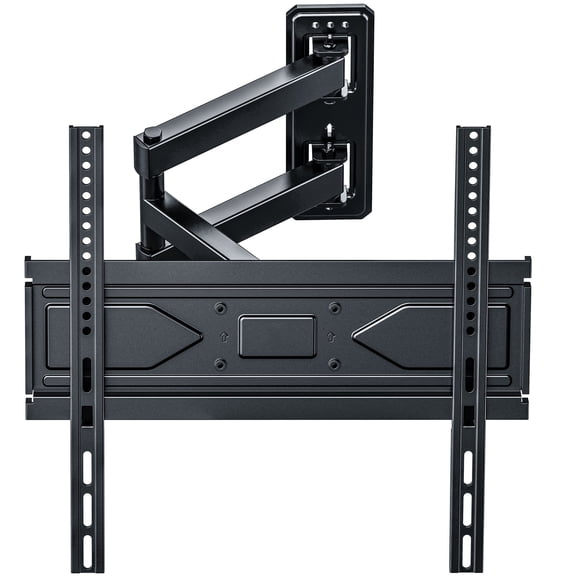
A full motion tv mount gives you an arm that extends outward and turns side to side. You’ll appreciate that flexibility in multipurpose rooms, corner layouts, and spaces with changing seats.
A swivel tv mount focuses on side-to-side adjustment for improved sight lines. You can use that movement when your kitchen, dining area, and family room share one screen.
Checking TV size, VESA pattern, and weight limits
You should match your mount to both your TV size and your TV weight. A screen labeled 32-55 inch fits different mounts than a larger 50-85 inch display.
You’ll also need to check your VESA pattern, which is the bolt spacing on the back of your TV. Common sizes include 200x200, 400x400, and 600x400.
If your TV and mount share the same VESA pattern, you’ll get a cleaner fit during installation. If the pattern doesn’t match, you may face extra hardware questions before your screen goes up.
You should also compare weight capacity in pounds, not just screen size. Some mounts support up to 80 lbs, while a heavy duty tv wall mount may support up to 150 lbs.
For larger screens, you’ll want enough support for the panel and the motion arm. That matters even more when your mount extends away from the wall during viewing.
What to look for in wall fit and installation
You’ll want to check your wall type before you narrow your options. Drywall over wood studs, concrete, and other surfaces can call for different hardware and mounting steps.
Stud spacing matters because your bracket needs secure anchor points behind the wall surface. You should measure carefully and confirm whether your mount supports common stud distances.
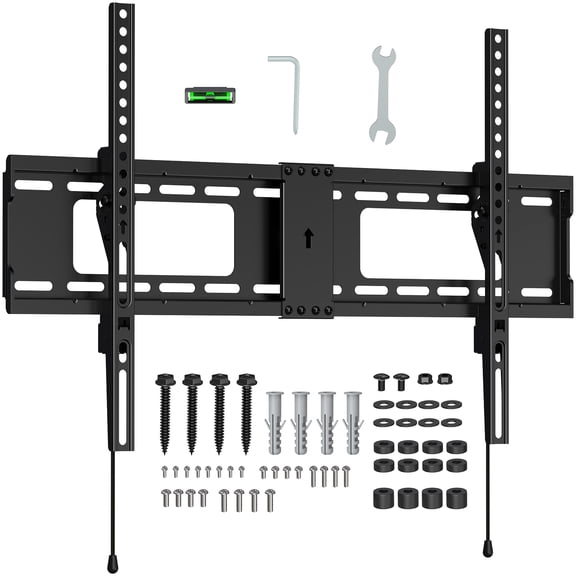
If you’re mounting on concrete, you’ll want to confirm anchor compatibility in the product details. You can also look for designs that include clear templates and labeled hardware packs.
You may also care about cable management and profile depth once you mount your screen. Some designs help you route cords more neatly, while others keep your TV sitting closer to the wall.
An ultra-slim look can suit a clean media wall, while an articulated arm adds access behind the screen. You should decide whether you want a close wall fit or easier reach for ports.
Using tv mounts for different setups
You can match different mount combinations to the way your room actually functions. A small TV in a bedroom often pairs well with a fixed or tilting design.
For a 55-inch family room screen, you may compare a full motion tv mount with a 400x400 VESA fit. You should also confirm the arm’s reach if your couch sits off center.
For a large TV in an open living area, you may want a swivel tv mount with higher weight support. You’ll benefit from side viewing adjustment when people watch from more than one zone.
If your setup includes a game console, streaming box, or soundbar, you may care more about wire access. You can look for mounts that leave room to reach ports without removing the TV.
In a workout room or office, you may want a tilting tv mount that reduces glare from overhead lights. You’ll notice that a small angle change can improve the screen view during movement.
When you compare tv mounts by type, size range, VESA pattern, and weight support, you can narrow choices quickly. You’ll end up with a setup that fits your wall, your screen, and your viewing habits.