

TV Accessories in TV & Home Theater


















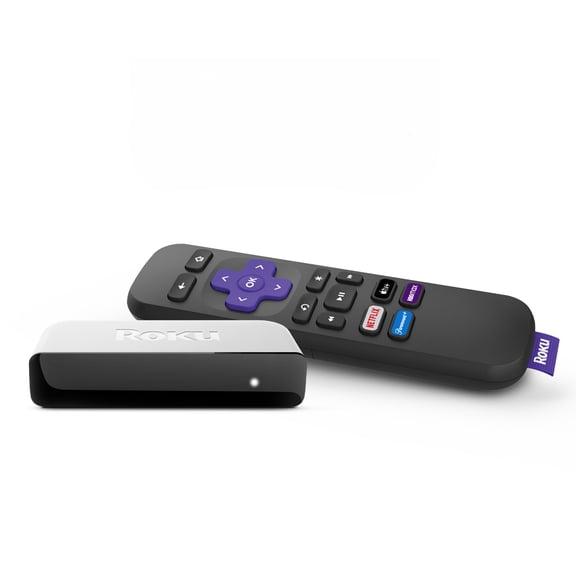

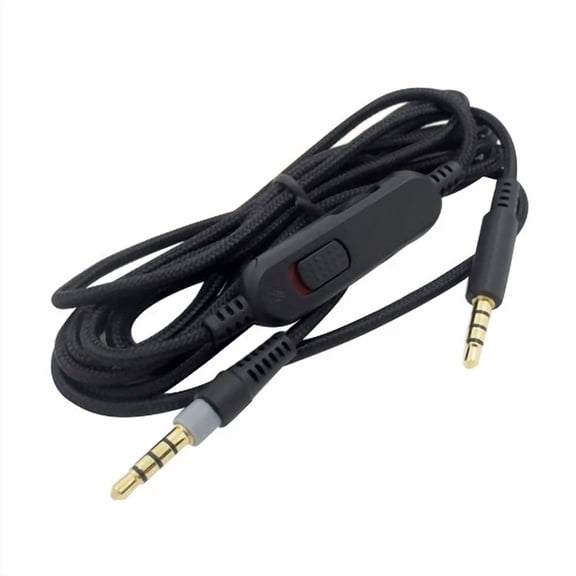
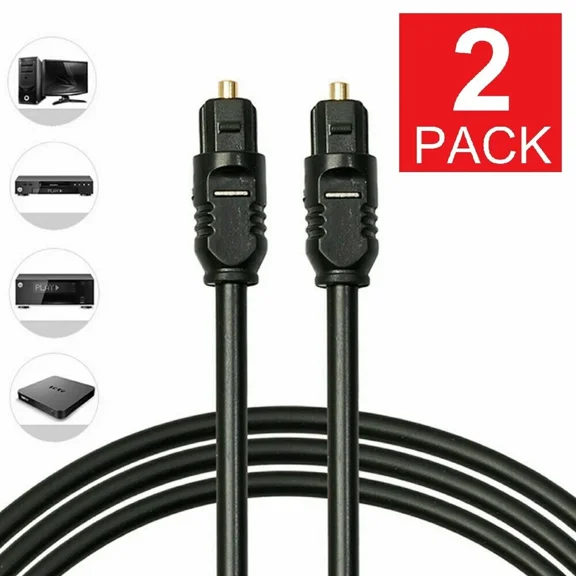

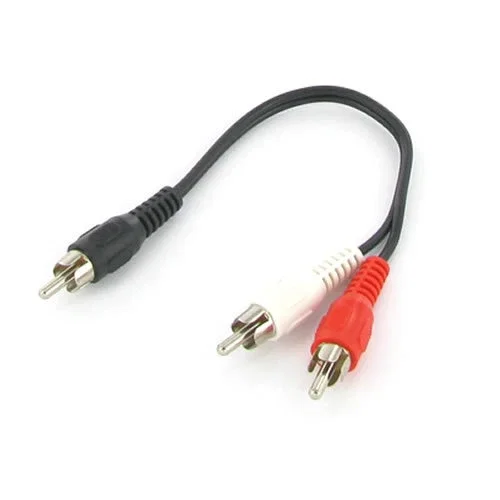
















About TV Accessories in TV & Home Theater - Walmart.com
You can complete your setup with tv accessories that support clean installation, reliable connections, and simple everyday control. You’ll find key add-ons like mounts, cables, remotes, antennas, and power protection in one category.
When you compare these parts together, you can match your screen, room, and devices with fewer compatibility surprises. You can also focus on details like VESA patterns, HDMI specs, and cable length before you choose.
How to choose tv accessories for your setup
You should start with the accessory type that solves your immediate setup need. You may need a wall-mounted bracket, a replacement remote, a tv antenna, or a surge protector.
If you’re building a new room layout, you can compare mounting, signal, and connection needs at the same time. If you’re replacing one missing part, you can narrow your choice by compatibility first.
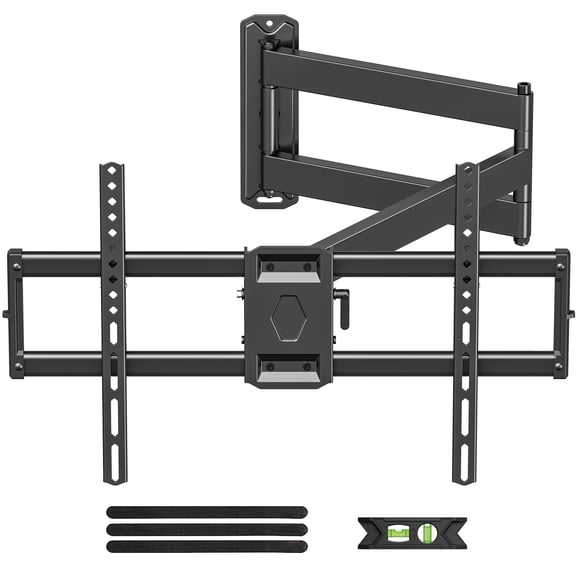
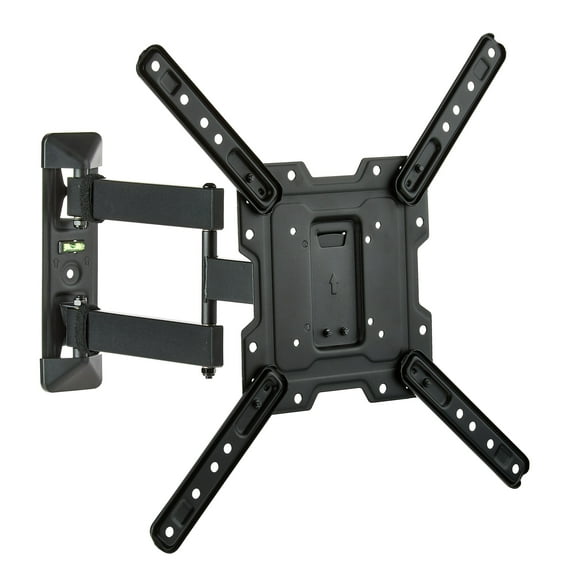
- You can use tv wall mounts to free up tabletop space and position your screen at a comfortable viewing height.
- You can use hdmi cables to connect game consoles, streaming boxes, soundbars, and disc players with one simple cable type.
- You can use a universal tv remote to reduce controller clutter and manage several devices from one handheld unit.
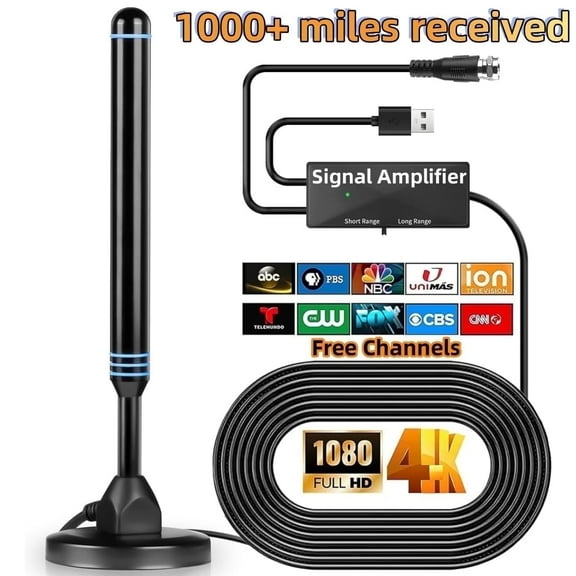
- You can use a tv antenna when you want over-the-air channels without adding another box to your setup.
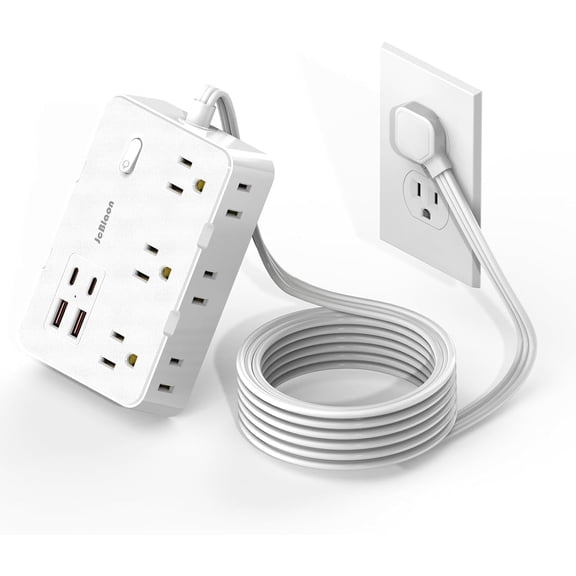
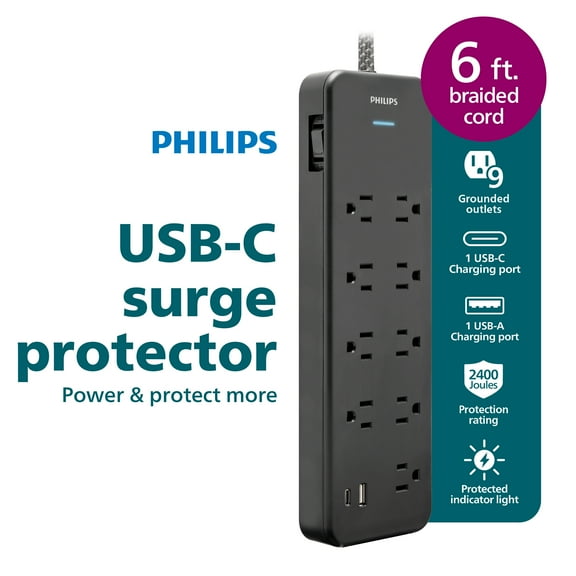
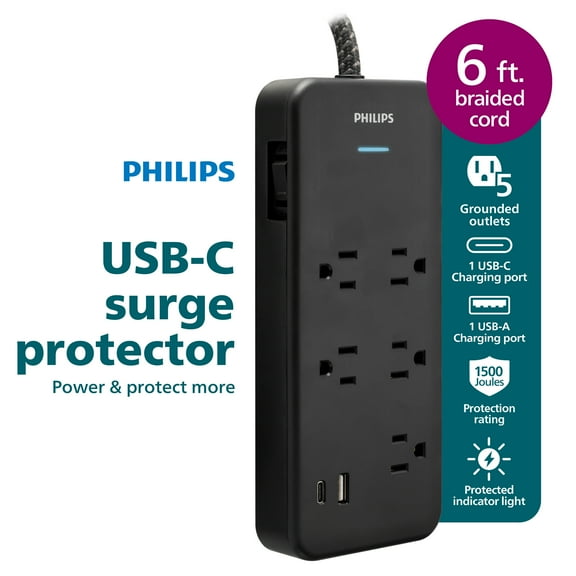
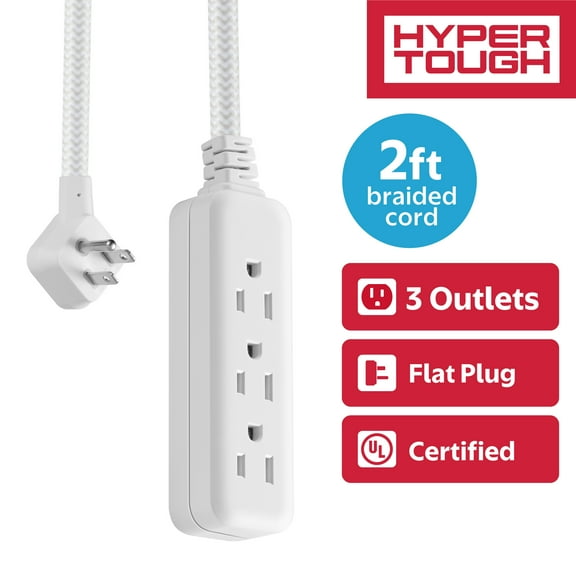
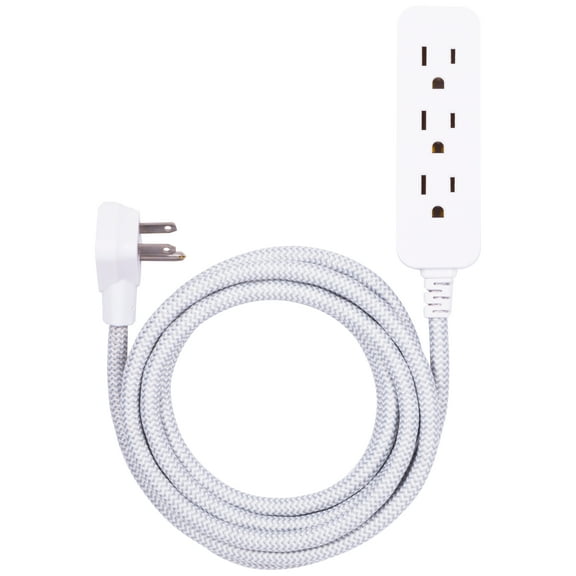
- You can use a surge protector to organize power connections for your television and nearby entertainment gear.
You’ll notice each accessory solves a different part of the home theater experience. You can build a setup that looks cleaner, feels easier to use, and supports your devices with less guesswork.
Choosing tv wall mounts by compatibility and installation
You should check your TV’s VESA pattern before you choose tv wall mounts. You’ll want the bracket holes on your screen to match the mount standard exactly.
You should also compare weight capacity and screen size limits before installation. You can avoid fit issues by matching the mount’s range to your television’s dimensions.
If you want a wall-mounted look, you can compare fixed, tilting, and full-motion designs. You’ll get different viewing flexibility depending on glare, room layout, and seating position.
You may prefer a low-profile mount when you want the screen close to the wall. You may prefer an articulating arm when you need side-angle viewing or easier port access.
You should measure stud spacing, outlet placement, and furniture height before mounting. You can create a neater layout when your bracket position lines up with your cords and components.
Comparing hdmi cables by spec and length
You should choose hdmi cables based on the devices you’re connecting and the picture format you use. You’ll often compare HDMI 2.1 and 2.0 when you want clearer spec matching.
If you use newer consoles or displays, you may look for 4K or 8K compatible connections. You can support higher refresh features when your cable spec matches your source and screen.
You should also compare cable length before you finish your setup plan. You can use three foot and six foot cables for nearby devices and 10 foot or 15 foot lengths for wider layouts.
If you’re routing behind furniture, you can measure the full path instead of guessing. You’ll reduce visible slack when your cable length fits your room without extra loops.
You may also need in-wall rated options when your installation runs through the wall. You can keep your setup cleaner when your cable choice matches your installation type.
Picking a universal tv remote, antenna, and surge protector
You should confirm that a universal tv remote works with your TV brand and connected devices. You can simplify everyday control when one remote handles your screen, streaming box, and audio gear.
If you stream often, you can check button layout and device pairing steps before choosing. You’ll appreciate faster access when your remote supports the functions you use every day.
You can compare an antenna by placement style, signal needs, and room location. You may prefer a tabletop design for quick setup or another style that suits your available space.
You should think about how many powered devices sit around your television before choosing a surge protector. You can support a cleaner entertainment area when enough outlets are available for your screen and accessories.
If you want less clutter, you can pair power protection with the right cable lengths and mount position. You’ll get a more organized setup when cords, controls, and connections work together.
Matching accessory combinations to real rooms
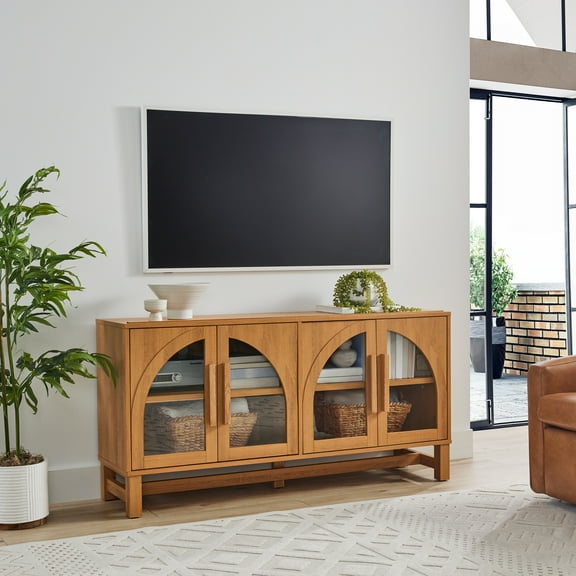
If you’re setting up a living room wall display, you can combine tv wall mounts with longer hdmi cables and a surge protector. You’ll support a mounted screen, hidden components, and cleaner cable routing.
If you’re upgrading a guest room television, you can choose a tabletop-friendly layout with a universal tv remote. You can keep operation simple for visitors who want familiar controls.
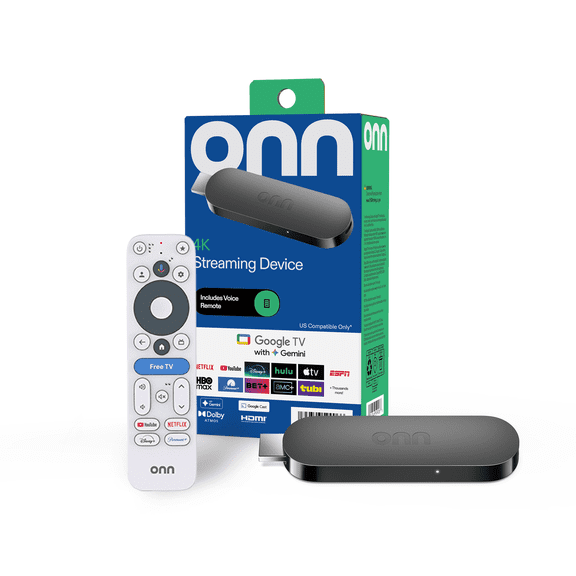
If you use a game console and streaming device together, you should compare HDMI specs carefully. You’ll want your cable choice to match your display features and connection needs.
If you’re placing your television farther from components, you can measure for 10 foot or 15 foot cables. You can avoid tension at the ports when your cable run fits naturally.
When you want broadcast channels in a bedroom or apartment, you can add a tv antenna to your setup. You’ll round out your entertainment options without changing your main screen arrangement.
You can make smarter choices when you compare accessory type, compatibility, installation method, and cable specs together. You’ll finish your entertainment setup with tv accessories that fit your space and your devices.