









Tablet PCs, Apple iPads, Samsung Galaxy and 2-in-1 Tablets | Walmart. com


















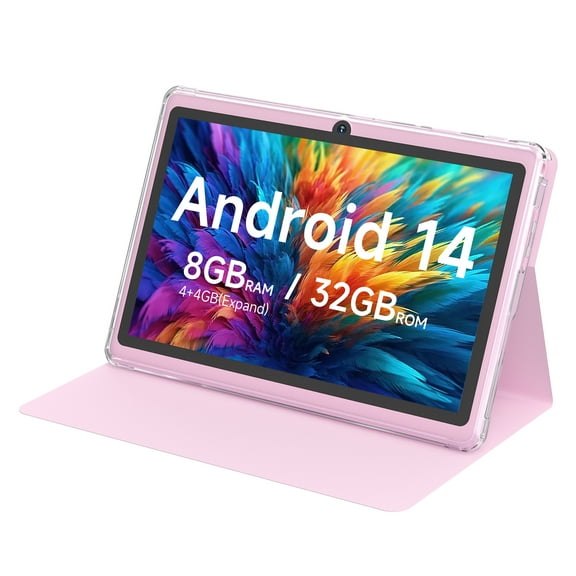


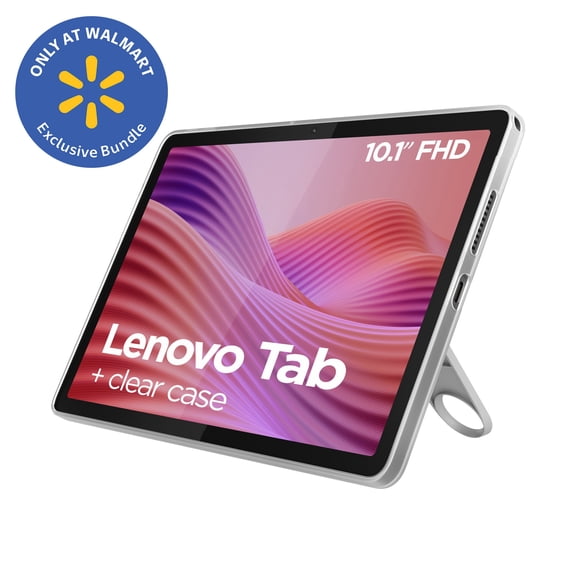


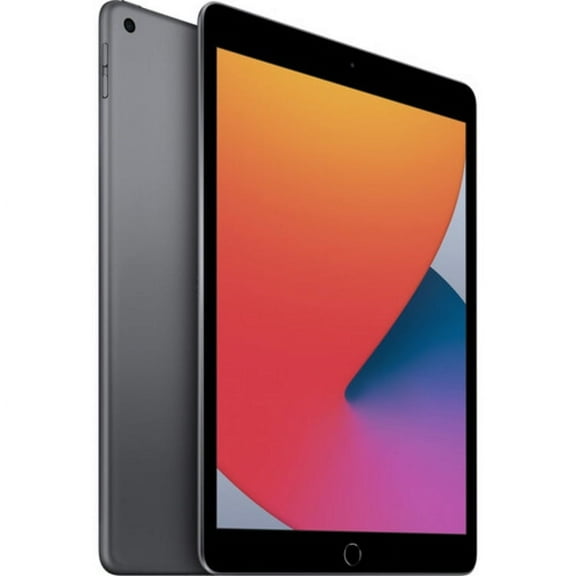


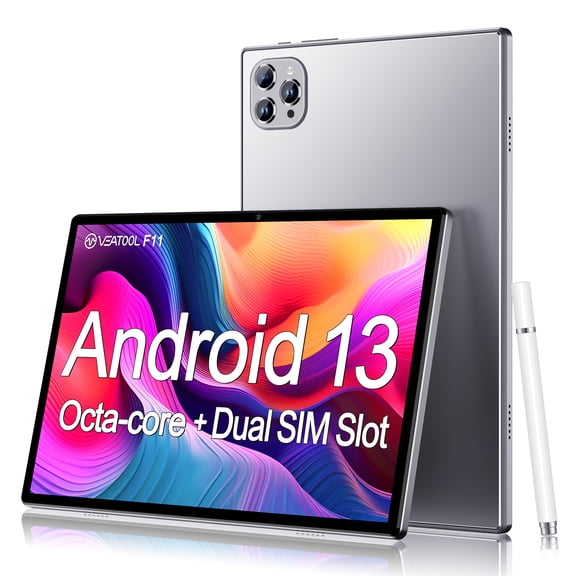













About Tablet PCs, Apple iPads, Samsung Galaxy and 2-in-1 Tablets | Walmart. com - Walmart.com
Tablets give you a flexible screen for streaming, reading, note-taking, and light work in one device. You can compare operating systems, screen sizes, storage, and connectivity to match your routine.
If you're replacing a laptop for simple tasks or adding a shared family screen, you need clear decision points. You can use this guide to sort through iPads, Android tablets, and kids tablets with less guesswork.
Choosing tablets by operating system
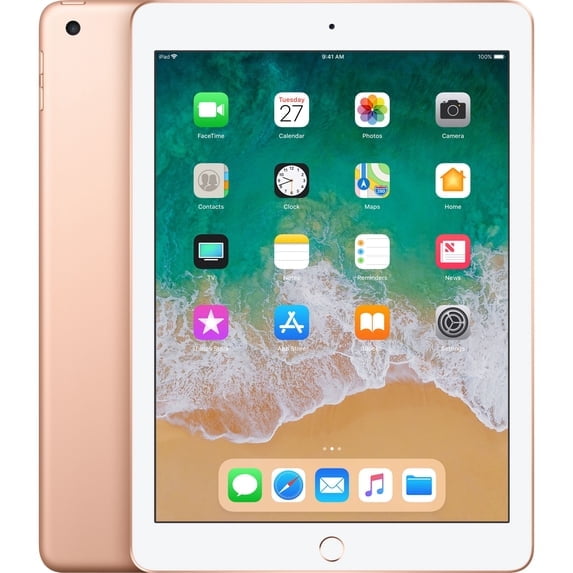
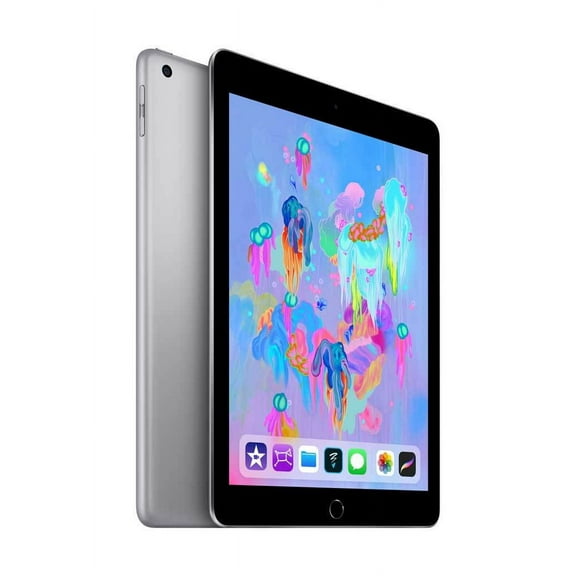
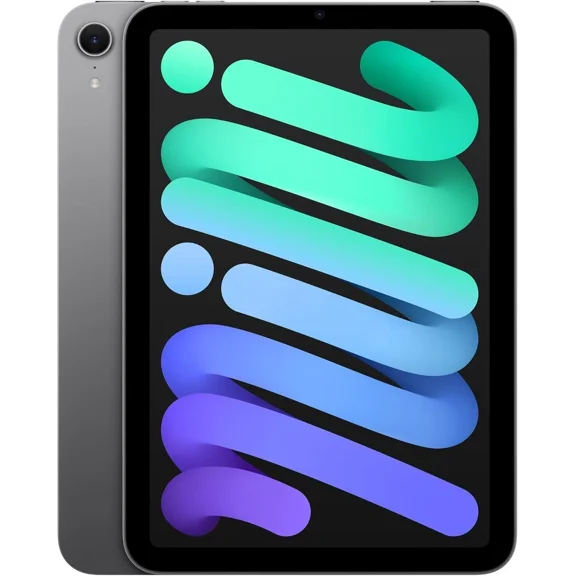
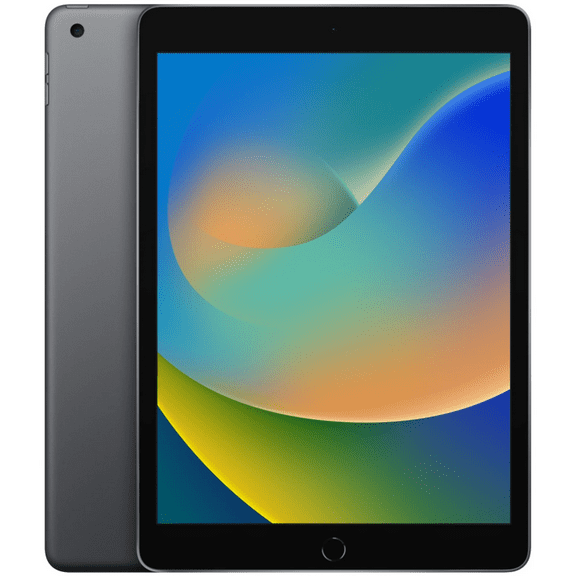
When you compare operating systems, you should start with the apps and devices you already use. You may prefer iPads if your phone, earbuds, and cloud storage already connect through Apple services.
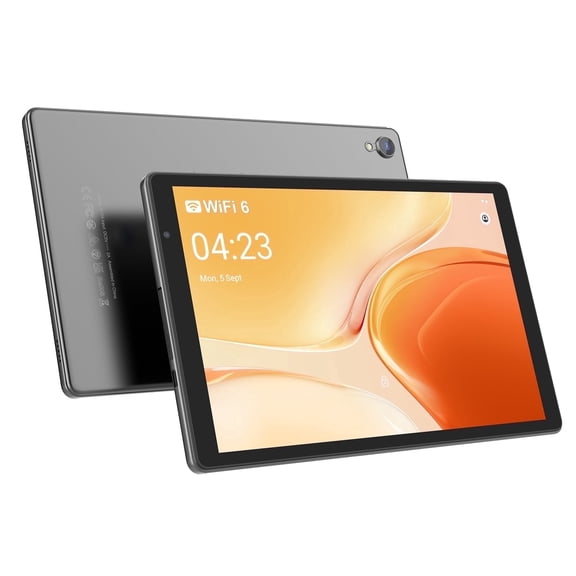
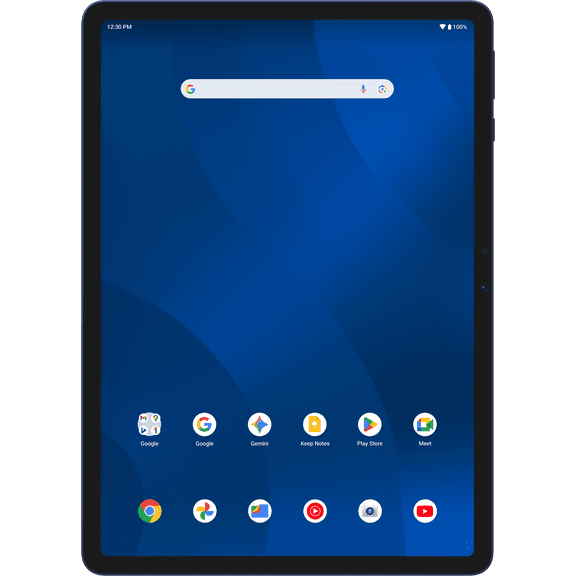
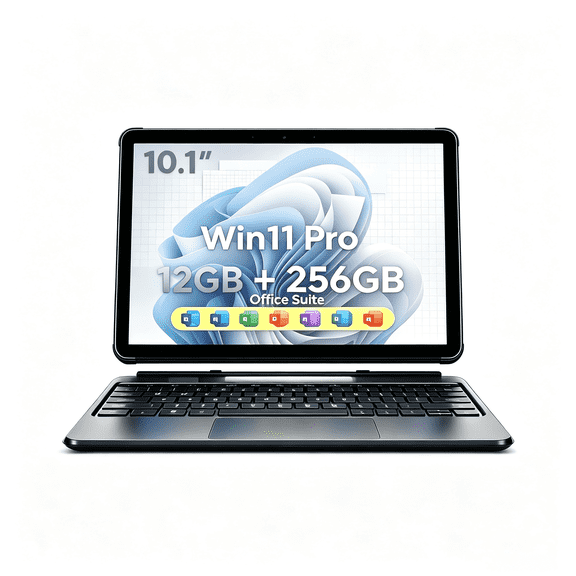
If you want broader hardware options, you may lean toward Android tablets across many brands and sizes. You can also compare Windows models when your workflow needs desktop-style files, typing, and familiar productivity software.
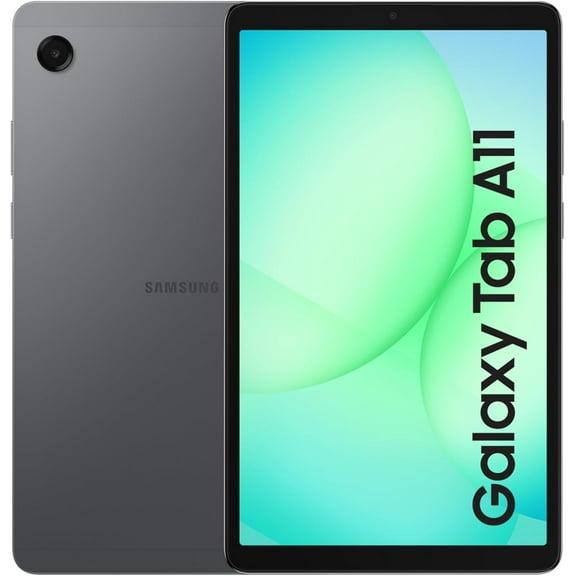
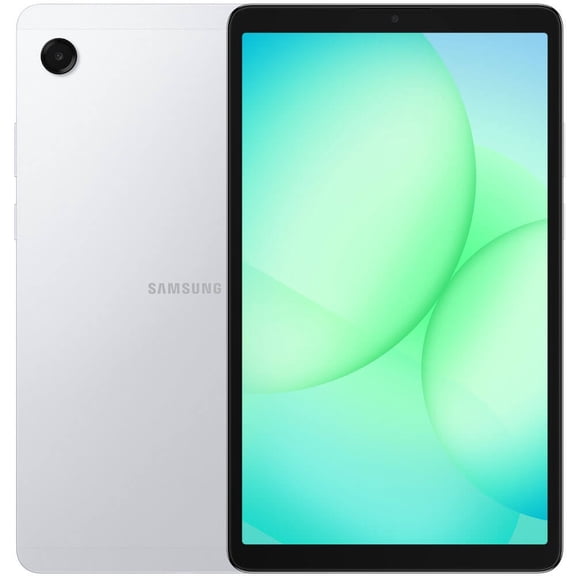
Brand can shape your experience within each system. You may look at Samsung tablets for Android features, or you may choose iPads for simple syncing across Apple devices.
What you gain from the right tablet setup
The right tablet setup helps you move from reading to streaming to note-taking without carrying a larger device. You can keep one screen ready for home, school, travel, and quick work tasks.
Your choice also shapes how easily your apps, files, and accessories fit into daily use. You can narrow options faster when you compare ecosystem, screen size, and connection type first.
- You can match your tablet to your phone and app ecosystem.
- You can choose a setup that fits school, family, gaming, or business tasks.
- You can compare Wi-Fi and cellular models for different routines.
- You can pick a screen size that balances portability and viewing room.
Comparing screen size, storage, and connectivity
Screen size changes how your tablet feels in your hands, backpack, or tote. You may like small tablets around eight inches for reading, travel, and quick browsing during your day.
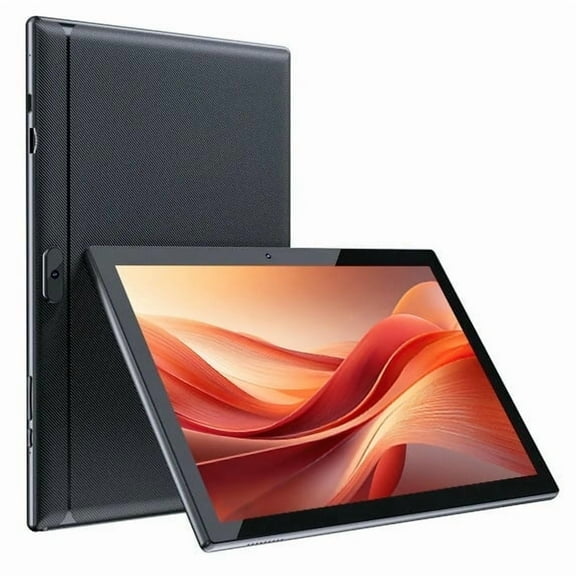
Many shoppers choose 10 inch tablets because you get a comfortable middle ground. You can watch shows, split screens, and read documents without carrying a much larger device.
If you stream often, draw, or multitask, you may prefer 11 inch and above displays. You can gain more room for video calls, class notes, and keyboard use.
Storage matters when you keep photos, downloads, games, and school files on your device. You should compare GB capacity carefully, because 64GB, 128GB, and higher tiers change how much you can keep offline.
Some Android tablets let you expand storage with a microSD slot. You can add room for movies, apps, and documents without relying only on built-in space.
Connectivity affects where and how you use your tablet each day. You can choose Wi-Fi only models for home, campus, and office networks, or cellular options for internet access away from hotspots.
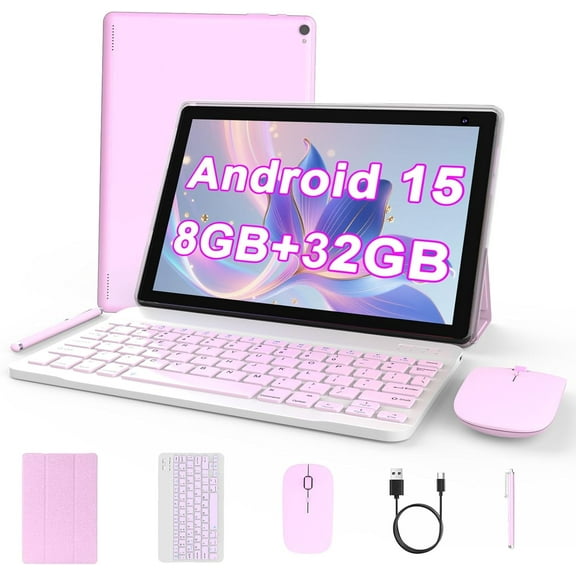
If you type often, you may also compare tablets with keyboard support. You can turn a touch screen into a lighter setup for email, notes, and presentations.
Matching tablets to kids, school, and everyday life
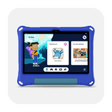
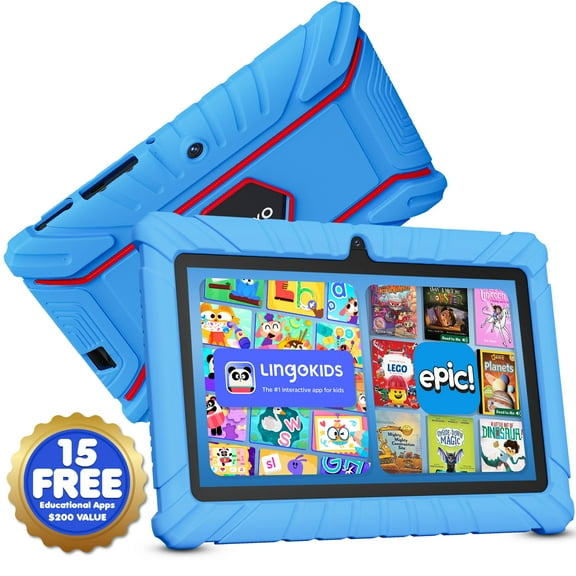
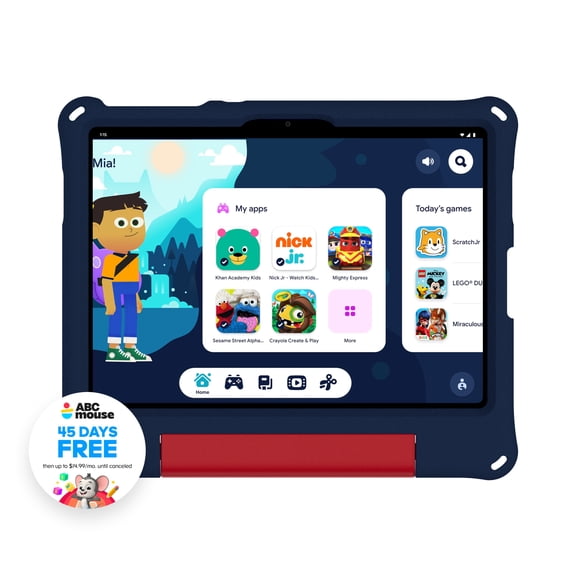
Use case should guide your shortlist before you compare finishes or extras. You may want kids tablets with simple navigation, manageable sizes, and app access that fits family routines.
For family spaces, you can focus on streaming, reading apps, and shared games. You may prefer compact models for couch use, or larger screens for movies and homework help.
If you need tablets for school, you should think about note-taking, document viewing, and battery life across long days. College tablets often pair well with a keyboard case, cloud storage, and a screen that handles reading and writing comfortably.
For gaming, you can prioritize screen size, storage, and responsive performance for larger apps. You may also want enough space for downloads, updates, and media without constant file cleanup.
Business use calls for a different balance. You can compare Windows or Android options if your day includes presentations, forms, inventory tools, and frequent typing.
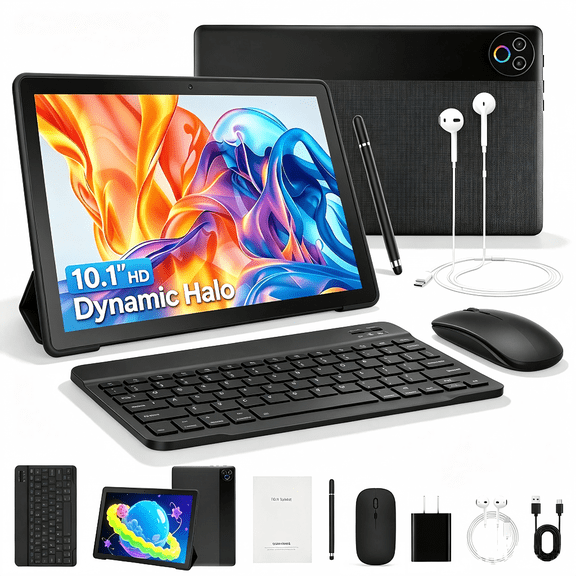
Accessories can shape your final choice as much as the tablet itself. You may want a stylus for notes, a folio for travel, or a detachable keyboard for school and work tasks.
How to narrow your tablet options
Start with the ecosystem you already know, then measure the screen size you want to carry daily. Next, you should check GB storage, microSD support, and whether Wi-Fi or cellular fits your routine.
From there, you can compare iPads, Samsung tablets, kids tablets, and other tablets by your main use case. You should end up with a device that fits your apps, your screen preference, and your everyday setup.
When you choose with those factors first, you can avoid extra compromise after purchase. You get a tablet that fits your files, your habits, and your favorite ways to watch, read, and work.